

Create Christmas Card Address List
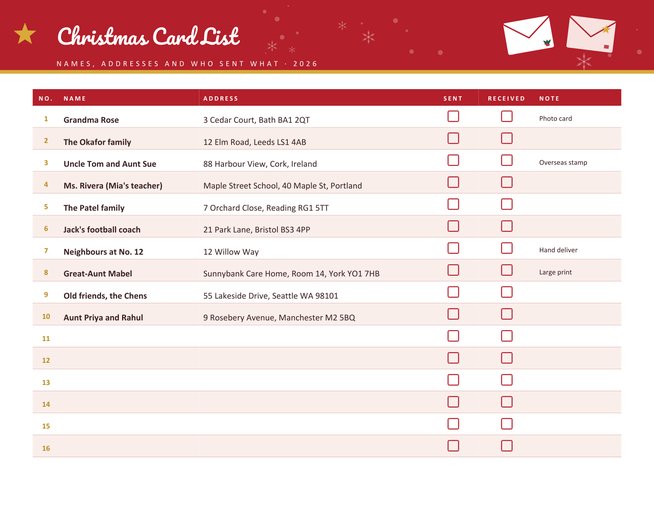
A landscape tracking sheet for your Christmas card list, with sixteen rows per page and a second page added automatically when you need up to 32. Each row has a number, the name, the address, a Sent box, a Received box and a short note.
Add a year and a title, choose one of four colour themes, or leave the entries empty and fill in the sheet with a pen.
Fill in the information below
New here? Use the button above to fill in an example, then change it to your own details.
Rate this template
Used it? Tap a star. Honest ratings help others choose.
You May Also Like
Templates from other categories that people often use together with this one.
Other Similar Templates
More designs from the same collection, Free Printable Christmas Templates. If this one is not quite what you need, one of these may be.
The list that is always out of date
Most households keep their Christmas card list in one of three places: an address book that is eleven years old, a notebook that has gone missing, or somebody’s head. Each December the same questions come back. Did we send one to the Chens last year? Did Gran move? Who stopped sending cards to us, and should we stop sending to them? A single printed sheet, replaced each year, answers all of that.
The page is a clean table in landscape orientation. The header band shows your chosen title, the year and, if there is a second page, the page number. The Sent and Received columns have empty boxes for a pen, which gives you a record of what happened this year without extra work.
Entering your list
- Press “Load sample data” to see ten typical entries.
- Type one household per line:Name | Address | Note. A vertical bar separates the parts. Only the name is needed.
- Use the note column for short reminders such as “photo card”, “overseas stamp”, “large print” or “hand deliver”.
- Add the year and a title. A family name in the title makes each year’s sheet easy to find in a folder.
- Print and keep the sheet by the cards. When you write an envelope, tick Sent. When one arrives from someone, tick Received.
How many entries, and how long they can be
Sixteen households fit on one page. If your list is longer, a second page is added automatically, up to a total of 32. Names are cut at 32 characters, addresses at 54 and notes at 24, so each row stays on one line. Where an address is longer, write the street and town and leave out the country unless it is overseas.
Good habits for a card list
- Update as you go. The best time to fix an address is the moment a card arrives with a new one on the back.
- Keep last year’s page. Comparing two years shows at a glance who has dropped off the list, and it is a ready-made starting point for the next one.
- Be generous with the note. Record whether a person prefers a printed card, an email greeting, or a photo.
- Add a priority marker. A simple star in the note column for people who must not be forgotten helps if time is short.
- Post early. Check the last recommended posting dates for overseas mail in your country. They are earlier than most people think.
Privacy and storage
An address list contains personal information about other people. Print it for your own use, keep it somewhere private and do not share it with anyone who does not need it. Shred or recycle old copies when you replace them. Type only what you need: a name and a postal address are enough.
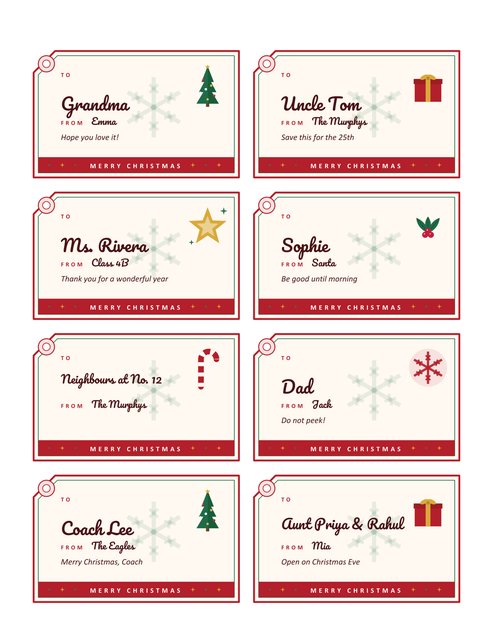
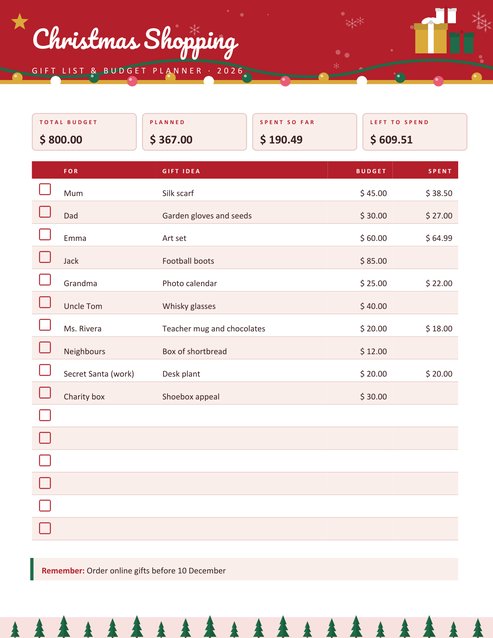
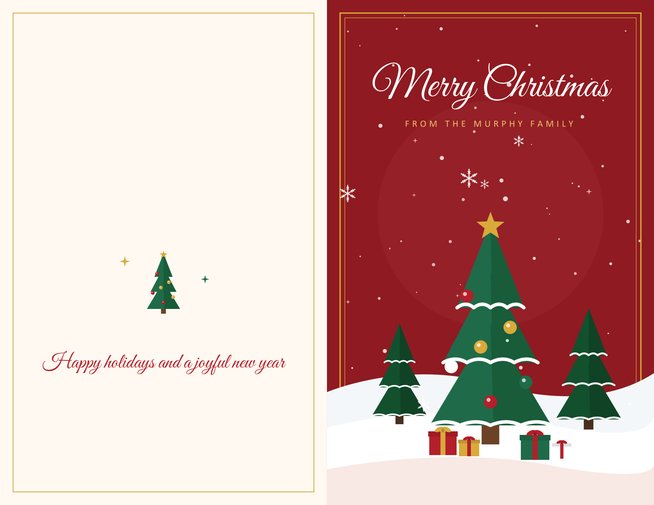
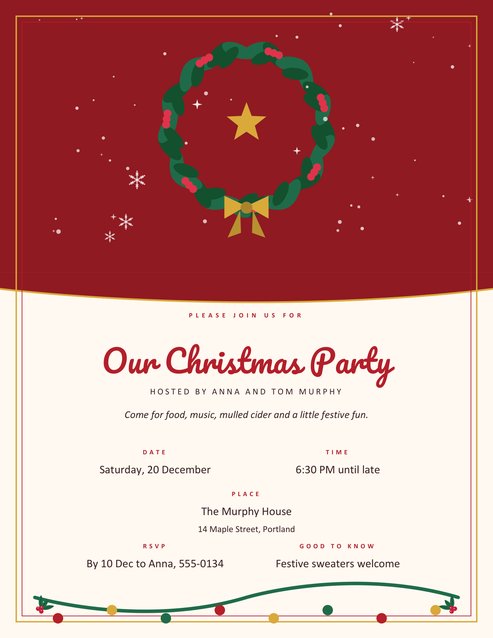
The page works well next to the Christmas greeting card, which prints a folded card with your own message, and next to the shopping and budget planner, where postage and cards can have a row of their own. If you also send a party invitation, the invitation template uses the same colours.
Questions people ask
How many people can I list?
Sixteen per page and two pages in total, so 32 households.
Do the boxes tick themselves?
No. They are blank boxes for a pen. That way you can use the sheet as you write the cards.
Can I reuse the sheet for next year?
Yes. Keep the entries, change the year at the top and print a new copy. Many people keep the previous sheet beside it for comparison.
Why was part of my address cut?
Addresses are limited to 54 characters so that the row stays on one line. Shorten it or write the rest by hand.
Can I use this for other cards, like birthday or thank-you cards?
Yes. Change the title to something like “Thank-You Cards” and ignore the Christmas theme if it does not suit.
Is the information I type saved?
It is used to produce the PDF for you. Do not enter anything you would not want printed.