

Create Birthday Gift Certificate
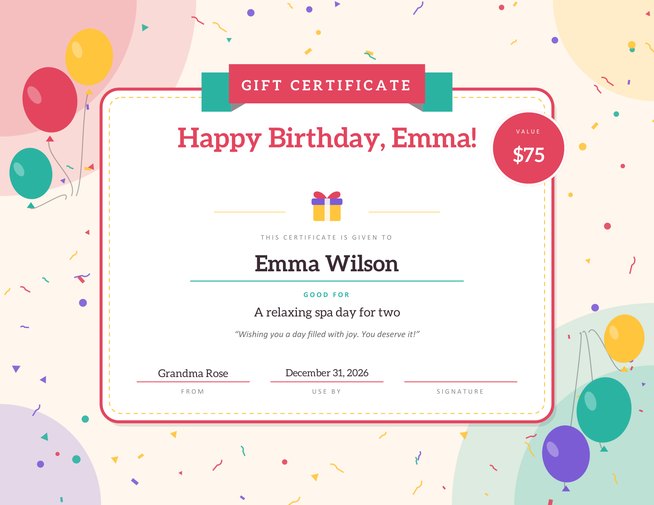
Turn a promise into a present. Write who it is for and what it is good for — a spa day, a dinner out, an afternoon of your time — and download a bright, balloon-filled birthday certificate to print, frame or tuck into a card.
Pick one of three colour themes, add a short personal message and sign it by hand on screen. The sample button shows a finished example you can overwrite.
Fill in the information below
Other Similar Templates
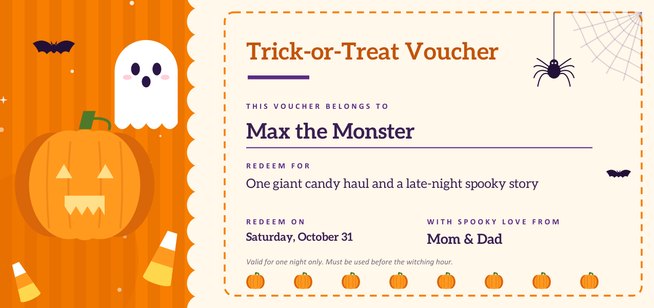
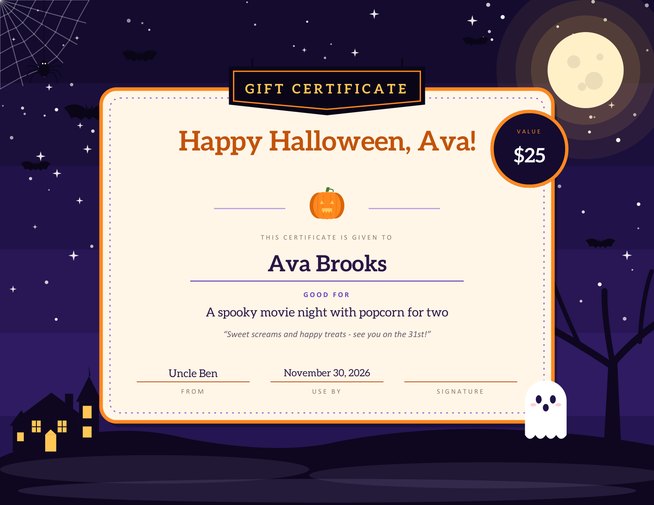
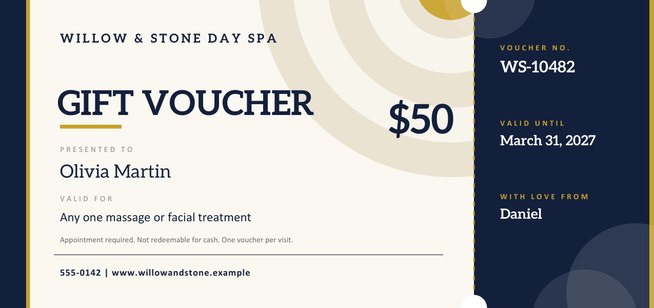
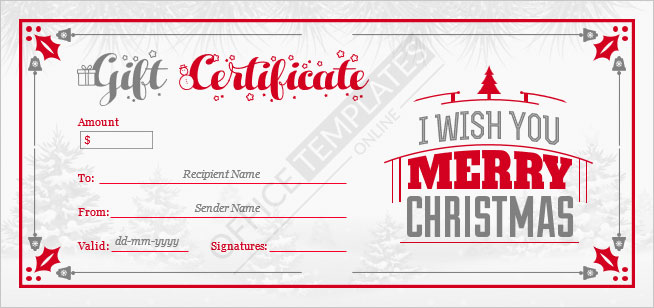
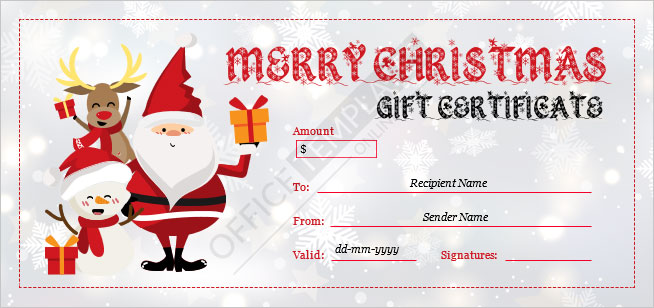
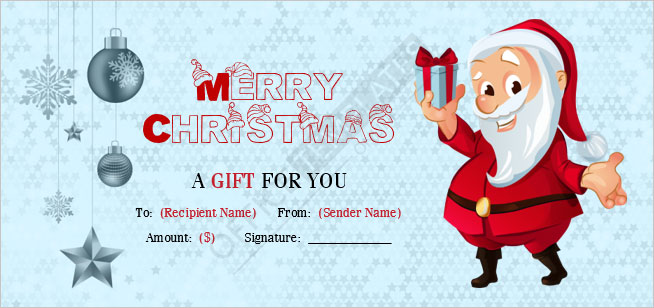
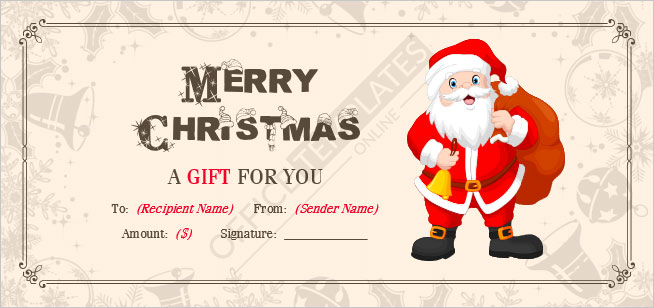
Some other templates similar to this one are also available here. If you would like to create your GIFT CERTIFICATE using one of these templates, visit the following.
The birthday gift that never sits in a drawer
Some of the best birthday presents cannot be wrapped: an afternoon of babysitting, a home-cooked dinner, tickets to a show, a day out together. A gift certificate lets you give exactly that kind of present in a form the birthday person can hold, read and look forward to. It turns “I will take you somewhere nice sometime” into something real, with a name and a promise on it.
This page makes the certificate for you. It is built for a full sheet of letter-size paper in landscape, so it looks generous on the table, slips easily into a picture frame, and still folds neatly into an envelope. Balloons and confetti frame the middle of the page, leaving plenty of room for your words.
What should it be good for?
The “good for” line is the heart of the certificate, and it is the part people struggle with most. A few starting points, grouped by who you are giving it to:
- For a parent or grandparent: a Sunday lunch cooked by you, a drive to the coast, help organising the garden, an evening of old photographs and stories.
- For a partner: a night out with no phones, breakfast in bed for a month of Saturdays, a weekend trip you plan from start to finish.
- For a friend: a coffee-and-cake catch-up, a cinema night of their choice, a lift to the airport whenever they need it.
- For a child: a trip to the park followed by ice cream, a sleepover with a friend, an hour of undivided play with a parent.
- For a colleague or teacher: a lunch on you, a book from their wish list, a thank-you coffee for the year.
Be specific. “A relaxing spa day for two” is warmer than “a nice treat”, and it makes the birthday person start planning the day at once.
Words that sound like you
The optional message box holds up to 140 characters, which is enough for one heartfelt sentence. Short lines tend to read best on a certificate:
- “Wishing you a day as bright as you make every other one.”
- “Because you always put everyone else first — this one is all yours.”
- “Another year older, another reason to celebrate you.”
- “Redeem anytime. I will bring the cake.”
If humour is more your style, lean into it. An over-serious “valid for one lifetime of free hugs” often gets a bigger smile than a polished verse.
Choosing a colour theme
Confetti pairs warm coral with teal and sunny yellow — the classic, cheerful party look that suits nearly anyone. Ocean uses cool blues and aqua with a coral accent, a calmer choice that works well for teens and adults. Sunshine mixes orange with purple and pink, a lively palette that children tend to love. The paper itself stays white inside the card, so the printed text remains easy to read whichever theme you pick.
Filling it in
You need only one detail to make a certificate: the name of the person who receives it. Everything else is optional and disappears from the page when left blank. Add a heading if you want something other than “Happy Birthday!”, then describe the gift, add a value if it is worth a set amount, and finish with your own name, a use-by date and a handwritten signature. You draw the signature with a mouse, finger or stylus right on the form, and it prints as a real signature above the line.
Presenting your certificate
- Print on thicker paper or light card (around 120–160 gsm) for a premium feel.
- Roll it up and tie it with ribbon, or slide it into a picture frame so it can stand on a shelf.
- Tuck it into a birthday card, or attach it to a small physical gift — a bar of chocolate or a plant makes the promise feel complete.
- Send it as a PDF if the person lives far away, and follow up with a printed copy later.
Good to know
This certificate is a friendly keepsake between people who know each other. It carries no cash value and is not a bank, shop or restaurant voucher, so it cannot be spent anywhere. If you want a certificate customers can redeem with your business, take a look at the business gift voucher template in this category instead. Setting a use-by date is optional, but it gives the promise a gentle nudge so it does not get forgotten.
Common questions
Can I print it at home?
Yes. It fits a standard US Letter sheet in landscape orientation and prints well on any colour printer.
Do I have to fill every box?
No. Only the name of the person receiving it is needed. Empty boxes are simply left off.
What if I do not want to put an amount on it?
Leave the value box empty and the round value seal does not appear.
Can I use it for other occasions?
Yes. Change the heading to “Happy Anniversary!” or “Thank You!” and the same design works for other celebrations.
Can I add a photo or logo?
This design is kept clean and does not include an image upload. For a certificate with a logo, use the business gift voucher template.
Is the signature required?
No, it is optional. If you skip it the signature line stays blank so you can sign the printed page with a pen.