

Create Christmas Gift Tags
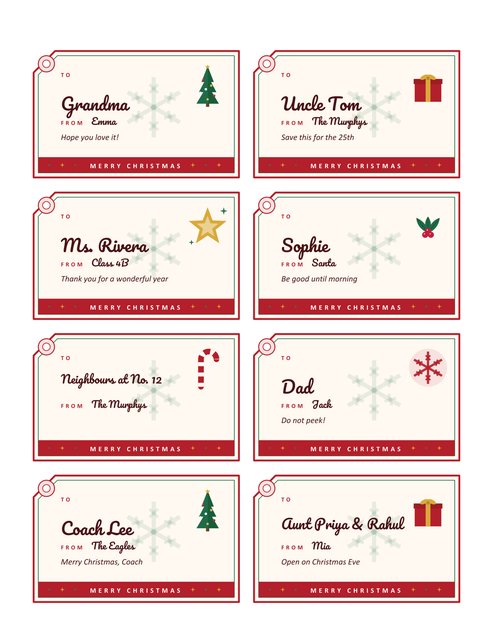
Eight luggage-style gift tags on one US Letter page, each with a punched-hole corner, a picture, a place for the name, the sender and a short message, and a coloured strip along the bottom. Type the names and the tags are printed for you; leave a tag empty and it prints with lines for writing by hand.
Choose a picture (tree, gift, star, holly, candy cane or snowflake, or a mix of all six) and one of four colour themes.
Fill in the information below
New here? Use the button above to fill in an example, then change it to your own details.
Rate this template
Used it? Tap a star. Honest ratings help others choose.
You May Also Like
Templates from other categories that people often use together with this one.
Other Similar Templates
More designs from the same collection, Free Printable Christmas Templates. If this one is not quite what you need, one of these may be.

Tags that look as good as the wrapping
A gift can be wrapped beautifully and still end up with a scrap of paper taped to it that says “for Dan” in a hurry. A proper tag changes how a present looks under the tree, and it removes the guesswork on Christmas morning when twelve parcels are all the same shape. This page prints eight tags at once, so a whole family’s worth of gifts can be labelled in a single sitting.
Each tag is a landscape rectangle with one cut corner and a printed ring where the hole goes, so it reads as a real hanging tag. The name you type is set in a friendly script, the sender sits beneath it, and a one-line message fits under that. A band along the bottom carries a short greeting, which you can reword.
How to fill in the form
- Try the sample first. The Load sample data button fills in a complete set of eight tags so you can see how names of different lengths behave.
- Write one tag per line. The pattern is To | From | Message, with a vertical bar between the parts. Only the name is required. “Grandma” on its own is a valid line.
- Set a default sender. If every gift comes from the same person or household, type it once in the sender box and leave the second part out of each line. A line that does include a sender uses that one instead.
- Pick the picture. “Mixed” gives each tag a different one in turn; any single choice repeats on all eight.
- Change the bottom strip if you would rather say “Happy Holidays”, “Season’s Greetings” or leave it blank.
- Preview, download and print.
What happens with half-filled sheets
You do not need exactly eight names. Lines you leave out turn into blank tags with a rule beside To and From and two ruled lines for a message, ready to be filled in with a pen. That makes the page just as useful for last-minute gifts as for a planned list. If you type more than eight lines, only the first eight are used; run the page a second time for the rest.
Names, lengths and what fits
Names up to about twelve characters print large. Longer ones are scaled down step by step, and a name of 34 characters, such as “Aunt Priya & Rahul and the twins”, still fits on the line. The message is limited to 72 characters, roughly one and a half lines of italics. If you need a longer note, write it on a card and use the tag only for the name.
Making them into real tags
- Paper: print on ordinary 80 gsm paper for a light tag, or on 160 to 200 gsm card stock for something sturdier. Check that your printer accepts the heavier stock before loading it.
- Cutting: cut along the red outline with scissors or a paper trimmer. For the cut corner, a single diagonal snip is enough.
- Hole: use a hole punch in the centre of the printed ring. If you have a reinforcement sticker, it fits the ring exactly.
- String: kitchen twine, ribbon, or a loop of wool all work. Thread it through, tie it around the ribbon on the gift, and trim the ends.
- Double sided: print a second copy, glue the back of the tag to a sheet of plain coloured paper and cut around both for a thicker, two-tone look.
Ideas for using the tags
Beyond gift wrapping, the tags work on jars of homemade jam or chutney, bottles, bags of biscuits for neighbours, name markers on a buffet table, hooks on a coat rack for guests, and as place settings if you write the name only. Teachers often use a set for the class presents. Because the message line is short, it also suits a word of thanks or a joke that suits the person.
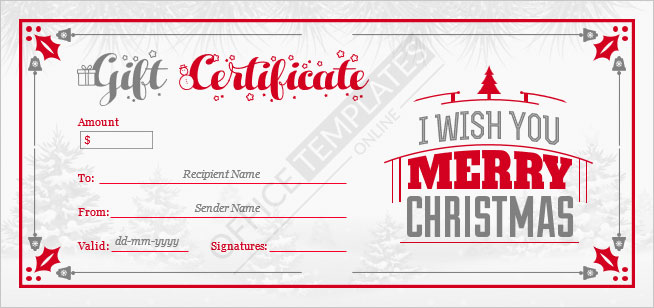
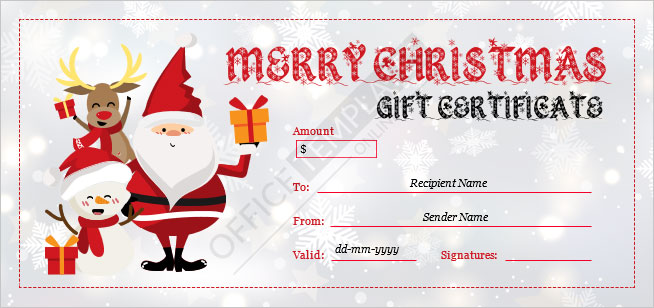
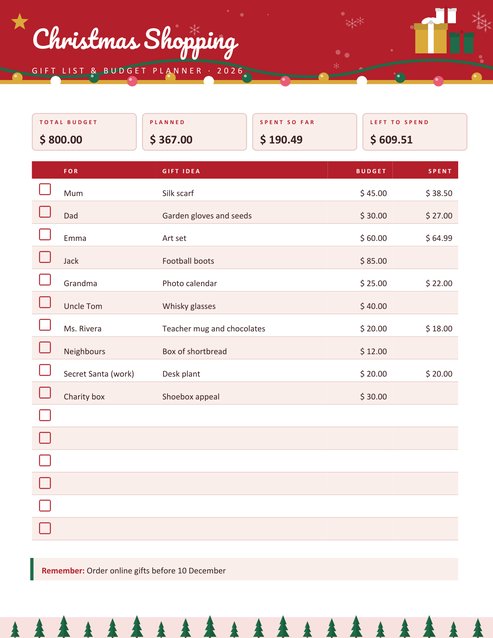
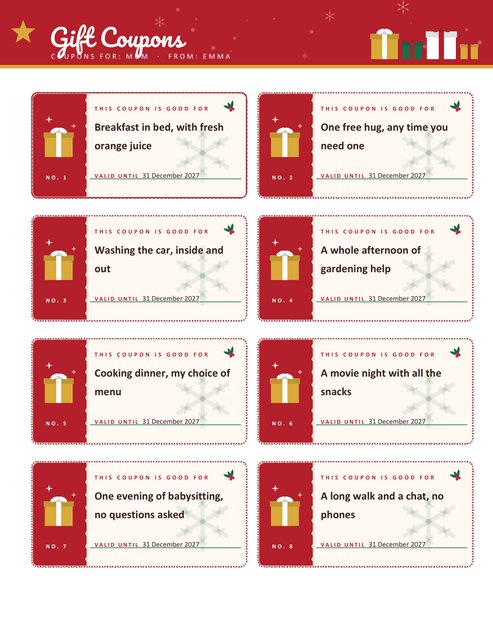
If you give vouchers as gifts, pair the tags with our printable Christmas gift coupons or one of the gift certificate designs. To track what you have bought and for whom, the Christmas shopping and budget planner prints the list that goes with these tags.
Four colour themes
Classic red and green is the traditional look. Winter navy and ice is cooler and works well on silver or white wrapping. Forest and gold suits kraft paper and natural twine. Berry and cream is warmer and a little more modern. All four print clearly on a black and white printer as well, since the text and outlines carry the design.
Questions people ask
How many tags are on a page?
Eight, in two columns of four, each 3.6 by 2.24 inches. The page is US Letter portrait and prints on A4 if you choose “fit to page”.
Can I write the names by hand instead?
Yes. Leave the box empty and all eight tags print with lines beside To and From and two lines for a message.
Why is part of my line missing?
The form reads three parts separated by a vertical bar: the recipient, the sender and the message. Extra parts after the third are ignored, and the message is cut at 72 characters.
Can I use my own wording on the bottom strip?
Yes. The strip text is a field of its own, up to 24 characters. Clear it to print the strip with only its decoration.
Do the tags work for presents wrapped in dark paper?
They do. The tags are light with dark text, so they stand out against dark wrapping, and the coloured strip gives a clear edge.
Is the page free to use for gifts I sell?
The tags are intended for personal and family use. Please do not resell the artwork itself as a template or clip art.