

Create Invoices and Receipts Online
Billing paperwork should take minutes, not an evening. Pick a template below, type in your details and the items you sold, and download a finished PDF that you can print, email or keep for your records. The totals, tax and amount in words are worked out for you.
Twenty templates, each in several colour themes, printing on US Letter or A4. Start with a few item lines and add more with one click.

Billing paperwork for people who would rather be working
Running a small business, a freelance practice or a rental property means producing the same handful of documents again and again: an invoice when work is finished, a receipt when money arrives, a quotation before a job begins, a note to go with a delivery, and a polite nudge when a payment is late. Many people solve this with an old spreadsheet that slowly gathers broken formulas, or by editing last month’s document and hoping nothing from the previous customer is left behind.
The templates in this category take a different approach. Each one is a ready-made, professionally laid-out page. You do not drag boxes around or pick fonts. You answer questions in a form (who is it from, who is it for, what was supplied, how much) and the page is assembled for you, with every number added up and every column lined up.
Which document do you need?
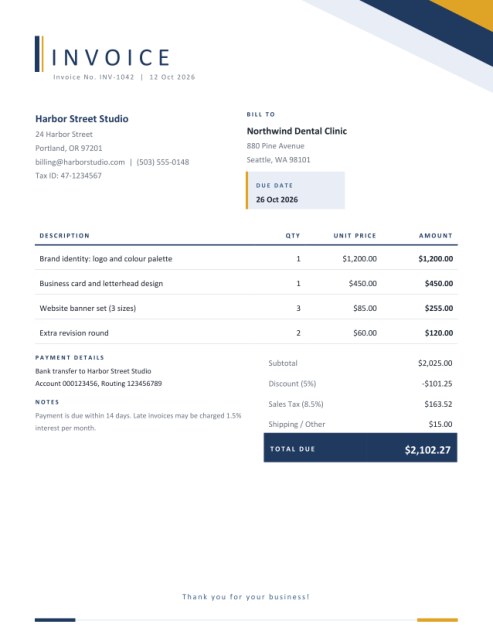
- Simple Invoice: a light, low-ink layout for any seller who just wants a clean bill with items, discount, tax and a total.
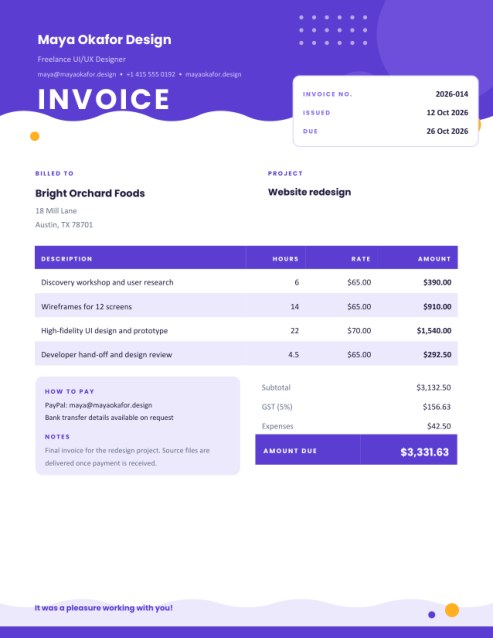
- Freelance Hourly Invoice: built for people who bill by the hour, day, page or word, with a project name, an expenses line and a bold colourful header.
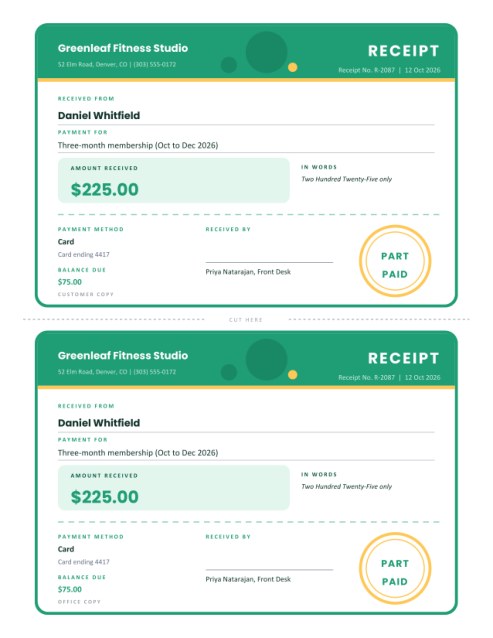
- Payment Receipt: a ticket-style receipt with an amount-in-words line, an optional balance, a signature and the choice of printing a customer copy and an office copy on one sheet.
- Rent Receipt: a landlord’s record of rent received for a stated period, with extra charges and any balance still due.
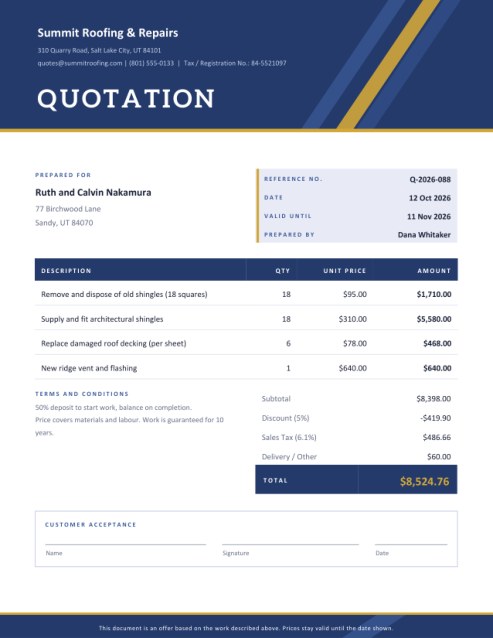
- Quotation or Proforma Invoice: one layout that can be titled as a quotation, a price estimate or a proforma invoice, with validity date, terms and an acceptance box.
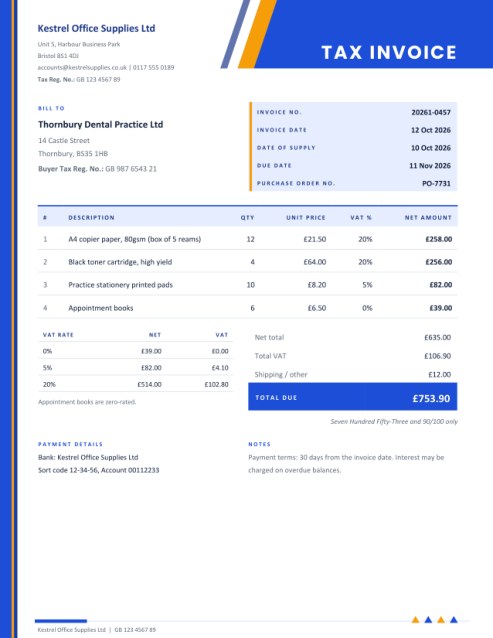
- Tax Invoice with VAT or GST: a formal layout with a tax rate for every line, a summary by rate and registration numbers for both parties.
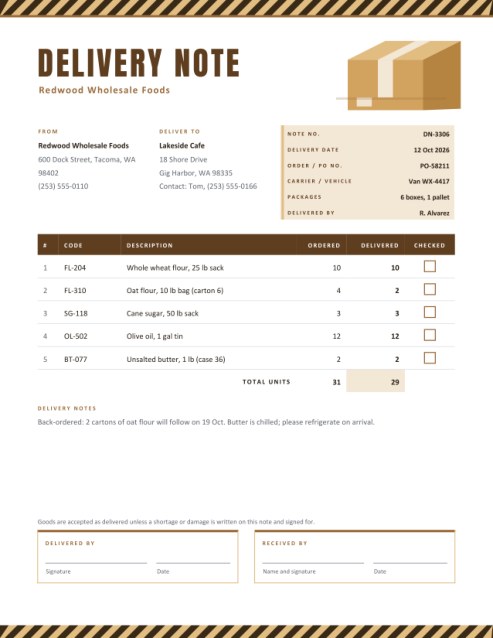
- Delivery Note and Packing Slip: a checklist of what was ordered and what arrived, with signature boxes for the driver and the receiver.
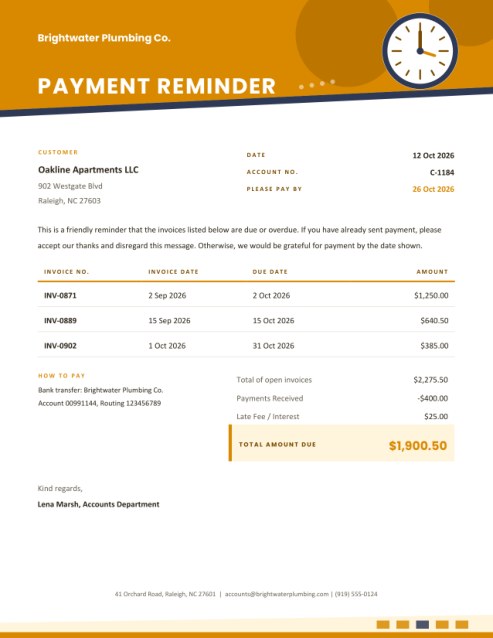
- Payment Reminder and Statement of Account: a courteous list of unpaid invoices with a clear total due and a message you can use as written or change.
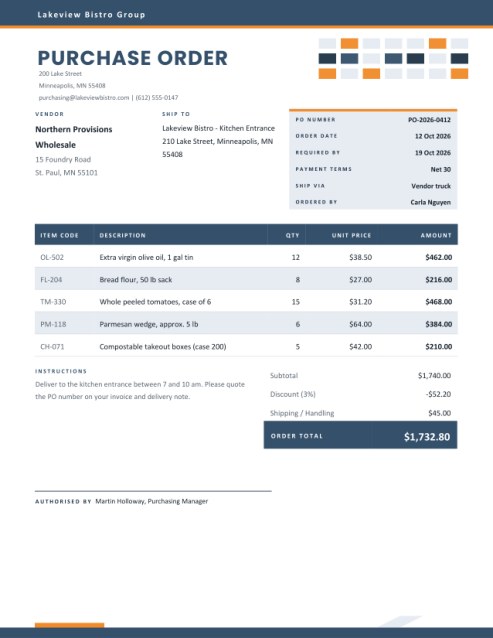
- Purchase Order: the buyer’s side of the deal, with vendor, ship-to address, delivery date, terms and an approval line.
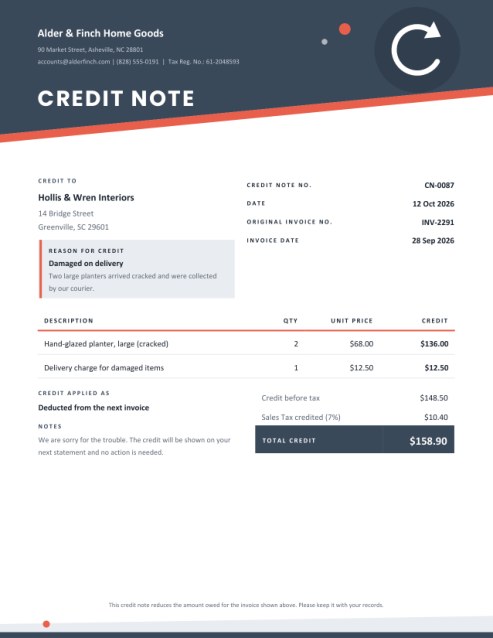
- Credit Note: a clean way to reverse part or all of an invoice for returns, damage or pricing errors, linked to the original invoice.
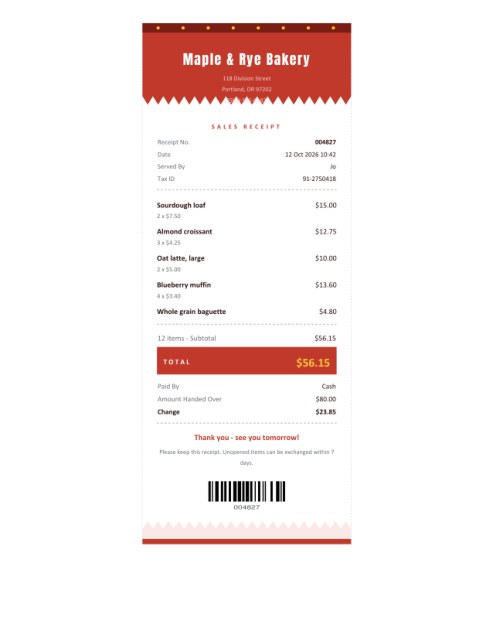
- Itemized Sales Receipt: a narrow till-style receipt with items, change given and a barcode, for shops, stalls and cafes.
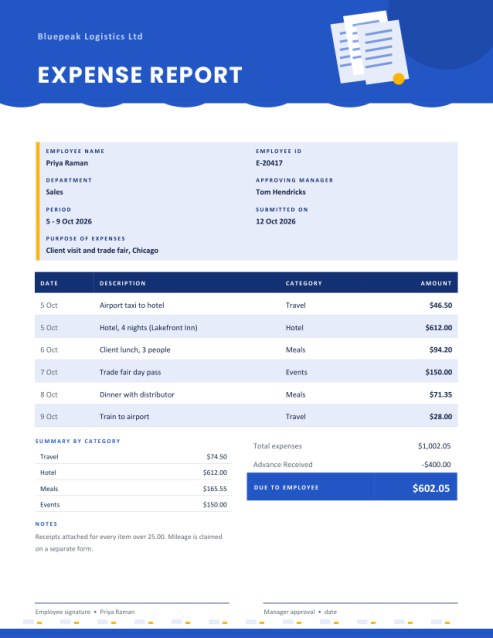
- Expense Report: receipts turned into a claim, with category subtotals, any advance subtracted and approval lines.
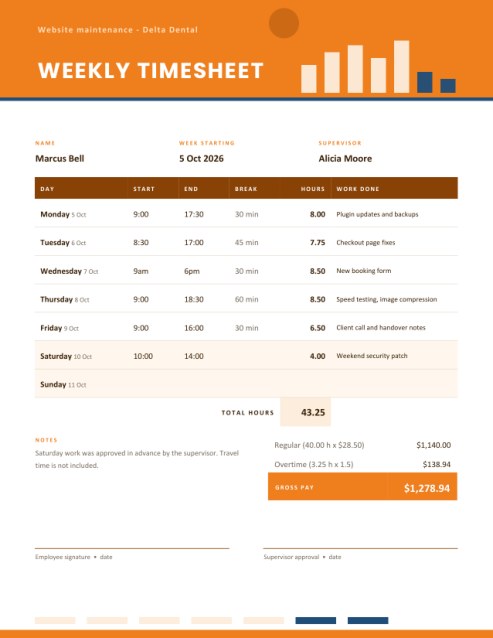
- Weekly Timesheet: daily start, end and break times converted into hours, overtime and pay.
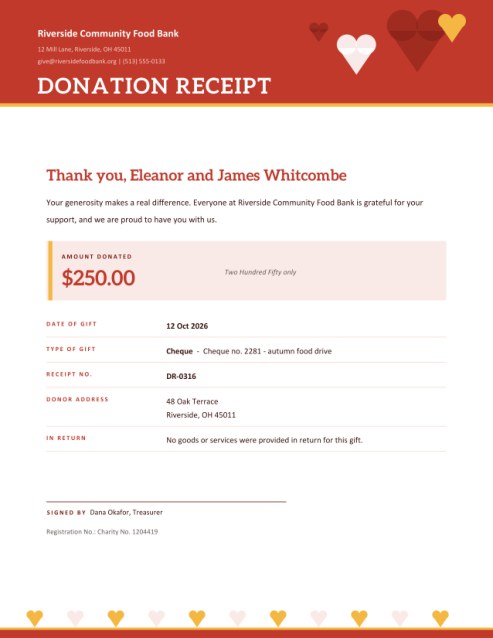
- Donation Receipt: a warm acknowledgement for charities, clubs and schools, with an optional tax statement that you write yourself.
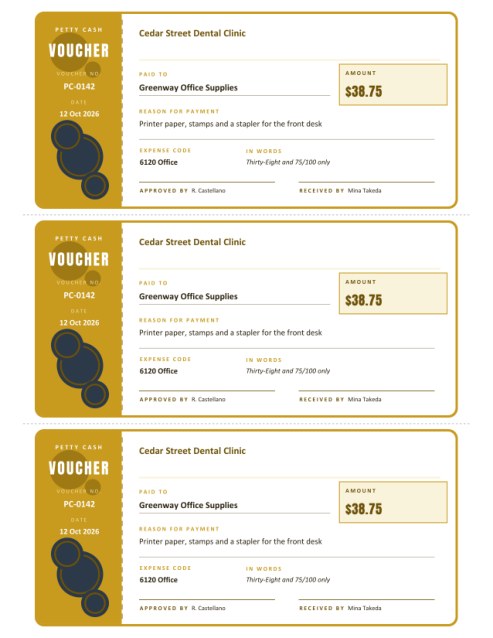
- Petty Cash Voucher: a ticket-style record of small cash payments, one to three per page.
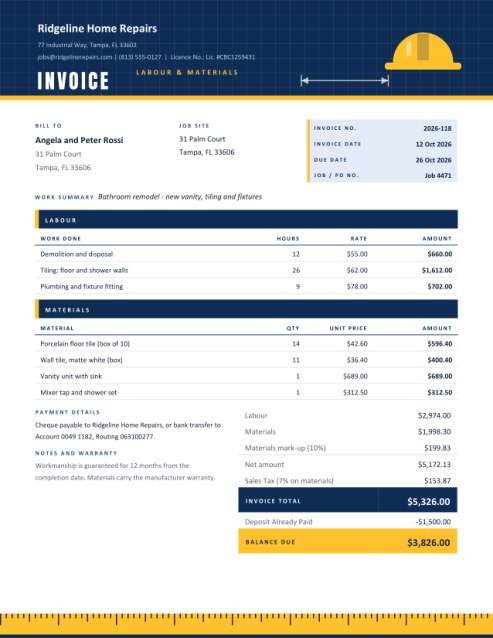
- Contractor Invoice: labour and materials billed separately, with mark-up, tax on materials only if needed, and the deposit already paid.
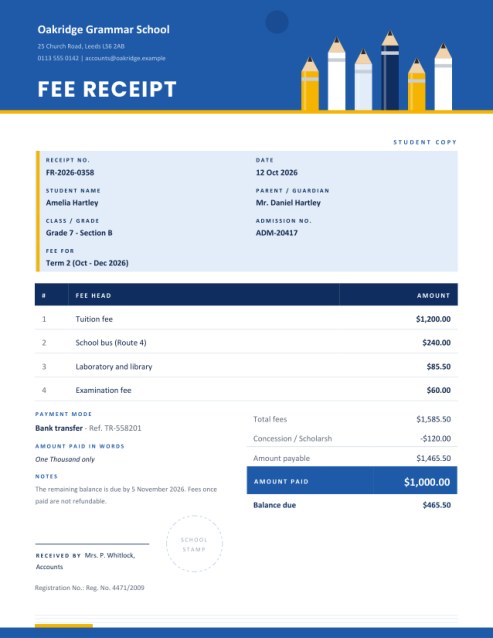
- School and Tuition Fee Receipt: fee heads, concession, late fee, amount paid and balance, with a stamp area for schools, clubs and academies.
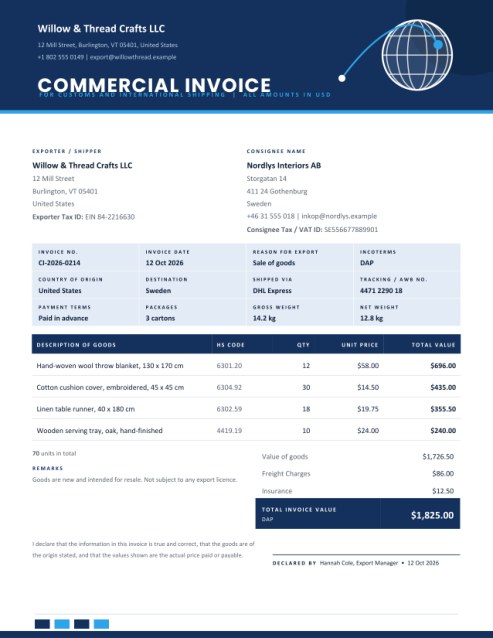
- Commercial Invoice: the export document customs expect, with exporter, consignee, HS codes, incoterms, origin, freight and a declaration.
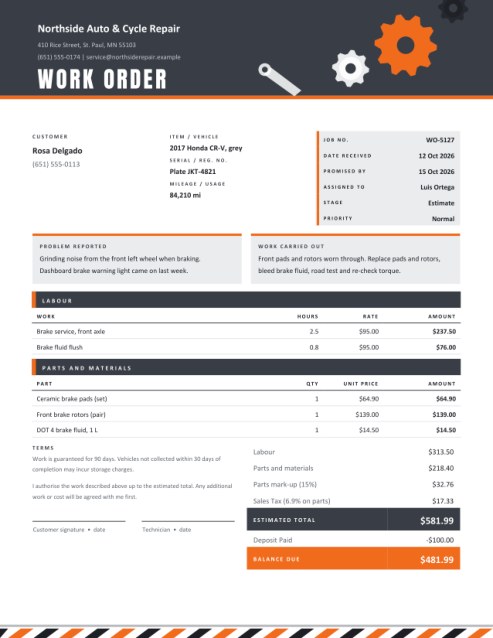
- Work Order and Repair Job Card: customer, item, problem reported, parts and labour, an estimate and an authorisation signature for workshops.
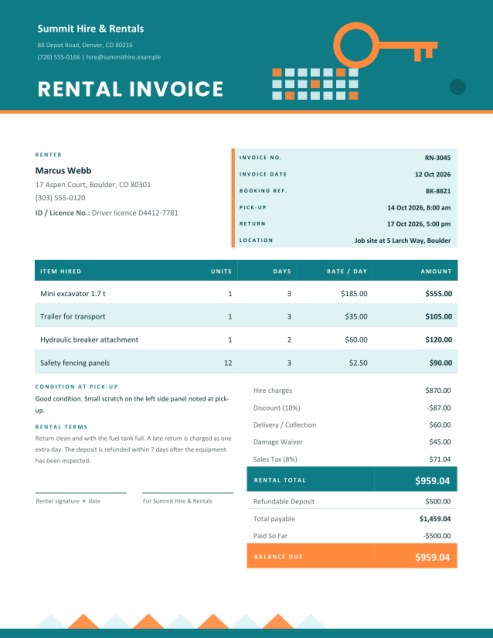
- Equipment and Vehicle Rental Invoice: units x period x rate, delivery, damage waiver, a refundable deposit and the balance due.
What every template does for you
- Adds up the money. Quantities are multiplied by prices, discounts and taxes are applied, and the final figure is shown clearly. While you type, the amount for each row appears beside it so that you can spot a typing slip straight away.
- Offers three colour themes. Choose a palette that suits your trade, from calm navy to energetic coral, and print on white paper with no design work.
- Prints on Letter or A4. A simple drop-down switches the page size, and the artwork adjusts to fit.
- Adds your logo. Upload a PNG, JPG or SVG and it is placed in a spot that has been cleared for it.
- Lets you rename captions. A small pencil icon beside many labels changes the printed word, for example turning “Invoice Date” into “Issued”, or “Bill To” into “Client”.
- Fills in a sample on request. The Load sample data button shows a complete, realistic document so that you can see what the result looks like before typing your own.
A few habits that get invoices paid faster
A well-made invoice is not only a request for money; it is also a record. Both you and your customer may need to find it again in a year, perhaps for a tax return, a warranty claim or a dispute over what was agreed. These habits cost nothing and help a great deal.
- Number every document in sequence. Pick a pattern you can keep up, such as INV-1001, INV-1002, and never reuse a number.
- State the due date, not just “net 30”. A date on the page leaves no room for guessing.
- Say how to pay. Put the bank details, payment link or cheque instructions on the document itself so the customer does not need to ask.
- Describe items in plain words. “Kitchen tap replacement, labour 2 hours” beats “Service” and answers questions before they are raised.
- Send promptly. An invoice sent on the day the work is finished is paid sooner than one sent a month later.
- Keep a copy. Save every PDF in a folder organised by year and customer.
Tax, discounts and currency
The templates calculate tax as a percentage that you enter, so they work with VAT, GST, sales tax or any local levy. Rules differ widely between countries and between kinds of goods and services; the tax invoice template shows each rate separately, but you remain responsible for using the correct rates and for including the information your local authority requires. If you are unsure, check with your tax office or accountant.
The currency is a symbol you type yourself, such as $, £, € or Rs., so you are not limited to a fixed list.
Printing, emailing and keeping the PDF
Download the PDF and print it at 100 percent scale, or attach it to an email as it is. Documents are laid out with generous margins so that office printers do not clip the edges, and the low-ink themes use very little toner. For records, rename the file with the number and customer, for example INV-1042-Northwind.pdf.
Frequently asked questions
Are these documents free?
Yes. You can create and download them without paying and without registering.
Do I need accounting knowledge?
No. If you can fill in an online form, you can produce a correct-looking invoice. The sums are done for you.
Are the documents legally valid?
They are professional business documents, but legal and tax requirements vary by country and by industry. Check what applies to you, and ask an accountant if you are unsure.
Can I edit the PDF afterwards?
Return to the form, make your changes and create the document again. That is quicker and safer than editing a PDF.
What happens to the details I type?
They are used to build the PDF you download. Include only information that you are comfortable having printed on the document.