

Create Donation Receipt
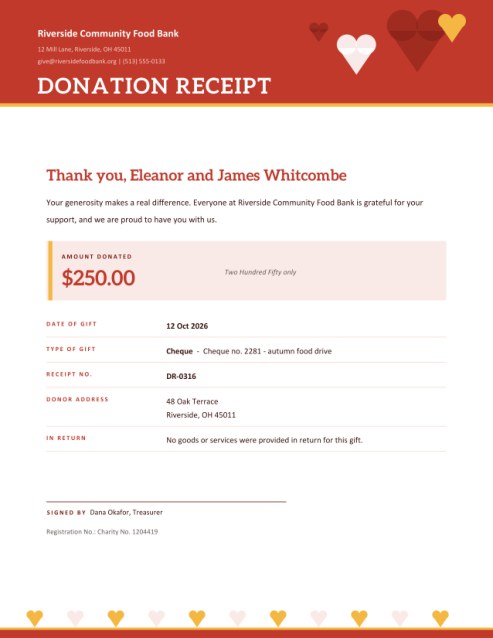
Say thank you properly. Record who gave, how much, when and in what form; the receipt shows the amount in figures and words, states whether anything was given in return, and carries a warm message and a signature line.
An optional box lets your organisation add whatever tax statement it is required to give.
Fill in the information below
Rate this template
Used it? Tap a star. Honest ratings help others choose.
Other Similar Templates
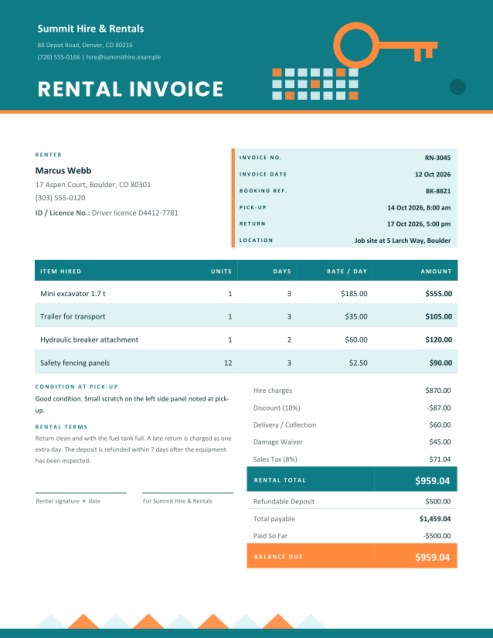
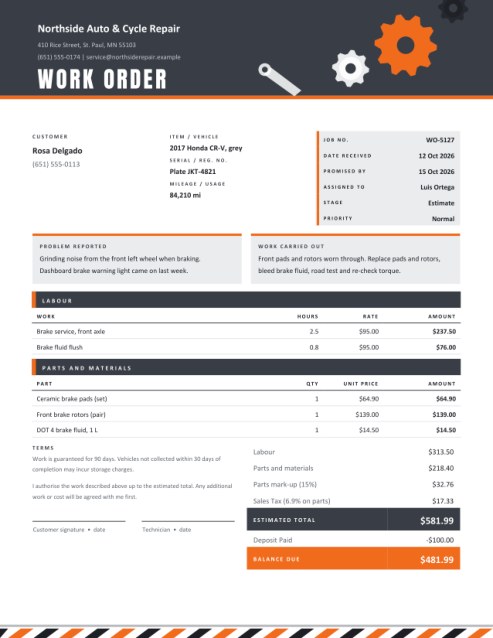
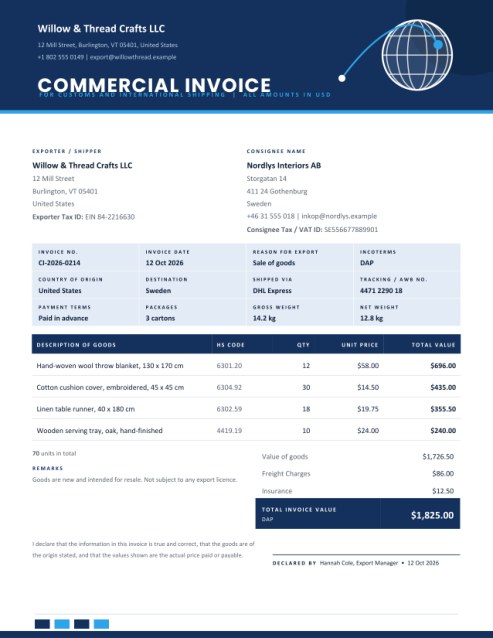
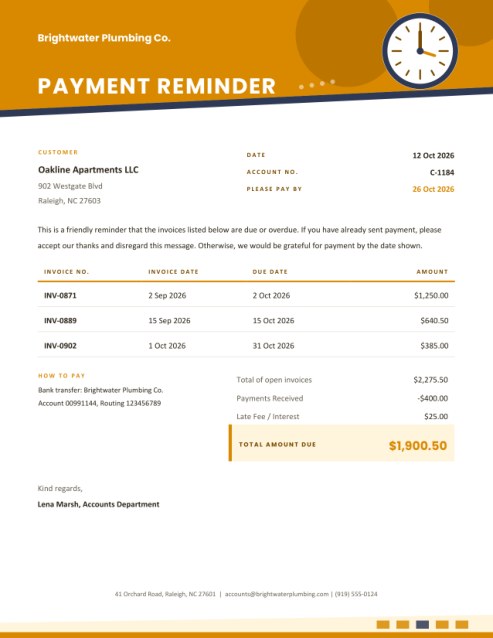
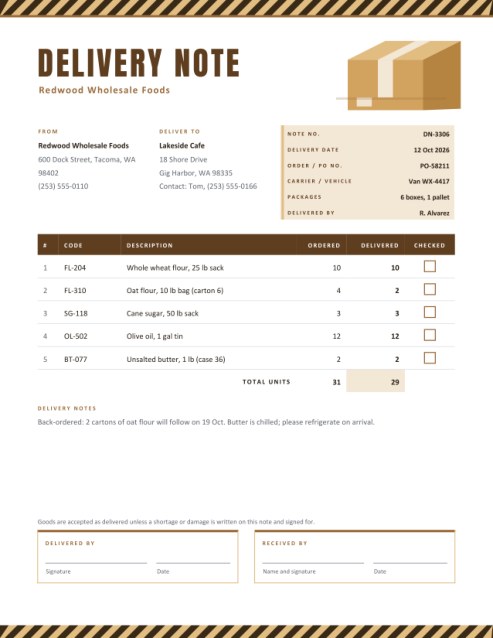
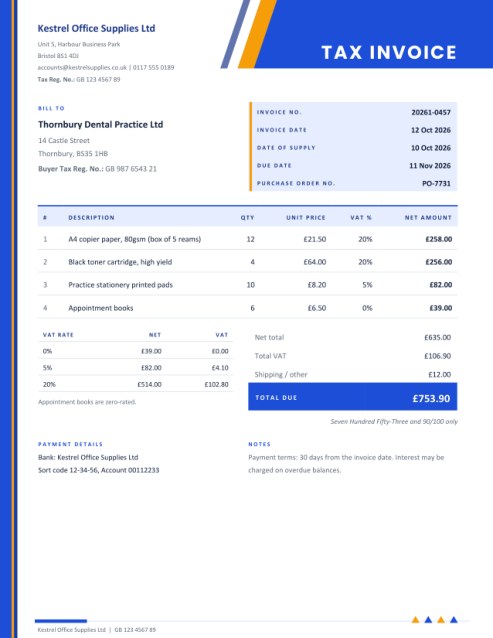
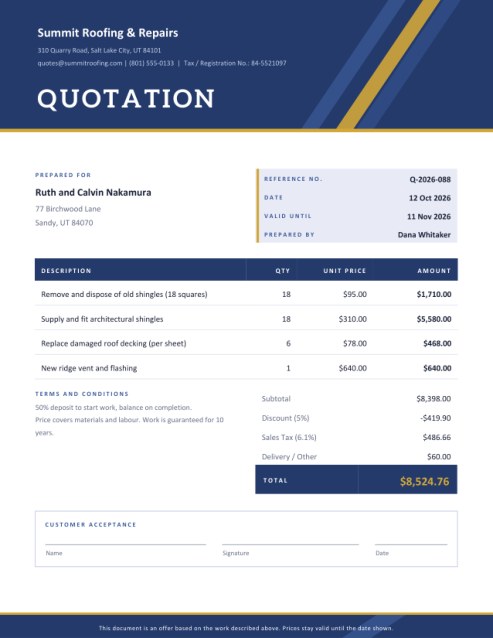
Some other templates similar to this one are also available here. If you would like to create your INVOICE using one of these templates, visit the following.
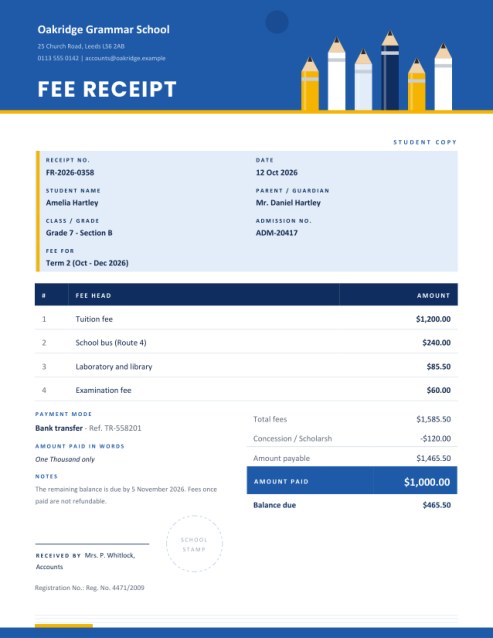
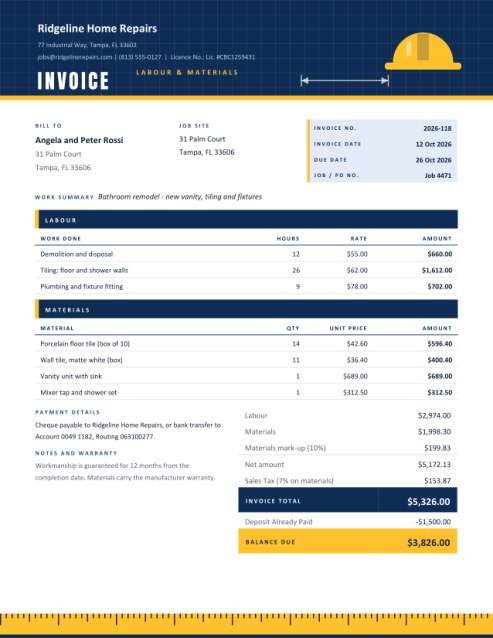
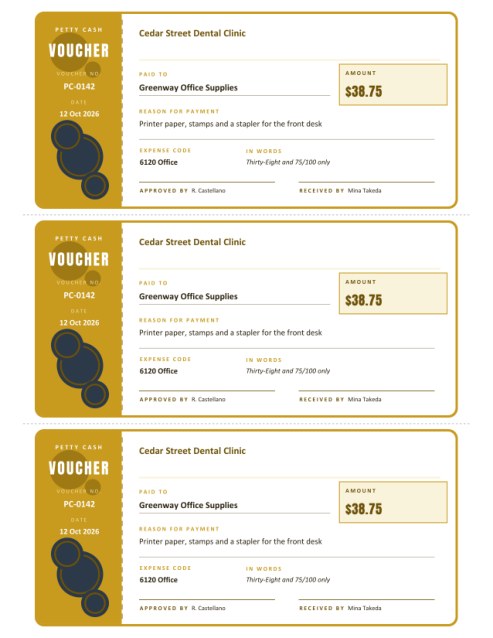
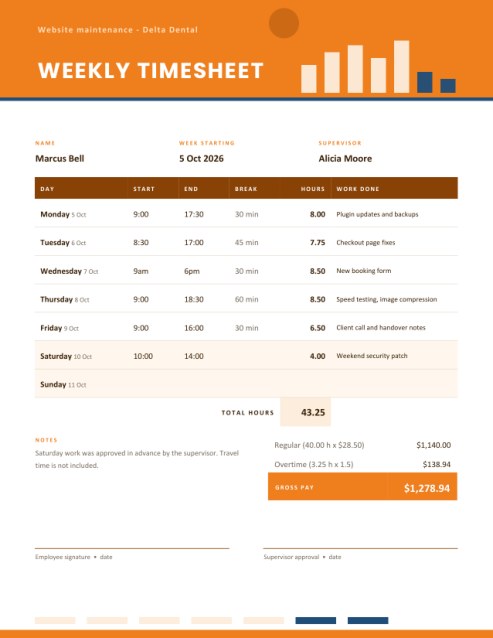
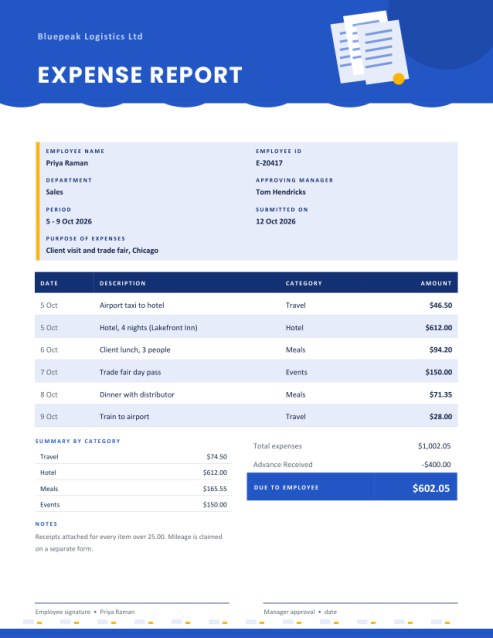
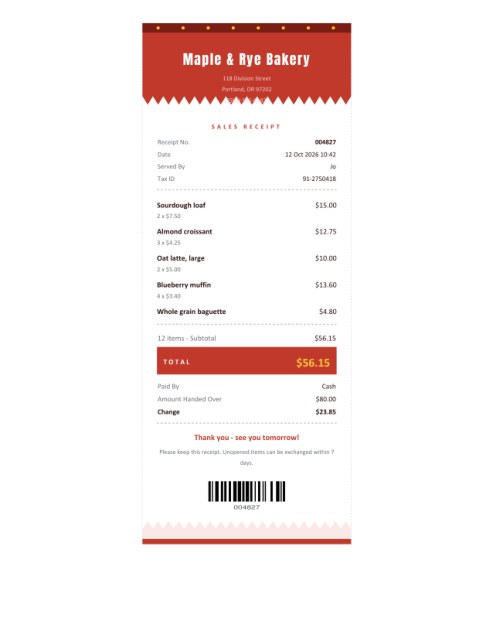
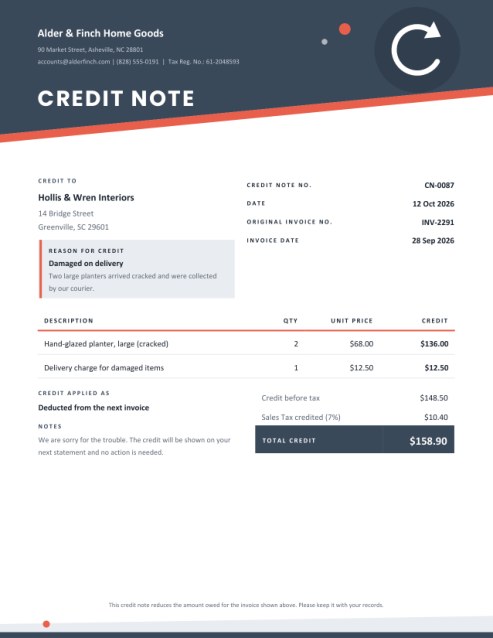
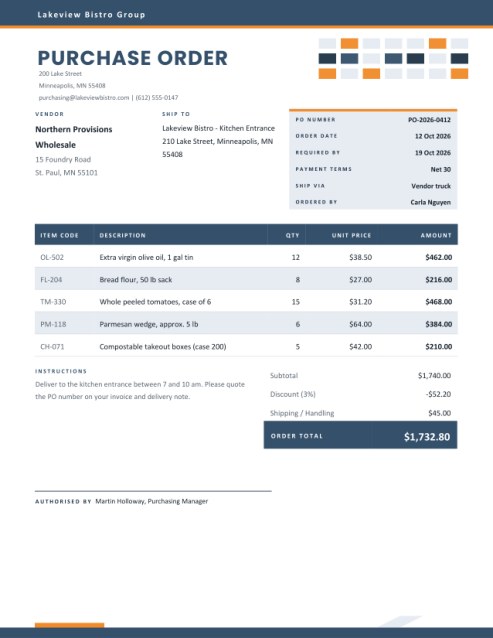

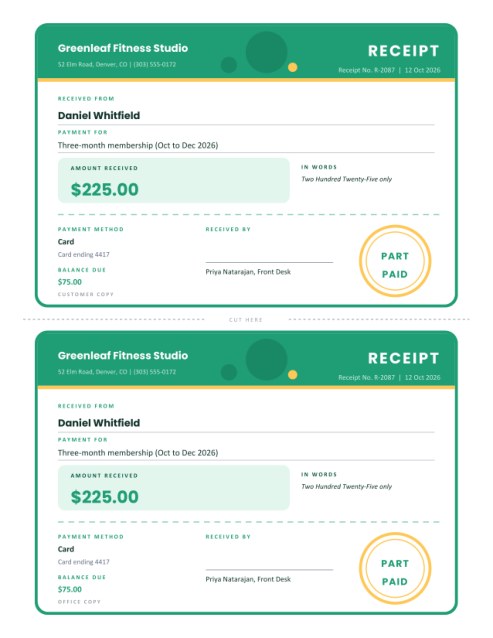
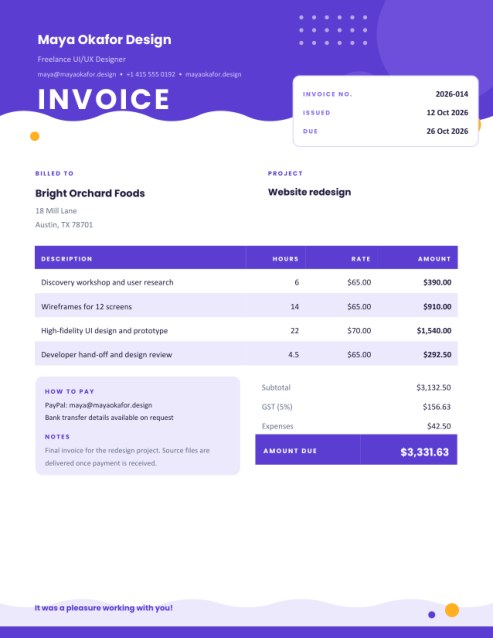
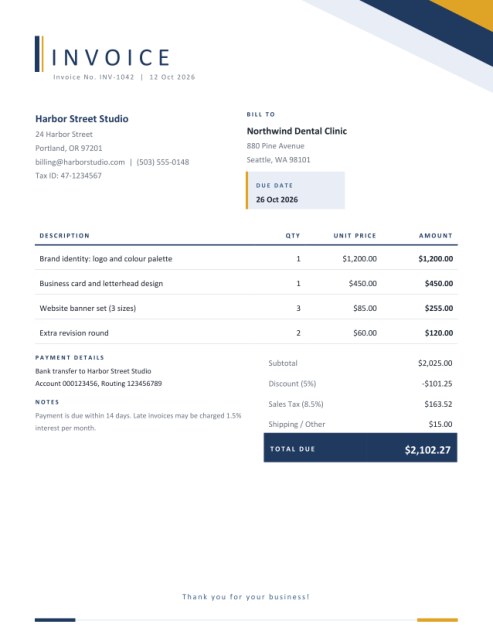
A receipt is also a thank-you note
For a charity, a school fundraiser, a sports club or a community group, a donation receipt does two jobs. It is a record: the donor can show what they gave and the organisation can show what it received. And it is a moment of connection, the first thing a supporter reads after being generous. A receipt that feels warm and personal makes people far more likely to give again than a cold slip of paper.
This template is designed with that second job in mind. A saturated header carries your name and a cluster of hearts, the greeting “Thank you” is set in large friendly type with the donor’s name, and the amount sits in a soft panel so the main fact is unmistakable.
Who it is for
- Registered charities and not-for-profit associations.
- Parent-teacher groups and school fundraising teams.
- Sports clubs, arts groups and community centres.
- Churches, mosques, temples and other places of worship.
- Individuals or teams running a sponsored event or crowdfunded cause.
What the form asks
- Your organisation. Name, address, contact details and, if you have one, a registration or charity number. The number can be relabelled with the pencil icon to suit your country.
- The donor. Their name appears in the greeting. A donor address is optional and is printed in the details table when provided.
- Receipt number and date. A running number helps you reconcile receipts with your records. An empty date prints today’s date.
- Amount and type of gift. The amount appears in figures and in words. Choose cash, cheque, bank transfer, card, online donation or goods and services (in-kind). A details box lets you add a cheque number or describe in-kind gifts, such as “40 boxes of canned vegetables”.
- Value given in return. Enter 0, or leave the box empty, and the receipt says no goods or services were provided. Enter an amount, such as the value of a dinner ticket, and the receipt states that goods or services of that value were provided.
- Thank-you message. Leave it empty for a warm standard paragraph that uses your organisation’s name, or write your own.
- Tax statement (optional). Type whatever your organisation is required or wishes to state, for example your status and a request to keep the receipt. If you leave it empty, no tax statement is printed.
- Signed by. A name and title, with an optional drawn signature.
In-kind gifts
When someone donates goods or services rather than money, describe the item clearly and leave the amount empty if you do not place a value on it. Many organisations avoid valuing donated goods and simply acknowledge them; the donor is usually responsible for any valuation they need. Follow the rules that apply to your organisation and country.
Important: this tool does not give tax advice
Whether a gift can be claimed for tax relief depends on the laws of your country, on your organisation’s legal status and on what the donor received in return. This template never adds a tax-deductibility claim by itself. It prints a tax statement only if you type one, and you are responsible for making sure that statement is accurate and meets local requirements. When in doubt, ask your regulator or an accountant.
Making supporters feel seen
- Send the receipt within a few days. Quick thanks are remembered.
- Use the donor’s name exactly as they gave it.
- Say what the gift achieves in one sentence in your message: meals served, books bought, a roof repaired.
- Sign by hand when you can; a real signature feels personal.
- Keep a copy of every receipt in number order for audits and annual reports.
Questions answered
Can I issue receipts for small cash gifts?
Yes. Fill in the amount and mark the type as cash.
Can I leave out the amount?
Yes, useful for in-kind gifts that you do not value. The amount panel is then omitted.
What if the donor wants to stay anonymous?
Type “Anonymous donor” or a first name only in the donor box.
Can I add a photo or stamp?
A logo can be uploaded. A stamp can be added after printing.
Is it free?
Yes.