

Create Work Order and Repair Job Card
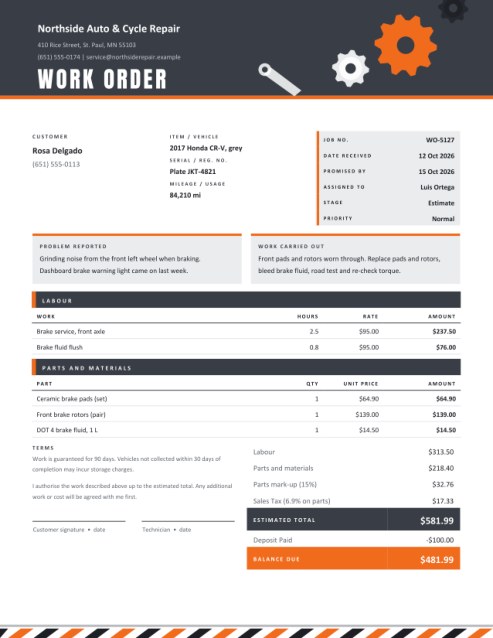
Start every repair with a clear job card. Record the customer, the item or vehicle, the problem as reported and the work to be done; add labour and parts, and the page works out an estimate you can have the customer sign.
Choose Work Order, Repair Job Card or Service Order, and mark the stage as Estimate, In progress or Completed.
Fill in the information below
Rate this template
Used it? Tap a star. Honest ratings help others choose.
Other Similar Templates
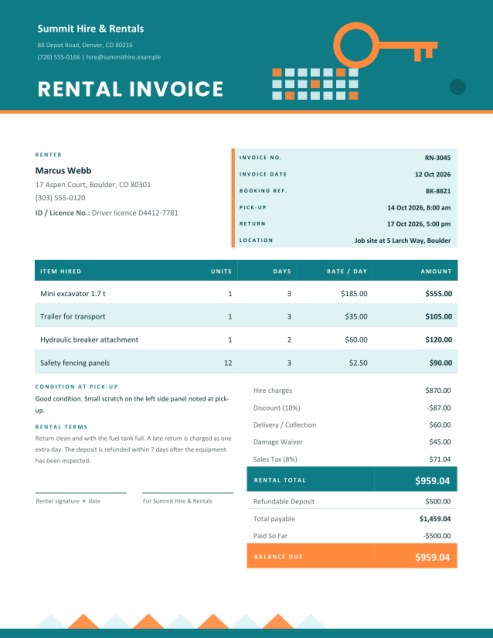
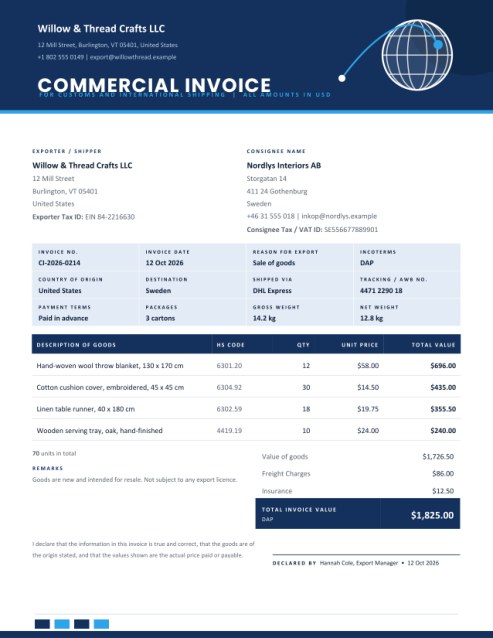
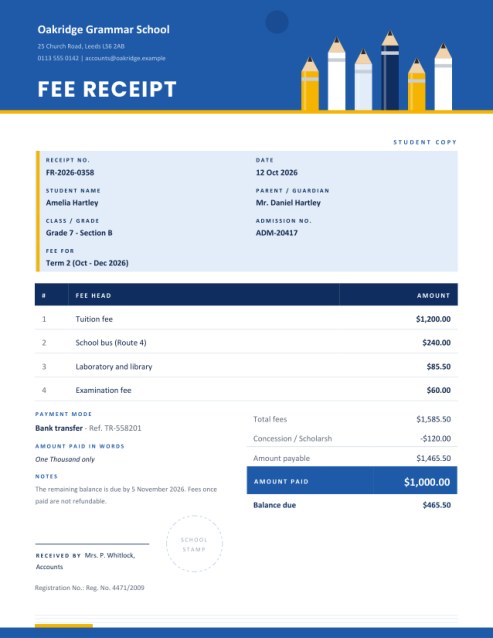
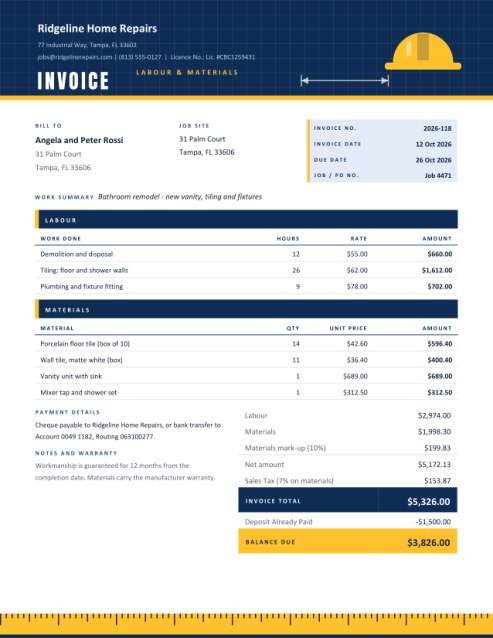
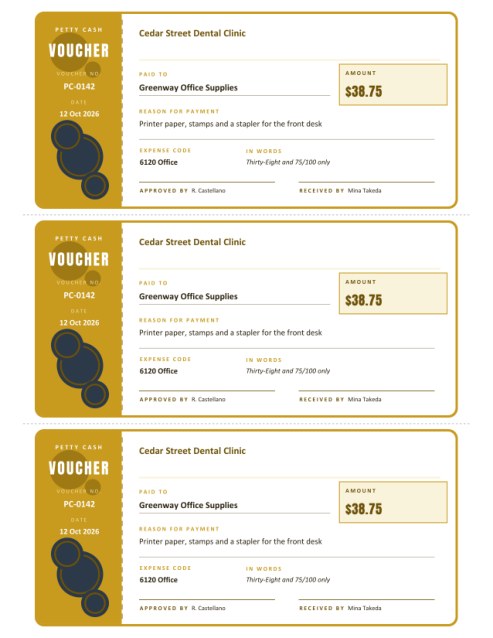
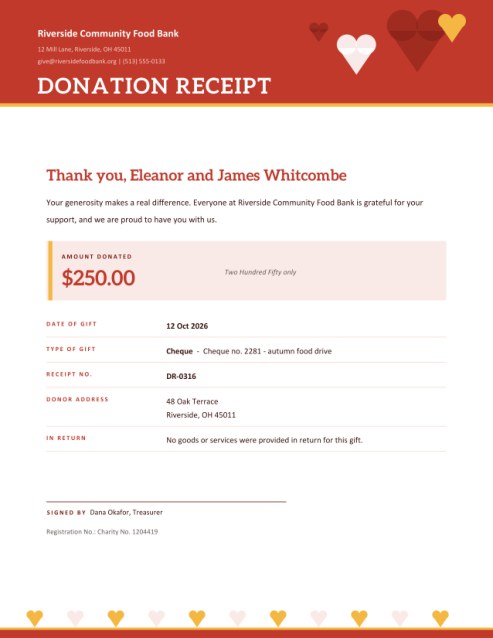
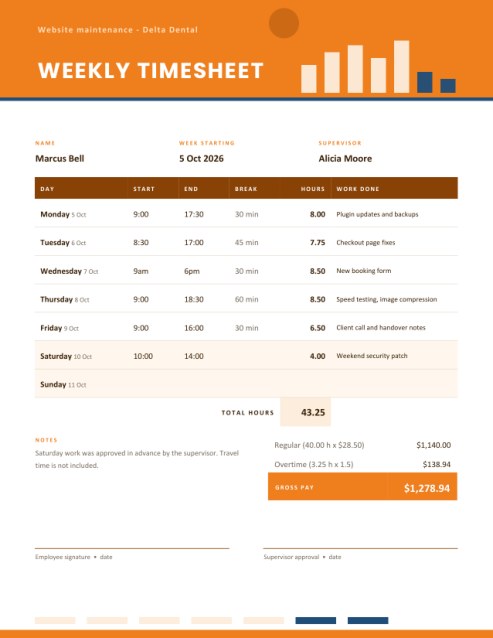
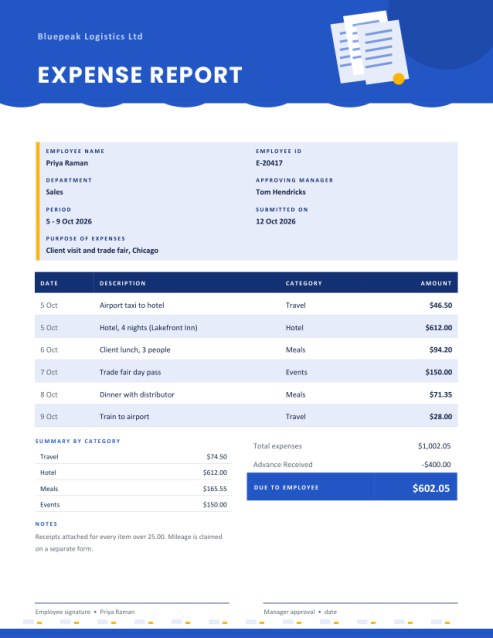
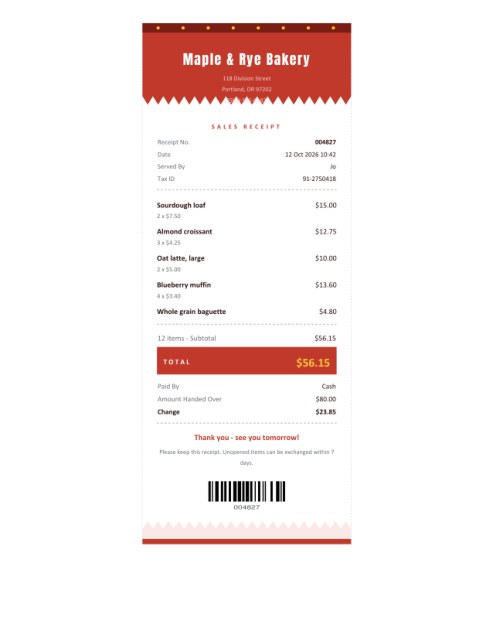
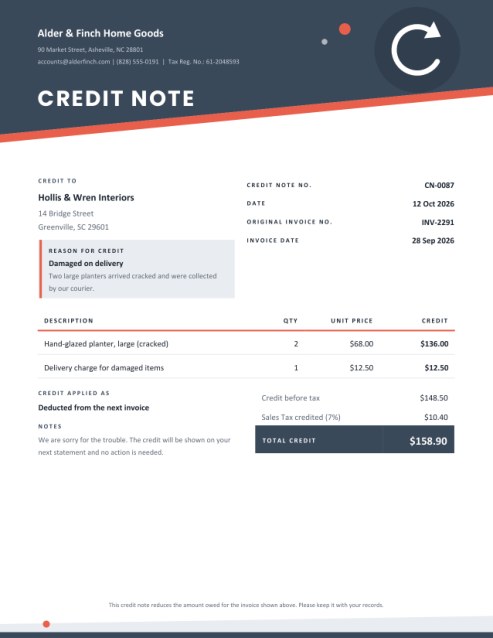
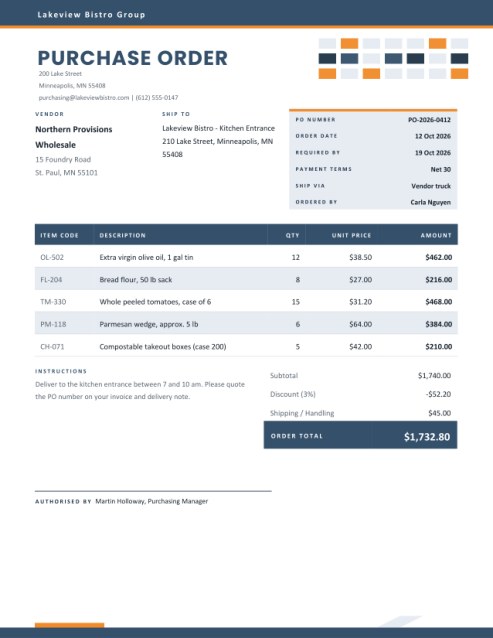
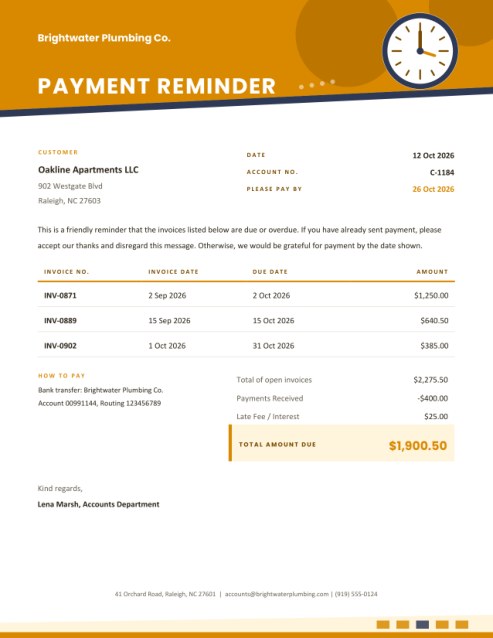
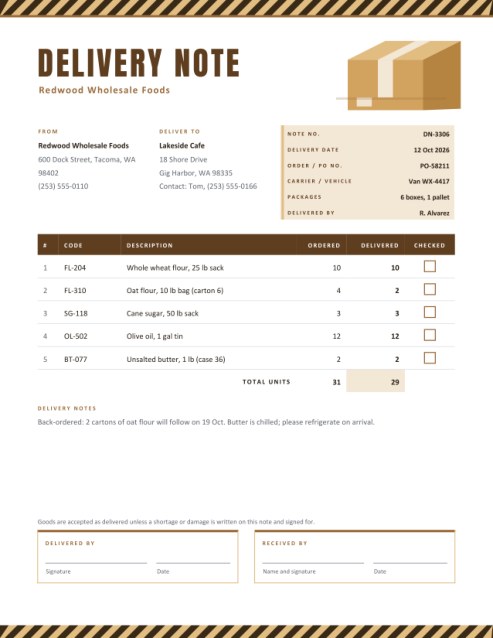
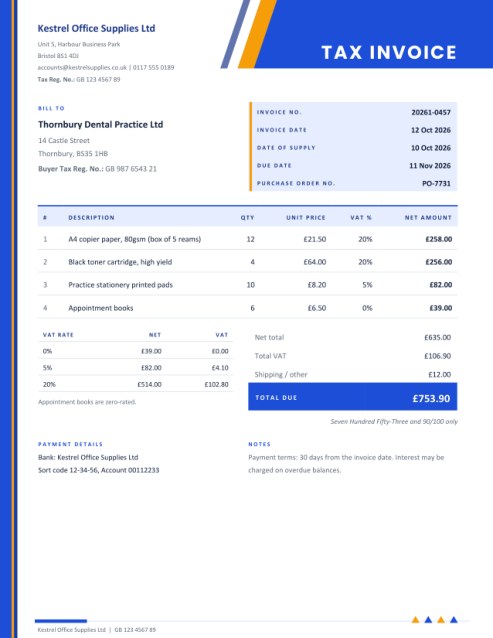
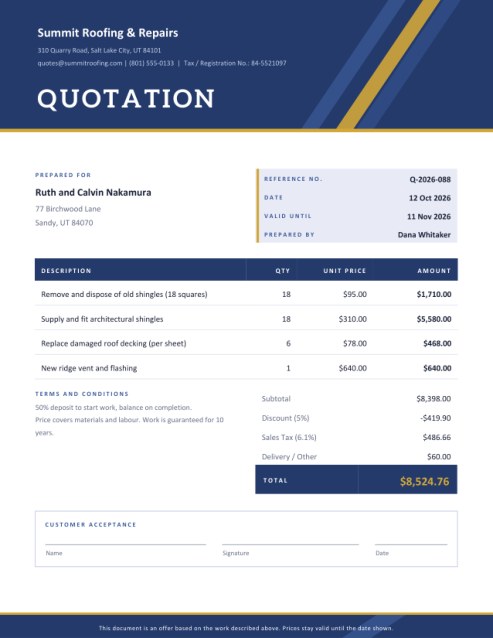
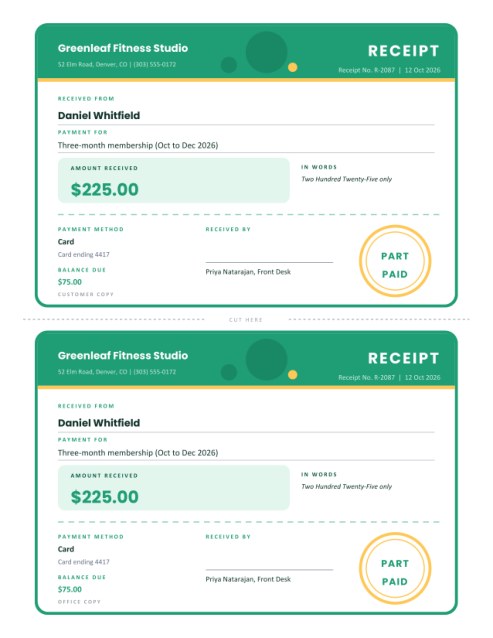
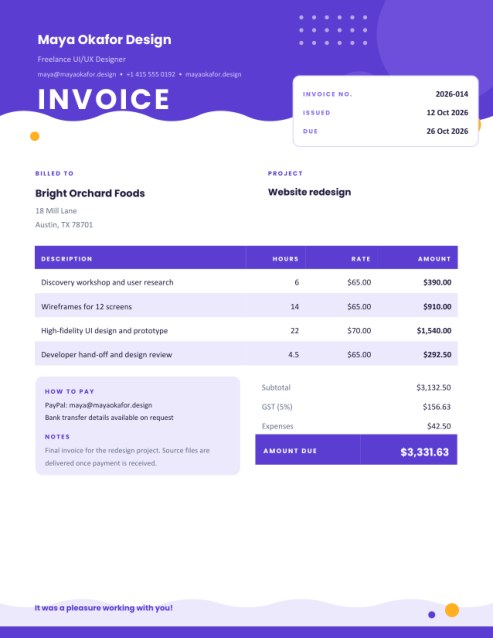
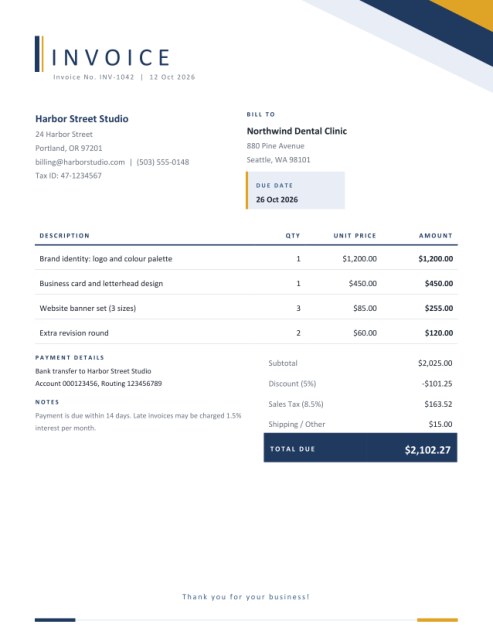
Some other templates similar to this one are also available here. If you would like to create your INVOICE using one of these templates, visit the following.

What was it doing when it broke?
Every repair shop knows the conversation. A customer drops off a car, a phone, a washing machine or a lawnmower and says it is “making a funny noise”. Three days later someone has to remember which noise, which customer, what was agreed and how much was promised. A work order, also called a job card or service order, is the tool that keeps that story straight. It records what came in, what was wrong, what is going to be done and what it will cost, and it gets the customer’s signature before any money is spent.
This template presents all of that on one page with a workshop feel: a dark header with turning gears and a spanner, boxes for the customer’s complaint and your findings, separate tables for labour and for parts, and a signature block at the bottom.
Where it is used
- Car and motorcycle garages, tyre shops and bodyshops.
- Bicycle and e-bike repairers.
- Mobile phone, laptop and electronics repair counters.
- Heating, air-conditioning and appliance technicians.
- Small-engine, garden-machinery and boat workshops.
- Maintenance teams who log jobs for a building or a fleet.
The sections, one by one
Title, stage and priority
Pick the title your customers recognise. The Stage list marks the document as an Estimate, Work in progress or Completed, and changes the total from “Estimated total” to “Total” and the signature wording from authorisation to confirmation. Priority marks a job as Normal, Urgent or Warranty repair.
Customer and item
Enter the customer’s name and phone number, then describe what has been left with you: make and model, a serial number, registration, IMEI or asset tag, and the mileage or hours of use. These three details make it easy to find the right job again.
Job details
The tinted box holds the job number, the date received, the promised date and the technician. Promising a date in writing, even a rough one, reduces “is it ready yet?” calls.
Problem reported and work carried out
Two panels sit side by side. The left one records the problem in the customer’s own words. The right one records your diagnosis and the work you will do or have done. Keeping them next to each other makes disputes easy to settle.
Labour, parts and totals
Labour lines take hours and a rate. Two lines show at first, up to three. Parts lines take a quantity and a unit price. Three show at first, up to five. Use + Add another line for more. You can add a parts mark-up percentage, a discount, a tax rate and choose whether tax applies to labour and parts, parts only or labour only. A deposit paid is subtracted to give the balance due.
Authorisation
For an estimate, the page asks the customer to authorise the work up to the estimated total, with any extra work to be agreed first. For a completed job, it asks the customer to confirm the work was done and the item returned. Two signature lines, one for the customer and one for the technician, close the page.
A worked example
In the sample brake job, labour is 2.5 hours and 0.8 hours at 95.00, a total of 313.50. Parts of 64.90, 139.00 and 14.50 come to 218.40; a 15 percent mark-up adds 32.76. Tax at 6.9 percent applies to parts only, so it is worked out on 251.16 and comes to 17.33. The estimated total is 581.99, and with a 100.00 deposit the balance due is 481.99. Every figure is rounded to cents where it is printed.
Habits that protect a workshop
- Write the job down before the customer leaves, including scratches and damage already present.
- Get a signature on the estimate; call for extra authorisation if the cost will rise.
- Note any personal items left in a vehicle or case.
- Put your storage and collection rules in the terms box, for example how long you will hold finished items.
- Keep the signed job card with the invoice and the parts receipts.
Questions answered
Is a work order an invoice?
Not exactly. It is a record of the job and an estimate. Once the work is done, the same figures can be turned into an invoice.
Can I use it for in-house maintenance?
Yes. Put the department in the customer box and leave prices empty if you do not charge internally.
Does it show tax?
Only if you enter a tax rate; you choose what it applies to.
Can I print on A4?
Yes, choose A4 in the paper size list.
Is it free?
Yes.