

Create Quotation or Proforma Invoice
Win the job with a quote that looks as professional as your work. One layout, three titles: choose Quotation, Price Estimate or Proforma Invoice, list your items and prices, set a validity date and add your terms.
Includes an optional “Customer acceptance” box with space for a name, signature and date.
Fill in the information below
Rate this template
Used it? Tap a star. Honest ratings help others choose.
Other Similar Templates
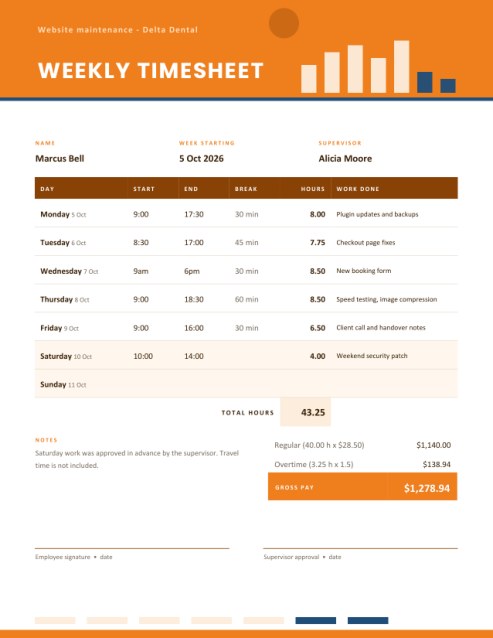
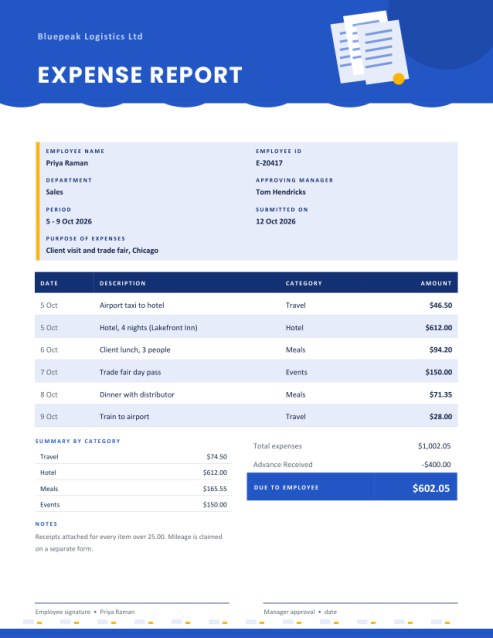
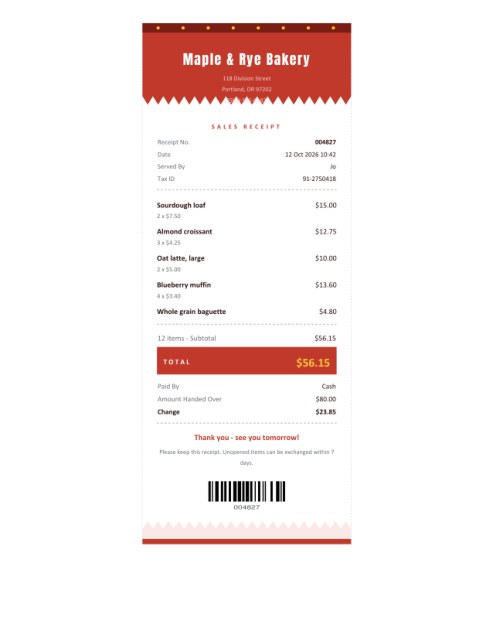
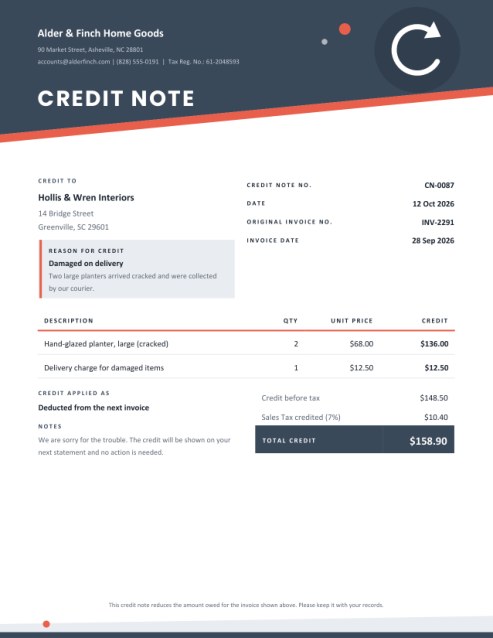
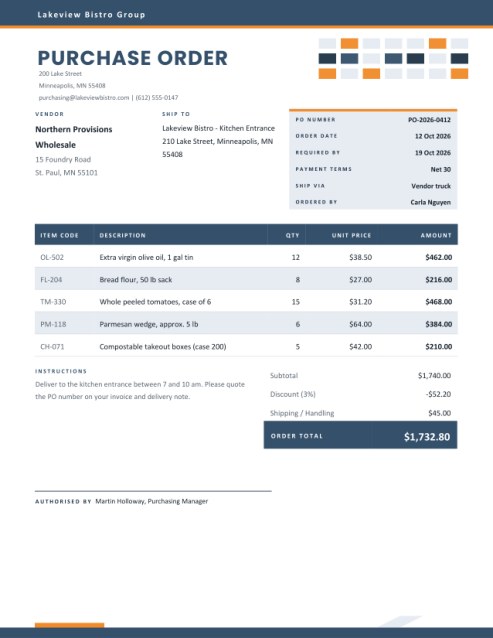
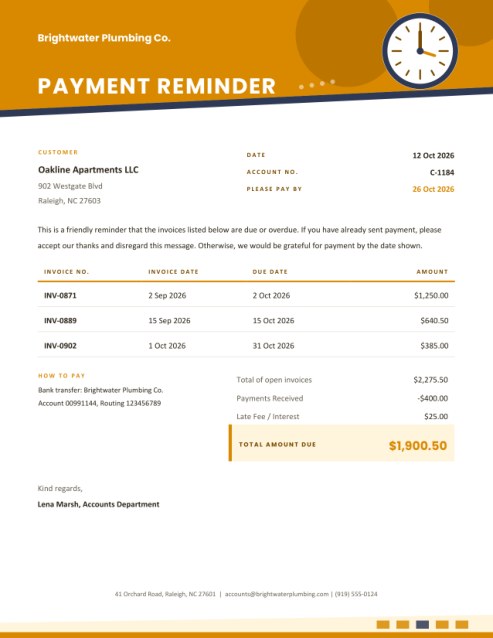
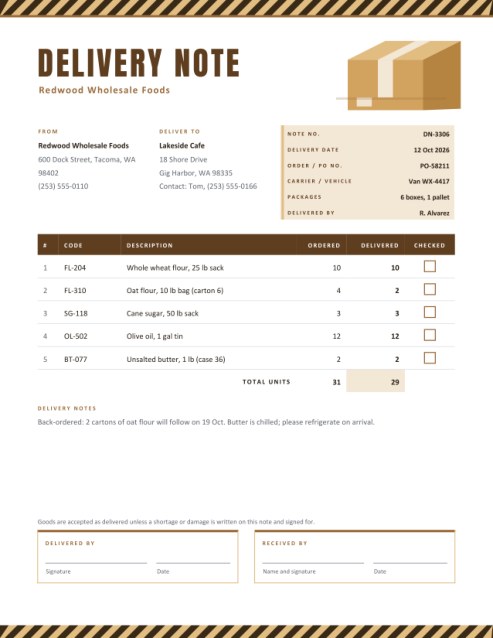
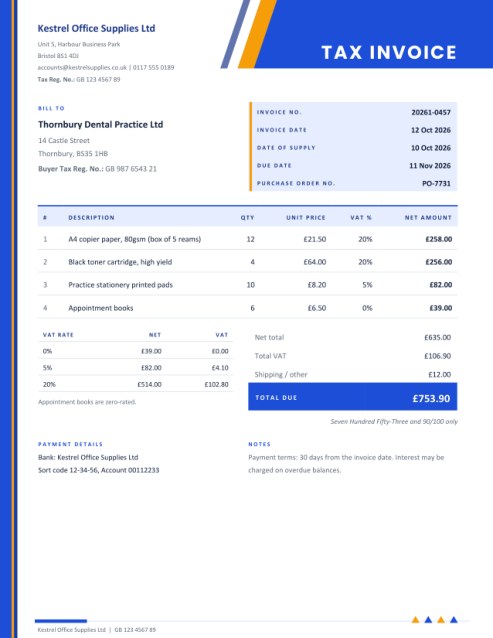
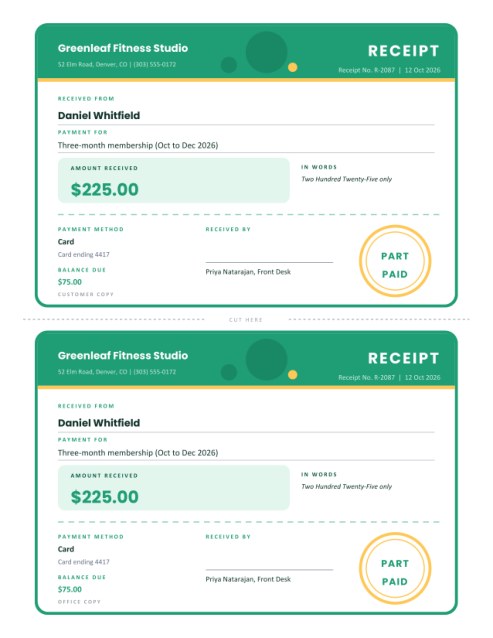
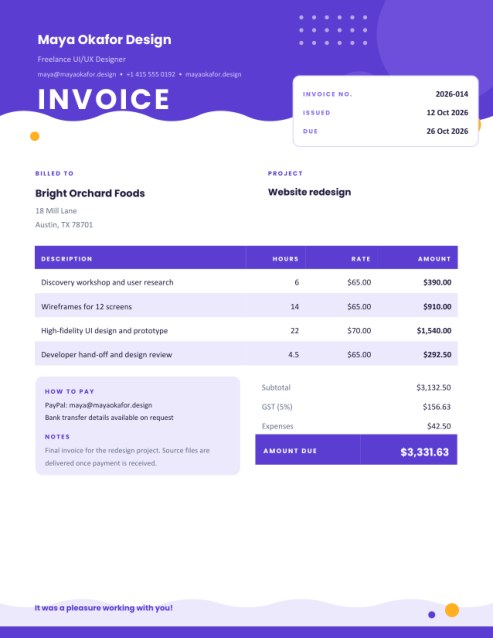
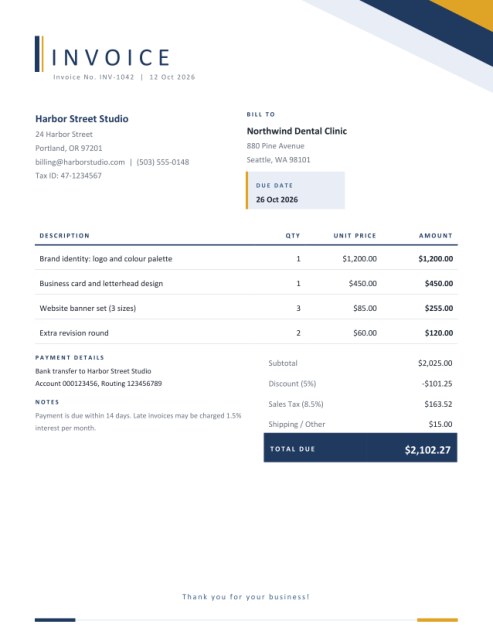
Some other templates similar to this one are also available here. If you would like to create your INVOICE using one of these templates, visit the following.
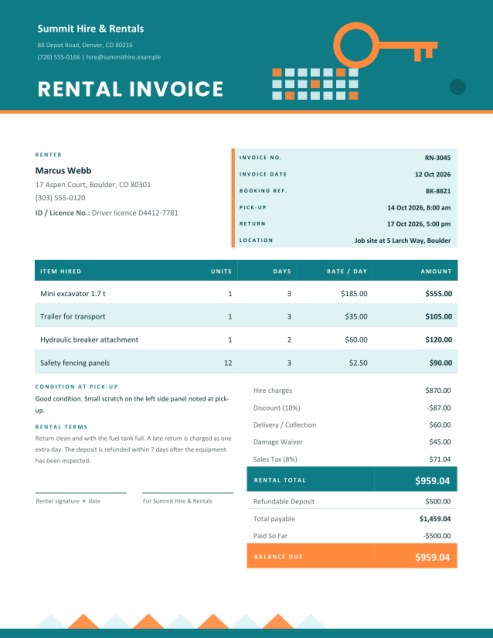
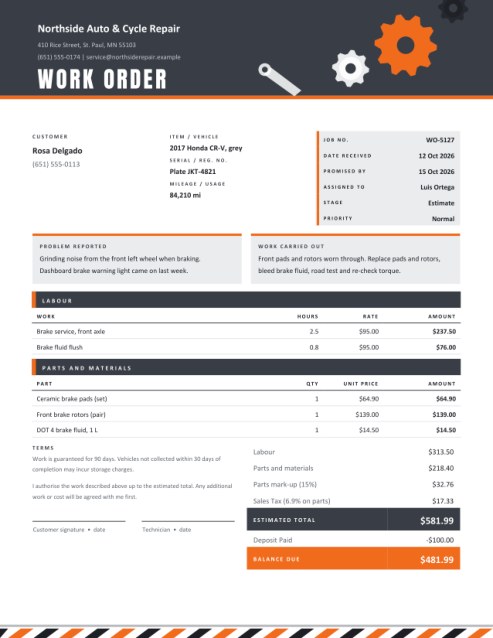
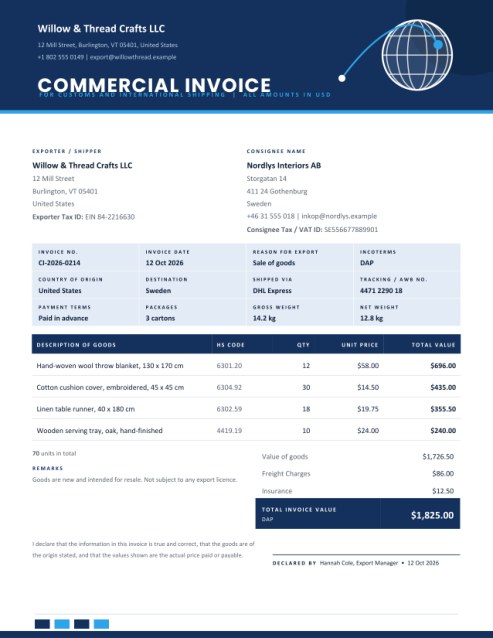

The document that comes before the invoice
Before a customer commits, they want to know what they are getting and what it will cost. A written quotation answers both questions, protects you from misunderstandings about scope, and gives the customer something to compare, approve or pass to a colleague. A good one also sets the tone for the whole relationship: clear, organised and unhurried.
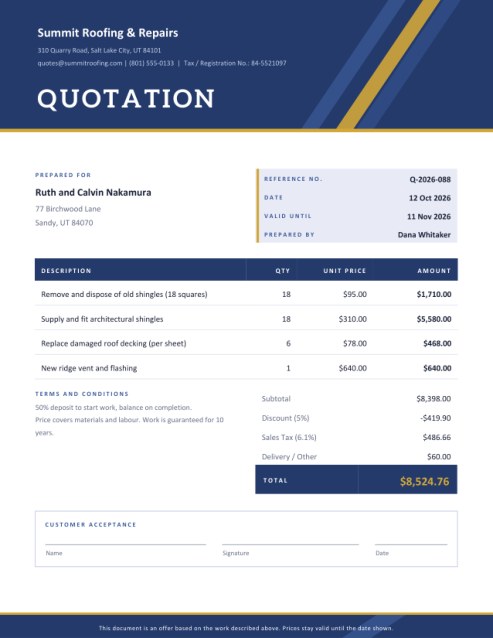
This template provides a deep colour header band with a thin metallic rule and diagonal ribbons, a calm title in a sturdy serif face, and a body that puts the important facts where a busy reader looks first.
One layout, three names
The Document Title list changes the heading and the small line printed in the footer.
- Quotation is a firm price for described work or goods, valid until a stated date. It suits contractors, agencies, event suppliers and manufacturers.
- Price Estimate signals a best judgement rather than a fixed offer. It is common where the final cost depends on what is found during the job, such as repairs or renovation.
- Proforma Invoice is a preliminary bill sent before goods are shipped or work begins. Customers often use it to arrange payment, apply for funding or clear goods through customs. It is not a tax invoice, and the template says so on the page.
Building the quote, step by step
- Your company. Enter the trading name, address, email or phone, and an optional tax or registration number. A logo appears in a white tile in the header.
- The customer. Name the person or company the quote is for, with an address or contact line. Customers who see their own name spelled correctly take the document more seriously.
- Reference, date and validity. Give the quote a reference, a date (today if left empty) and a Valid Until date or period such as “30 days”. A validity date protects you if material prices change.
- Prepared by. The name of the person the customer should call with questions.
- Items and prices. Describe each part of the job, then give a quantity and a unit price. Row amounts show as you type.
- Discount, tax and delivery. A percentage discount is applied first, tax next, and a delivery or other charge is added at the end.
- Terms and payment details. Use the terms box for deposits, warranty, schedule and what is excluded. Add bank details if the quote doubles as a proforma invoice.
- Acceptance box. Keep it to let the customer sign and date the printed quote, or hide it for proformas and estimates that need no signature.
What makes a quotation persuasive
- Be specific about scope. List what is included and, just as importantly, what is not.
- Break the price into parts. Customers trust a quote they can read line by line more than a lump sum.
- State the timeline. Put the expected start and finish in the terms.
- Explain the payment schedule. Something like “50 percent on acceptance, balance on completion” avoids awkward conversations later.
- Make accepting easy. A visible signature box or a line saying “Reply to confirm” reduces friction.
- Follow up. Call or email two or three days after sending.
From quote to invoice
When the customer accepts, copy the same items into the Simple Invoice or Tax Invoice template, keep the reference in the notes, and send it when the work is done. Keeping the descriptions identical avoids disputes about whether the work delivered matches the work quoted.
Themes and paper
Indigo and gold looks traditional and trustworthy. Plum and teal stands out in a pile of quotes. Slate and orange feels practical and trade-oriented. Choose US Letter or A4 from the paper list.
Common questions
Is a quotation legally binding?
That depends on your country and the wording. Treat it as a serious offer, state how long it is valid, and seek advice if the job is large.
Can I send it as a PDF?
Yes. Customers can read it on any device, and sign the printed copy or reply by email.
Does a proforma invoice need tax?
You may include a tax line if your customer expects one, but the document is not a tax invoice. Check your local rules.
How many items fit?
Five lines are shown to begin with and you can add more with the Add another line button, up to twelve. Group small items together if you need more.
Can I change the wording of captions?
Yes, use the pencil icon beside labels such as Prepared For, Valid Until and Terms.