

Create Equipment and Vehicle Rental Invoice
Invoice a hire the way it is priced. List each item with the number of units, the length of the rental and the rate, add delivery, a damage waiver and any other charge, and the invoice works out tax, a refundable deposit and the balance due.
Pick day, week, month or hour as the rental period, and add pick-up and return details.
Fill in the information below
Rate this template
Used it? Tap a star. Honest ratings help others choose.
Other Similar Templates
Some other templates similar to this one are also available here. If you would like to create your INVOICE using one of these templates, visit the following.
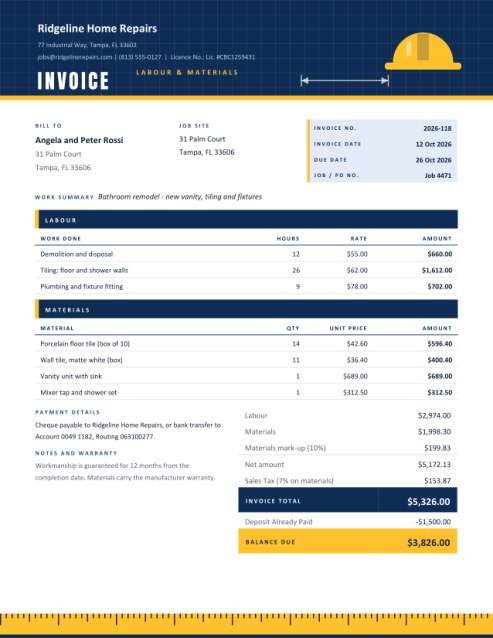
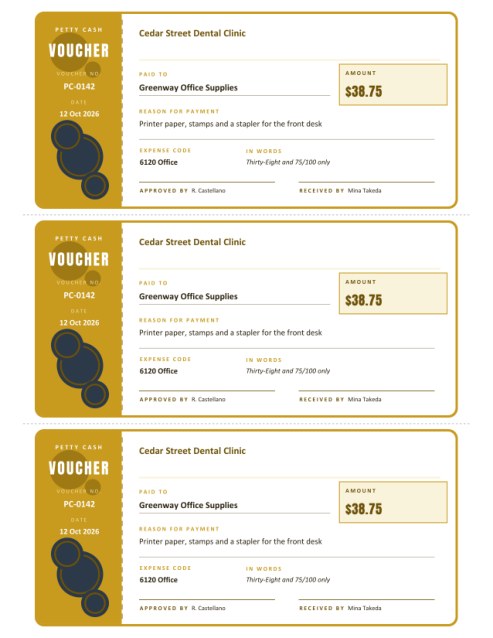
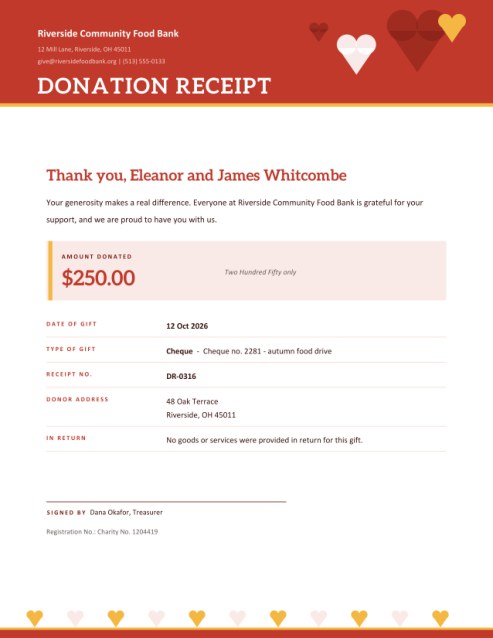
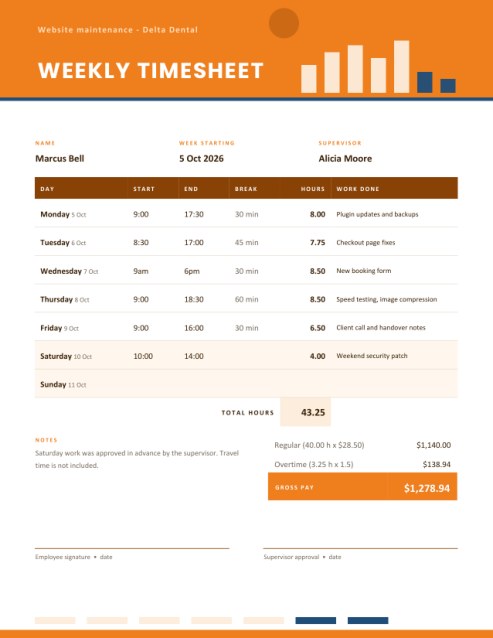
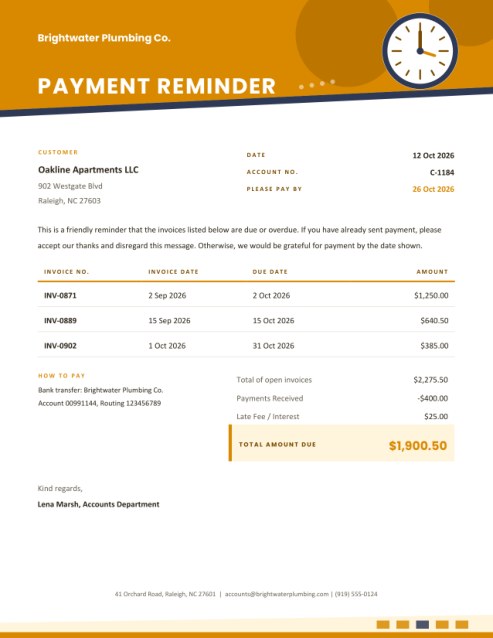
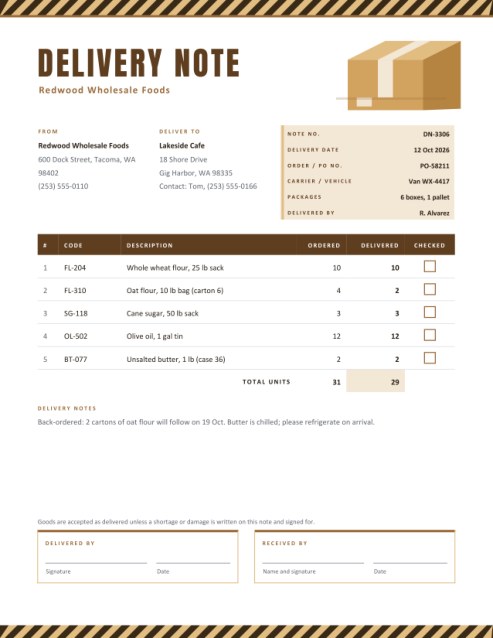
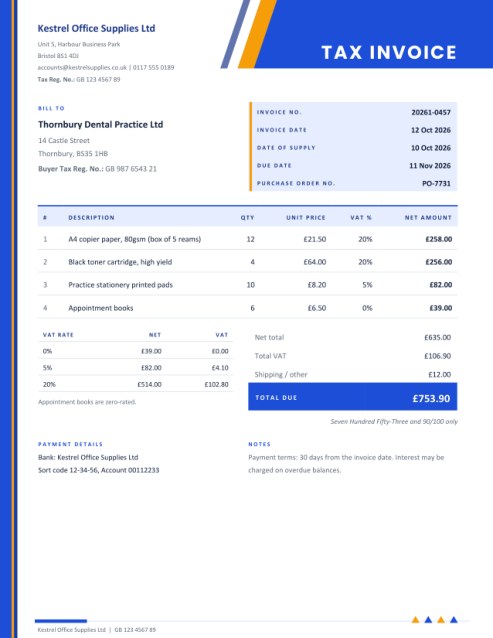
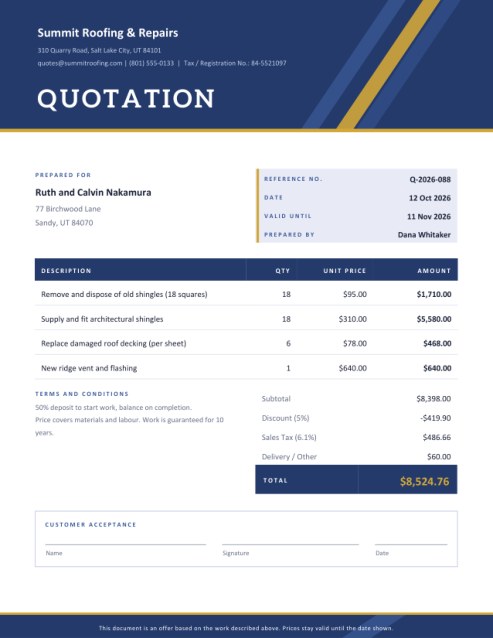

Hire is priced by time, and the paperwork should say so
Renting something out is a different business from selling it. The customer is not buying a thing; they are buying the use of it for a stretch of time, with rules about condition, return and who pays if something goes wrong. A good rental invoice makes those terms visible: what was hired, for how long, at what rate, what extras were added, what deposit is being held and what is still owed.
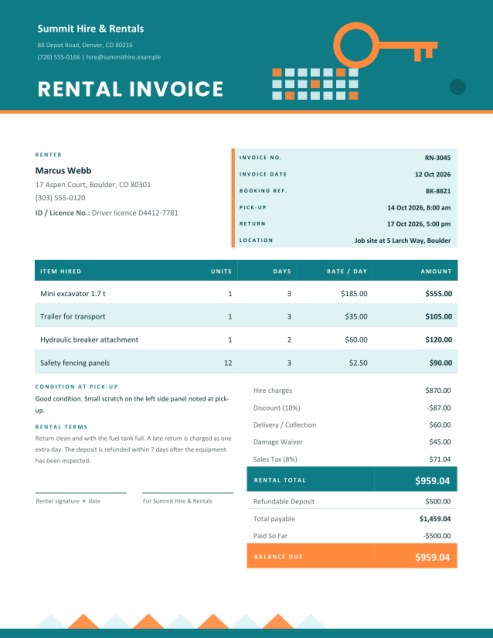
This template is built around that logic. Its warm header carries a key and a calendar, and the body mirrors the order in which a rental happens: the renter and the booking details first, then the items with units, period and rate, then the totals, and finally the terms and signature lines.
Who hires things out
- Tool and construction-equipment hire shops.
- Car, van, motorbike, scooter and bicycle rental businesses.
- Party, tent, chair and event-furniture suppliers.
- Photographers and film crews renting cameras, lenses and lighting.
- Boat, kayak and camping-gear operators.
- Individuals renting out a trailer, a pressure washer or a spare machine.
Billing by day, week, month or hour
The You Rent By The list sets the unit of time. Choose Day and the table headings read Days and Rate / day; choose Week, Month or Hour and they change accordingly. For each line you enter the item, the number of units hired, the number of periods and the rate for one unit for one period. The amount is units times periods times rate, and it is shown live in the form as you type.
For example, three days of a mini excavator at 185.00 a day is 555.00, and twelve safety fencing panels for three days at 2.50 each per day is 90.00. Six lines are available (three show at first), and + Add another line reveals the rest.
Extras, discount and tax
- Delivery or collection: a flat fee for taking the equipment to the customer or fetching it.
- Damage waiver: an optional charge that limits the renter’s liability for accidental damage.
- Other charge: a named extra such as fuel, cleaning or an operator.
- Discount: a percentage taken off the hire charges only, which suits long-hire or loyalty rates.
- Tax: a percentage applied to the hire after discount plus the extras. Check what applies to rental in your area.
Deposits and what is payable
A refundable deposit is not income, and it is not taxed. The invoice therefore shows it separately: the rental total is calculated first, then the deposit is added to give the total payable at pick-up. If the renter has already paid something, enter it under Paid So Far and the page shows the balance due. In the sample, the rental total of 959.04 plus a 500.00 deposit makes 1,459.04 payable; with 500.00 paid, the balance due is 959.04.
Booking, condition and terms
The tinted box lists the invoice number and date, the booking reference, the pick-up and return date and time and the location. A line for the condition at pick-up lets you note existing scratches or wear. The terms box is where you set out late-return charges, fuel and cleaning rules, who is responsible for damage and when the deposit is refunded. Two signature lines, one for the renter and one for your company, make the terms a shared record.
Protecting yourself and your customer
- Record the condition at pick-up in writing, and take dated photographs.
- Copy the renter’s identity or driving licence details if your policy requires it, and store them responsibly.
- State the return time clearly; “by 5 pm” avoids arguments about a late day.
- Explain what is covered by the damage waiver and what is not.
- Keep your insurance and any legal terms of hire separate and refer to them in the terms box.
A word about legal terms
This invoice records charges and agreed terms. It does not replace a full rental agreement or insurance documents, particularly for vehicles and heavy machinery. Rules on deposits, liability and consumer rights differ widely, so check what applies to your business.
Questions answered
Can I use it for an hourly rental?
Yes. Choose Hour and enter the hours in the Period column.
What if I rent several different items?
Give each item its own line with its own rate.
Is the deposit included in the rental total?
No. It is shown after the total and added only to the amount payable.
Can I print on A4?
Yes, choose A4 in the paper size list.
Is it free?
Yes.