

Create Freelance Hourly Invoice
Made for people who sell their time: designers, writers, developers, consultants, tutors and tradespeople. List the work, enter the hours (or days, words, pages) and your rate, and the invoice adds everything up, including tax and any expenses.
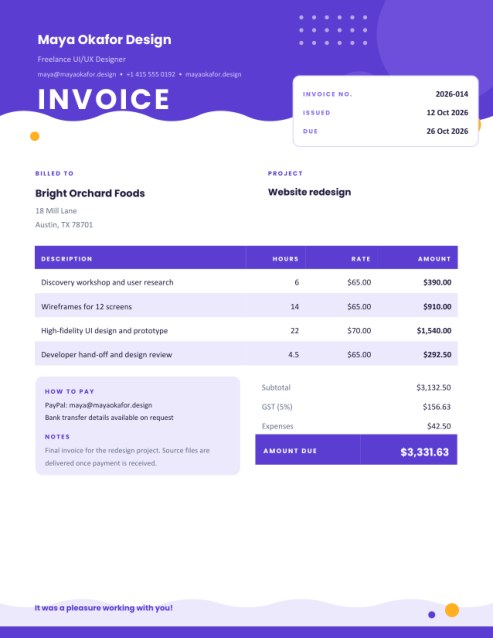
A bold header with your name and a project card gives your invoice the polish of a studio. Try Load sample data to see one filled in.
Fill in the information below
Rate this template
Used it? Tap a star. Honest ratings help others choose.
Other Similar Templates
Some other templates similar to this one are also available here. If you would like to create your INVOICE using one of these templates, visit the following.
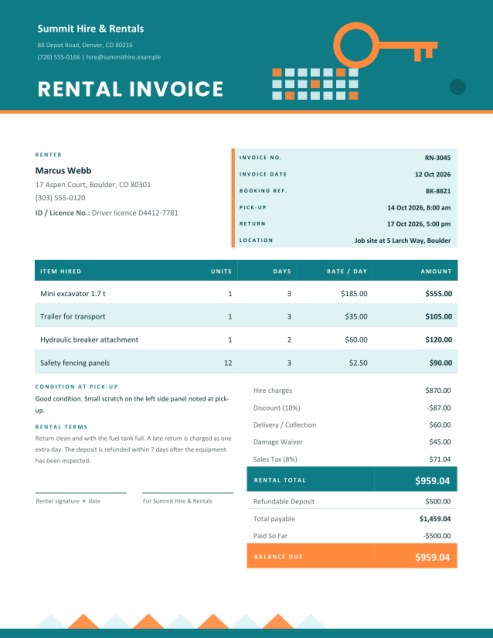
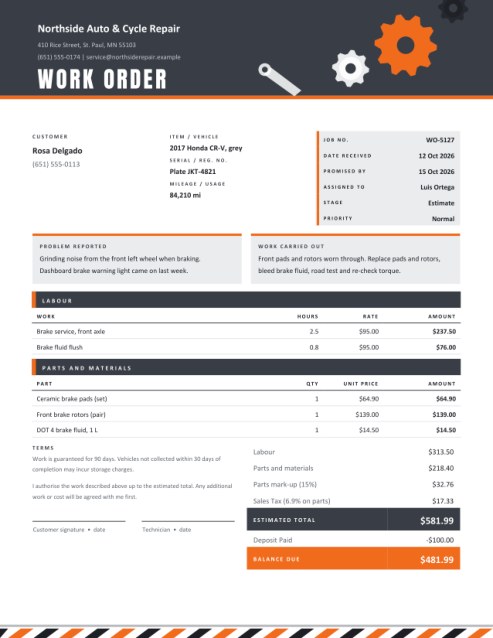
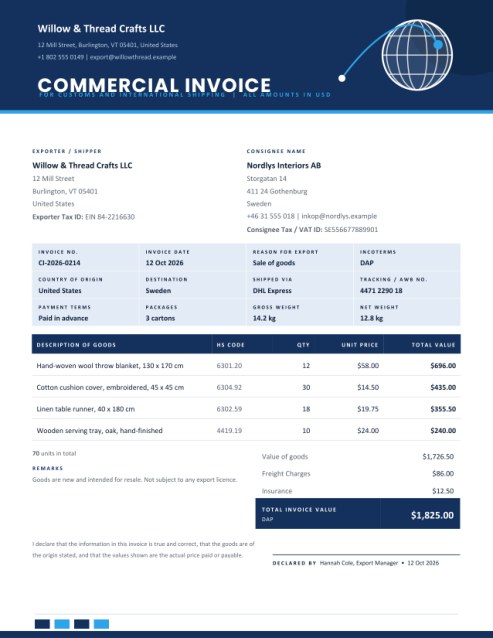
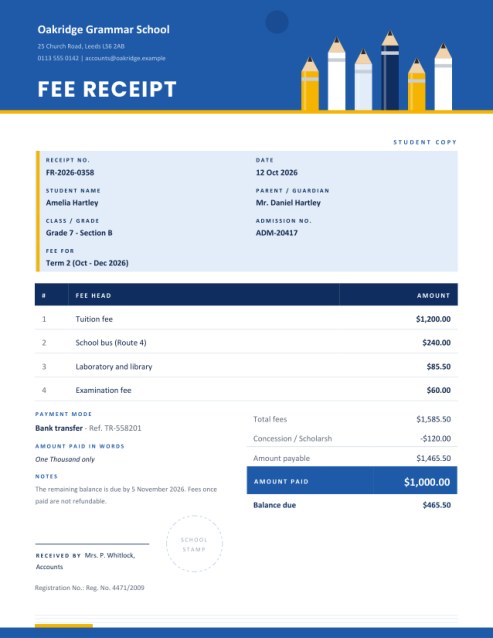
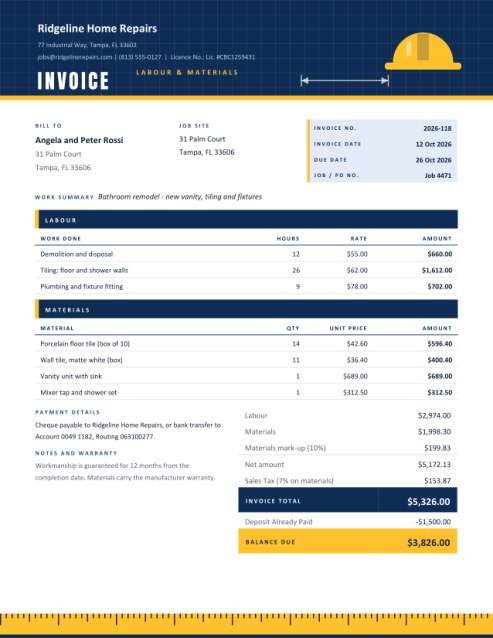
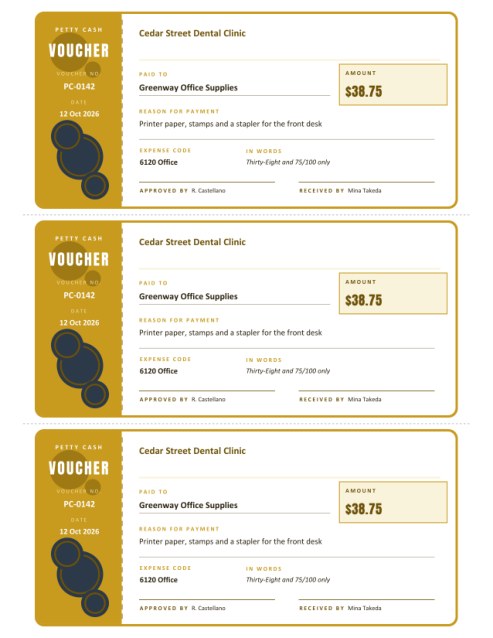
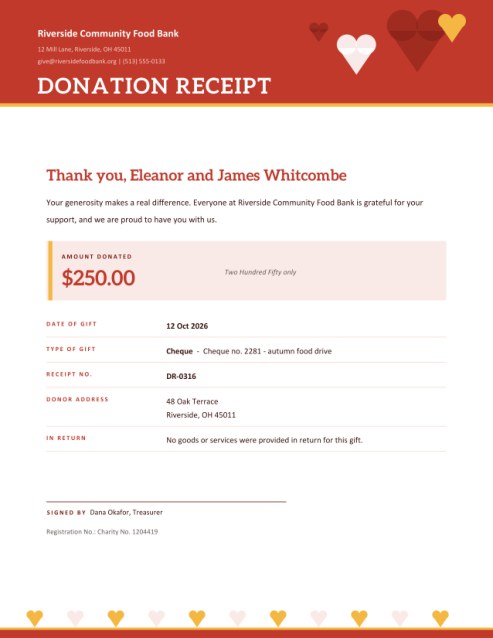
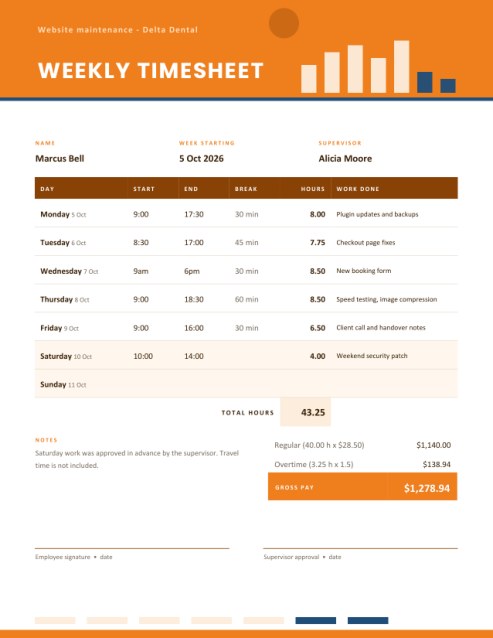
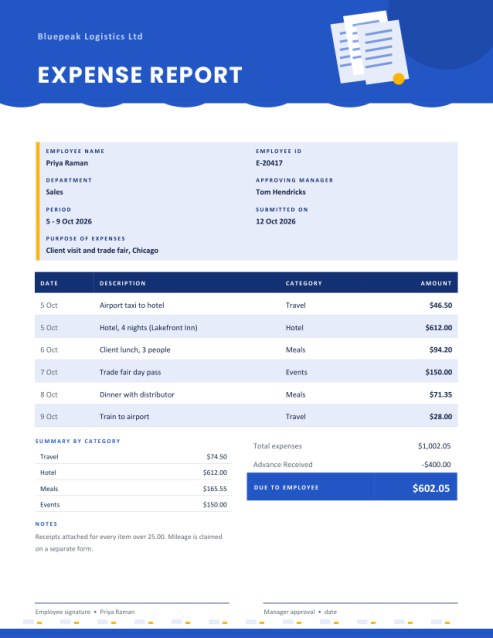
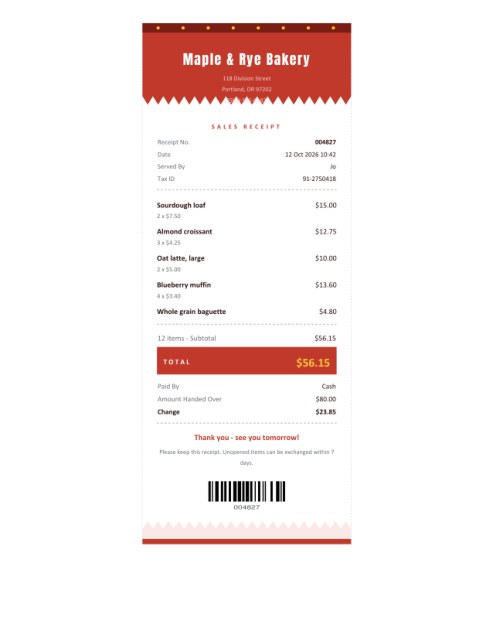
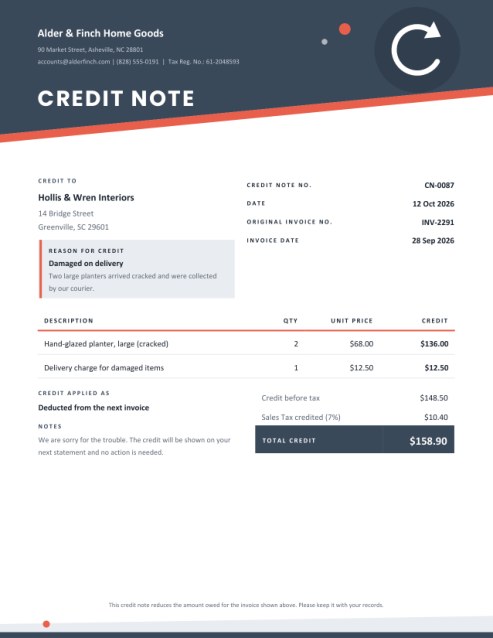
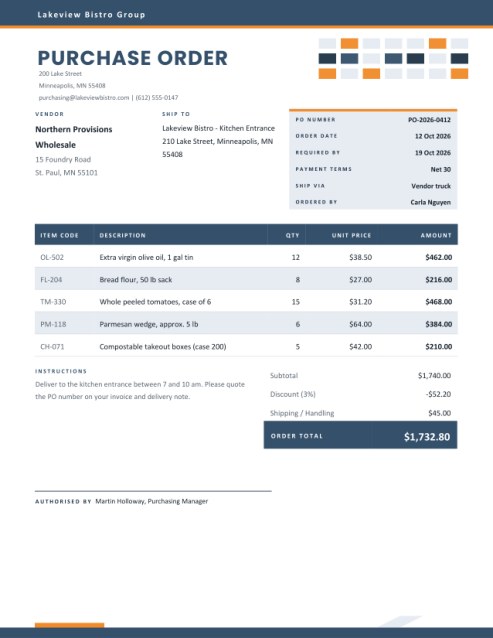
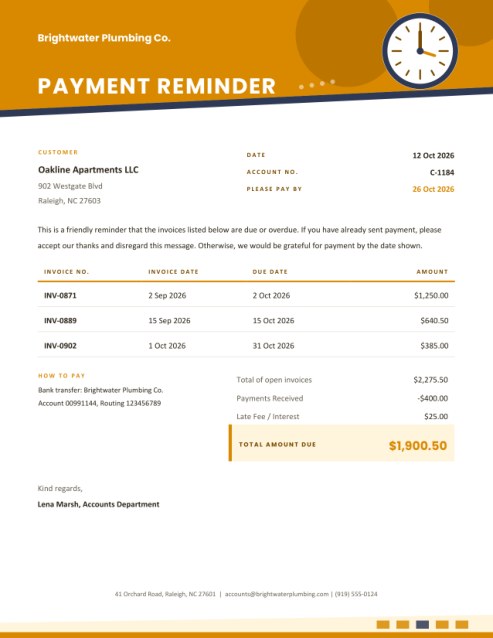
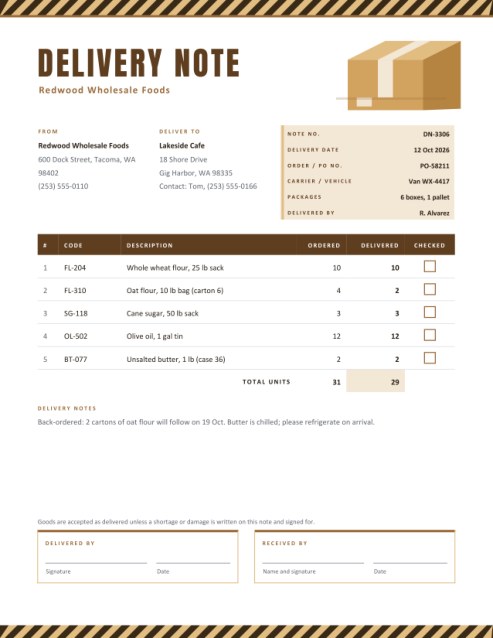
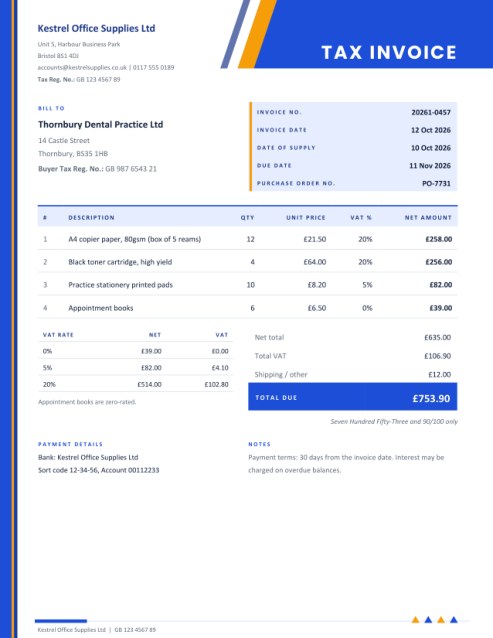
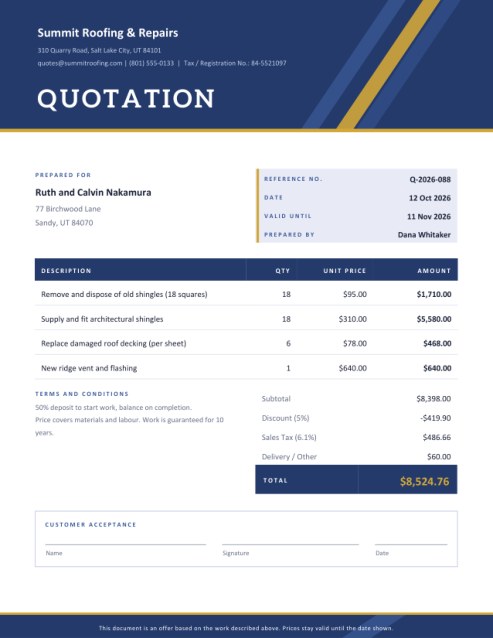

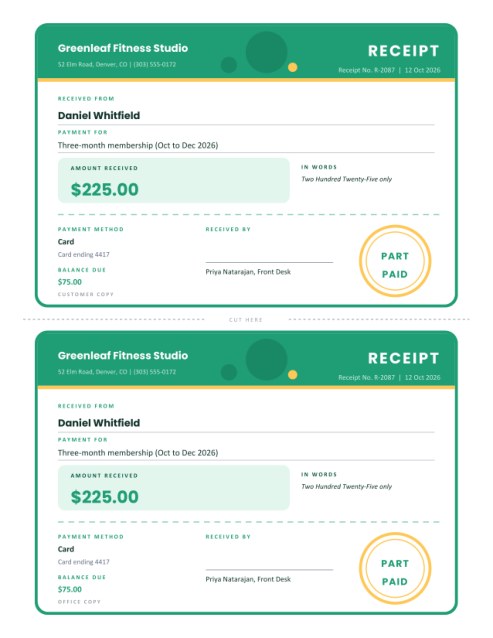
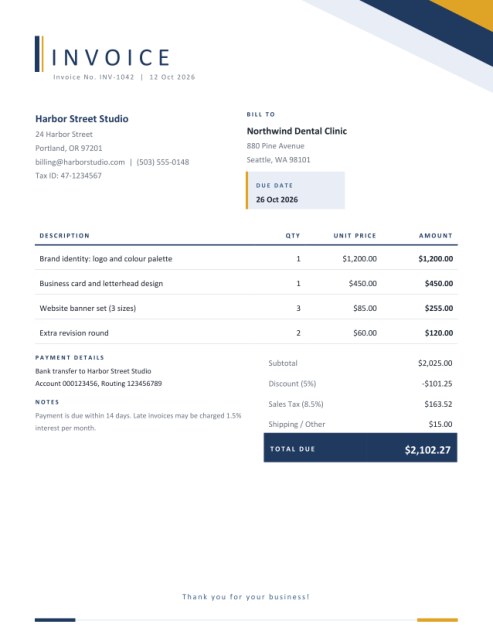
Getting paid for your time, with a layout that looks the part
When you sell hours instead of products, the invoice is often the last thing a client sees from you, and it quietly says something about how you work. A scruffy bill with unclear arithmetic suggests the same of the project. This template gives freelancers a deliberate, confident page: a wide colour header carrying your name, your specialism and your contact details, a floating card with the invoice number and dates, and a table whose header row is a solid band of colour.
The layout is meant for work that is measured. Along with the usual description column there is a quantity column that can mean hours, days, words, pages or items, and a rate column for what you charge per unit.
Choose how you bill
Under You Bill By pick the unit that matches your way of working. The column heading in the PDF changes to match.
- Hours: typical for consulting, design, development, coaching and repairs. Fractions are fine, so 4.5 hours is written as 4.5.
- Days: common for photographers, trainers, contractors on day rates and event work.
- Words: for writers, editors and translators charging per word, where the quantity may run into thousands.
- Pages: for proofreading, transcription, layout or slide-deck work.
- Items: for fixed deliverables such as logos, illustrations or videos.
Filling in the form
- About you. Add your name or studio name, a short line saying what you do (“Freelance UI/UX Designer”), and your email, phone and website. These sit together in the header. A logo, if you upload one, goes in a white rounded badge beside your name.
- Client and project. Enter who you are billing and where. The project name is optional but valuable, because it lets the client match your invoice to a budget line or purchase order.
- Dates and number. The invoice number, the issue date and the due date appear in the floating card. Empty fields are simply left out; an empty issue date becomes today.
- Work done. Describe each task in a few words, then enter the quantity and rate. The amount is calculated live next to the row. If you leave the quantity blank, one unit is assumed.
- Totals. Add a discount percentage if you offered one, a tax rate if you charge tax, and an expenses amount for costs you are passing on, such as stock images, travel or software licences.
- How to pay and notes. Put your payment options in the tinted card at the bottom left, together with any terms you want the client to see.
Writing line items that clients accept
Clients query vague lines and approve specific ones. Compare “Design work, 22 hours” with “High-fidelity UI design and clickable prototype, 22 hours”. The second answers the question of what the money bought. As a rule, start each line with the deliverable, add the scope in a few words, and keep every line short enough to fit on one row.
If different kinds of work carry different rates, give each its own line rather than averaging them. That makes the invoice easier to audit and makes it obvious what a rate rise would affect.
Expenses, discounts and tax
- Expenses are added after tax in this layout, which suits costs paid on the client’s behalf. If your local rules require tax on expenses, enter them as a normal line item instead.
- Discounts are percentages of the subtotal, handy for early-payment offers or loyalty rates, and are subtracted before tax is calculated.
- Tax is a single rate with a name you choose. Requirements differ from place to place, so check what applies to your business.
Tips for freelancers who invoice often
- Invoice at agreed milestones for long projects, not only at the end. State the milestone in the notes.
- Agree payment terms in writing before work starts and repeat them on every invoice.
- Keep a running log of hours as you work, so that your invoice is backed by evidence if a client asks.
- Match the due date to your cash flow, not just to custom. Fourteen days is a common starting point.
- Choose a colour theme that echoes your own branding so that your documents feel like part of one identity.
Themes
Violet and amber feels modern and digital. Coral and ink is warm and energetic. Emerald and gold is composed and trustworthy. Each theme recolours the header, table, totals bar and footer wave together.
Common questions
Can I bill per day and per hour on the same invoice?
Pick one unit for the table and describe the other in the line text, for example “Workshop day (8 hours)”.
Can I show a deposit already paid?
Add a negative price on a separate row, such as “Deposit received” at -500.
Will long descriptions fit?
Descriptions are limited to 90 characters so rows stay tidy.
Can I use a different currency?
Yes, type any symbol into the currency box.
Is it free?
Yes, create and download as many as you need.