

Create Yearly Wall Calendar
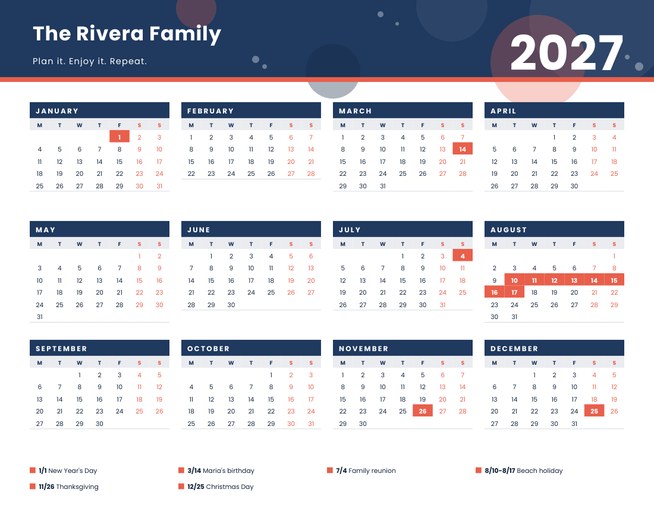
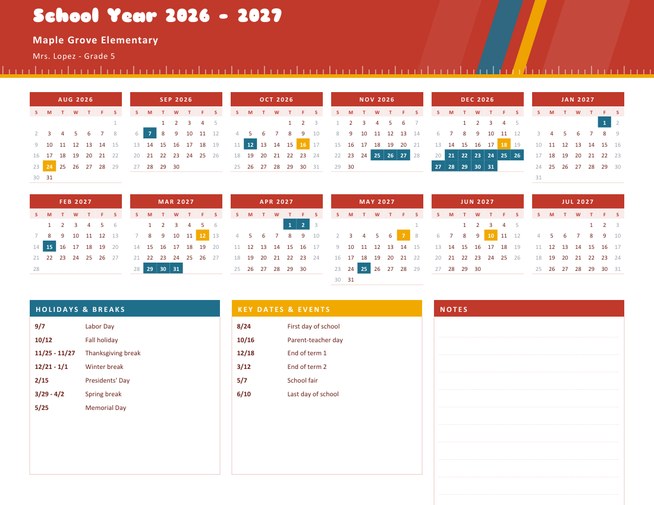
A whole year on one landscape page: twelve small months in a tidy 4 by 3 grid under a coloured header with your title and a big year. Highlight birthdays, holidays and trips, and they are filled in on the grid and listed underneath.
Choose any year, pick whether weeks start on Monday or Sunday, add a logo if you like, and download a Letter-size PDF to print and pin up.
Fill in the information below
New here? Use the button above to fill in an example, then change it to your own details.
Rate this template
Used it? Tap a star. Honest ratings help others choose.
You May Also Like
Templates from other categories that people often use together with this one.

Other Similar Templates
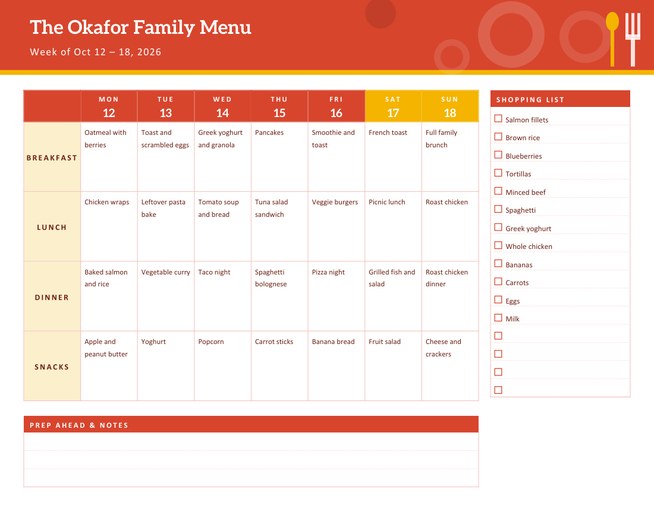
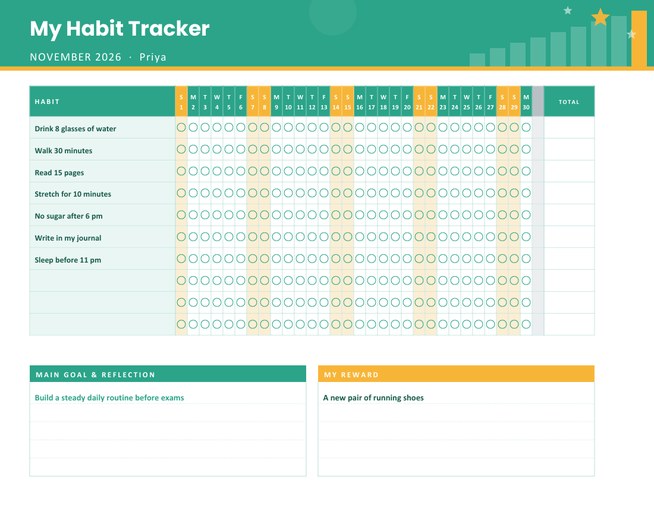
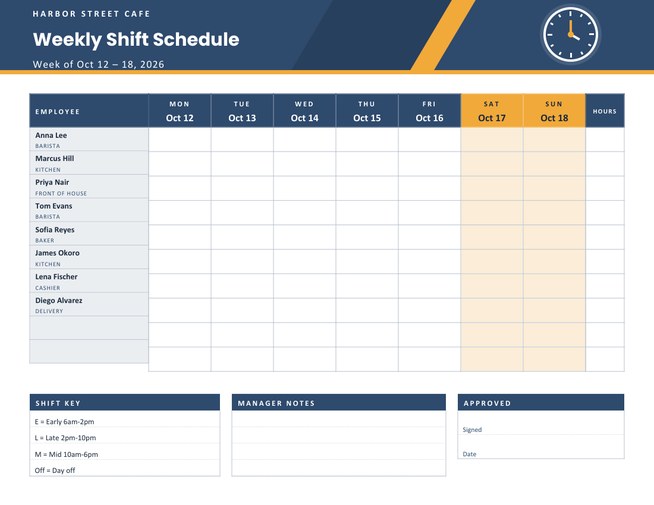
More designs from the same collection, Free Printable Calendars and Planners. If this one is not quite what you need, one of these may be.


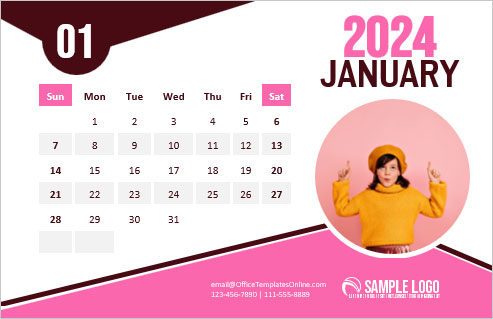
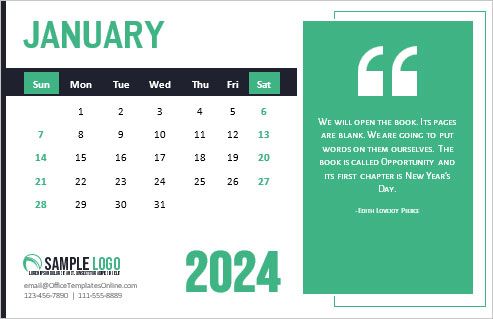
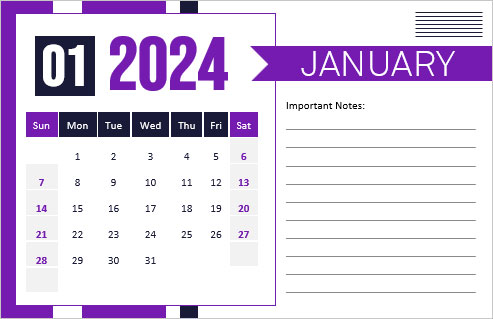
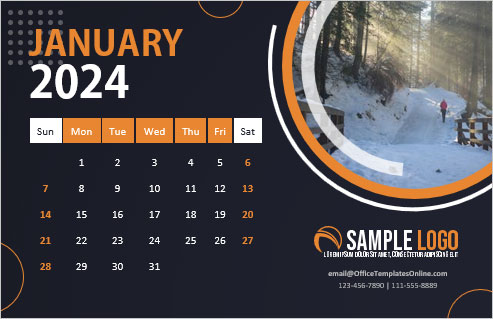
The calendar you look at without opening anything
A phone calendar is great for reminders, but it only ever shows you a few weeks at a time. A wall calendar shows the shape of the whole year: where the busy months are, how far away the summer break is, whether the two weddings fall on the same weekend. This template is built for that view. All twelve months sit on one landscape sheet, each in its own compact grid, so you can see the year at a glance from across a room.
The dates are worked out from the year you choose, including leap years, so February always has the right number of days and every weekday lines up. You can print it for the current year, for next year (the form offers years from last year to eight years ahead) or for a past year if you are making a record.
How to make yours in a few minutes
- Press “Load sample data” if you want to see a finished example first. Every box fills with example text, and you can overwrite any of it.
- Choose the year, the first day of the week and a colour theme. Monday-first suits most of the world, Sunday-first is the usual choice in the United States and Canada.
- Type a title and a subtitle. “The Rivera Family”, “Room 12 Class Calendar” or “Bluebird Bakery” all work. The title can be up to 34 characters and the line under it up to 48.
- List the dates to highlight (see below), upload a logo if you want one, then press Preview and Download.
Highlighting the dates that matter
The highlight box takes one entry per line, with the month and day first and then a short label. A single day looks like 03/14 Maria’s birthday. A period looks like 08/10-08/17 Beach holiday, and every day in the range is filled in. You can add up to twelve lines. Highlighted days are filled with the accent colour of your theme, and the labels are printed in a key under the months, four to a row, so the calendar explains itself.
Dates are written month first, then day, so 12/25 means December 25th. If a line cannot be read, for example because the month is 13, it is simply skipped.
Four colour themes
- Navy and coral is crisp and office-friendly.
- Forest and gold feels calm and works well in a kitchen or study.
- Plum and peach is warmer and a little more playful.
- Slate and teal is neutral and modern, a good match for a shop or studio.
Weekend dates are printed in the accent colour in every theme, so Saturdays and Sundays are easy to spot when you plan around them.
Ideas for using it
- A family calendar on the fridge with birthdays, school holidays and the annual trip highlighted.
- A classroom or club calendar with term dates and events, with the school or club logo in the header.
- A small-business calendar that shows closing days, stocktakes and promotions, given to customers at the start of the year.
- A project overview in an office, with launch week and deadlines highlighted.
Printing and displaying
The page is US Letter landscape, 11 by 8.5 inches. On A4 paper choose “fit to page” in the print dialog. Plain 90 to 120 gsm paper prints the grid cleanly; for a wall calendar that will hang all year, 160 gsm card stock is sturdier. If you want to enlarge it, a copy shop can print the PDF at A3 or tabloid size without losing sharpness, because the dates and shapes are vector-based.
Keep the highlight list short enough to read at a glance. If you have more than twelve things to show, highlight only the most important ones and write the rest in by hand with a pen.
Questions people ask
Can I print a calendar for a past or future year?
Yes. The year list runs from last year to eight years ahead, and the weekdays are calculated for whichever year you choose.
Does it handle leap years?
Yes. February gets 29 days in leap years such as 2028 and 28 days otherwise, and the weekdays shift correctly.
Can I start the week on Sunday?
Yes. Use the “Week Starts On” list to choose Monday or Sunday, and the weekday letters and grids rearrange themselves.
What happens if I leave the highlight box empty?
The calendar prints without highlights and without a key, which leaves a clean margin at the bottom of the page.
Can I add a school or company logo?
Yes. Upload a PNG, JPG or SVG; it appears in a white badge at the left of the header, and the title moves across to make room.
Is the calendar free to print and give away?
Yes. Printing for your family, class or customers is fine. Please do not present the PDF as an official calendar of any organisation you do not represent.