

Create Weekly Chore Chart
A bright weekly chore chart with a row for each chore, a colour-coded name for each person, seven tick circles for the days of the week, a stars column and a reward box.
Pick any week, type the chores as “Make the bed | Mia”, set a reward and a star target, and download a Letter-size landscape PDF.
Fill in the information below
New here? Use the button above to fill in an example, then change it to your own details.

Rate this template
Used it? Tap a star. Honest ratings help others choose.
You May Also Like
Templates from other categories that people often use together with this one.

Other Similar Templates
More designs from the same collection, Free Printable Calendars and Planners. If this one is not quite what you need, one of these may be.
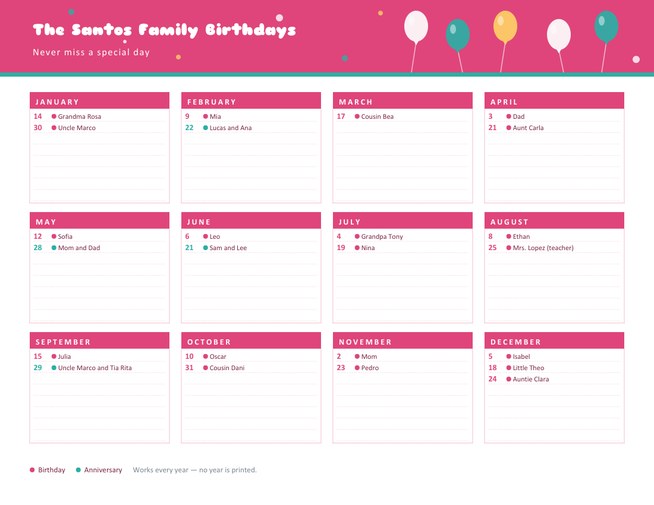
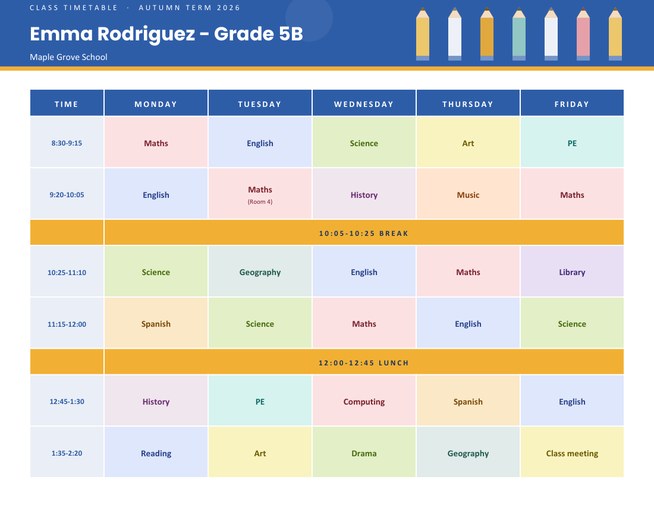
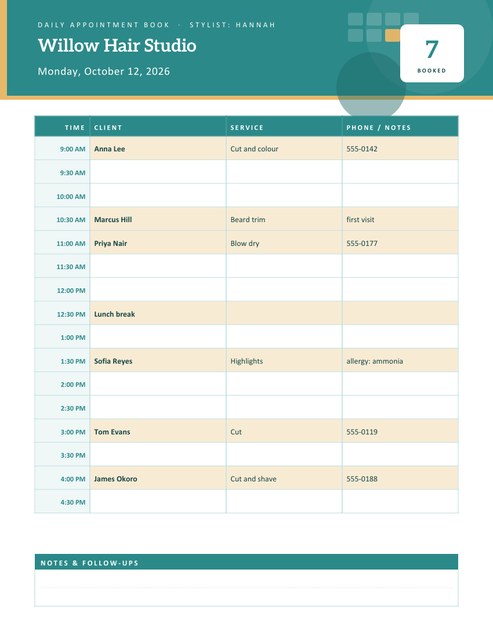
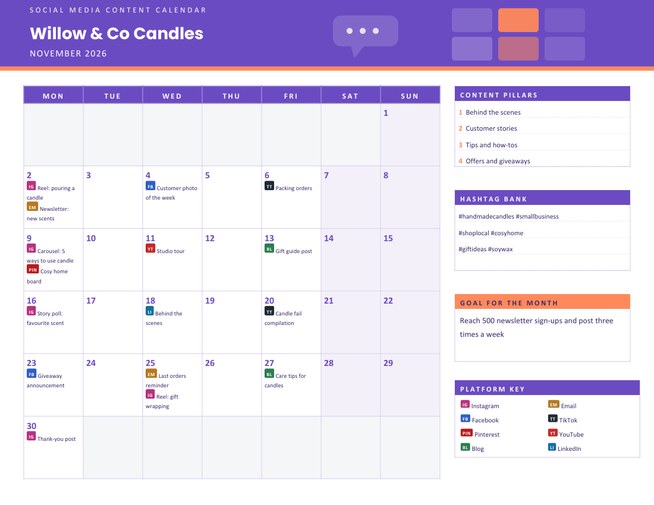

Make the jobs visible, and the nagging goes down
Household jobs often go undone not because nobody is willing, but because nobody is sure whose turn it is. A written chart removes the guesswork. Everyone can see what needs doing today, who agreed to do it and whether it has been done. For children, a chart also turns an invisible expectation into something concrete they can tick off, which many find motivating.
This chart is built as a week-at-a-glance. The chores run down the page, the days run across it, and each day has a circle to colour in when the job is done.
Setting up the chart
- Name the chart, for example “The Garcia Family Chores” or “Flat 3 Cleaning Rota”.
- Choose the week. Pick any date in the week, then decide whether the week starts on Monday or Sunday. The seven dates are filled in for you, with the weekend columns in the accent colour.
- Choose the number of rows: 8, 10 or 12. Fewer rows give taller, easier-to-tick rows.
- Type the chores, one per line, with the chore first, then a vertical bar (the | character) and the person’s name: Feed the dog | Leo. Leave the name off if anyone can do the job.
- Add a reward and, if you like, the number of stars needed to earn it.
What the colours and columns mean
- Each person’s name appears in a coloured cell. The colour is assigned automatically in the order the names appear, so Mia, Leo and Dad each stand out and the same person always has the same colour.
- The seven circles are for ticking or colouring when the job is finished on that day.
- The Stars column at the right is empty: write the number of days completed, or stick a star sticker for each one, and add them up at the end of the week.
- The reward box shows your reward in large type and, if you set a target, the sentence “Earn 30 stars to unlock it!”.
- A short notes area is left for swaps, special requests and reminders.
Chore ideas by age
- Ages 3 to 5: put toys in a basket, help to feed a pet, carry plates to the sink, water a plant.
- Ages 6 to 9: make the bed, set and clear the table, tidy a room, sort the laundry.
- Ages 10 to 13: wash dishes, take out the rubbish, vacuum, help with simple cooking.
- Teenagers and adults: clean the bathroom, mow the lawn, do the shopping, prepare a family meal once a week.
Making a chart that works
- Agree the chores together. People keep to a plan they helped to write.
- Be fair. Rotate the jobs nobody likes, and give adults their share of rows.
- Keep it small. A few clear jobs a day beat a long list nobody finishes.
- Praise effort, not only perfection, and let the reward be something shared, such as a film night or a trip to the park.
- Review weekly. Look at the circles together, then swap or change the chores that did not work.
Beyond the family home
The same chart works for flatmates sharing a kitchen, for a class monitor rota, for a scout troop’s camp duties, and for care workers who need to show which household tasks were done each day. Rename the title, change the chores and the colour theme, and you have a new chart in a minute.
Printing and displaying
The page is US Letter landscape. Print on card stock and keep it on the fridge with magnets, or laminate it and use a dry-erase pen to reuse the same sheet every week. Four colour themes are available: sunny orange with sky blue, mint with tangerine, berry with honey and sky blue with coral.
Questions people ask
How do I assign a chore to a person?
Type the chore, a vertical bar and the name on the same line, for example “Set the table | Mia”. The name is printed in a coloured cell beside the chore.
Can two people share a chore?
Yes. Put both names in the name part, for example “Mia and Leo”, or write “Everyone”.
How many chores can I list?
Up to twelve. Choose 8, 10 or 12 rows in the form; the circles and the stars column are printed for every row.
What is the Stars column for?
It is left blank for you to write or stick the number of completed days beside each chore, then add the stars up for the weekly reward.
Does the chart include pocket money?
No. It has a reward box, but it does not calculate money. How you reward effort is up to you.
Can I use it every week?
Yes. Change the date, keep the chores and download a new copy, or laminate one copy and wipe it clean each week.