

Create Christmas Shopping and Budget Planner
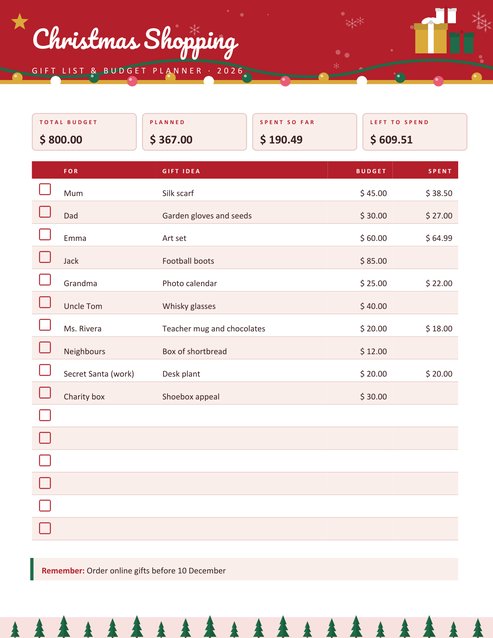
A one-page gift list and budget tracker for the holiday season. Type up to 16 lines of person, gift idea, budget and amount spent; the page adds the figures and shows four summary boxes (total budget, planned, spent so far, left to spend) above a tidy table with a tick box on every row.
Choose a currency, a title, a year and one of four colour themes. A reminder bar sits at the bottom of the page.
Fill in the information below
New here? Use the button above to fill in an example, then change it to your own details.
Rate this template
Used it? Tap a star. Honest ratings help others choose.
You May Also Like
Templates from other categories that people often use together with this one.
Other Similar Templates
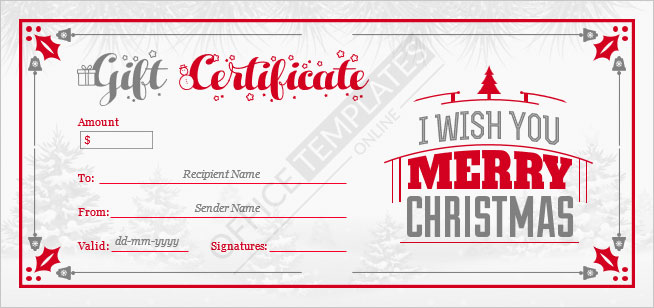
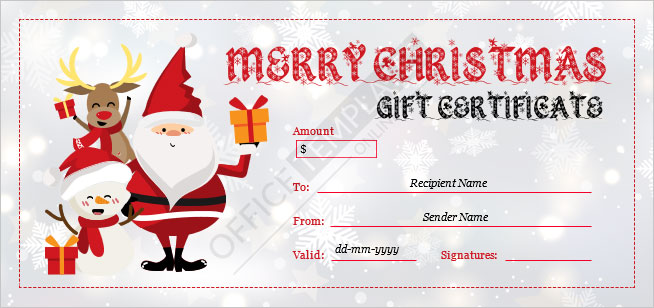
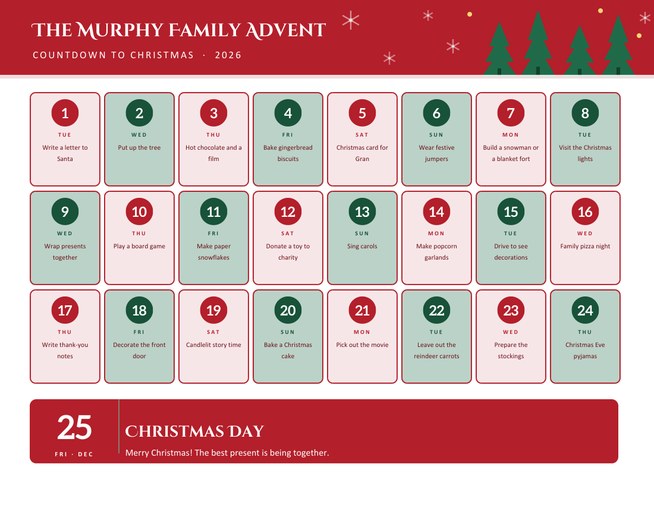
More designs from the same collection, Free Printable Christmas Templates. If this one is not quite what you need, one of these may be.
Know the number before the shops open
Most people do not overspend at Christmas on purpose. It happens through dozens of small decisions: a gift for a colleague you forgot, a stocking filler that turns into three, a second present for the child who “looked disappointed”. The only reliable cure is a list that shows everyone you plan to buy for and what you can afford for each. This planner puts that list, and the running total, on a single page.
The four boxes along the top are filled in for you. Total budget is the figure you decide at the start. Planned is the sum of the budgets on each row. Spent so far adds the amounts you have actually paid. Left to spend is the first minus the third, and it turns into Over budget, in red, if you go past your limit.
Setting up your list
- Choose a title and year. The default is “Christmas Shopping”, but a family name works as well.
- Select your currency. The symbol appears in the boxes and every amount. Dollar, pound, euro, yen, rupee, dirham and several others are on the list.
- Decide the total budget if you have one. It is optional; without it, the box for what remains stays empty.
- Write the gifts. One line per person in the pattern Name | Gift idea | Budget | Spent. Leave the last two off when you are only brainstorming.
- Use the reminder bar for a deadline, such as “Order online gifts before 10 December”.
- Download, print and keep it in your bag. Come back and generate a new version once the figures change.
How the amounts are understood
You can type amounts in the way you normally write them: 45, 38.50, 1,200 or 12,5. Currency signs and spaces are ignored. If both a comma and a full stop appear, the one that comes last is treated as the decimal point. Totals are rounded to the cent, and anything that is not a number simply counts as blank.
Planning habits that keep the total down
- Start with the people, not the presents. Write every name first, even if you do not yet know what to buy. You will be surprised how many you almost forgot.
- Set a per-person ceiling, then lower it for the extended list. Many families agree a single amount per child and a smaller one for adults.
- Add the hidden costs. Wrapping, postage, batteries and the card to go with each gift are small but real. Make a last row for “extras”.
- Tick as you buy. The box on every row is for a pen. A page with every box ticked is a good feeling.
- Review on the first of December. Print an updated page with the actual amounts and decide whether to trim any remaining lines.
Related pages for the same job
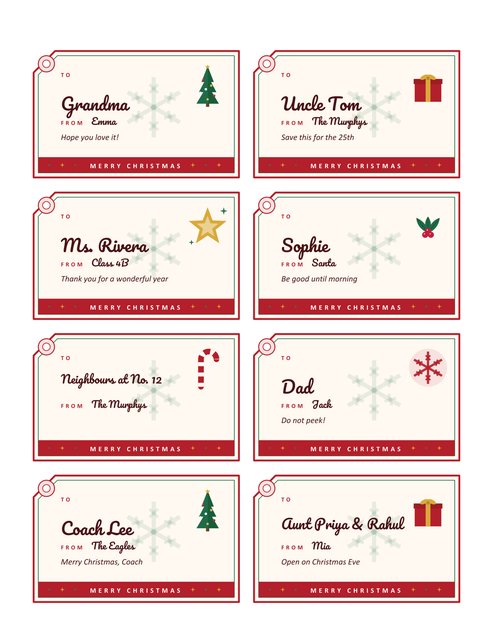
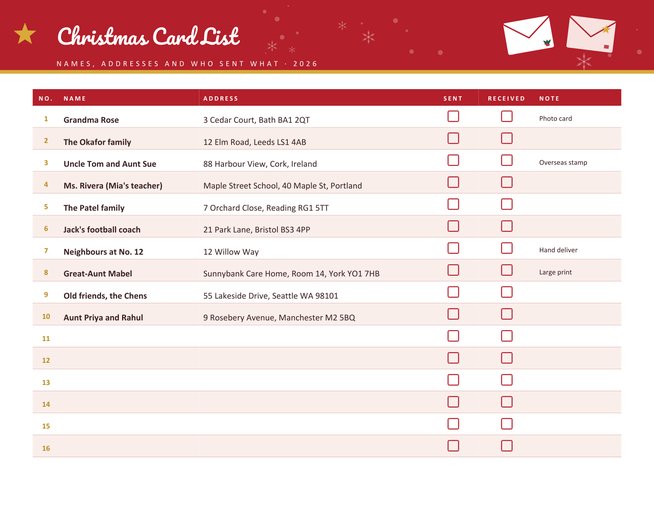
When the gifts are bought, label them with the Christmas gift tags and keep the cards organised with the card address list. If you also have regular bills to schedule through December, the bill payment calendar shows what is due and when.
Reading the page
The top of the page is a banner with a garland and a pile of presents. The table has five columns: a tick box, For, Gift idea, Budget and Spent. Rows alternate between white and a very light tint, which makes it easy to follow a line across. The bottom edge is a strip of small fir trees. The layout is designed to print on a standard office printer without clipping at the margins, and the light rows use very little ink.
Questions people ask
How many gifts can I list?
Sixteen lines fit on the page. If you have more, create a second page and divide the list by branch of the family or by month.
Do I need to fill in every column?
No. Only the name is required. Budget and Spent can be added later and printed on a fresh copy.
Why does my total look different from my calculator?
Check that every amount uses the same decimal style. A typing slip, such as 2.5.0, is read as zero. The page ignores letters, currency signs and spaces.
Can I use it for another holiday or event?
Yes. Change the title to “Birthday Gifts”, “Wedding Shopping” or “Eid Presents”. The festive artwork stays, but the columns are general.
What does “Over budget” mean?
It shows when the amount spent is more than the total budget you entered. The figure is the amount of the overspend.
Will it print in black and white?
Yes. The red and navy headers become dark grey, and the table and boxes stay clear.