

Create Bill Payment Calendar
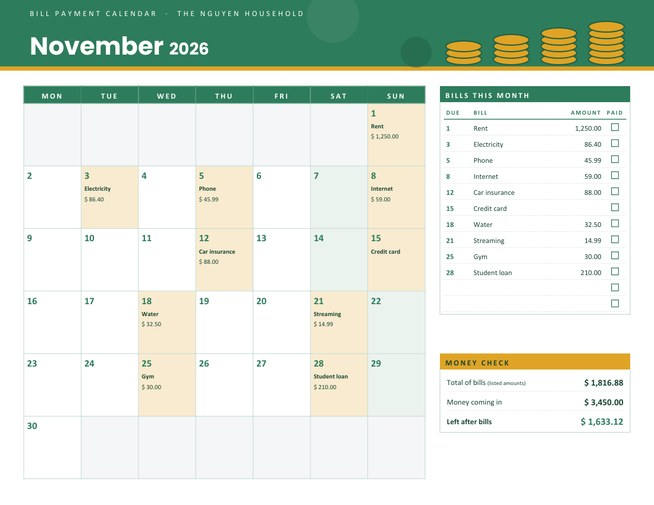
A monthly bill calendar that shows every payment on its due date, with a checklist of bills and a money check that adds up your total and subtracts it from the money coming in.
Choose the month, your currency and a colour theme, type your bills as “5 Phone 45.99”, and download a Letter-size landscape PDF.
Fill in the information below
New here? Use the button above to fill in an example, then change it to your own details.
Rate this template
Used it? Tap a star. Honest ratings help others choose.
You May Also Like
Templates from other categories that people often use together with this one.


Other Similar Templates
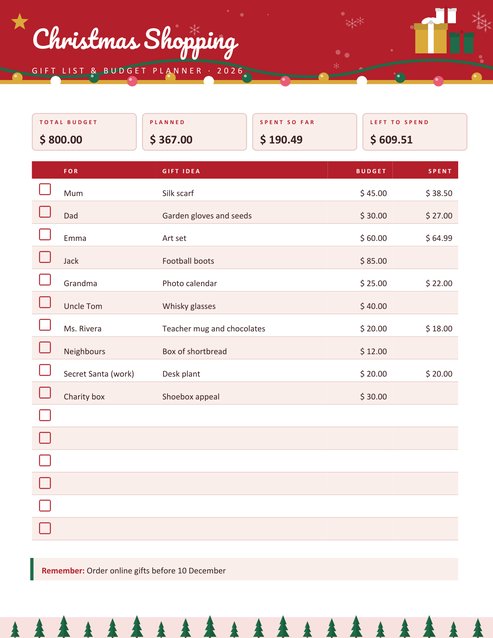
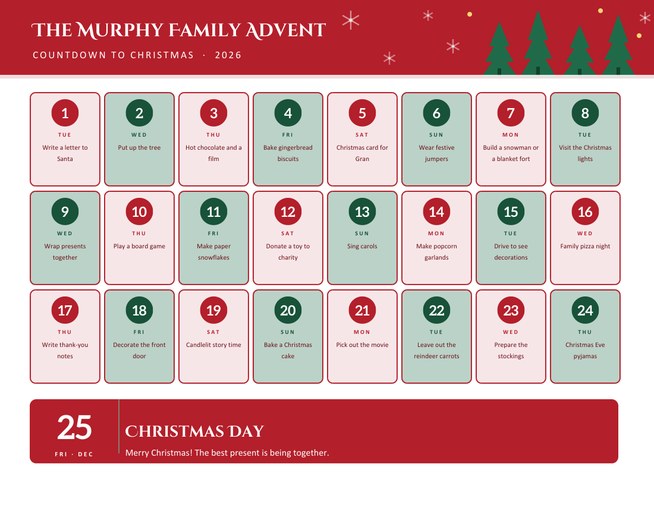
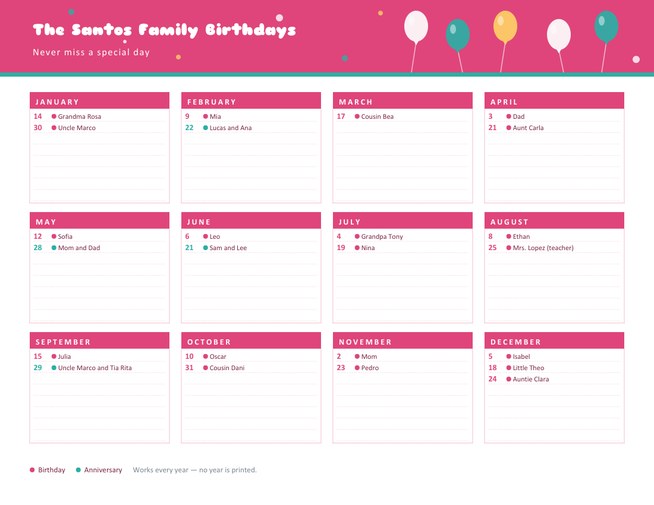
More designs from the same collection, Free Printable Calendars and Planners. If this one is not quite what you need, one of these may be.


See the month before the bills arrive
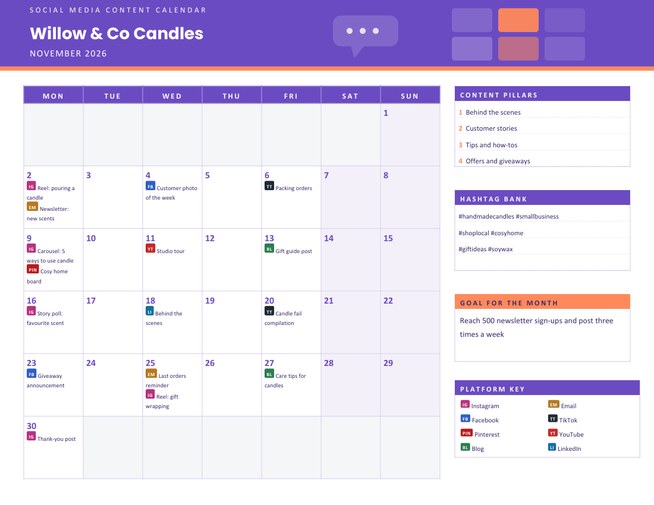
Most late fees are not caused by a lack of money, but by a missed date. A rent payment sits on the first, a phone bill on the fifth, a card payment in the middle of the month, and none of them reminds you at the same moment. A printed bill calendar puts every due date in one place, so you can see how the payments fall across the month and which weeks are heavy.
This template goes one step further than a blank grid. You type your bills and amounts, and the page does the arithmetic: each bill is printed inside its due-date box, listed on the right with a tick box, and totalled in a small Money Check panel.
Setting it up
- Choose the month and year, and whether the week starts on Monday or Sunday.
- Pick your currency symbol from the list: dollar, pound, euro, yen or yuan, rupee, dirham, rand, shilling, naira and several dollar variants.
- Add a household or business name if you want one in the header.
- Enter the money coming in this month (optional). It is used for the “left after bills” line.
- Type your bills, one per line: the day of the month first, then the name, then the amount if you know it. Examples are 1 Rent 1250, 5 Phone 45.99 and 15 Credit card.
How the numbers are worked out
Each amount is rounded to the cent. The total of bills is the sum of the amounts you entered; a bill without an amount is still shown on its date and in the list but adds nothing to the total, and the panel says it is the total of the “listed amounts”. Money coming in is whatever you typed. Left after bills is the second minus the first, and it turns red if it is negative. You can enter up to twelve bills, and a day box shows up to three of them.
The calculation happens when the PDF is made, so the figures always match the list printed beside them.
What the page looks like
- A coloured header with a stack of coins, the month in large type and your household name.
- A full month grid. Days that have a bill are tinted with the accent colour, weekends have a pale tint, and empty boxes before and after the month are grey.
- A Bills This Month list with the due day, the bill name, the amount and a tick box for when it is paid.
- A Money Check panel with the three totals.
Habits that make a bill calendar work
- Print it on the day your income arrives, so the month is planned before you spend anything.
- Tick bills as you pay them, and write the date paid next to anything that is disputed.
- Move due dates if you can. Many providers let you shift a bill to just after pay day.
- Keep a small buffer. If “left after bills” is close to zero, any surprise will hurt.
- Look at the heavy weeks. If four bills fall in one week, ask whether any can move.
Who uses it
Households that want a calm monthly overview, students sharing a flat who split the rent and utilities, freelancers who track their own business costs, landlords with a few properties, and families helping an older relative stay on top of their payments. Small clubs and societies can use it for subscriptions and hall hire.
Good to know
This page is an organiser, not financial advice. It does not connect to your bank and it does not remind you of anything, so the printed copy is only as good as the dates you give it. Check amounts against your statements, and keep the printed sheet somewhere private, since it shows what you earn and spend. The page is US Letter landscape; use “fit to page” for A4.
Questions people ask
Can I leave the amount off a bill?
Yes. A bill without an amount is still placed on its date and listed, but it is not added to the total. This suits bills that change every month.
Which currencies are supported?
You can choose the dollar, pound, euro, yen or yuan symbol, or the codes Rs, AED, CAD, AUD, NZD, R, KSh and N. The symbol is printed beside each amount.
What happens if my bills are more than my income?
The “Left after bills” figure is shown with a minus sign and in red, so a shortfall is easy to see.
How many bills can I enter?
Up to twelve. Each day box shows up to three bills, and all of them appear in the list on the right.
Does it store my financial information?
The details you type are used only to make your PDF and are removed from our server shortly afterwards, as set out in our privacy policy. Do not enter bank account or card numbers.
Can I print one for every month?
Yes. Change the month, and the bills you typed stay in the form so you can adjust only what changed.