

Create Daily Planner
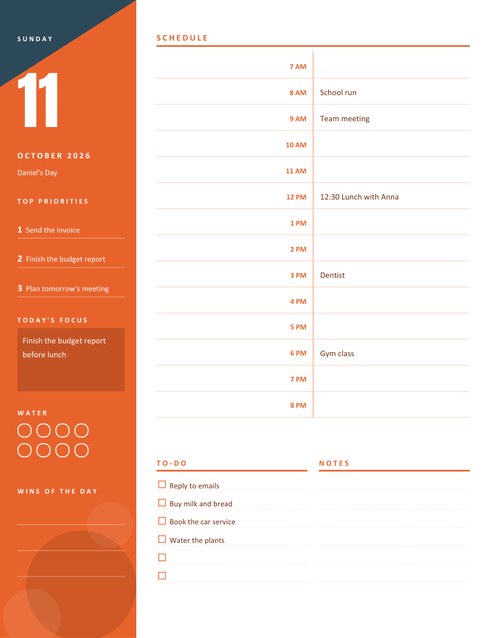
A portrait day planner with a bold coloured sidebar showing the date, your top priorities, today’s focus and a water tracker, beside an hour-by-hour schedule, a to-do list and notes.
Type your appointments as “9 Team meeting” or “3 pm Dentist” and each one lands in the right hour row.
Fill in the information below
New here? Use the button above to fill in an example, then change it to your own details.
Rate this template
Used it? Tap a star. Honest ratings help others choose.
You May Also Like
Templates from other categories that people often use together with this one.

Other Similar Templates
More designs from the same collection, Free Printable Calendars and Planners. If this one is not quite what you need, one of these may be.
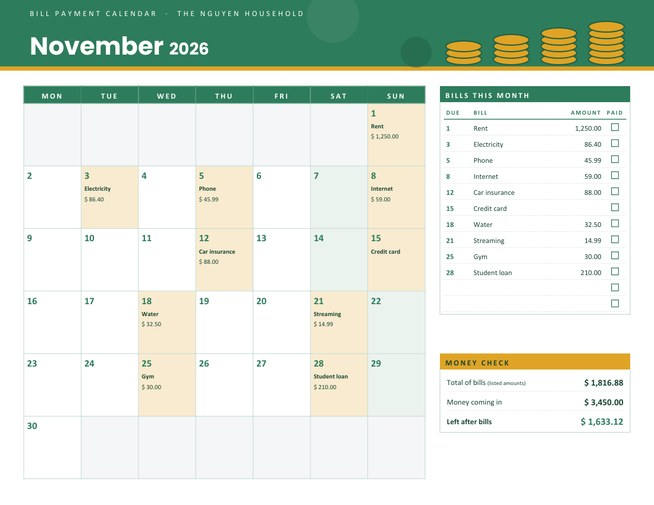
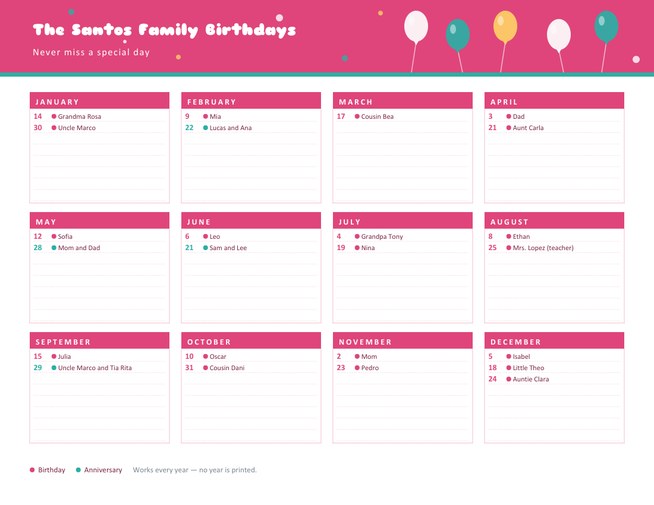
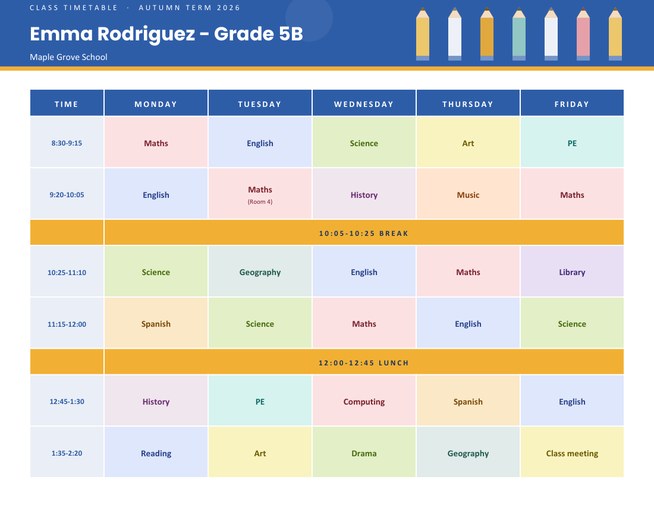

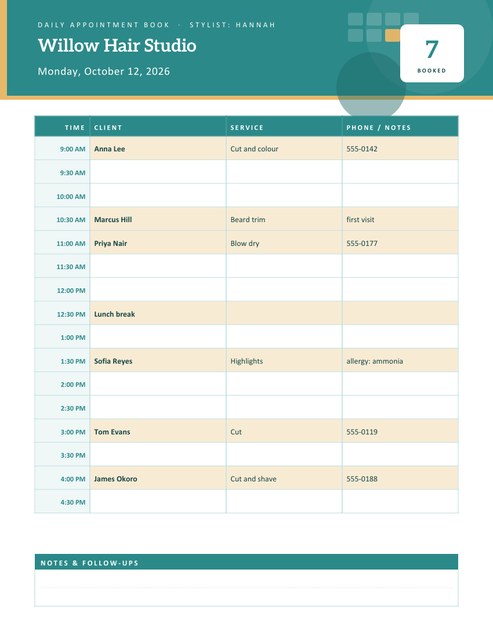
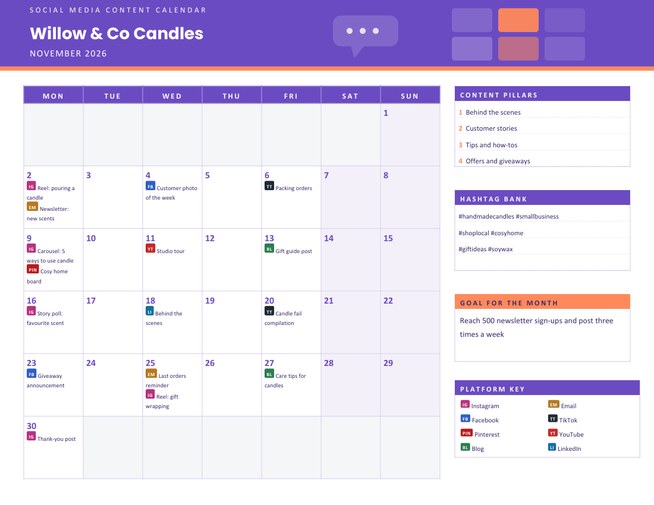
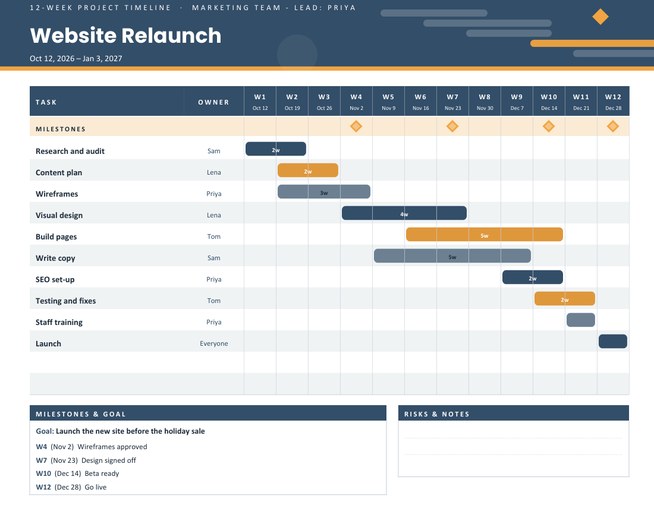
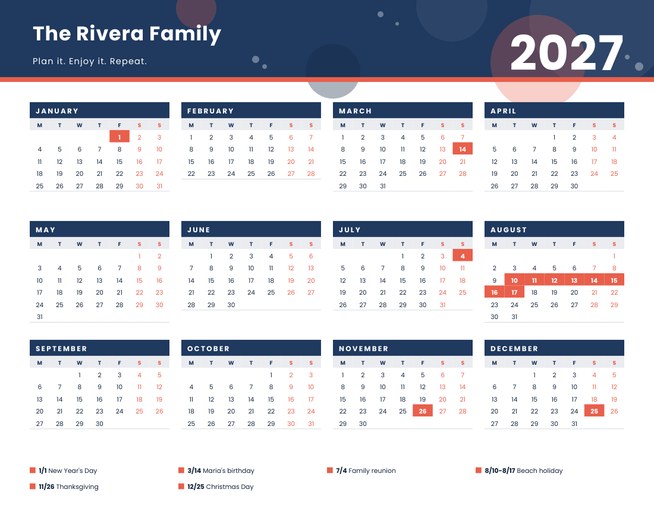

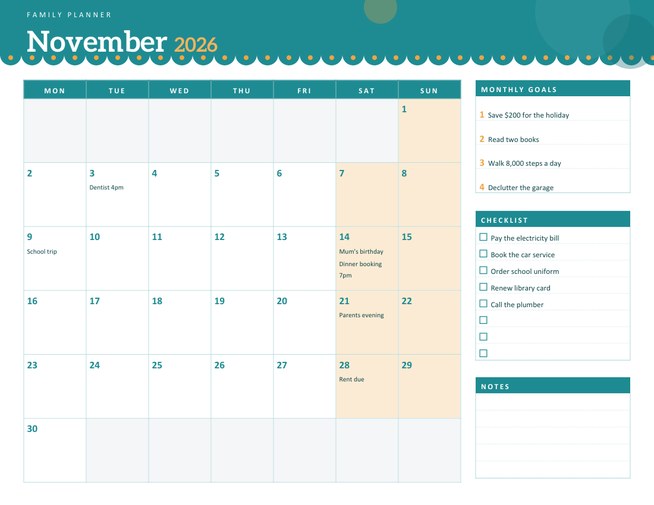
A day you can see from morning to night
Some days are not a list; they are a timetable. Meetings, school runs, a lesson at four and a call at seven all compete for the same hours, and the only way to see whether it all fits is to lay it out on a page. This planner does exactly that. The right-hand side is a schedule with one row for every hour you choose, and the left-hand sidebar keeps the date, your priorities and your focus for the day in view.
Fill it in step by step
- Pick the date with the month, day and year lists. The sidebar shows the weekday, a large day number and the month and year.
- Choose your hours. The first hour can be from 4 AM to 12 noon and the last hour from 2 PM to 11 PM, so the schedule can be a short working afternoon or a long day of up to twenty rows. The rows share the page height, so a shorter day gets taller, roomier rows.
- Choose a 12-hour or 24-hour clock. Labels read 7 AM or 07:00.
- Type your appointments in the schedule box, one per line (see the next section).
- Add priorities, a focus line and a to-do list if you want them printed. Anything you leave empty stays blank for handwriting.
Appointments that place themselves
Write the hour first, then the plan. All of these are understood: 9 Team meeting, 12:30 Lunch with Anna, 3 pm Dentist and 18 Gym class. A time without am or pm that falls before your first hour is treated as an afternoon time if that fits your schedule, so with a 7 AM start, “3 Dentist” lands in the 3 PM row. Minutes are kept in the text (“12:30 Lunch with Anna” appears in the 12 PM row), and two entries for the same hour share the row. Entries outside the hours you chose are ignored, so check the first and last hour if something seems to be missing.
The sidebar, section by section
- Top priorities. Up to three numbered lines. Decide these before the day begins.
- Today’s focus. One sentence in a darker panel, such as “Finish the budget report before lunch”.
- Water. Eight circles to colour in, one per glass, for people who forget to drink anything until four o’clock.
- Wins of the day. Three lines for the things that went well, to be written in the evening.
Under the schedule, the to-do list has six tick boxes and the notes area has six ruled lines.
Who it suits
Students with a heavy timetable, parents managing school runs and activities, freelancers who book their own time in blocks, nurses and shift workers planning rest and chores around a roster, and anyone preparing for an exam or an event day. A daily planner is also a friendly way to try time-blocking, where you give every task a slot instead of leaving it on an endless list.
Tips for a plan that survives the day
- Leave one row empty in the middle of the day. Things overrun, and a spare hour absorbs them.
- Put the most demanding task in the hour when you are usually sharpest.
- Write travel time into the schedule as its own entry; it is the most common reason a day falls apart.
- Keep the three priorities honest. If something is not on the list by lunchtime, it is probably not a priority.
Print and file
The page is US Letter portrait and prints well in colour or greyscale. Four colour themes are available: tangerine with slate, indigo with gold, emerald with amber and rose with apricot. The sidebar is a solid band, so choose a lighter theme if you print many copies and want to save ink. A stack of printed days makes a good paper diary for a busy month.
Questions people ask
How many hours can the schedule show?
Up to twenty, from 4 AM at the earliest to 11 PM at the latest. The rows share the page height.
What if I type an appointment outside my chosen hours?
It is left out of the schedule. Change the first or last hour and the entry appears.
Does it support a 24-hour clock?
Yes. Choose “24-hour” in the Clock list and the rows read 07:00, 08:00 and so on.
Can I write more than one thing in the same hour?
Yes. Add two lines that start with the same hour and they appear together in that row, separated by a slash.
Is there room for handwriting?
Yes. Rows, the to-do list and the notes area are all sized for pen writing.
Can I print a different date on every copy?
Yes. Change the date and download again; the other fields stay as you left them.