

Create Monthly Planner with Goals and Checklist
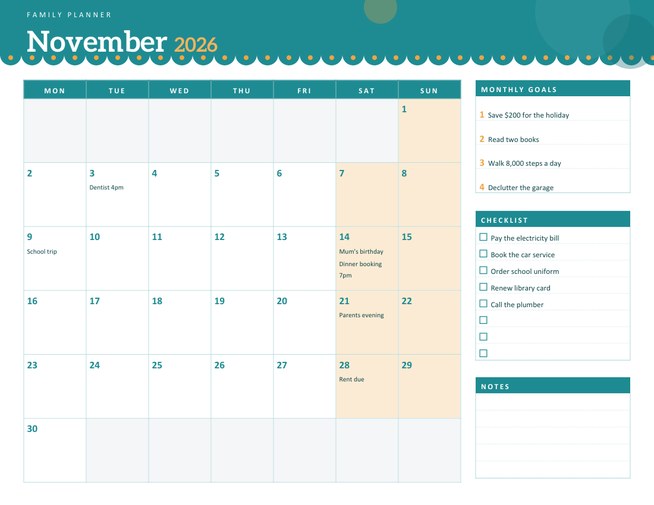
A landscape monthly planner with large day boxes, a scalloped coloured header, and a side panel for monthly goals, a checklist and notes. Type short notes for particular days and they print inside the matching boxes.
Choose any month and year, start the week on Monday or Sunday, and download a Letter-size PDF.
Fill in the information below
New here? Use the button above to fill in an example, then change it to your own details.
Rate this template
Used it? Tap a star. Honest ratings help others choose.
You May Also Like
Templates from other categories that people often use together with this one.

Other Similar Templates
More designs from the same collection, Free Printable Calendars and Planners. If this one is not quite what you need, one of these may be.
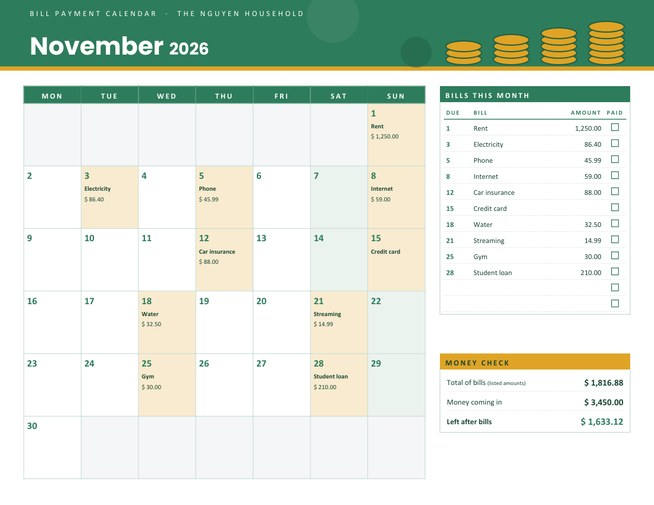
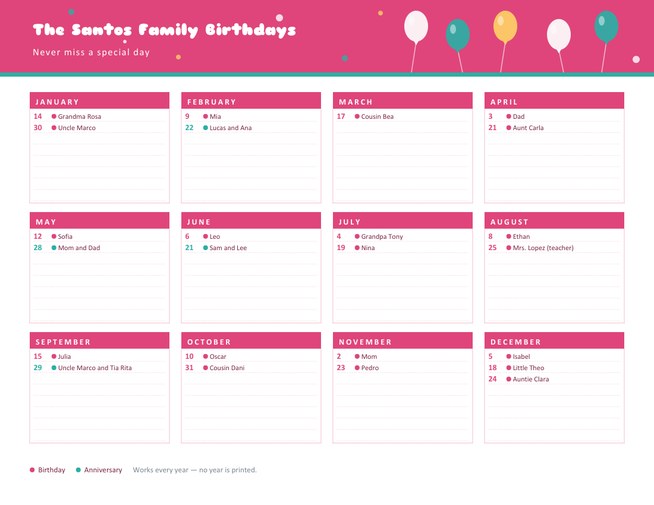
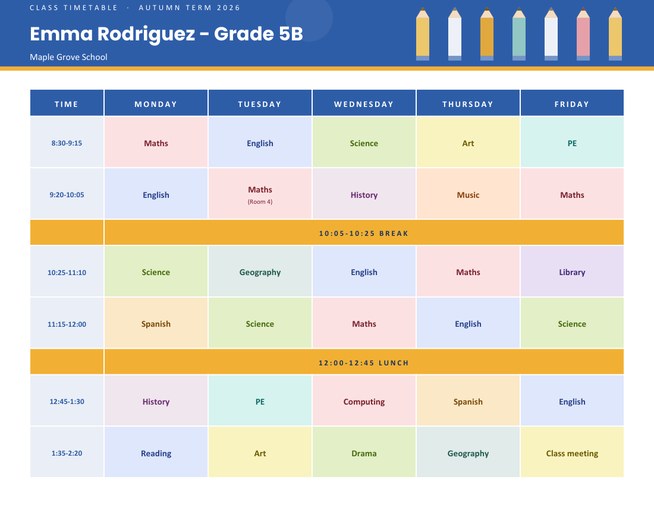

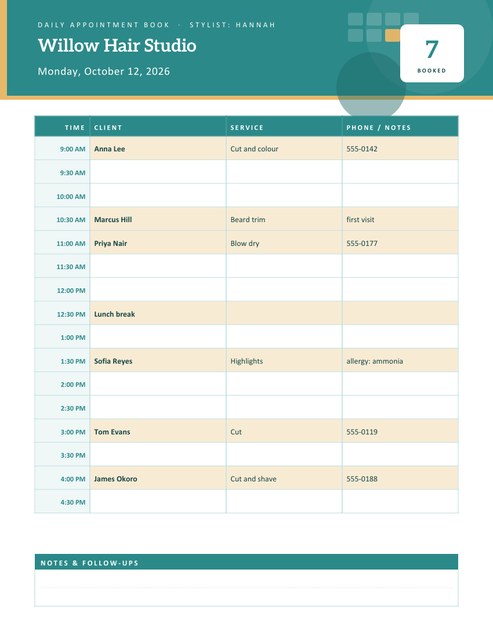
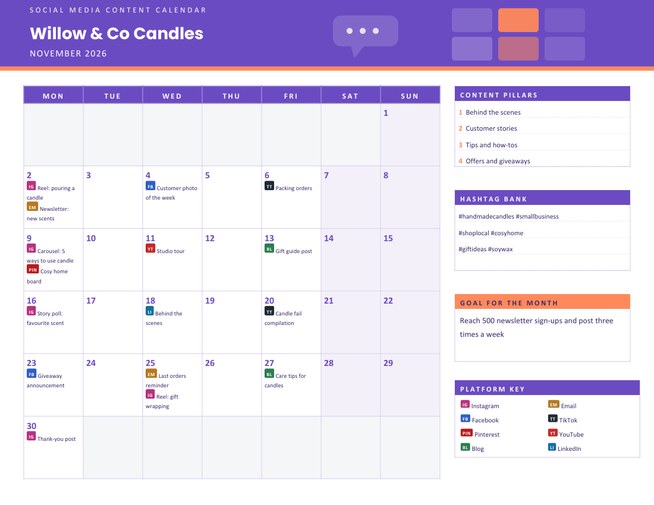
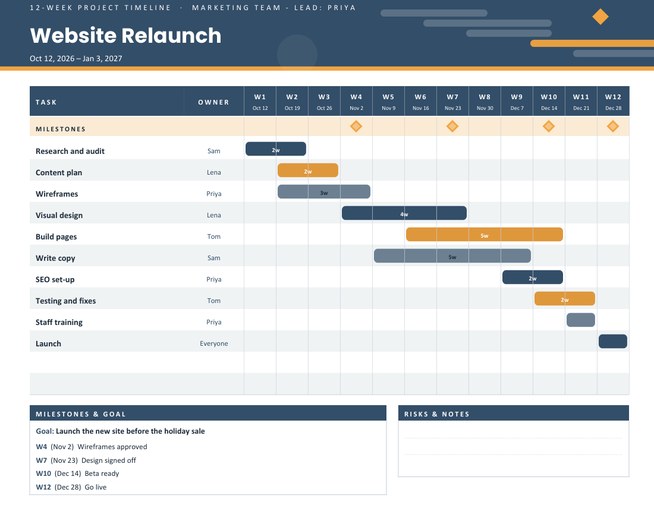
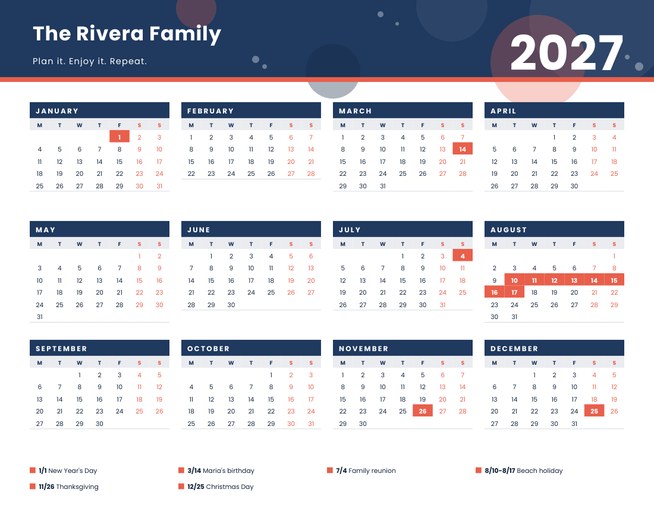

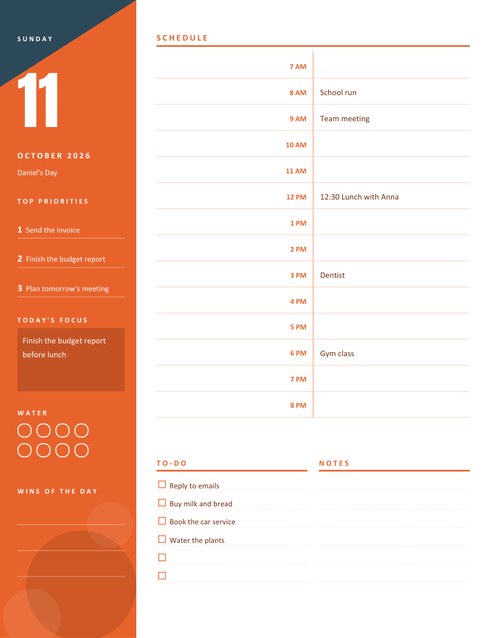
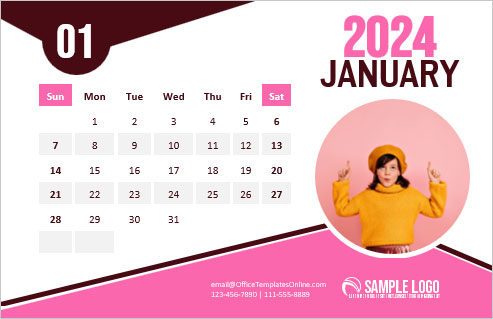
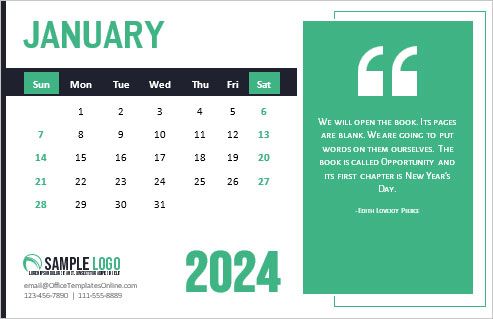
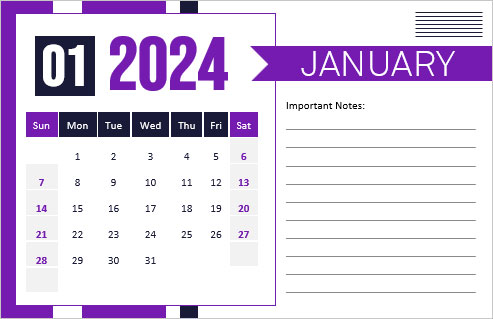
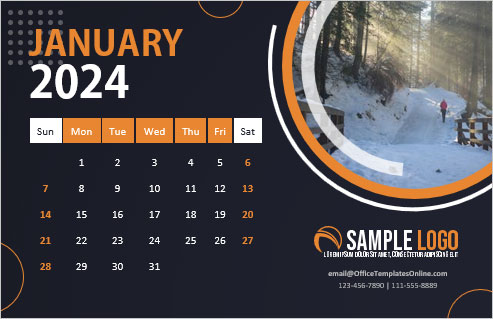
Bigger boxes than a normal calendar
A calendar bought in a shop usually gives each day a small square, enough for a number and a very short word. A planner needs more. This layout turns most of the page into the month itself, so each day is a roomy box where you can write an appointment, a due date or a reminder in your own handwriting. Five-week months get taller boxes; six-week months share the height a little more tightly.
Alongside the month, a side column holds the things that belong to the month as a whole: goals, a checklist and a notes area.
Using the form
- Choose the month and year, and whether the week starts on Monday or Sunday. Days that belong to the previous or next month stay as grey empty boxes.
- Pick a colour theme: teal with amber, burgundy with gold, royal blue with coral, or olive with saffron.
- Add a planner label if you like. It appears in small capitals above the month name, for example “Family Planner” or “Studio Schedule”.
- Type notes for specific days (next section).
- Write goals and a checklist to print them, or leave both empty for handwriting.
Notes that appear inside the day boxes
In the notes box, write the day number followed by a short note, one per line. For example 3 Dentist 4pm, 14 Mum’s birthday and 28 Rent due. Each day can show up to two notes, of about twenty characters each, under the date number. If you enter three notes for one day, only the first two print, so put the most important first. Entries for days that do not exist in that month, such as the 31st of June, are ignored.
This makes the planner useful as a printed overview even if you never write on it: bills, birthdays and deadlines are visible the moment you glance at the page.
The side panel
- Monthly goals has four numbered lines. Aim for goals you can check at the end of the month, such as “Save $200” or “Read two books”.
- Checklist has eight tick boxes for one-off tasks: renewing a licence, booking a service, ordering supplies.
- Notes has five ruled lines for anything else.
Ways to use a monthly planner
- Household management. Bills, school events and the family’s appointments in one place.
- Content and marketing. Post dates, launch days and deadlines for a small business.
- Study plans. Exam dates, assignment deadlines and revision blocks across the month.
- Fitness and health. Training sessions, appointments and rest days.
- Event planning. Counting down to a wedding, party or trip.
Planning habits that help
Set aside ten minutes at the end of each month to print the next one. Start by writing in the fixed dates (pay days, school holidays, birthdays), then add deadlines, and finally block out time for the goals you chose. Seeing the month filled in this way makes it much easier to say no to a request that clashes with something important. At the end of the month, keep the sheet; it is a handy record of what happened and when.
Printing
The page is US Letter landscape. The scalloped header is a solid colour band; the rest of the page is light lines and pale tints. A hole punch fits the sheet into a ring binder without cutting into the grid. On A4 paper choose “fit to page”.
Questions people ask
Can I make a planner for every month of the year?
Yes. Change the month, download, and repeat. Your goals and checklist can stay as they are or be changed each month.
How many notes can go in one day box?
Two per day, each about twenty characters. Longer notes are cut so the boxes stay tidy.
Does the planner start on Monday?
By default, yes, but you can switch to Sunday-first with the “Week Starts On” list.
Is the planner suitable for a business?
Yes. Add your business name as the label, and use the day notes for deliveries, meetings and deadlines.
Can I leave everything blank?
Yes. Choose the month and year and download a clean planner to fill in by hand.
What does the grey colour in some boxes mean?
Those boxes belong to the days before the first or after the last day of the month, so they carry no date.