

Create School Year Calendar
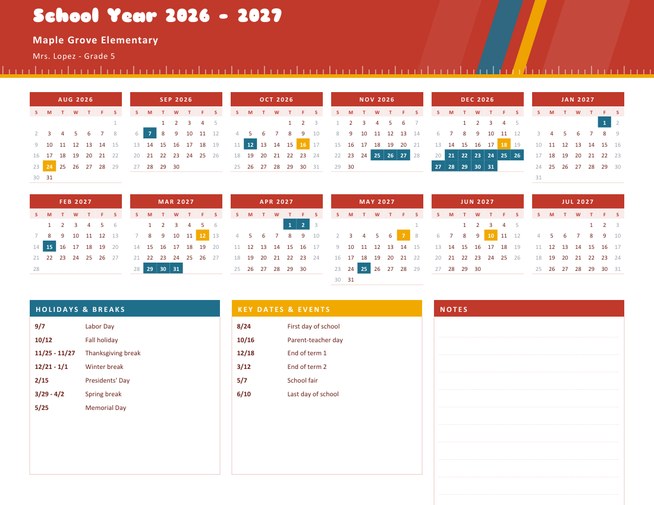
A landscape school-year calendar with twelve compact months, starting in the month your school year begins (August by default). Holidays and breaks are filled in one colour and key dates and events in another, with both lists printed underneath.
Add your school or class name, a logo and a subtitle, then download a Letter-size PDF for the classroom wall, the fridge or the family planner.
Fill in the information below
New here? Use the button above to fill in an example, then change it to your own details.
Rate this template
Used it? Tap a star. Honest ratings help others choose.
You May Also Like
Templates from other categories that people often use together with this one.
Other Similar Templates
More designs from the same collection, Free Printable Calendars and Planners. If this one is not quite what you need, one of these may be.
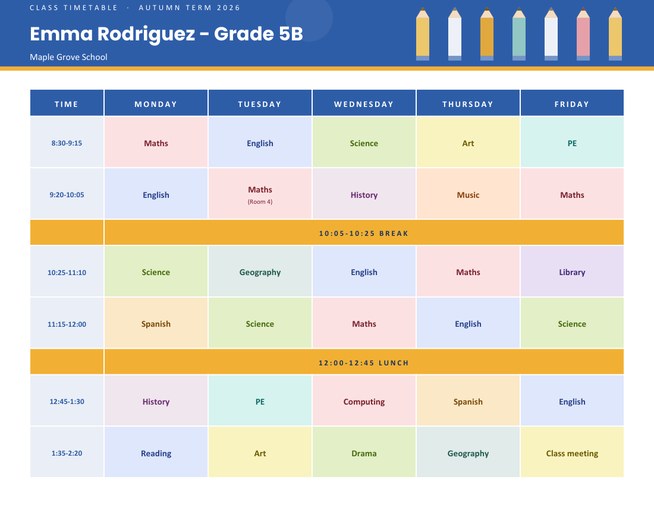

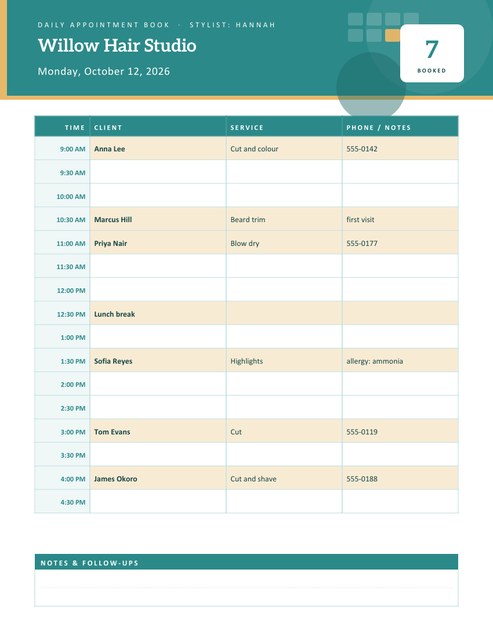
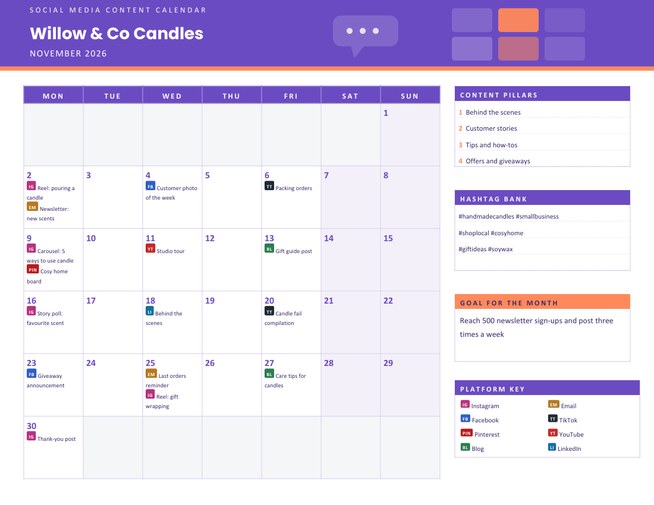
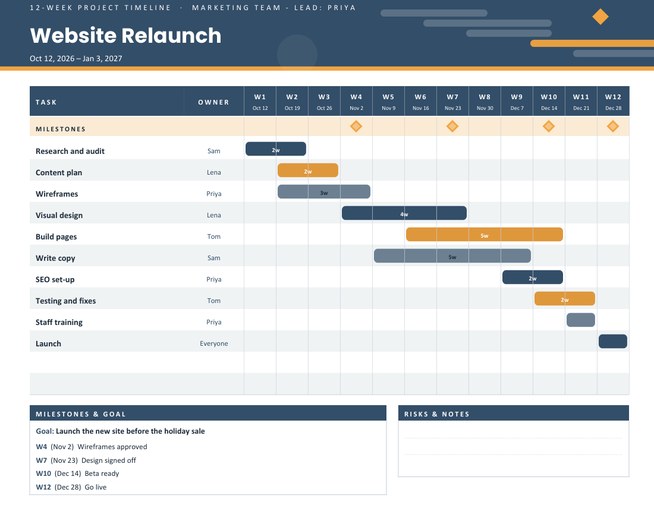
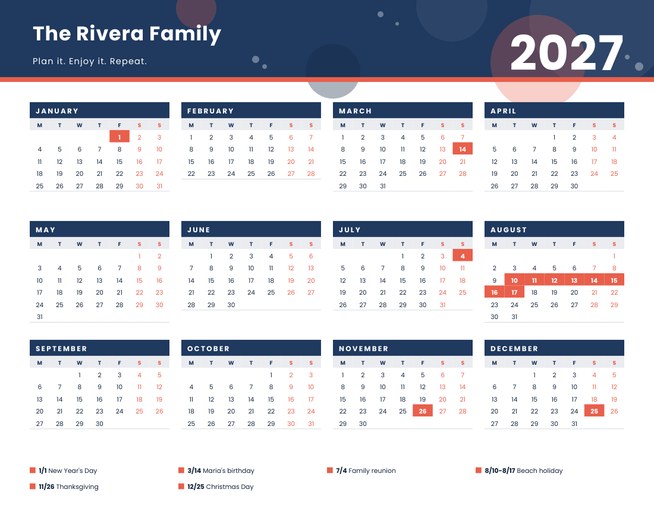

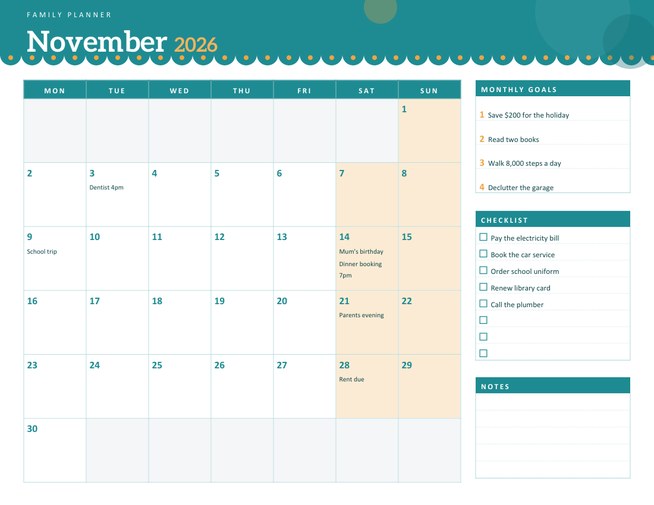
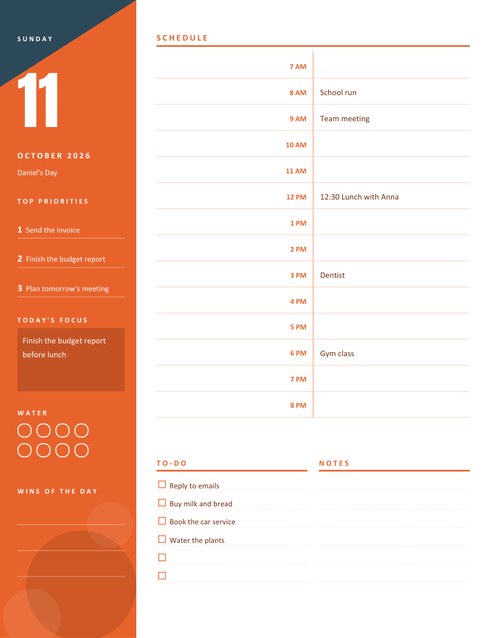
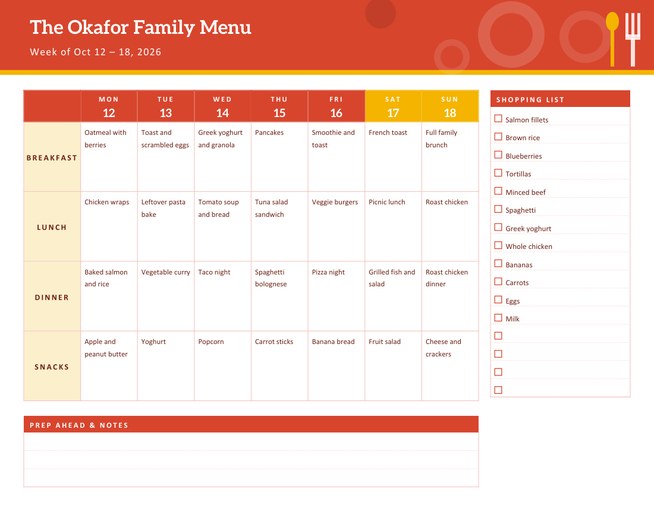
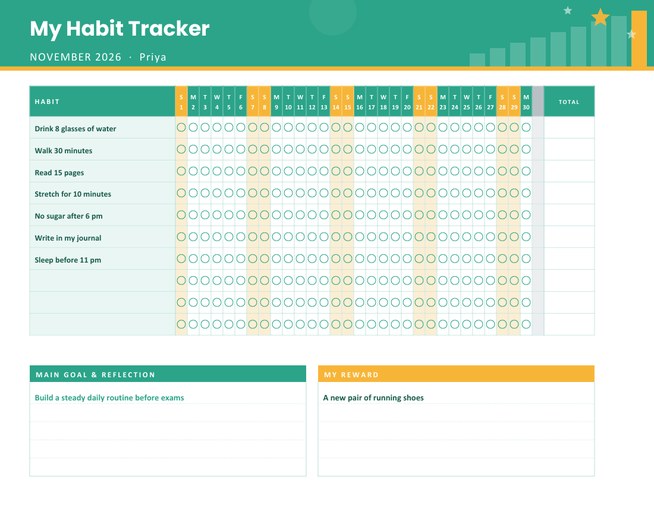
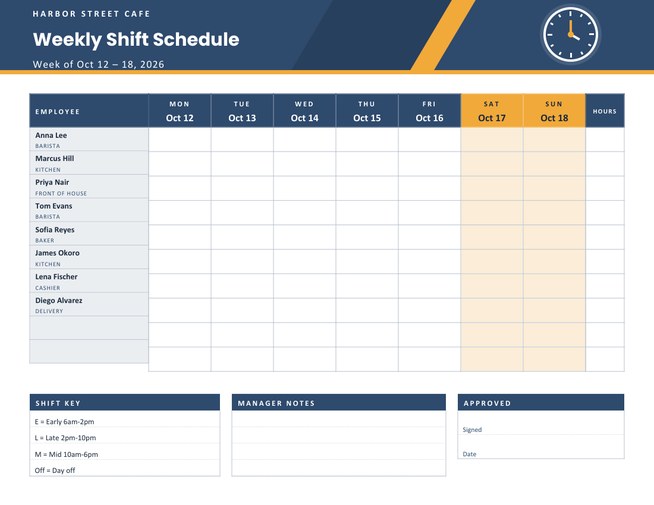
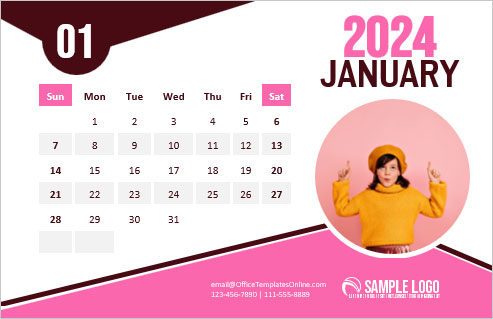
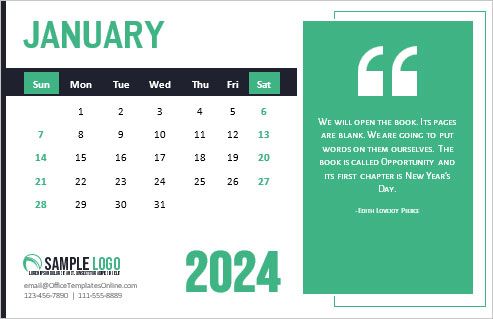
A calendar that follows the school year, not the calendar year
Families and teachers do not think in January-to-December years. Their year runs from the first day back in late summer to the last bell the following June. A calendar that cuts that year in half at New Year is awkward to use. This template starts in whichever month you choose and runs for twelve months, so August to July (the default), September to August or even February to January is possible. The title adjusts itself: “School Year 2026 – 2027”.
Fill in the form
- Name the school or class and add a subtitle, such as a teacher or grade. Both are optional.
- Choose the starting month and year. If your school starts in August 2026, choose August and 2026.
- Choose Monday or Sunday as the first day of the week, and pick one of four colour themes.
- List holidays and breaks and, separately, key dates and events (see the next section).
- Upload a logo if you want one. It appears in a white badge on the left of the header.
Typing dates the easy way
Each box takes up to fourteen lines. Write the month and day first, then a label. A single day: 09/07 Labor Day. A break: 11/25-11/27 Thanksgiving break. A break that crosses New Year: 12/21-01/01 Winter break. You never type the year, because the calendar places each date in the right year of your school year. A start in August makes 09/07 a date in the first calendar year and 01/01 a date in the second.
If a date is both a holiday and an event, the holiday colour wins. Lines that cannot be read as a date are skipped, so check the preview if a line is missing.
What the printed page shows
- A coloured header with a ruler edge and the school year in large letters.
- Twelve mini months in two rows of six, with weekend dates in grey for contrast.
- A list of holidays and breaks with their dates and a list of key dates and events, each under its own colour.
- A notes panel with ruled lines for anything you want to add by hand.
Who uses a school year calendar
Parents use it to plan childcare, holidays and work leave around term dates. Teachers put it on the classroom wall so pupils can see how far away the next break is. Tutors and club leaders give one to families with their own term dates. Home-schooling families build their own year, with their own breaks, instead of following a school’s.
Getting the dates right
School dates change from year to year and between schools, so use the dates published by your school or district, and recheck them when updates arrive. The easiest method is to copy the official dates into the two boxes and print the calendar, then print a corrected version if anything changes. The calendar itself does not know any holidays; it shows exactly what you type, which is why it works in every country and for every school system.
Colour themes and printing
Choose apple red, chalkboard green, midnight blue or grape purple. Each theme uses a different pair of colours for holidays and events, so the two lists stay easy to tell apart even when printed in greyscale. The page is US Letter landscape; choose “fit to page” for A4. For a classroom wall, laminate the sheet, so that you can mark extra dates with a dry-erase pen.
Questions people ask
Can the school year start in a month other than August?
Yes. Choose any starting month and year; the twelve months and the title follow it.
Do I have to type the year for each date?
No. Write month and day only, and the calendar places the date in the right year of your school year.
What happens with breaks that cross New Year?
Write them as a range such as 12/21-01/01 and the days in December and January are both highlighted.
Does the calendar include public holidays by itself?
No. It shows exactly the dates you enter, so it suits any country, school system or home-schooling plan.
Can I use it for a university or college year?
Yes. Set your own start month and list semester dates and breaks in the two boxes.
Can I print one per child?
Yes. Put the child’s name or class in the subtitle and change the events as needed.