

Create Weekly Planner
A portrait weekly planner with a big box for each day, a panel for your three top priorities, a goal for the week, a to-do checklist and a notes area. Pick any date and the planner fills in the seven dates of that week for you.
Type your priorities and to-dos in the form, or leave them empty and write by hand after printing.
Fill in the information below
New here? Use the button above to fill in an example, then change it to your own details.

Rate this template
Used it? Tap a star. Honest ratings help others choose.
You May Also Like
Templates from other categories that people often use together with this one.

Other Similar Templates
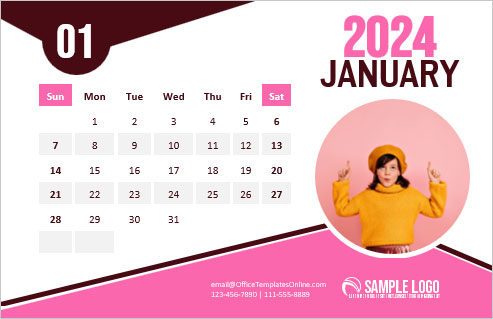
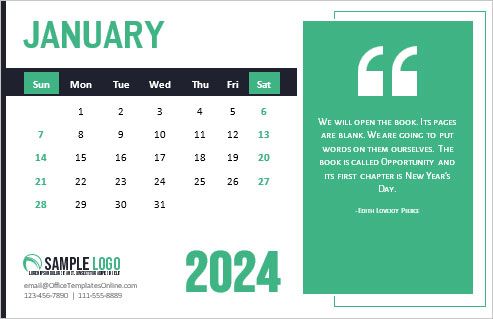
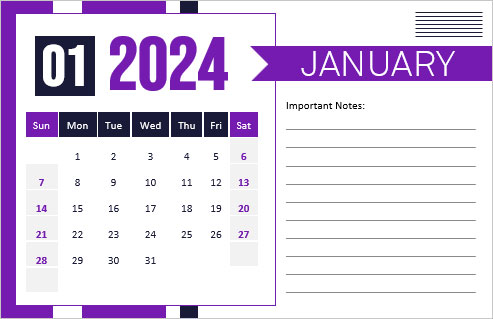
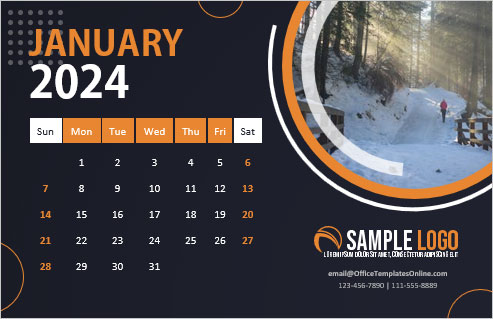
More designs from the same collection, Free Printable Calendars and Planners. If this one is not quite what you need, one of these may be.

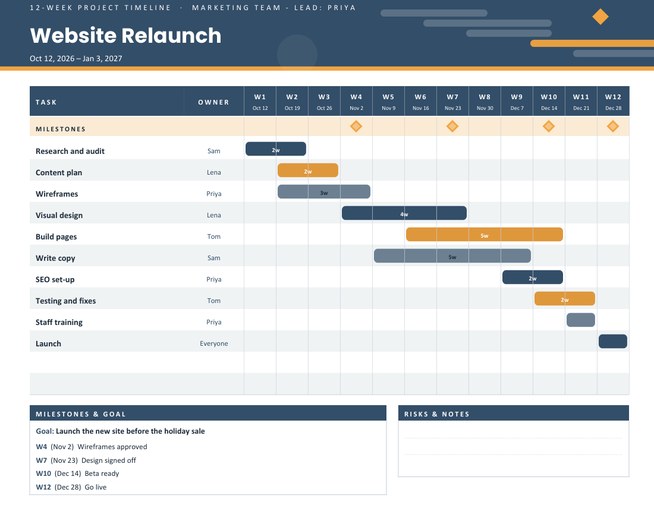
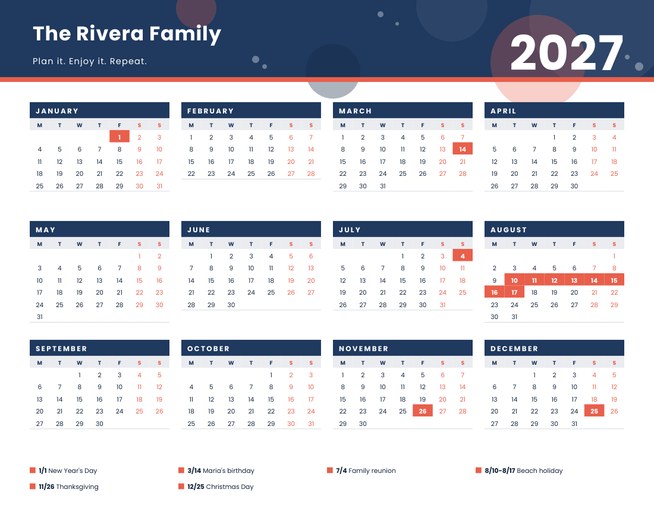
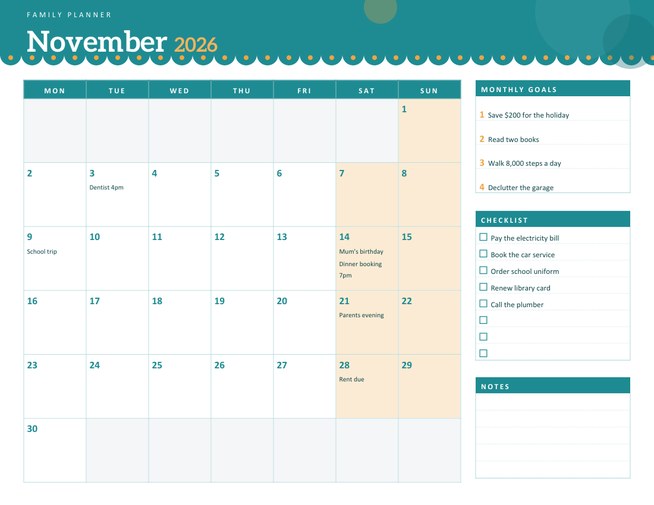
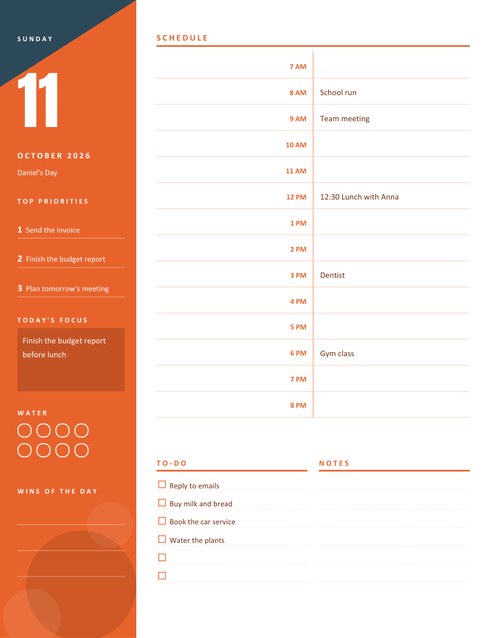
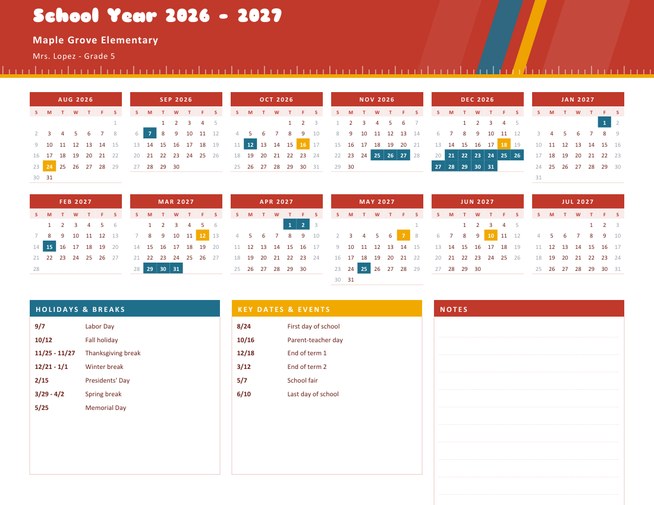
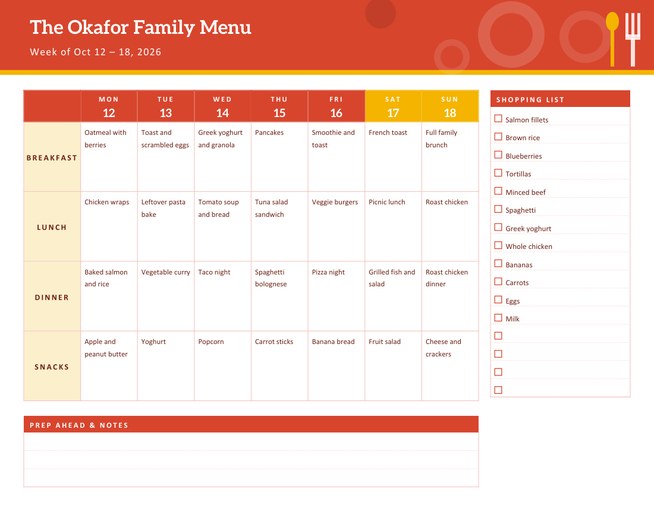
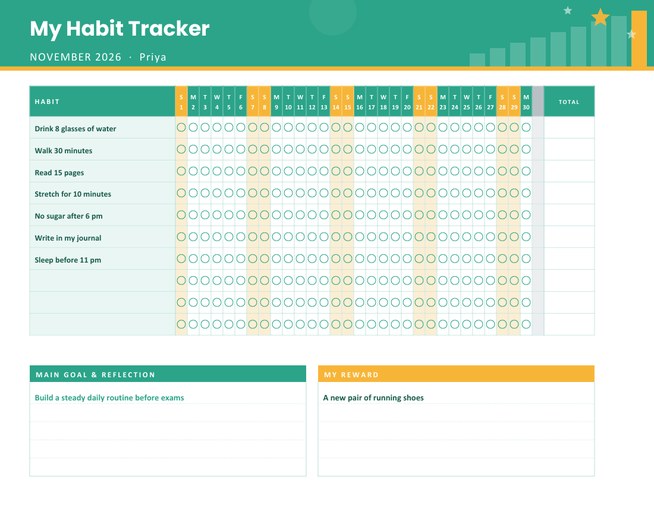
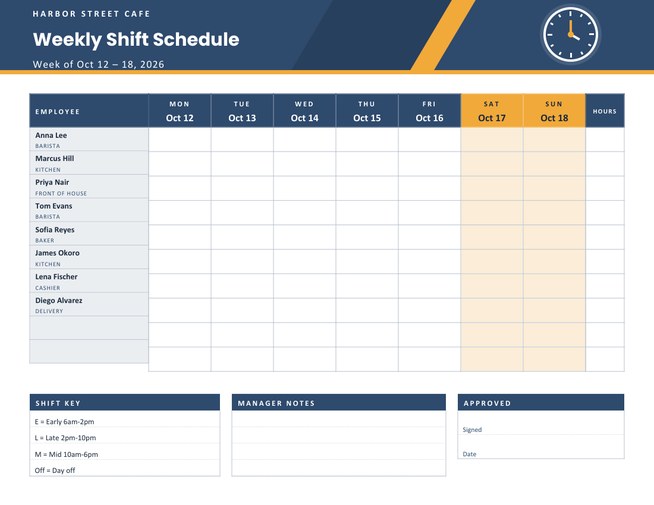
One page for the whole week
Most people do not need a complicated system. They need somewhere to put the week: the meeting on Tuesday, the football practice on Thursday, the essay due Friday and the long list of small jobs that never seems to get shorter. This planner gives every day its own box with three ruled lines, and puts the things that cut across the week, such as priorities, goals and a checklist, in a column on the right so they stay visible.
The week is worked out from the date you choose. Select any day of the week you are planning and the planner prints the seven dates around it, with the week number in a round badge in the corner of the header.
Setting it up
- Choose the date. Pick the month, day and year from the three lists. Any day works; the planner finds the week it belongs to.
- Decide where the week starts. Monday-first prints Monday to Sunday, Sunday-first prints Sunday to Saturday. Saturday and Sunday boxes are tinted in the accent colour either way.
- Add a title and a name. The title defaults to “Weekly Planner” but can say “Study Plan”, “Shop Rota” or “Training Week 6”. A name or team line sits underneath the dates.
- Fill the optional boxes. Write a goal for the week (up to 110 characters), up to three priorities and up to eight to-do items. Use the “Load sample data” button to see how a filled planner looks.
- Preview, adjust and download. You can go back and change anything before you download.
What each part is for
- Seven day boxes. Each shows the weekday, the date number and the month, with three lines for appointments and tasks. They are always printed empty, so the planner is yours to write in all week.
- Top 3 priorities. The three things that would make the week a success. If everything is a priority, nothing is; three forces a choice.
- Goal of the week. A single sentence you can read each morning, for example “Finish the science project and get ready for Friday’s quiz”.
- To-do checklist. Eight lines with tick boxes for the small jobs that do not belong to a particular day.
- Notes. Six ruled lines for phone numbers, ideas and things to remember.
Who gets the most from it
- Students mapping out assignments, revision and activities against the school week.
- Parents juggling school runs, clubs and work shifts on one sheet.
- Freelancers and remote workers who plan their client work a week at a time.
- Teachers printing a weekly lesson overview, with the class or term as the title.
A simple weekly routine
Print one sheet each Sunday evening or Monday morning. Write the fixed commitments first, because they are the walls of the week. Then add the priorities, and only after that fill the gaps with tasks. On Friday, glance back over the week, tick off what was done and carry anything unfinished into the next planner. Keeping the old sheets in a folder gives you a quick record of what you did and when.
Colours and printing
Choose from sky blue with amber, sage with salmon, lilac with gold or charcoal with orange. The header is a solid colour band, so it uses a little more ink than a plain page; the rest is light lines and pale tints that print well on any inkjet or laser printer. The page is US Letter portrait. For A4 paper, choose “fit to page”. A three-hole punch fits neatly in a ring binder because the left margin leaves room.
Questions people ask
How does the planner know which week to print?
It looks at the date you choose and prints the full week around it, from the first day you select (Monday or Sunday) to the last.
Can I plan a week in the past or far in the future?
Yes. The year list covers last year to eight years ahead, so you can prepare ahead or tidy up a record.
Can I leave the priorities and to-do boxes blank?
Yes. Empty boxes are printed with numbered lines and tick boxes so you can write them in by hand.
Why is there a week number in the header?
It is the standard week number of the year (ISO week), which many schools, offices and project plans use to refer to a week.
What size is the page?
US Letter portrait, 8.5 by 11 inches. It prints on A4 if you choose “fit to page”.
Can two people share one planner?
Yes. Put both names in the name line, or print one per person and compare notes.