

Create School and Tuition Fee Receipt
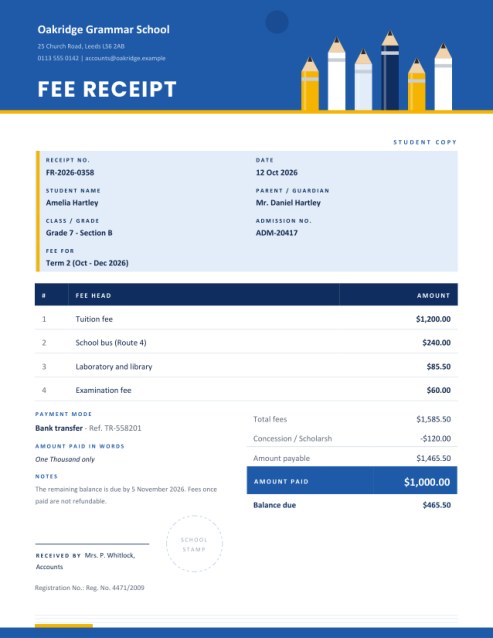
Hand parents a clear receipt every time fees are paid. Enter the student, the fee period and each fee head; the receipt adds up the fees, applies any concession or late fee, shows the amount paid in figures and words, and states the balance still due.
It has a space for the school stamp and a choice of copy labels such as Student copy and Office copy.
Fill in the information below
Rate this template
Used it? Tap a star. Honest ratings help others choose.
Other Similar Templates
Some other templates similar to this one are also available here. If you would like to create your INVOICE using one of these templates, visit the following.
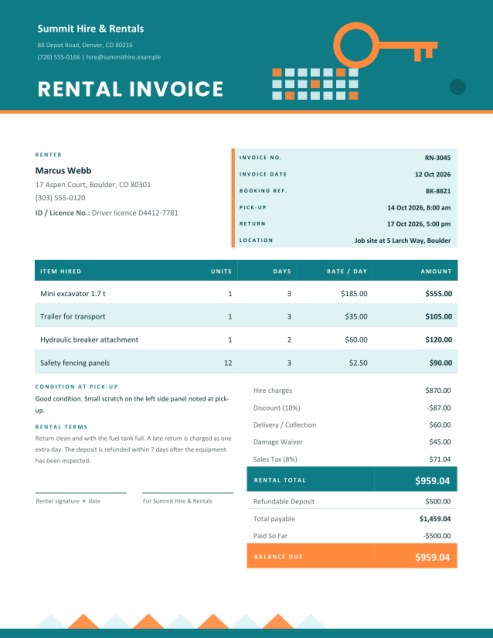
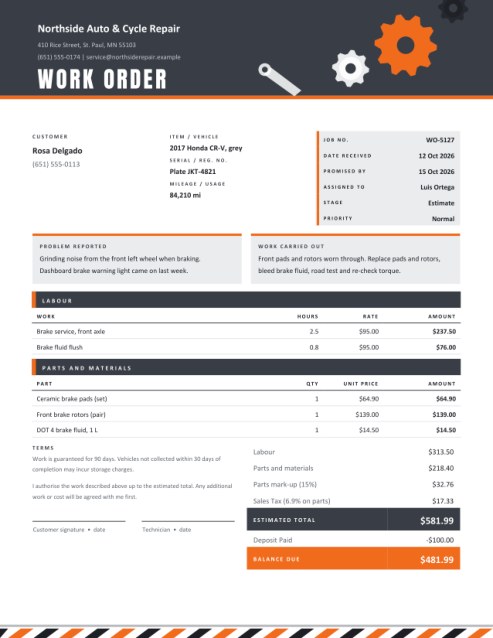
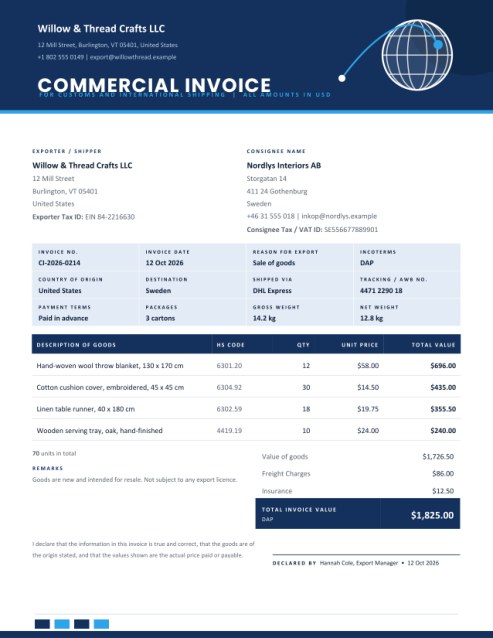
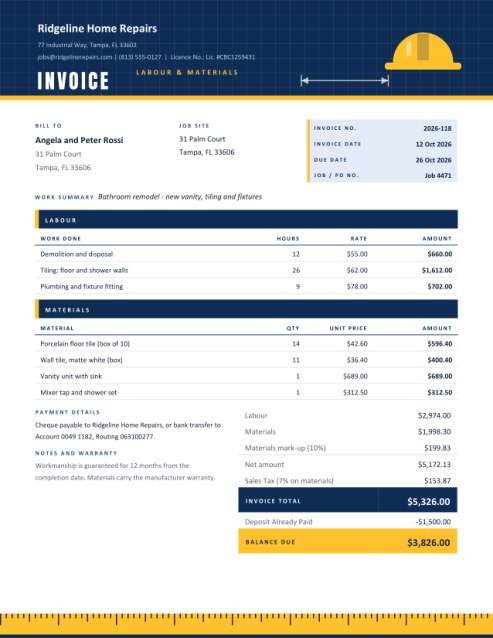
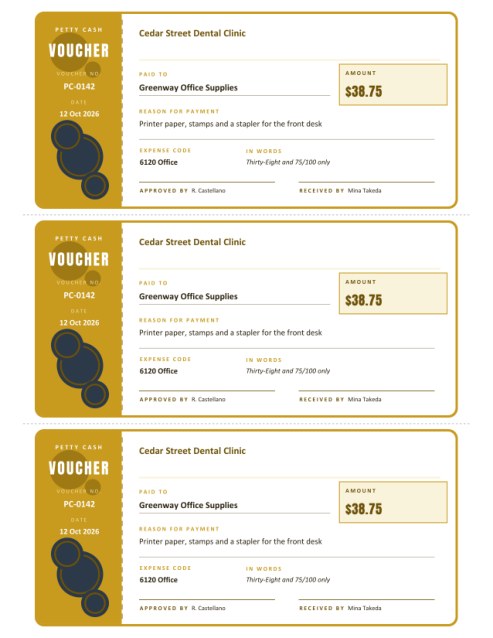
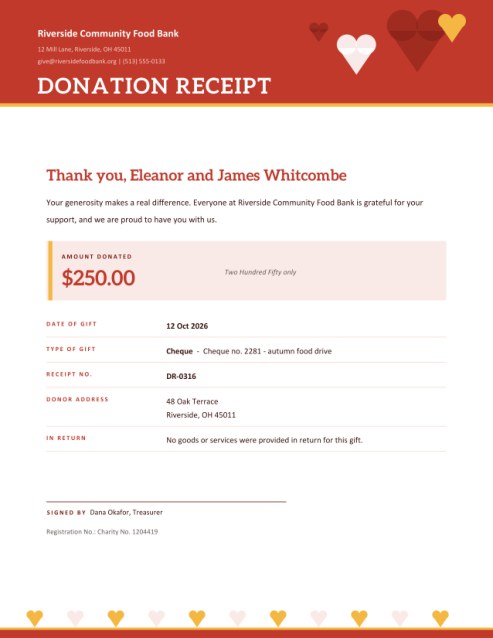
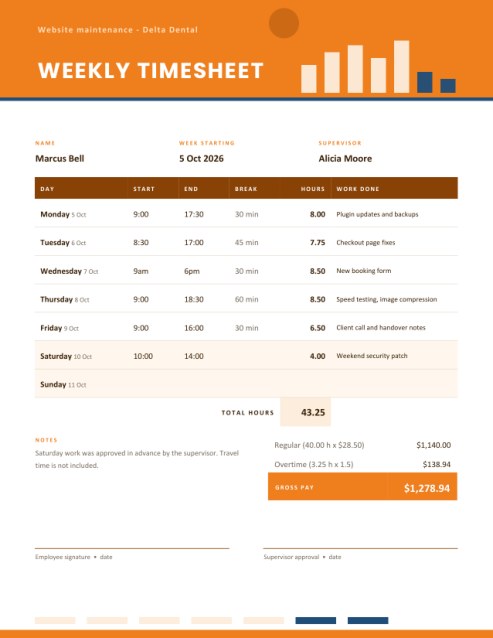
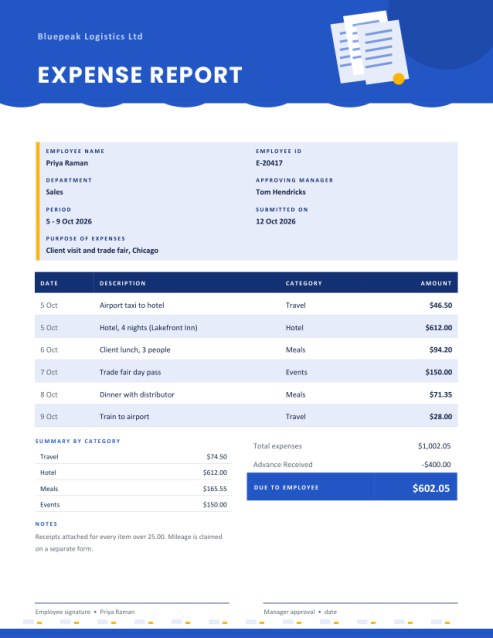
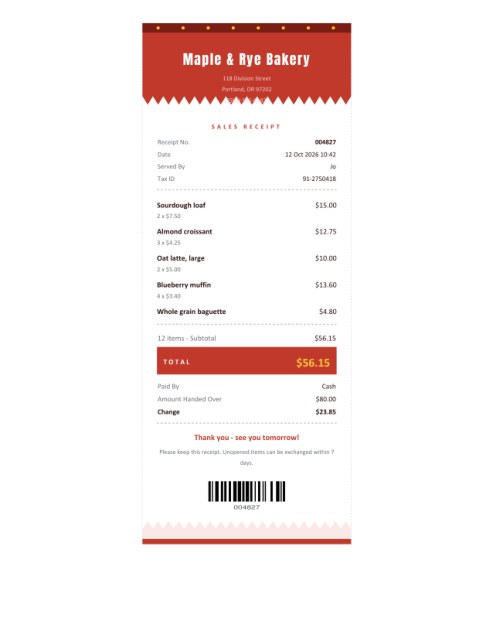
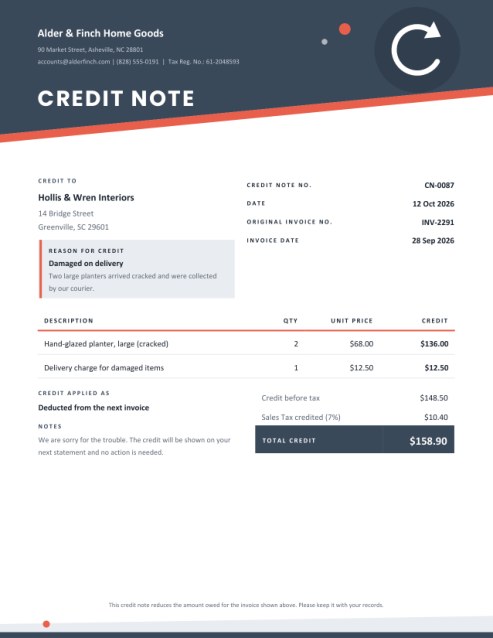
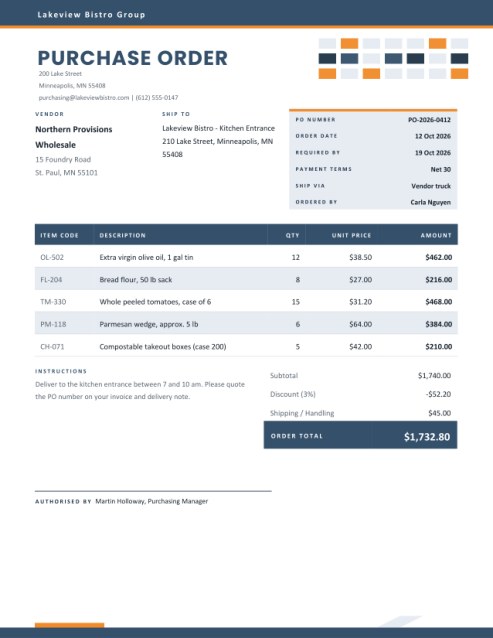

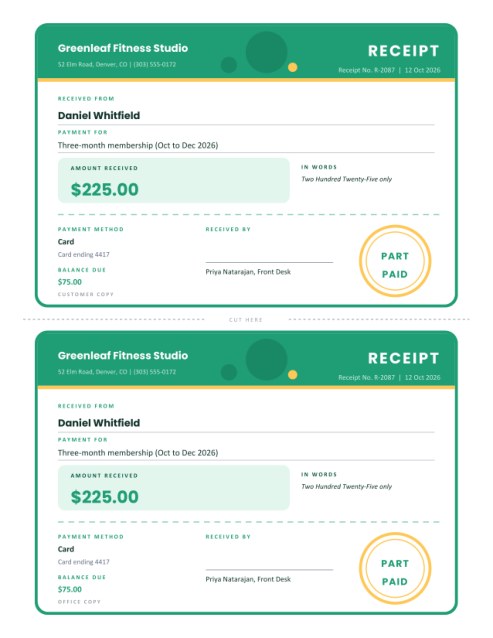
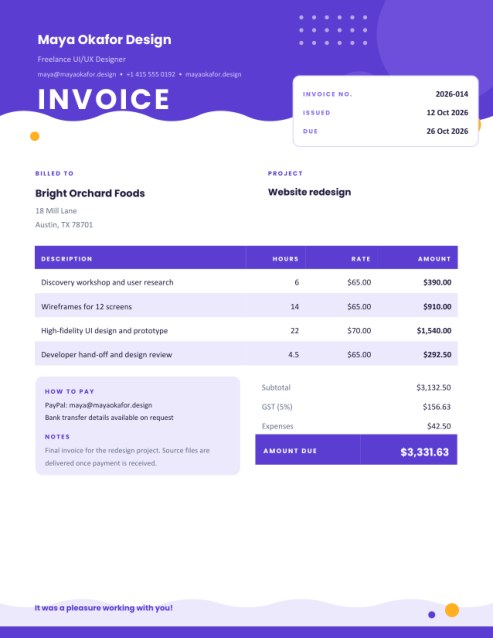
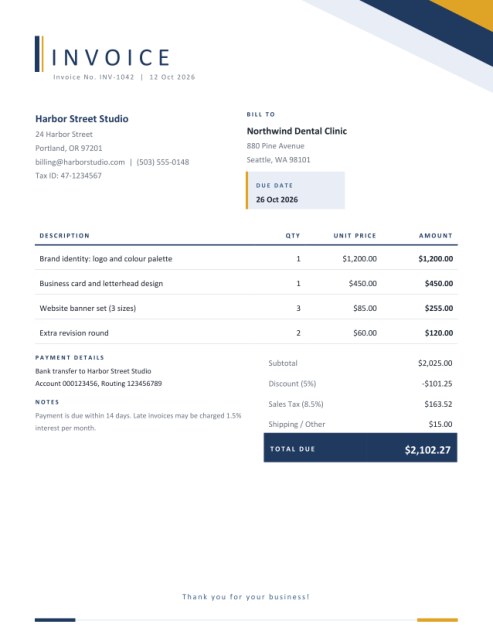
The receipt parents keep in a drawer for years
Fees are the heartbeat of a small school, a tutoring centre, a nursery, a music academy or a sports club. They are collected every month or every term, in cash at a desk, by bank transfer or at the end of a class, and every payment ends the same way: a parent asks for a receipt. A neat, itemised one answers a dozen later questions before they are asked. Which month was this for? Did the bus fee go through? Was the exam fee included? Is there anything still to pay?
This template turns each of those answers into a line on the page. A bold header with a row of pencils carries the institution’s name, a tinted panel holds the student’s details, a table lists the fee heads, and a totals block ends with the amount paid and, if relevant, the balance due. A dashed circle at the bottom marks the spot for the school stamp.
Who it serves
- Private and community schools collecting monthly, termly or annual fees.
- Coaching classes, tuition centres and homework clubs.
- Nurseries, play groups and after-school care.
- Music, dance, art and language academies.
- Sports clubs, swimming schools and martial-arts studios.
- Colleges and training institutes with instalment plans.
Filling it in
- The institution. Name, address, phone or email and, if you have one, a registration number, which is printed at the foot of the page. Upload a logo and it sits in a round badge beside the name.
- Copy label. Choose Student copy, Office copy, Parent copy or no label. Print once for each copy, changing the label each time, so that both sides hold identical receipts.
- Receipt number and date. A running number makes it easy to match receipts to your fee register. An empty date prints today’s date.
- The student. Name, parent or guardian, class or grade, admission number and the period the fee covers, such as “October 2026” or “Term 2”.
- Fee heads. One line for each charge: tuition, transport, laboratory, library, uniform, exam fee, activity fee. Four lines show at first and + Add another line reveals more, up to eight.
- Concession and late fee. A scholarship, sibling discount or fee waiver is entered as an amount and subtracted. A late fee is entered as an amount and added.
- Amount paid. Leave it empty when the full amount has been paid. If only part was paid, type that amount and the receipt shows the balance due. If more than the total was paid, it shows the excess received.
- Payment mode and notes. Cash, cheque, bank transfer, card, online or other, with a reference such as a cheque number, plus a note about the next instalment or refund rules.
How the sums are made
The fees are added to give the total fees. The concession is subtracted and any late fee added to give the amount payable. The amount paid is then compared with that figure. Each number is rounded to cents where it is printed, so a parent checking the receipt with a phone calculator gets exactly the same totals. In the sample, fees of 1,585.50 less a concession of 120.00 make 1,465.50 payable; with 1,000.00 paid, the balance due is 465.50.
Good practice for fee collection
- Issue a receipt for every payment, however small, and keep the office copy in order of number.
- Record the period each fee covers. “Fees” on its own causes arguments months later.
- Write the name of the person who received the money, and ask them to sign.
- State your refund and late-fee rules in the notes box, so that parents see them every time.
- Reconcile the receipt book with the bank and cash book at least weekly.
A note on official use
This is a clear payment receipt that you can adapt to your own style. It is not a government form. If your education authority, or your tax rules, require particular wording, a serial format or a printed seal, follow those requirements and add them to the notes and stamp area.
Questions people ask
Can I use it for monthly instalments?
Yes. Put the month in the Fee For box and enter only that month’s amounts.
What if a parent pays in two parts?
Issue a receipt for each payment. Type the amount actually paid; the balance due shows what remains.
Can I print on A4?
Yes, choose A4 in the paper size list.
Does it show the amount in words?
Yes, the amount paid is spelled out, which makes alterations harder.
Is it free?
Yes.