

Checklists & Everyday Lists
Make the everyday easier to organise. Create shopping lists, household inventories, routines, school checklists and packing pages with editable sections, rows and completion boxes.
Choose from 24 purpose-built layouts, personalise your page and download an A4 or US Letter PDF. Start with useful examples or print blank writing lines. Three palettes per design, no account needed.
A different layout for a different job
A grocery list works best when it follows the shop. An inventory needs quantities and locations. A routine needs a clear sequence, while an assignment list needs a due date. This collection gives those jobs their own layouts instead of making every task fit one generic sheet. Choose a page by what you want to do with it, then make its sections and entries fit the way your household, school day or workday actually runs.
Shopping and kitchen reference pages
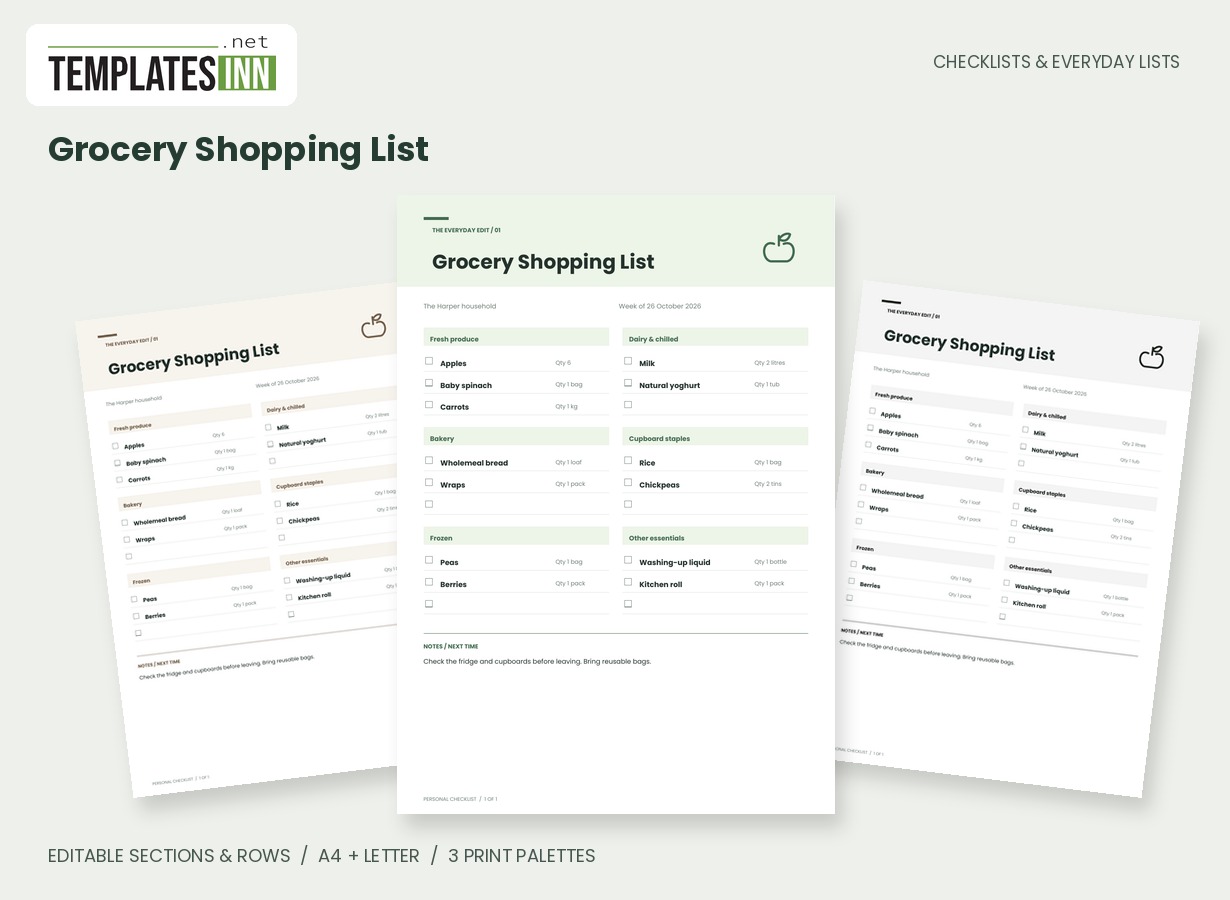
- Grocery Shopping List: A shop-ready grocery list grouped into editable store sections, with quantities, tick boxes and generous writing lines.
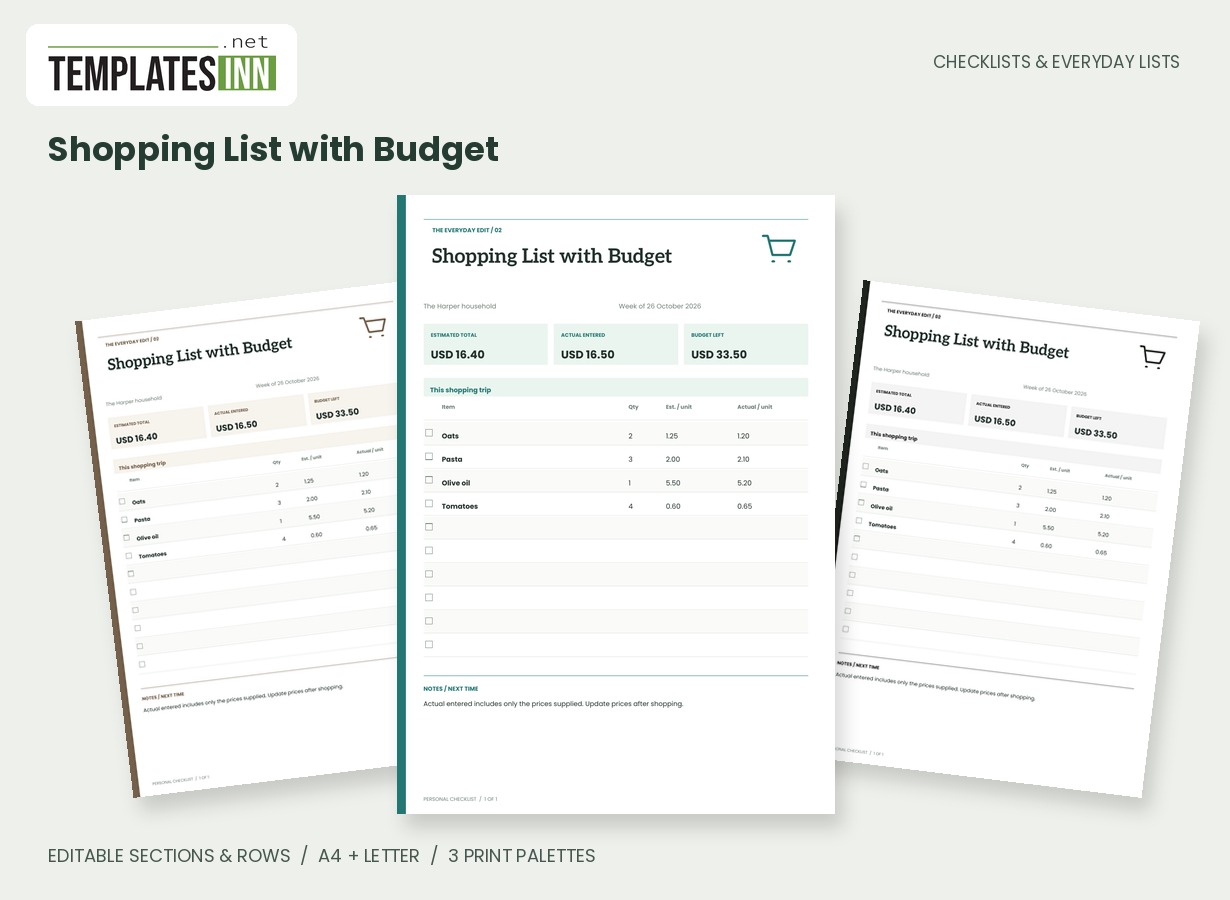
- Shopping List with Budget: Plan quantities and unit prices, compare actual spending and calculate the budget remaining automatically.
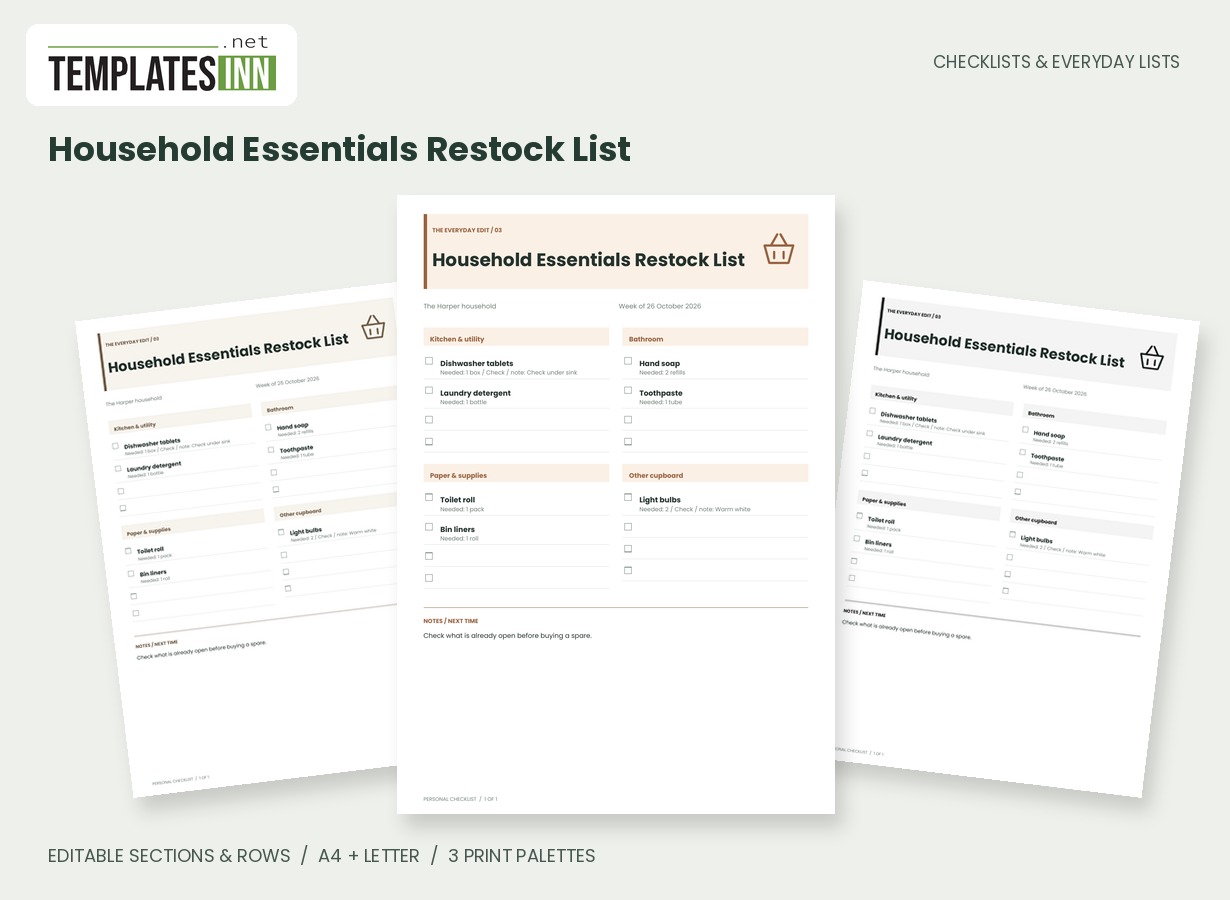
- Household Essentials Restock List: A room-based restock list for toiletries, cleaning supplies and the household items you replace regularly.
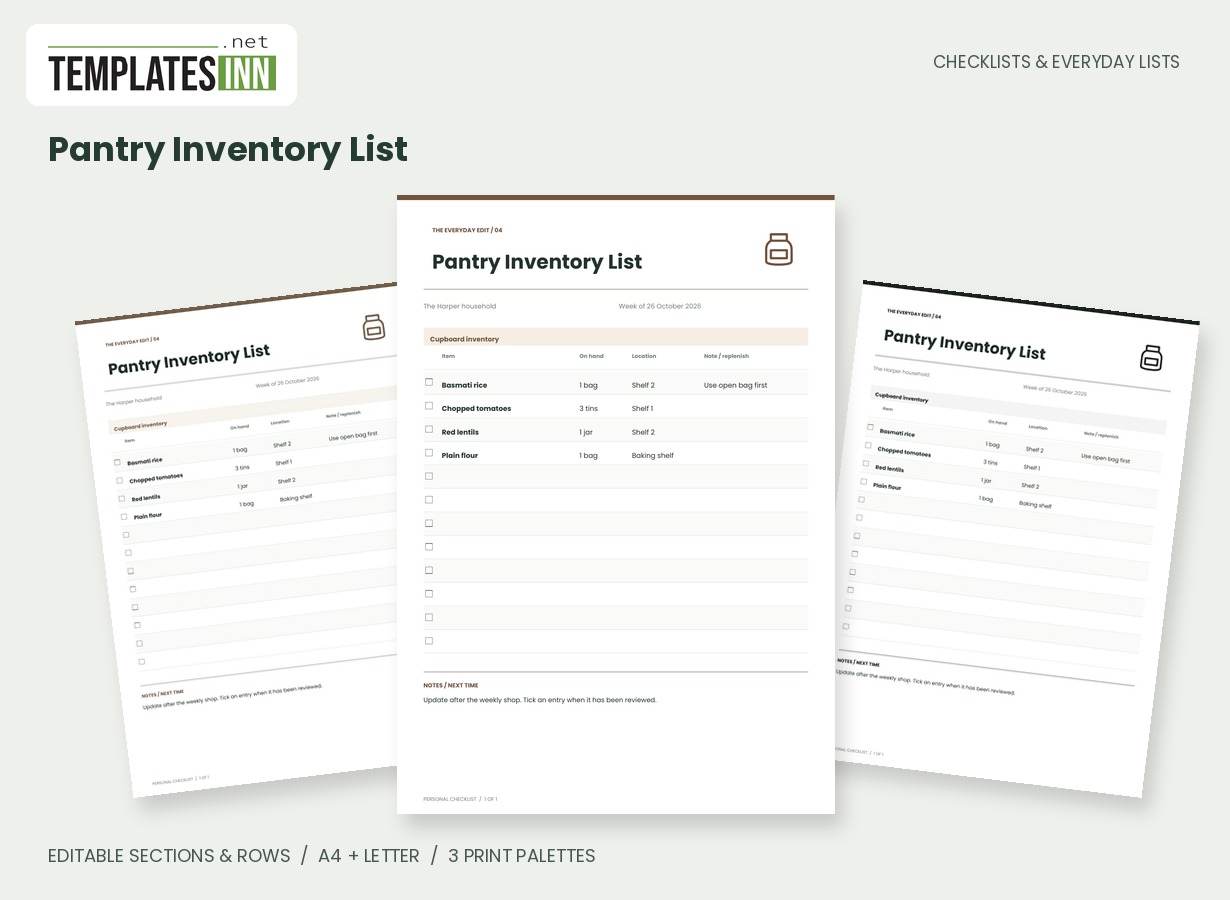
- Pantry Inventory List: A pantry stock sheet for quantities, shelf locations and replenishment notes, with an uncluttered inventory table.
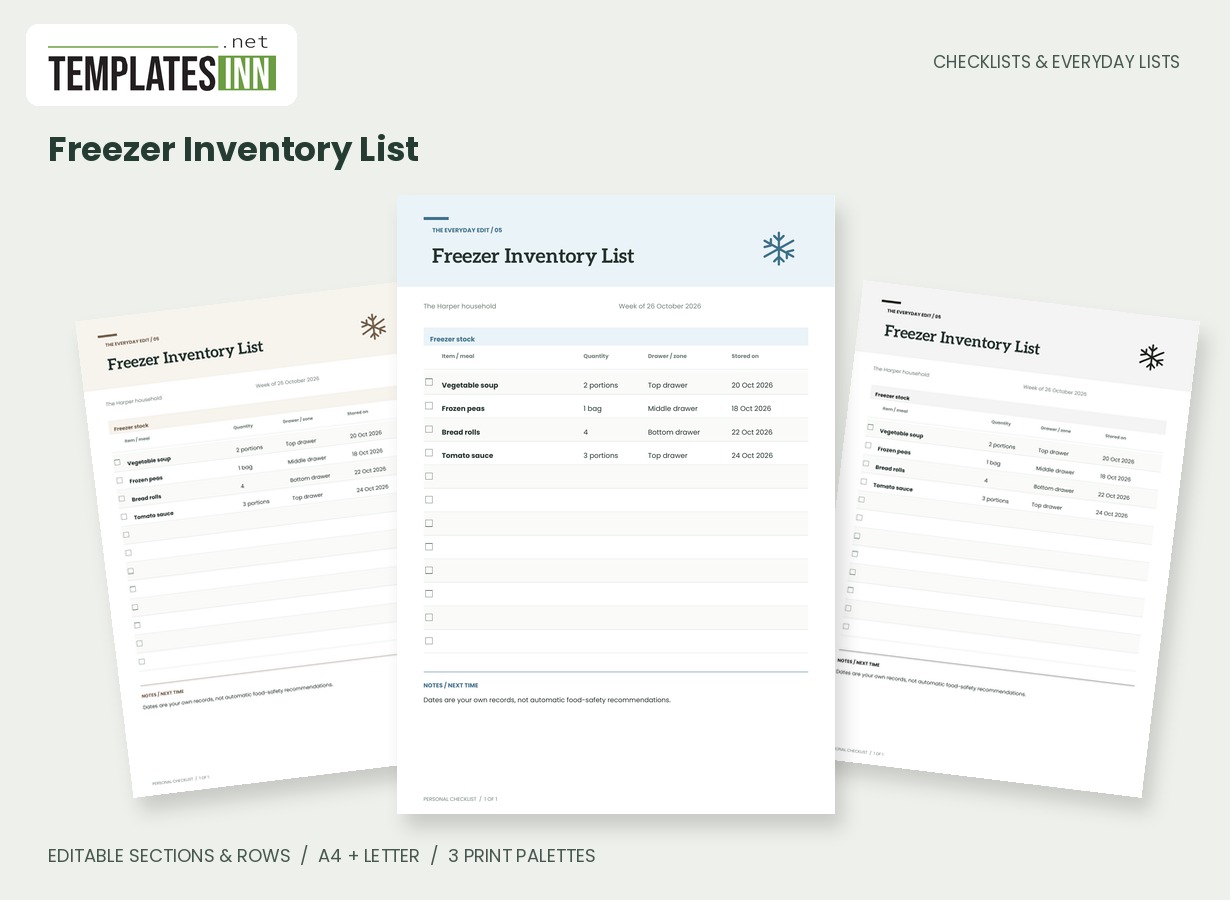
- Freezer Inventory List: Record frozen items, portions, storage dates and drawer locations on a clean kitchen reference sheet.
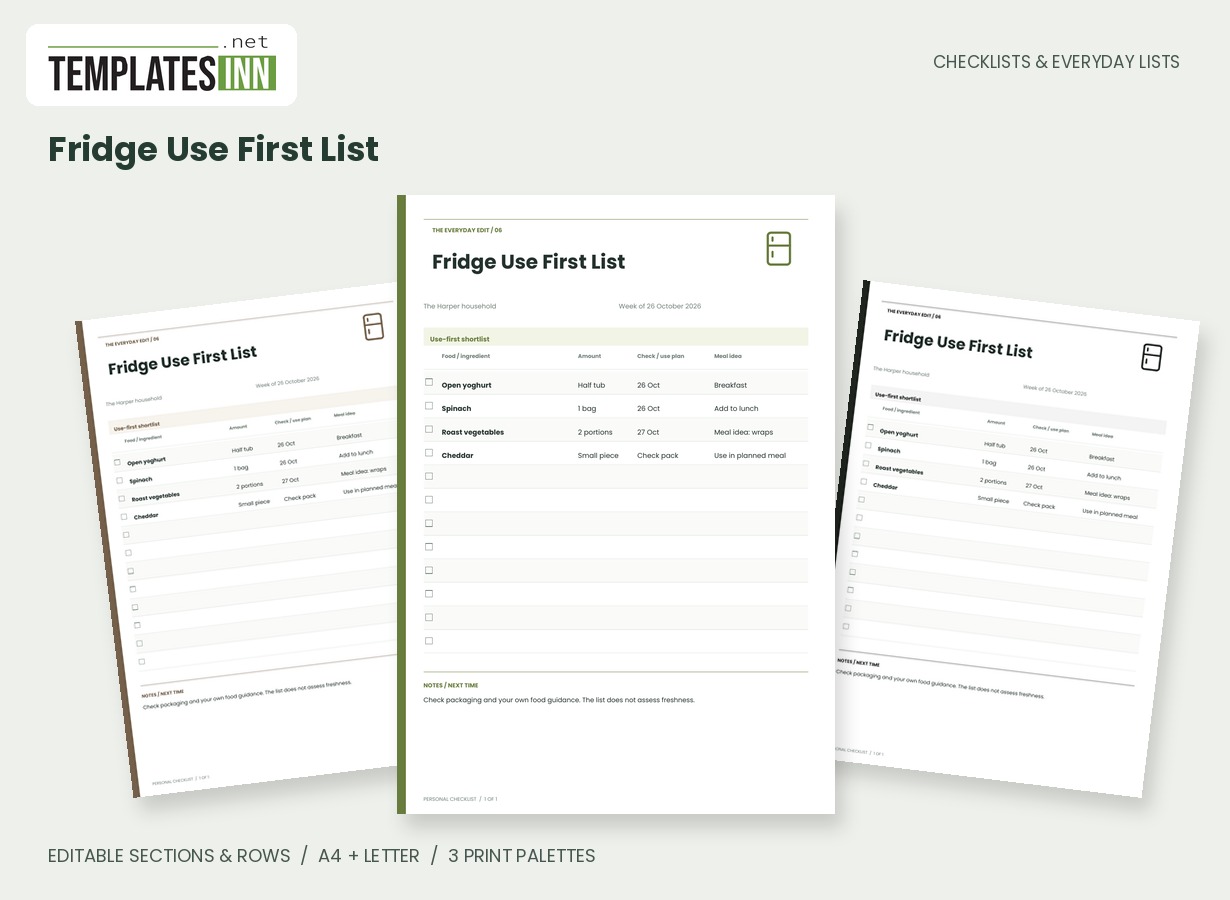
- Fridge Use First List: Keep a short, editable list of foods to check or use first, with quantities and meal ideas beside each entry.
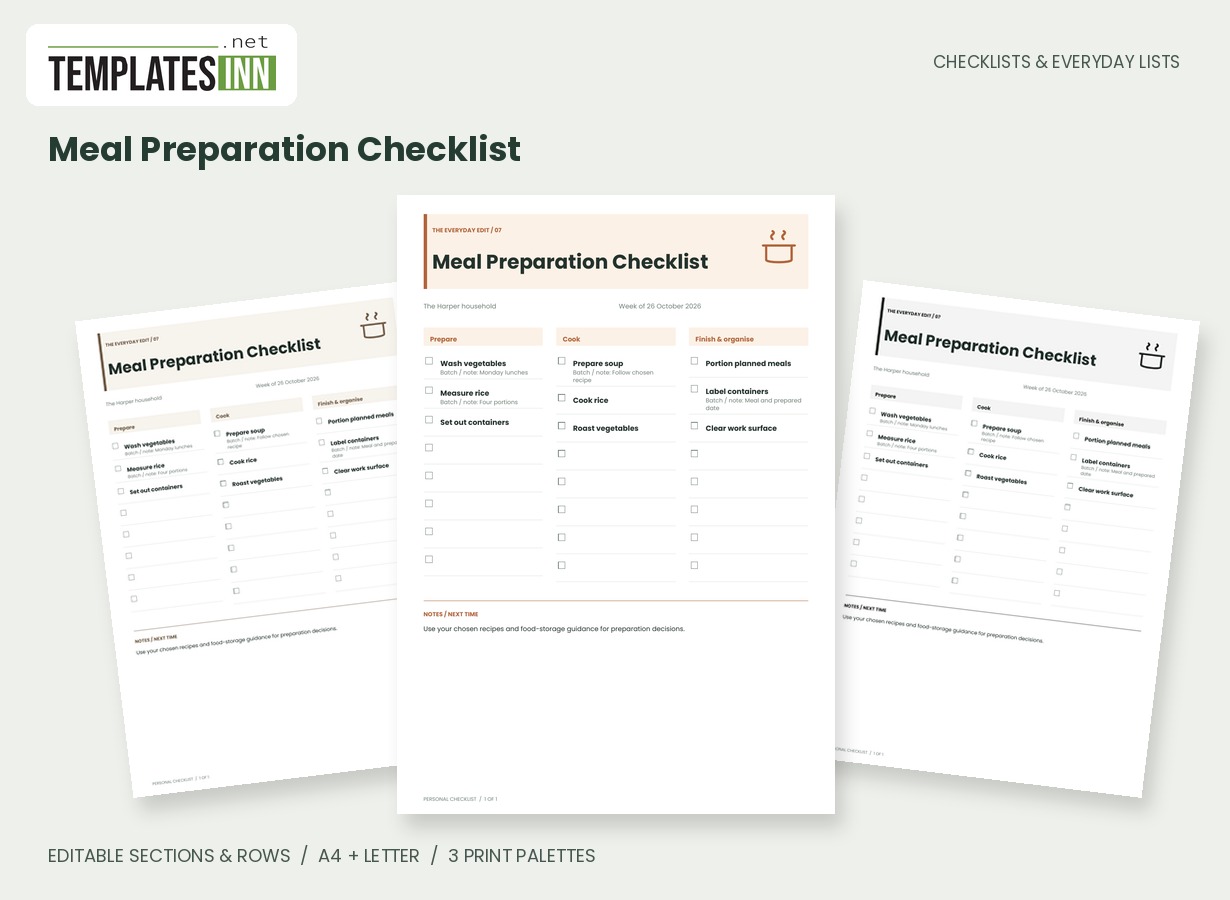
- Meal Preparation Checklist: An editable preparation, cooking and finishing board for organising the tasks behind your chosen meals.
Home tasks and daily routines
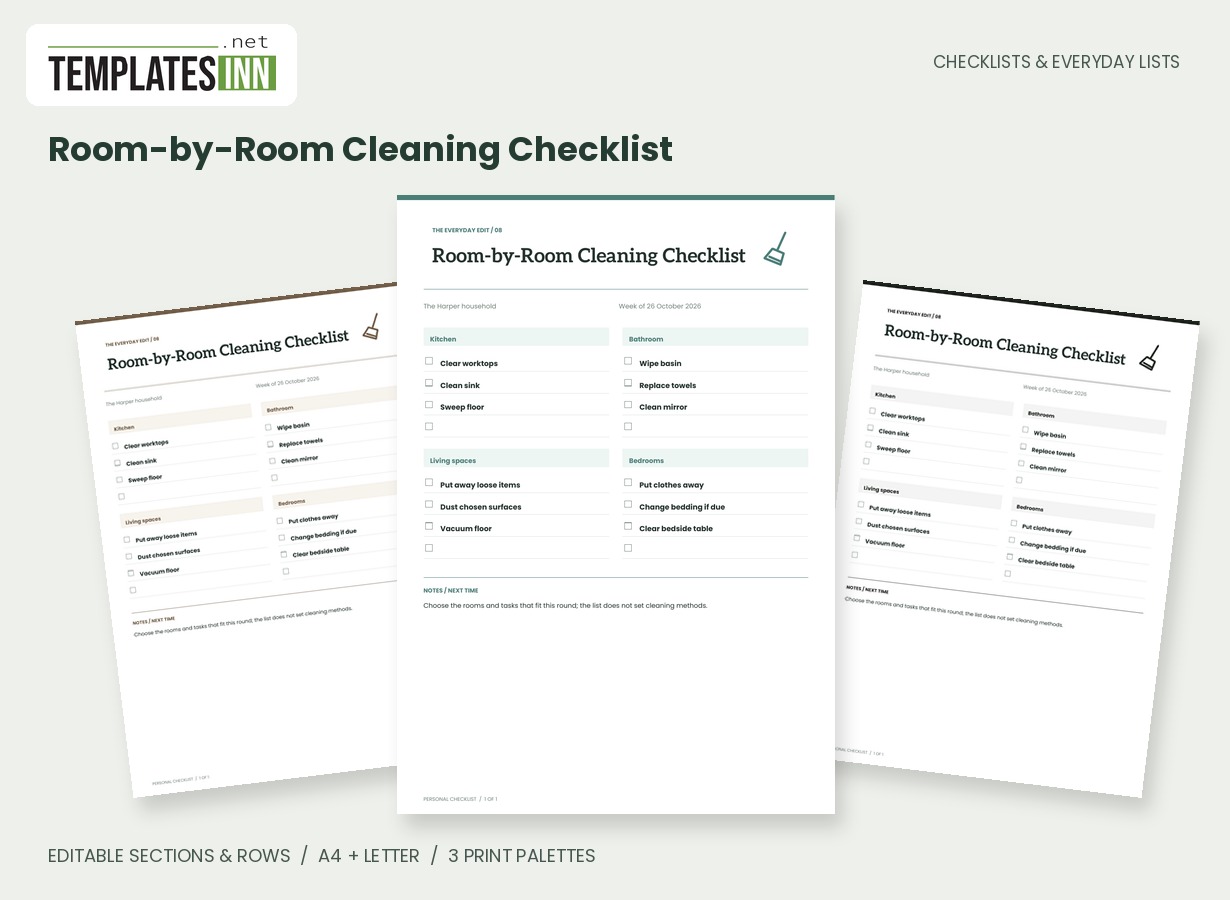
- Room-by-Room Cleaning Checklist: A practical cleaning checklist with editable room headings, task rows and space for names or reminders.
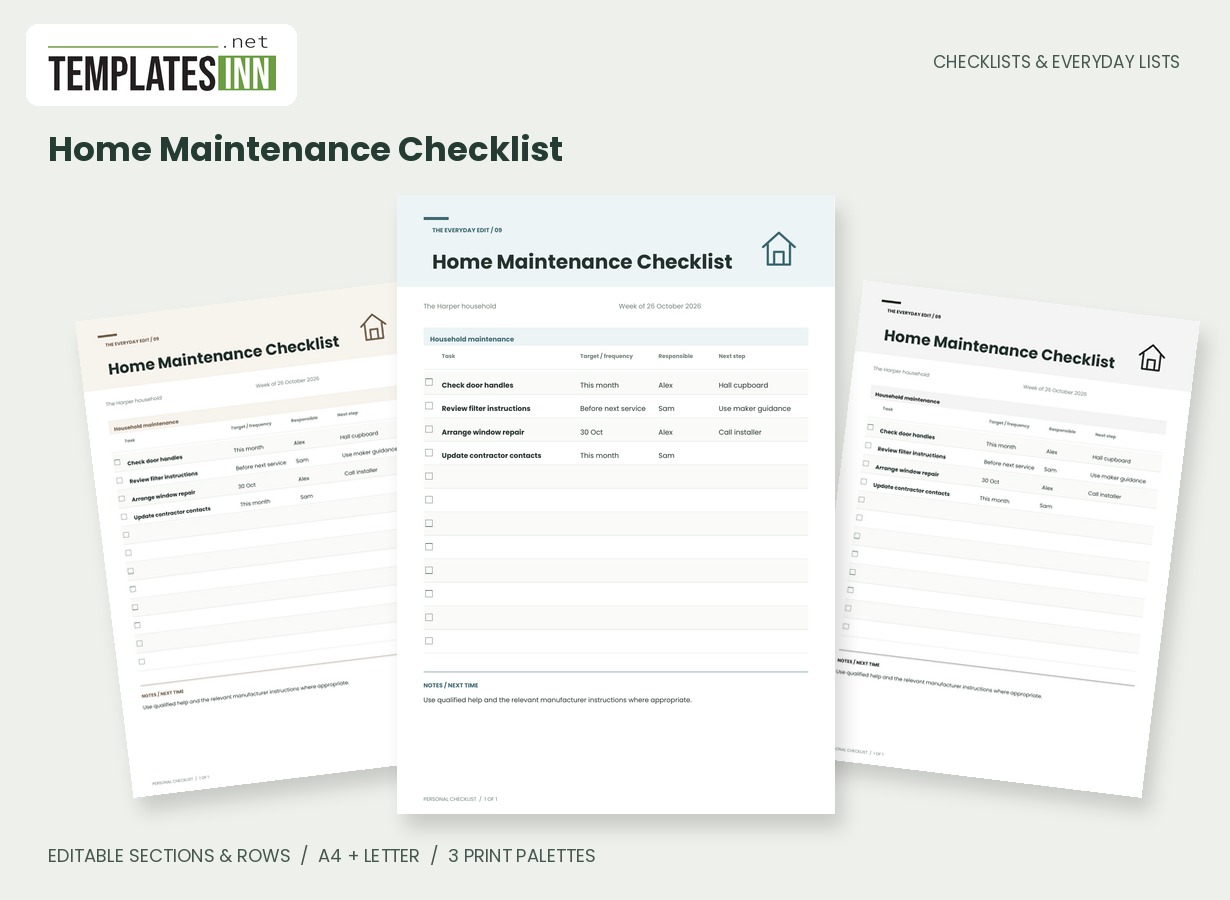
- Home Maintenance Checklist: Track household maintenance tasks, target dates, responsible people and the next practical step.
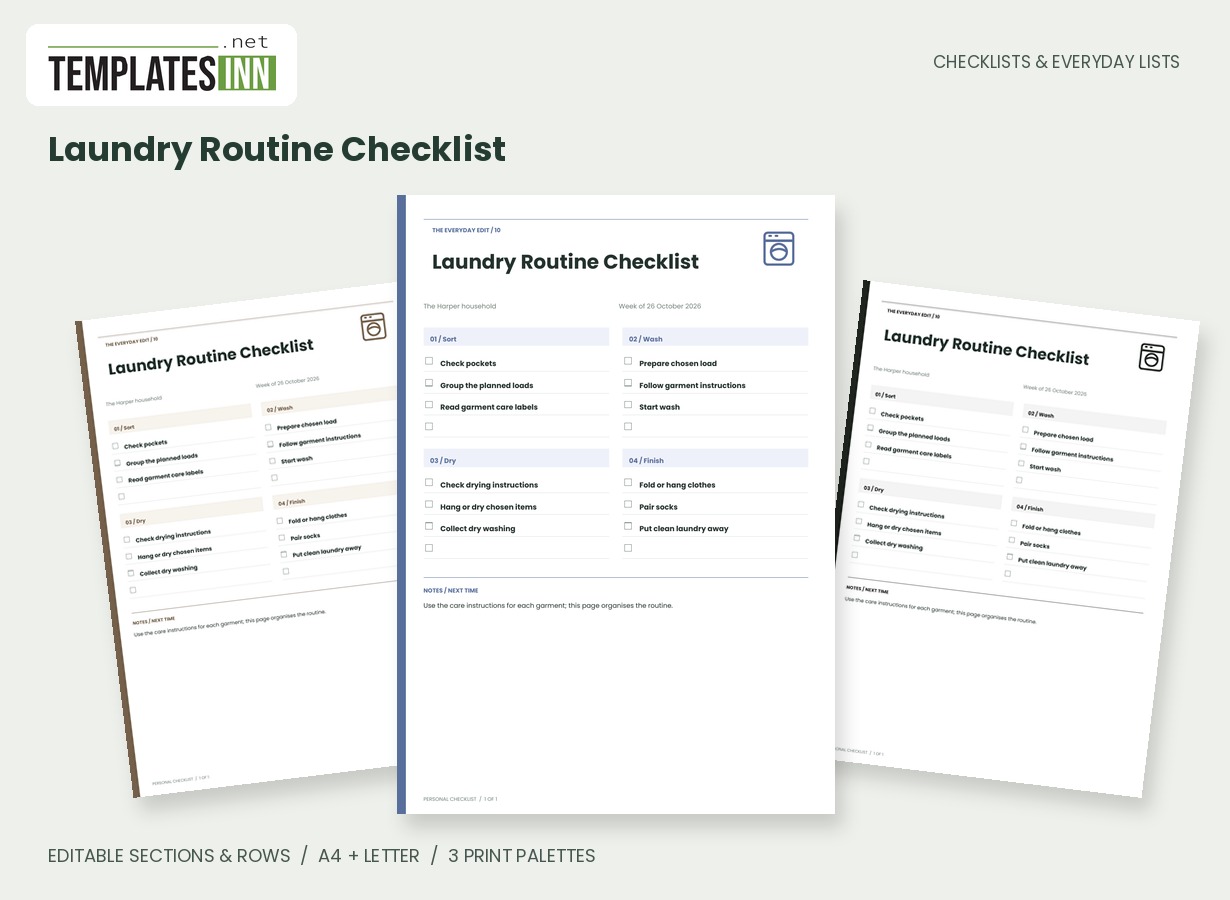
- Laundry Routine Checklist: A four-stage laundry checklist that makes sorting, washing, drying and putting away visible as separate tasks.
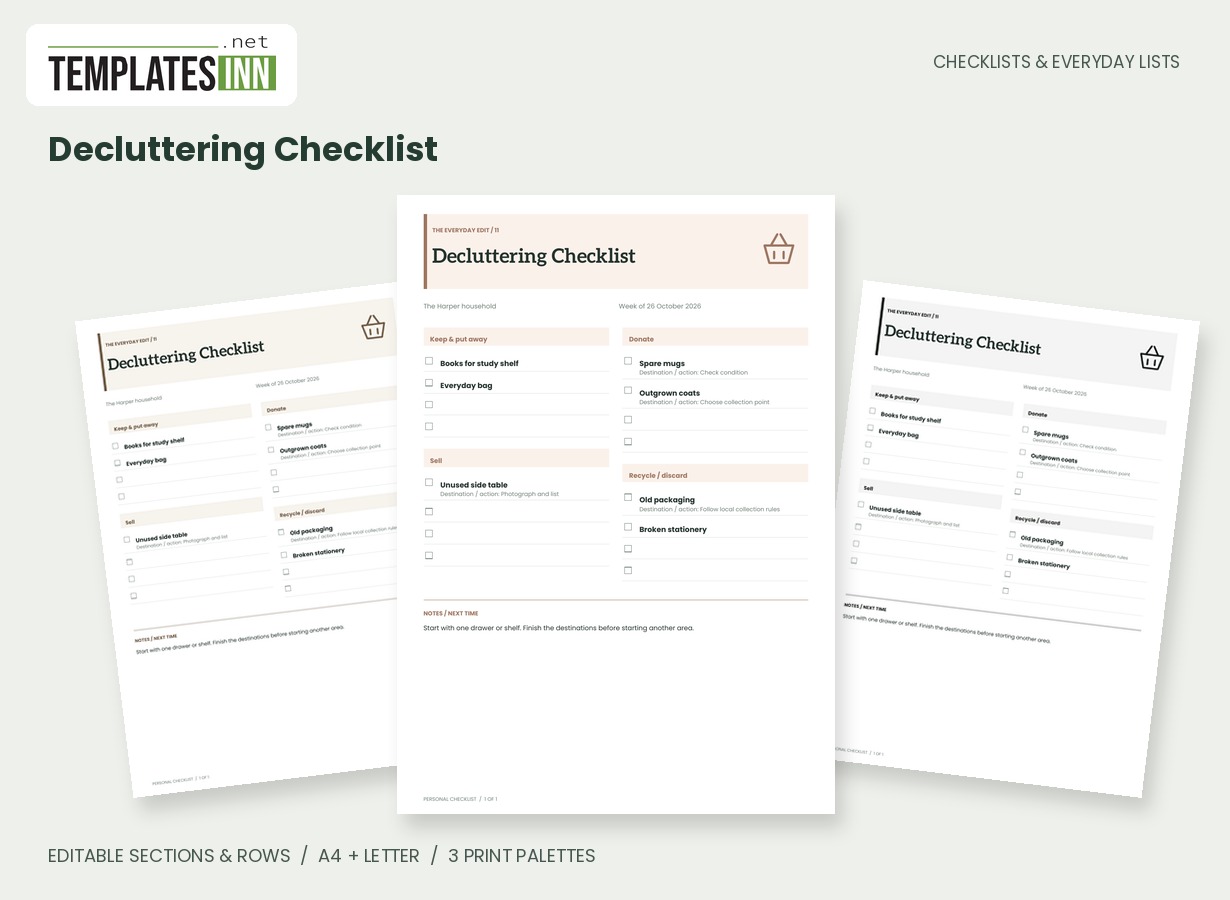
- Decluttering Checklist: Sort a space into keep, donate, sell and recycle actions, with an editable next step for each decision.
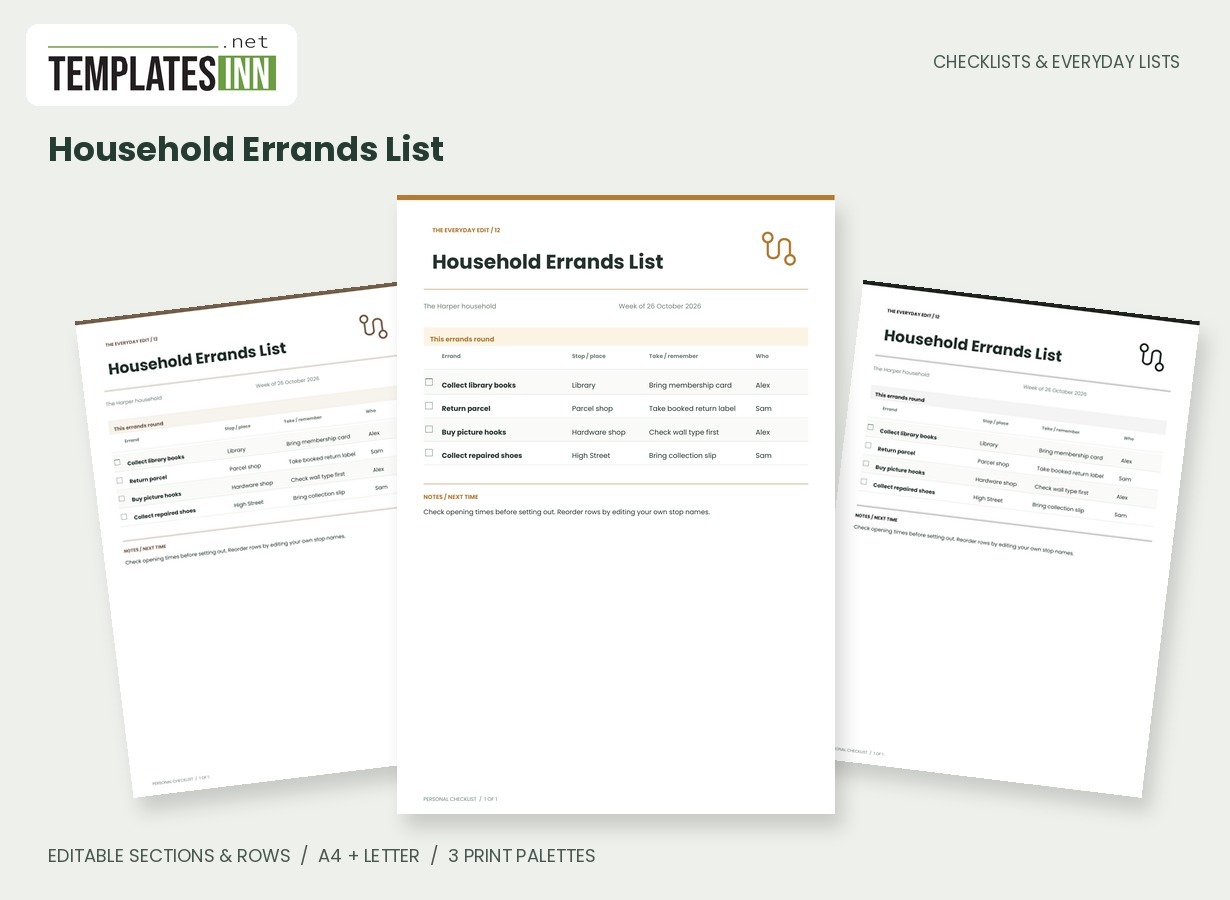
- Household Errands List: Group errands by destination and record what to take, who is responsible and what needs doing at each stop.
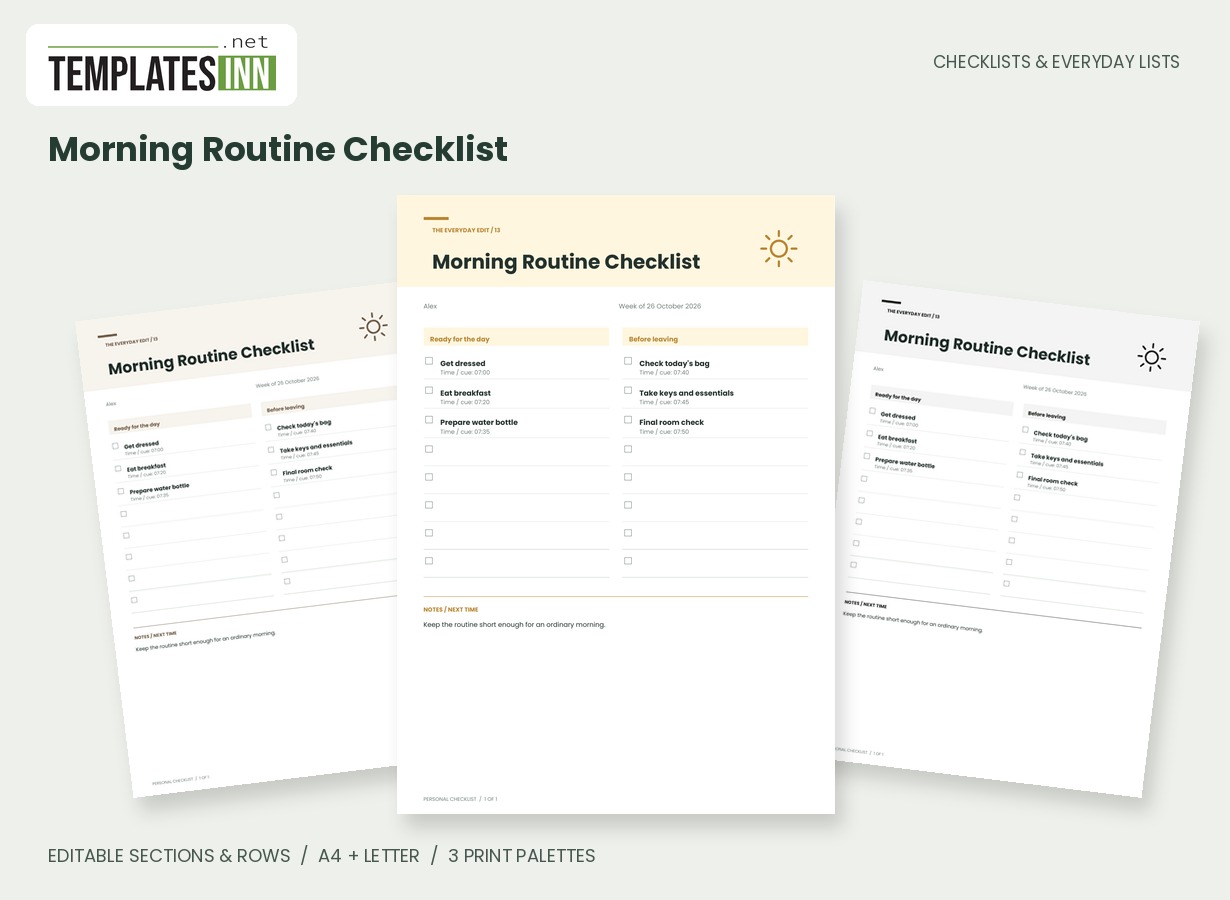
- Morning Routine Checklist: Build a personal morning sequence with editable time cues, large checkboxes and space for the steps you actually follow.
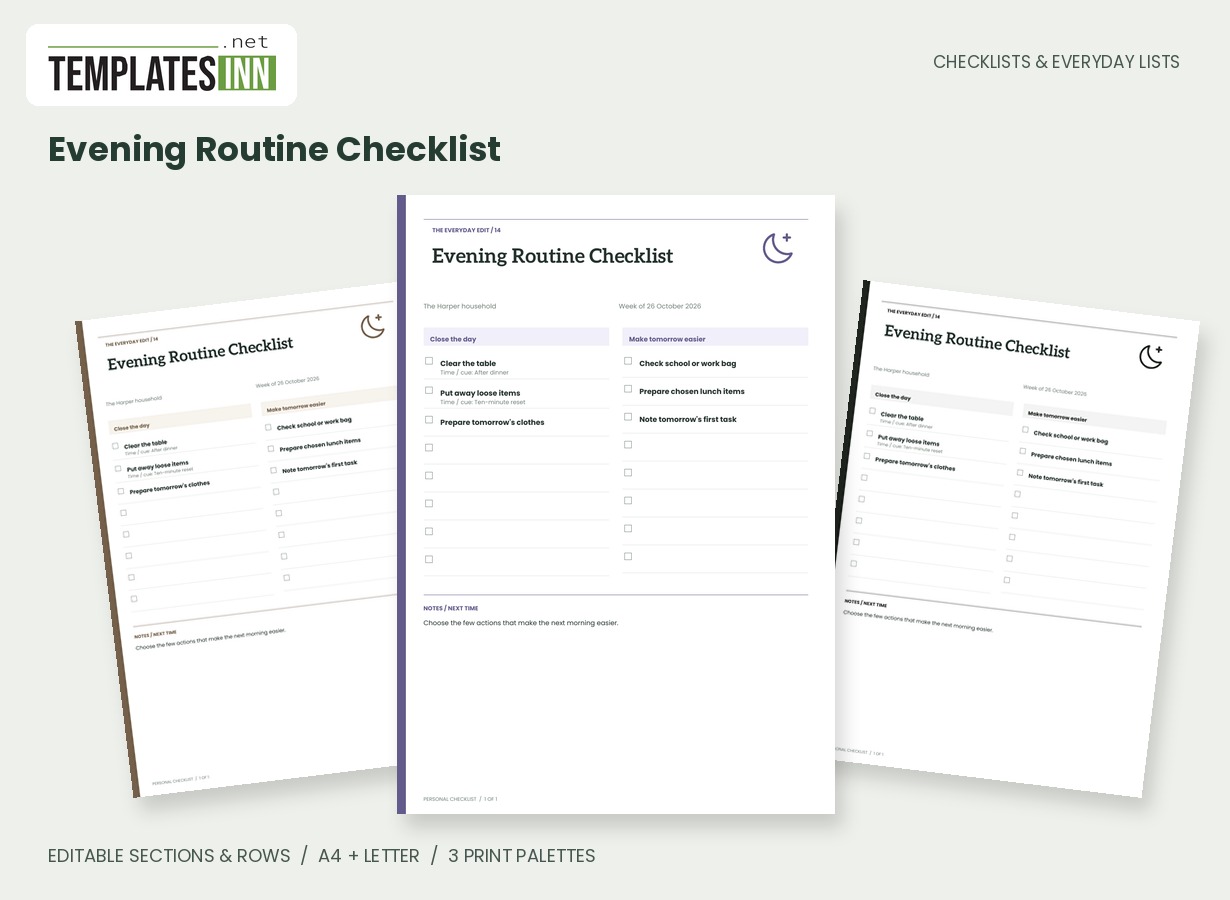
- Evening Routine Checklist: Create an evening reset and prepare the next day with an uncluttered checklist and optional time cues.
School, work and care organisers
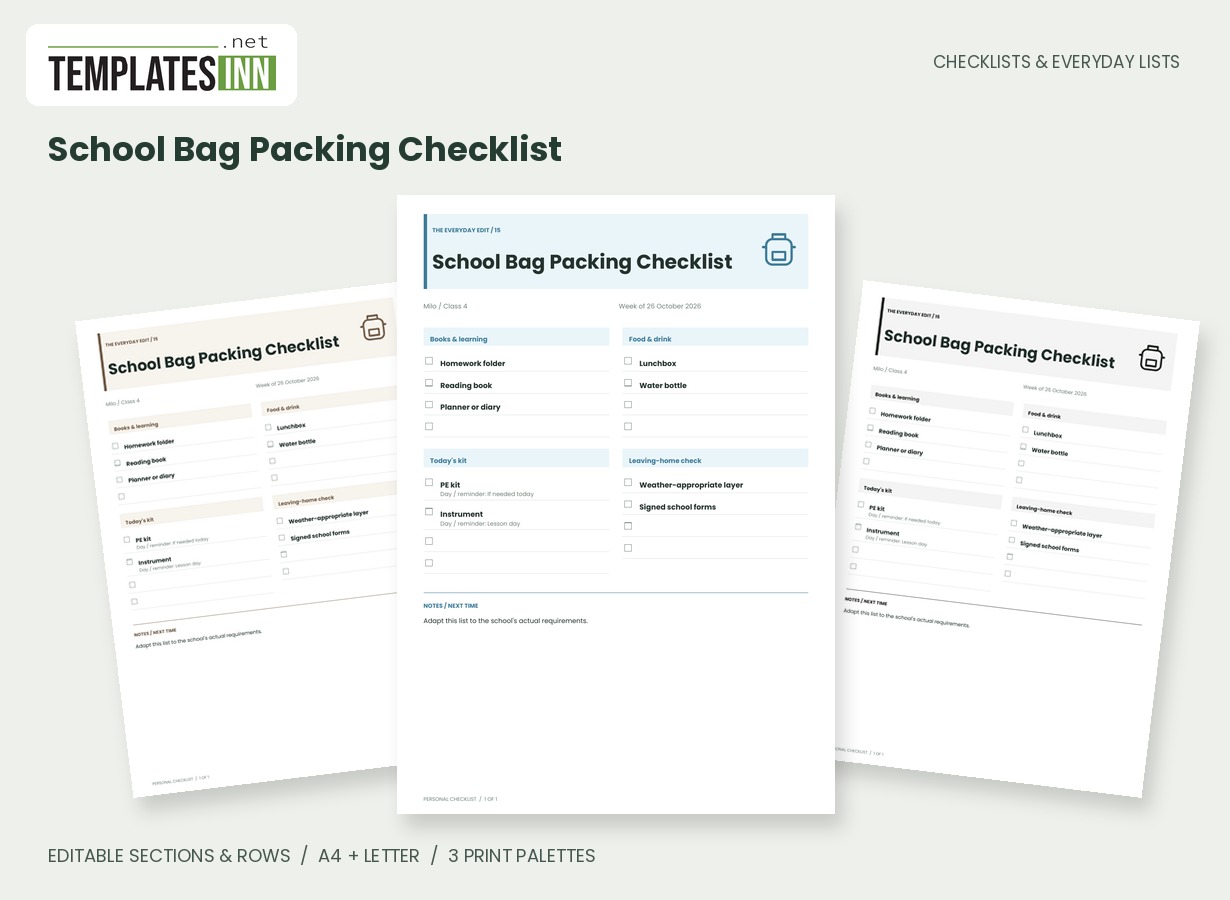
- School Bag Packing Checklist: An editable school-bag list grouped into learning, food, day-specific kit and final checks.
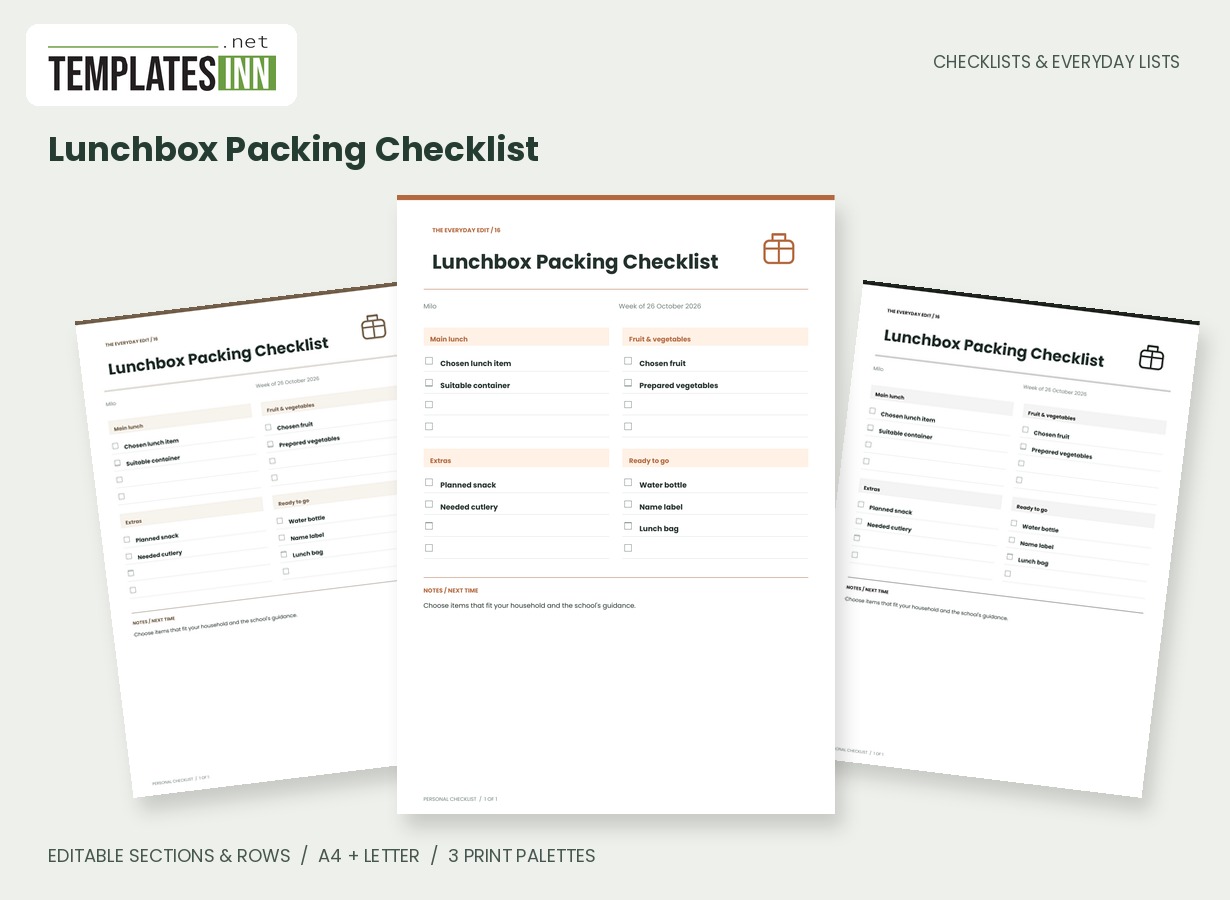
- Lunchbox Packing Checklist: Organise the lunch components, containers and small extras you want to pack, with editable headings for your household.
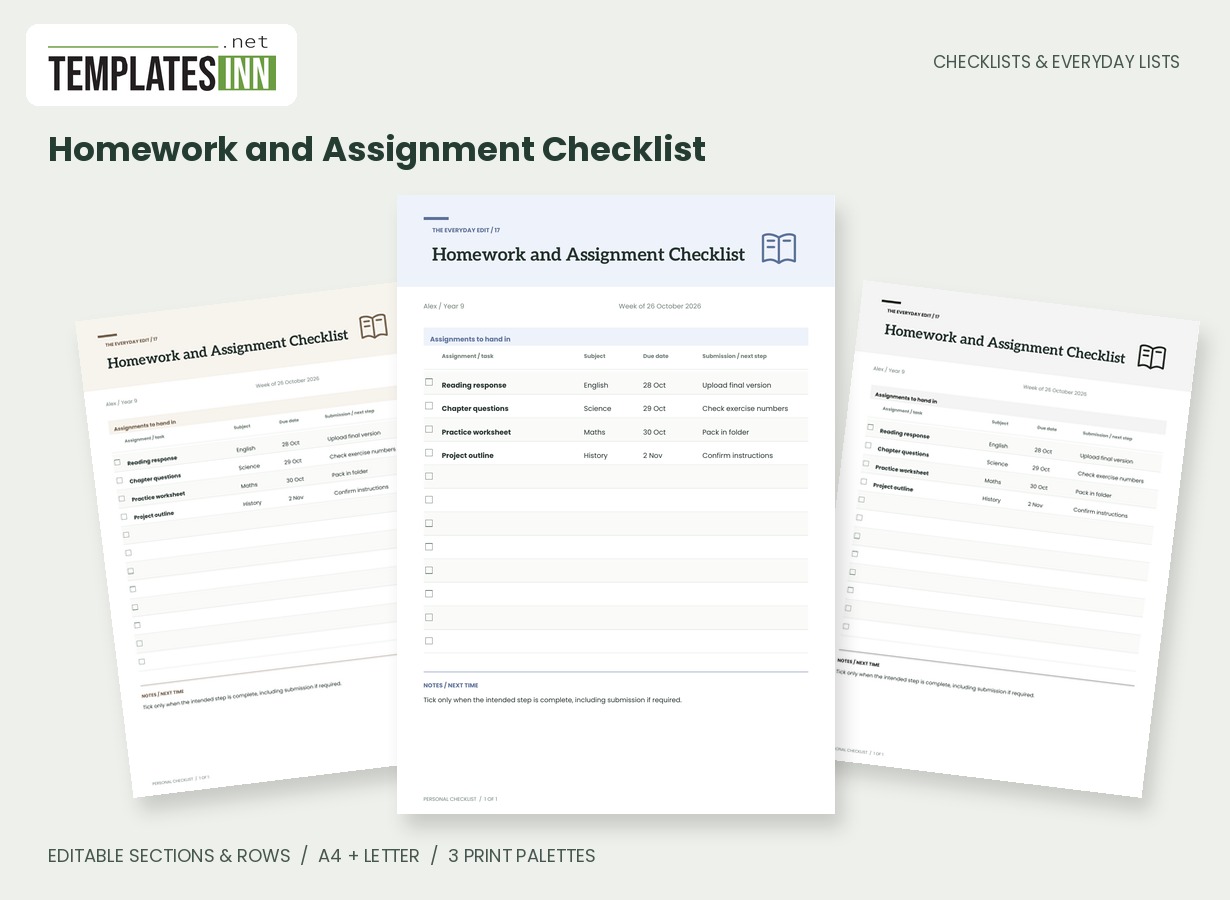
- Homework and Assignment Checklist: Track assignments, subjects, due dates and submission steps without turning them into a crowded timetable.
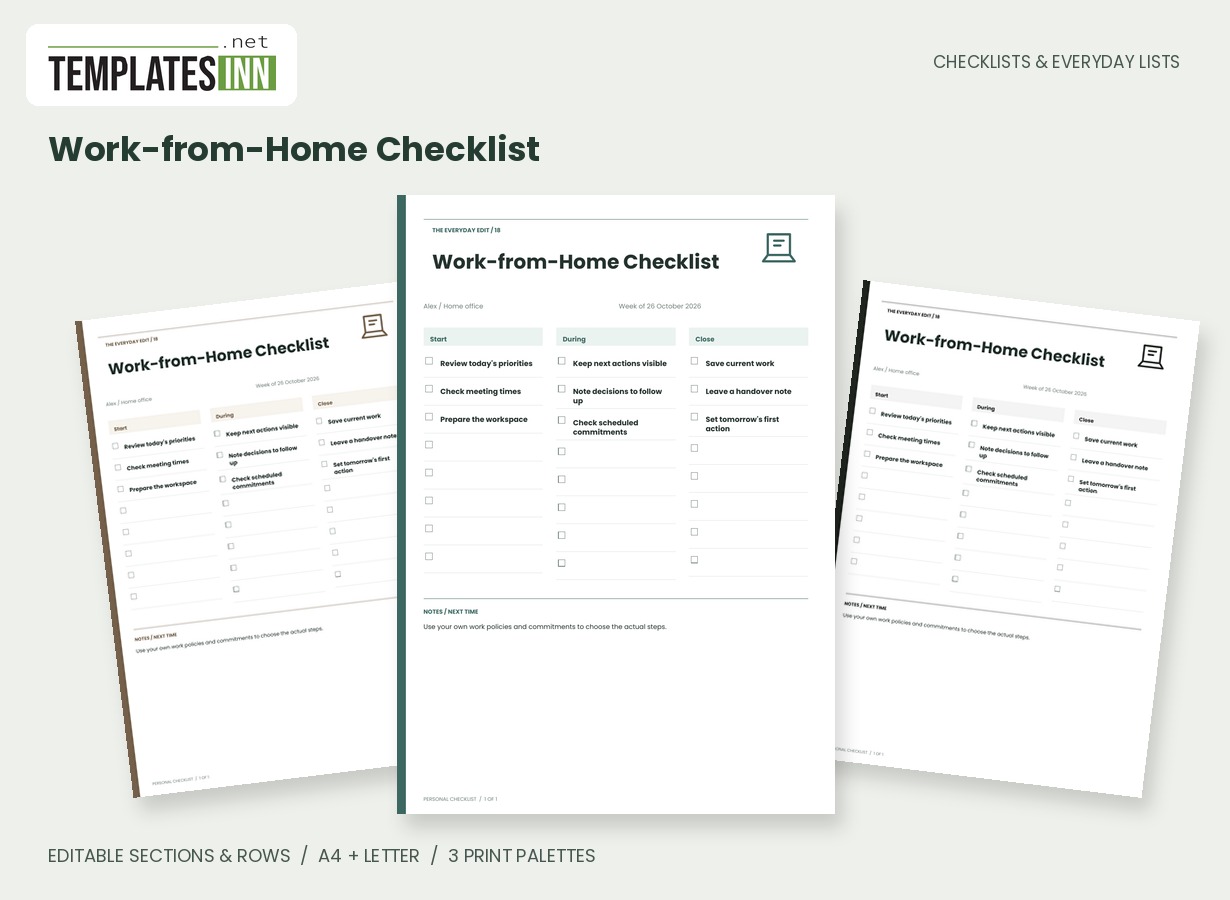
- Work-from-Home Checklist: A three-stage workday checklist for opening tasks, useful reminders and a deliberate end-of-day handover.
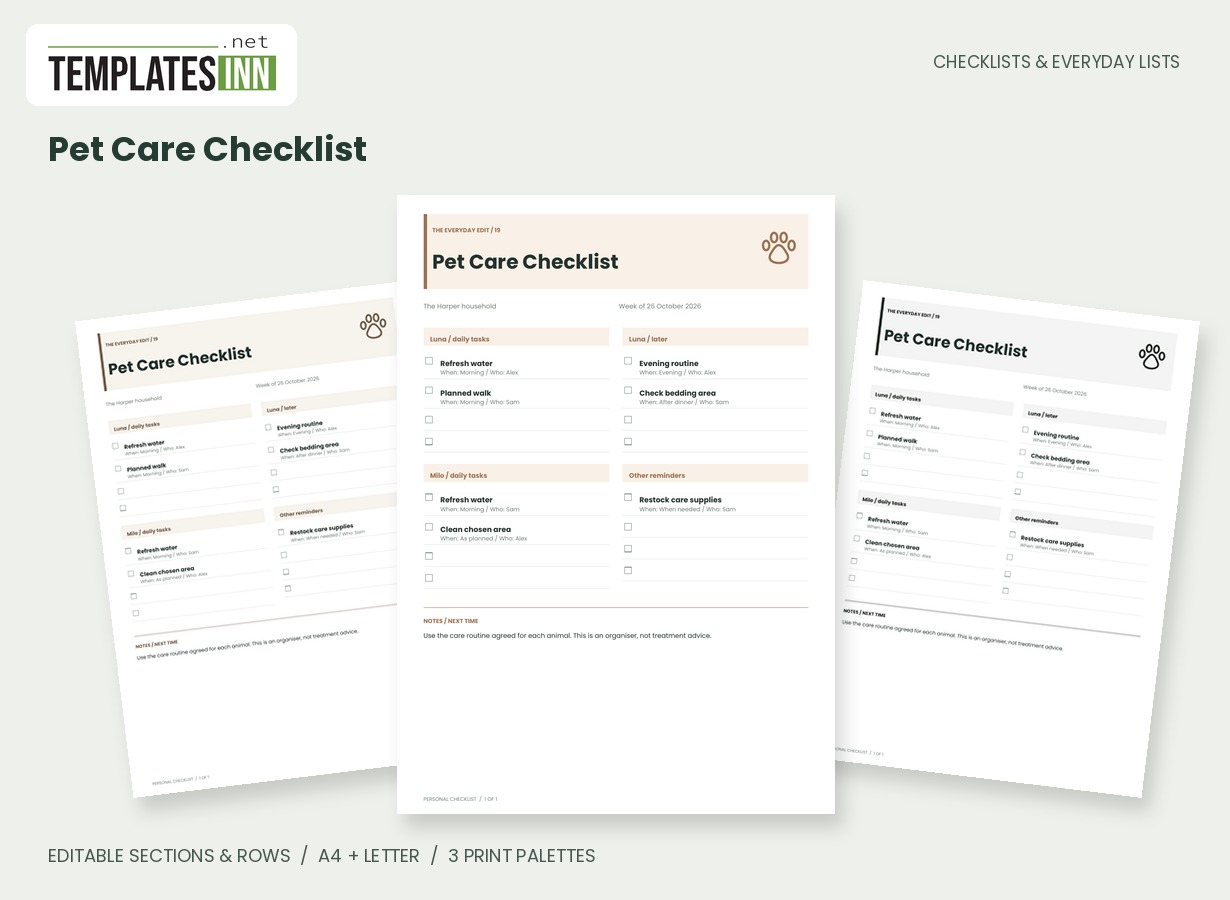
- Pet Care Checklist: Coordinate owner-defined pet care tasks with time cues, named carers and separate sections for different animals.
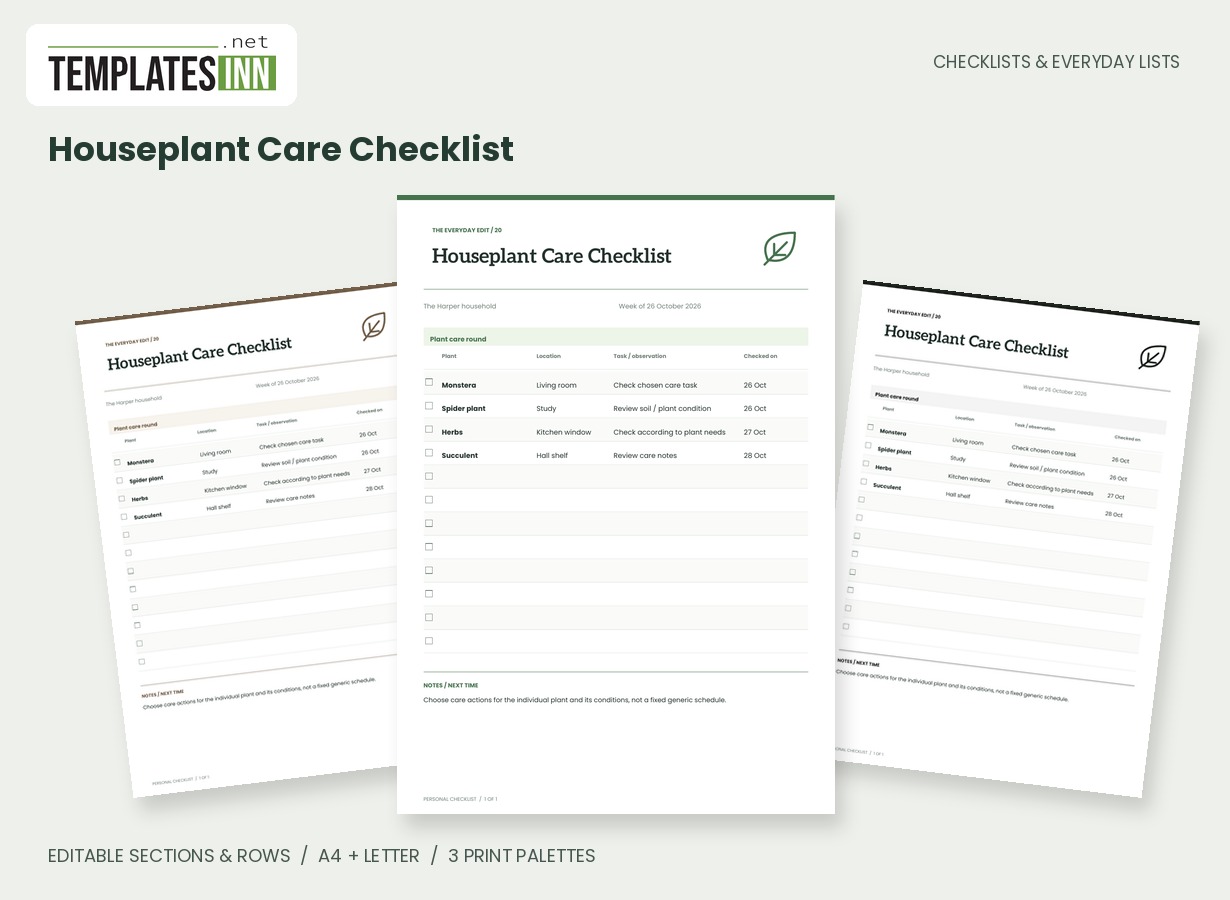
- Houseplant Care Checklist: List plants, locations, care observations and check dates on a calm inventory-style sheet.
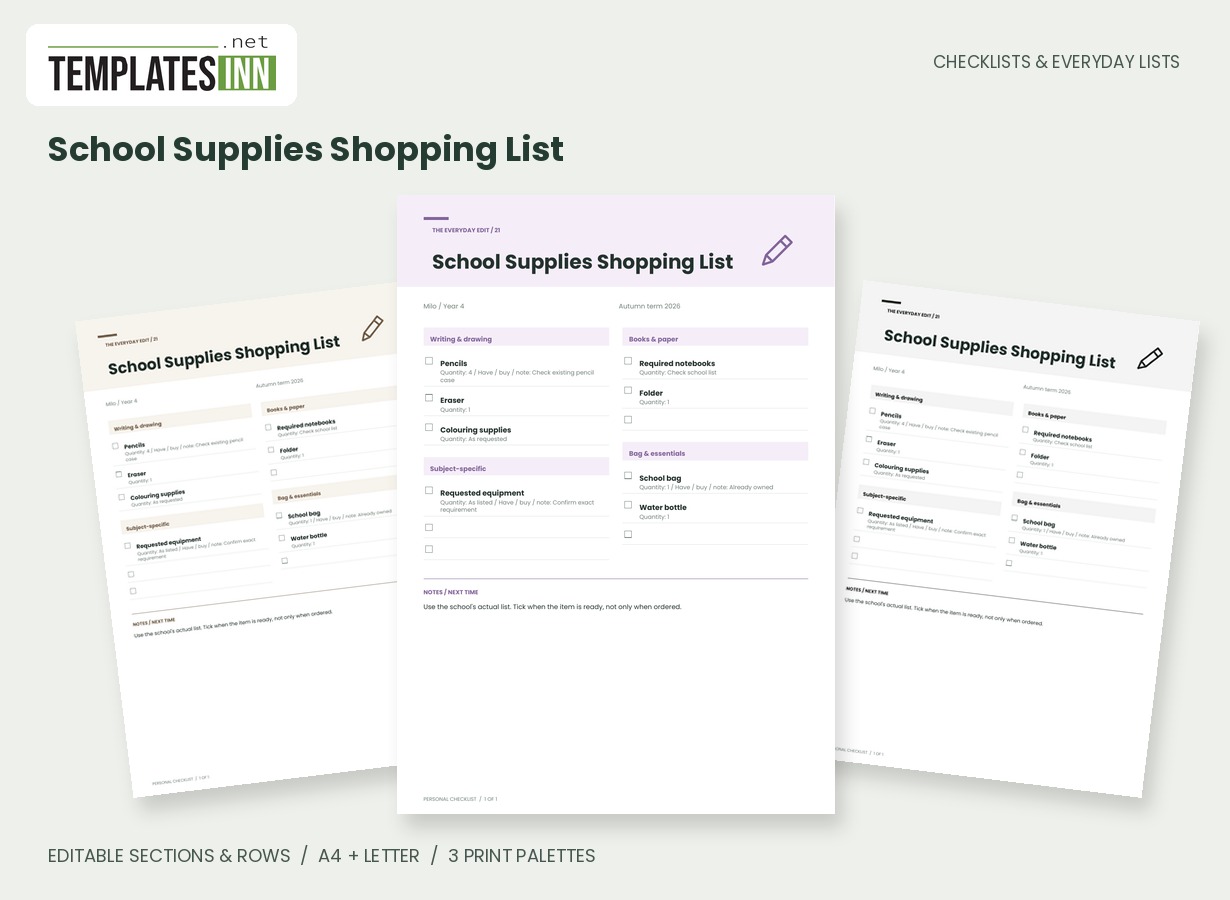
- School Supplies Shopping List: Turn the school's supply requirements into an editable shopping list with quantities and already-owned notes.
Packing, moving and welcoming guests
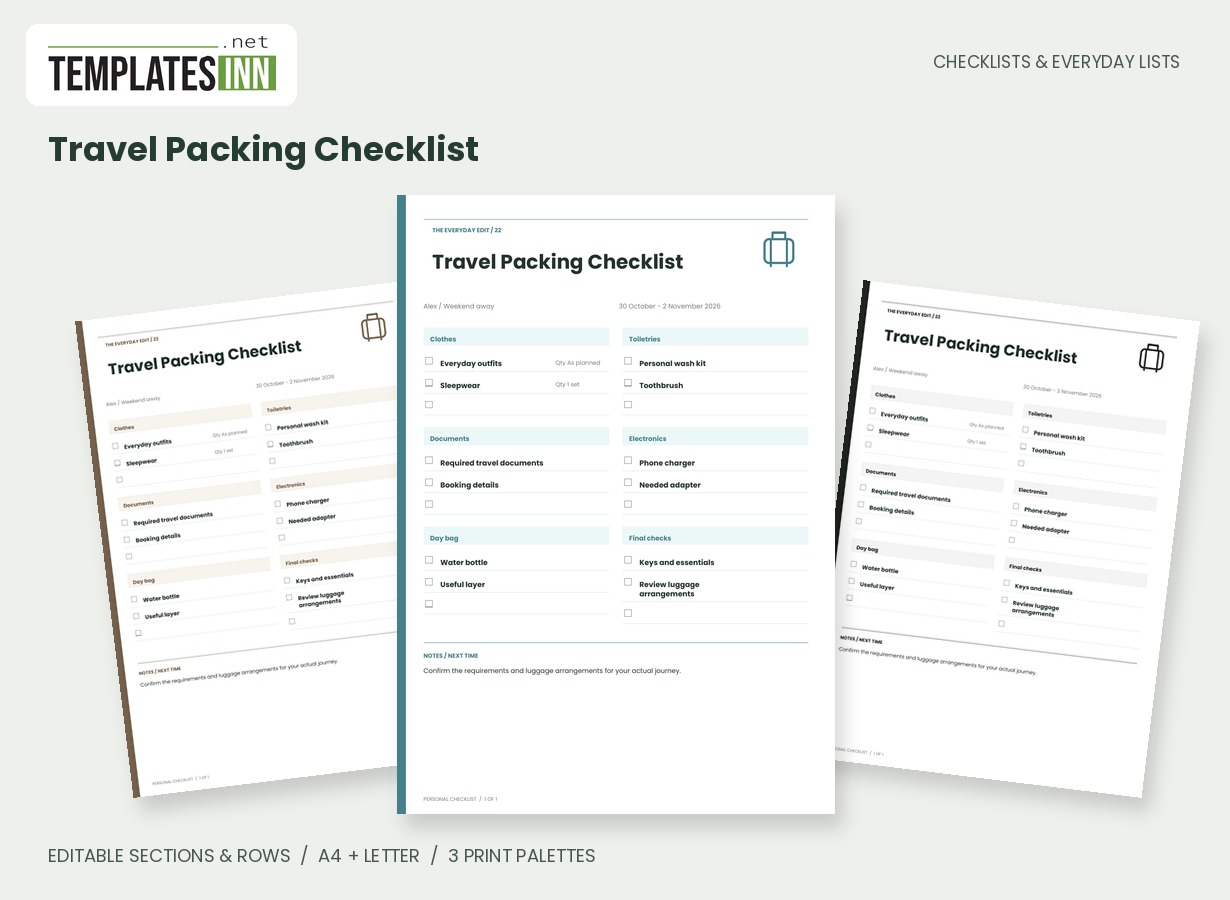
- Travel Packing Checklist: A flexible packing checklist grouped by luggage essentials, with editable quantities and a final-check section.
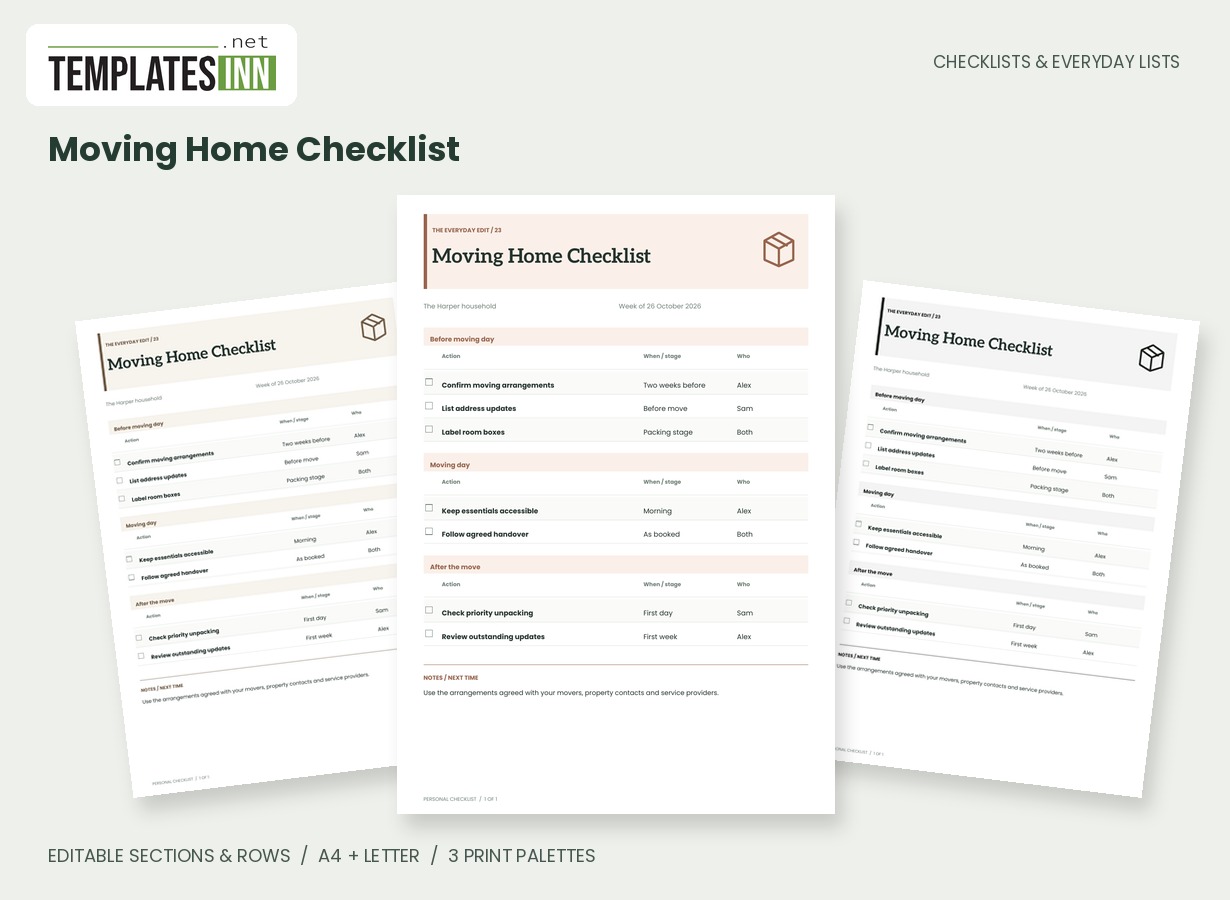
- Moving Home Checklist: Organise moving actions by stage, with time cues, responsible people and editable completion boxes.
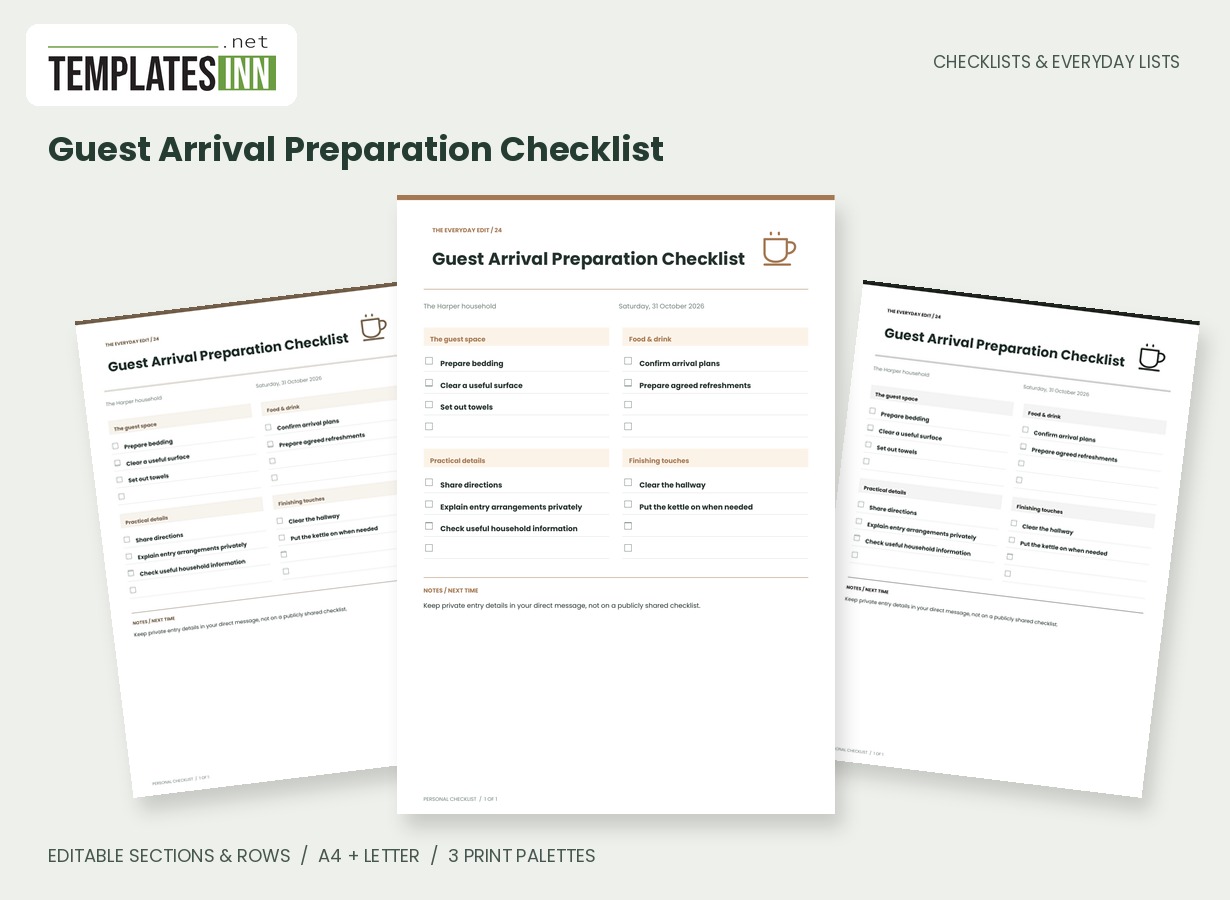
- Guest Arrival Preparation Checklist: Prepare guest spaces, refreshments and practical arrival details with a welcoming room-based checklist.
From a useful example to your own page
- Pick the purpose first: shopping, inventory, routine, task tracking or preparation.
- Use Load sample data to see the page with editable examples, or leave the writing lines blank.
- Rename the page and its sections, and add your own name or date information.
- Edit the rows, add what is missing and remove what does not apply.
- Choose the paper size and palette, then preview the PDF.
- Check page breaks and print at actual size. Return through Make Adjustments during the same visit if anything needs changing.
Useful structure without a complicated editor
The designs keep their typography, artwork and column structure in place. You control the wording, section headings and rows. A grouped grocery sheet can become your own store route; a routine can use your own time cues; an inventory can describe the storage places you actually have. Up to eight sections and eighty entered rows are supported. Long content wraps within its column and long lists continue onto additional PDF pages. The page should help you organise a task, not become another design project.
Blank writing lines are included where useful. The blank-copy action clears the row contents while keeping the section layout, making it practical to reuse a structure with a pen. Completion boxes are editable before generation, and empty boxes remain ready for handwriting on the printed page. These are printable documents rather than a synchronised task app: marking the paper does not update an online account or another person's copy.
A shopping budget with clear arithmetic
The Shopping List with Budget uses whole-number quantities and unit prices. Estimated totals and actual-entered totals are calculated in the form and recalculated on the server for the PDF. Budget left subtracts entered actual spending from the budget you supplied. Blank actual prices are not a complete record of a shopping trip. The currency field is a label, and there is no automatic currency conversion, retailer discount or tax calculation.
Print for a fridge, folder or desk
Every design supports A4 and US Letter portrait output. Use the corresponding paper setting and print at Actual size or 100 percent to preserve the intended writing space. Signature palettes give the layouts their individual character. Soft neutral options offer a quieter version, and the black-and-white palette reduces decorative colour. Print one proof before producing a stack, especially when you have added long headings or many rows. The website logo stays on browsing previews; the finished PDF has no TemplatesInn watermark.
Keep everyday lists connected to everyday planning
Use an inventory before preparing a grocery list, then use your own weekly meal planner for the meals you decide to make. A calendar or planner can hold dates that do not belong in a checklist. For a move, share the new address using our moving announcement after the details are settled. A clear purpose for each page makes the collection easier to reuse.
Questions before choosing your checklist
Can I use my own items instead of the examples?
Yes. Edit the rows and section names, add new entries or remove the examples entirely. The examples illustrate the layout rather than prescribe a routine.
Can I print an empty checklist?
Yes. Begin with blank rows or use the blank-copy action to clear row contents while preserving the sections. Page title, name, date and notes can be edited separately.
Will all eighty rows fit on one sheet?
No. The PDF continues onto additional pages when needed. Page size, column widths and entry length affect the number of pages.
Are the downloaded pages editable PDF forms?
No. Edit your information in the website form before downloading. The PDF is a finished printable document, with empty writing space and boxes where applicable.
Does the website save a permanent personal list account?
No account is created. Make Adjustments uses the existing visit session; keep your downloaded file and use a new form entry when you need another version.