

Create School Bag Packing Checklist
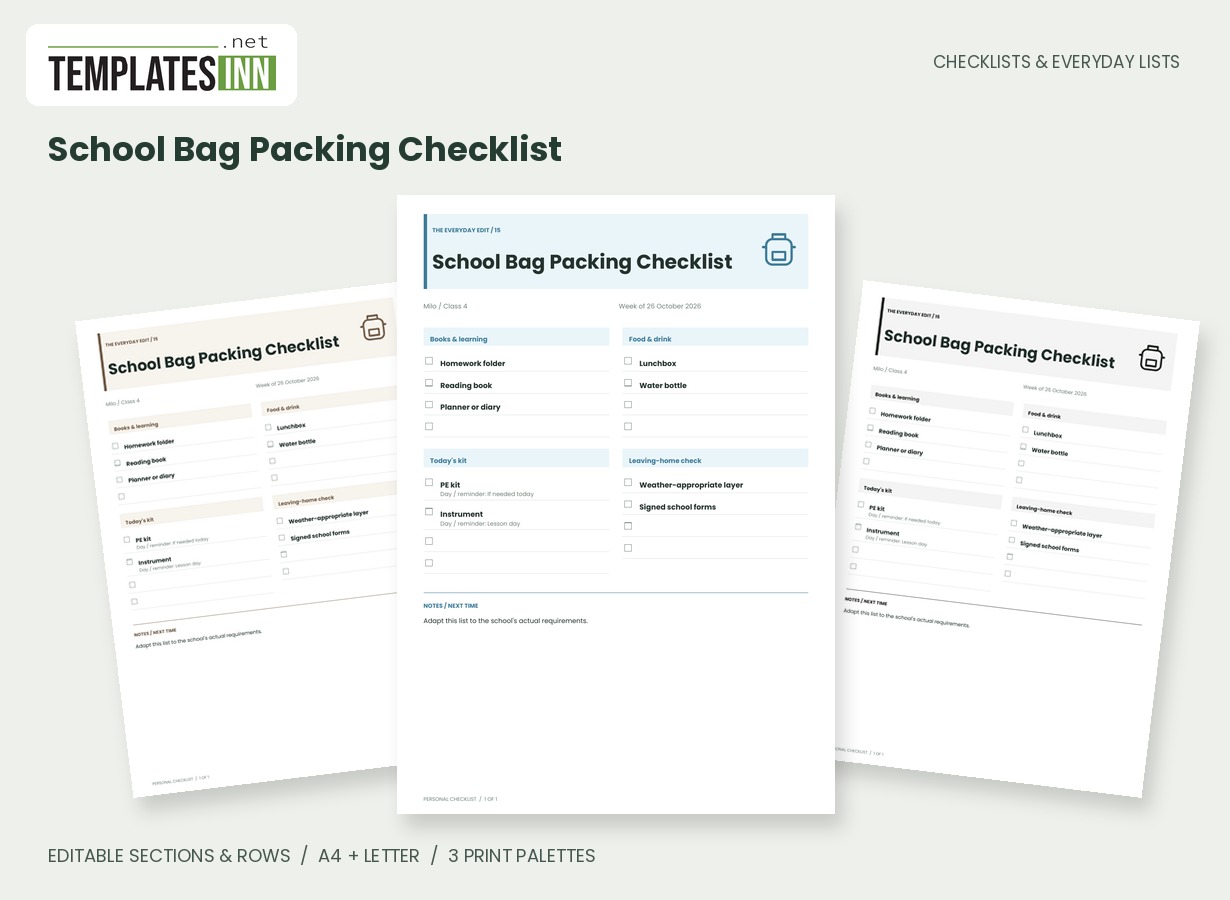
An editable school-bag list grouped into learning, food, day-specific kit and final checks.
Books, lunch and day-specific equipment do not always live in the same place. This school-bag checklist groups them into clear cards so you can adapt the packing routine to the child, class and actual school day.
Fill in the information below
New here? Use the button above to fill in an example, then change it to your own details.
Rate this template
Used it? Tap a star. Honest ratings help others choose.
You May Also Like
Templates from other categories that people often use together with this one.


Other Similar Templates
More designs from the same collection, Checklists & Everyday Lists. If this one is not quite what you need, one of these may be.
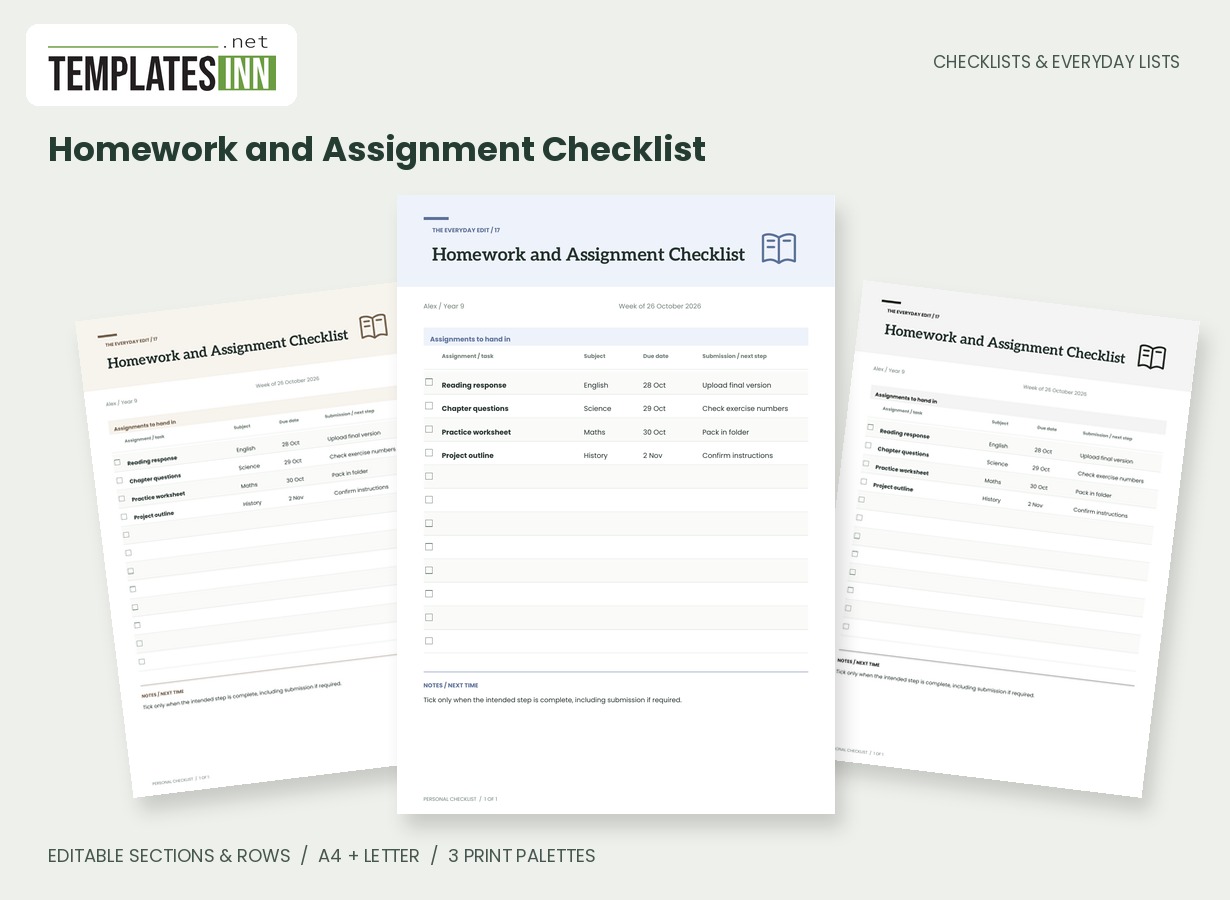
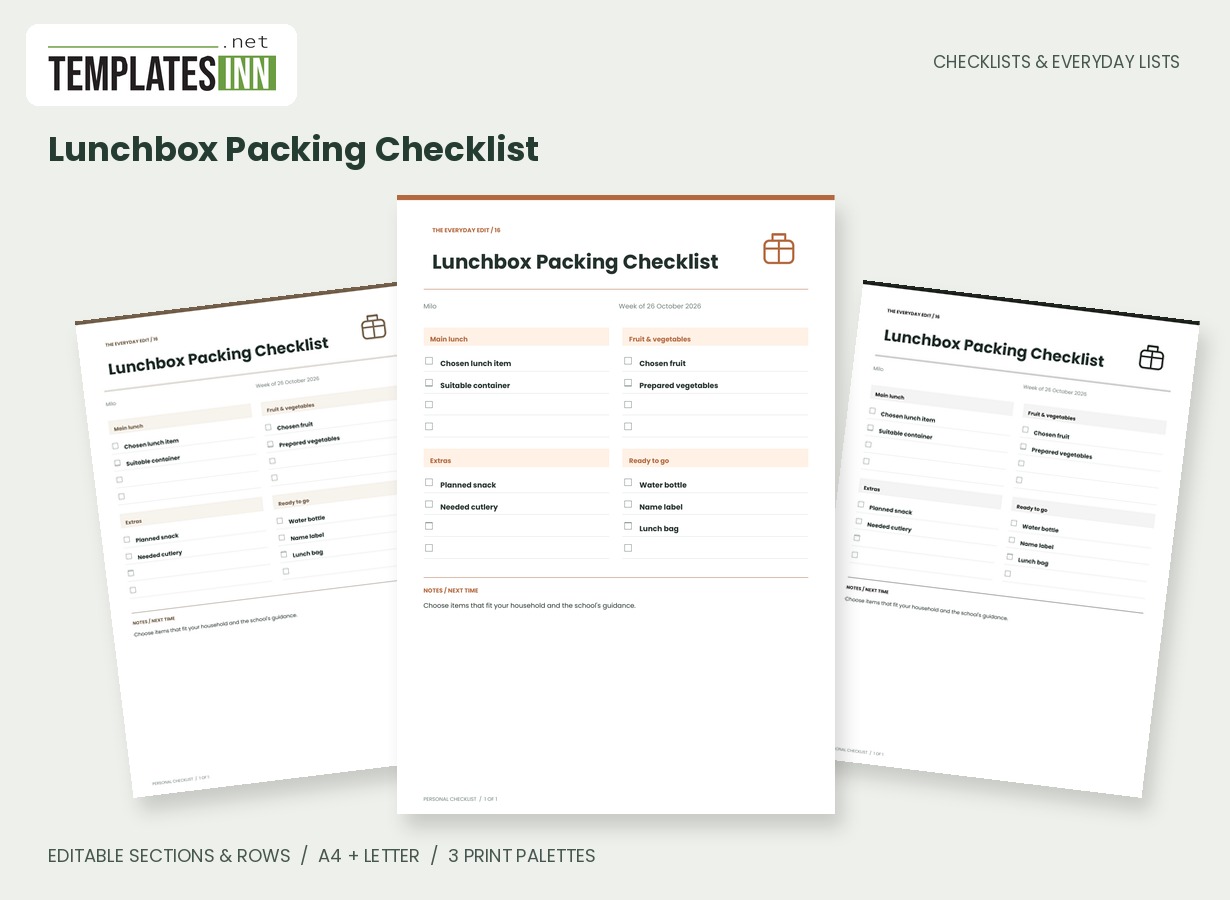
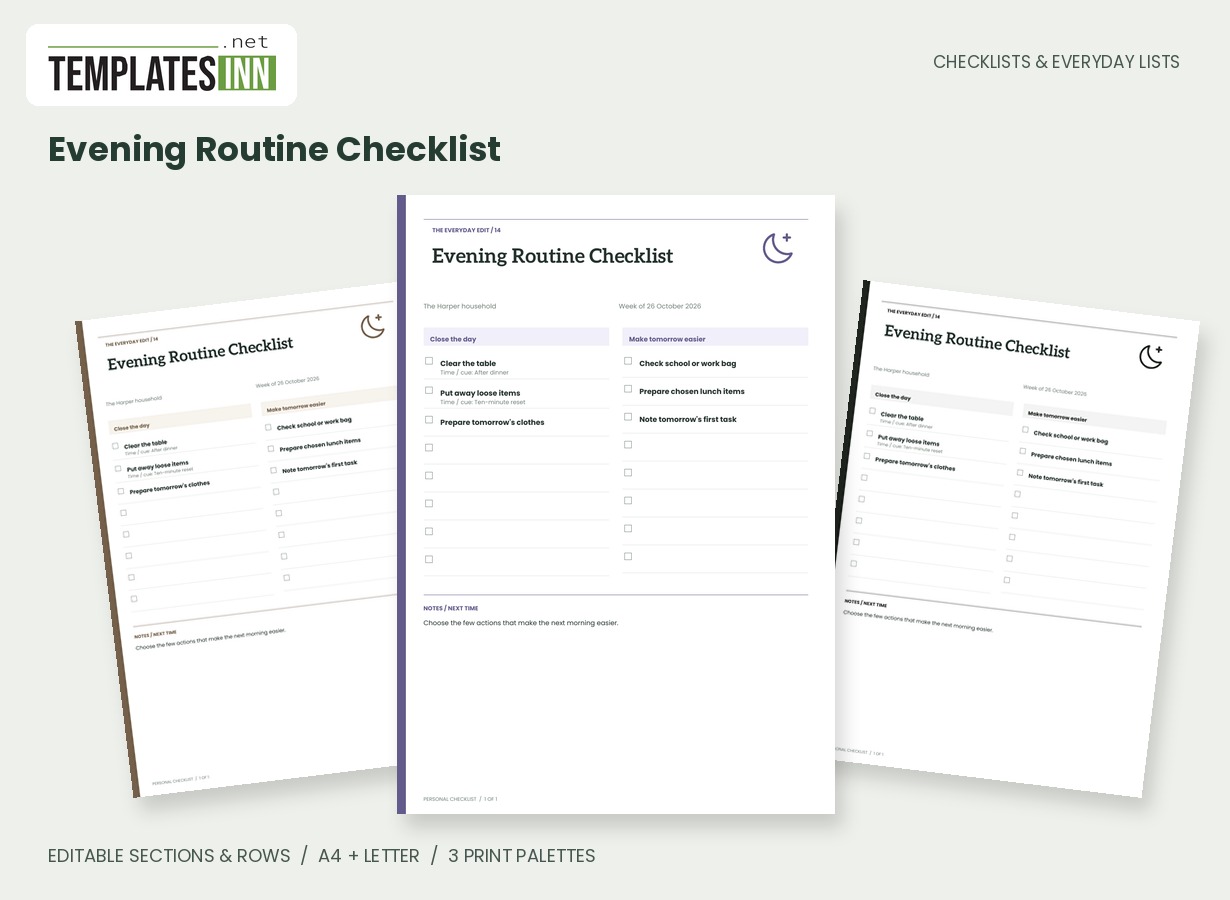
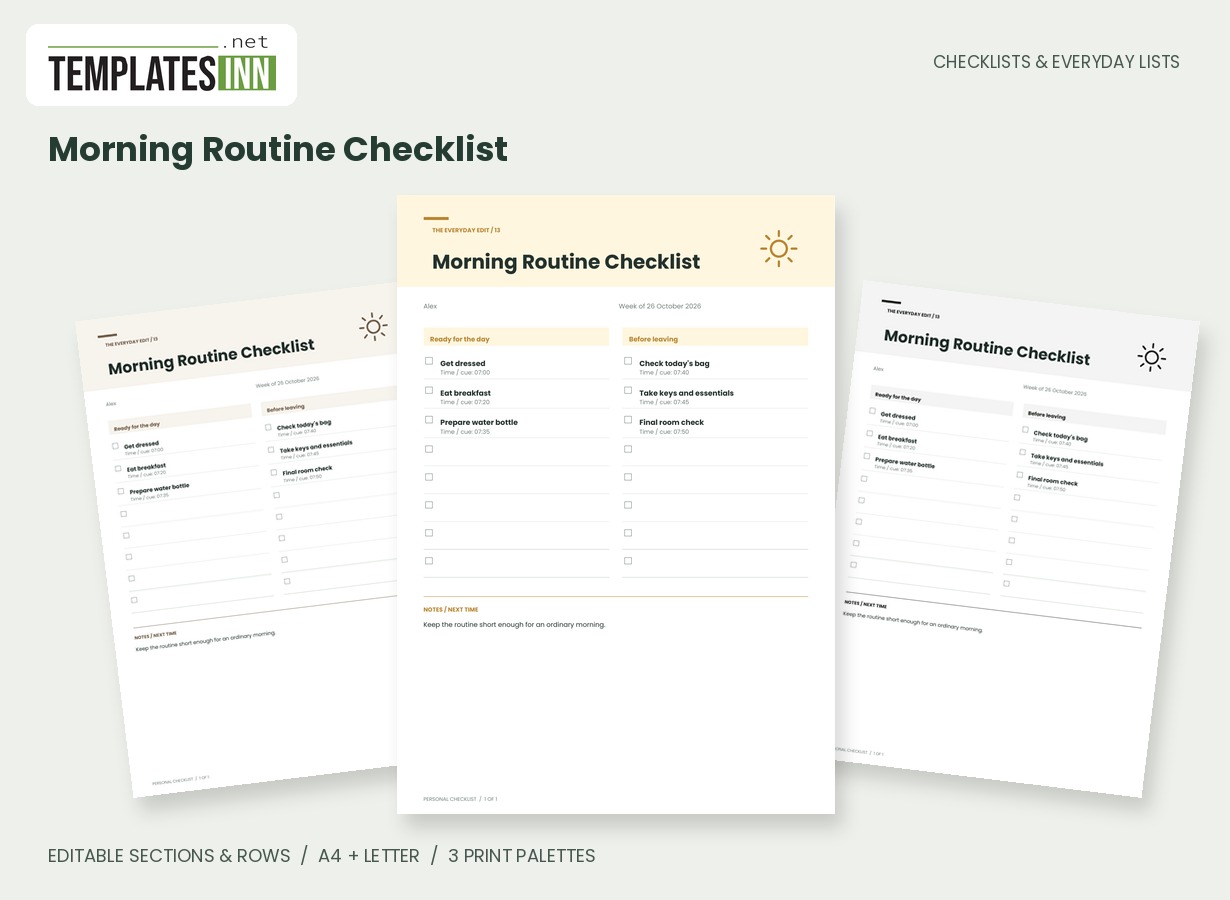
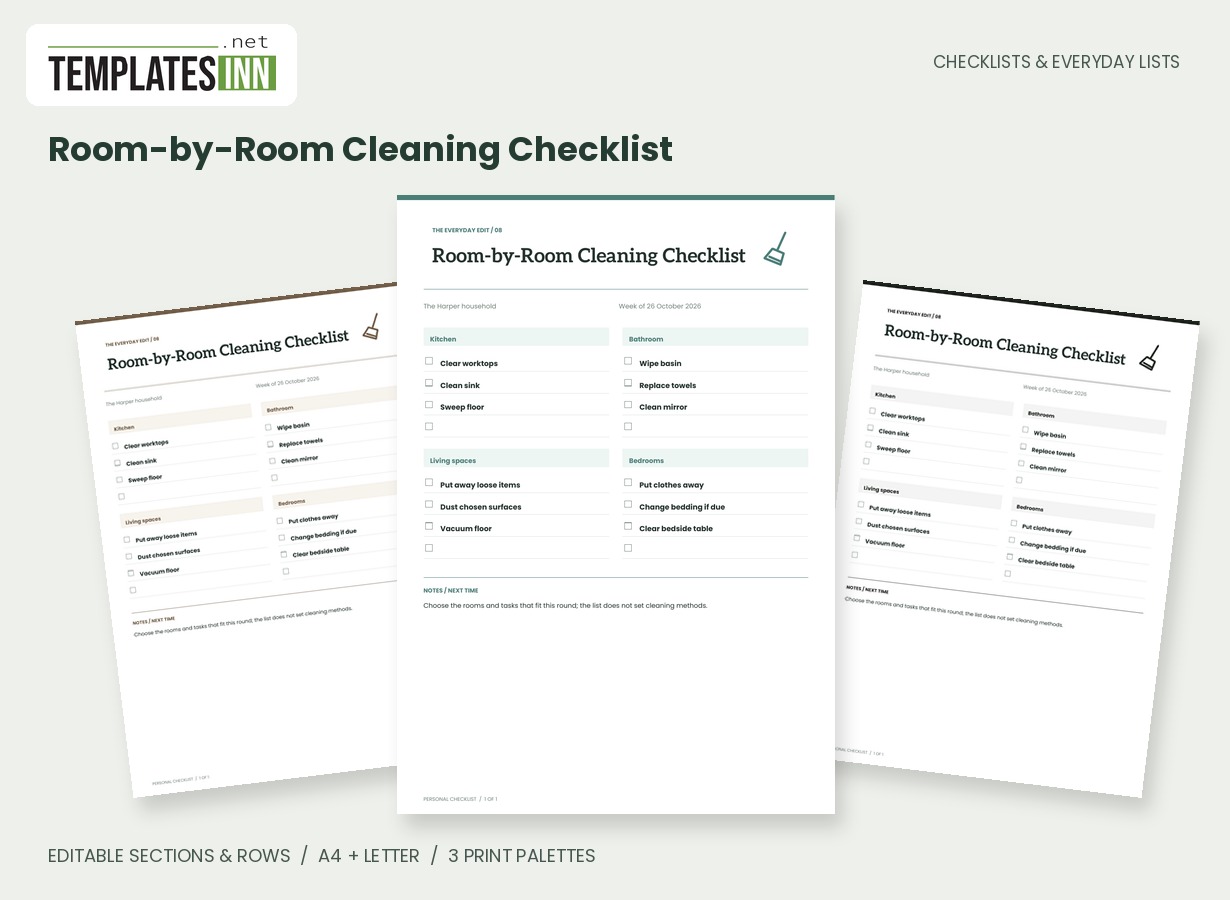
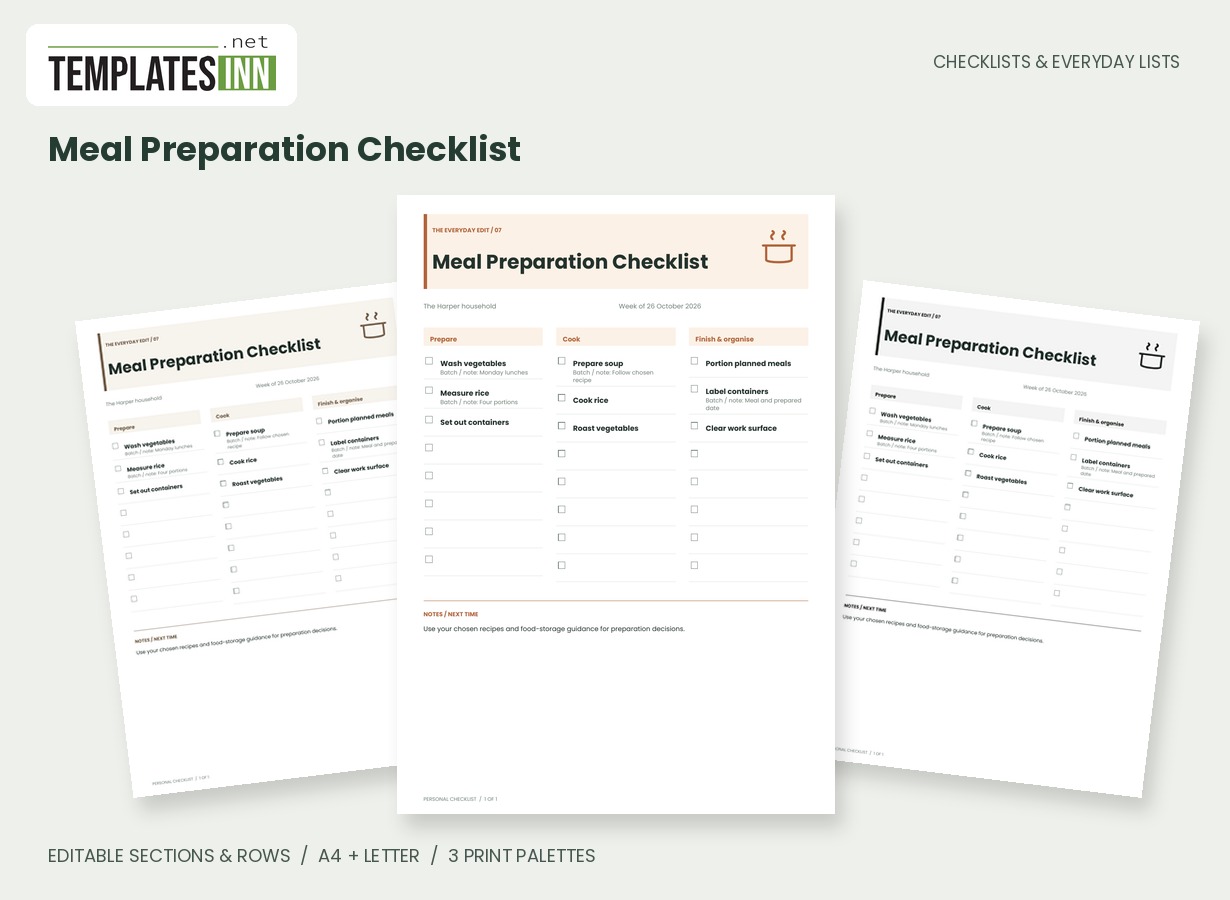
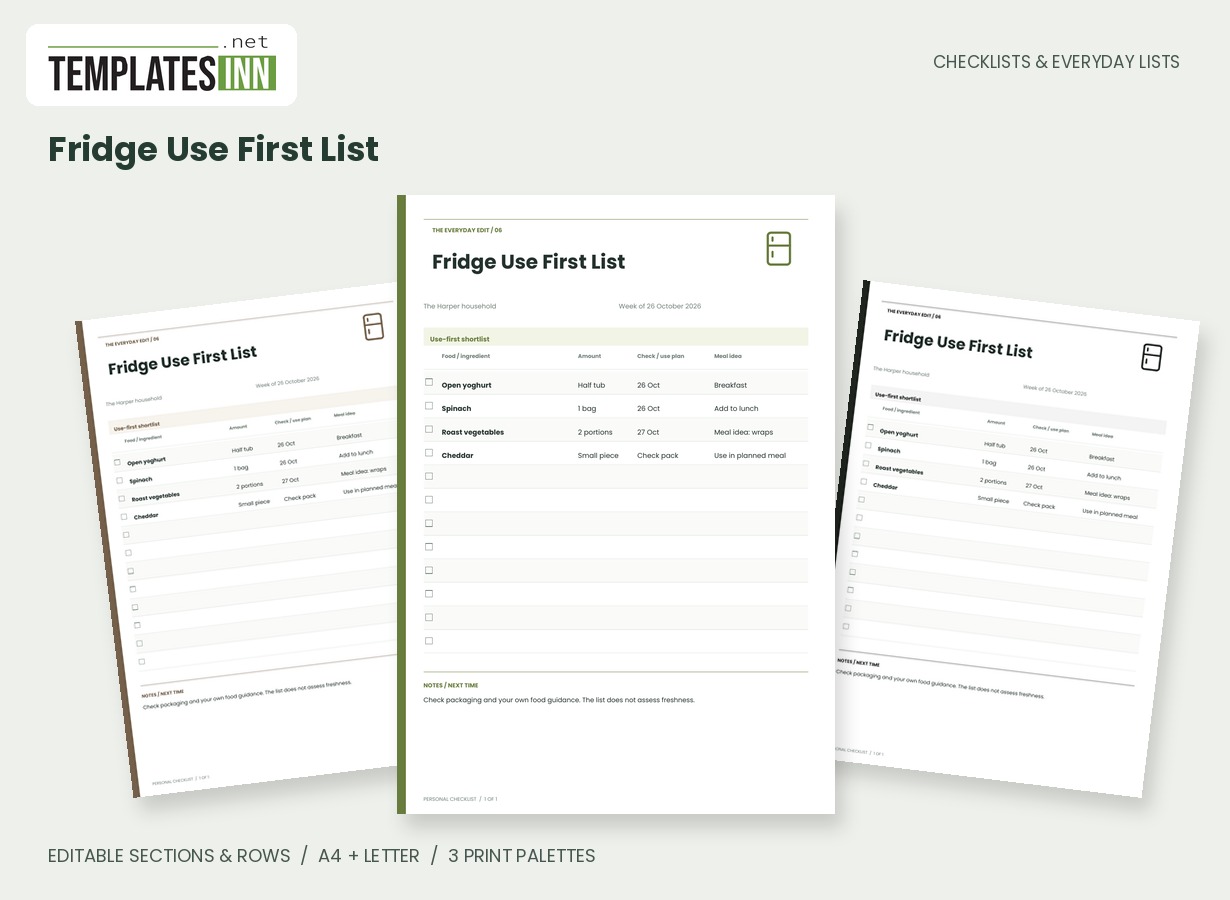
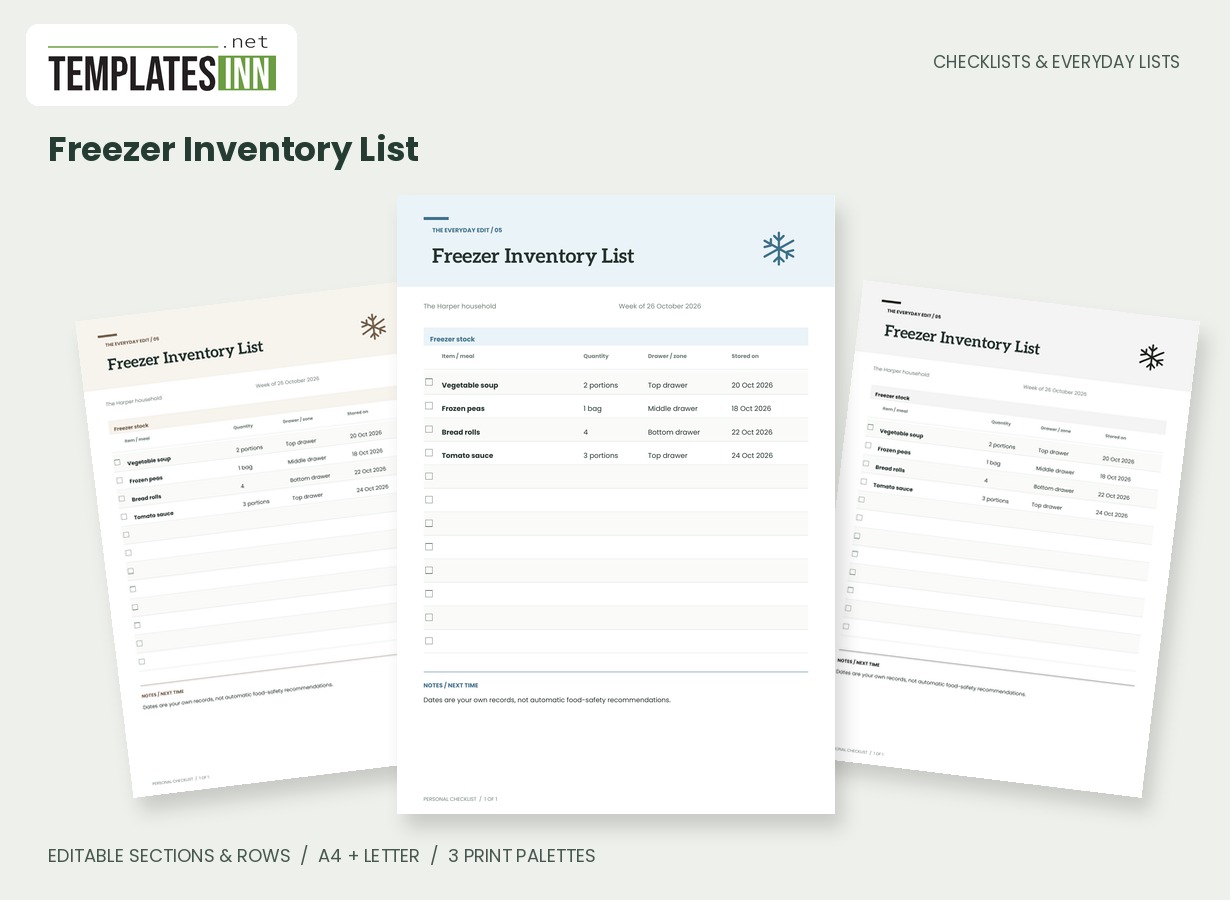
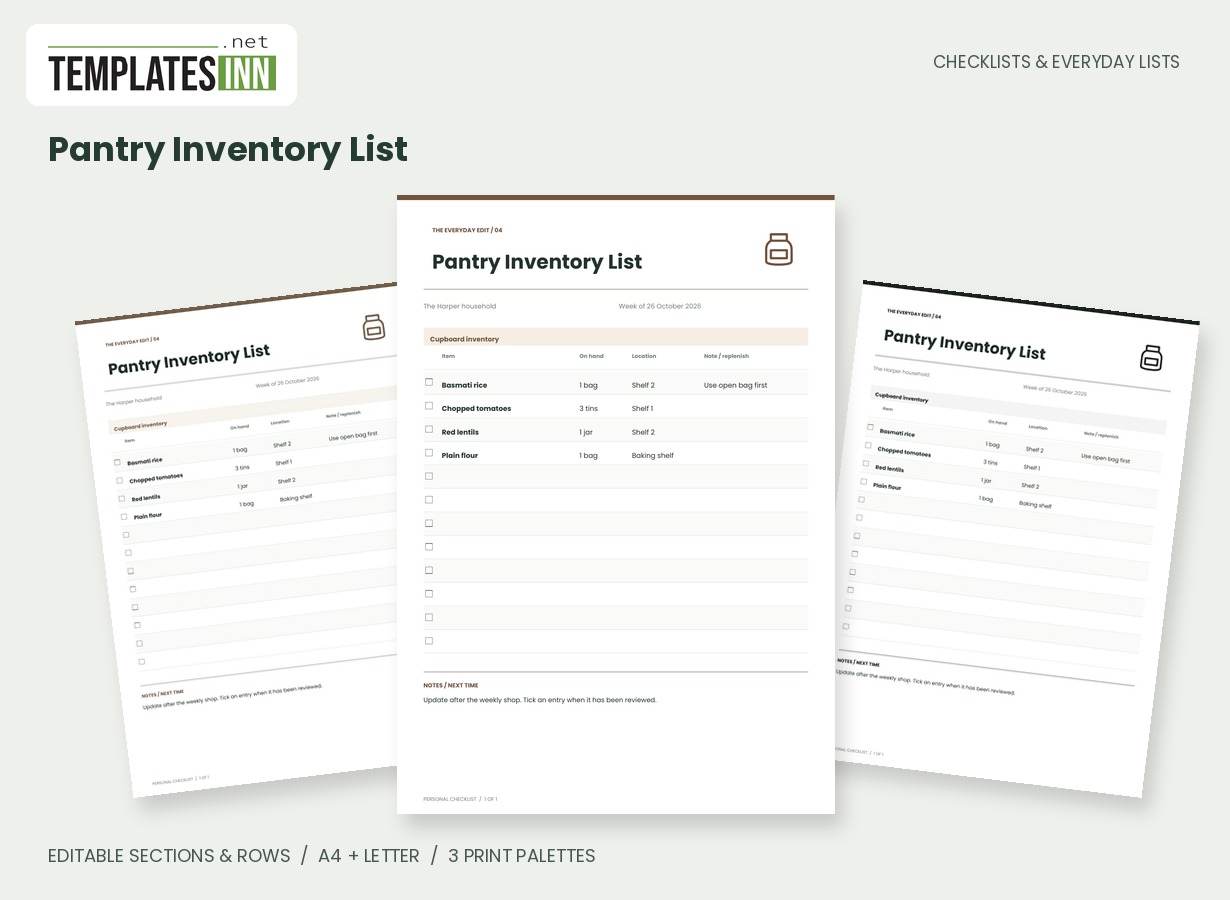
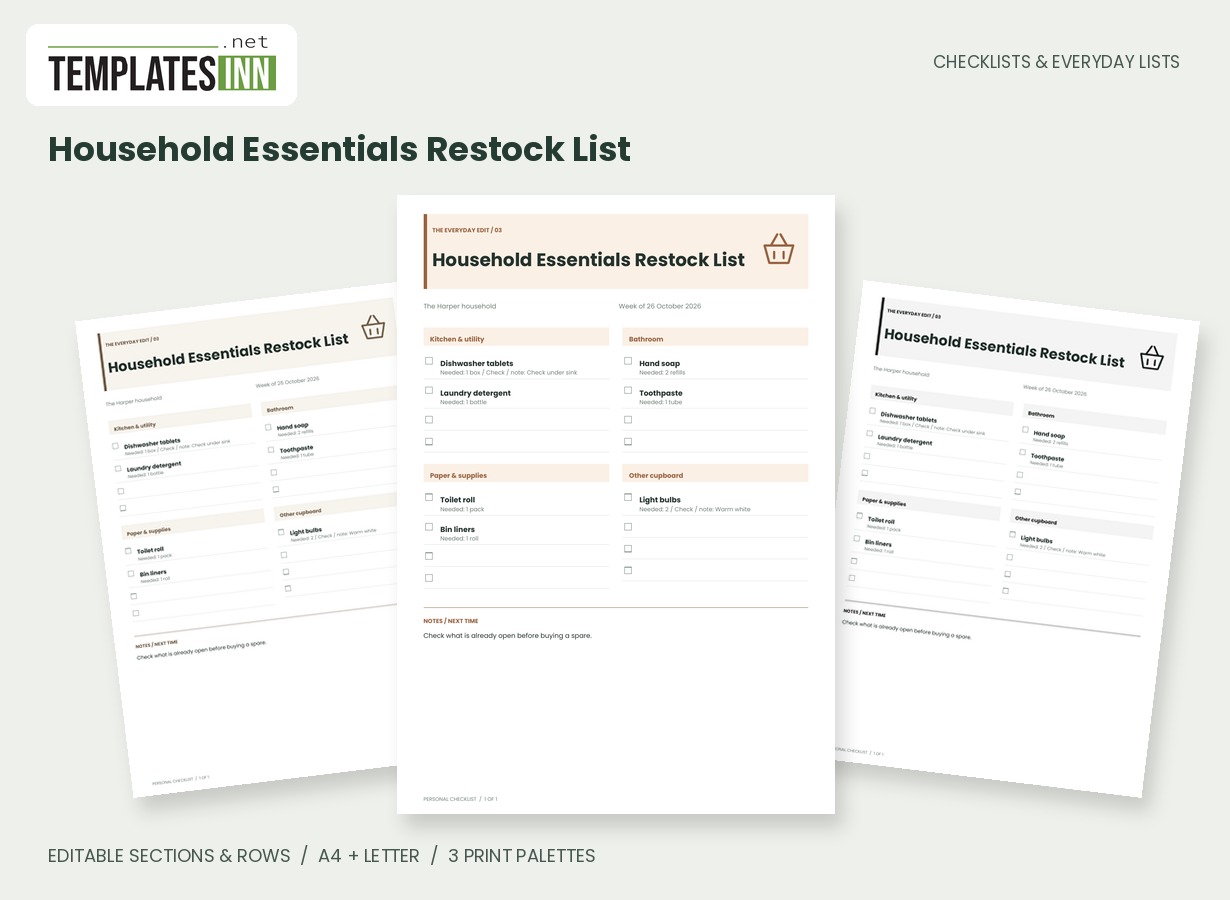
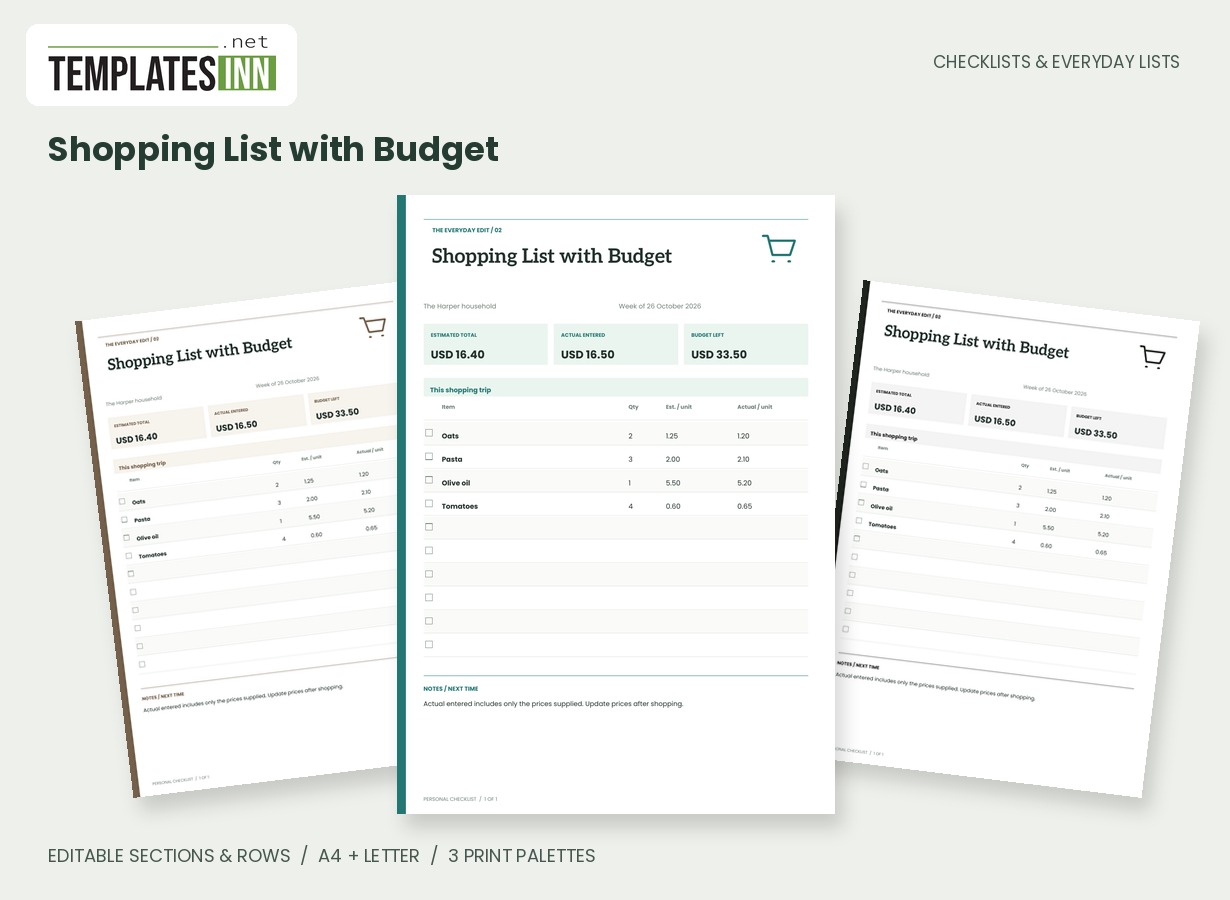
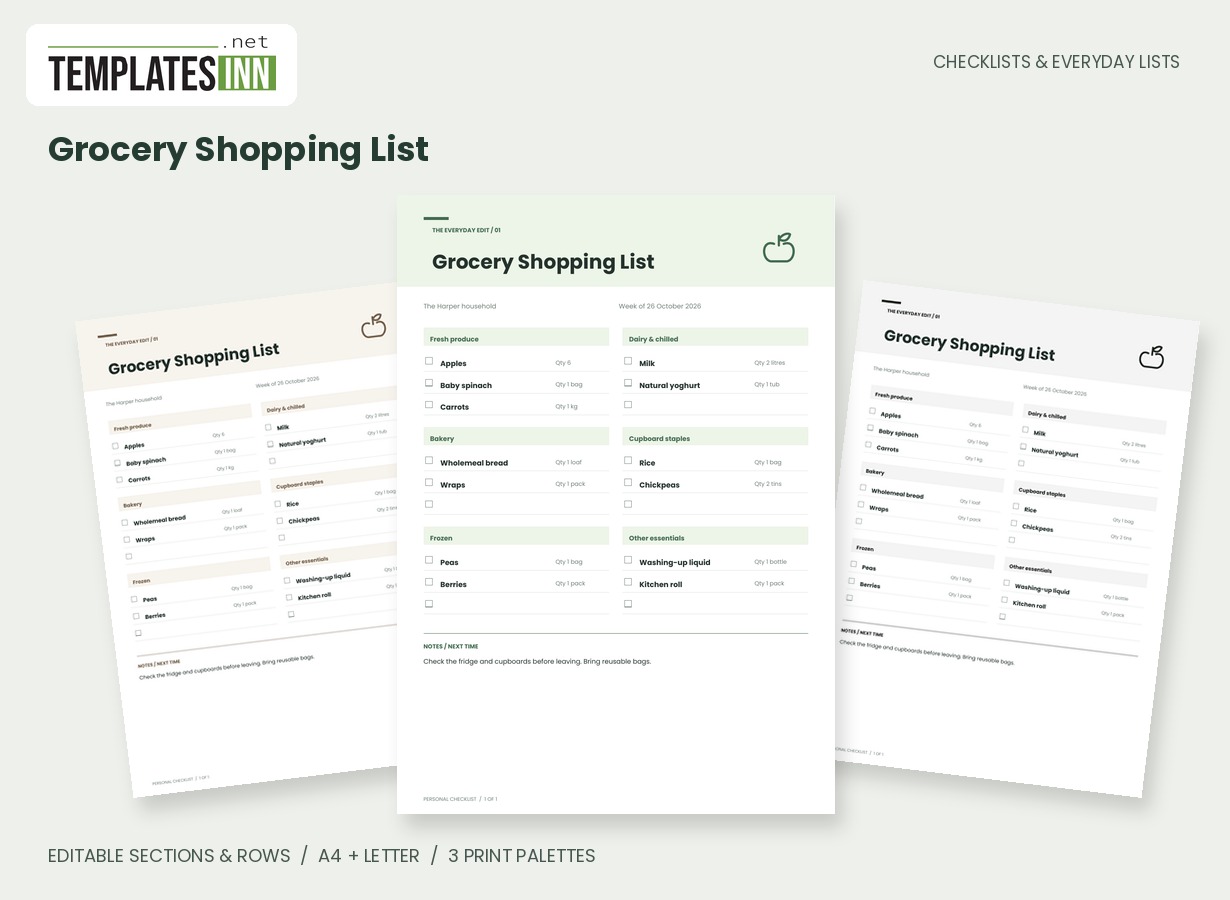
Build the list from the school's real requirements
Begin with the current timetable, messages and equipment list rather than assuming the sample fits every child. Put regular learning materials in the books card and replace examples with the names used at school. A reading folder and a homework folder may be separate things; use wording the child or adult packing the bag will recognise. The name-and-class field helps identify the version. Keep exceptional arrangements out of the permanent list unless they are clearly marked for the particular day or week.
Make special-day kit visible
The day-or-reminder note is useful for an instrument lesson, a PE session or a form that must be returned. Write the condition beside the item so it is less likely to be packed every day or forgotten when needed. Section headings can also be renamed for your own routine. The page does not connect to the school timetable or check messages automatically. Review the actual instructions when the schedule changes, and make a new version when the old one no longer describes what belongs in the bag.
Finish with a leaving-home check
A final card can cover items that are easy to miss after the main bag is packed, such as a weather-appropriate layer or a signed form. Choose only reminders relevant to your household. Use a short note if something is packed elsewhere rather than adding confusing duplicates. When the checklist is used by a child and adult together, agree whether a tick means packed, checked or another clearly stated step. An unticked printed copy offers room for a fresh check on the next school day.
Starting entries for your school bag packing checklist
- Books and learning: reading folder / return day.
- Today's kit: instrument / lesson day only.
- Leaving-home check: signed form / check school message.
Before you use the finished page
- Check the current school requirements.
- Use names the person packing will recognise.
- Mark kit needed only on particular days.
- Review messages when the schedule changes.
- Agree whether a tick means packed or checked.
Make the layout your own
Use Load sample data for editable example entries, or begin with blank lines for handwriting. You can rename the page, add a name and period, edit section headings, and add or remove rows. The editor supports up to eight sections and eighty rows. Ticked items are printed as complete; blank boxes remain available for a pen. Short entries keep the page comfortable to read, while longer lists continue onto additional pages with repeated headings.
Print a copy you will actually use
Choose A4 or US Letter before generating the PDF, then use the matching paper in your printer. Print at Actual size or 100 percent. The signature palette gives this design its own character; soft neutral and black-and-white options are available for a quieter or lower-ink print. Preview the names, column contents and page breaks before making several copies. The website logo appears on browsing previews only, and your printable checklist has no TemplatesInn watermark.
Questions about this school bag packing checklist
Can I make separate lists for siblings?
Yes. Change the child or class field and the rows, then download a separate version for each person. Distinct titles help prevent one child's requirements being mistaken for another's.
Will the sheet update when the school timetable changes?
No. It prints the information entered in the form. Update the relevant rows and notes yourself when the school provides new requirements.
Explore related practical pages in the Checklists & Everyday Lists collection. For date-based planning, see our Calendars & Planners.