

Create School Supplies Shopping List
Turn the school's supply requirements into an editable shopping list with quantities and already-owned notes.
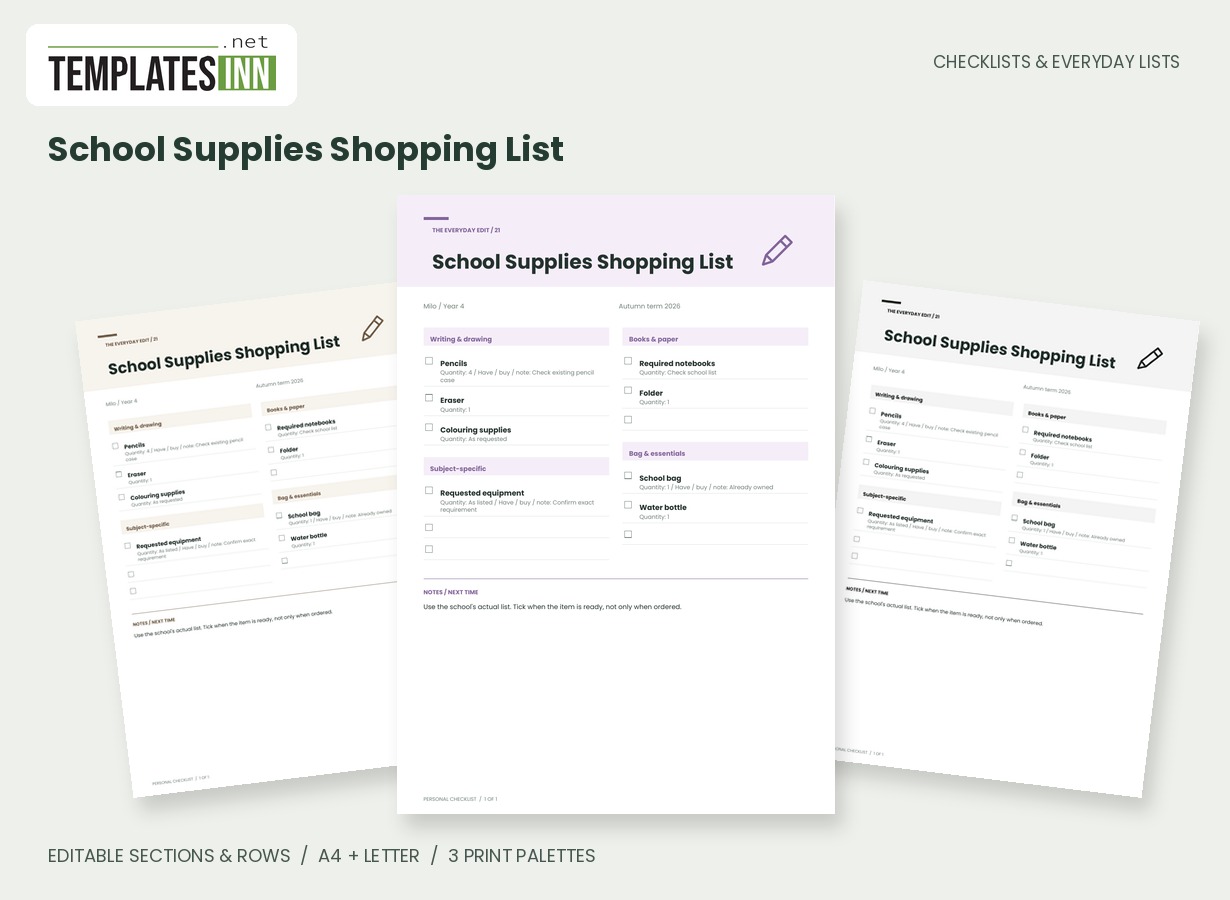
Translate a school supply request into a shopping list you can check against the cupboard first. Grouped sections hold writing materials, books, bag essentials and subject-specific items, with quantities and short requirement notes beside the things you actually need.
Fill in the information below
New here? Use the button above to fill in an example, then change it to your own details.
Rate this template
Used it? Tap a star. Honest ratings help others choose.
You May Also Like
Templates from other categories that people often use together with this one.


Other Similar Templates
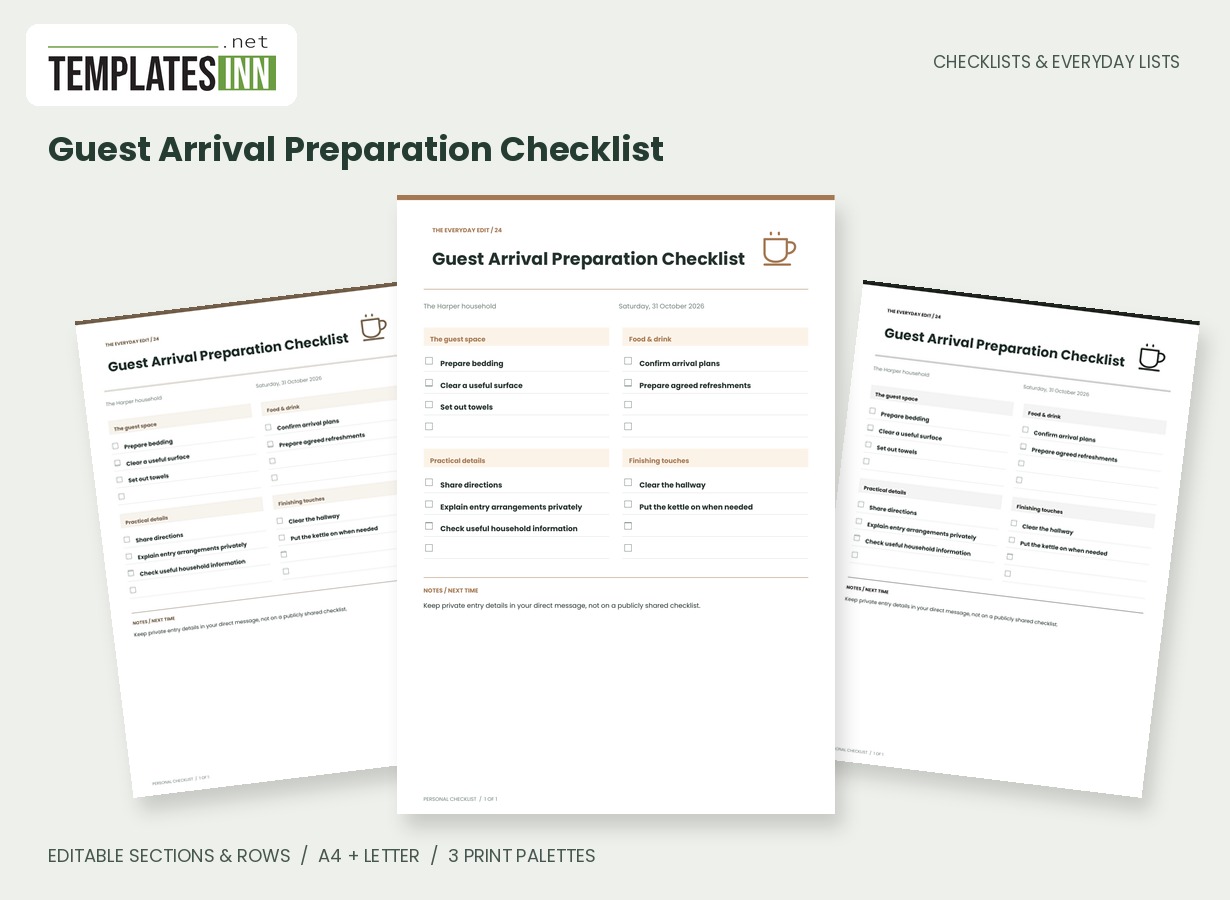
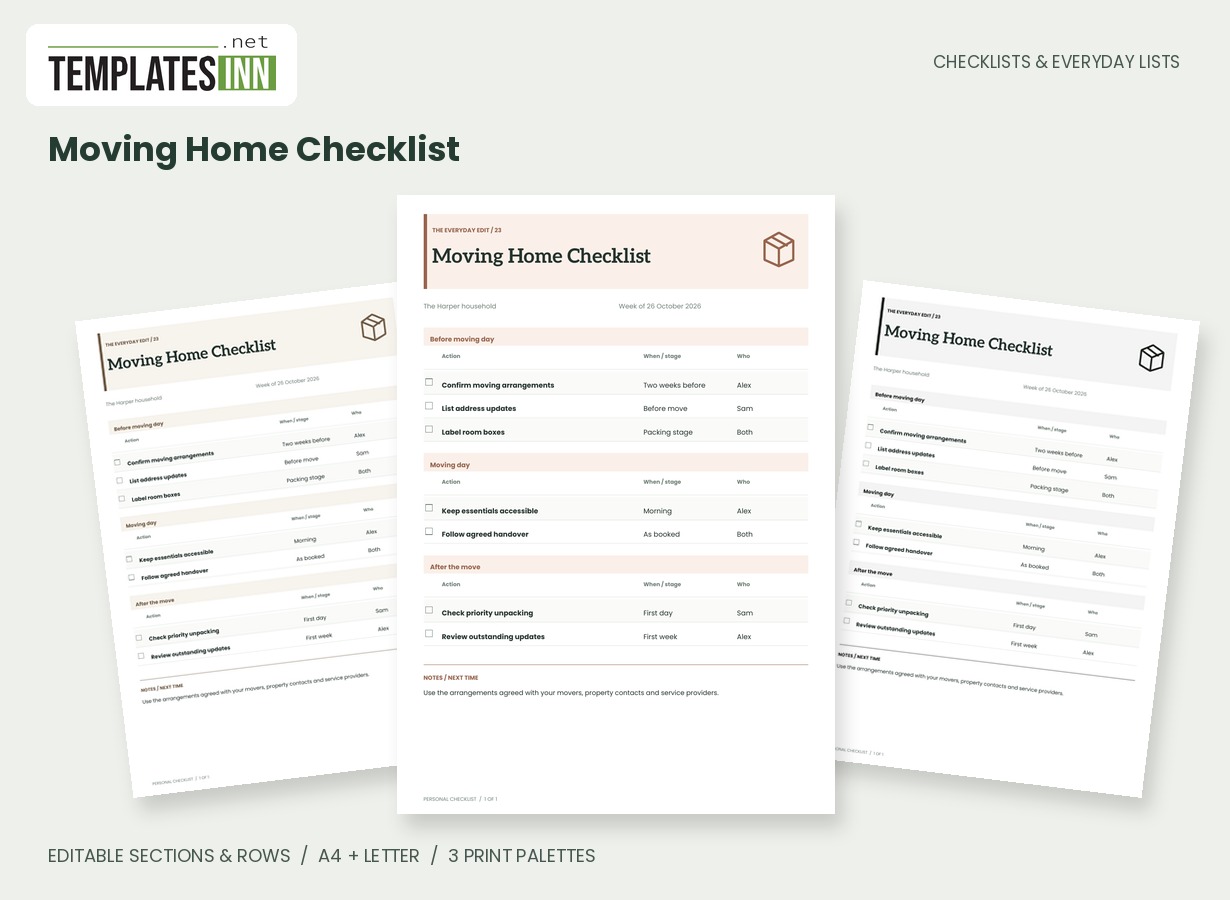
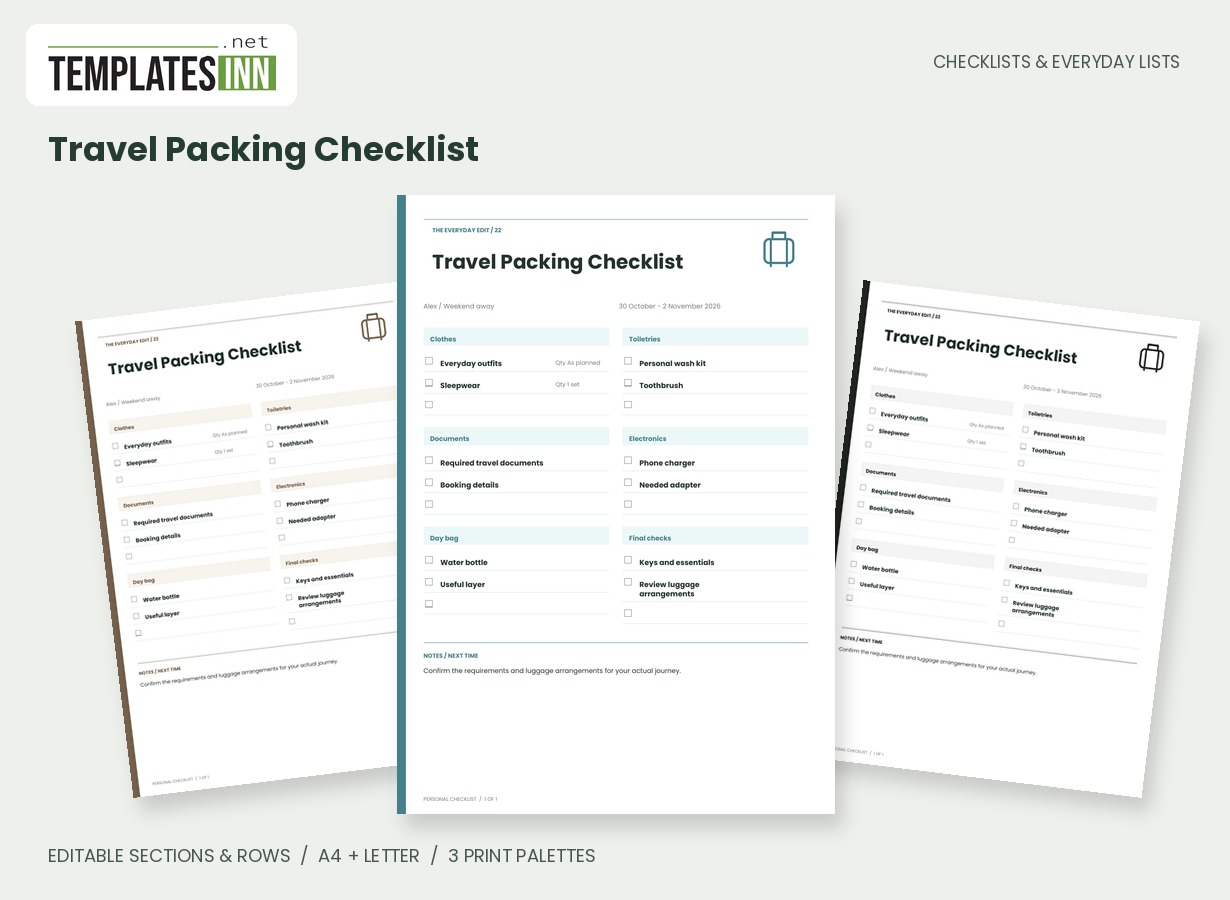
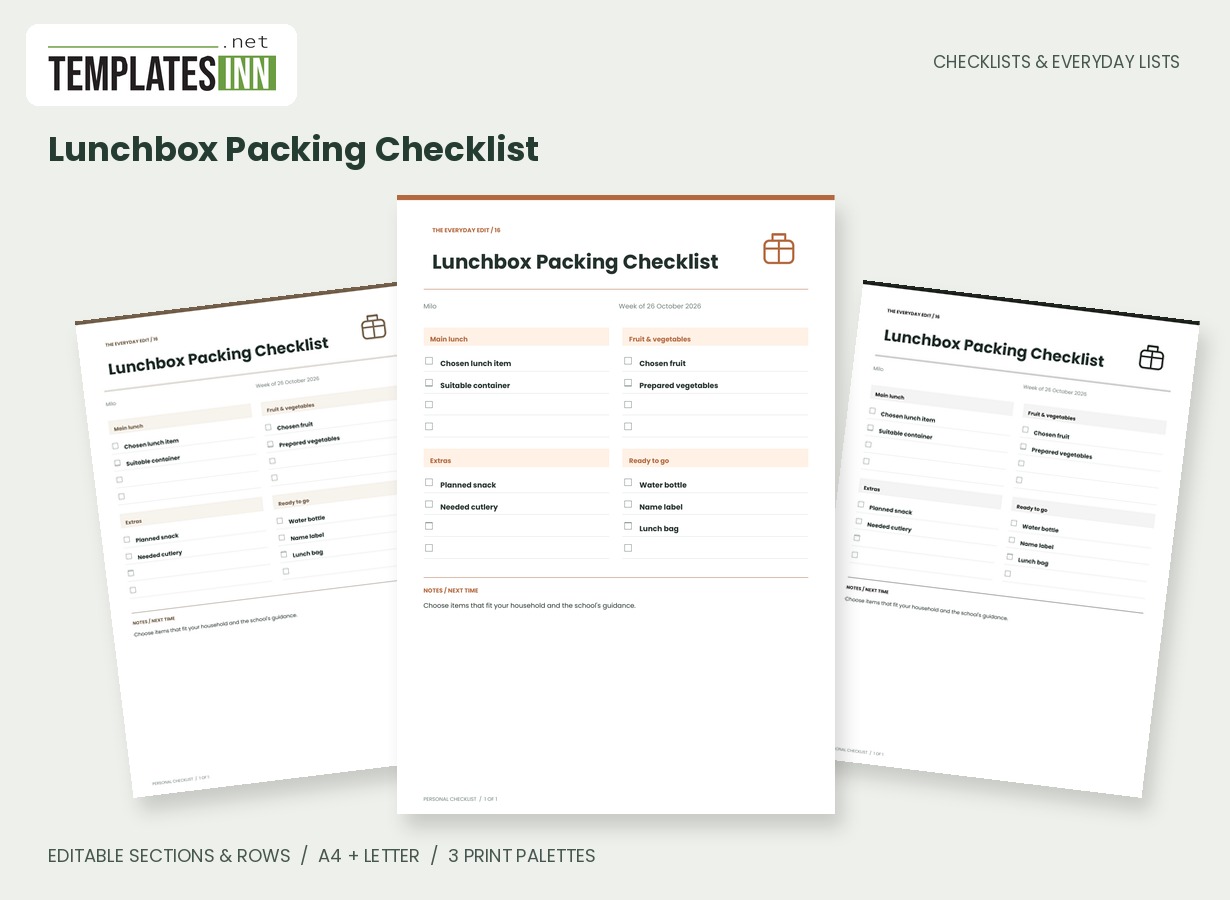
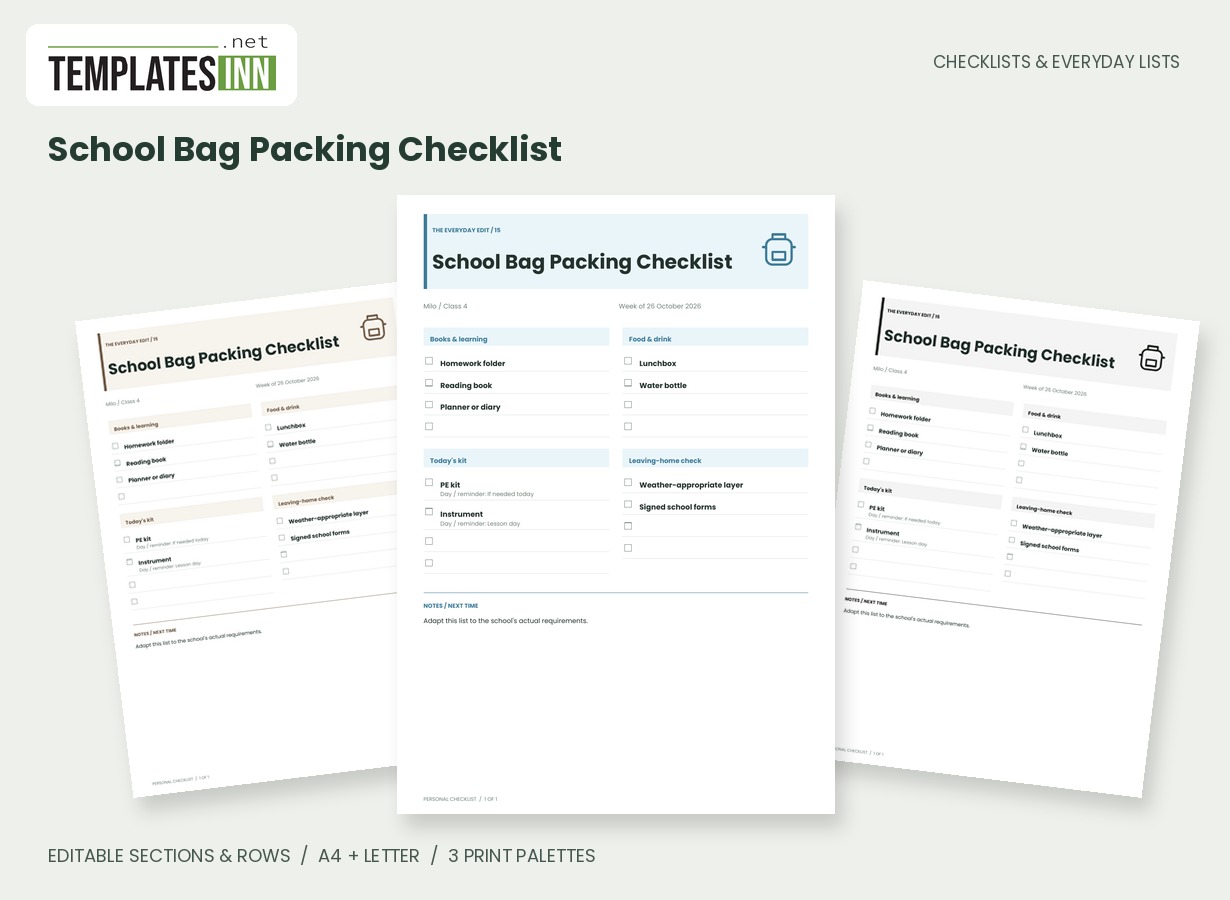
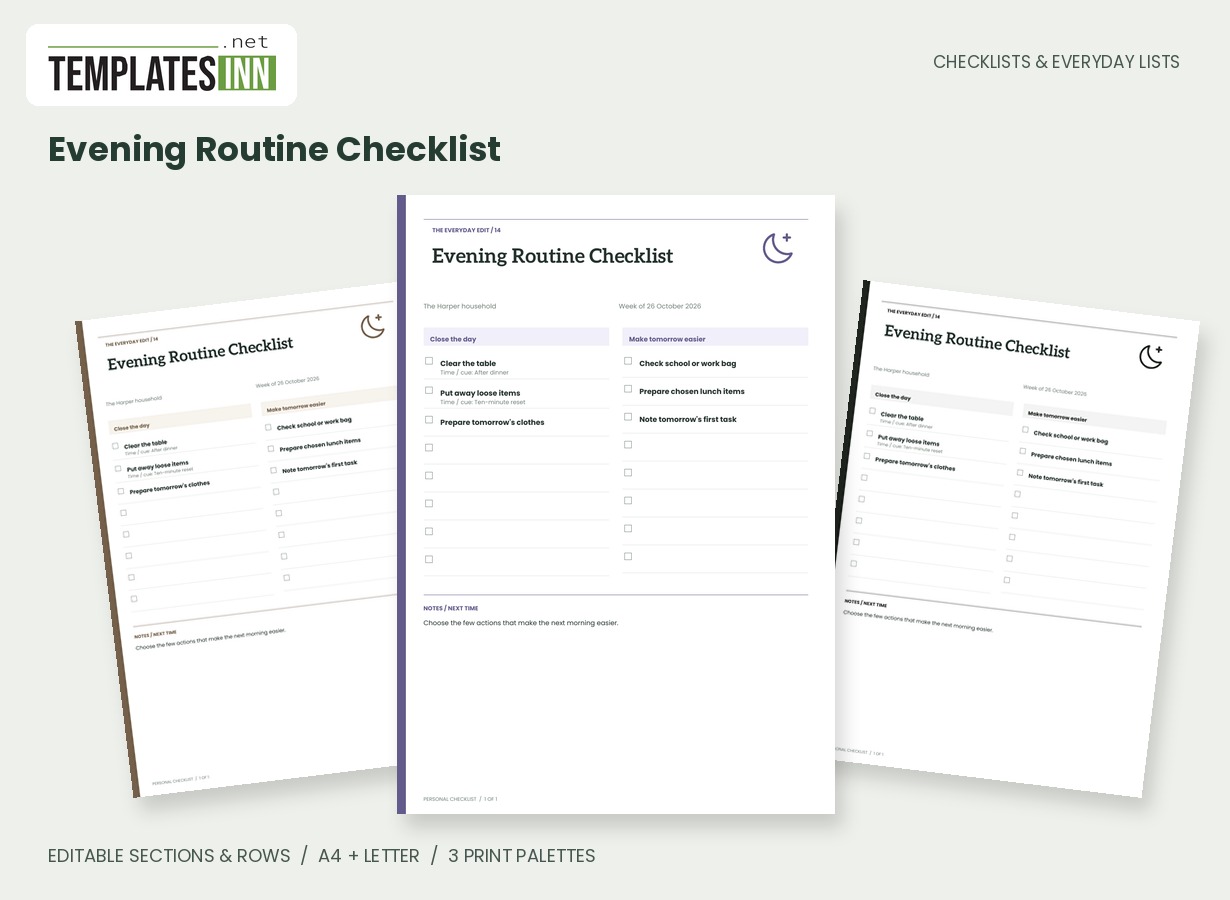
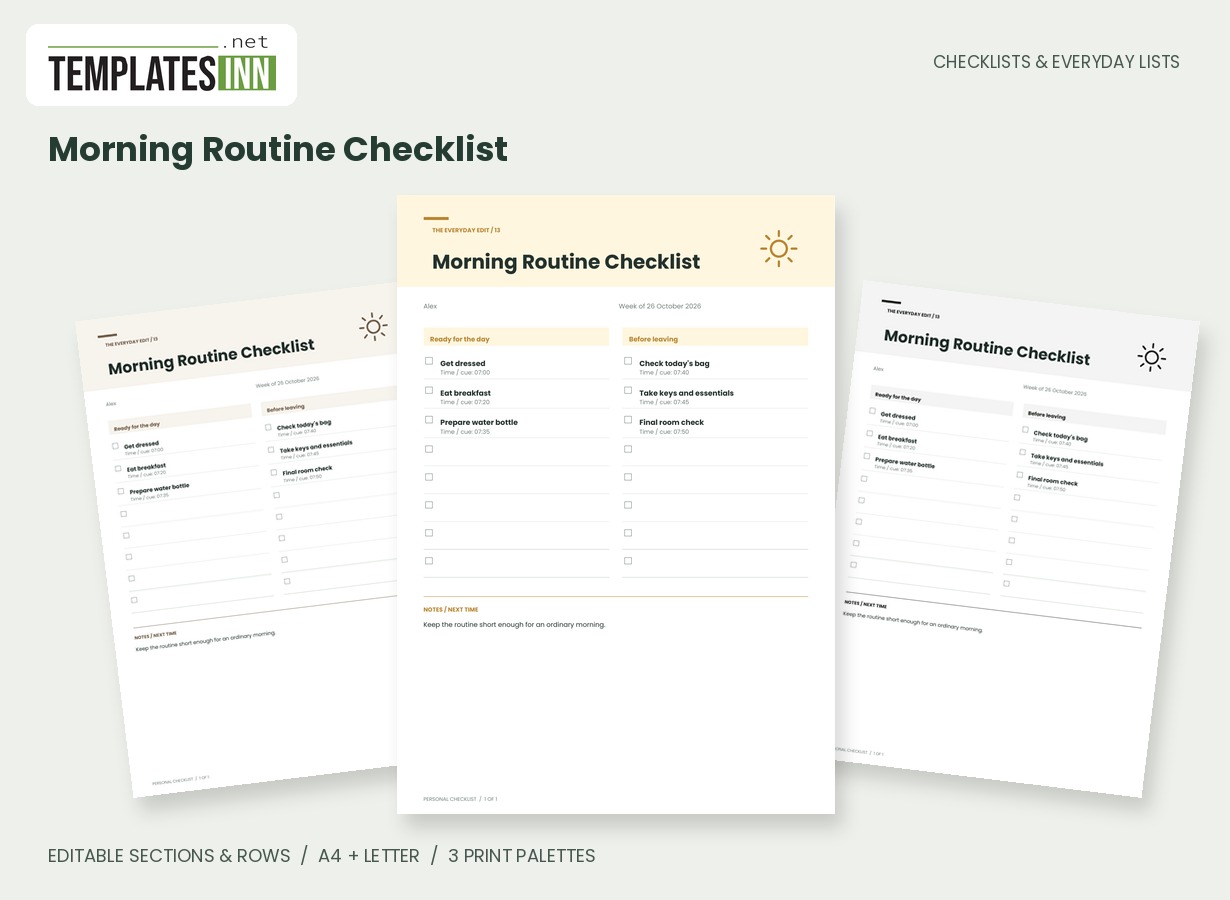
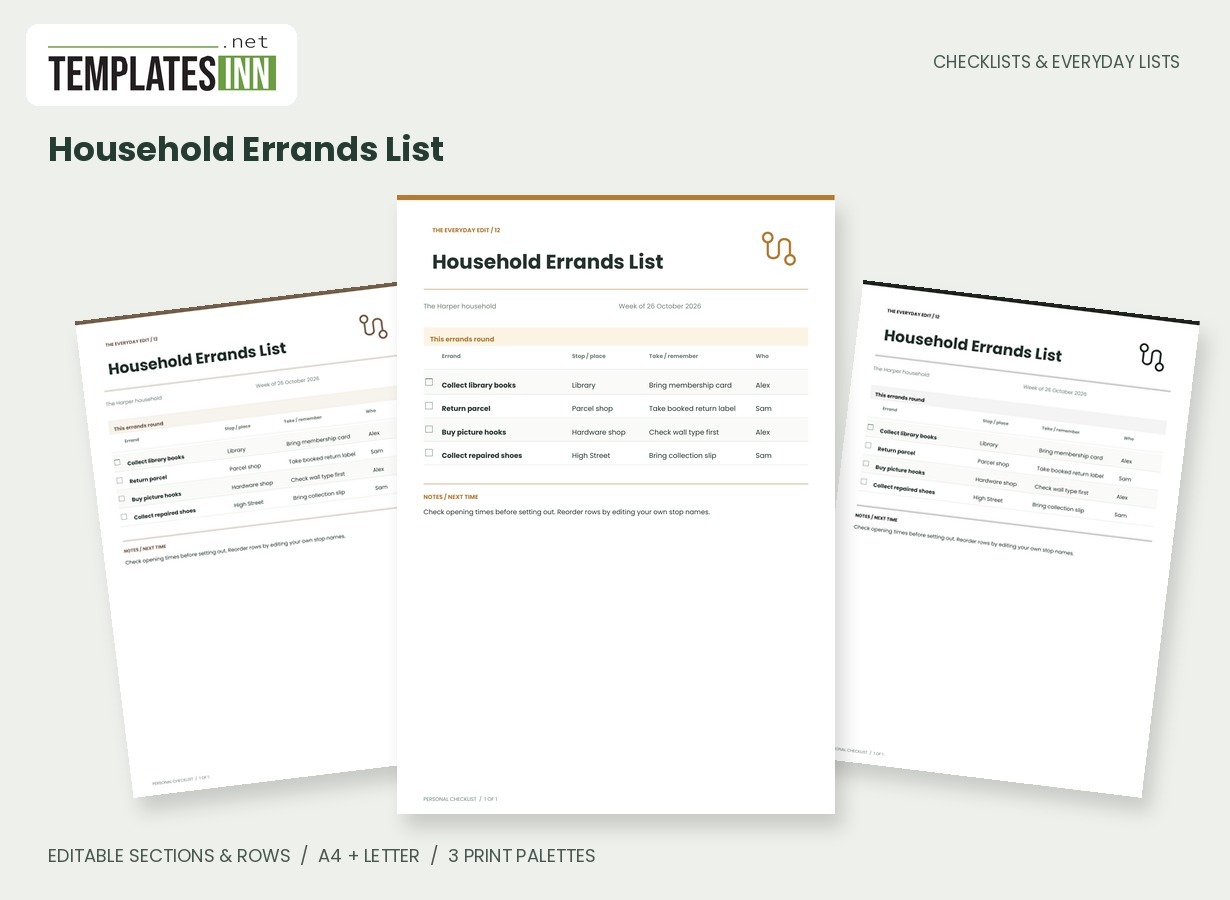
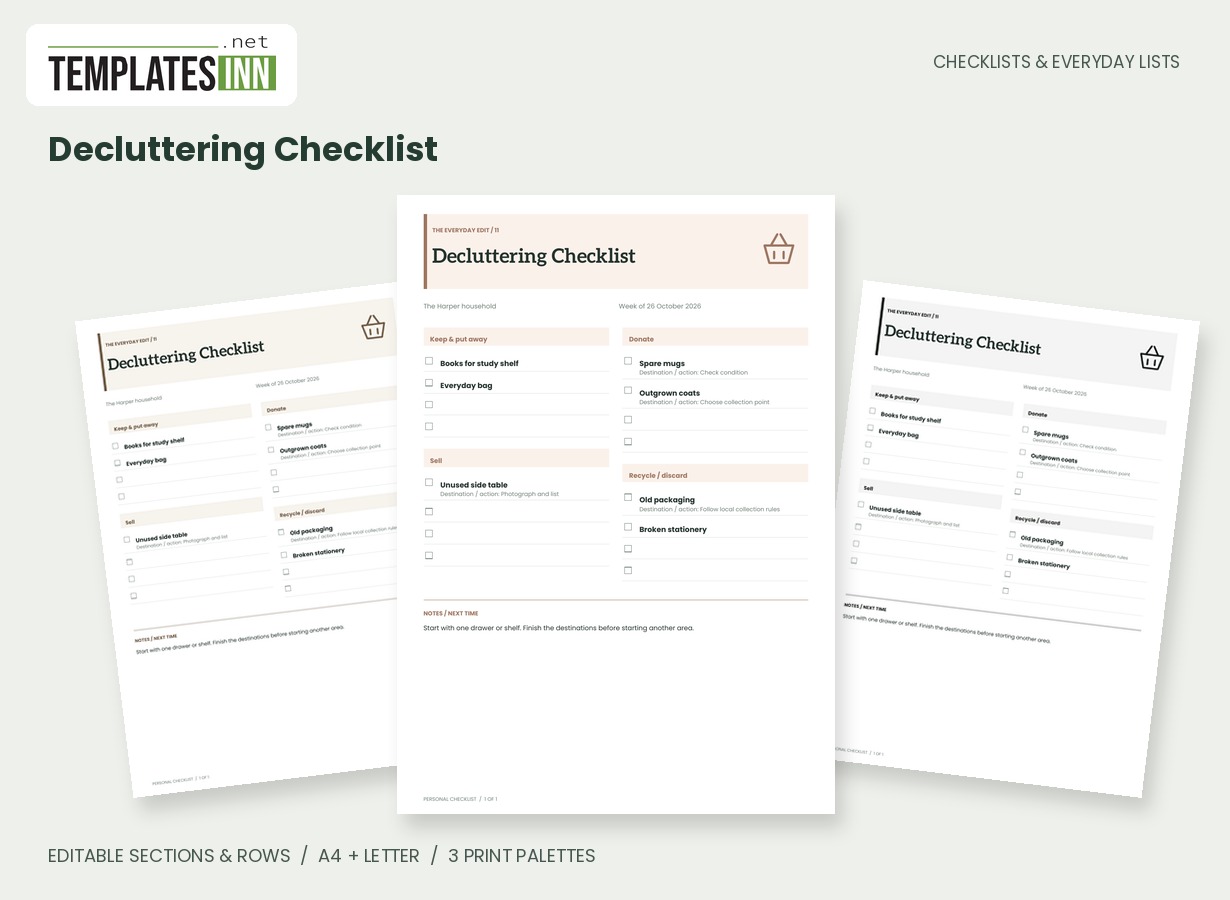
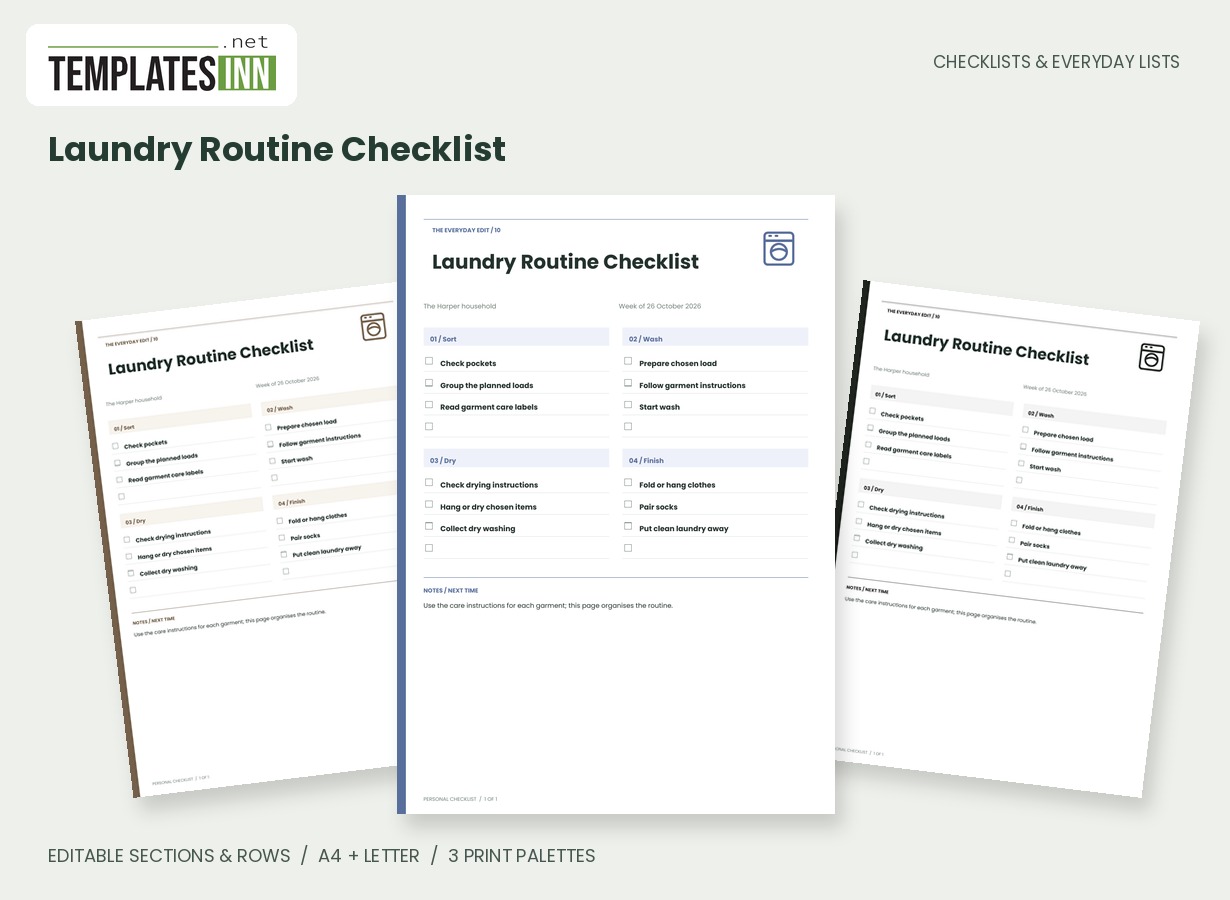
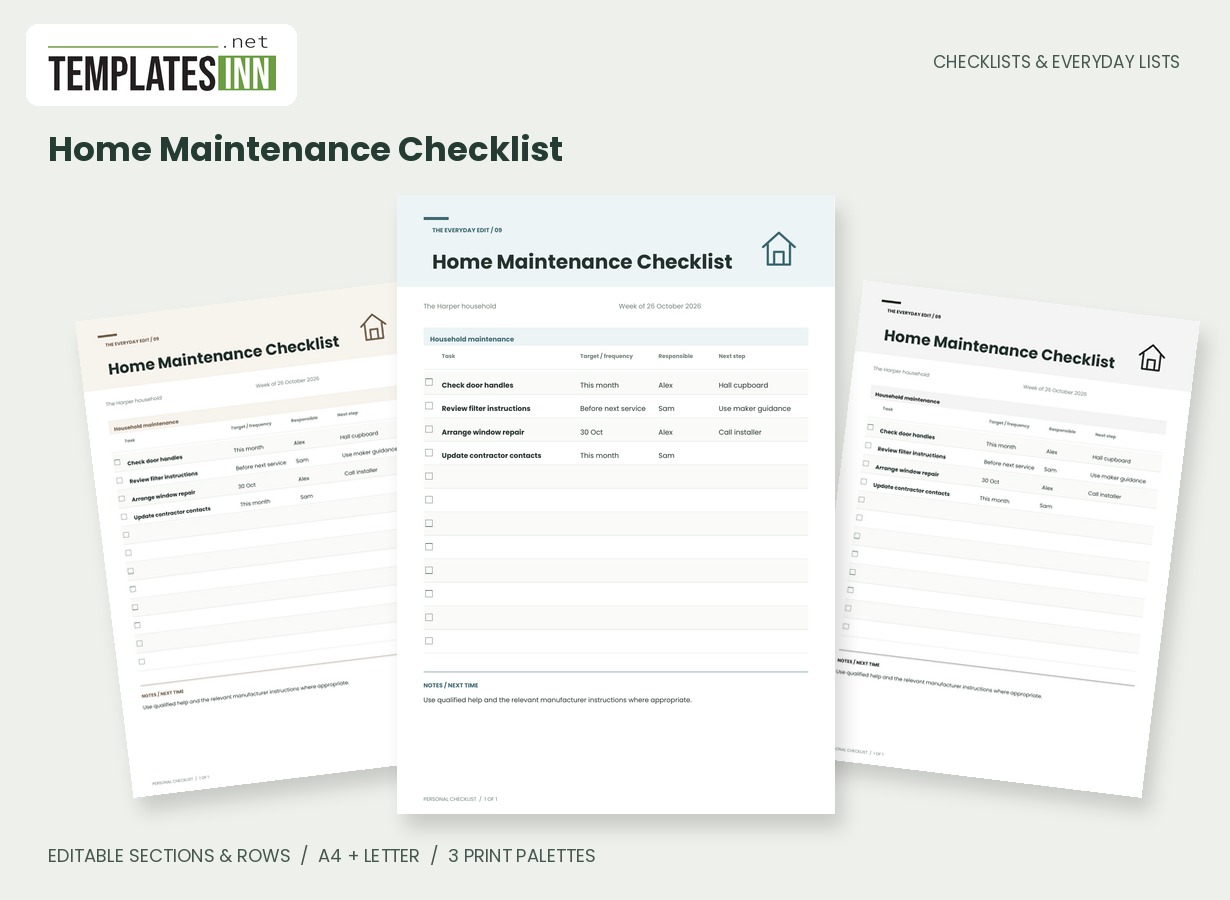
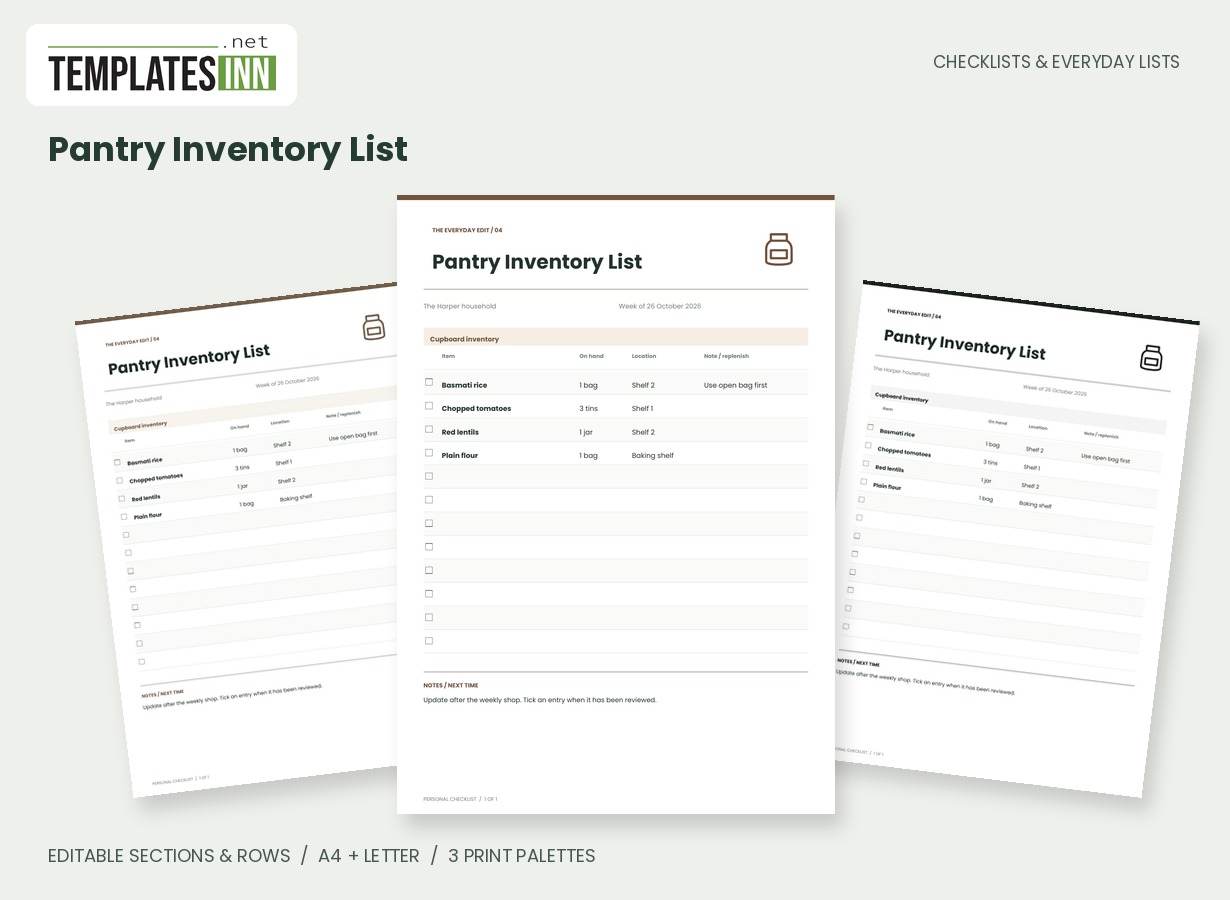
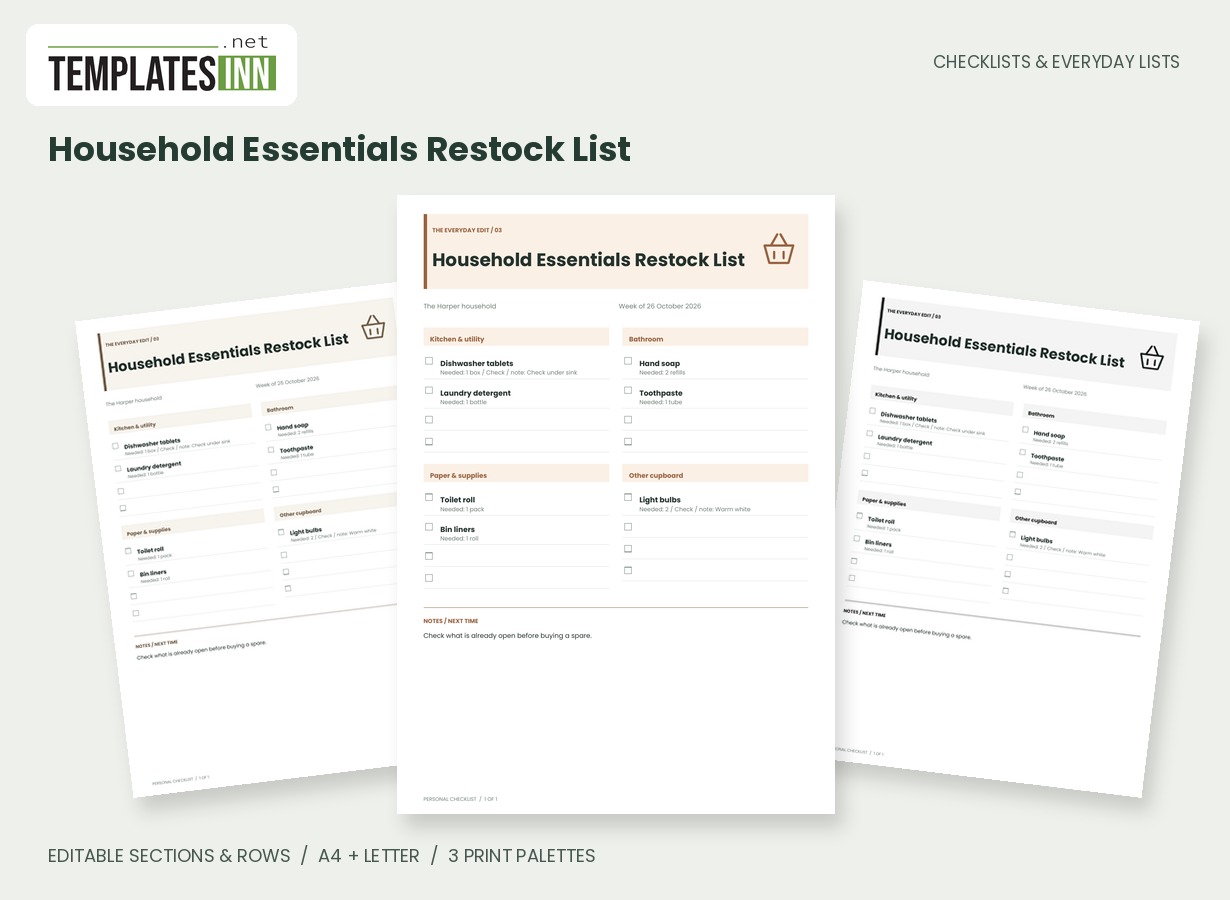
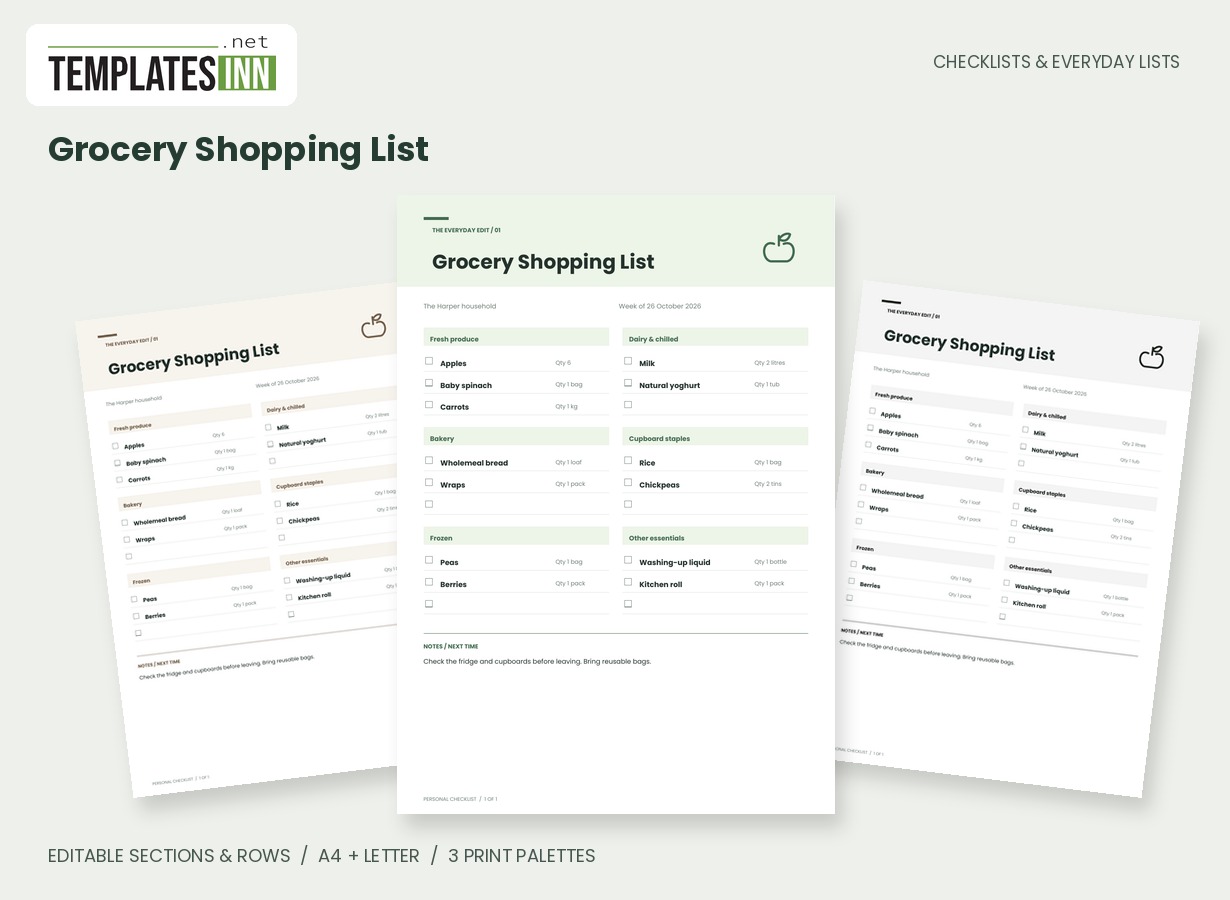
More designs from the same collection, Checklists & Everyday Lists. If this one is not quite what you need, one of these may be.
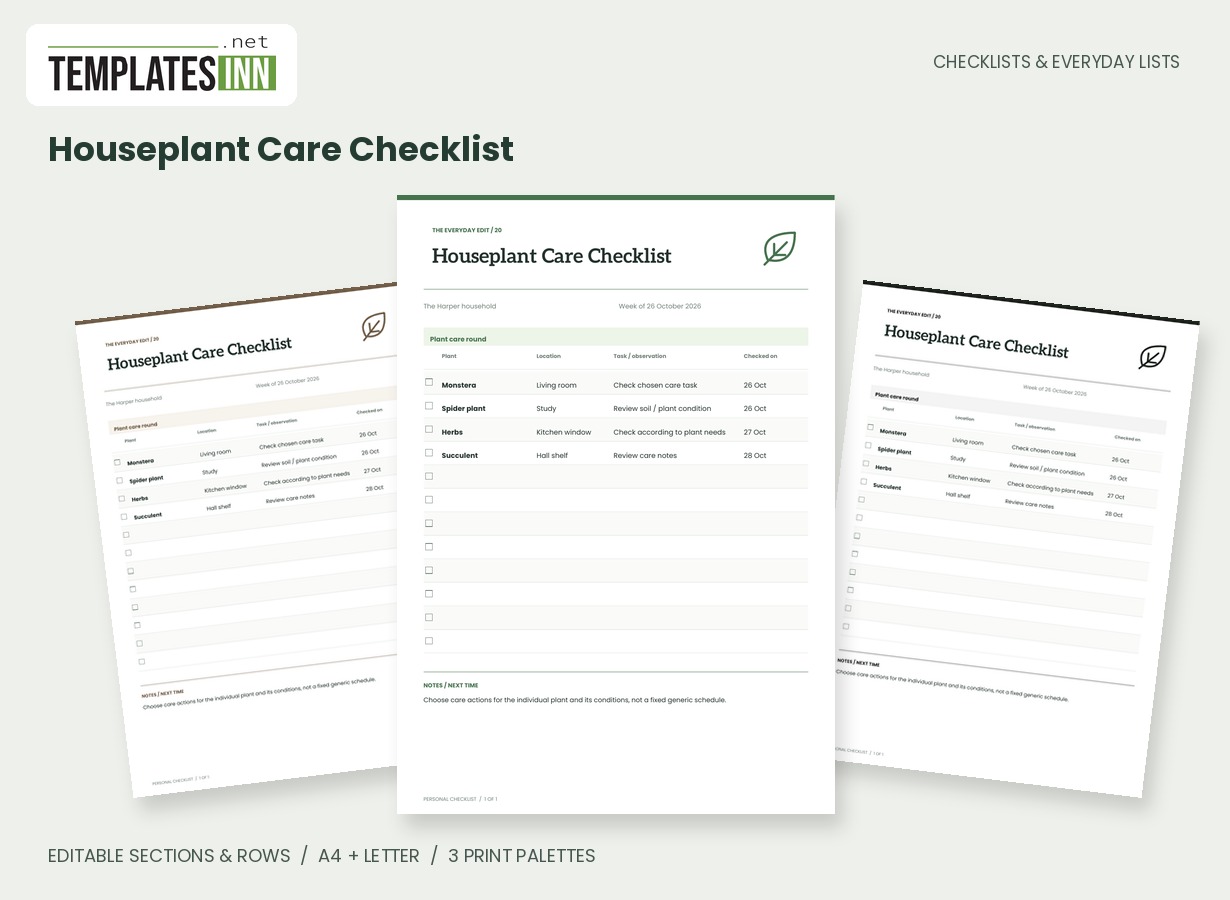
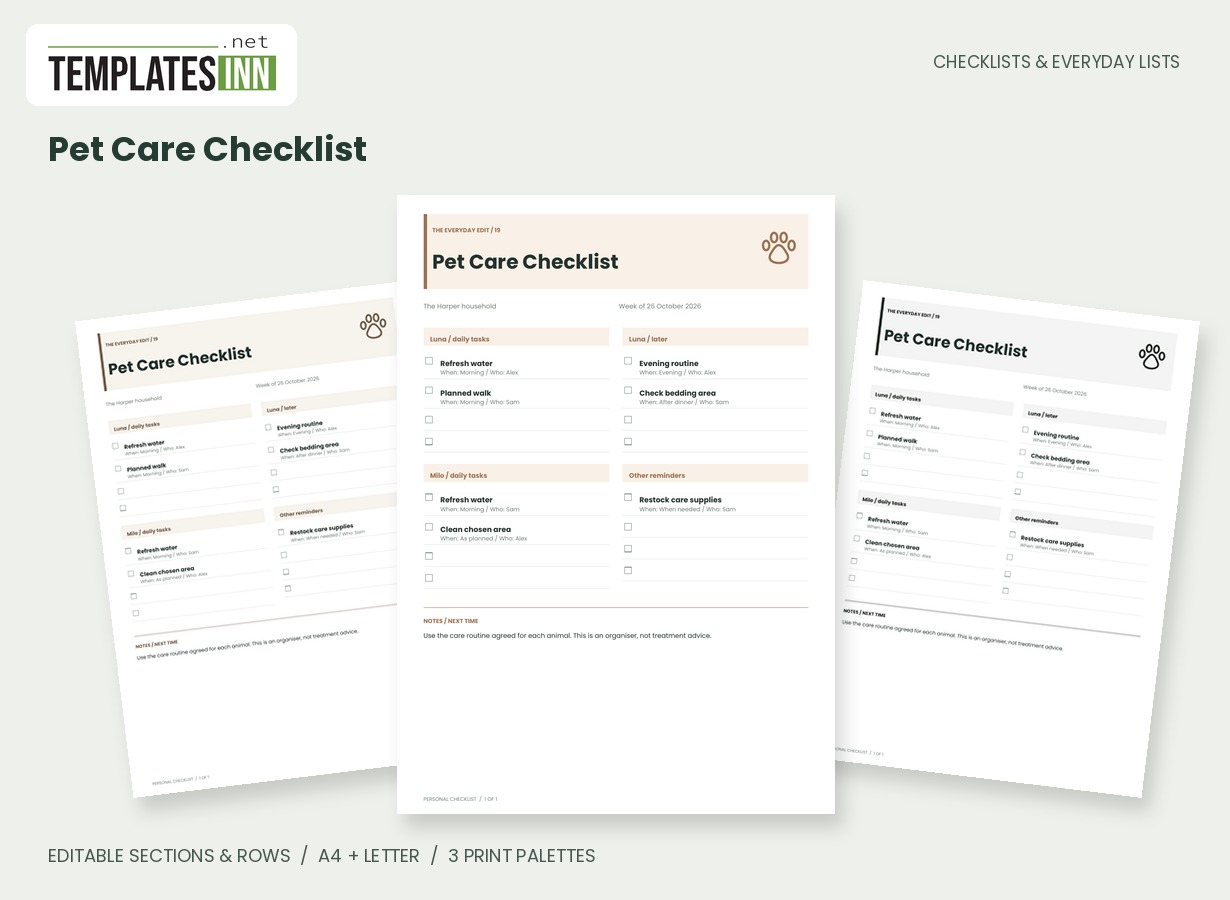
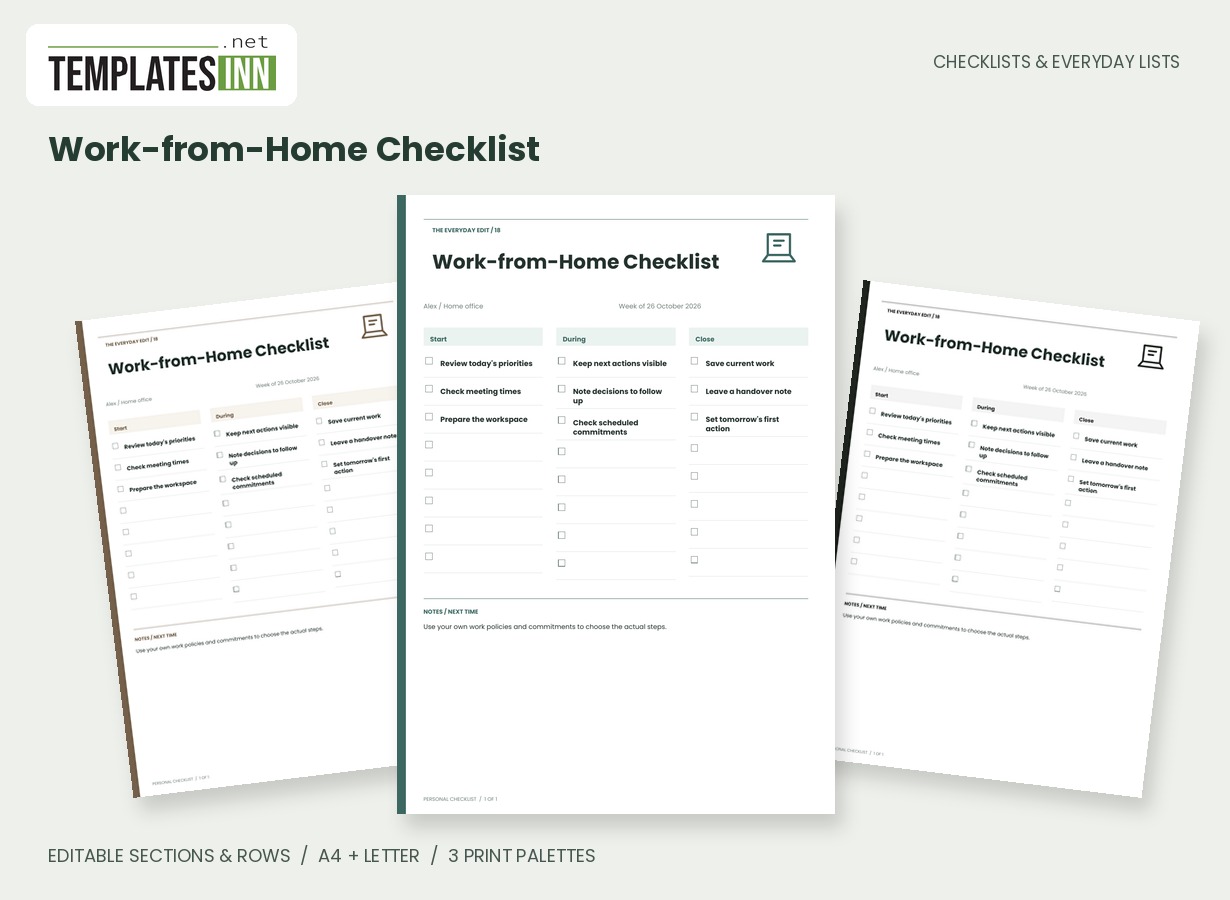
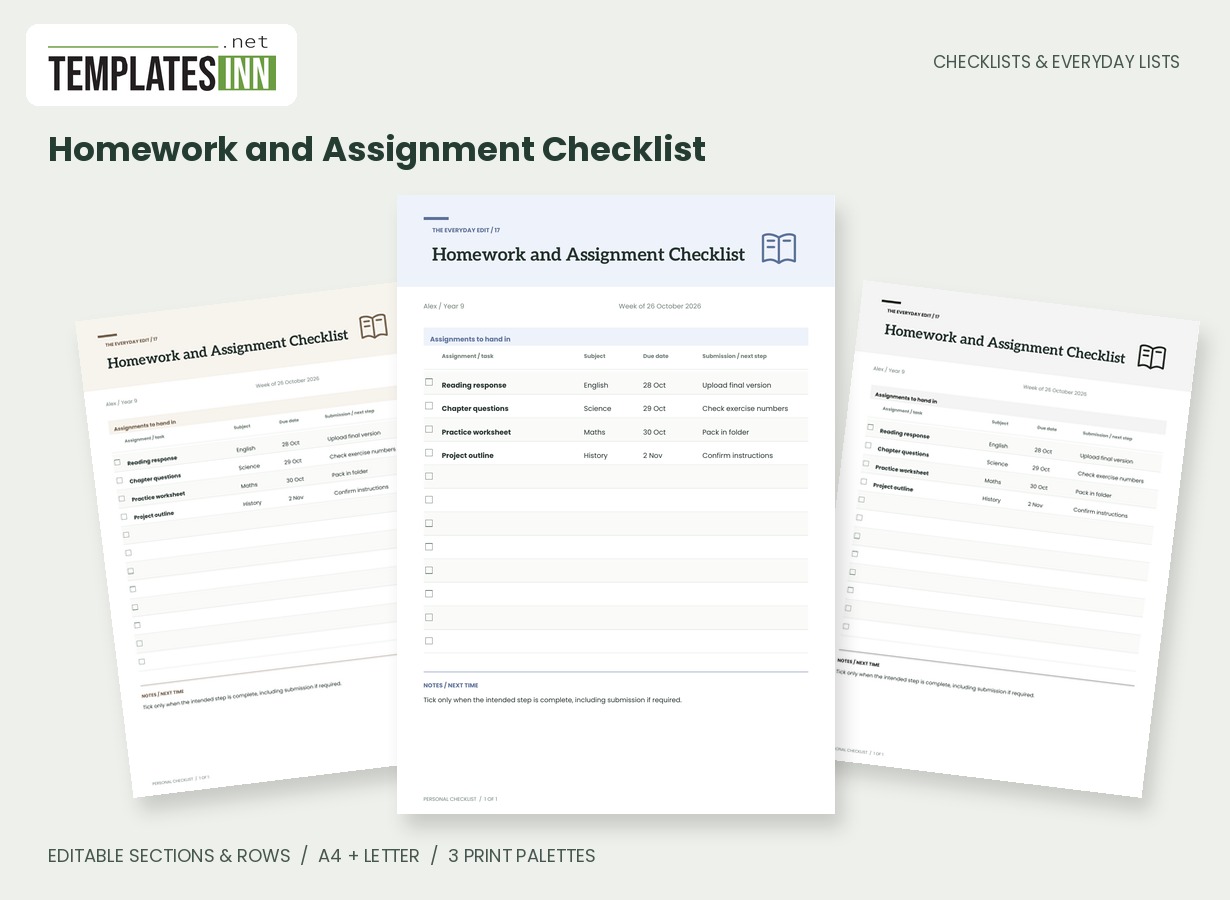
Use the official request as the starting point
Read the current supply list for the child, class or course before entering the shopping items. The sample is only an illustration of the layout. Keep the school's wording where a size, format or type matters, and use the note to preserve that detail. A generic exercise book may not describe the required item well enough at the shop. Put the relevant name or class in the page details so a list for one child is less likely to be confused with another's requirements.
Check what can be used before setting the quantity
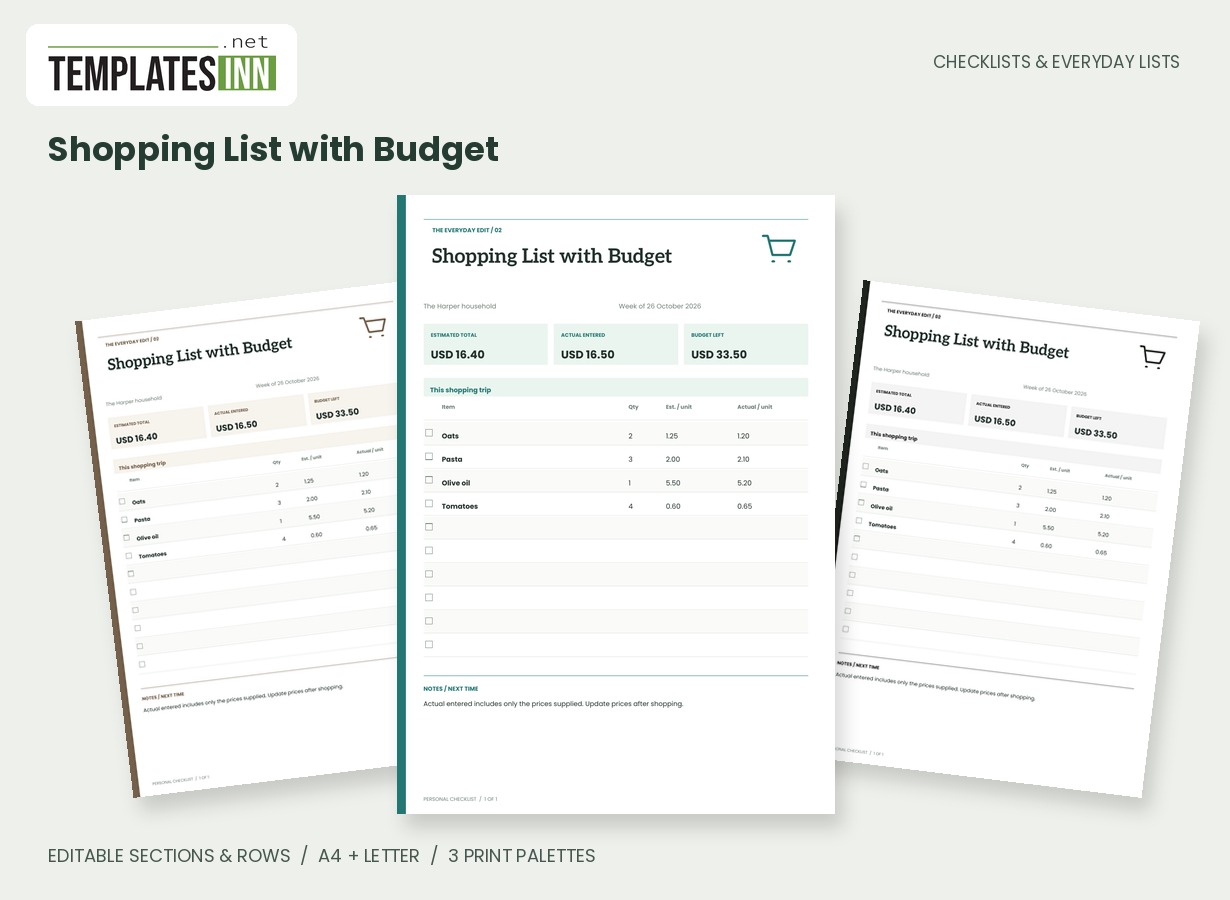
Separate the requested total from the amount still to buy. The quantity field should mean one thing consistently across your list, such as the number needed after checking existing supplies. A short note can record already have two or confirm the required format. If an item needs clarification, mark that as the next action rather than guessing. This grouped sheet does not calculate a budget; use the separate Shopping List with Budget when price comparison is the main purpose of your shopping round.
Make the list readable while shopping
Arrange sections for the way you plan to look for items, and keep descriptions concise enough to scan between shelves. Subject-specific kit can have its own card so it does not disappear among ordinary stationery. Tick according to your chosen meaning, such as obtained rather than merely found online. Review the finished list against the original request before packing the supplies, because buying and having them ready for school can be separate steps. Save a fresh version when requirements change instead of relying on last term's completed copy.
Starting entries for your school supplies shopping list
- Writing: pencils / four still needed / check pencil case first.
- Books: required exercise book / two / confirm specified format.
- Subject kit: requested materials / as listed / check current school note.
Before you use the finished page
- Use the current class or course requirements.
- Preserve sizes and formats that matter.
- Check existing supplies before setting quantities.
- Clarify uncertain items before buying.
- Compare the completed list with the original request.
Make the layout your own
Use Load sample data for editable example entries, or begin with blank lines for handwriting. You can rename the page, add a name and period, edit section headings, and add or remove rows. The editor supports up to eight sections and eighty rows. Ticked items are printed as complete; blank boxes remain available for a pen. Short entries keep the page comfortable to read, while longer lists continue onto additional pages with repeated headings.
Print a copy you will actually use
Choose A4 or US Letter before generating the PDF, then use the matching paper in your printer. Print at Actual size or 100 percent. The signature palette gives this design its own character; soft neutral and black-and-white options are available for a quieter or lower-ink print. Preview the names, column contents and page breaks before making several copies. The website logo appears on browsing previews only, and your printable checklist has no TemplatesInn watermark.
Questions about this school supplies shopping list
Can I use it for several children?
Yes. Make separate named versions for clarity, or rename sections for each child if the combined list remains easy to follow. Quantities and notes are editable.
Does it total the cost of school supplies?
This grouped design records quantities and notes. For automatic unit-price arithmetic, use the separate Shopping List with Budget and enter the school items there.
Explore related practical pages in the Checklists & Everyday Lists collection. For date-based planning, see our Calendars & Planners.