

Create Shopping List with Budget
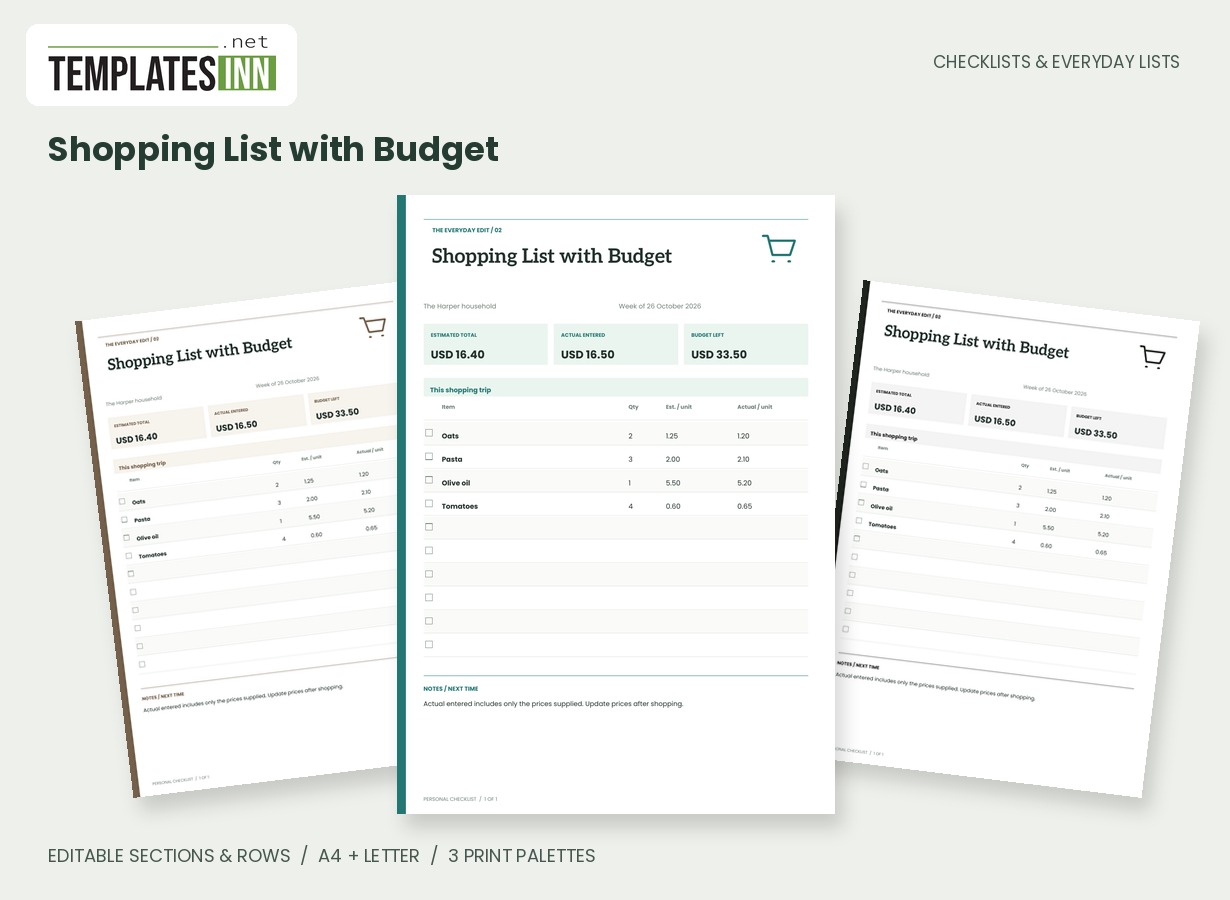
Plan quantities and unit prices, compare actual spending and calculate the budget remaining automatically.
Put the planned basket and the real receipt on the same page. Enter quantities, estimated unit prices and any actual unit prices you know, then compare the calculated figures with your shopping budget. This is a purchase-planning worksheet, with the arithmetic kept visible rather than hidden behind a complicated spreadsheet.
Fill in the information below
New here? Use the button above to fill in an example, then change it to your own details.
Rate this template
Used it? Tap a star. Honest ratings help others choose.
You May Also Like
Templates from other categories that people often use together with this one.


Other Similar Templates
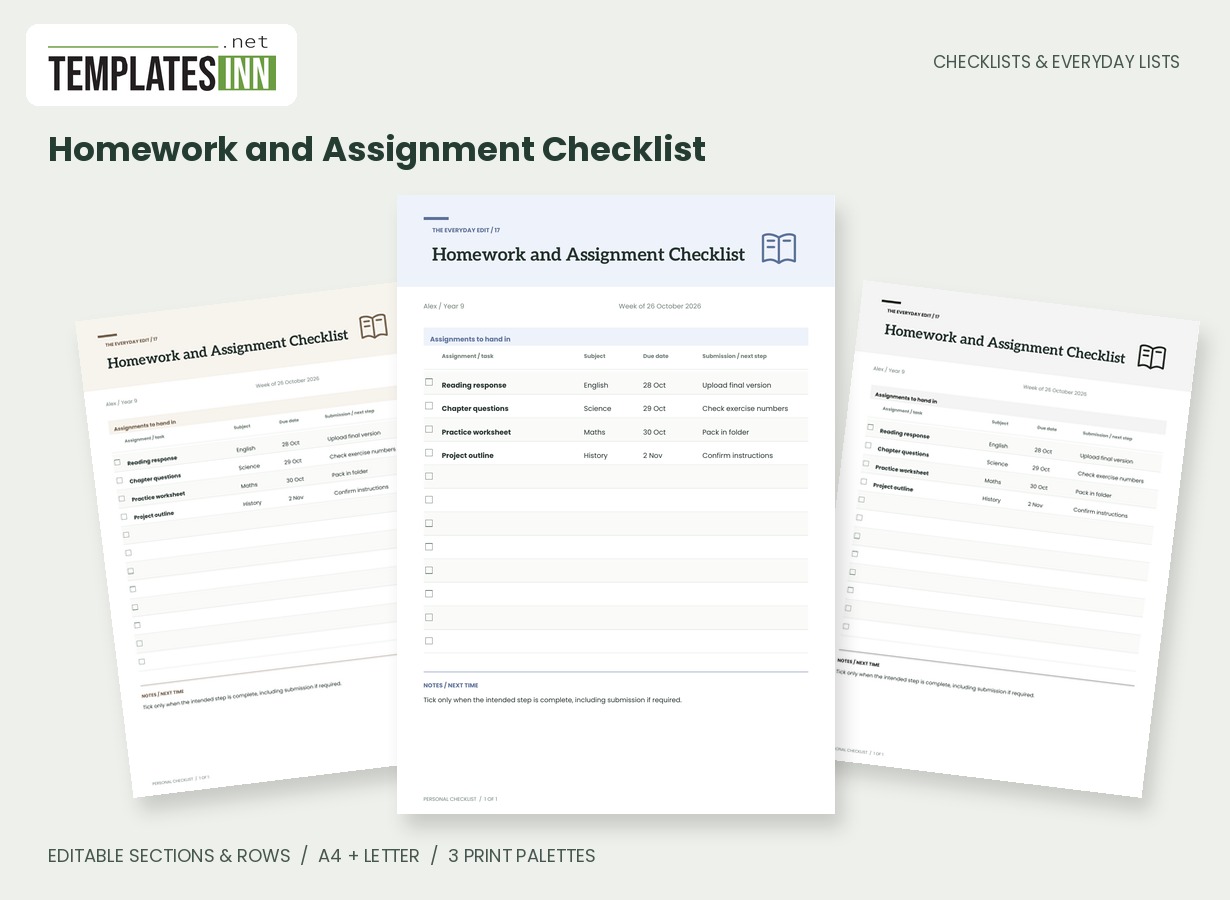
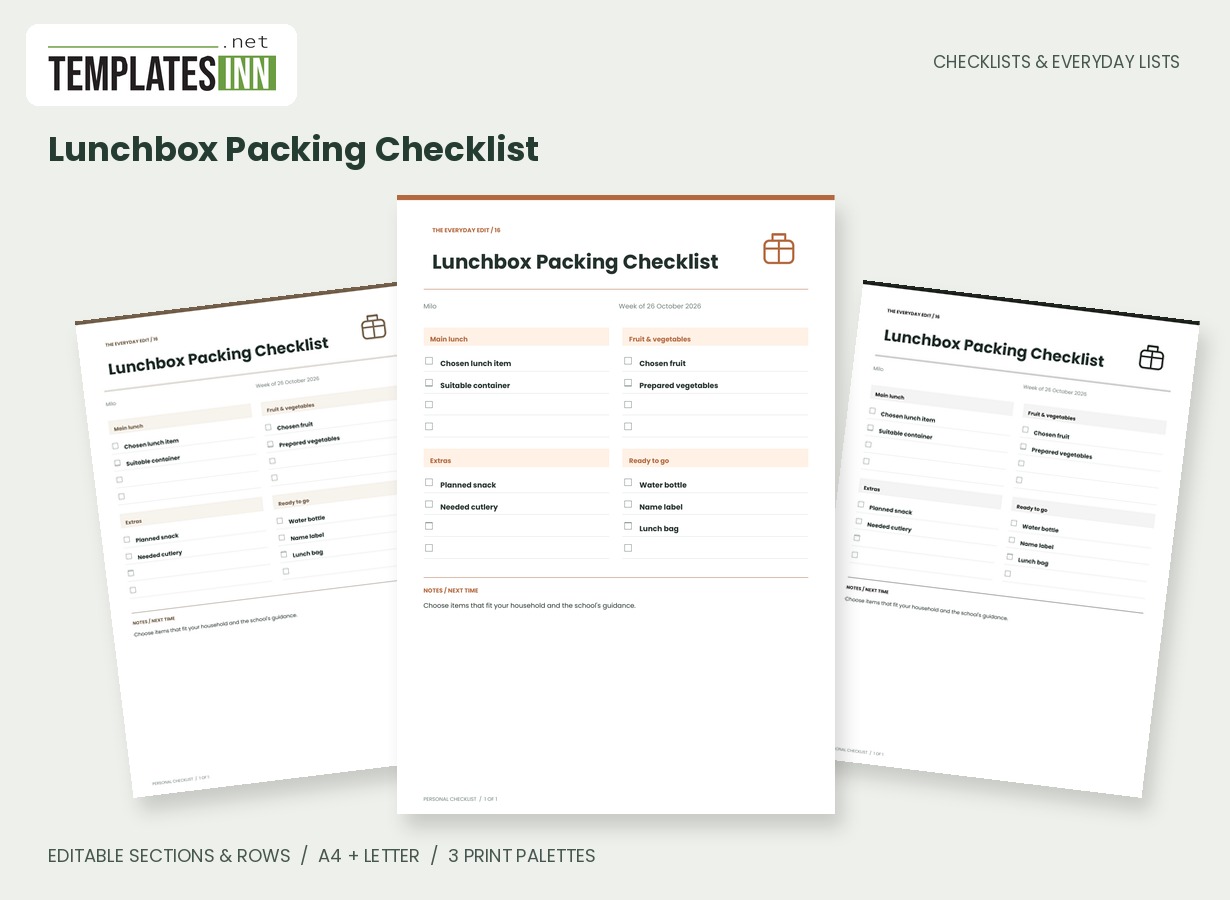
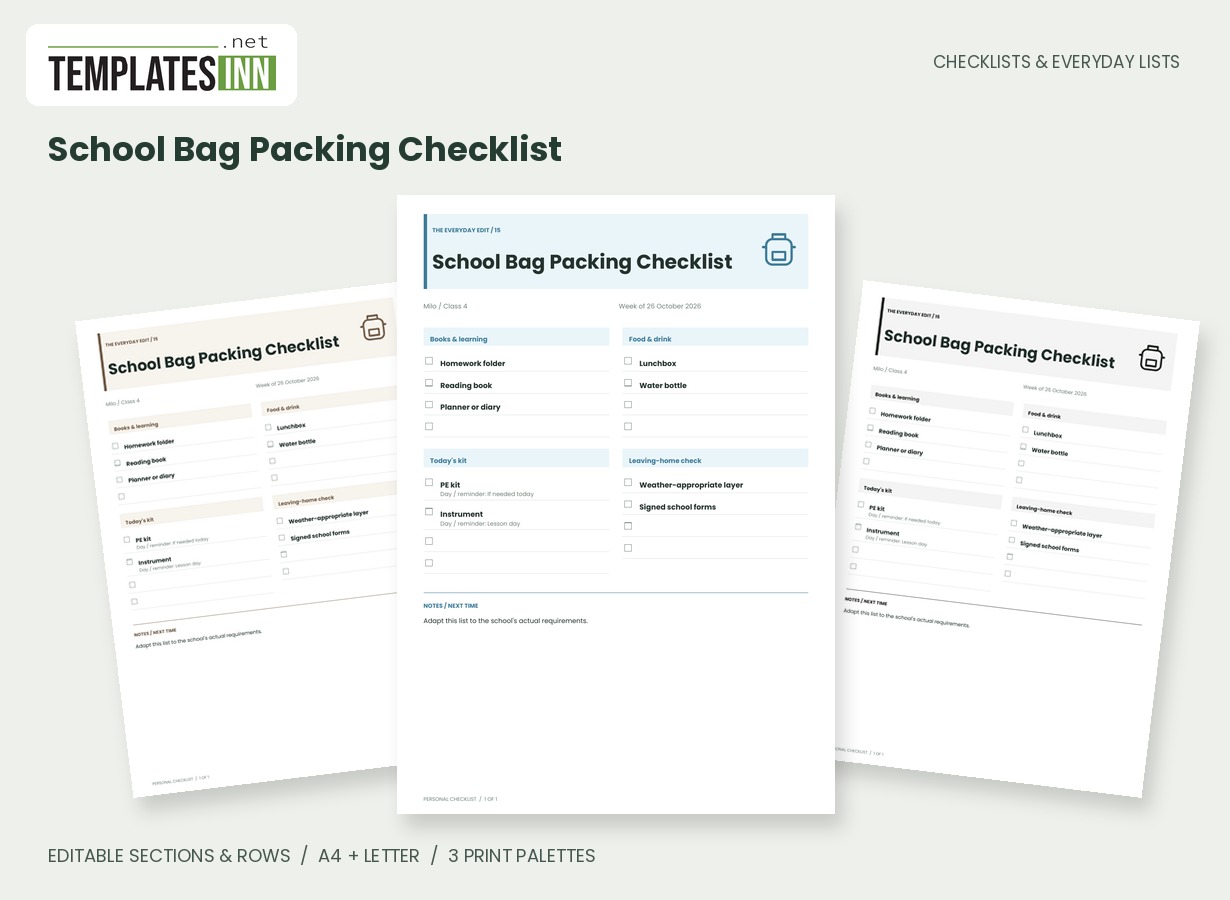
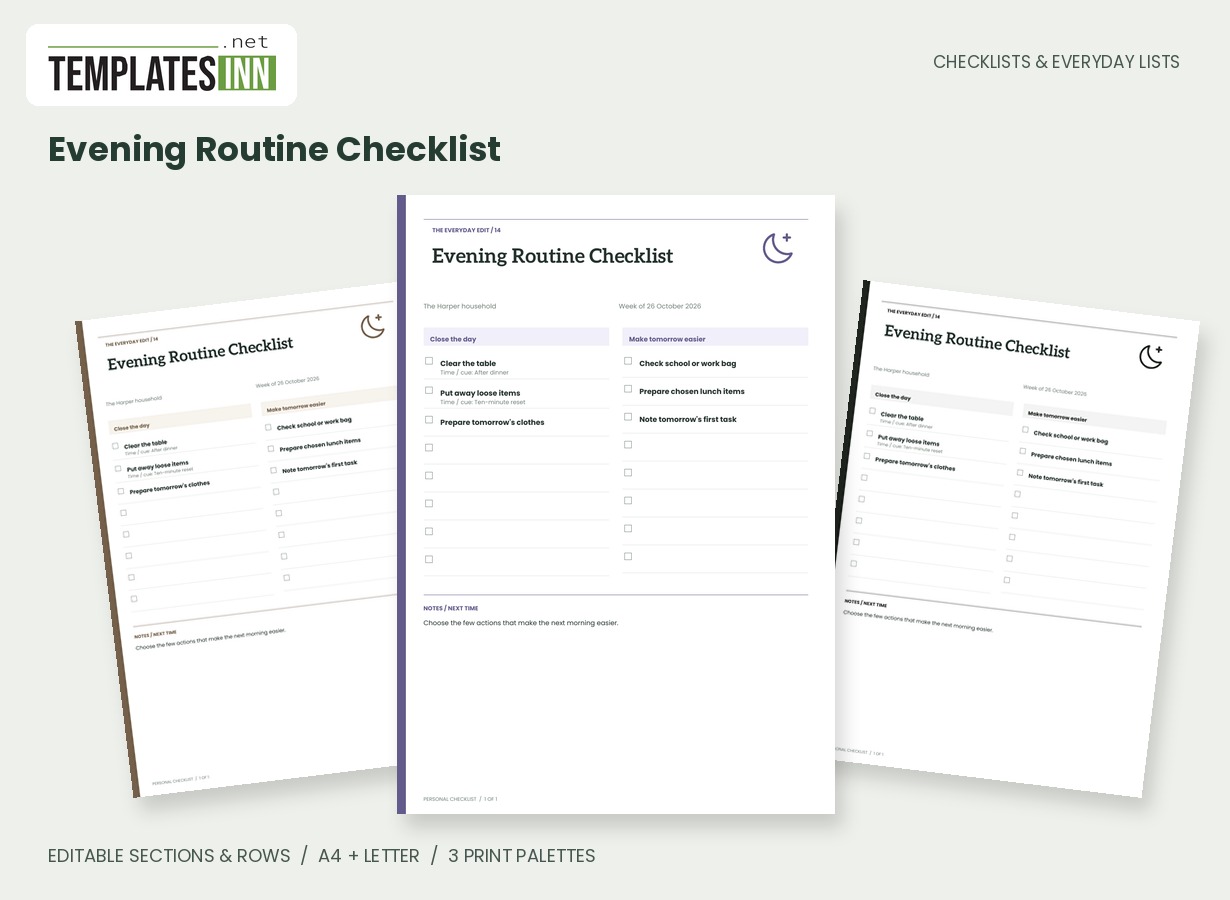
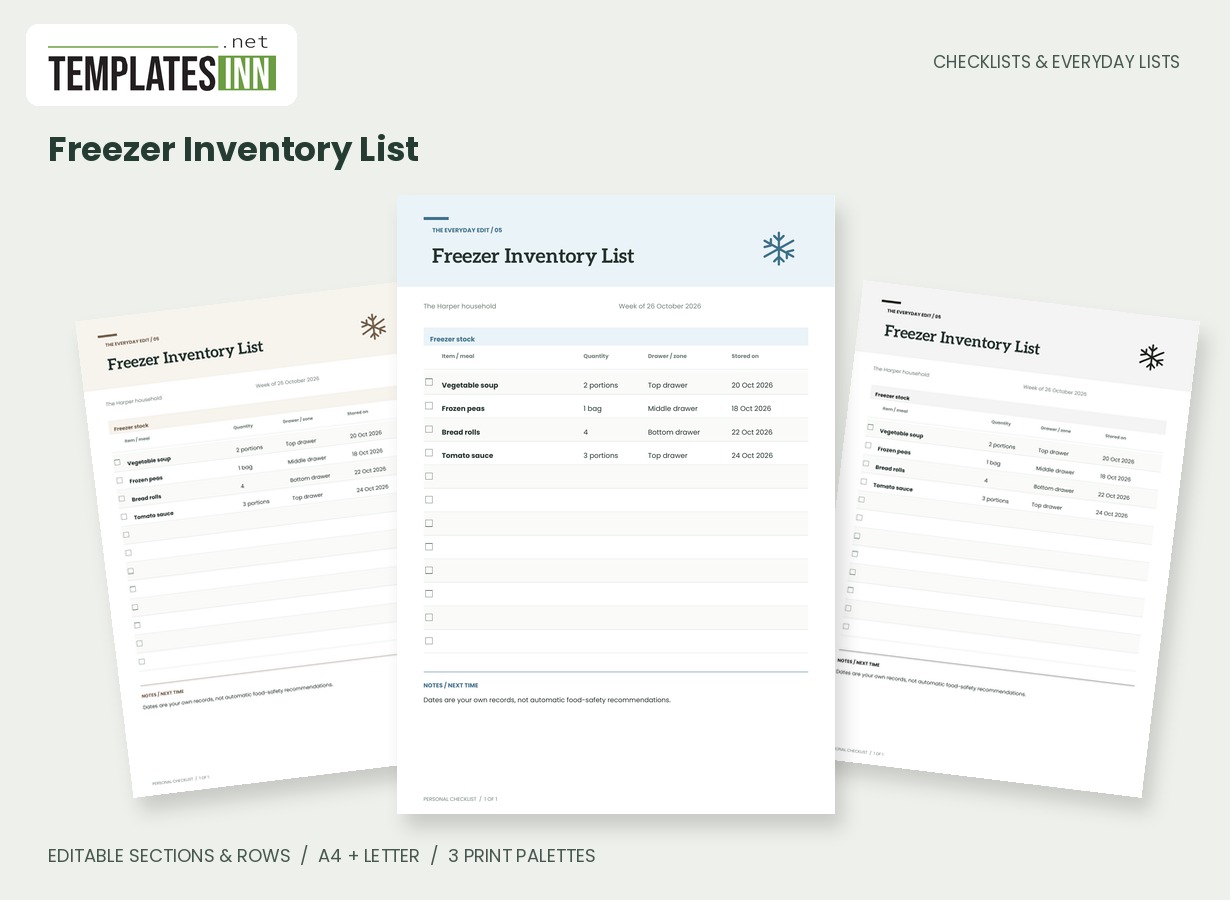
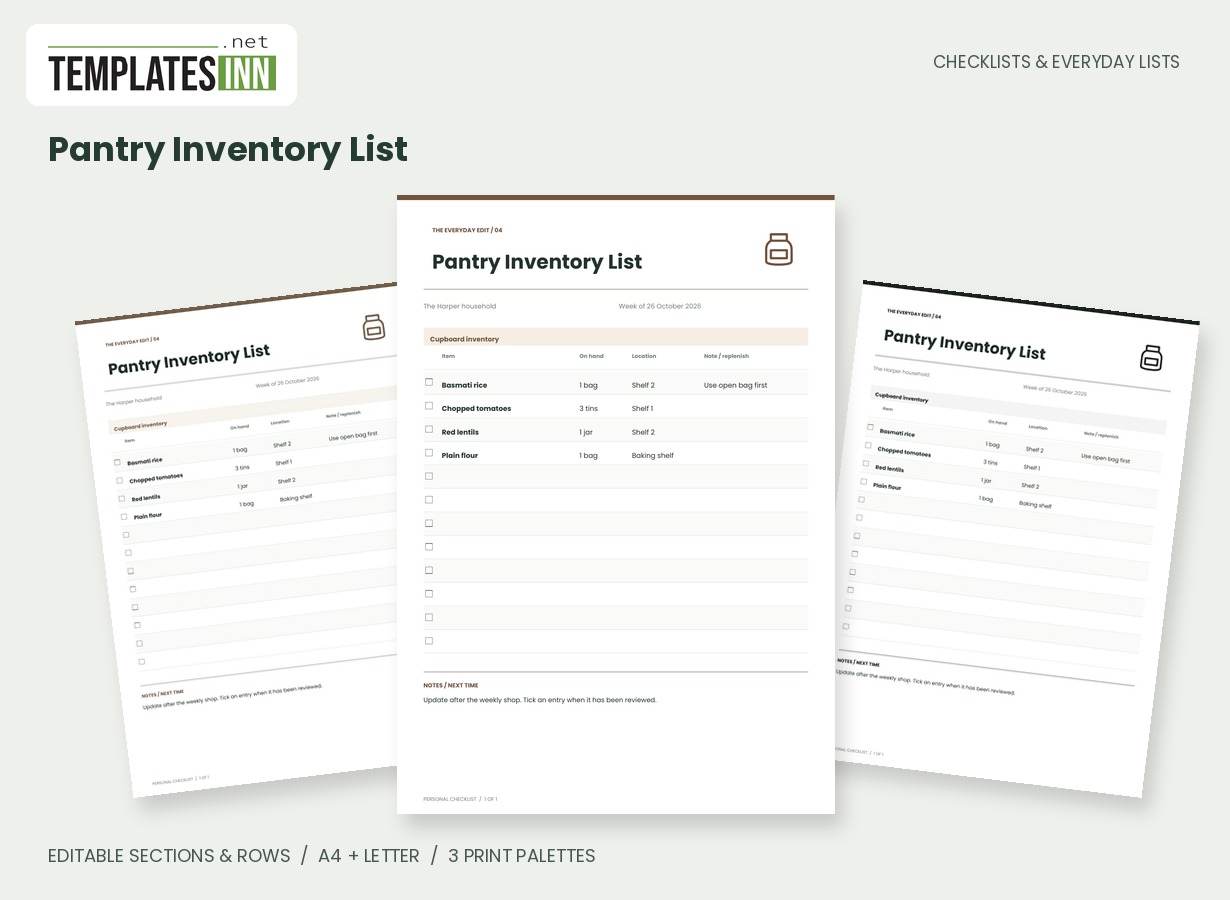
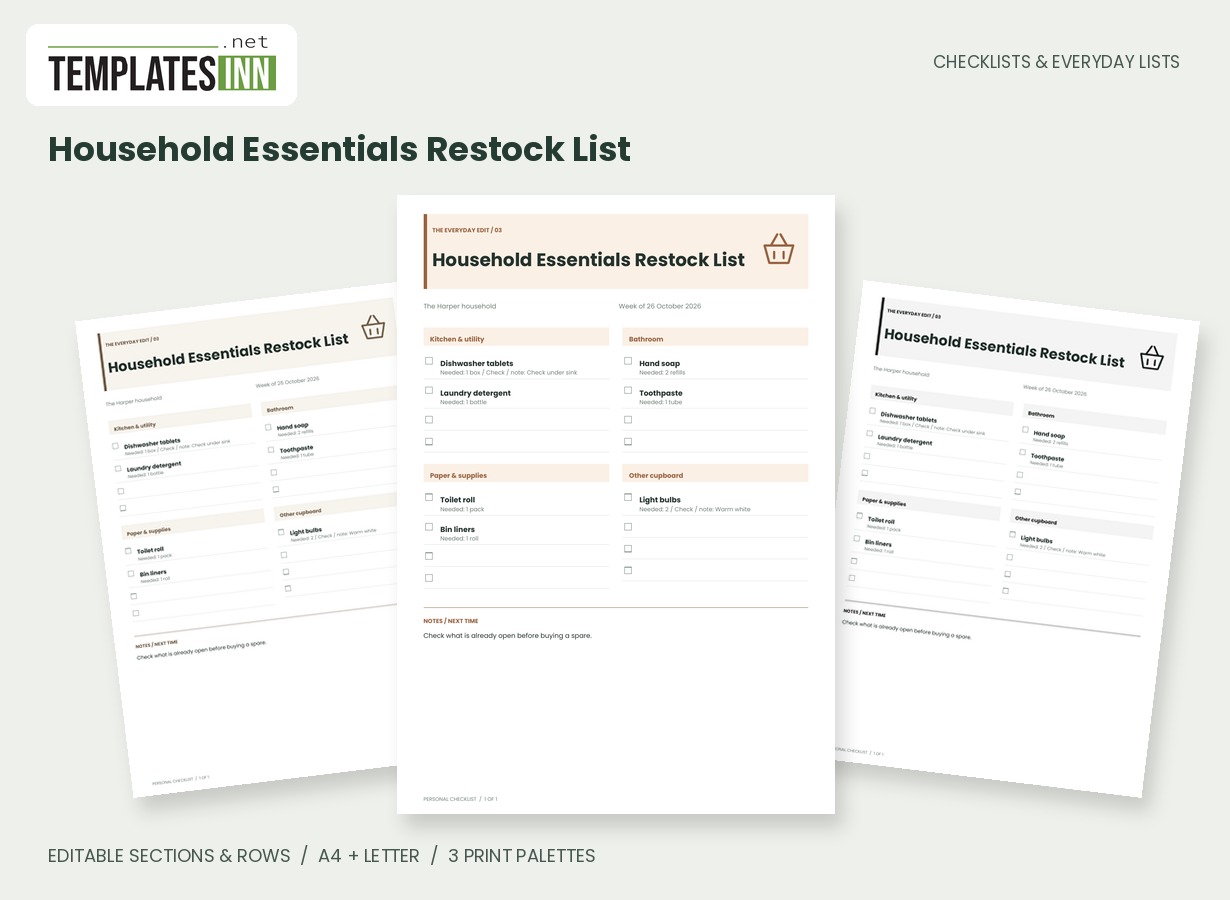
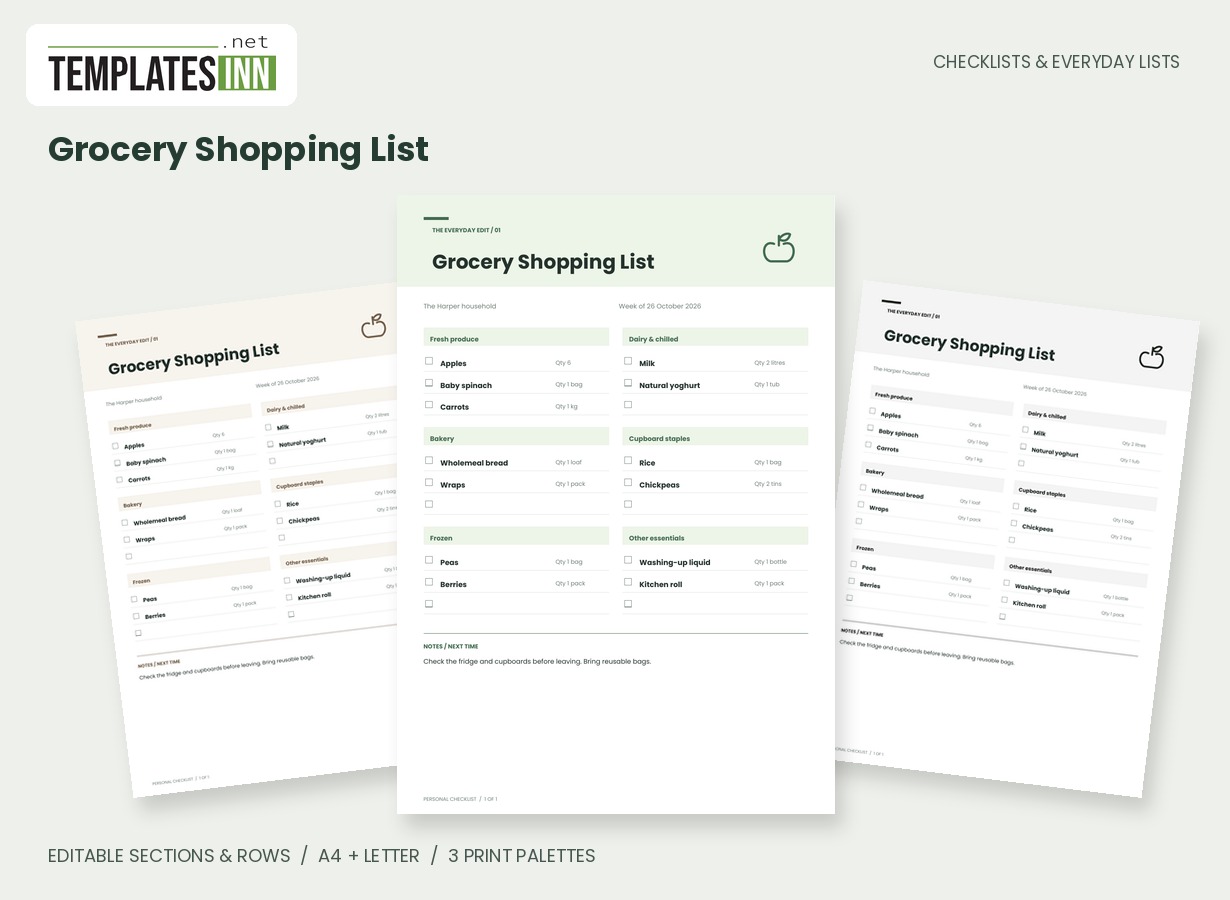
More designs from the same collection, Checklists & Everyday Lists. If this one is not quite what you need, one of these may be.
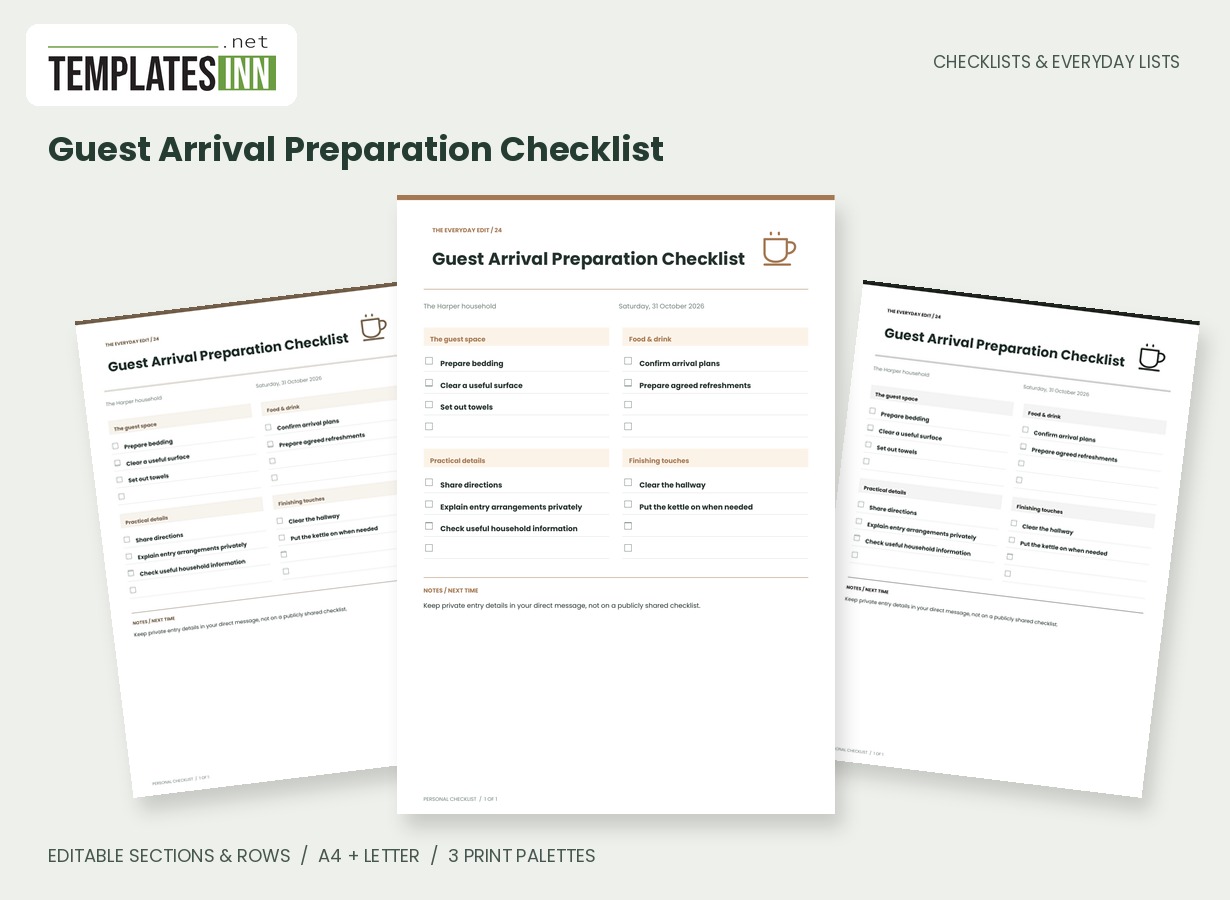
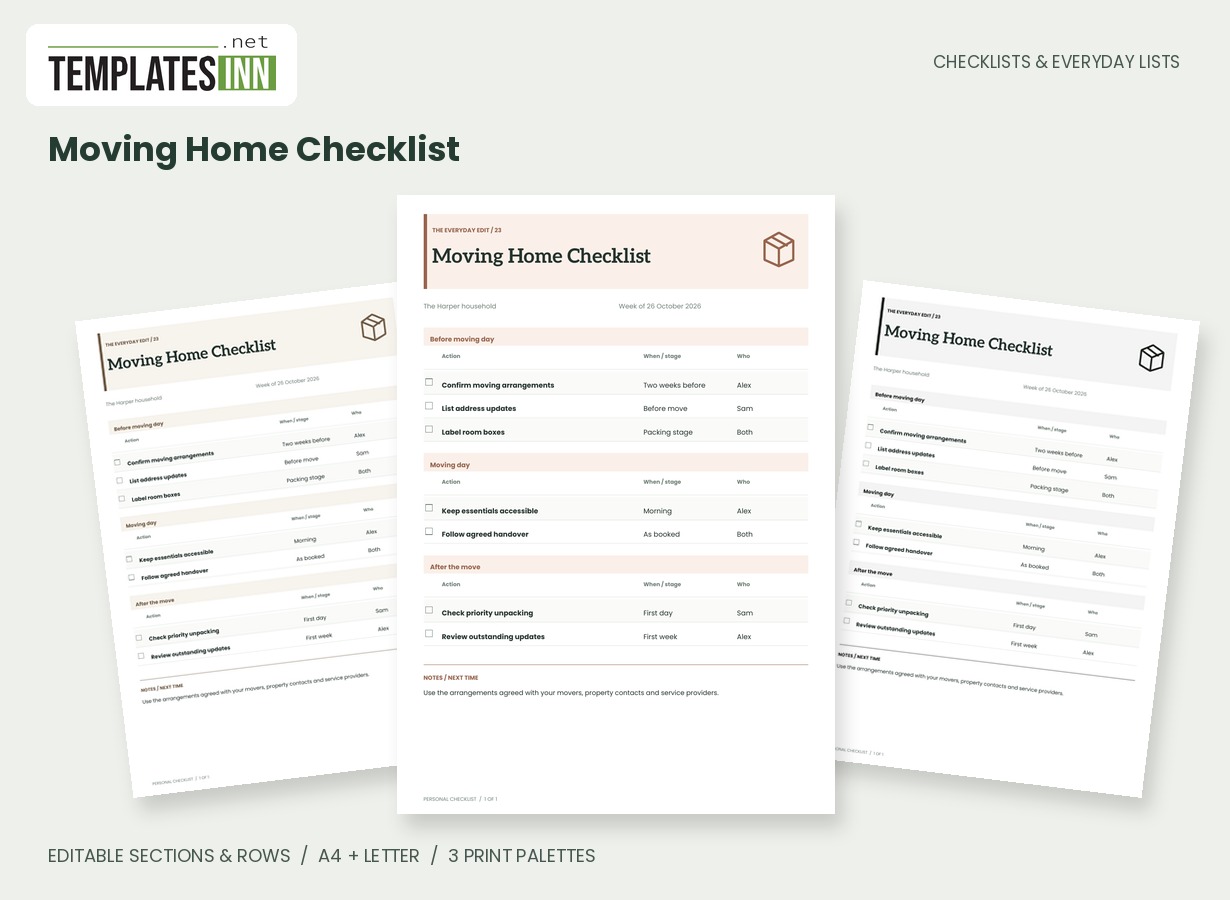
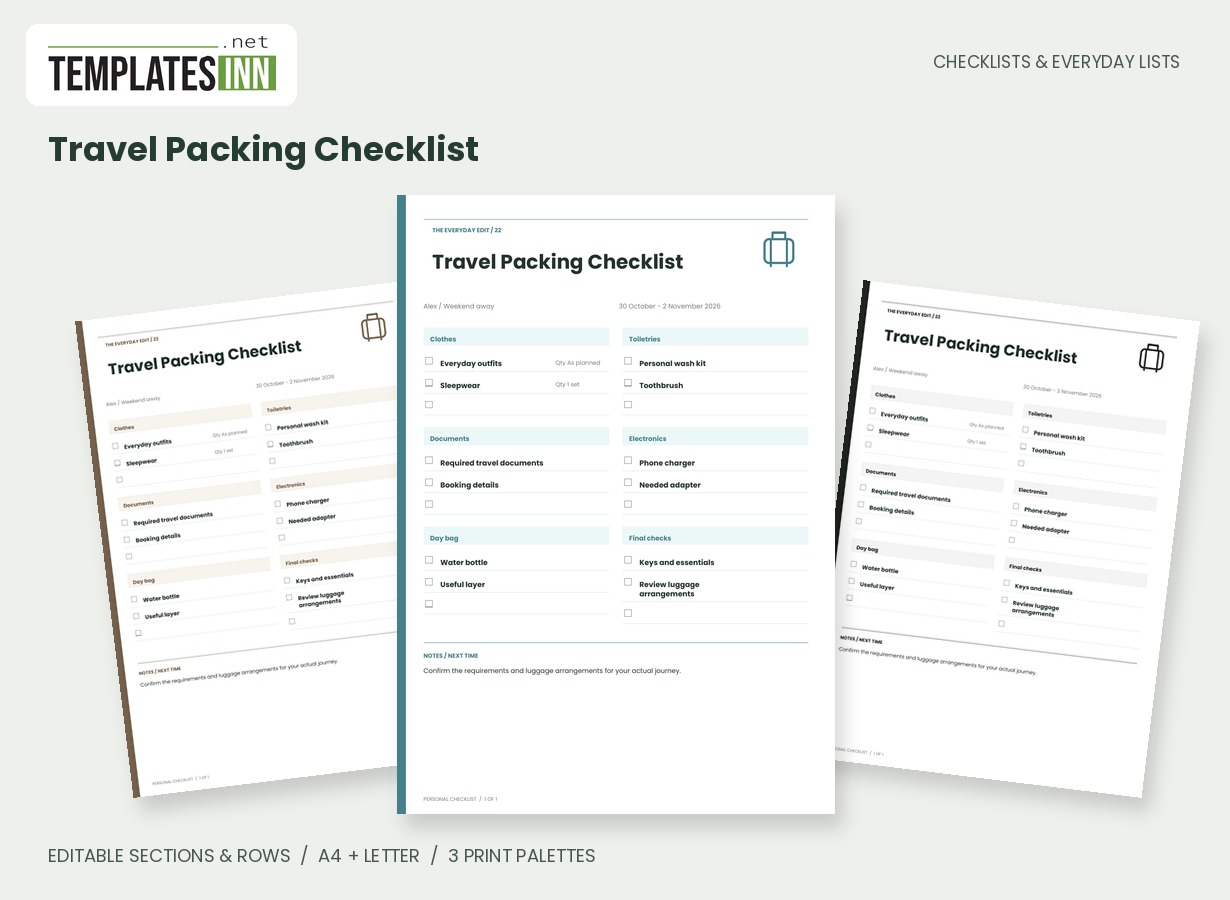
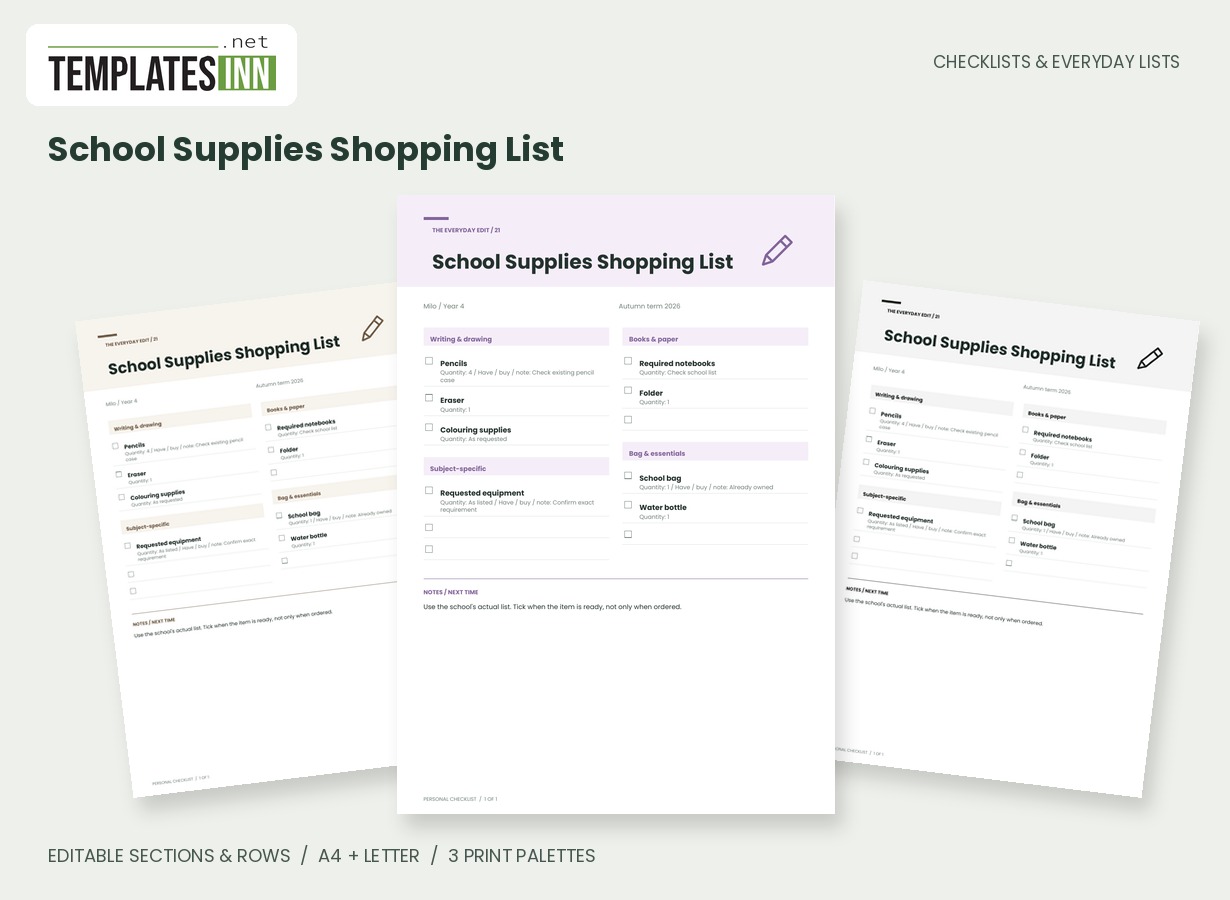
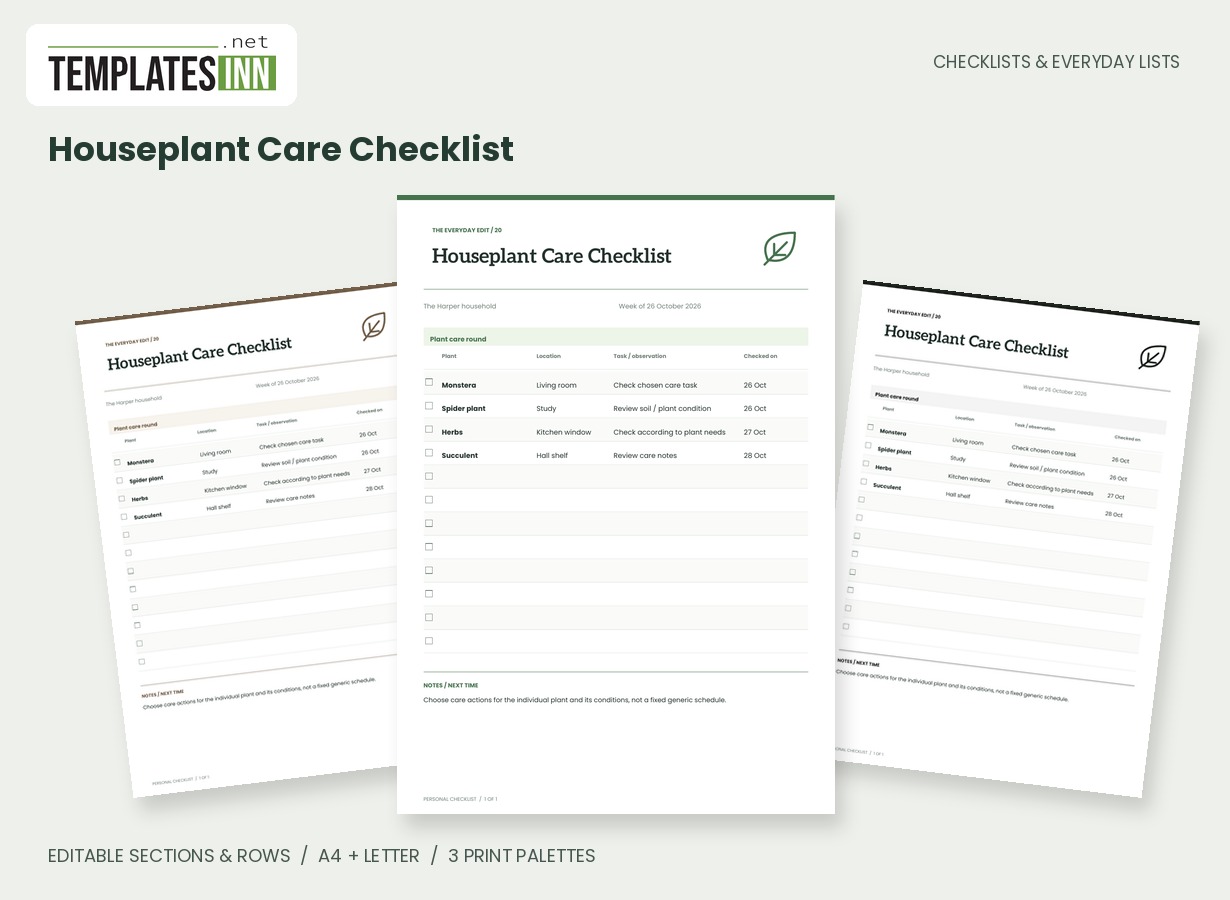
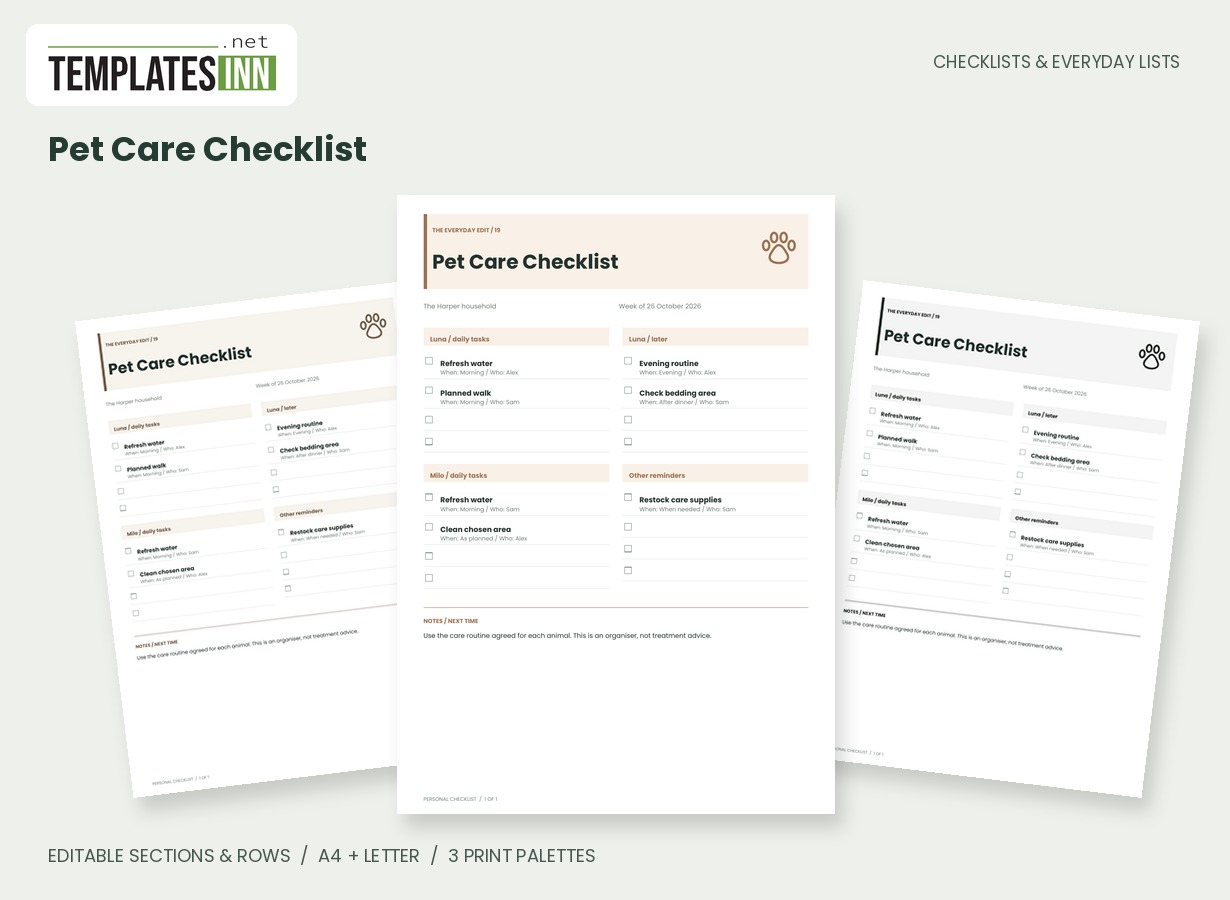
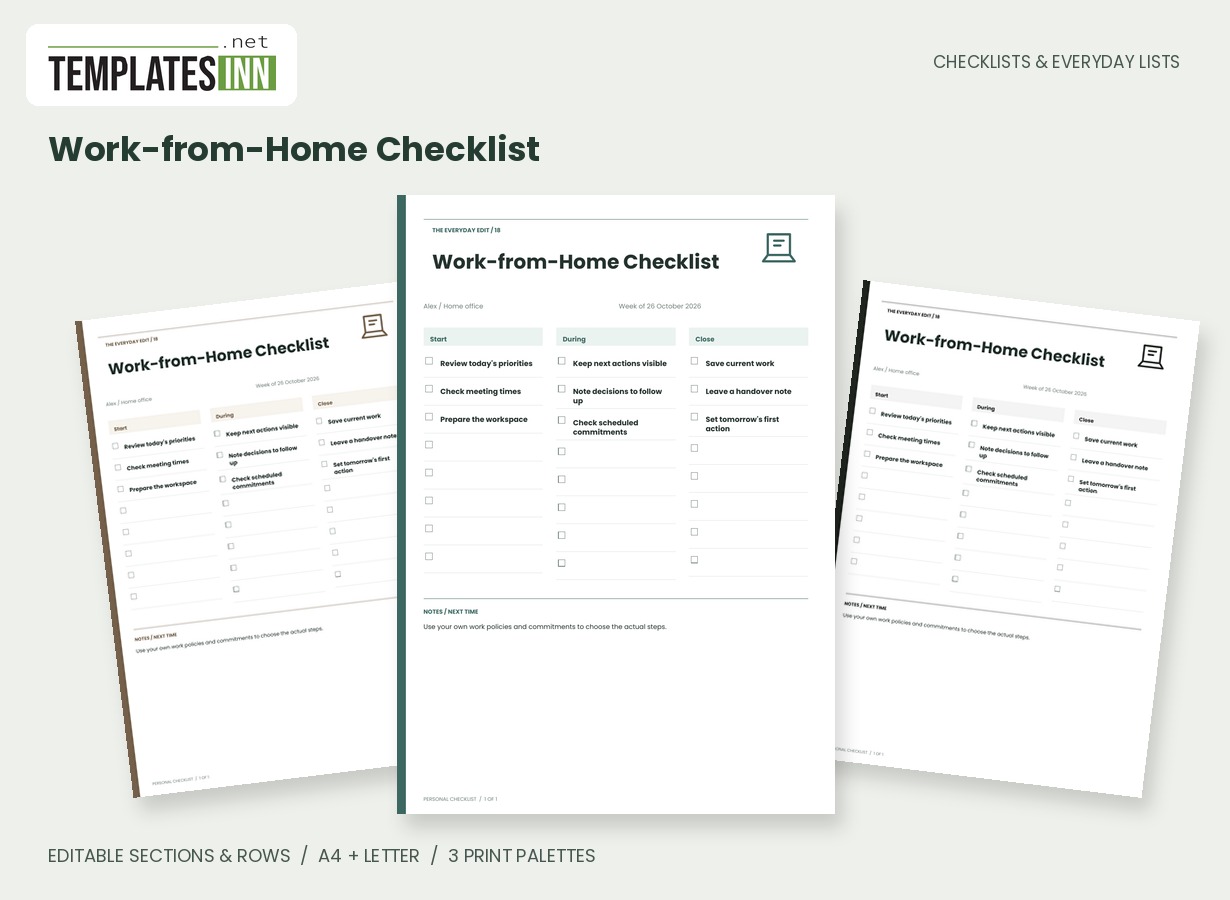
Build an estimate from unit prices
Use a whole-number quantity for each row and enter the price of one unit in the estimated column. Two packets at 1.25 each contribute 2.50 to the estimate; the quantity is not a second price. Keep the item description specific enough to distinguish similar products and pack sizes. If you are comparing a large pack with several small ones, enter the choice you intend to buy rather than mixing incompatible units in one row. The page is most useful when its figures describe the actual planned basket and can be compared with what you later purchased.
Read actual entered as a running record
An empty actual-price cell means no actual unit price has been entered for that row. The actual total includes only the values supplied, so it is a running record rather than a claim that the entire shop cost that amount. Fill the actual column as you have reliable prices or after checking the receipt. Budget left subtracts that entered actual total from the budget you supplied. If some purchases are still missing, the remaining figure is incomplete too. Ticked rows are visual completion markers and do not switch a purchase out of the arithmetic.
Keep the calculation assumptions simple
This worksheet multiplies quantities by unit prices and adds the results. It does not infer taxes, discounts, loyalty offers, delivery charges or a currency exchange rate. Enter the unit price you want included in the calculation and use a separate row for an appropriate extra purchase if needed. The currency field is a printed label, not a conversion setting. Prices use up to two decimal places, and the server calculates the same totals again for the PDF. Review the inputs whenever the basket changes instead of trusting a total from an older saved print.
Starting entries for your shopping list with budget
- Oats: quantity 2, estimated unit price 1.25, estimated line amount 2.50.
- Pasta: quantity 3, actual unit price 2.10, actual contribution 6.30.
- Use a currency label such as USD, GBP or EUR for every figure on the page.
Before you use the finished page
- Enter unit prices rather than whole-row totals.
- Use whole-number quantities for this worksheet.
- Check which actual-price cells are still empty.
- Compare the final entries with the receipt.
- Regenerate the PDF after changing quantities or prices.
Make the layout your own
Use Load sample data for editable example entries, or begin with blank lines for handwriting. You can rename the page, add a name and period, edit section headings, and add or remove rows. The editor supports up to eight sections and eighty rows. Ticked items are printed as complete; blank boxes remain available for a pen. Short entries keep the page comfortable to read, while longer lists continue onto additional pages with repeated headings.
Print a copy you will actually use
Choose A4 or US Letter before generating the PDF, then use the matching paper in your printer. Print at Actual size or 100 percent. The signature palette gives this design its own character; soft neutral and black-and-white options are available for a quieter or lower-ink print. Preview the names, column contents and page breaks before making several copies. The website logo appears on browsing previews only, and your printable checklist has no TemplatesInn watermark.
Questions about this shopping list with budget
Do unchecked purchases count in the totals?
Yes. The totals use the numeric rows you enter, independently of their visual tick boxes. Remove a row or change its quantity if you no longer want that purchase included.
Does changing USD to GBP convert the prices?
No. Currency is a label only. Enter figures in one currency consistently. The worksheet does not fetch exchange rates, add tax automatically or calculate retailer-specific discounts.
Explore related practical pages in the Checklists & Everyday Lists collection. For date-based planning, see our Calendars & Planners.