

Create Houseplant Care Checklist
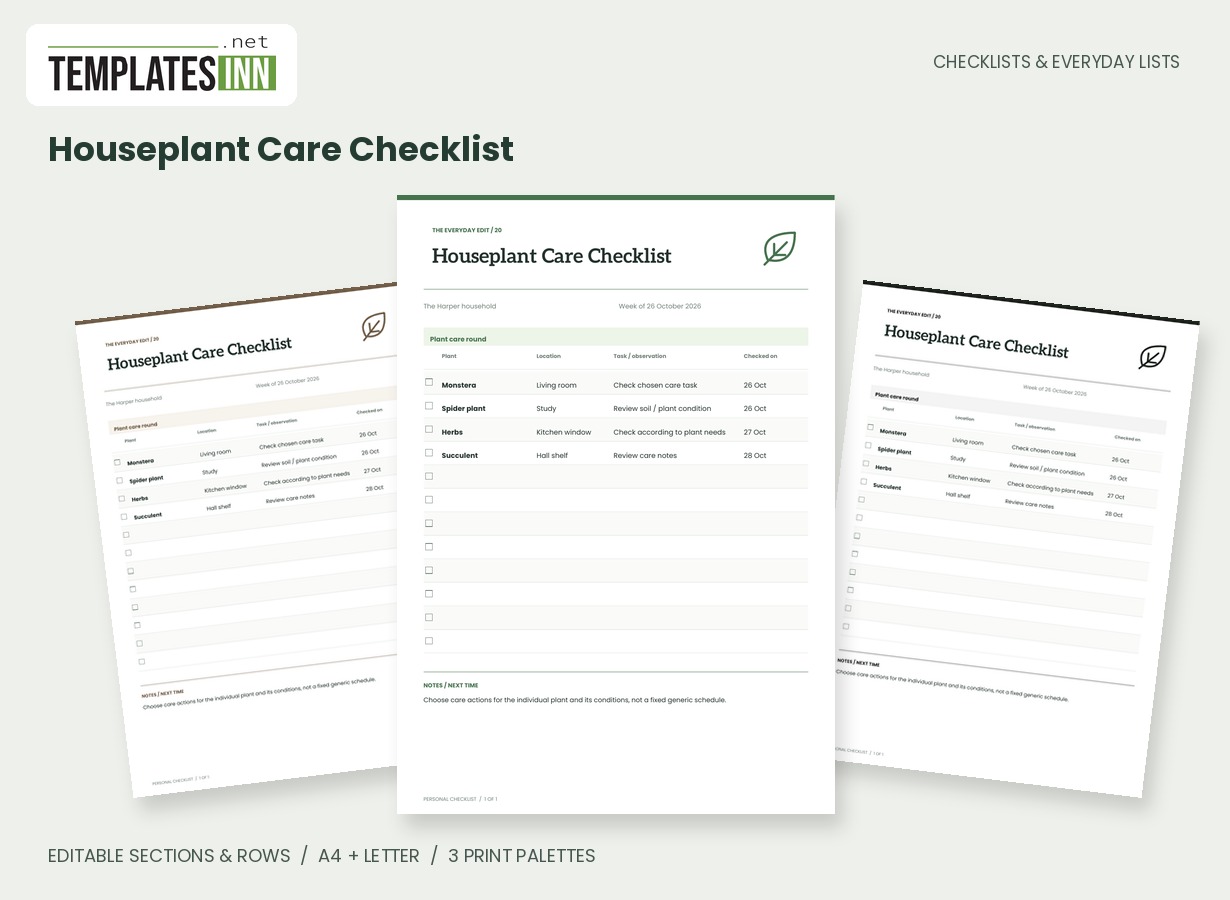
List plants, locations, care observations and check dates on a calm inventory-style sheet.
Know which plant you checked, where it lives and what you observed. This botanical ledger gives each plant a row with a location, an owner-defined task or observation and the date you checked it, without imposing one generic watering schedule.
Fill in the information below
New here? Use the button above to fill in an example, then change it to your own details.
Rate this template
Used it? Tap a star. Honest ratings help others choose.
You May Also Like
Templates from other categories that people often use together with this one.


Other Similar Templates
More designs from the same collection, Checklists & Everyday Lists. If this one is not quite what you need, one of these may be.
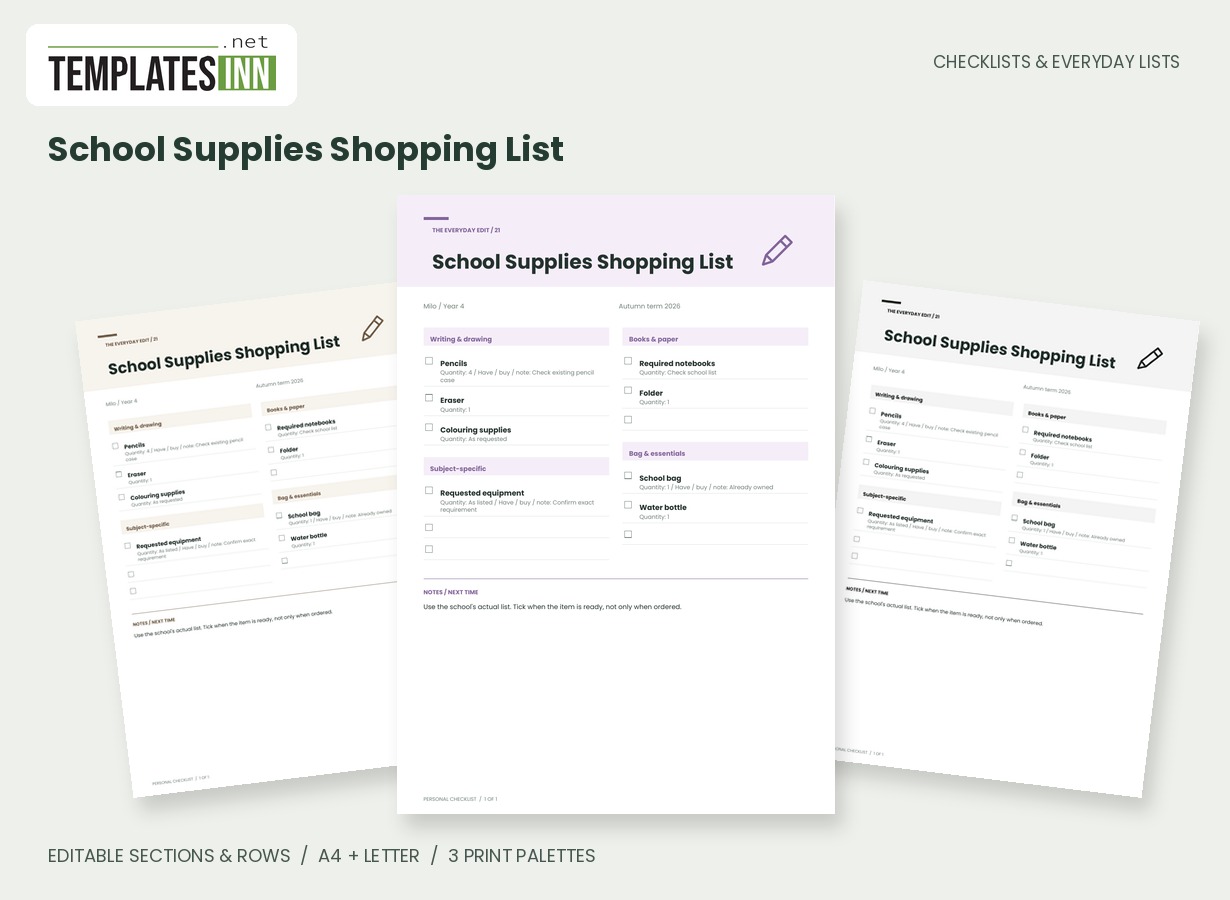
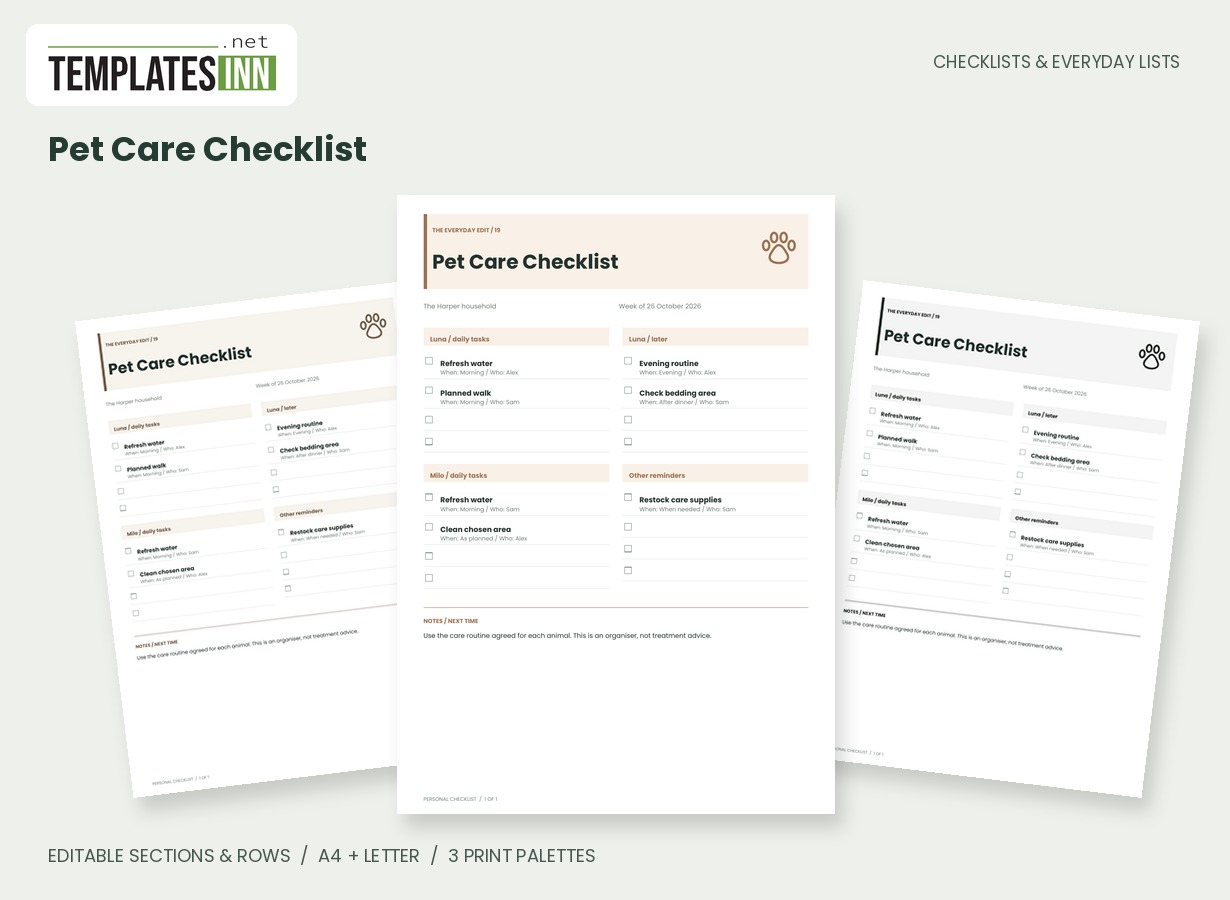
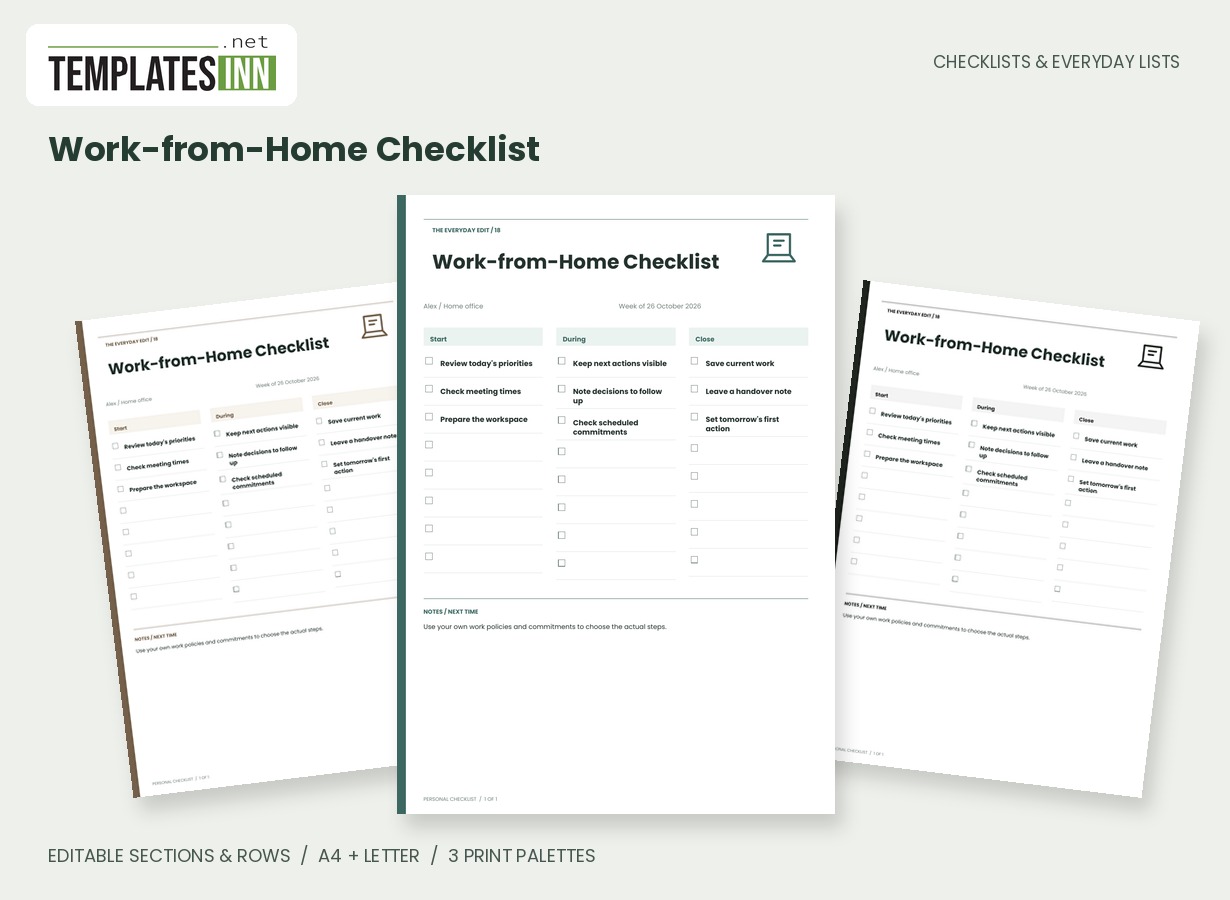
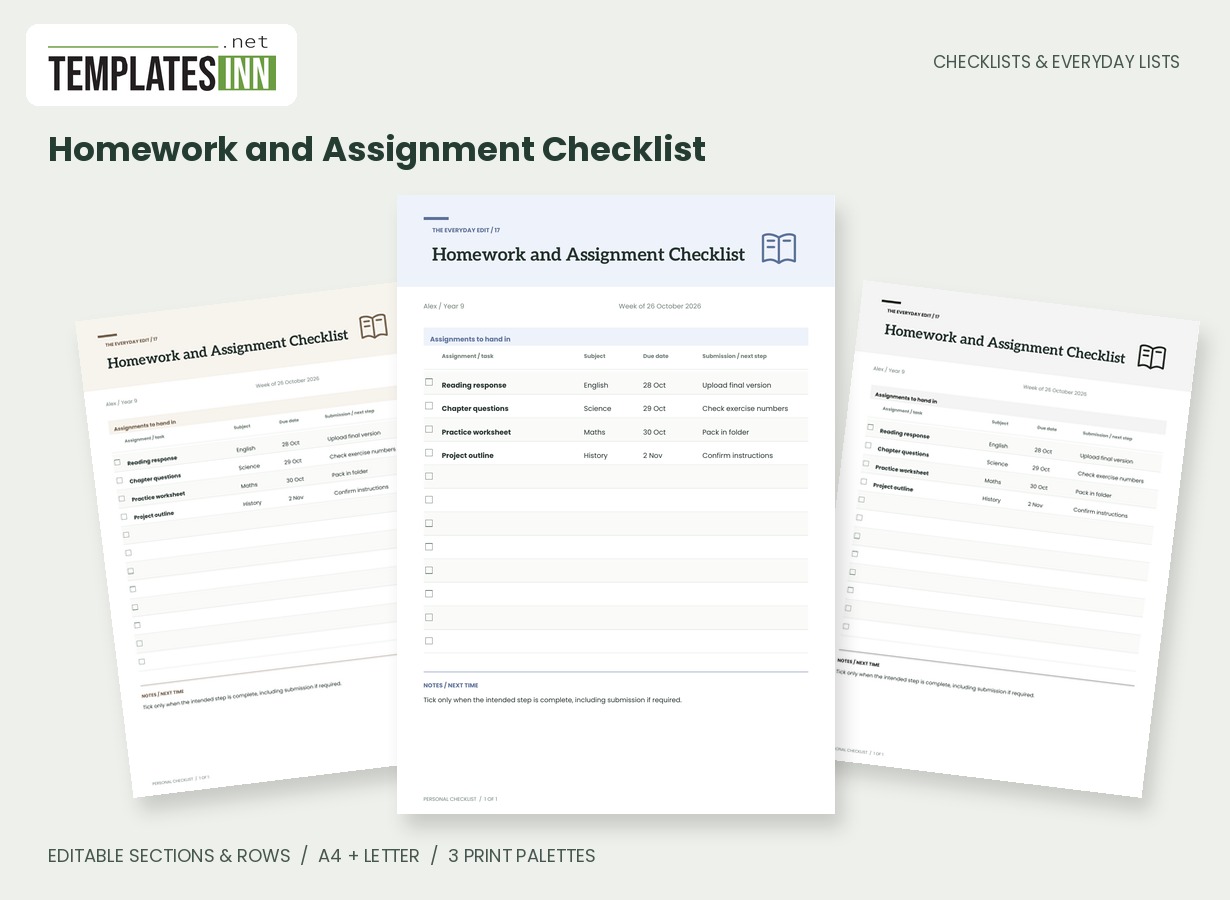
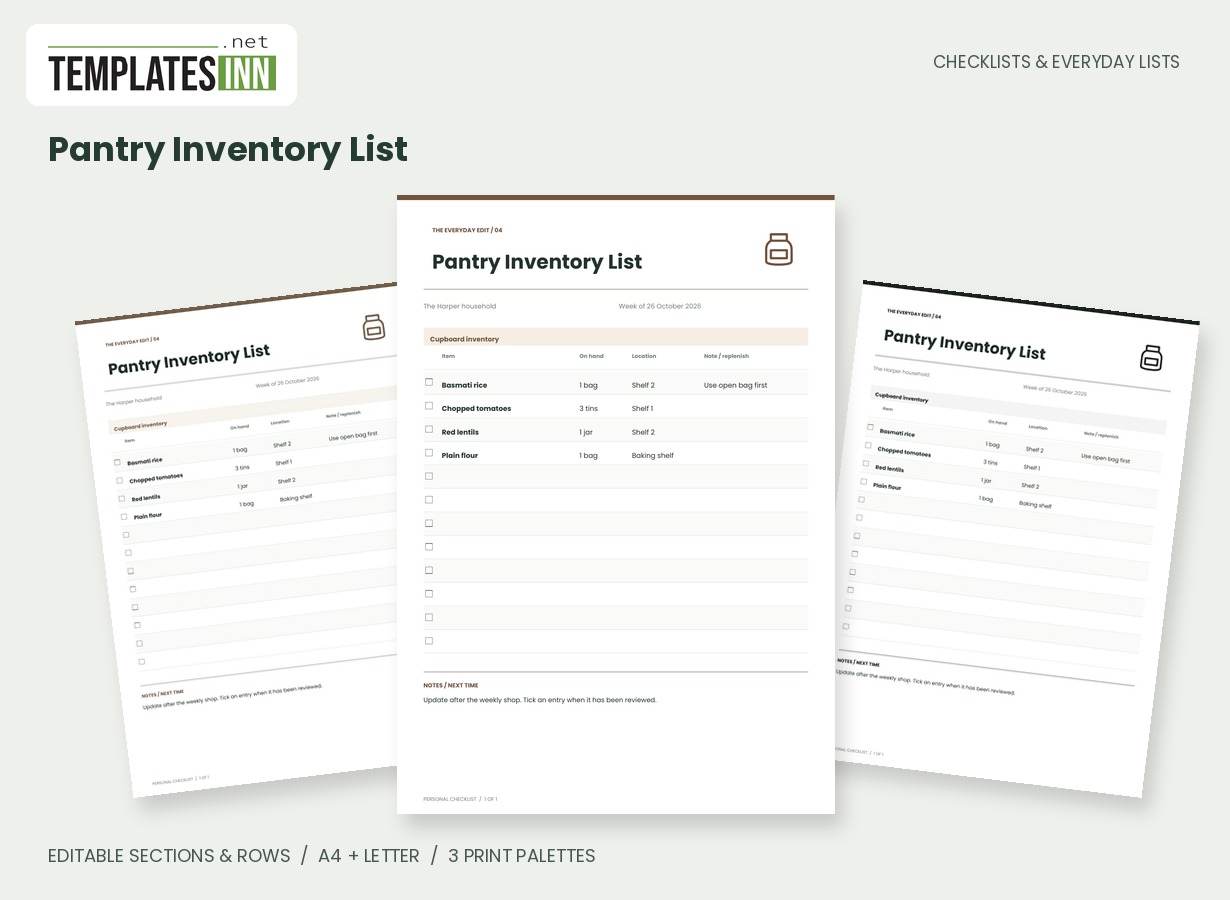
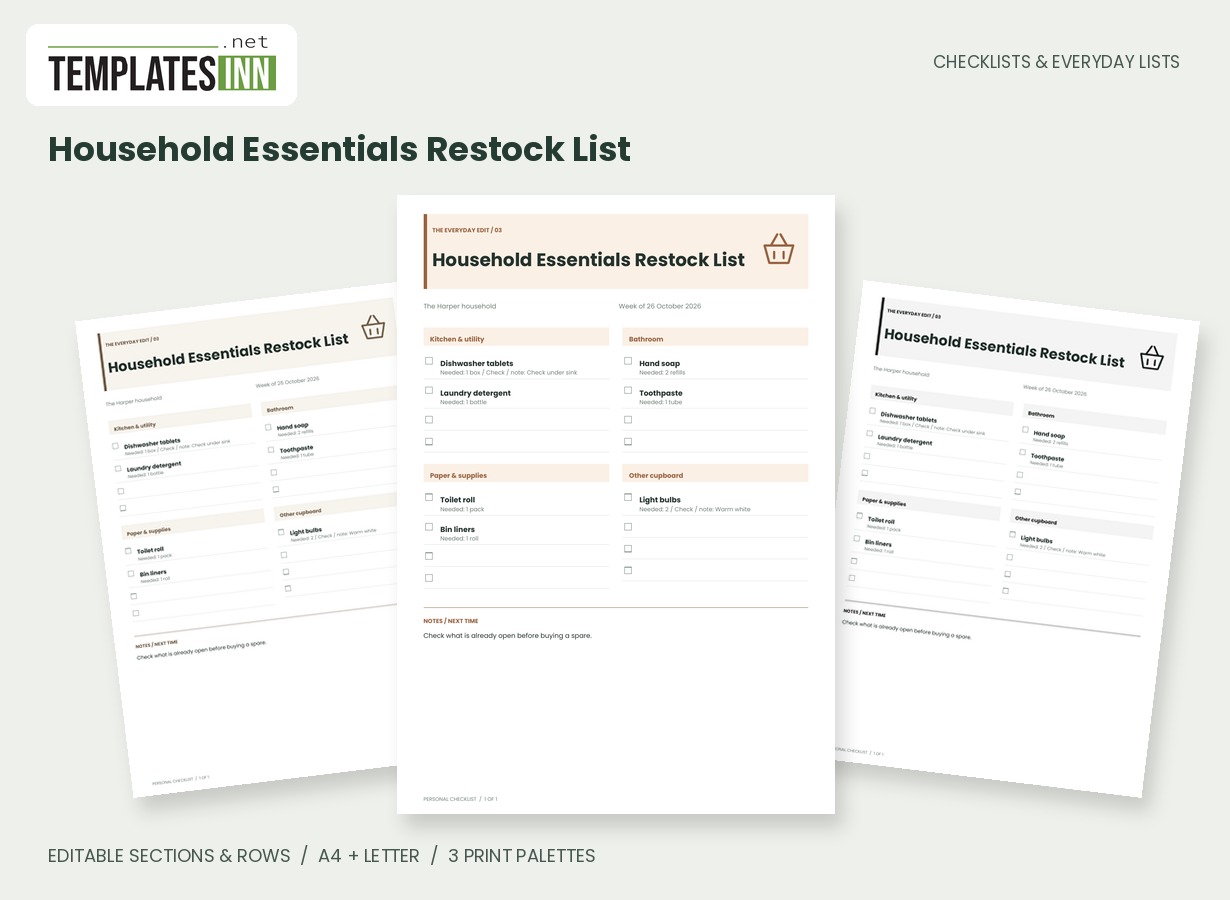
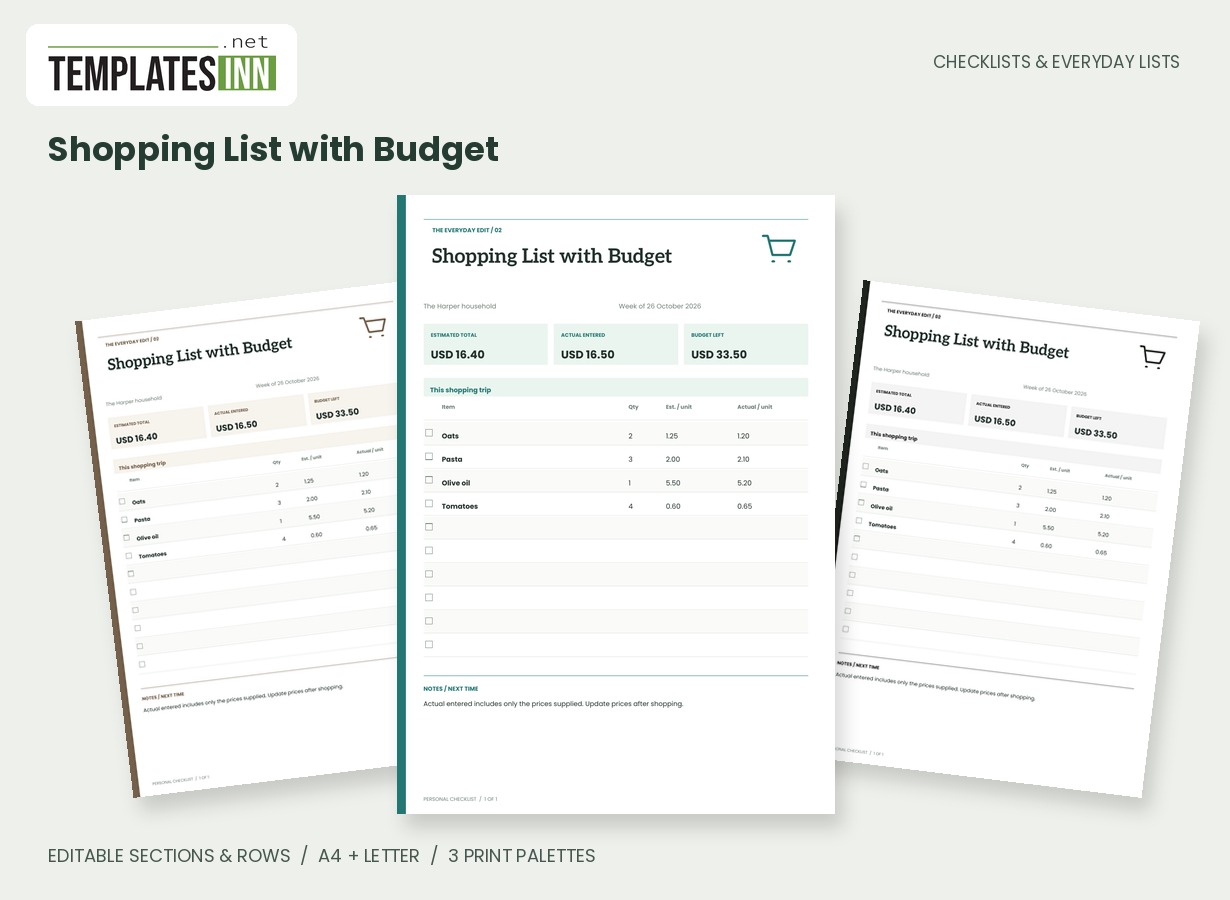
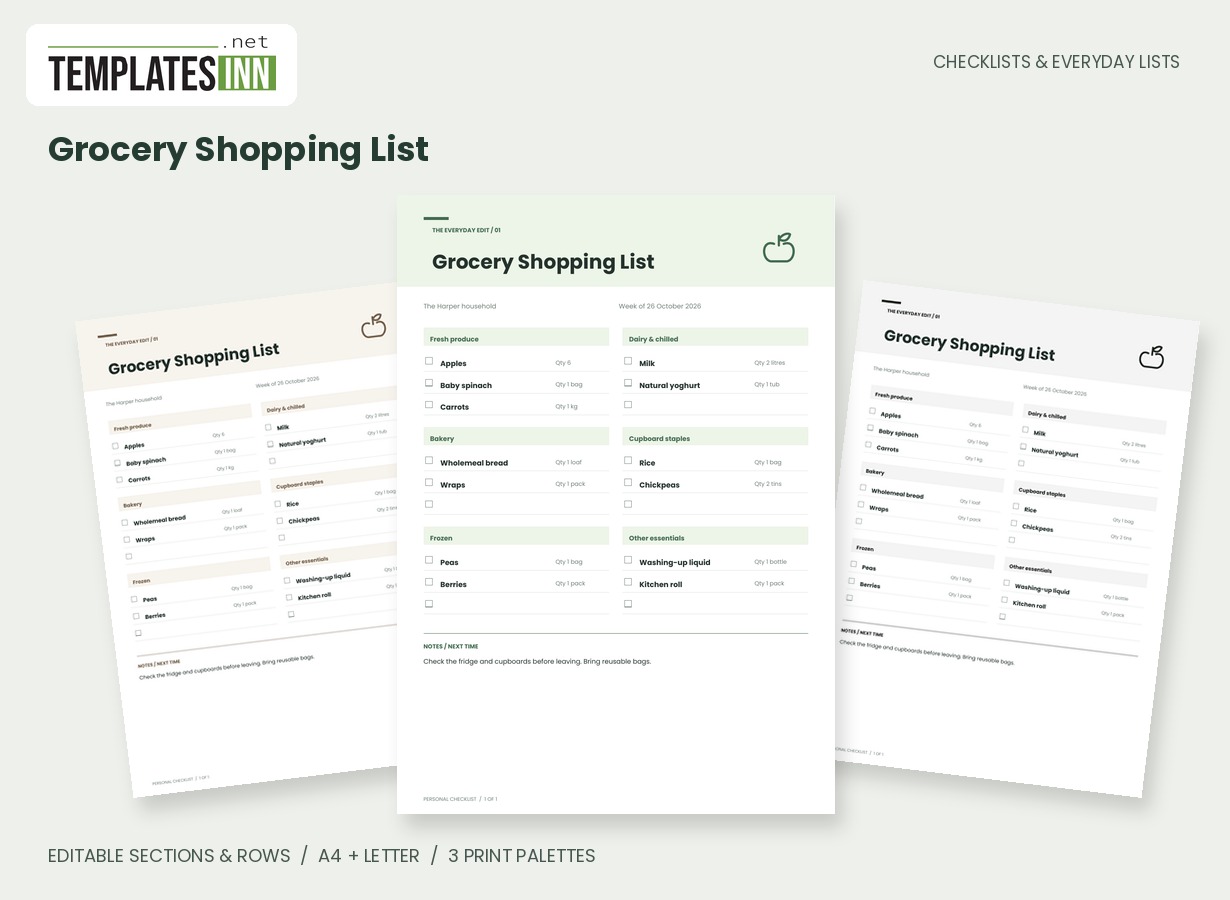
Identify plants by a name and a useful location
Use a name you recognise and a location that distinguishes similar plants. Living room shelf can be more practical than a botanical name alone when someone else uses the sheet. If several pots have the same name, add a short identifier that makes the row unambiguous. The checklist is a record of your own plants rather than a plant-identification tool. Review locations when pots move so a current care round does not send you looking in the place where a plant used to stand.
Write observations before turning them into assumptions
The task-or-observation field can hold a chosen care action or a short note about what you checked. Keep the wording specific enough to understand later. Reviewed care notes tells a different story from watered, and the date should match the action actually recorded. Choose care according to the individual plant and its conditions, using the relevant guidance. The template does not diagnose a problem or calculate plant needs. Its purpose is to keep your observations and selected tasks together so the next review begins with a clearer record.
Keep check dates consistent across the sheet
Use the checked-on column for the date of the recorded review, or explain another convention in the page notes. Mixing future reminders and past observations without a label makes a ledger hard to interpret. If you need alerts, put them in your own calendar; the PDF will not send them. Tick rows according to the task stated, and update the entry when the next round occurs. A new printed copy can preserve the same plant order while showing current observations rather than a history that has become difficult to scan.
Starting entries for your houseplant care checklist
- Monstera / living room / review chosen care task / 26 October.
- Herbs / kitchen window / record current observation / 27 October.
- Succulent / hall shelf / consult plant care notes / 28 October.
Before you use the finished page
- Use recognisable plant names.
- Keep locations current.
- State the actual observation or action.
- Use dates consistently and explain exceptions.
- Choose care for the individual plant and conditions.
Make the layout your own
Use Load sample data for editable example entries, or begin with blank lines for handwriting. You can rename the page, add a name and period, edit section headings, and add or remove rows. The editor supports up to eight sections and eighty rows. Ticked items are printed as complete; blank boxes remain available for a pen. Short entries keep the page comfortable to read, while longer lists continue onto additional pages with repeated headings.
Print a copy you will actually use
Choose A4 or US Letter before generating the PDF, then use the matching paper in your printer. Print at Actual size or 100 percent. The signature palette gives this design its own character; soft neutral and black-and-white options are available for a quieter or lower-ink print. Preview the names, column contents and page breaks before making several copies. The website logo appears on browsing previews only, and your printable checklist has no TemplatesInn watermark.
Questions about this houseplant care checklist
Will the sheet tell me when every plant needs water?
No. You enter the care actions and observations. Different plants and conditions need different decisions; this page does not generate a watering schedule.
Can I use it for an office plant collection?
Yes. Change the owner or area, identify each plant by location and enter the tasks your team has chosen. Agree separately who keeps the current record.
Explore related practical pages in the Checklists & Everyday Lists collection. For date-based planning, see our Calendars & Planners.