

Create Grocery Shopping List
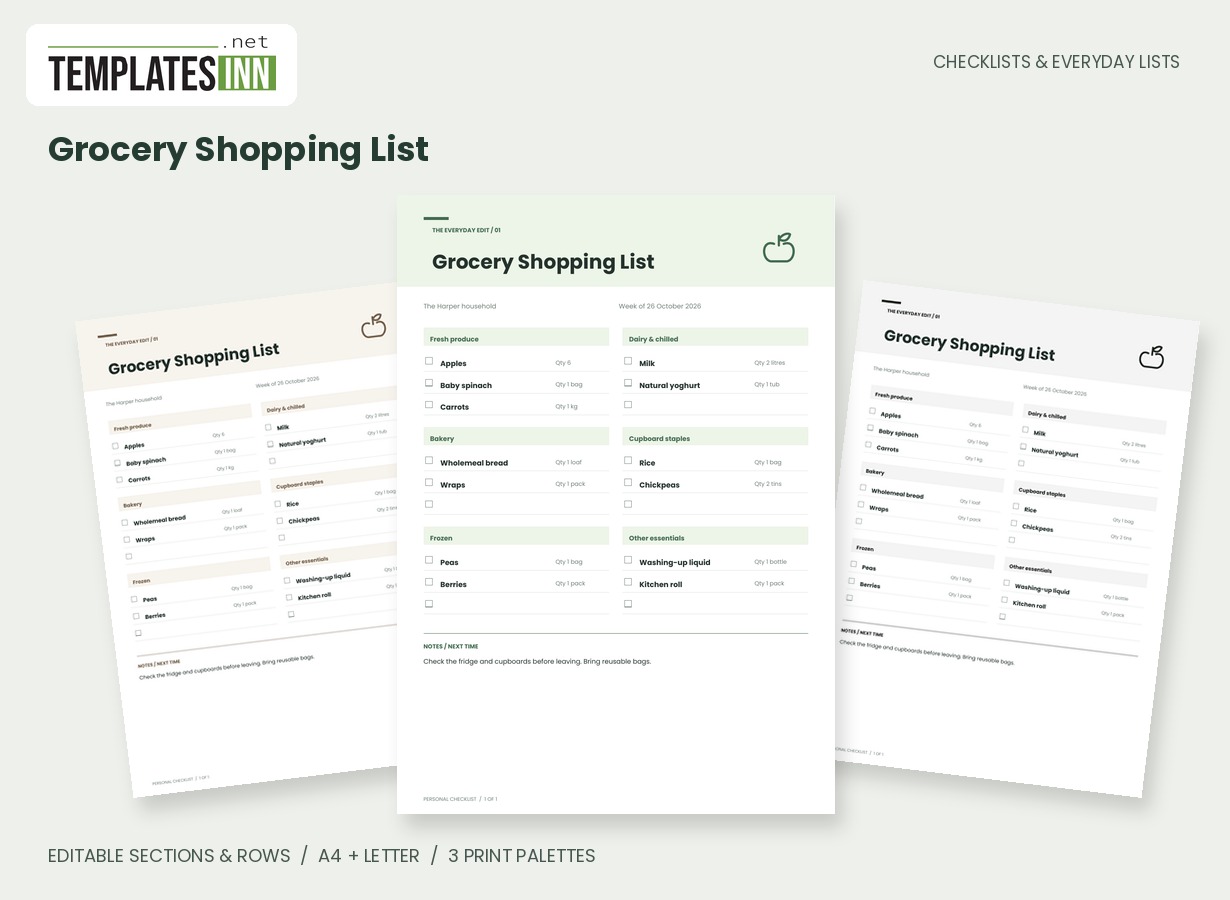
A shop-ready grocery list grouped into editable store sections, with quantities, tick boxes and generous writing lines.
A useful grocery list begins before you leave the kitchen. Group what you need by the way you shop, add quantities that make sense to your household and leave the page easy to mark as you go. This layout keeps the next trip practical without turning it into a full meal planner.
Fill in the information below
New here? Use the button above to fill in an example, then change it to your own details.
Rate this template
Used it? Tap a star. Honest ratings help others choose.
You May Also Like
Templates from other categories that people often use together with this one.


Other Similar Templates
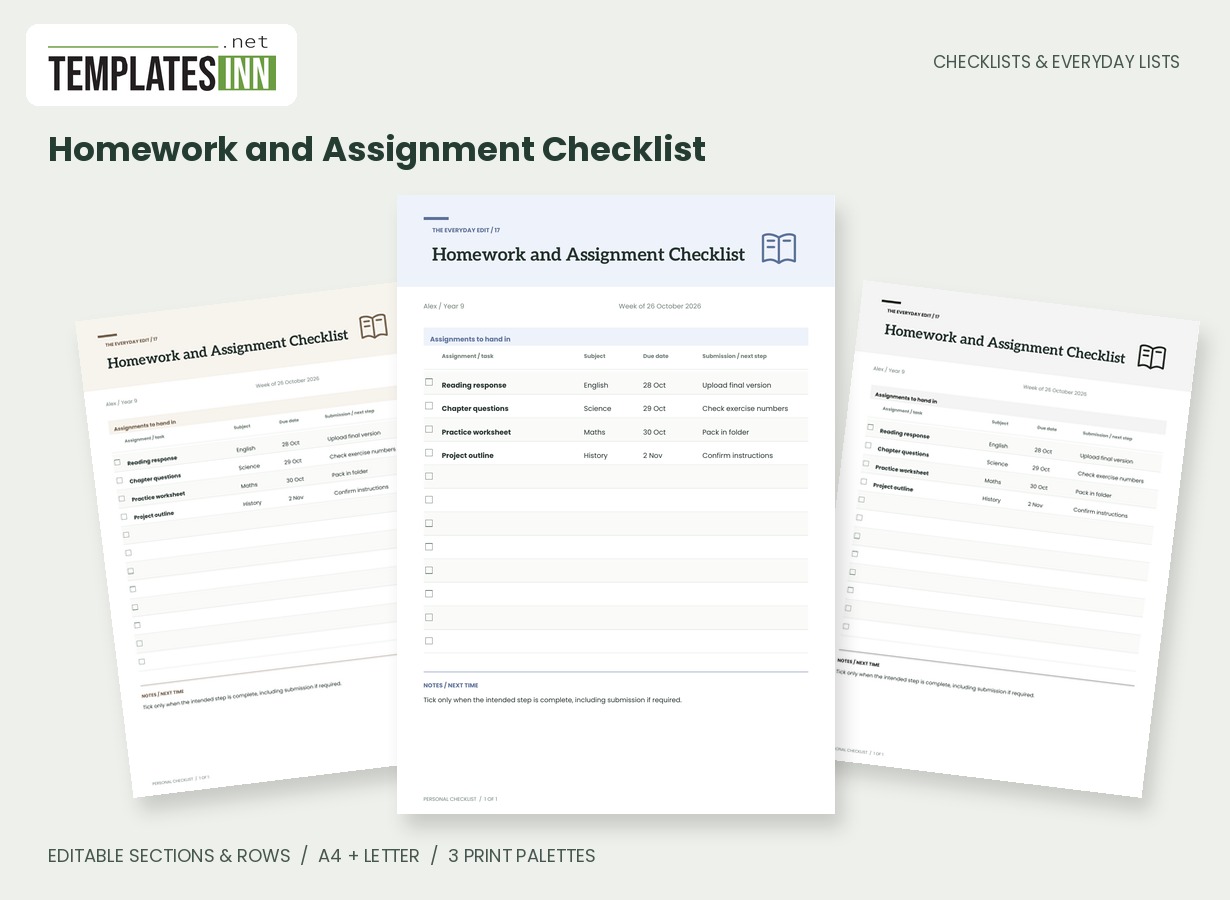
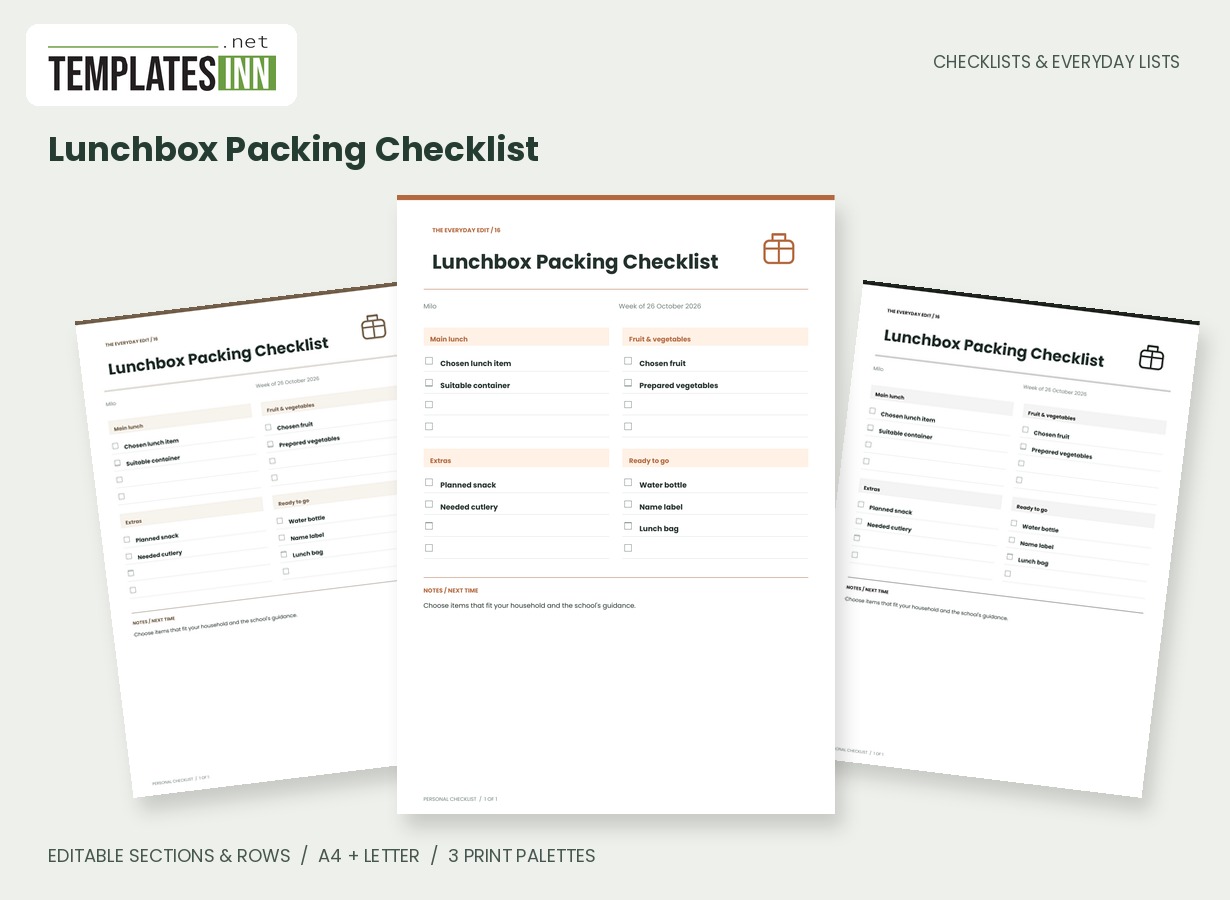
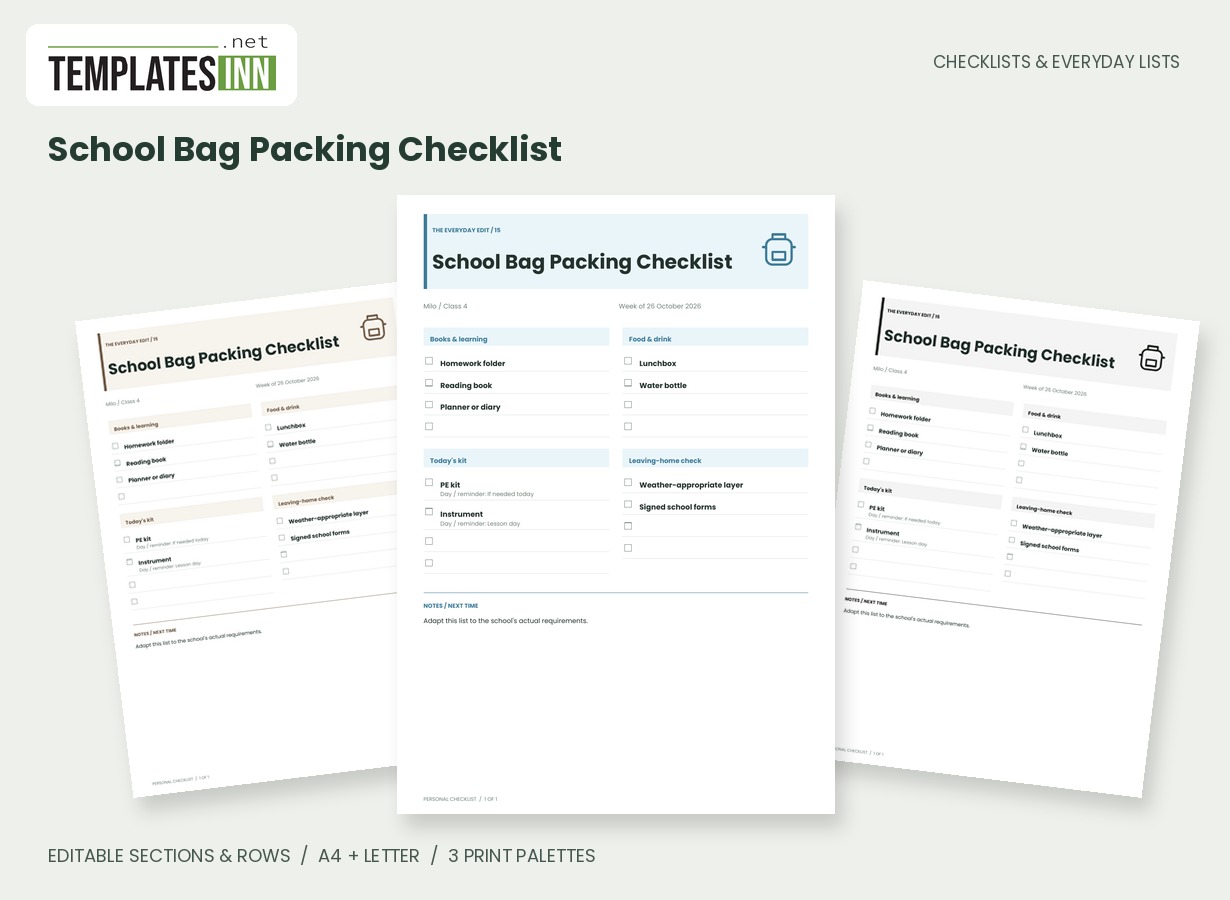
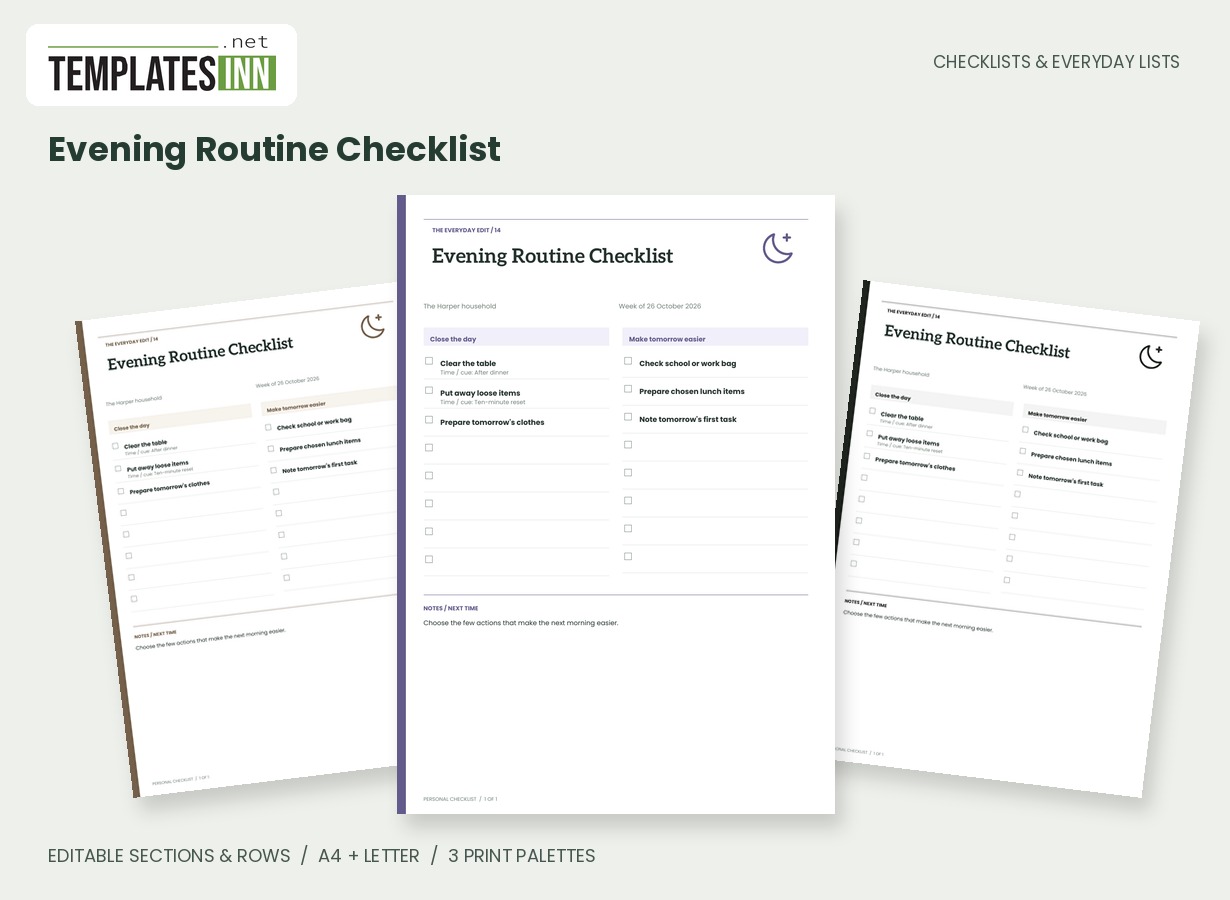
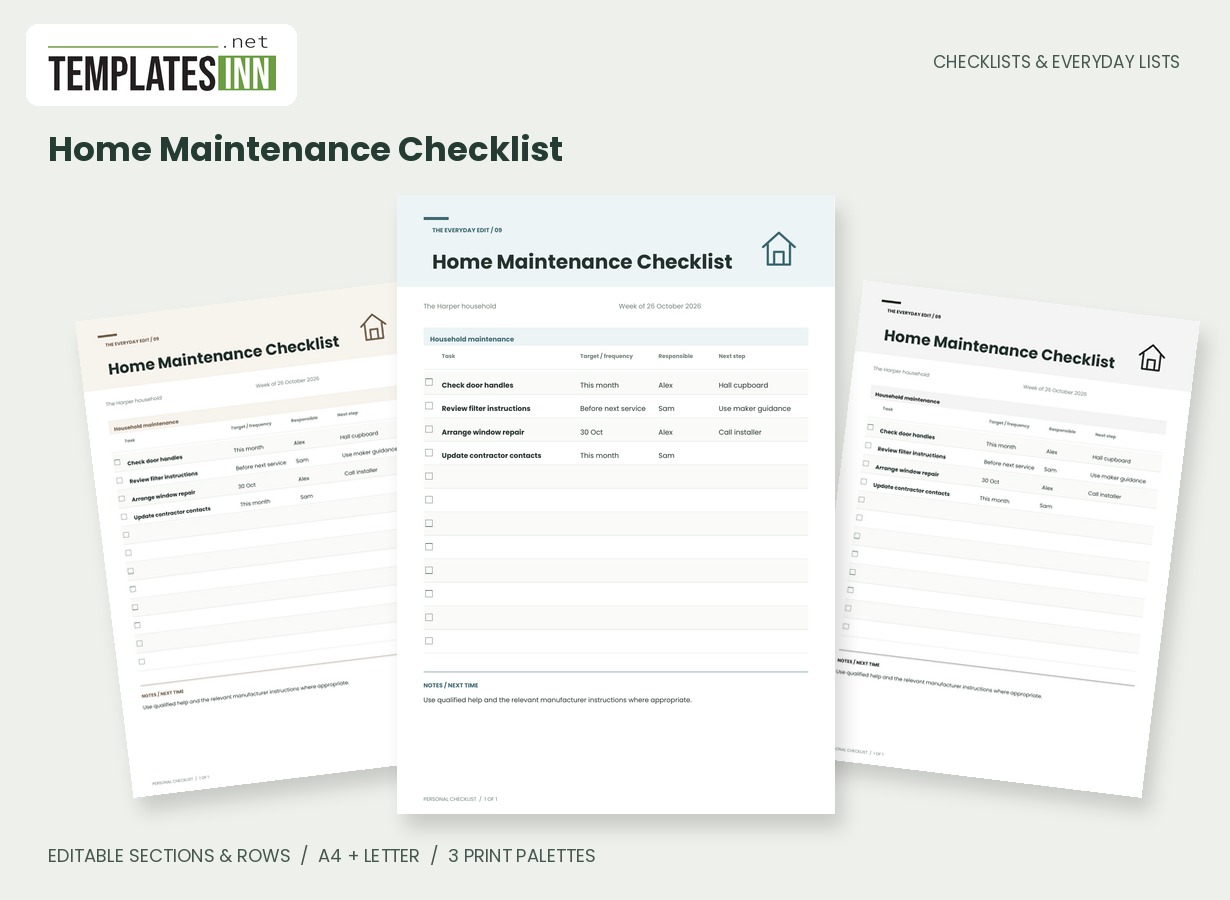
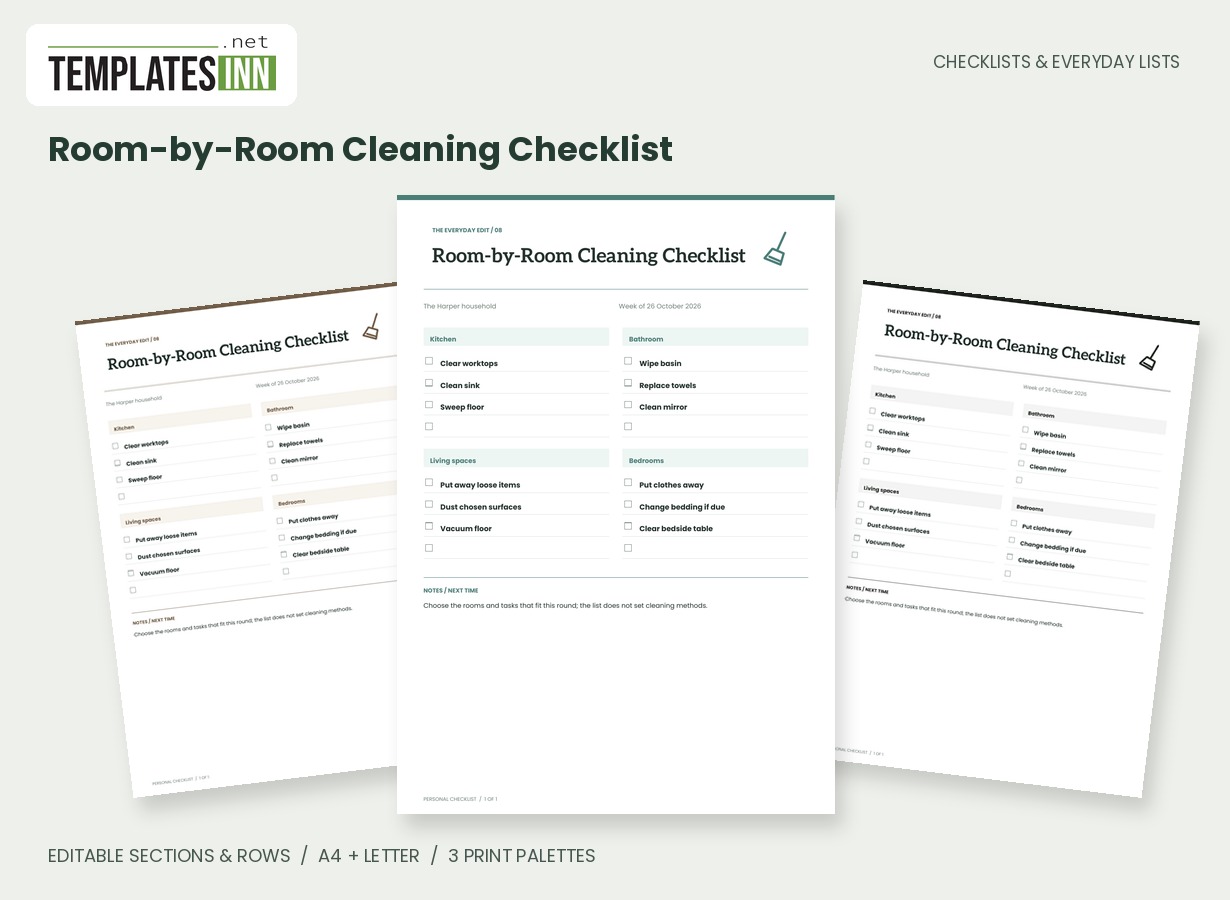
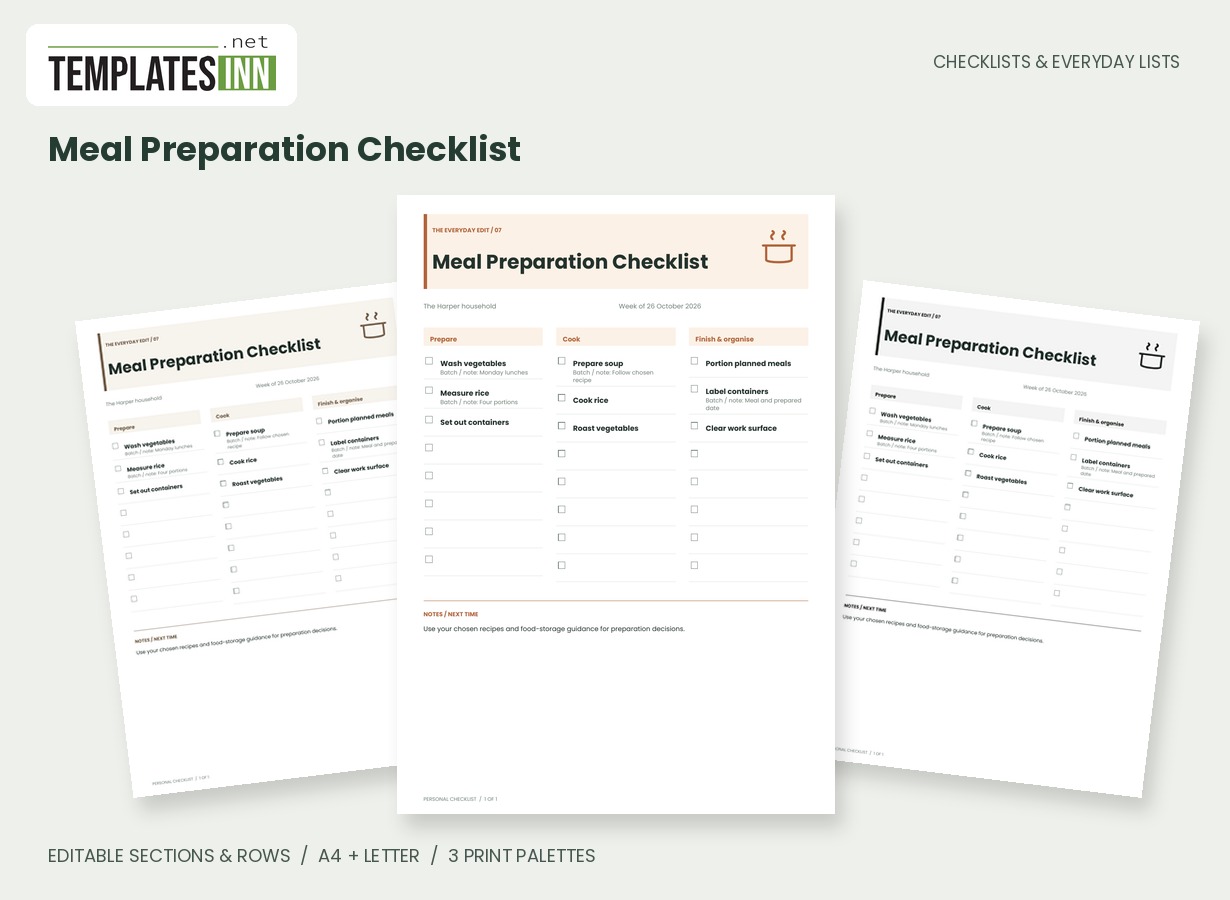
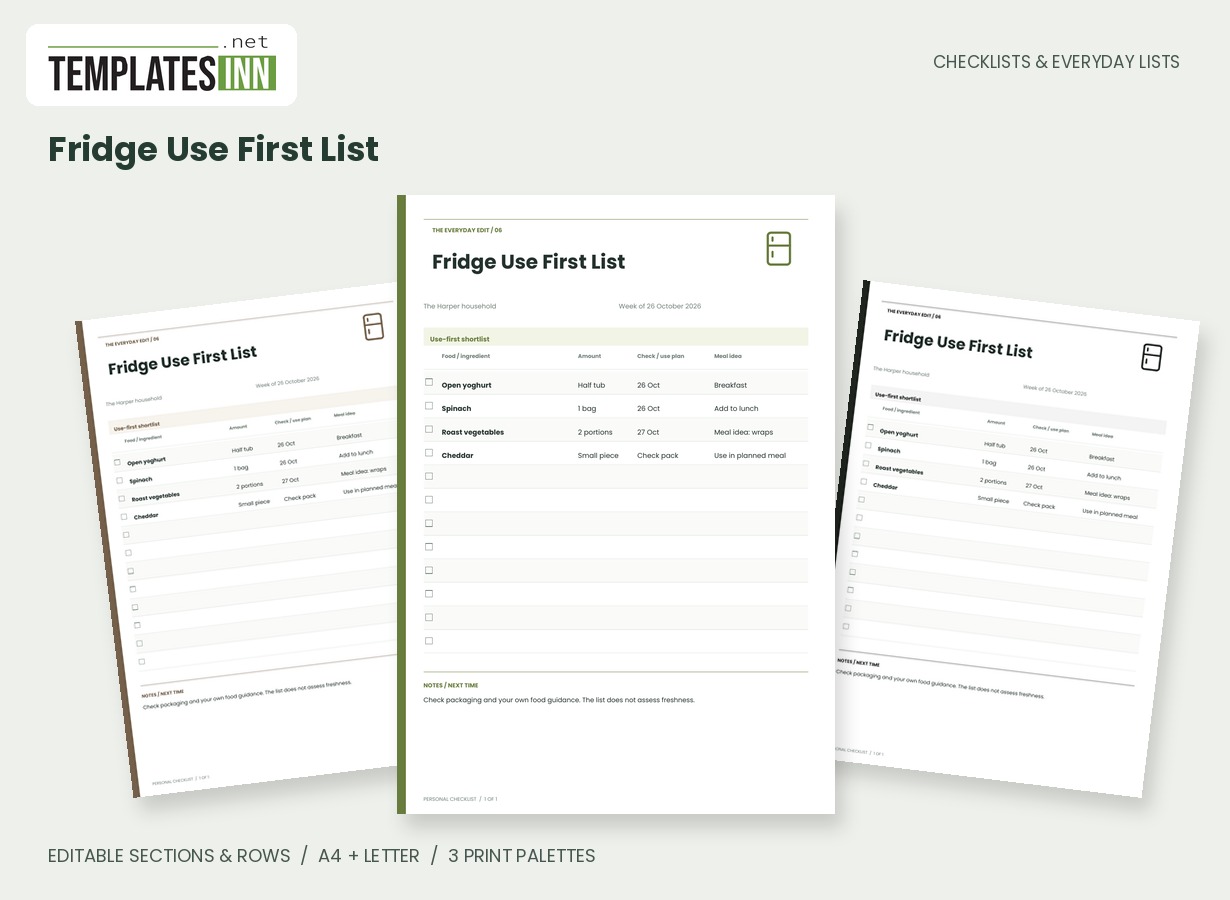
More designs from the same collection, Checklists & Everyday Lists. If this one is not quite what you need, one of these may be.
Start with the food already at home
Check the fridge, freezer and cupboards before adding another packet to the shopping list. An ingredient can be missing from the recipe plan without being missing from the house. Note the amount you actually need, then put it under a store section you recognise. The supplied produce, chilled, bakery, cupboard and frozen sections are starting points, not a fixed supermarket map. Rename them for your usual shop, combine small sections or add a separate stop for something bought elsewhere. The list becomes more useful when it follows your route rather than someone else's idea of an ideal kitchen.
Quantities can sound like real shopping
Use descriptions such as "one bag," "six," or "enough for two lunches" when that is clearer than an unexplained number. The quantity field on this template is free text, so it can hold packs, weights or short notes about the amount. Keep the item name distinct from the quantity to make the page easier to scan in a busy aisle. Tick an item when it reaches the basket or use your own consistent convention. If two people share the shopping, agree that convention so a tick does not mean bought to one person and merely checked to another.
Make the next trip easier to prepare
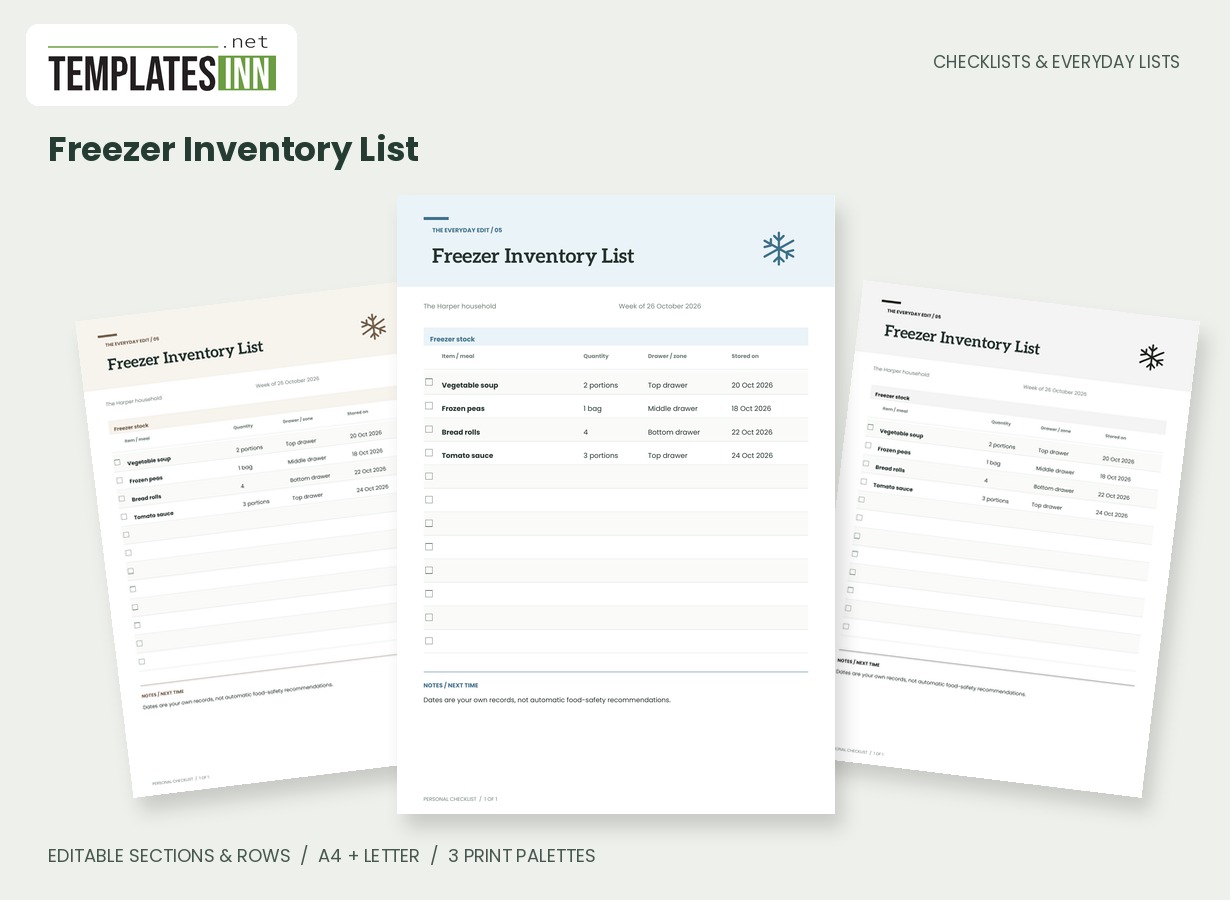
Leave a few writing lines for the things remembered after printing. A short note about reusable bags or checking a cupboard can sit below the main list. Once home, use what remains unticked to decide whether an item was unavailable or no longer needed, rather than copying everything forward automatically. The inventory pages in this collection can help you keep a separate record of stock; this grocery page is for the next purchase. It does not connect to a shop, place an order or verify product availability.
Starting entries for your grocery shopping list
- Fresh produce: apples / six; carrots / one bag.
- Cupboard staples: chickpeas / two tins; rice / check open packet.
- Other essentials: washing-up liquid / one refill.
Before you use the finished page
- Check existing food before adding purchases.
- Use sections that match your shop or route.
- Write useful quantities rather than vague reminders.
- Agree what a tick means if sharing the list.
- Keep spare lines for additions after printing.
Make the layout your own
Use Load sample data for editable example entries, or begin with blank lines for handwriting. You can rename the page, add a name and period, edit section headings, and add or remove rows. The editor supports up to eight sections and eighty rows. Ticked items are printed as complete; blank boxes remain available for a pen. Short entries keep the page comfortable to read, while longer lists continue onto additional pages with repeated headings.
Print a copy you will actually use
Choose A4 or US Letter before generating the PDF, then use the matching paper in your printer. Print at Actual size or 100 percent. The signature palette gives this design its own character; soft neutral and black-and-white options are available for a quieter or lower-ink print. Preview the names, column contents and page breaks before making several copies. The website logo appears on browsing previews only, and your printable checklist has no TemplatesInn watermark.
Questions about this grocery shopping list
Can I change the supermarket sections?
Yes. Rename, add or remove sections in the editor and put the rows under headings that suit your own shopping route. The original grouping is only a starting point.
Will the quantities calculate a shopping total?
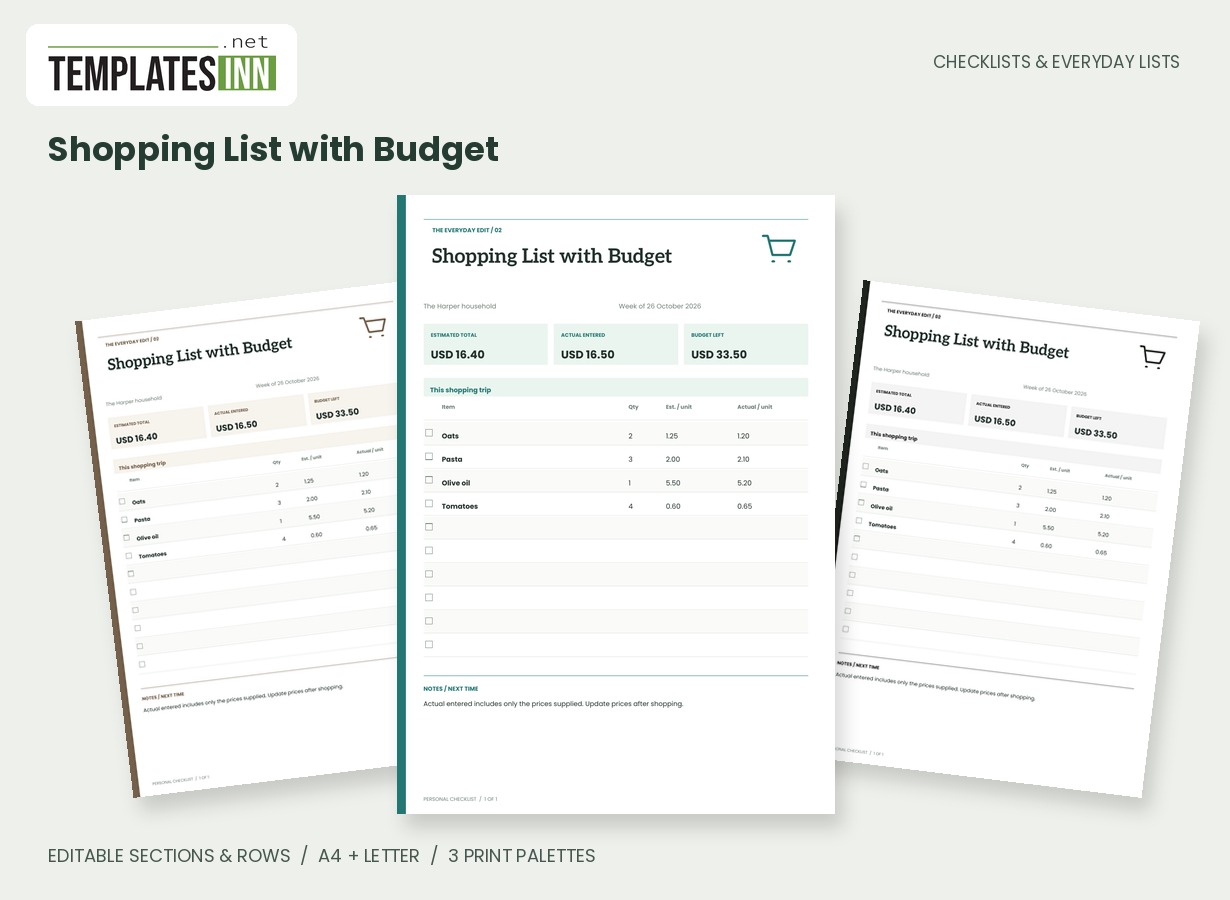
No. This template keeps quantities flexible, including words such as bags or packs. Choose Shopping List with Budget when you want numeric quantities, unit prices and calculated spending totals.
Explore related practical pages in the Checklists & Everyday Lists collection. For date-based planning, see our Calendars & Planners.