

Create Household Errands List
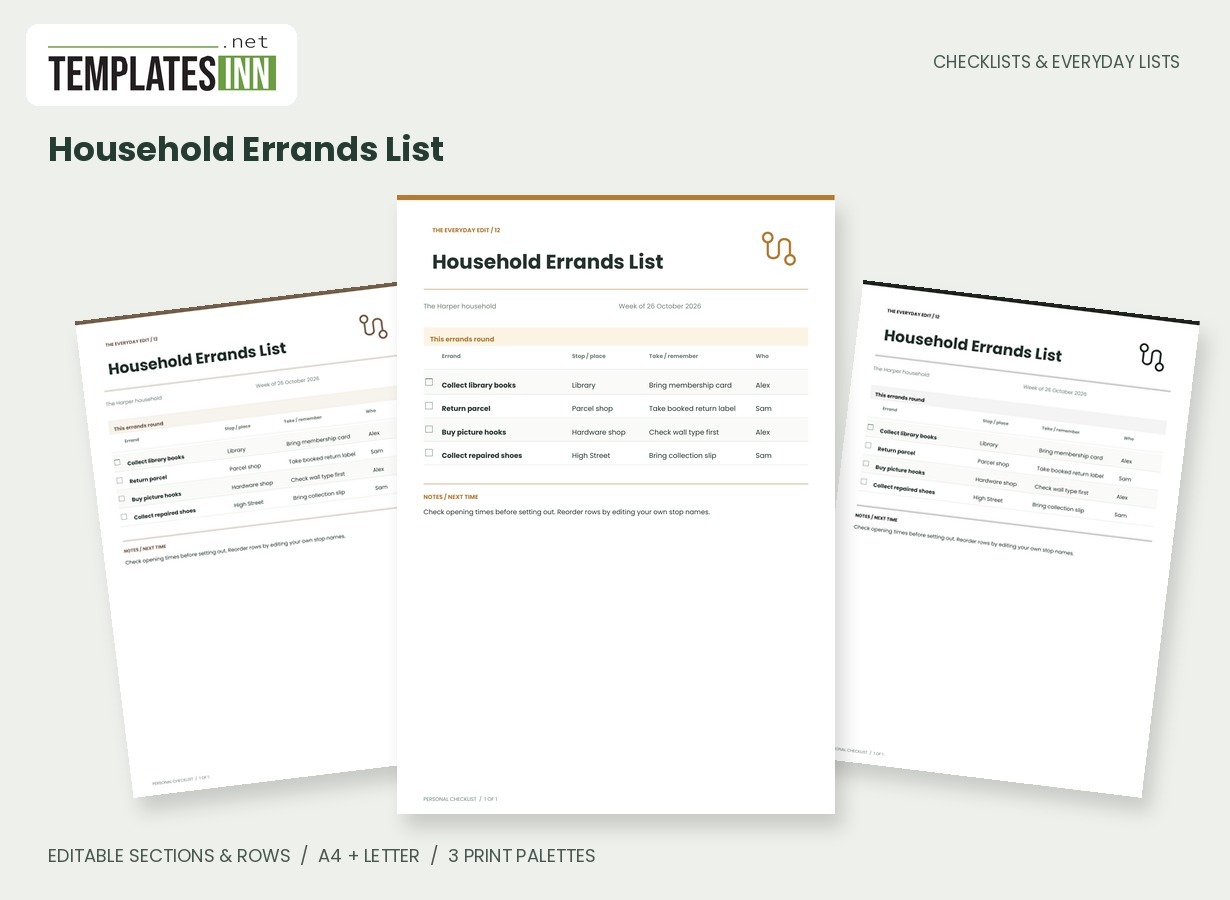
Group errands by destination and record what to take, who is responsible and what needs doing at each stop.
Keep each errand beside its destination, the things to take and the person handling it. This route-style list is designed for the practical details that get forgotten between leaving home and reaching the counter.
Fill in the information below
New here? Use the button above to fill in an example, then change it to your own details.
Rate this template
Used it? Tap a star. Honest ratings help others choose.
You May Also Like
Templates from other categories that people often use together with this one.


Other Similar Templates
More designs from the same collection, Checklists & Everyday Lists. If this one is not quite what you need, one of these may be.
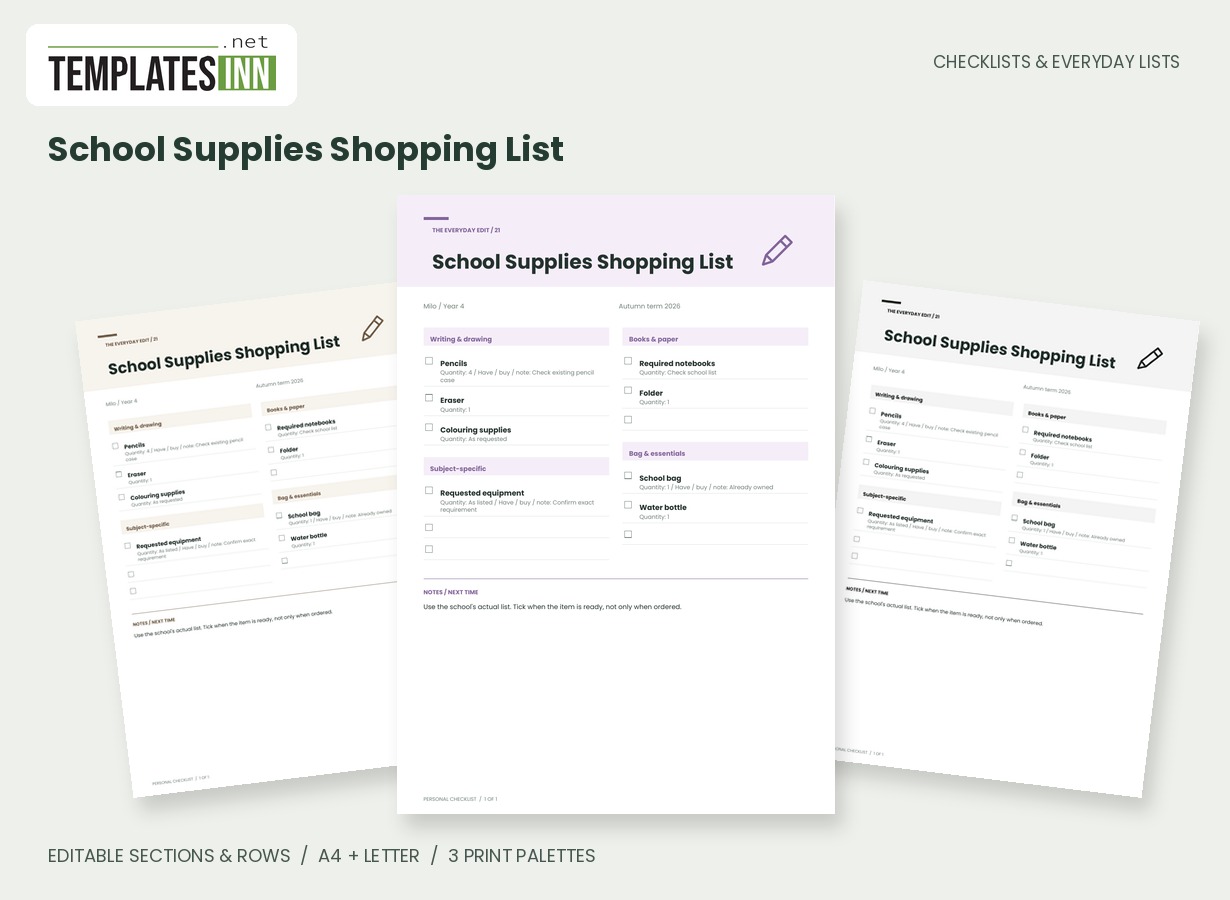
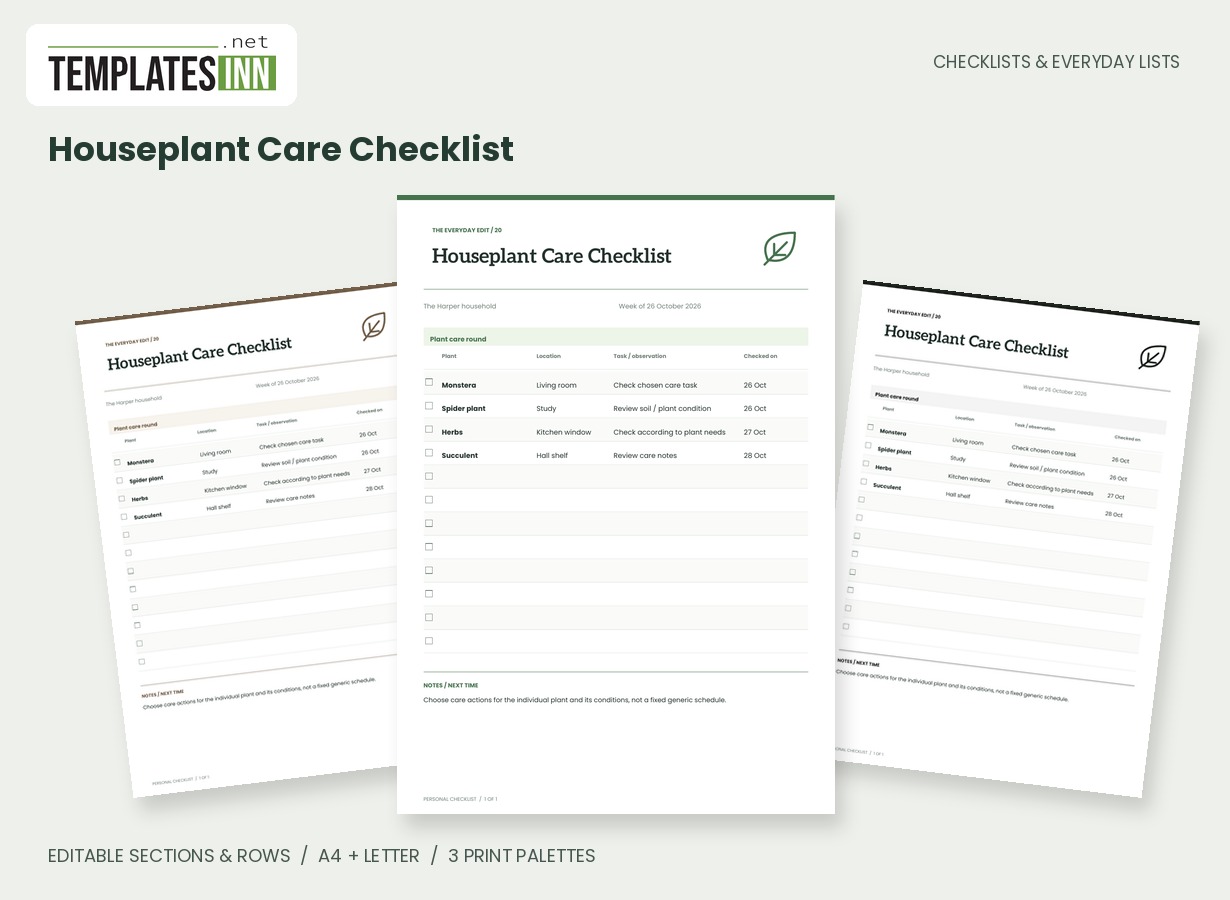
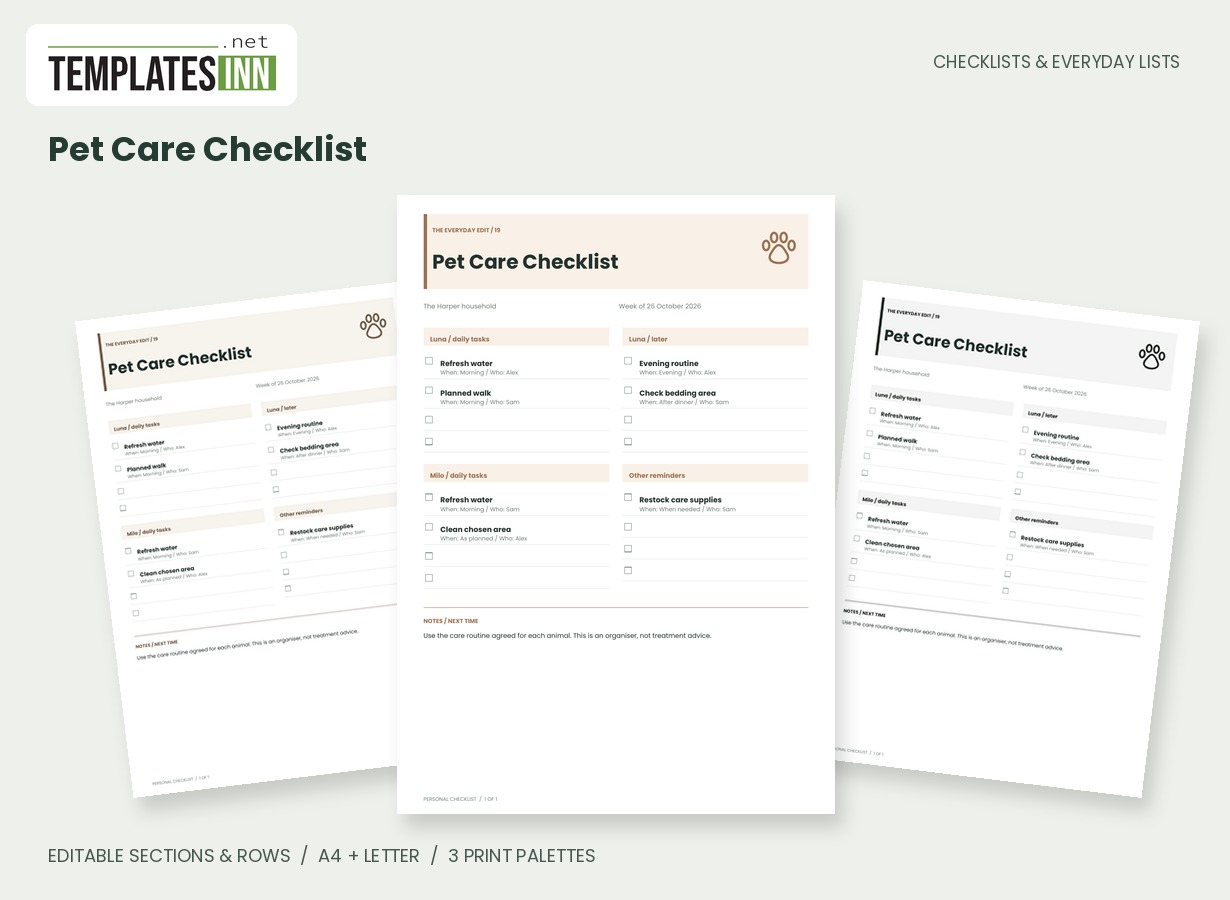
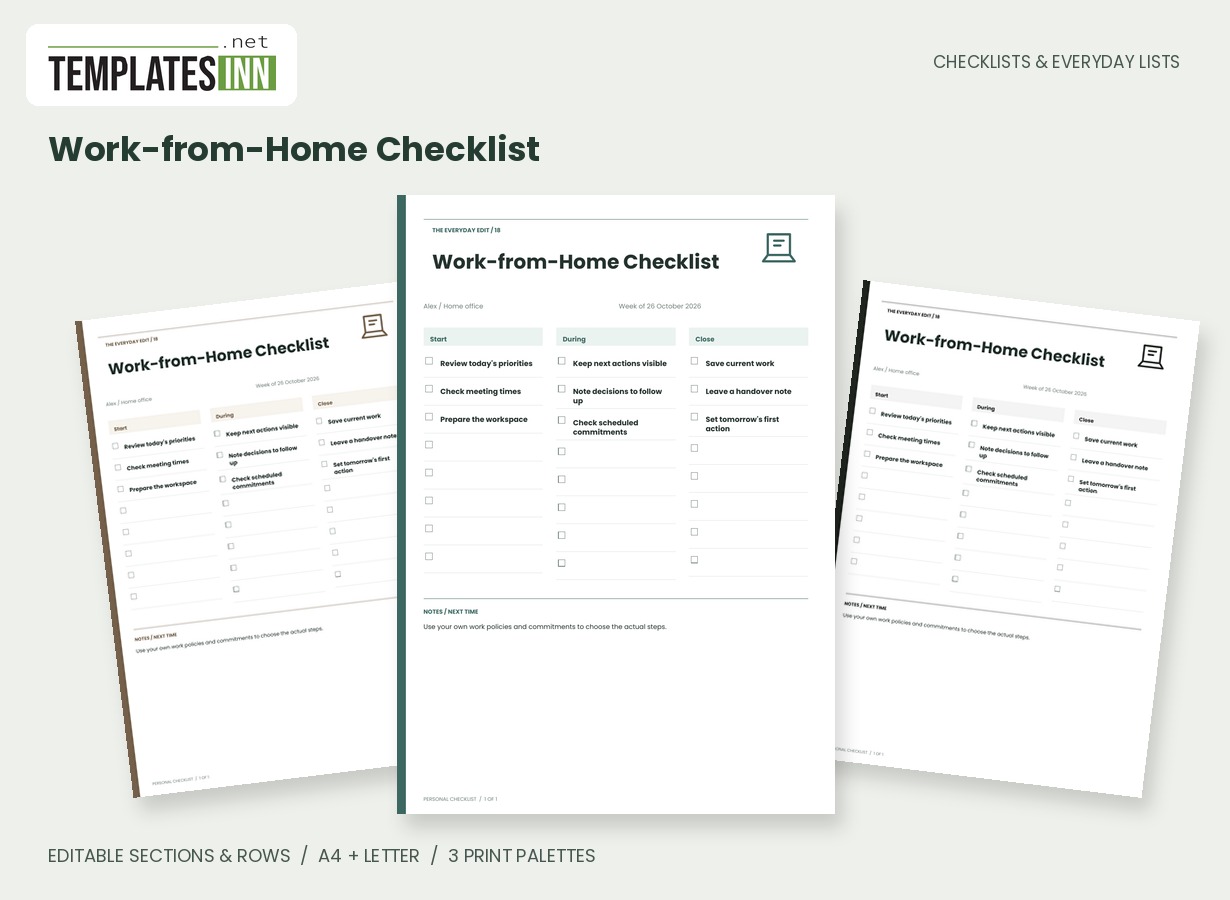
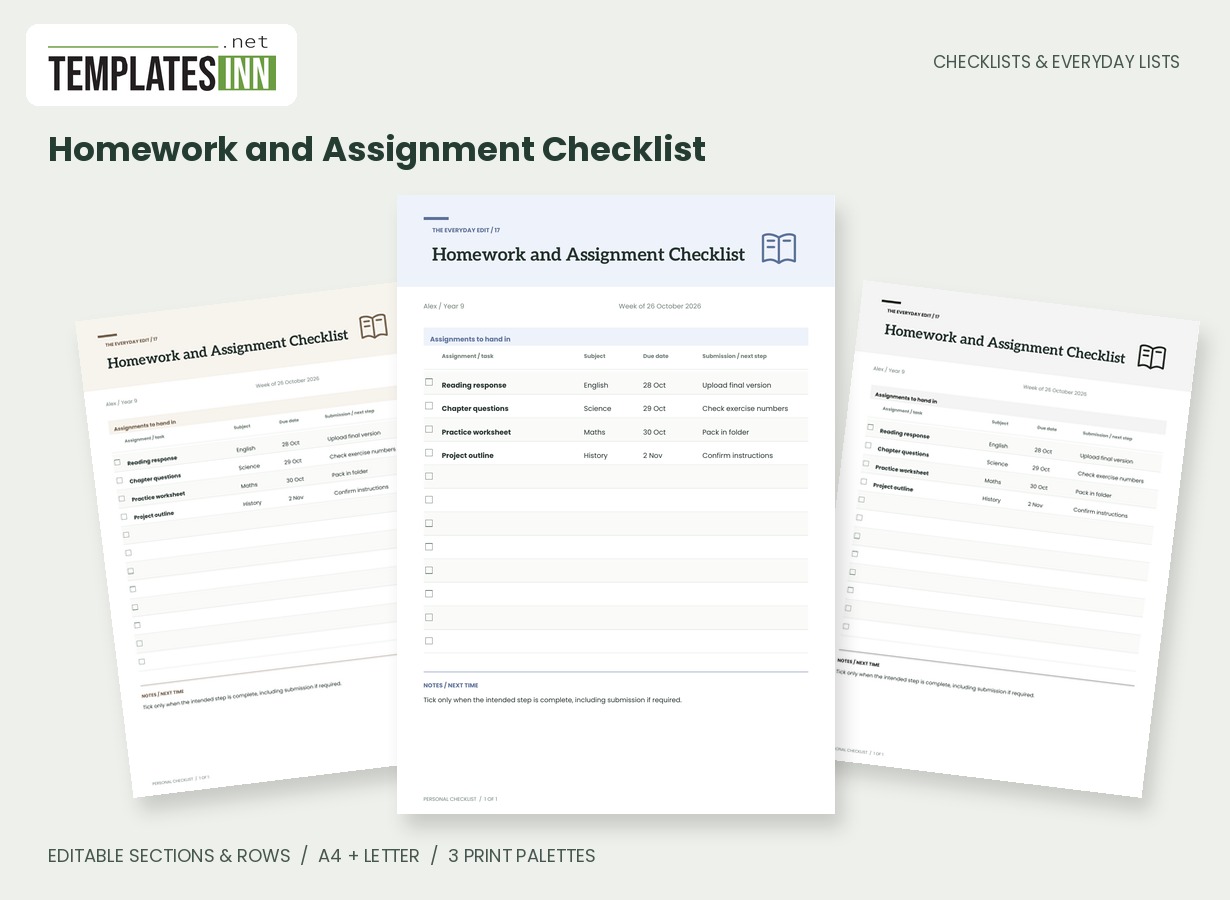
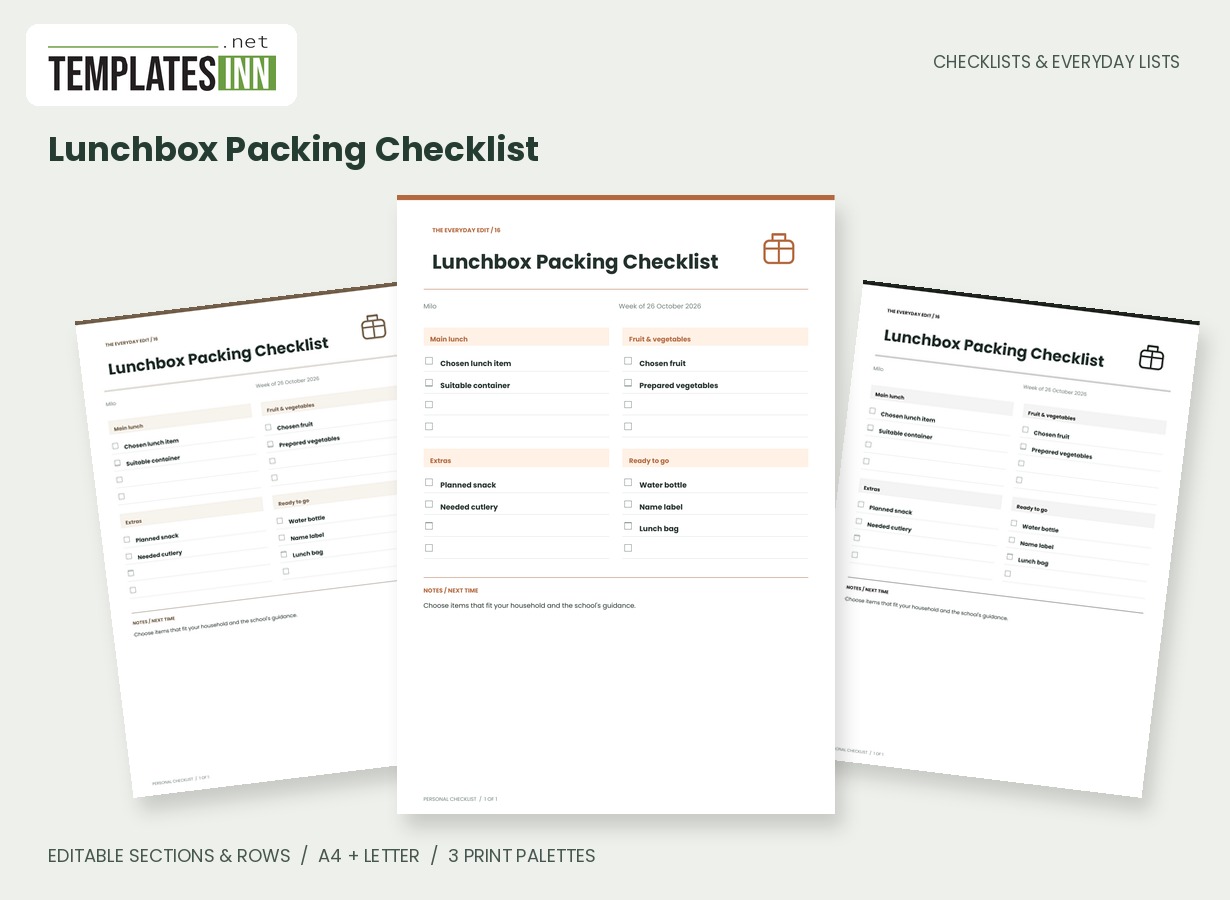
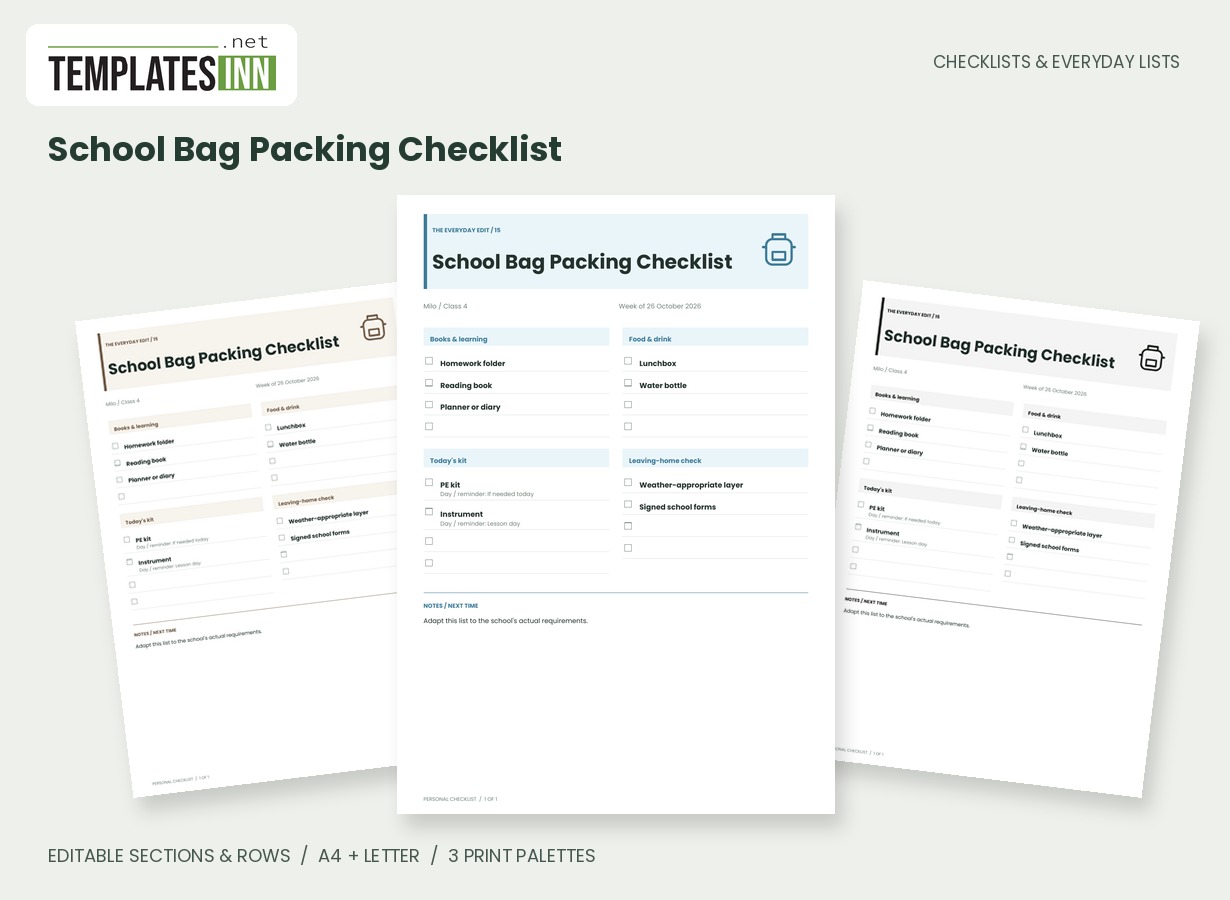
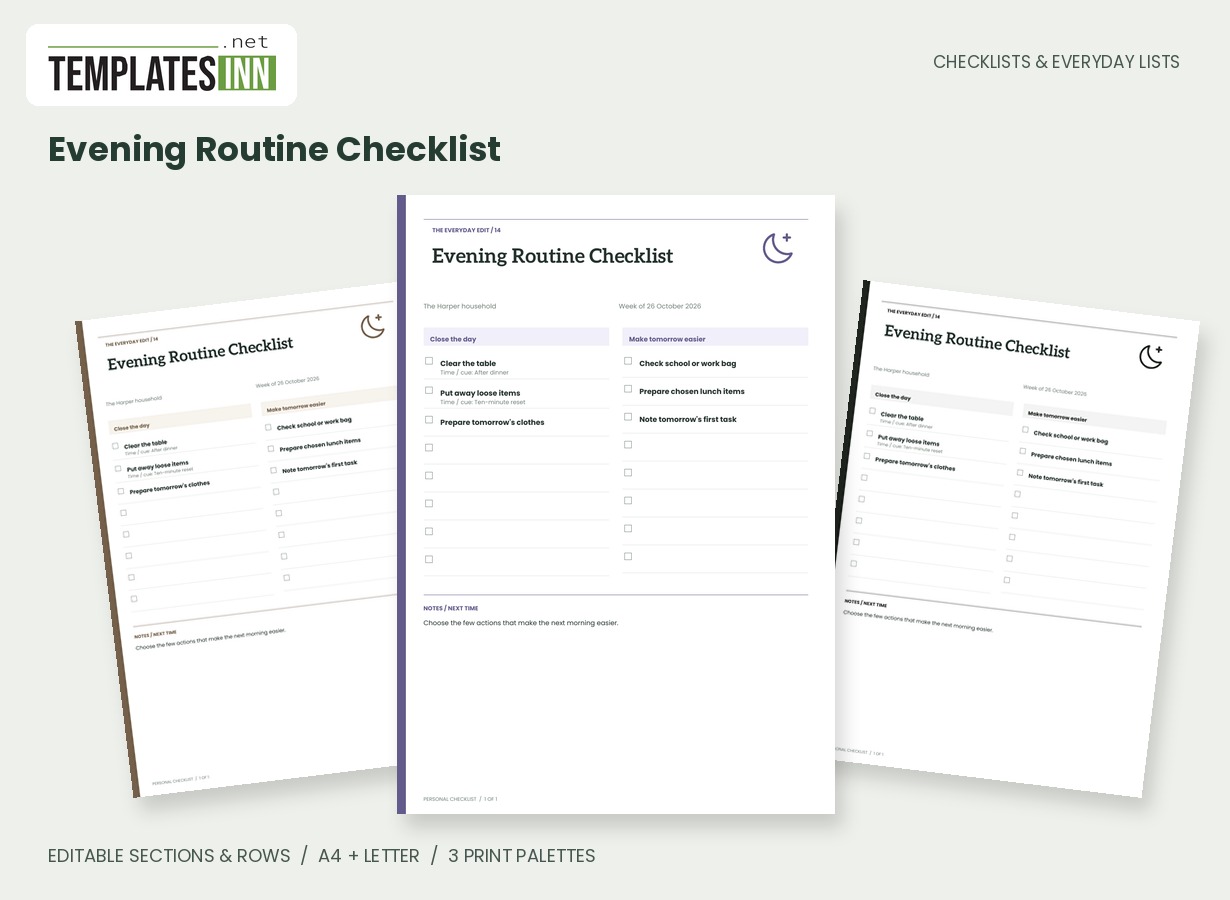
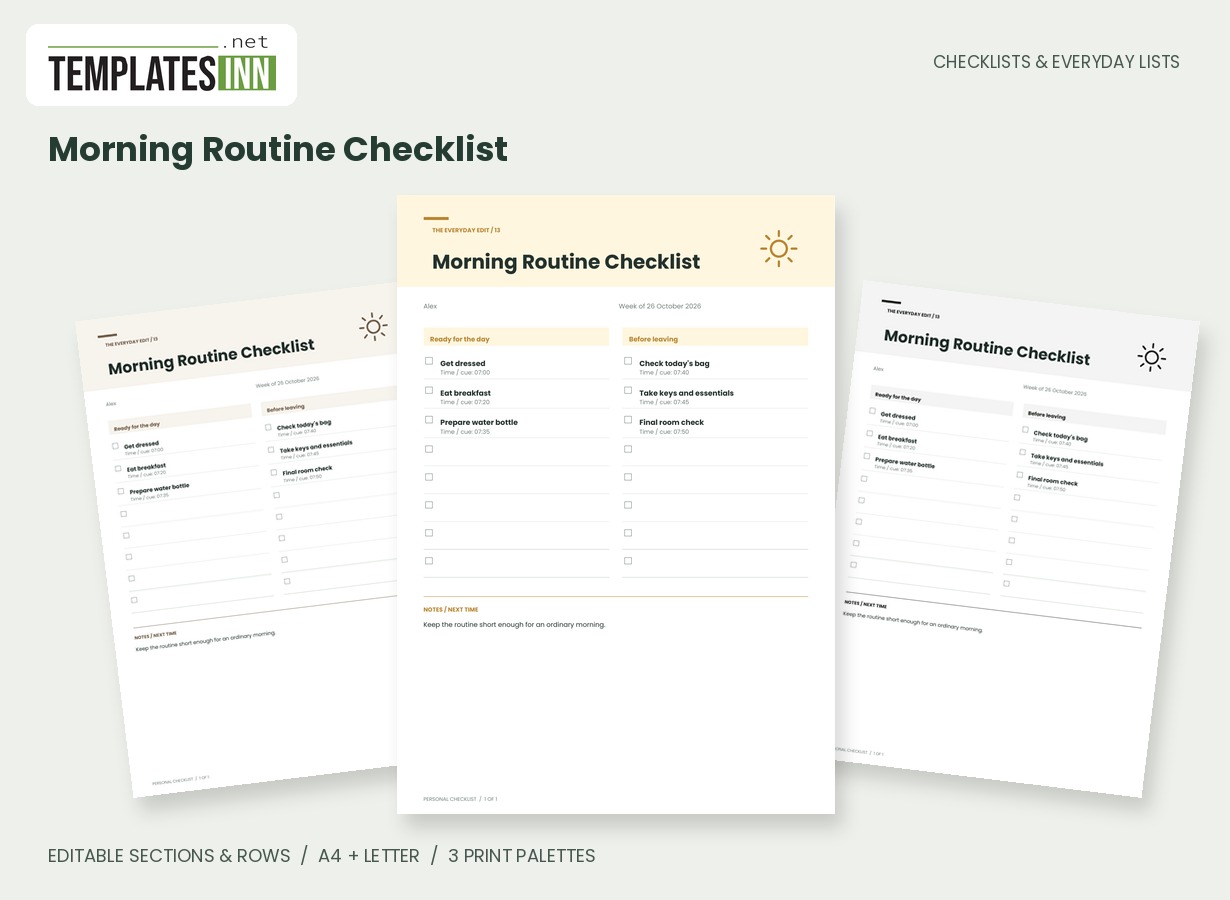
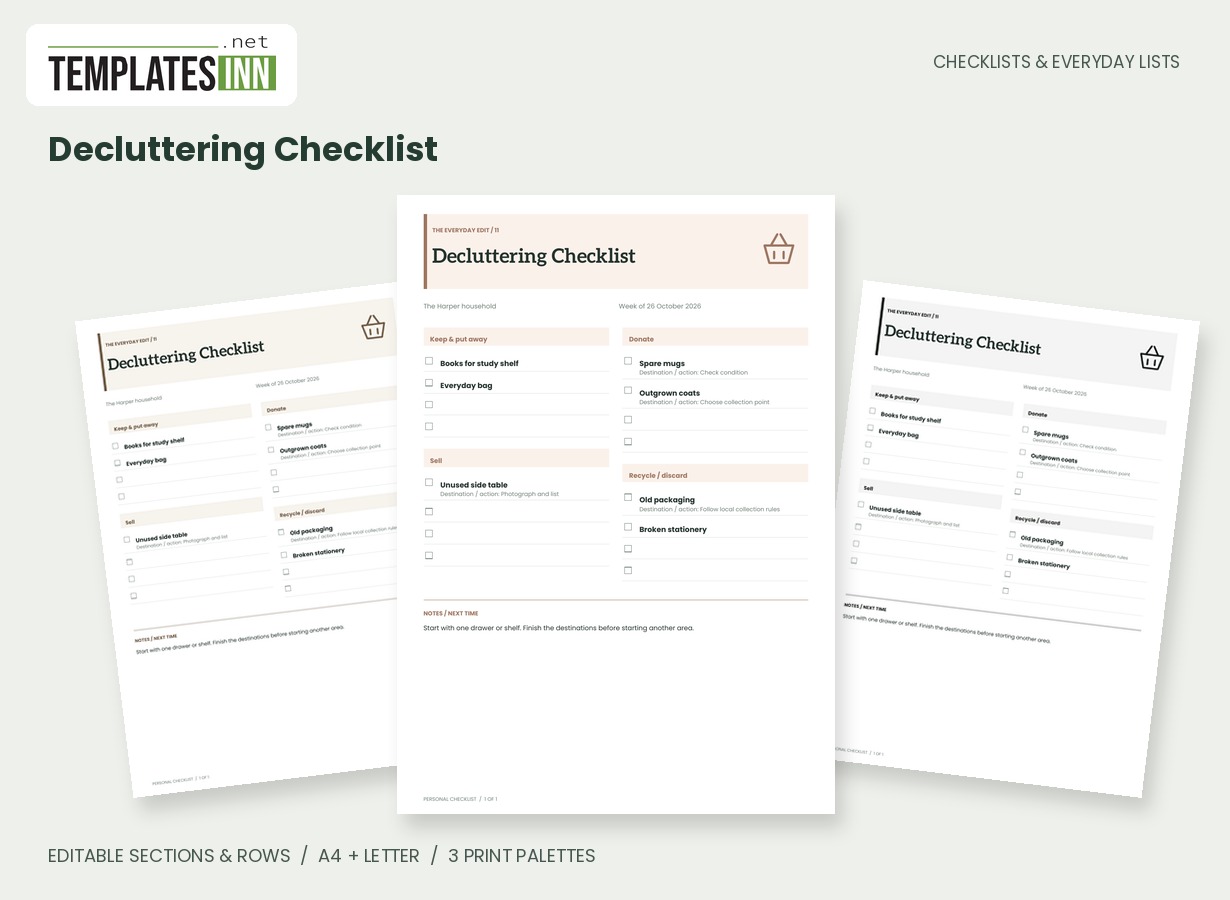
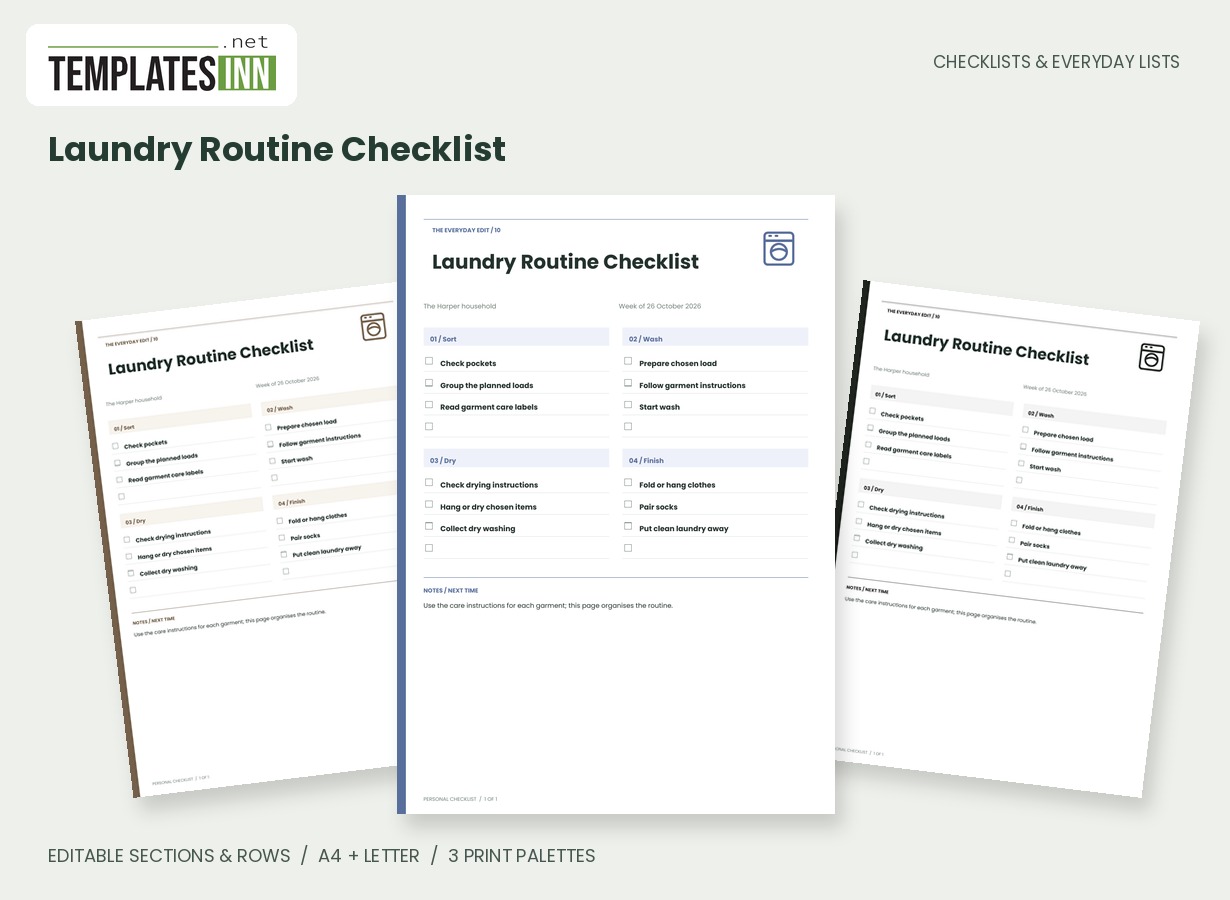
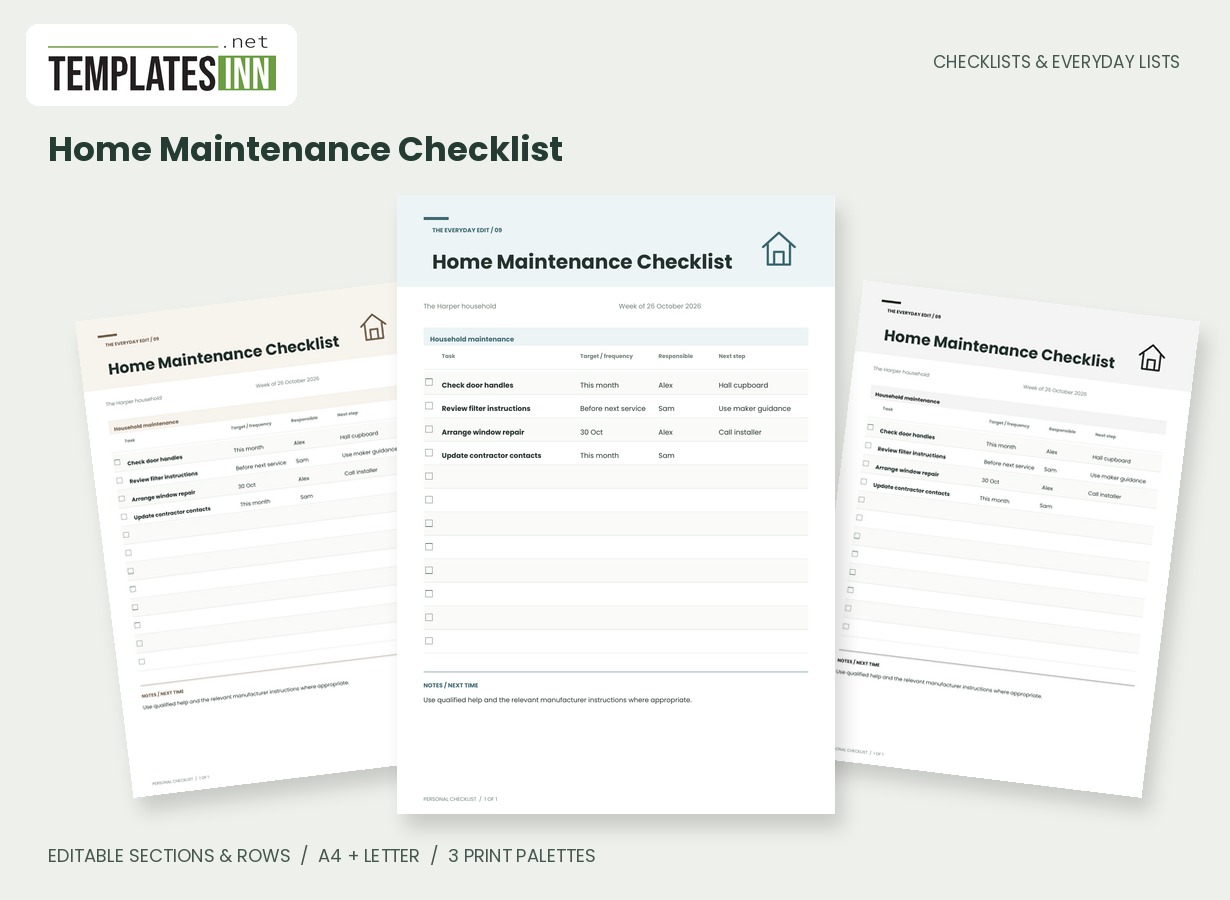
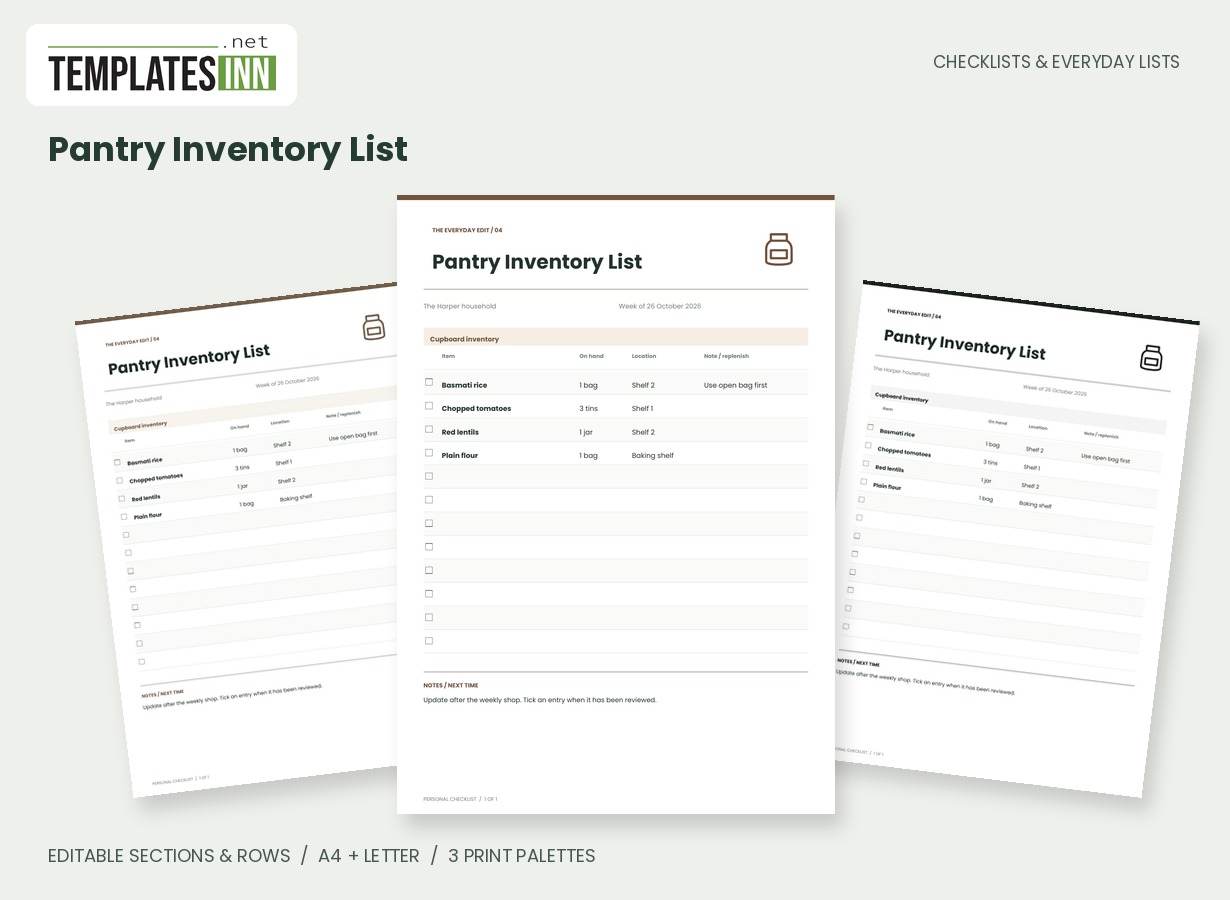
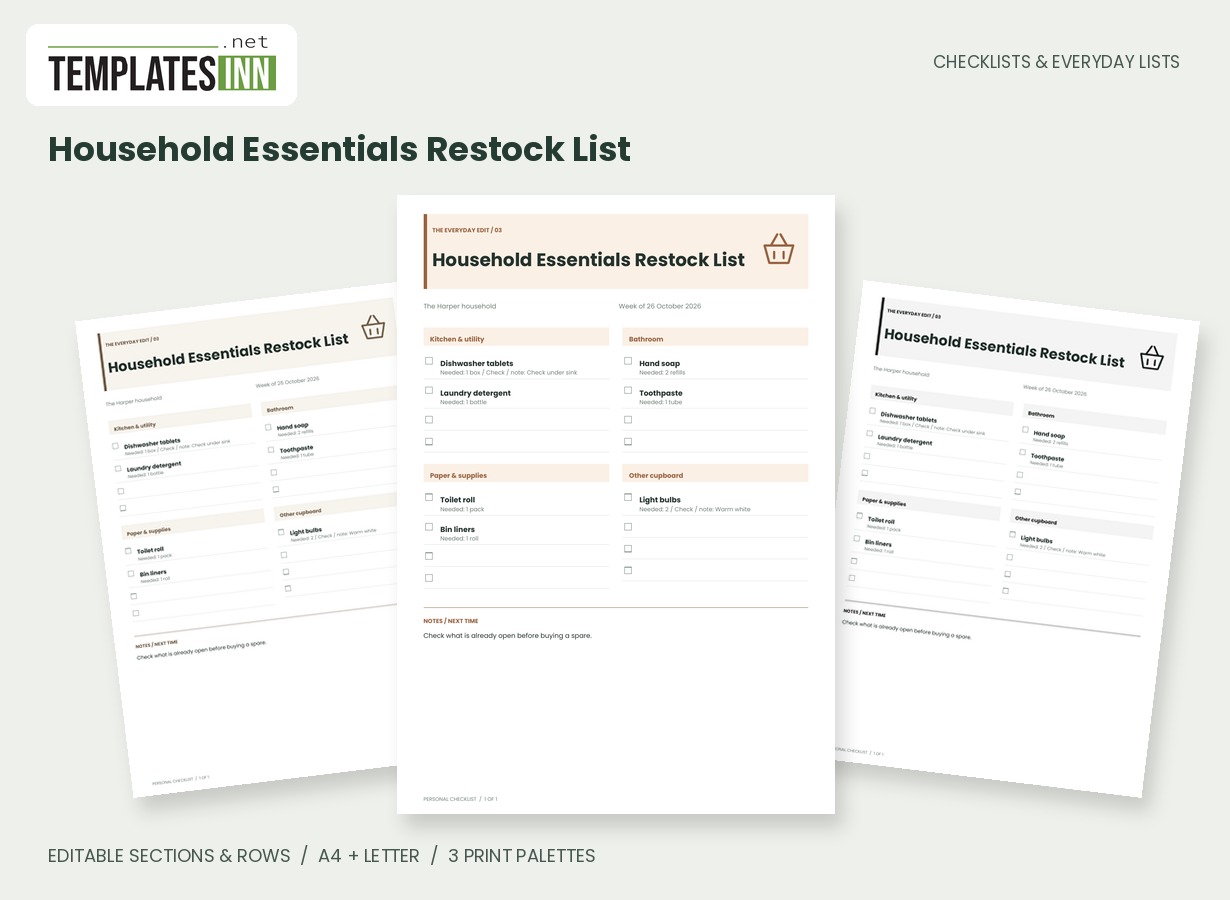
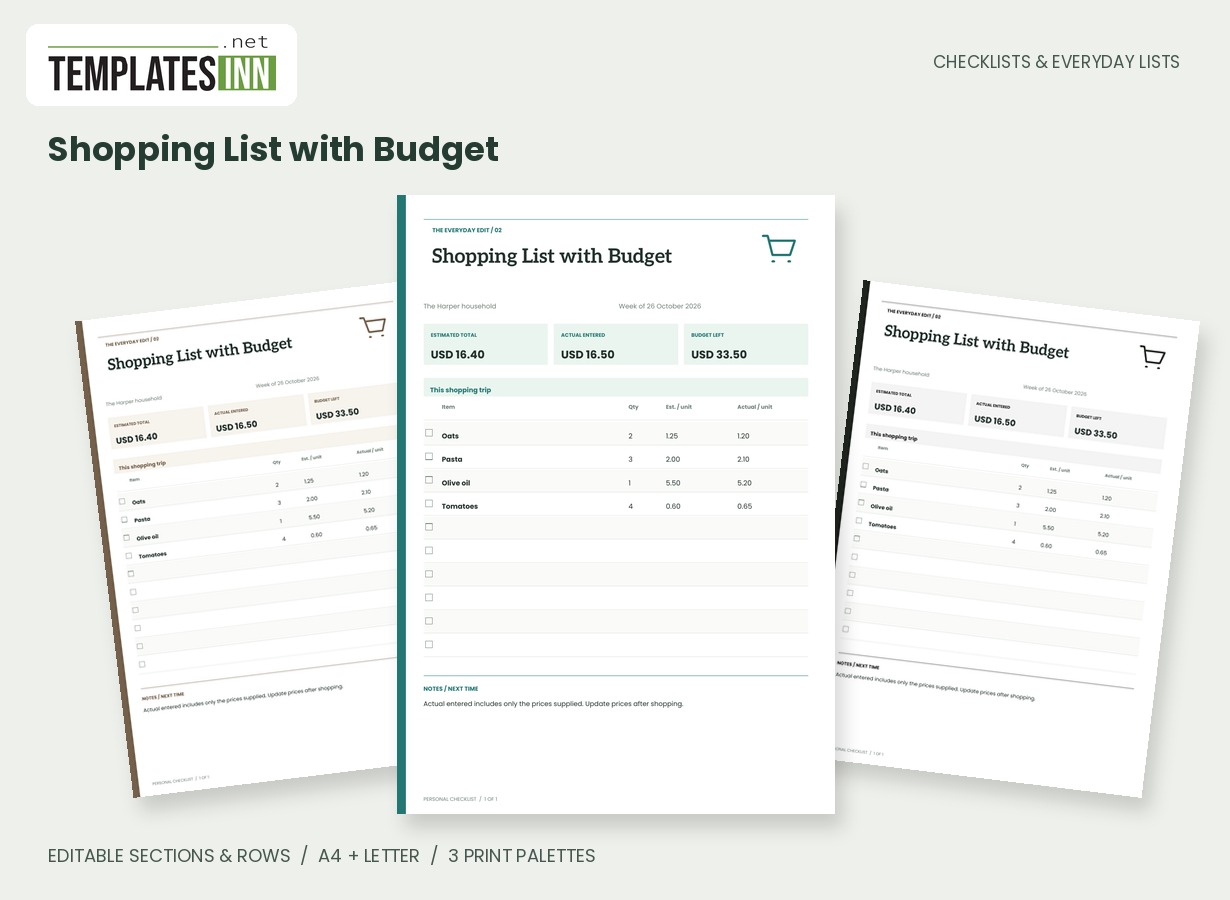
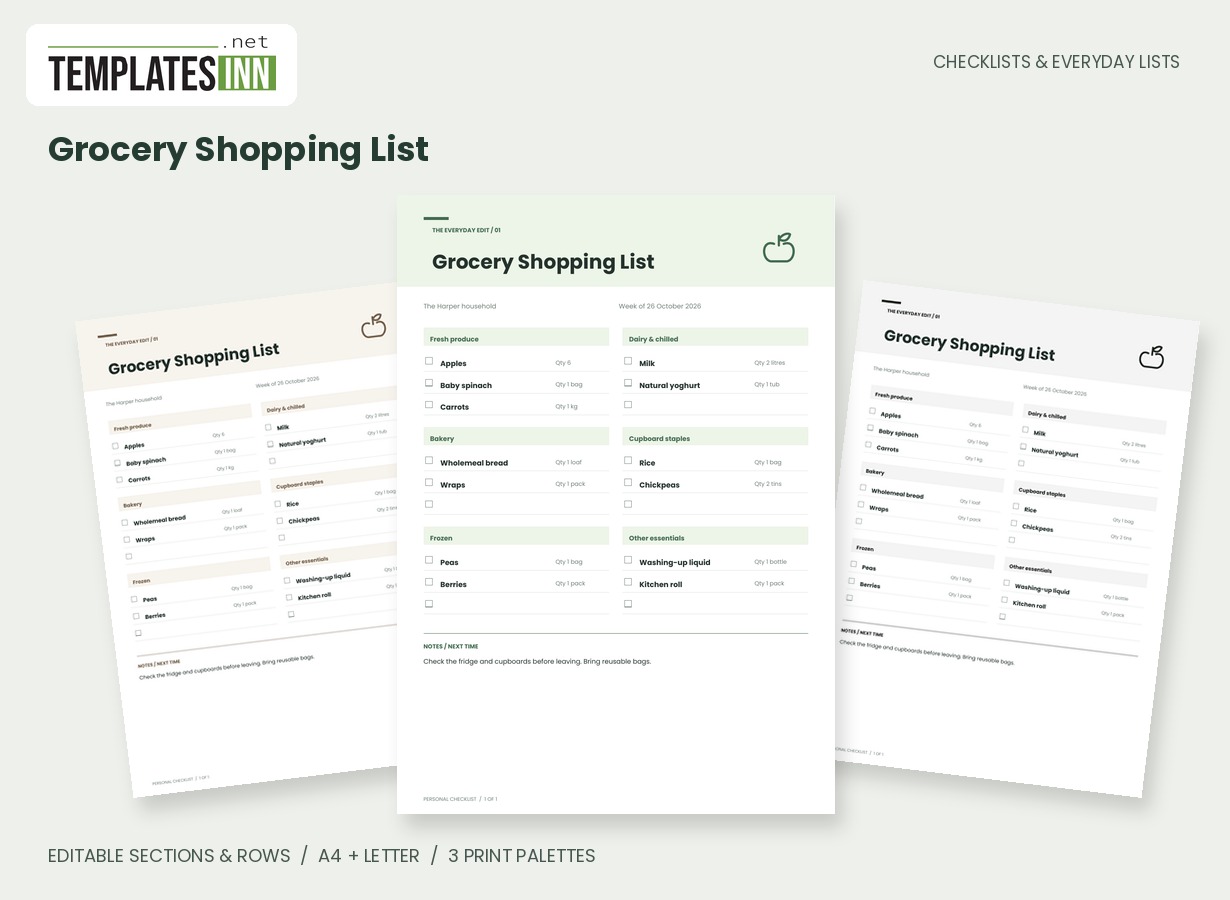
Build the round from destinations and real actions
Begin with the stops you actually need to make, then write the action at each one. Collect repaired shoes tells you more than shoe shop, while the destination column keeps the location visible separately. The list is not a map or route optimiser; you decide the order of your entries. Group nearby stops where that makes sense for your trip, and check opening times or appointment details directly. The page should reflect the current round rather than every possible household errand waiting somewhere in the background.
Write what must leave the house with you
Use the take-or-remember field for a collection slip, membership card, booked return label or another item needed at the stop. That small detail can matter more than the errand name once you are already on the way. If a stop depends on something being prepared first, make the preparation an explicit action. Avoid putting sensitive information into a sheet you may carry around publicly. A short reference to the relevant document is usually enough to remind you what to bring without copying all of its details.
Share responsibility without losing the current status
The person column can show who handles a stop when a household divides the round. Agree what a tick means: the intended errand is complete, not merely assigned or visited. A closed counter or an unavailable item may leave a useful next-step note for another day. Printed copies do not update each other, so choose how you will reconcile changes if several people take a copy. At the end, move unfinished actions to a new round with fresh details instead of leaving an old sheet to stand in for a current plan.
Starting entries for your household errands list
- Return parcel / parcel shop / take the booked return label / Sam.
- Collect library books / library / membership card / Alex.
- Collect repaired shoes / High Street / collection slip / Sam.
Before you use the finished page
- Describe the action at each stop.
- Check current opening or appointment details.
- List documents and items to take.
- Agree who handles each shared errand.
- Carry unfinished actions into a current plan.
Make the layout your own
Use Load sample data for editable example entries, or begin with blank lines for handwriting. You can rename the page, add a name and period, edit section headings, and add or remove rows. The editor supports up to eight sections and eighty rows. Ticked items are printed as complete; blank boxes remain available for a pen. Short entries keep the page comfortable to read, while longer lists continue onto additional pages with repeated headings.
Print a copy you will actually use
Choose A4 or US Letter before generating the PDF, then use the matching paper in your printer. Print at Actual size or 100 percent. The signature palette gives this design its own character; soft neutral and black-and-white options are available for a quieter or lower-ink print. Preview the names, column contents and page breaks before making several copies. The website logo appears on browsing previews only, and your printable checklist has no TemplatesInn watermark.
Questions about this household errands list
Will this list calculate the fastest route?
No. It records your destinations and chosen order. Use your preferred map or travel information when deciding how to make the trip.
Can I use the page for one person?
Yes. Enter your name in the owner field and leave the individual who entries blank, or use them when a particular errand involves another person.
Explore related practical pages in the Checklists & Everyday Lists collection. For date-based planning, see our Calendars & Planners.