

Create Fridge Use First List
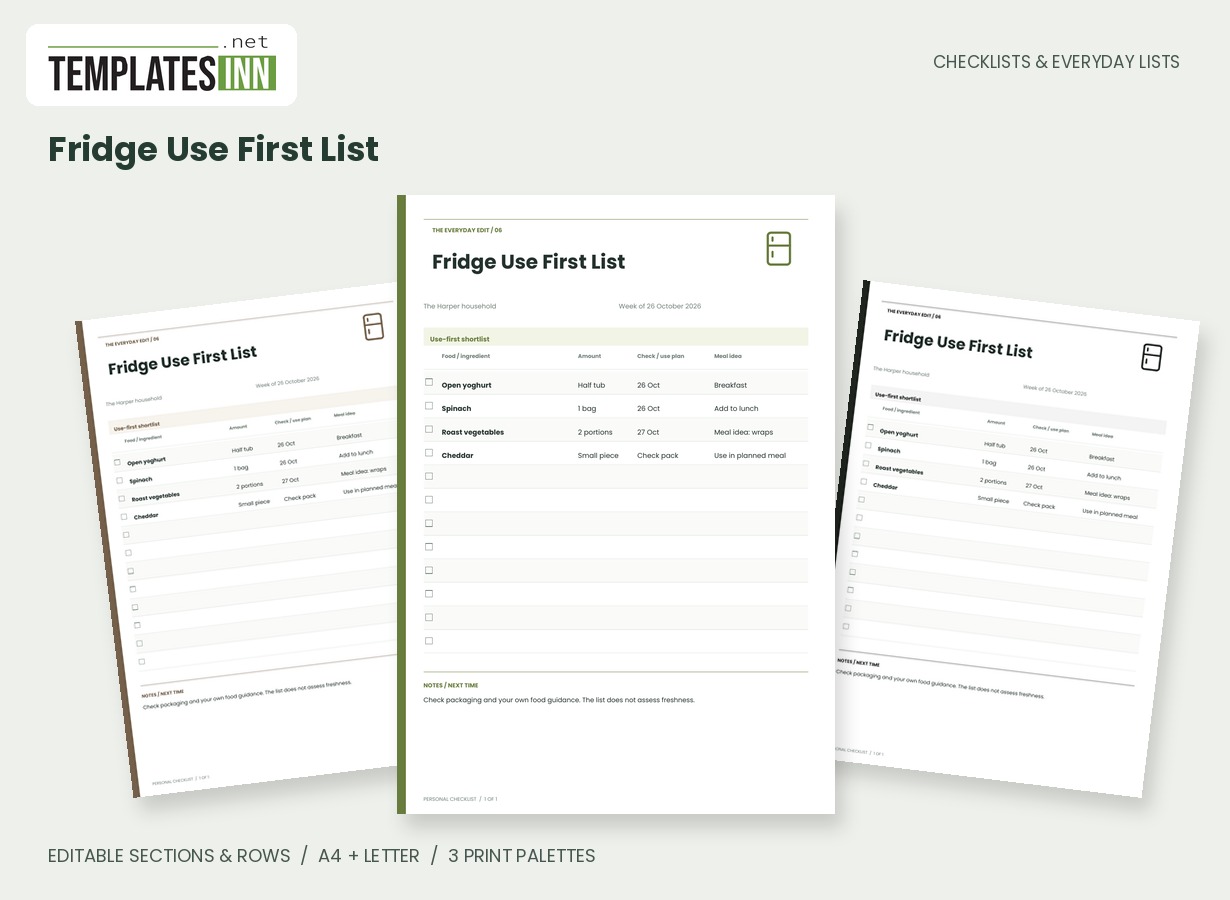
Keep a short, editable list of foods to check or use first, with quantities and meal ideas beside each entry.
Make a short list of the ingredients you want to check or plan around next. This page keeps an item, its remaining amount, a chosen check or use-plan note and a meal idea together, so it can sit between your fridge review and your meal planning.
Fill in the information below
New here? Use the button above to fill in an example, then change it to your own details.
Rate this template
Used it? Tap a star. Honest ratings help others choose.
You May Also Like
Templates from other categories that people often use together with this one.


Other Similar Templates
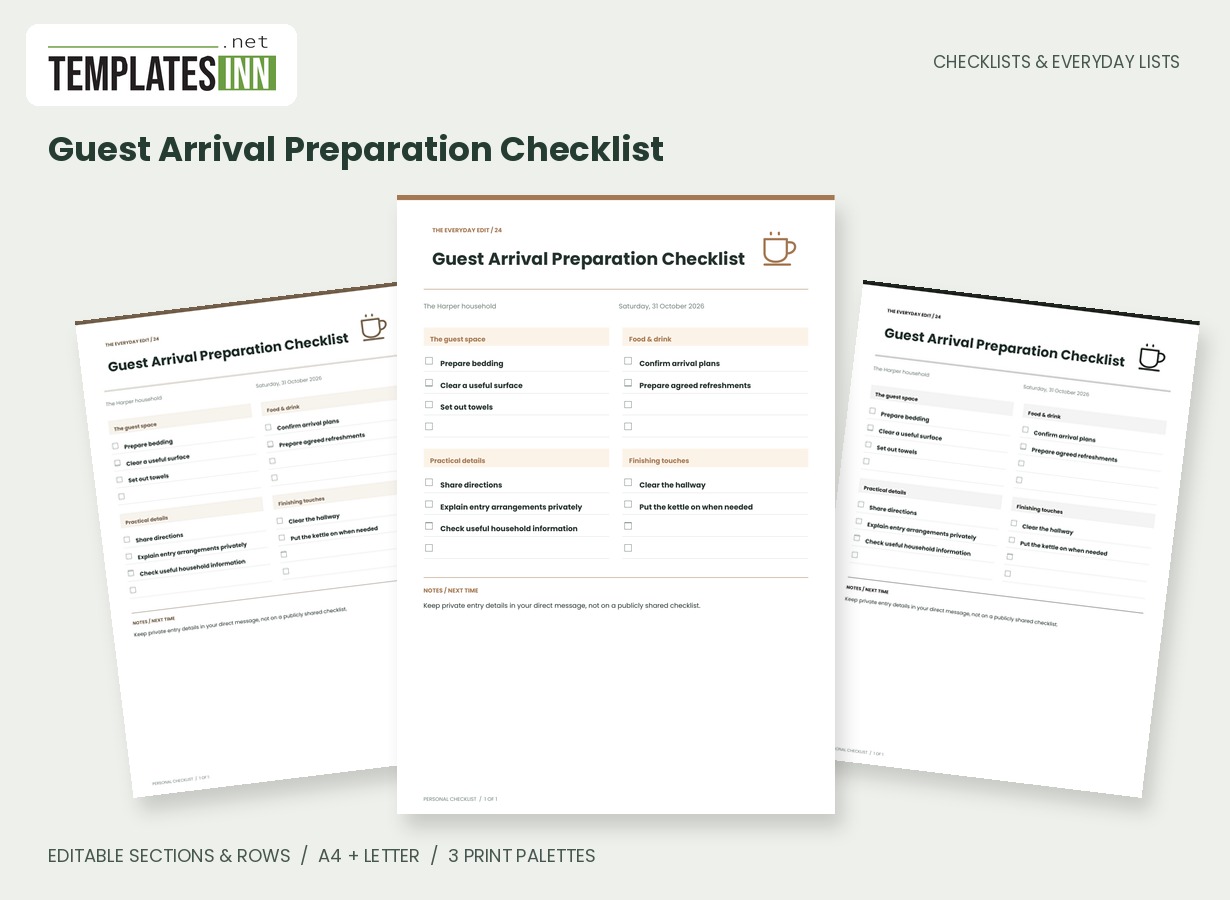
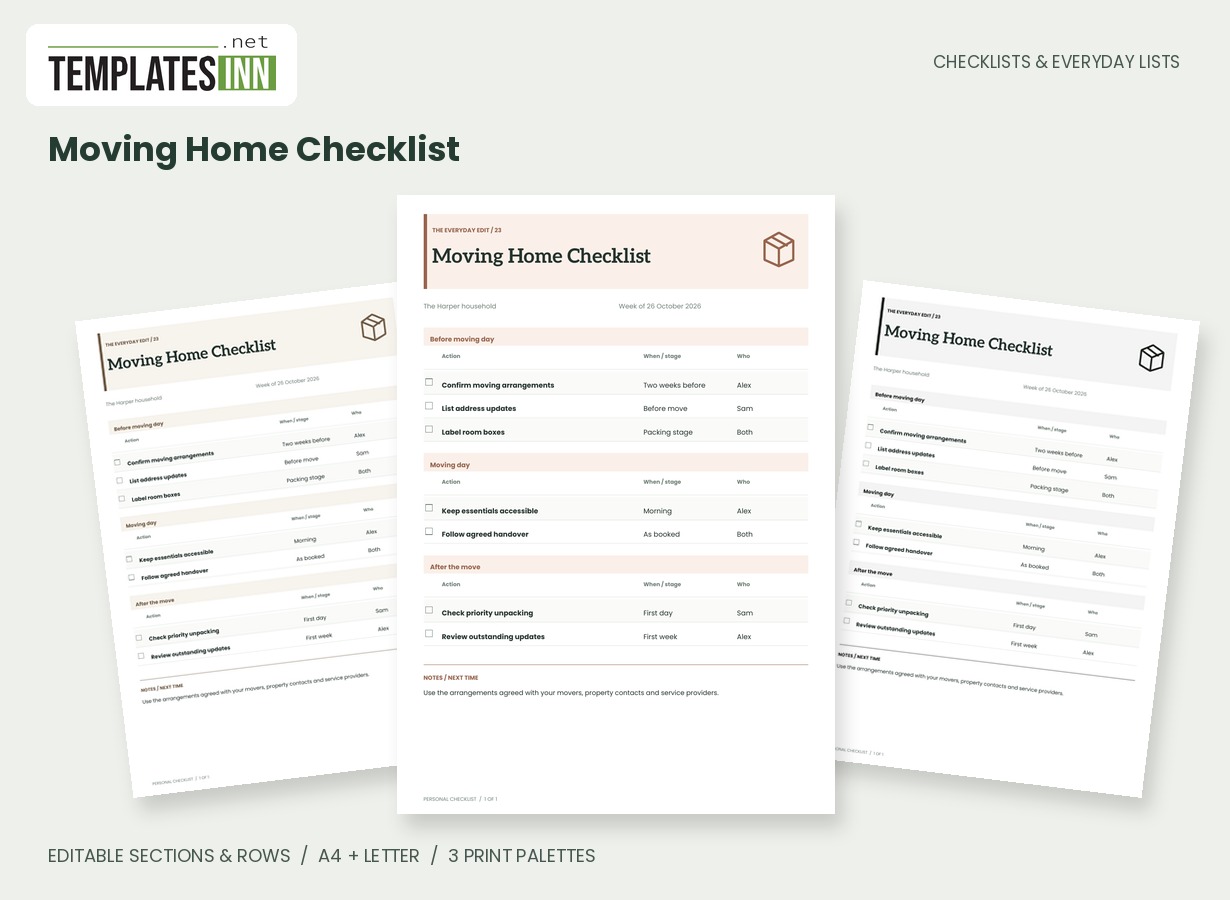
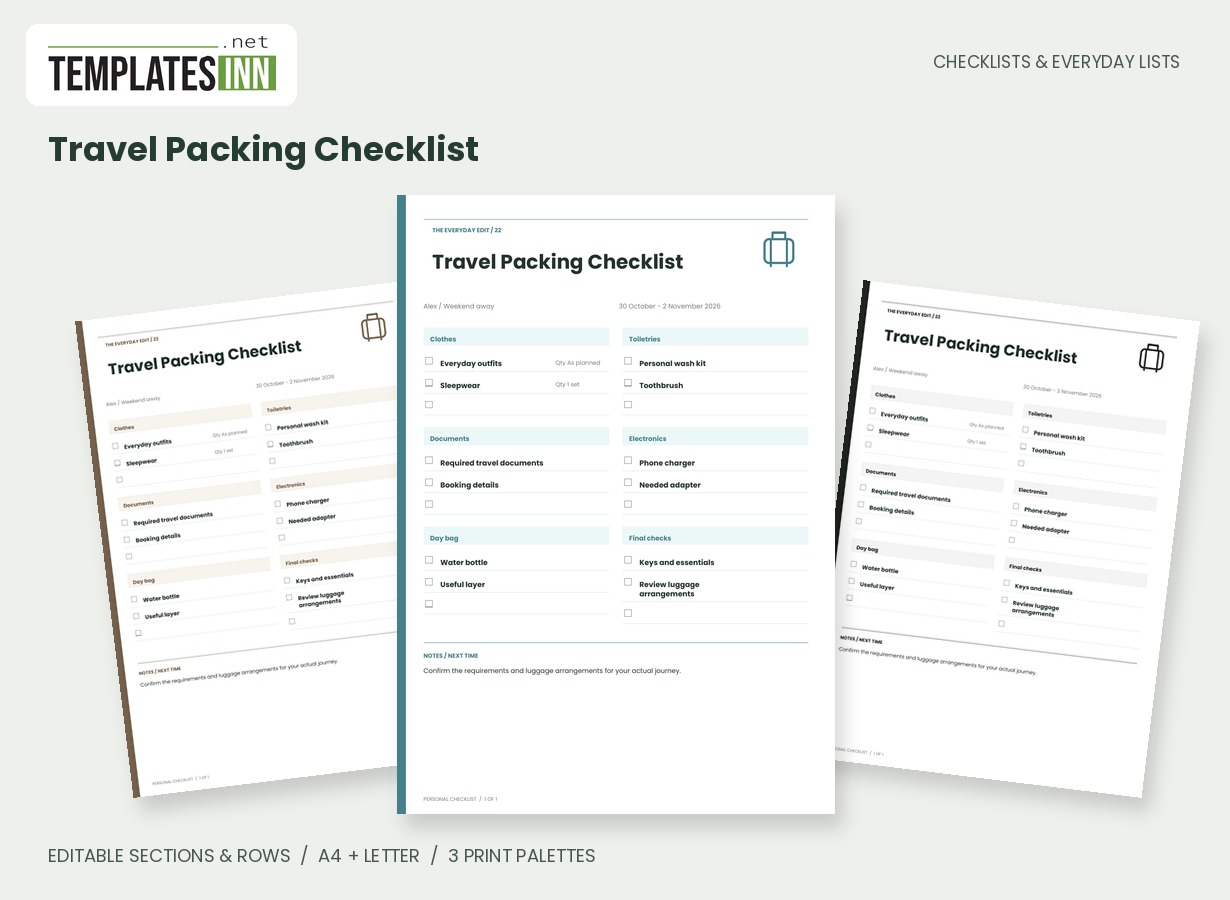
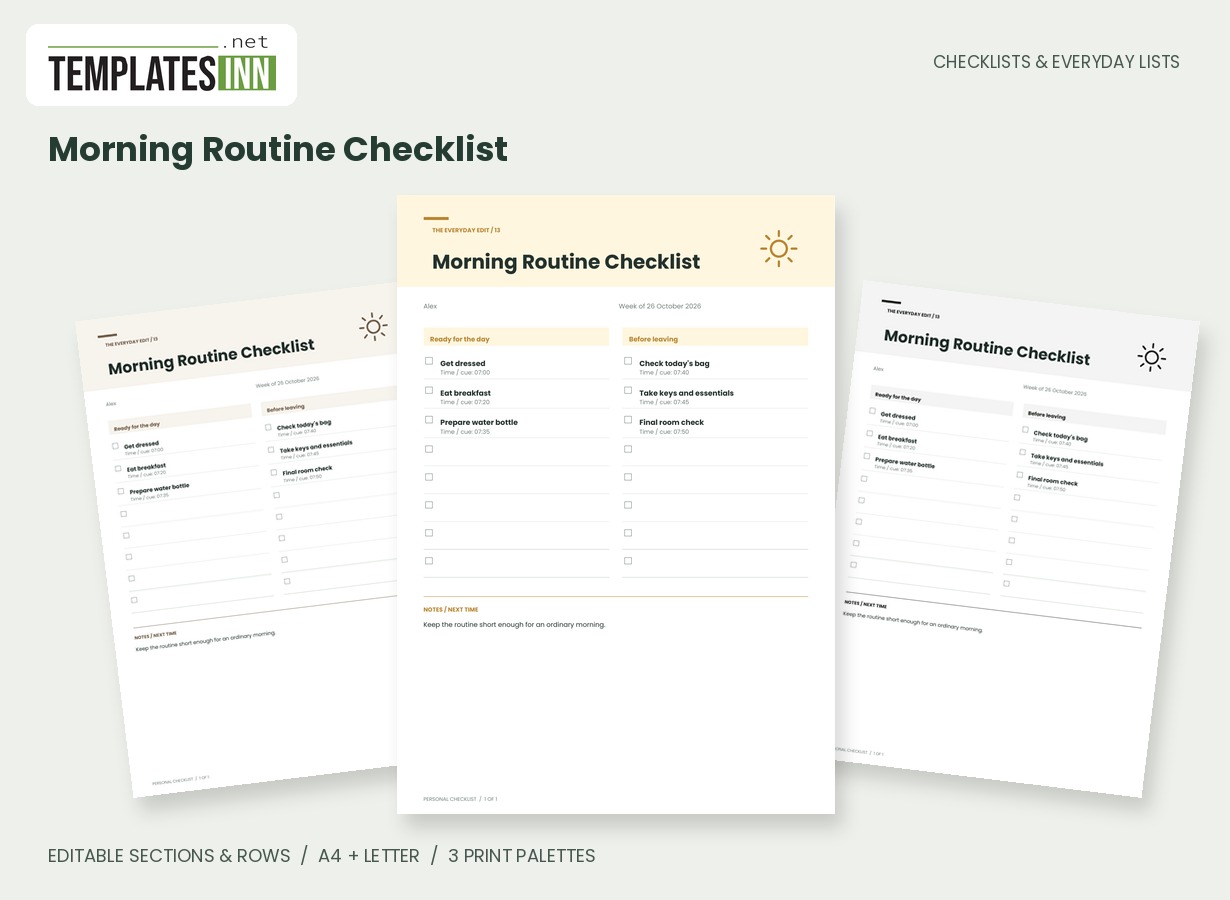
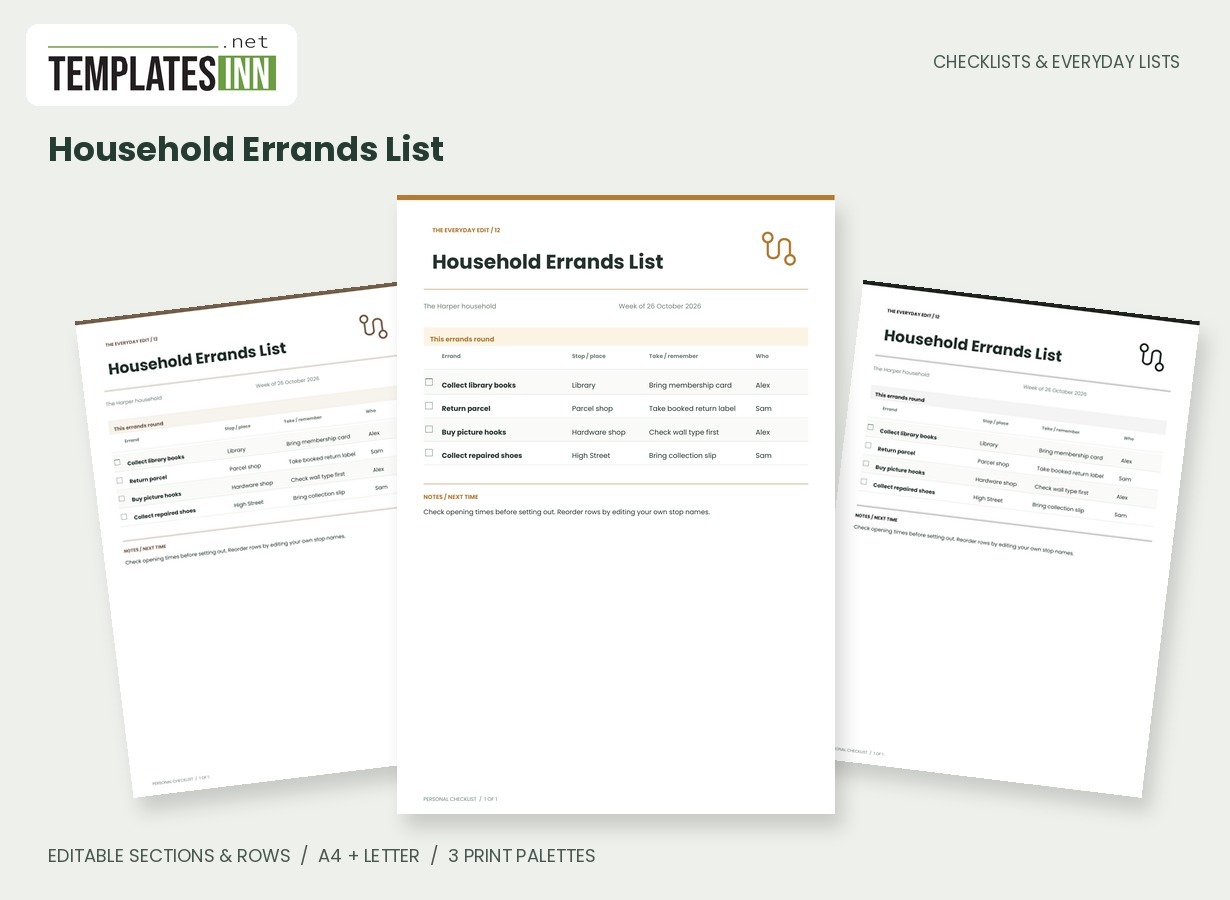
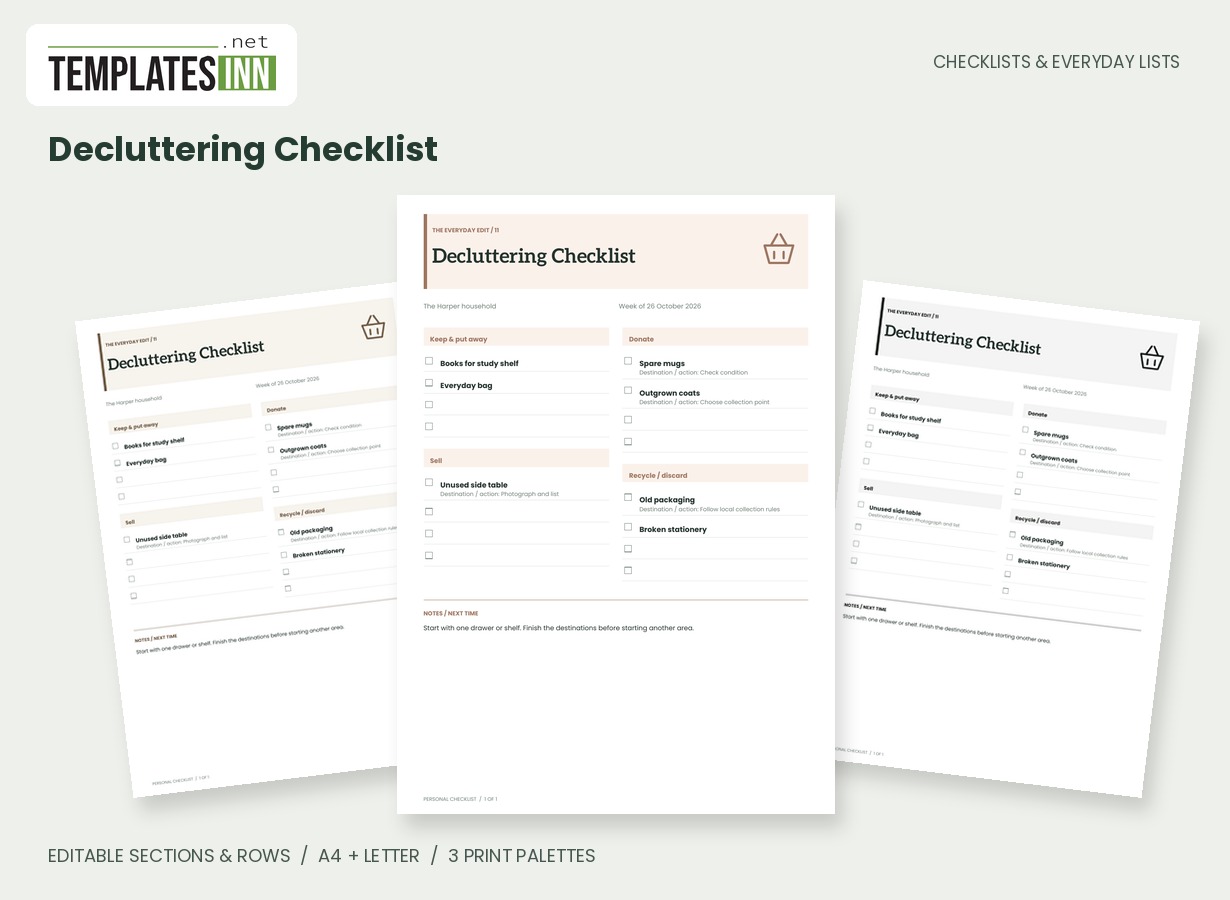
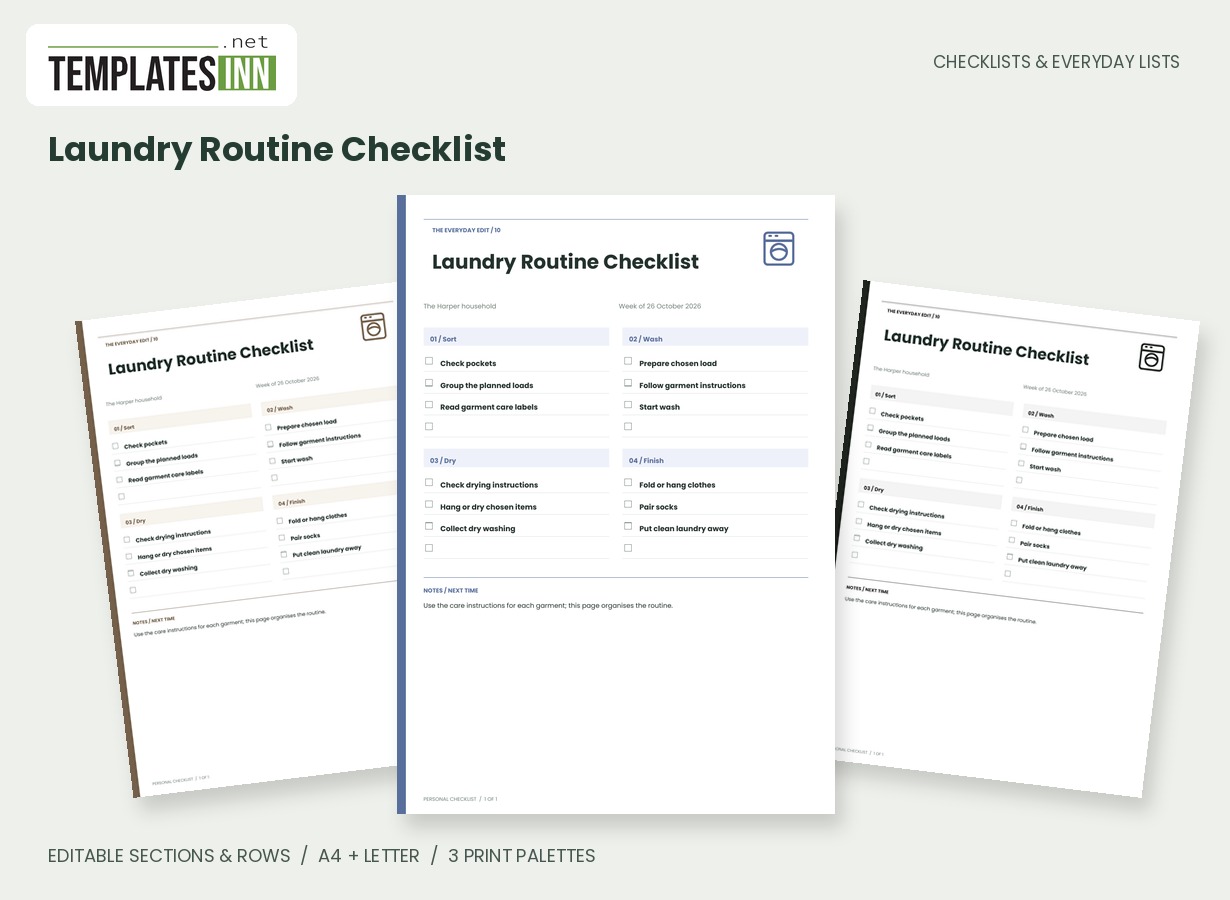
More designs from the same collection, Checklists & Everyday Lists. If this one is not quite what you need, one of these may be.
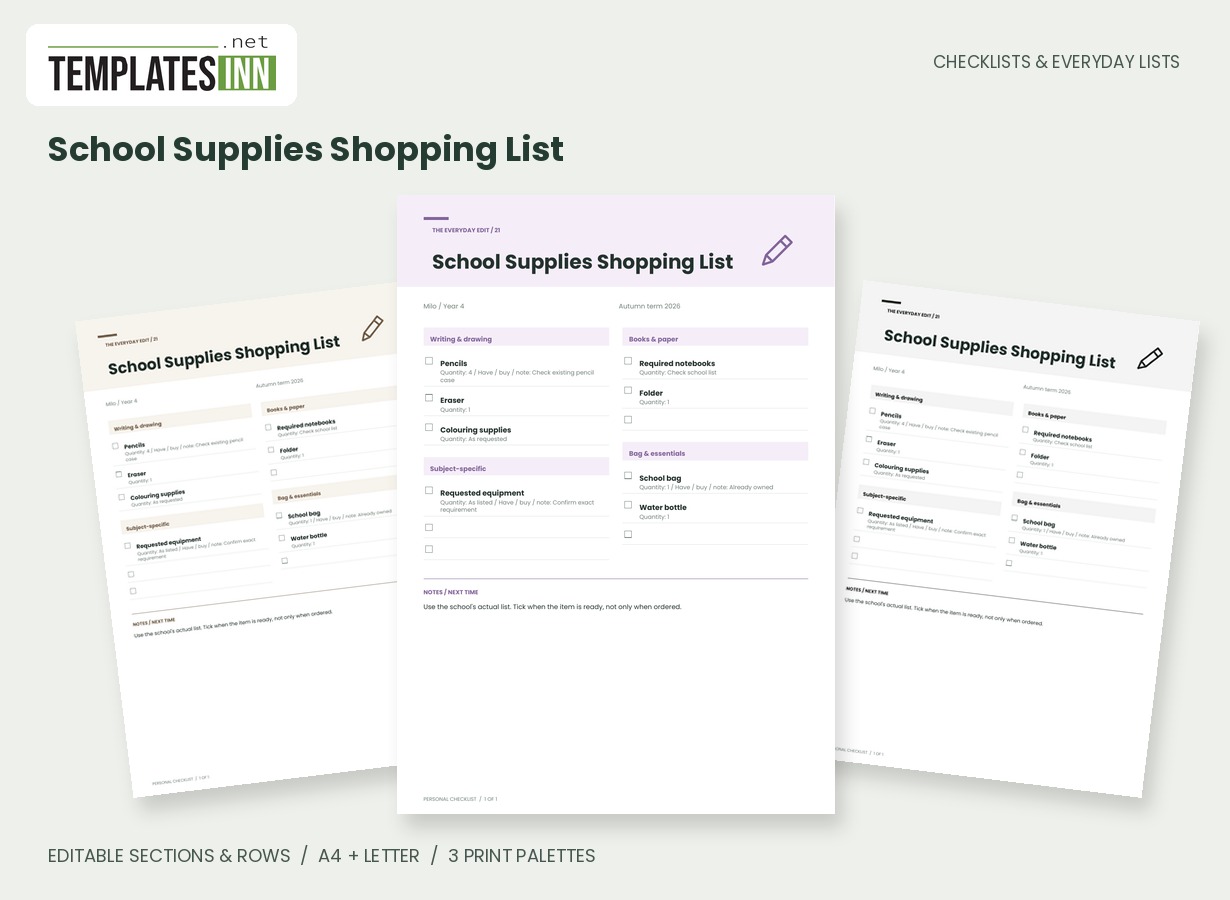
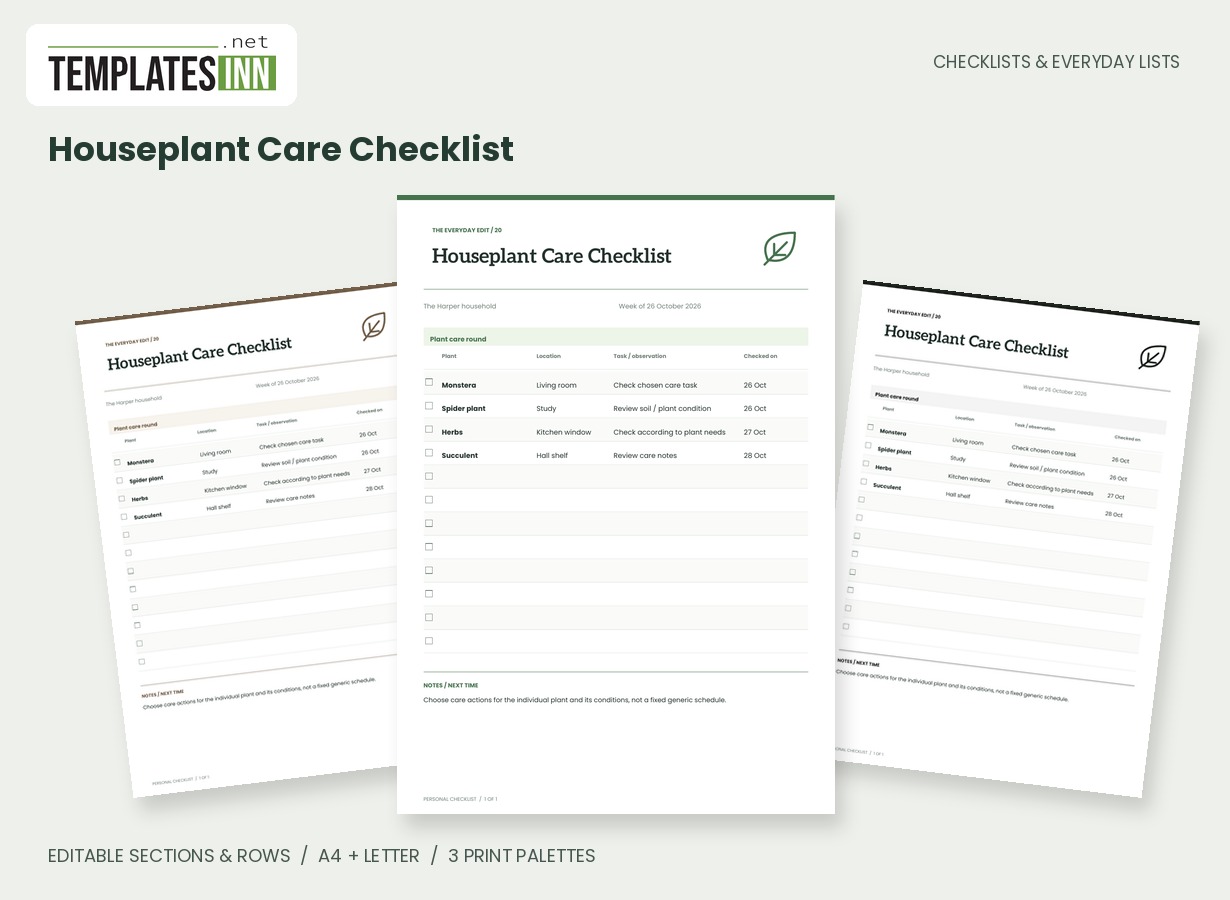
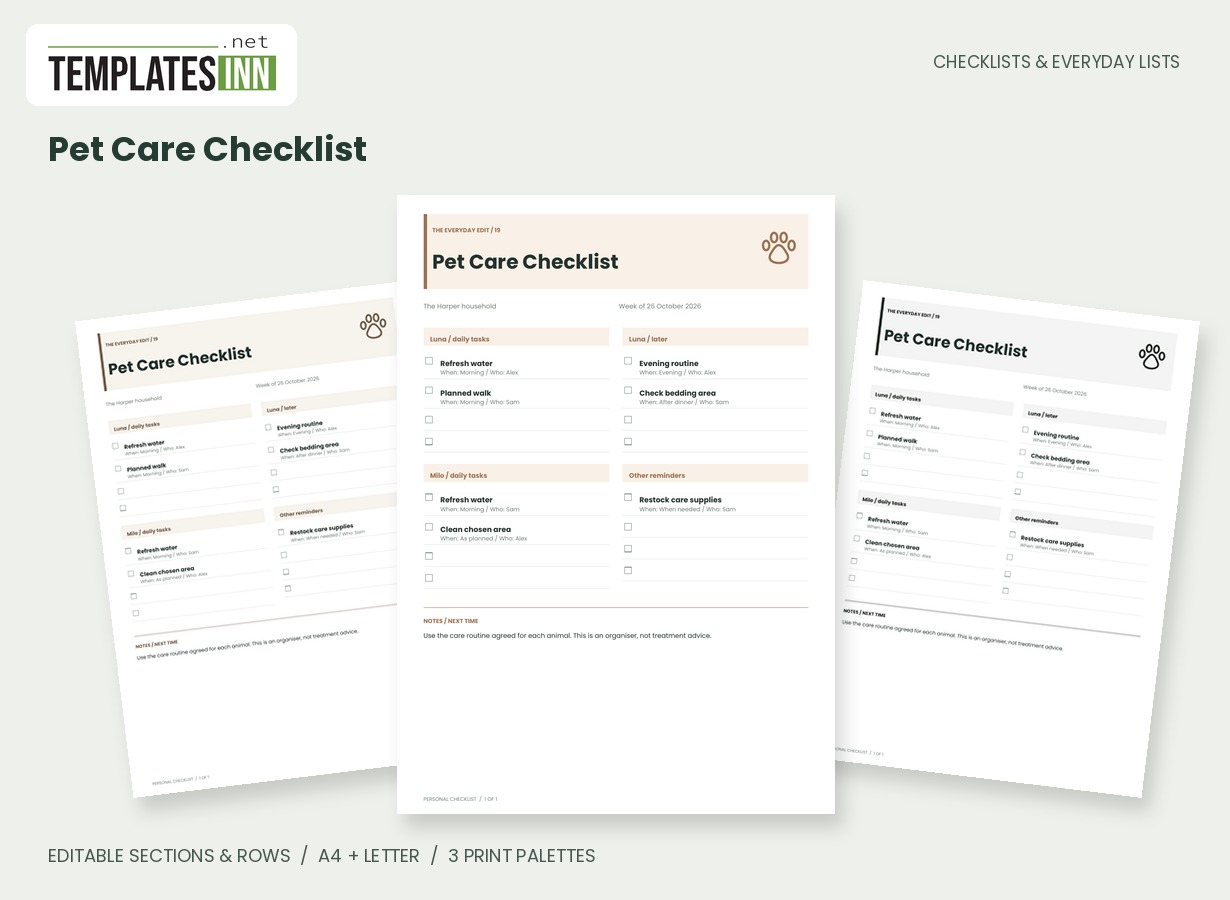
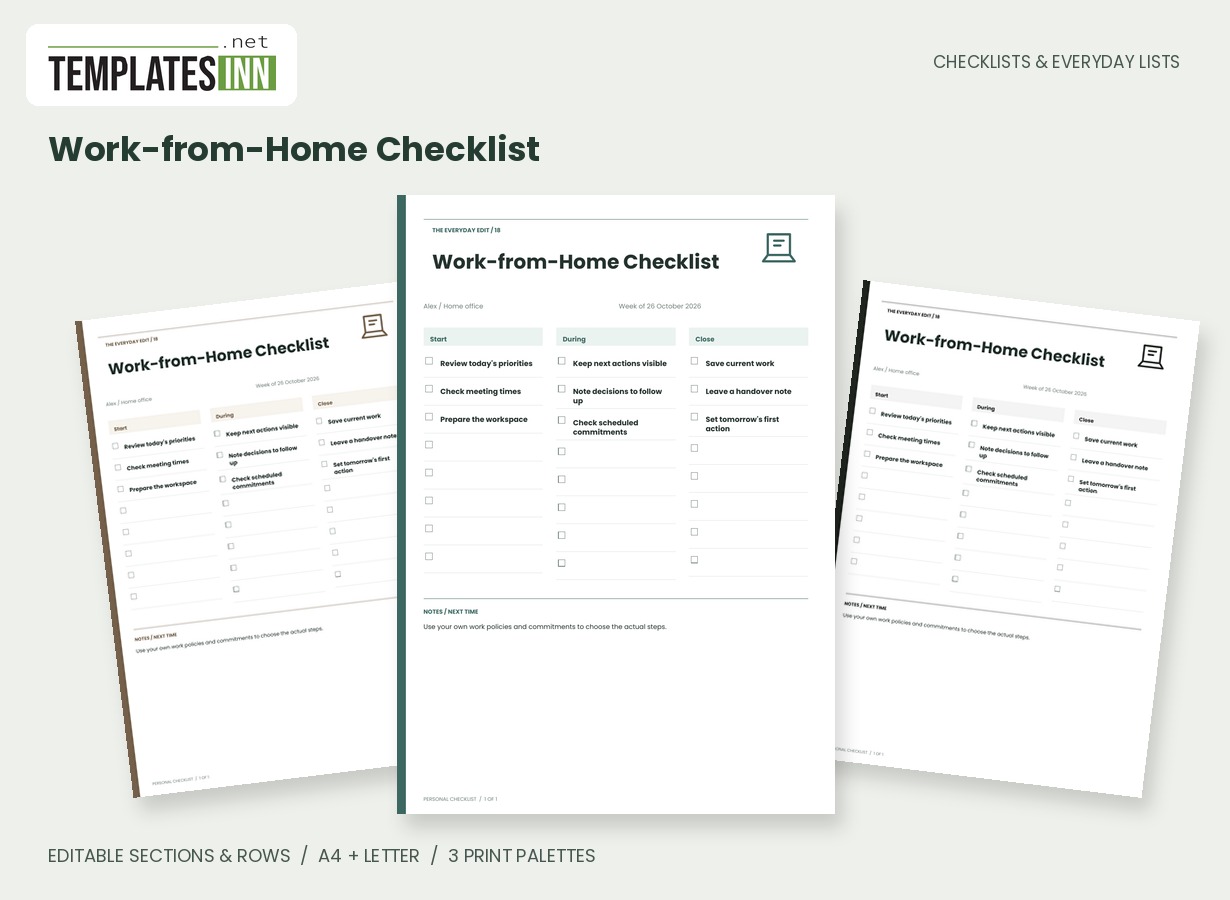
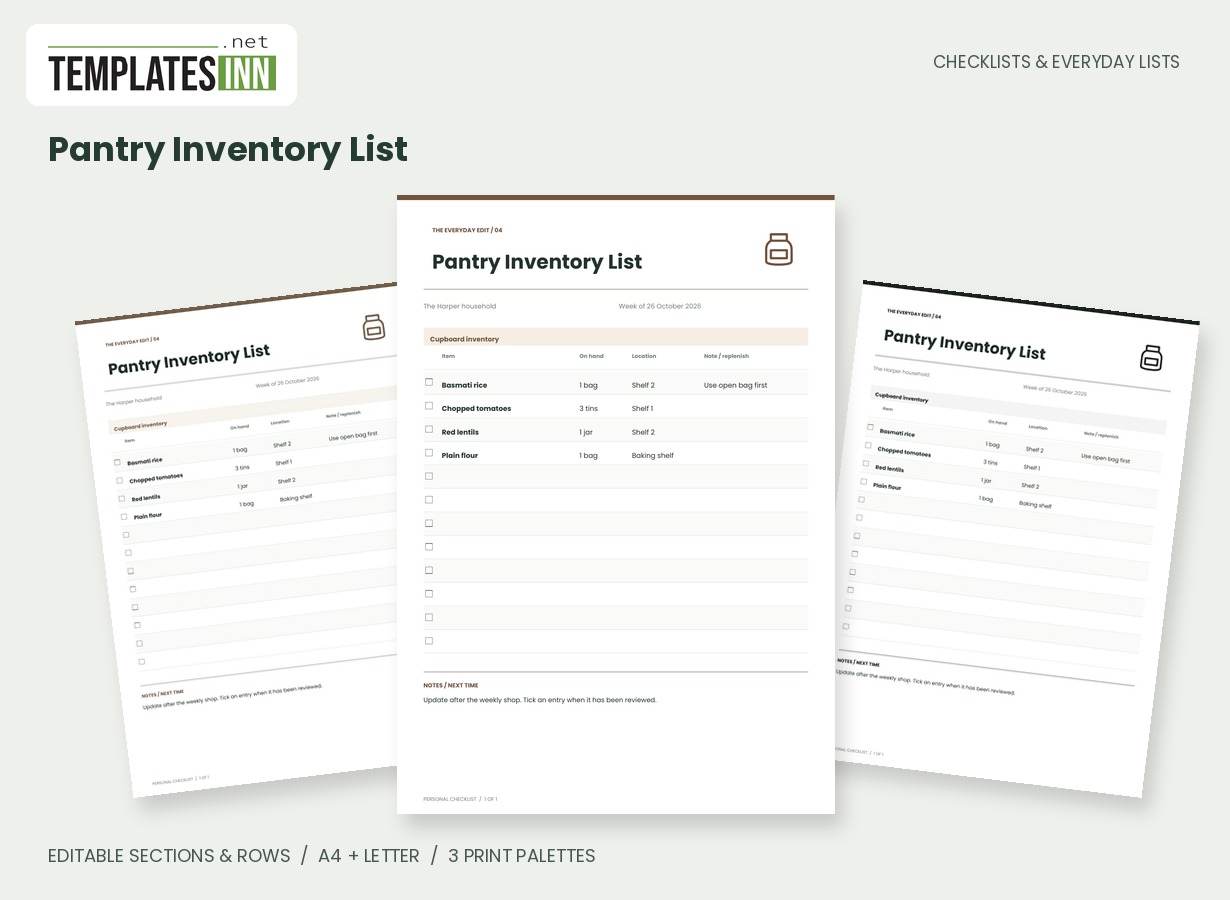
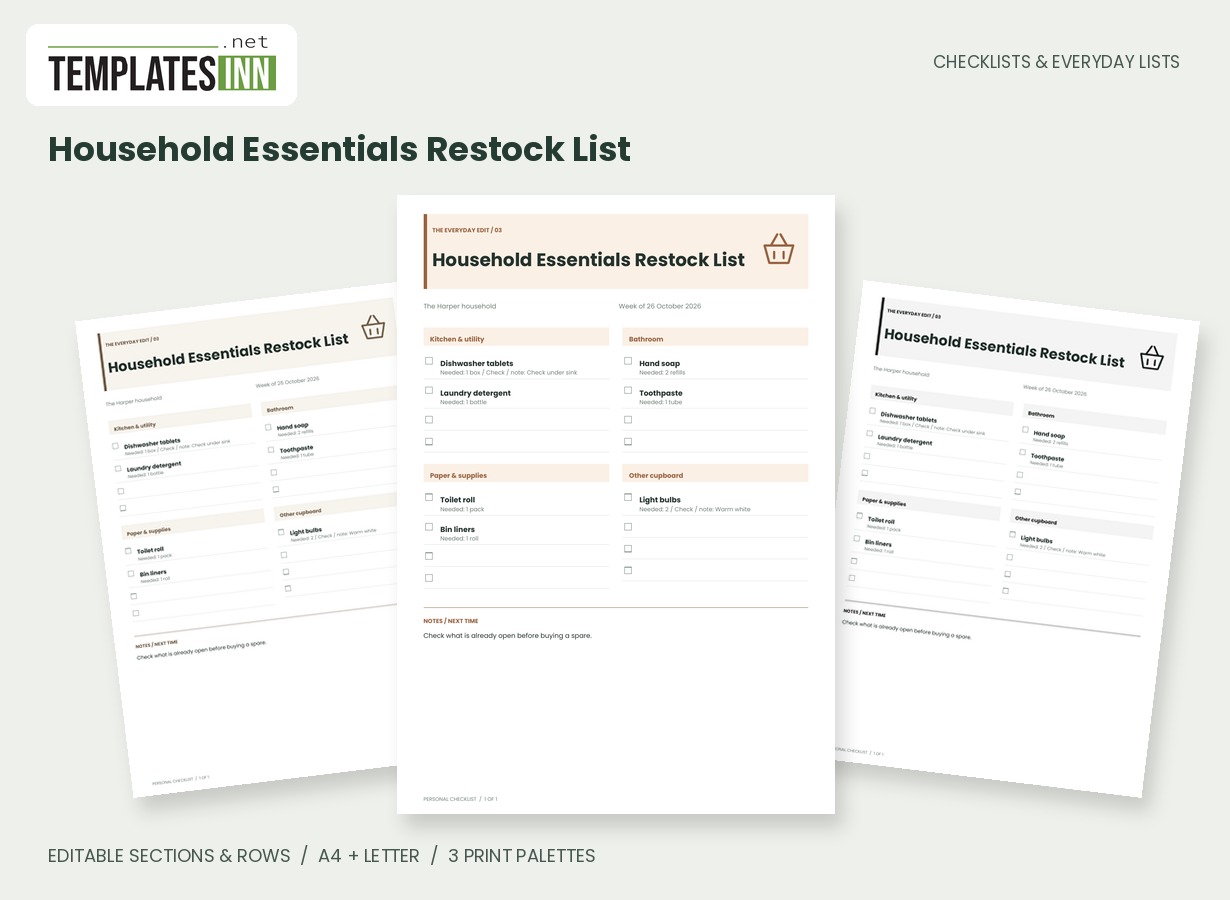
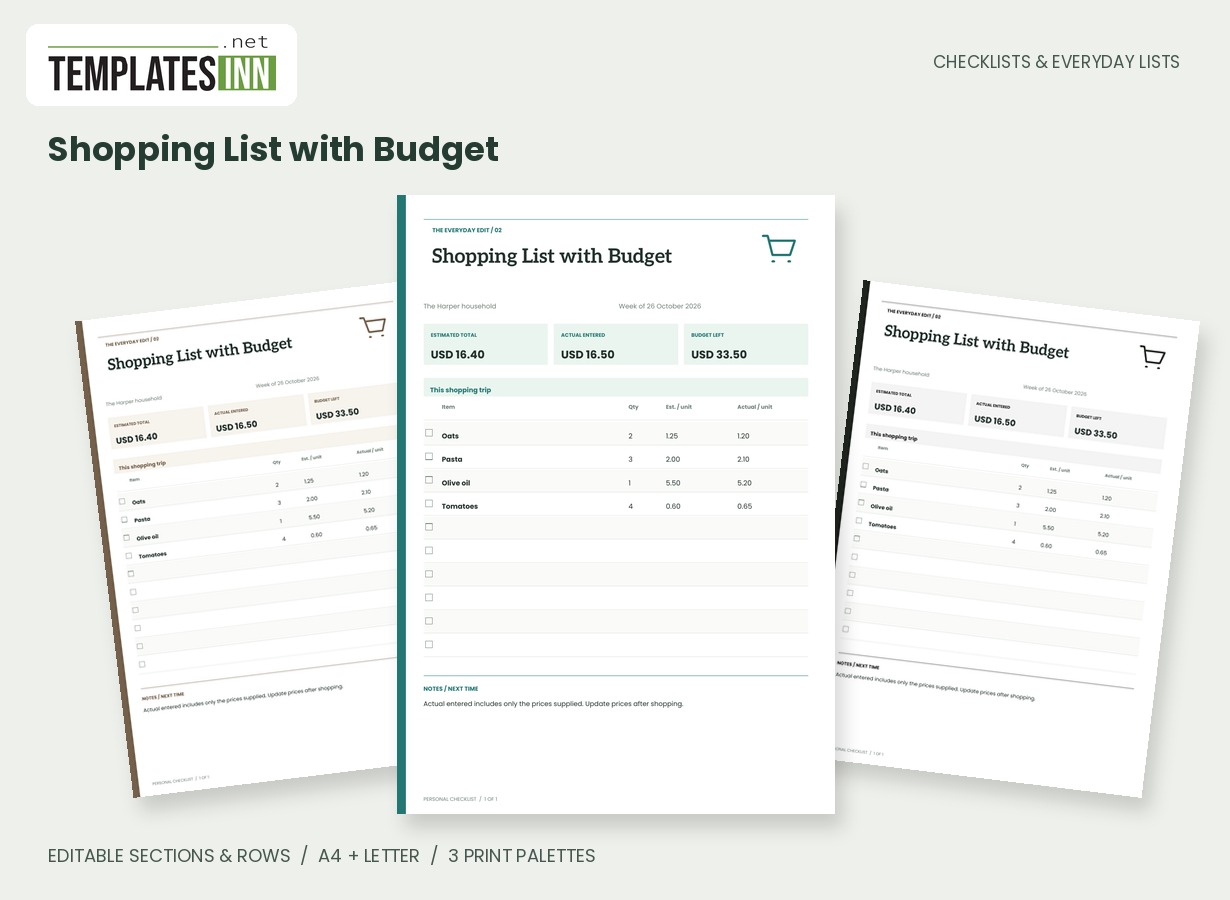
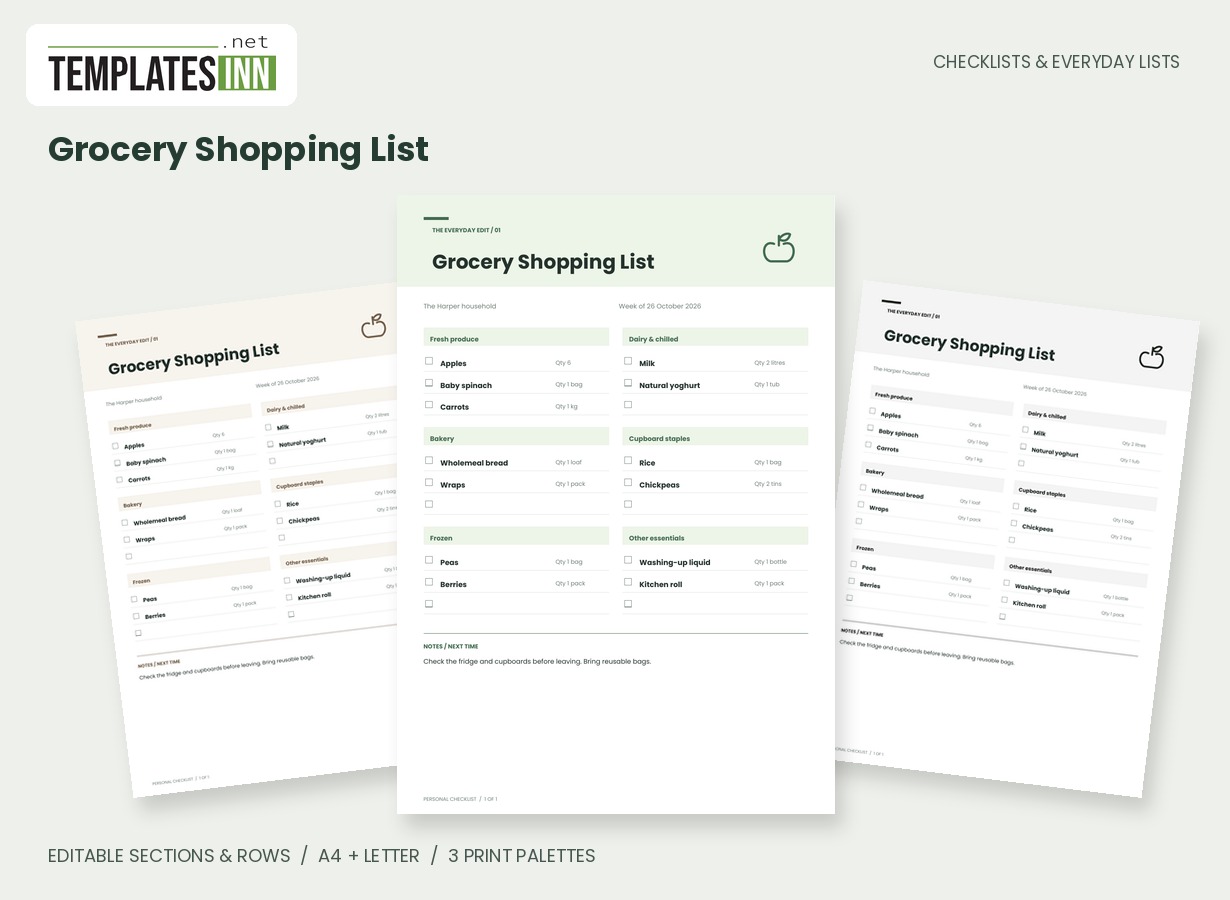
Build a shortlist instead of copying the entire fridge
The useful entries are the ones that need attention in your current planning round. An open ingredient, a prepared component or something you keep overlooking may deserve a place. Enter a recognisable name and a realistic amount, then use the planning column for your own cue. Do not treat the position on the list as a safety ranking. The worksheet does not inspect food, read packaging or decide whether an item is suitable to eat. Its job is to make your chosen reminders visible so you can check them properly.
Pair the ingredient with a practical idea
The meal-idea column can turn an observation into a next action: check whether the spinach fits a planned lunch, or use the remaining cheese in a meal already on your plan. Keep the suggestion short enough to read beside the ingredient. If a decision depends on packaging instructions or another food consideration, check that directly rather than relying on an old note. The quantity is also a reminder, not a live stock level. Update it after use or remove the row when the item no longer belongs on the shortlist.
Use the page as part of a regular kitchen check
A smaller current list is often easier to use than a long record carried forward unchanged. Give the page a review date, clear completed items and leave some blank space for the next discovery. You can connect it with the grocery list and weekly meal planner without making any of them do all three jobs. Keep detailed inventory elsewhere if you need it. The use-first sheet works as a focused conversation about what to check and plan around now, with your own judgement and the actual item still leading the decision.
Starting entries for your fridge use first list
- Spinach / one bag / check today / consider in planned lunch.
- Open yoghurt / half tub / check packaging / breakfast idea.
- Prepared vegetables / two portions / review your storage guidance / meal idea.
Before you use the finished page
- Keep the shortlist focused on the current review.
- Use quantities that reflect the latest check.
- Make date or planning cues unambiguous.
- Consult actual packaging and relevant guidance.
- Remove entries that no longer need attention.
Make the layout your own
Use Load sample data for editable example entries, or begin with blank lines for handwriting. You can rename the page, add a name and period, edit section headings, and add or remove rows. The editor supports up to eight sections and eighty rows. Ticked items are printed as complete; blank boxes remain available for a pen. Short entries keep the page comfortable to read, while longer lists continue onto additional pages with repeated headings.
Print a copy you will actually use
Choose A4 or US Letter before generating the PDF, then use the matching paper in your printer. Print at Actual size or 100 percent. The signature palette gives this design its own character; soft neutral and black-and-white options are available for a quieter or lower-ink print. Preview the names, column contents and page breaks before making several copies. The website logo appears on browsing previews only, and your printable checklist has no TemplatesInn watermark.
Questions about this fridge use first list
Does use first mean the template says a food is safe?
No. It is your planning shortlist, not a food assessment. Check the actual item, packaging and relevant guidance before deciding what to use.
Can I rename the planning and meal-idea columns?
Column labels are fixed for this design. You can change the section names and the entries within each column; use the note to explain your own date or checking convention if needed.
Explore related practical pages in the Checklists & Everyday Lists collection. For date-based planning, see our Calendars & Planners.