

Create Homework and Assignment Checklist
Track assignments, subjects, due dates and submission steps without turning them into a crowded timetable.
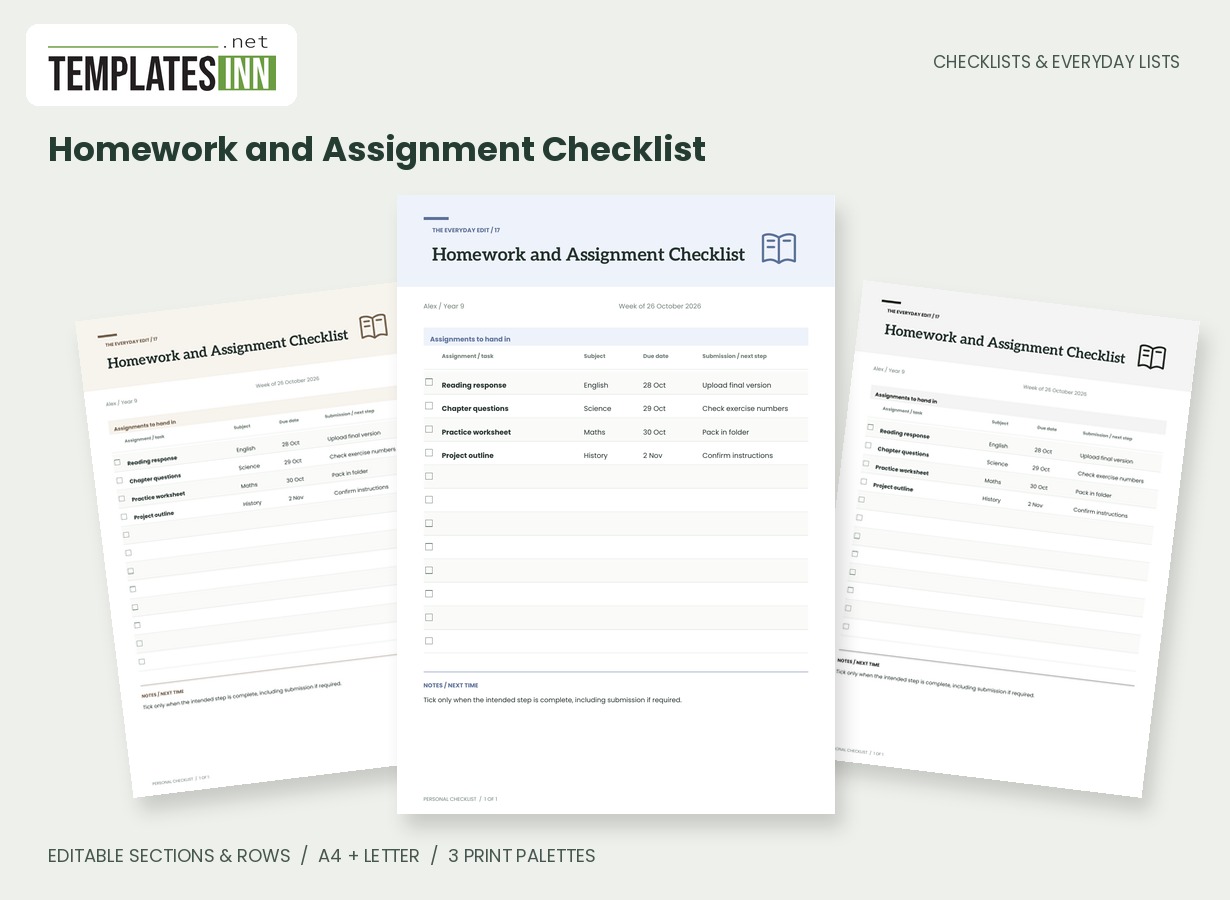
Keep the assignment, subject, due date and next submission step on the same row. This notebook-style ledger helps distinguish work that has been started from work that has actually reached the required hand-in stage.
Fill in the information below
New here? Use the button above to fill in an example, then change it to your own details.
Rate this template
Used it? Tap a star. Honest ratings help others choose.
You May Also Like
Templates from other categories that people often use together with this one.


Other Similar Templates
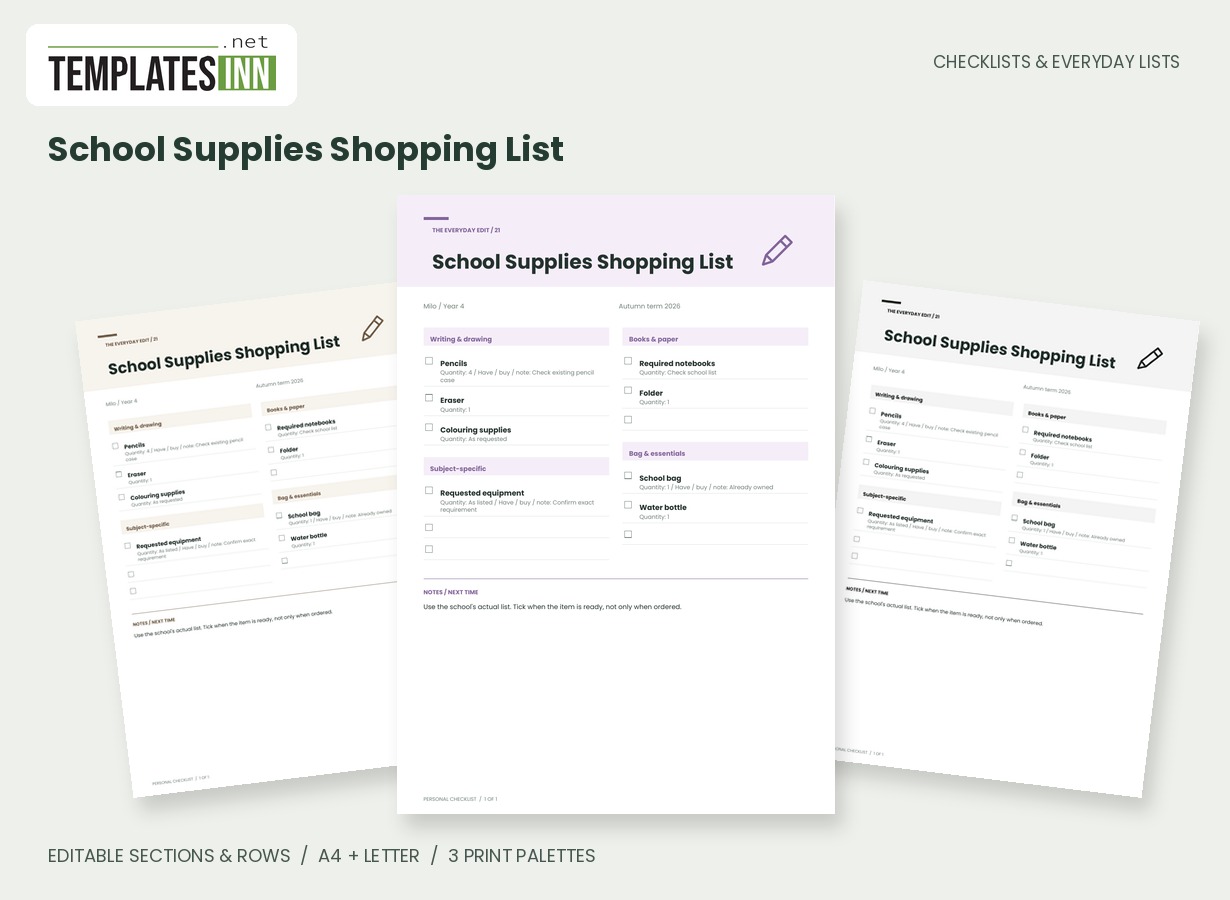
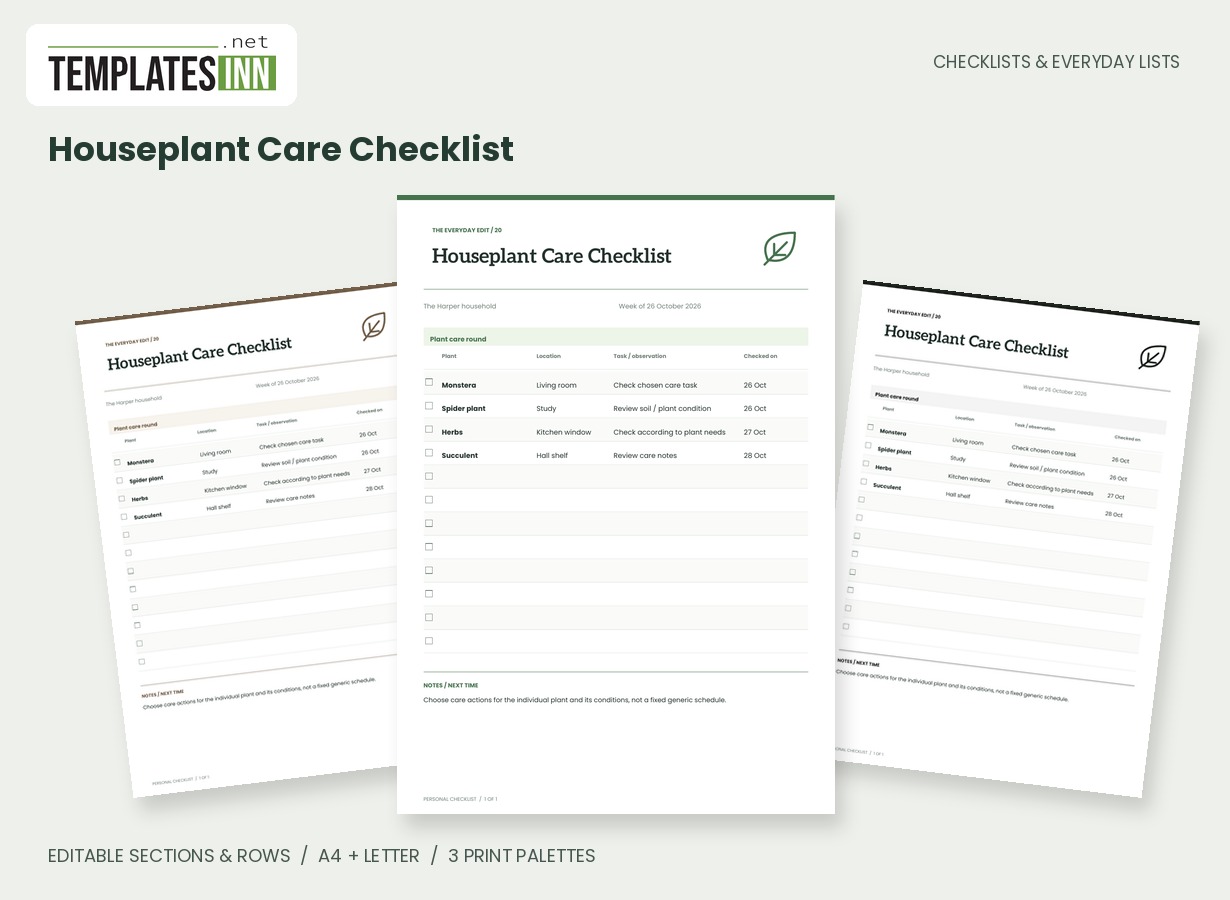
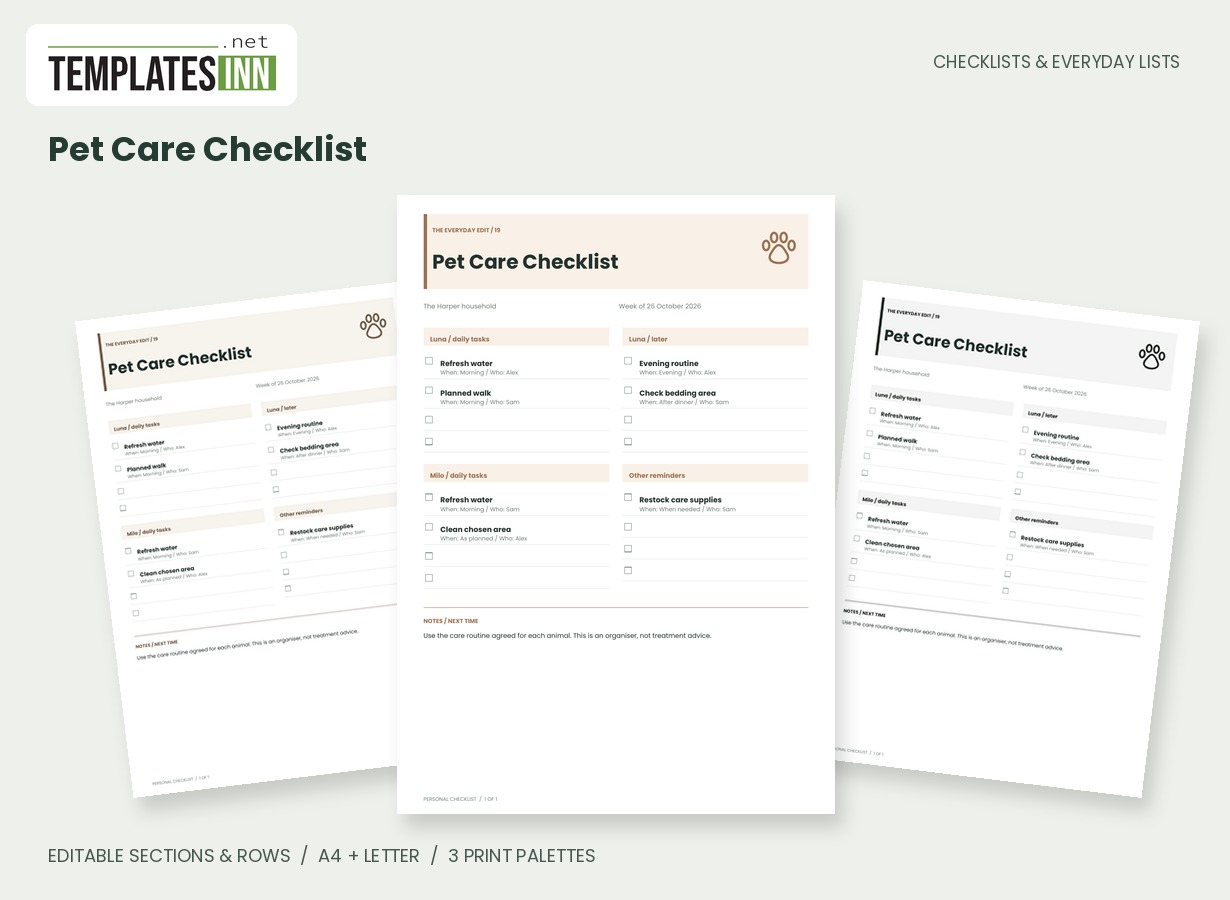
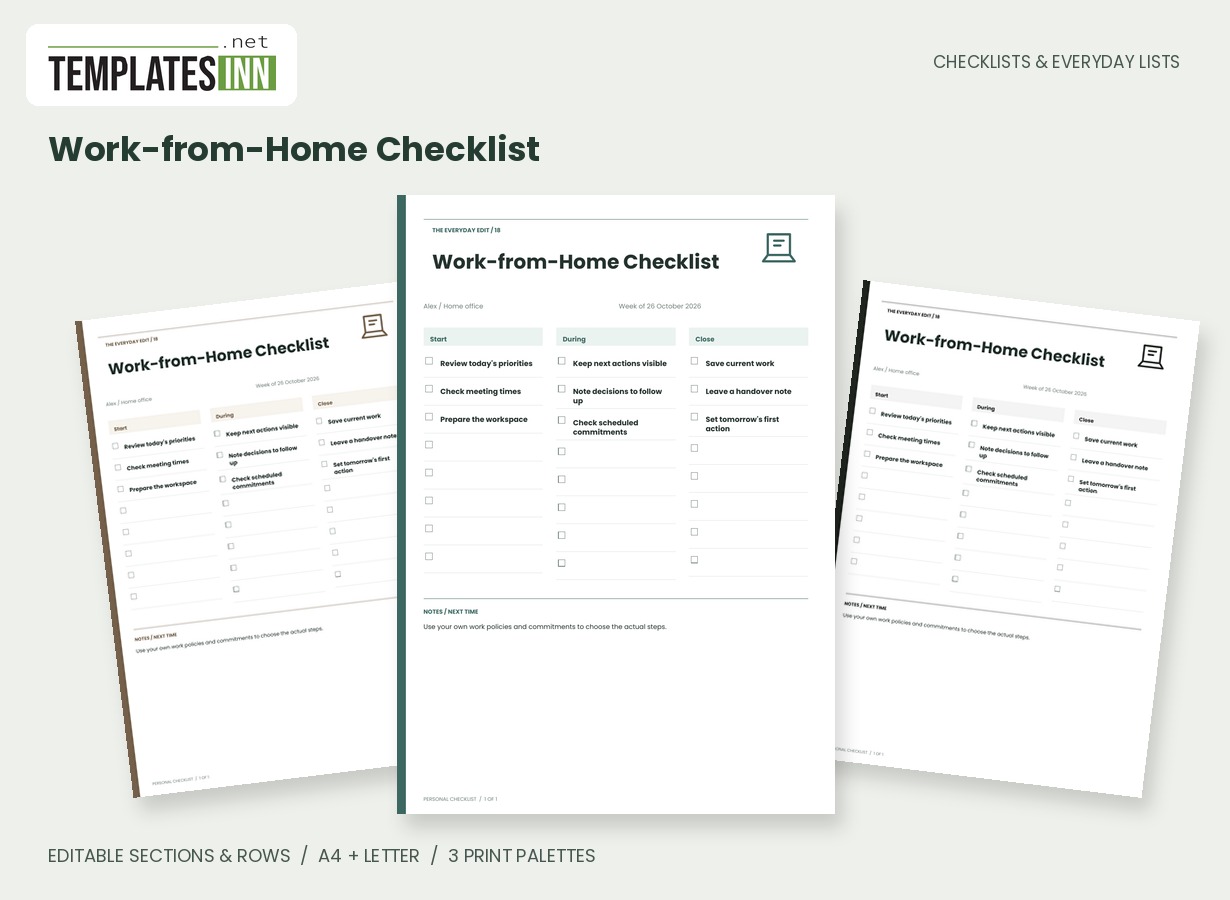
More designs from the same collection, Checklists & Everyday Lists. If this one is not quite what you need, one of these may be.
Write assignments so they can be recognised later
Use the assignment title or a short description that makes sense away from the lesson. Chapter questions alone may be ambiguous when several subjects use a textbook, so keep the subject beside it and add a useful reference in the next-step field. Check the original instructions for the actual scope. The worksheet is a tracking aid, not a replacement for those instructions or the files being submitted. If a project has several stages, separate the next actions rather than trying to fit the whole project into one row.
Separate the deadline from the next action
The due-date column records the date you enter; the final column can say upload the final version, pack the worksheet or confirm which exercise numbers apply. This makes the immediate action visible without mixing it into the assignment name. Dates do not create alerts, and the PDF does not connect to a learning platform. Check changed deadlines with the source that set them. For a larger project, use your own planner for intermediate work sessions and keep this page focused on the current assignments and hand-in steps.
Decide what counts as complete
Finishing the written work may not complete the required submission. Use the wording of each row to make the intended finish line clear, then tick it at that stage. If you want separate drafting and submission checks, create separate rows. A brief page note can remind you where the original instructions or feedback are stored. Review outstanding tasks before generating the next sheet, and remove completed entries that no longer need tracking so the current list remains easy to scan between lessons or study sessions.
Starting entries for your homework and assignment checklist
- Reading response / English / 28 October / upload final version.
- Practice worksheet / Maths / 30 October / pack in folder.
- Project outline / History / 2 November / confirm instructions.
Before you use the finished page
- Use a recognisable assignment name.
- Check the original task instructions.
- Record the current due date accurately.
- Make the submission step explicit.
- Tick the stage described rather than an assumed finish.
Make the layout your own
Use Load sample data for editable example entries, or begin with blank lines for handwriting. You can rename the page, add a name and period, edit section headings, and add or remove rows. The editor supports up to eight sections and eighty rows. Ticked items are printed as complete; blank boxes remain available for a pen. Short entries keep the page comfortable to read, while longer lists continue onto additional pages with repeated headings.
Print a copy you will actually use
Choose A4 or US Letter before generating the PDF, then use the matching paper in your printer. Print at Actual size or 100 percent. The signature palette gives this design its own character; soft neutral and black-and-white options are available for a quieter or lower-ink print. Preview the names, column contents and page breaks before making several copies. The website logo appears on browsing previews only, and your printable checklist has no TemplatesInn watermark.
Questions about this homework and assignment checklist
Can I track university coursework as well as school homework?
Yes. Replace the student details, subject names and assignments. The columns suit many coursework lists when you supply your own deadlines and submission requirements.
Will it remind me before an assignment is due?
No. The printable PDF records your dates without sending notifications. Use a calendar or your institution's system for alerts and official deadline information.
Explore related practical pages in the Checklists & Everyday Lists collection. For date-based planning, see our Calendars & Planners.