

Create Work-from-Home Checklist
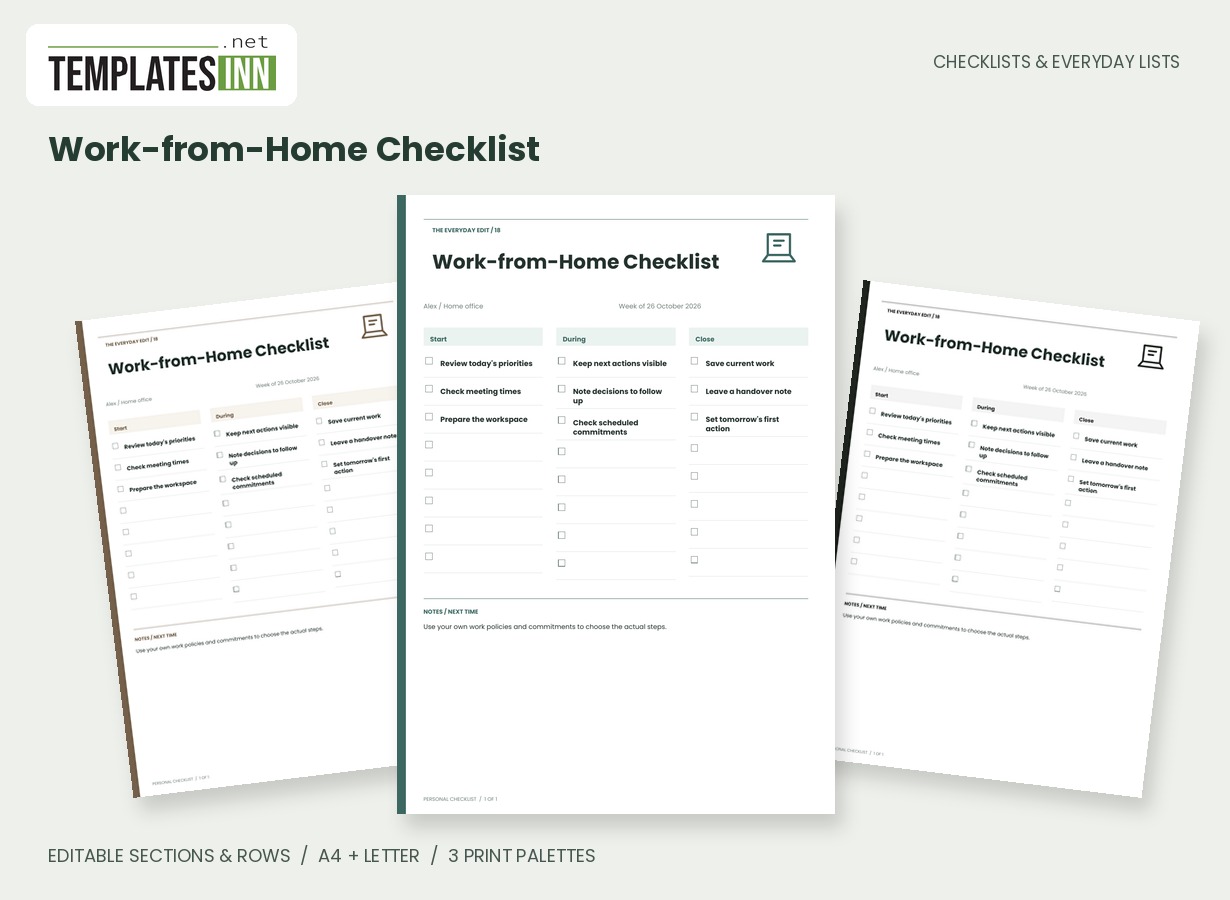
A three-stage workday checklist for opening tasks, useful reminders and a deliberate end-of-day handover.
A home workday benefits from a visible opening, a clear working middle and a deliberate close. This three-column board holds your chosen actions and short notes without trying to turn the whole day into an hour-by-hour schedule.
Fill in the information below
New here? Use the button above to fill in an example, then change it to your own details.
Rate this template
Used it? Tap a star. Honest ratings help others choose.
You May Also Like
Templates from other categories that people often use together with this one.


Other Similar Templates
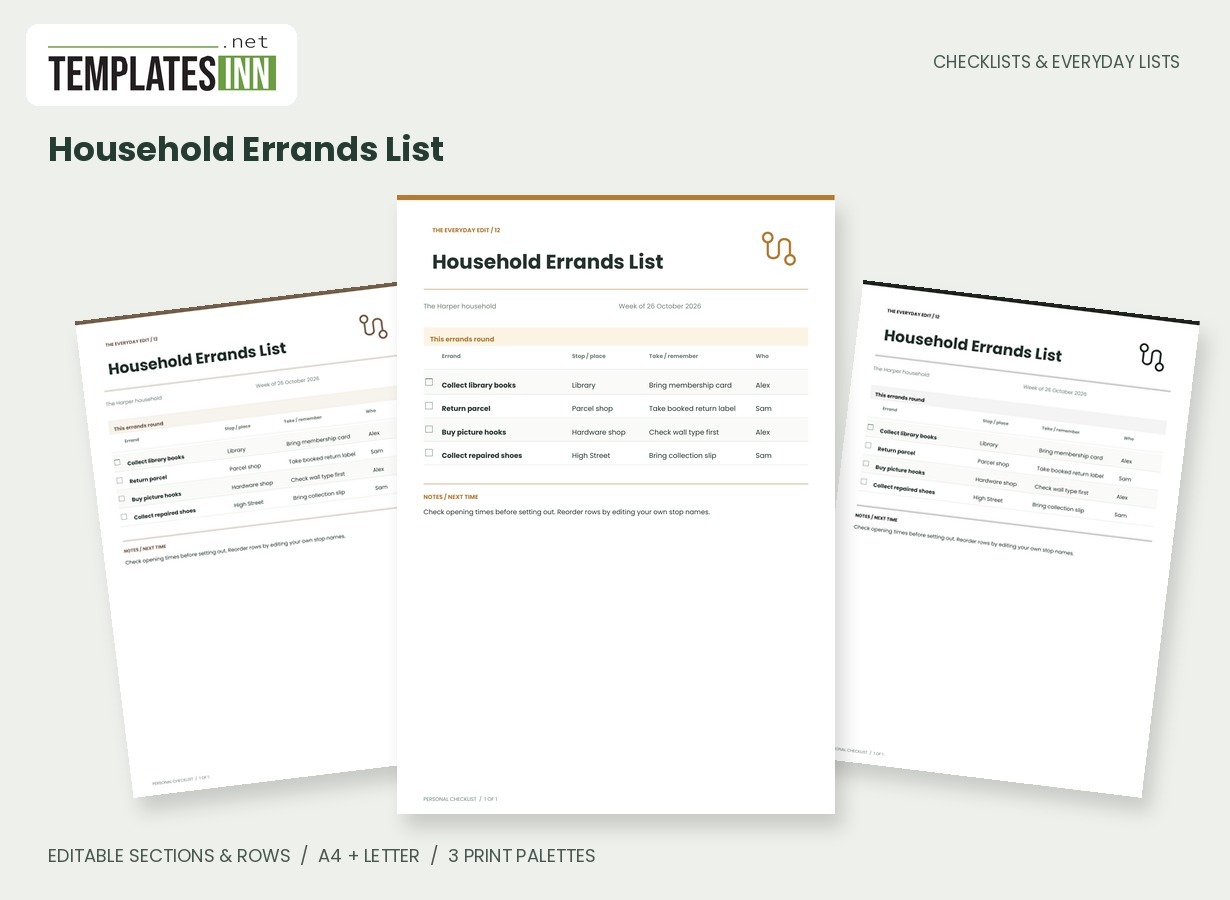
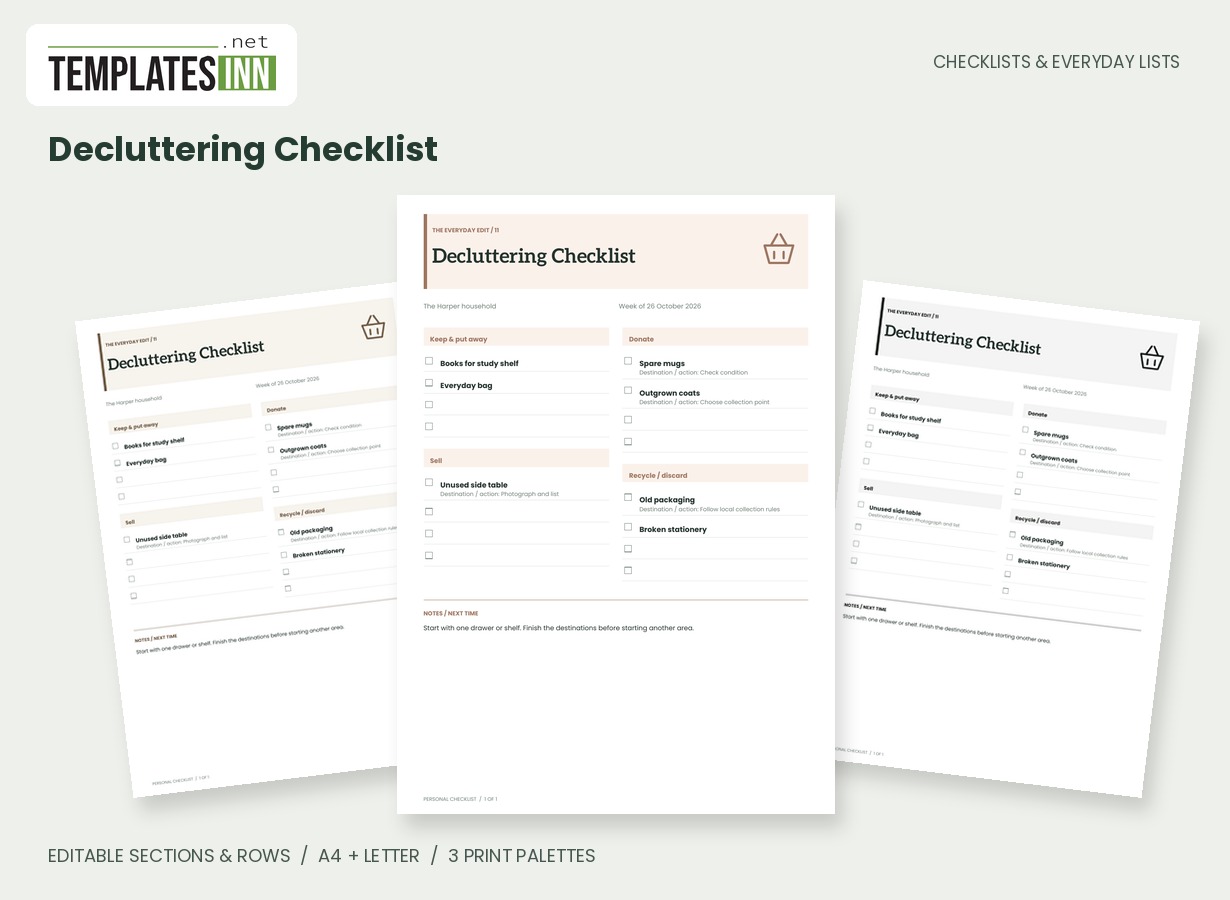
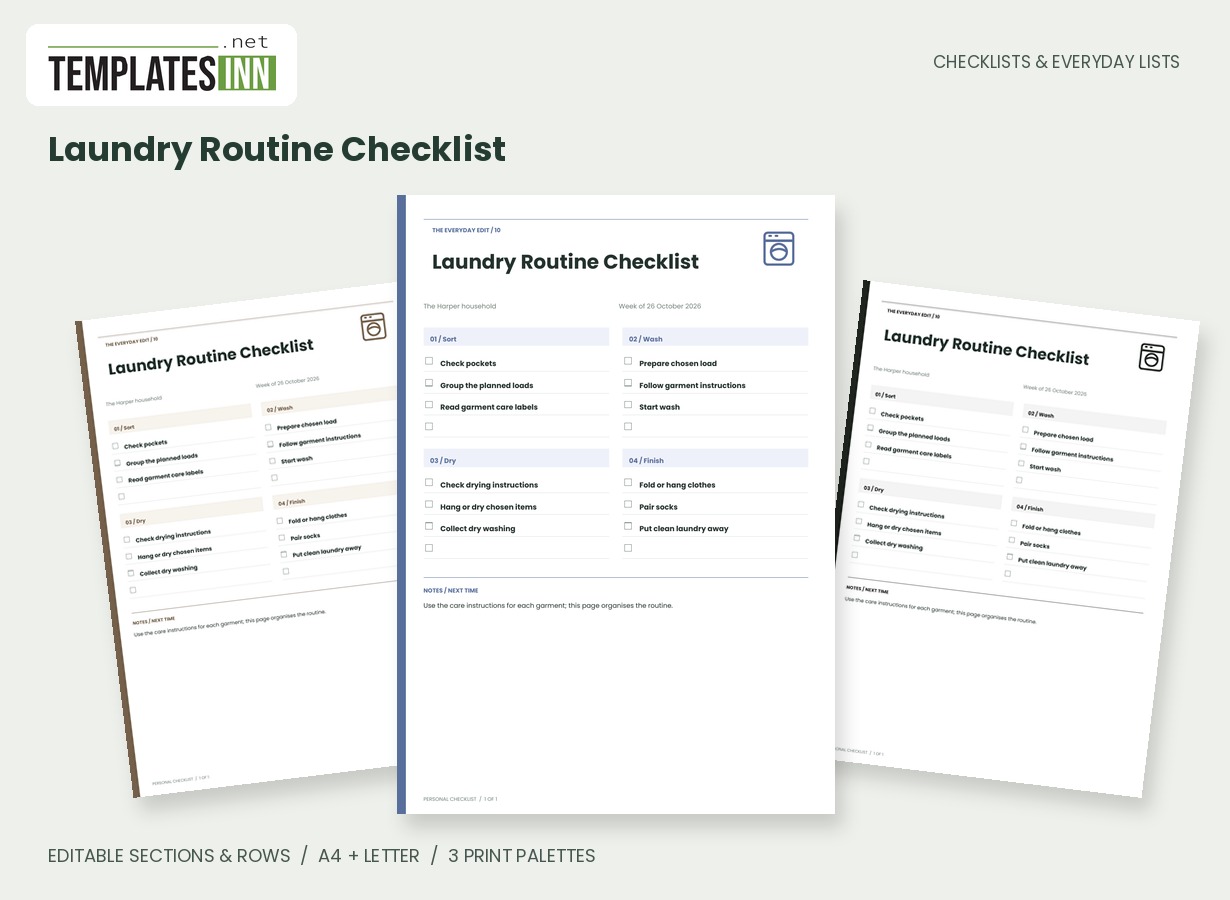
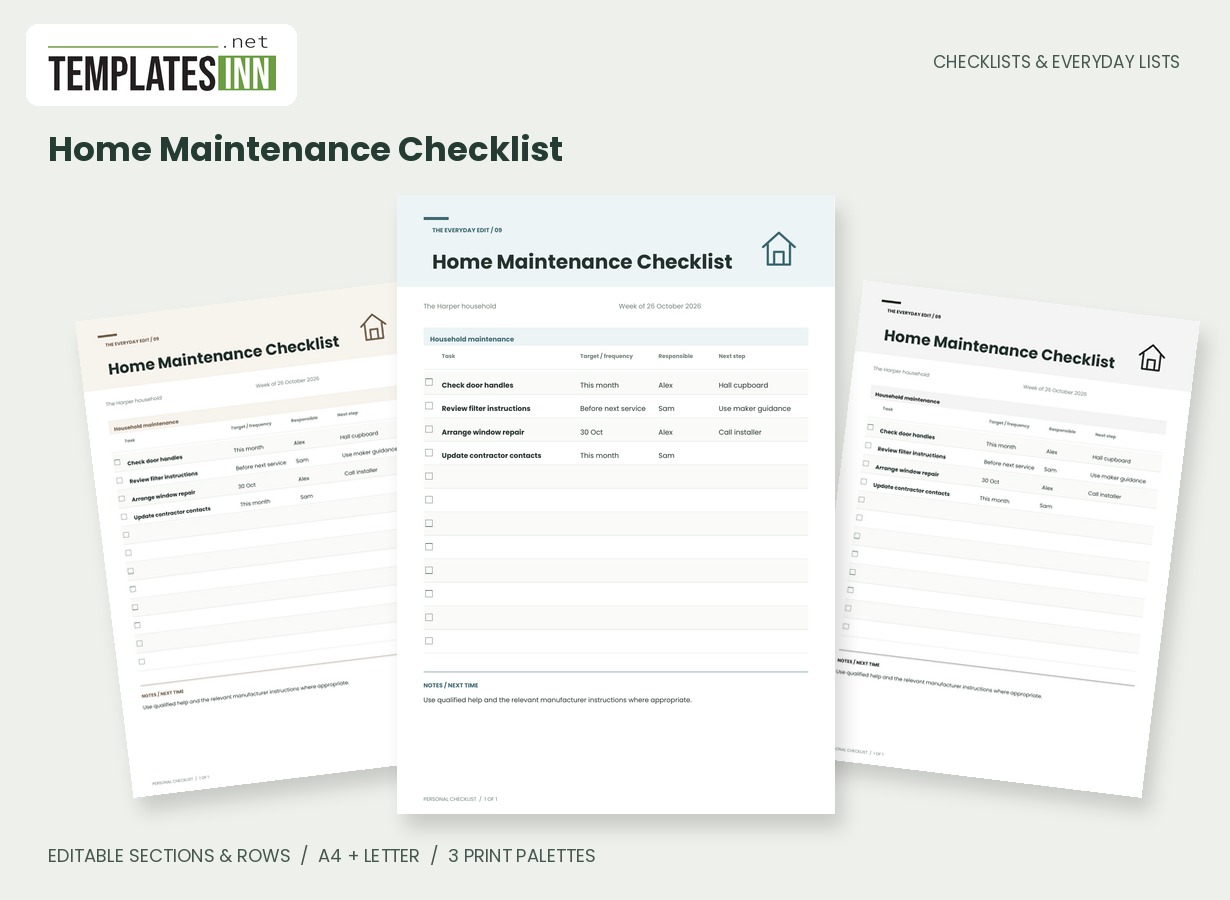
More designs from the same collection, Checklists & Everyday Lists. If this one is not quite what you need, one of these may be.
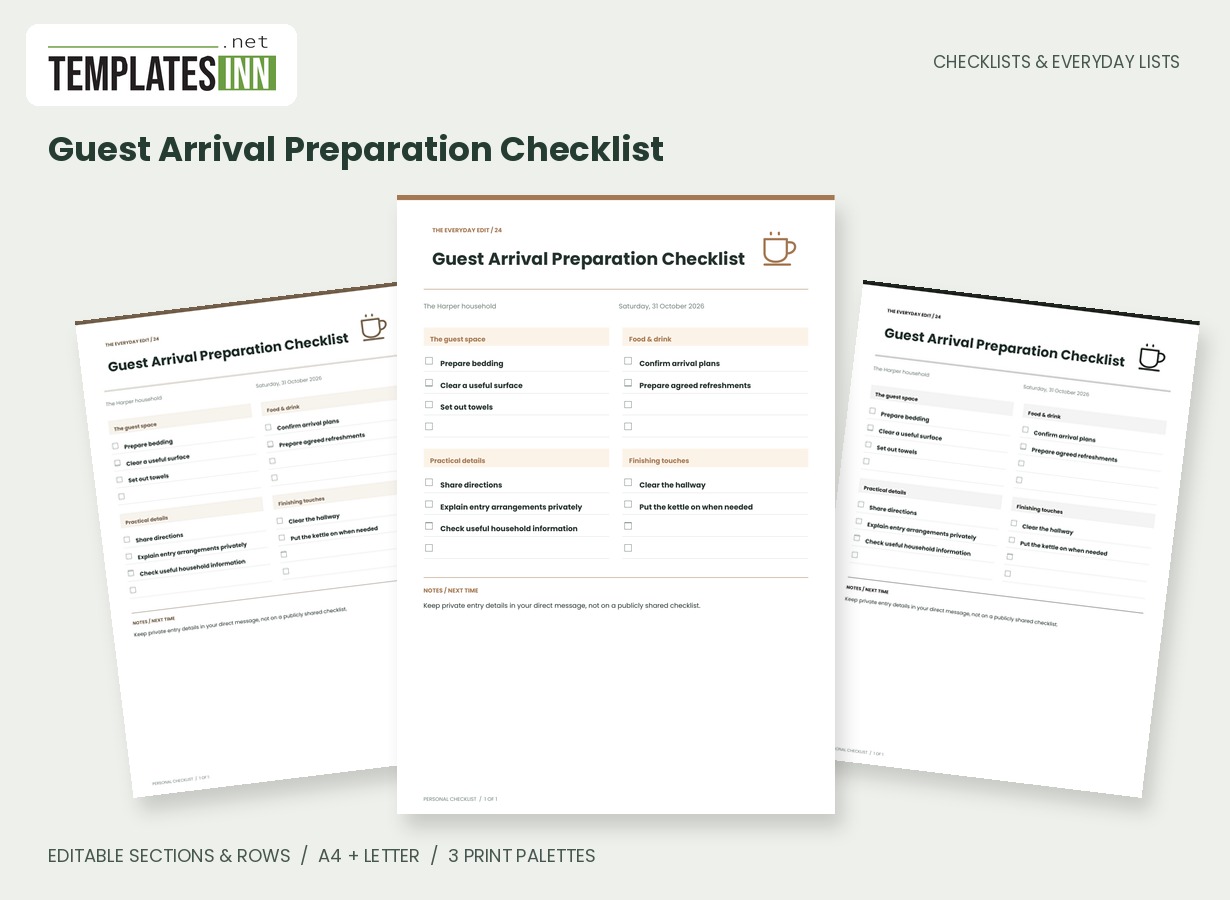
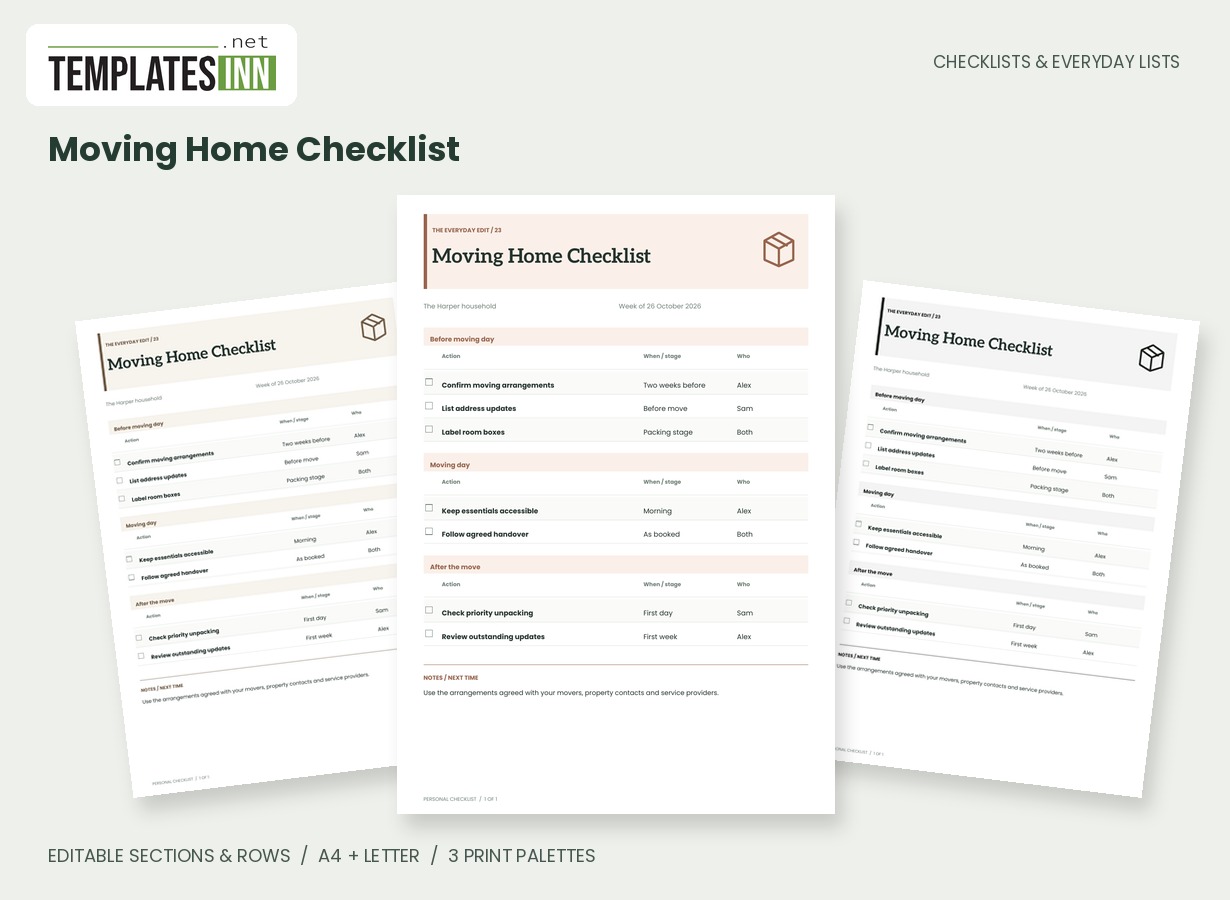
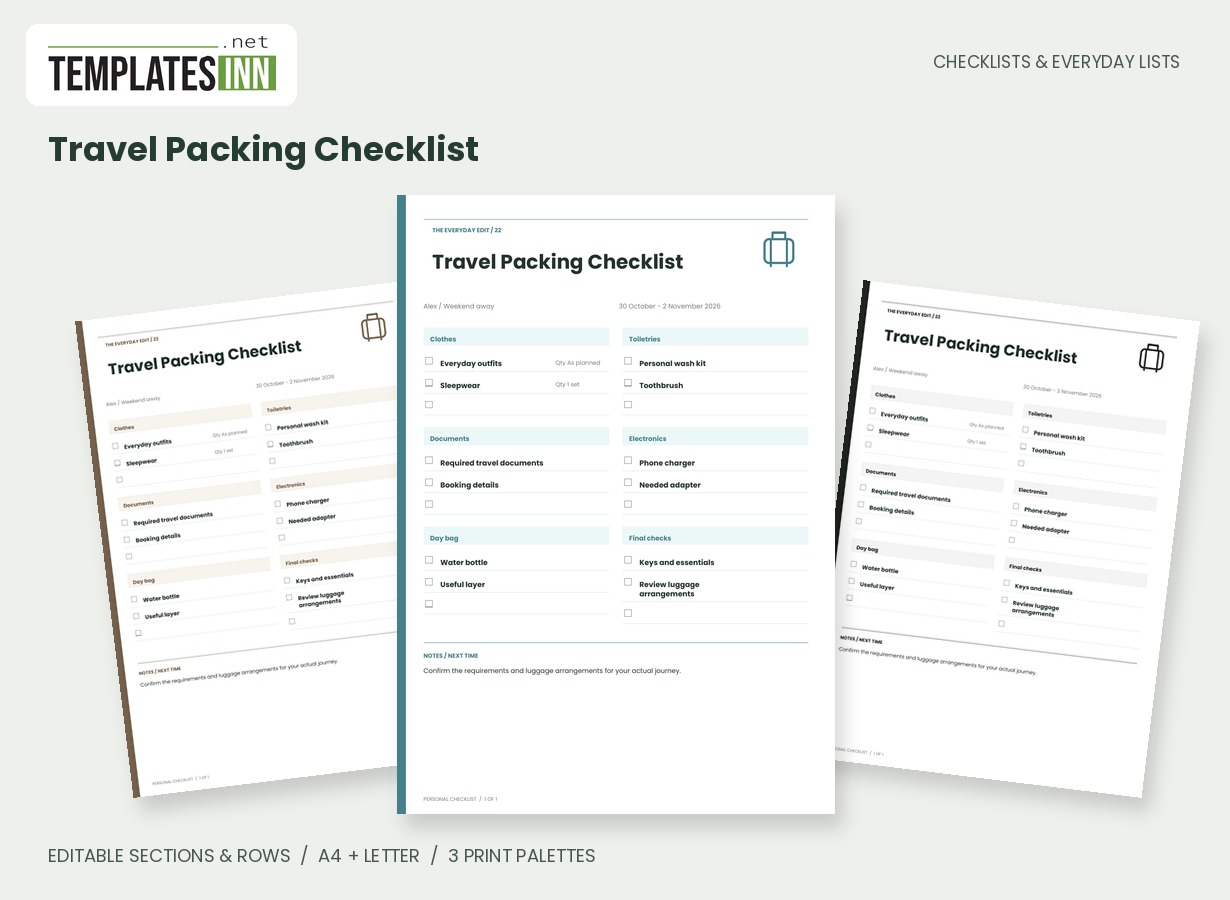
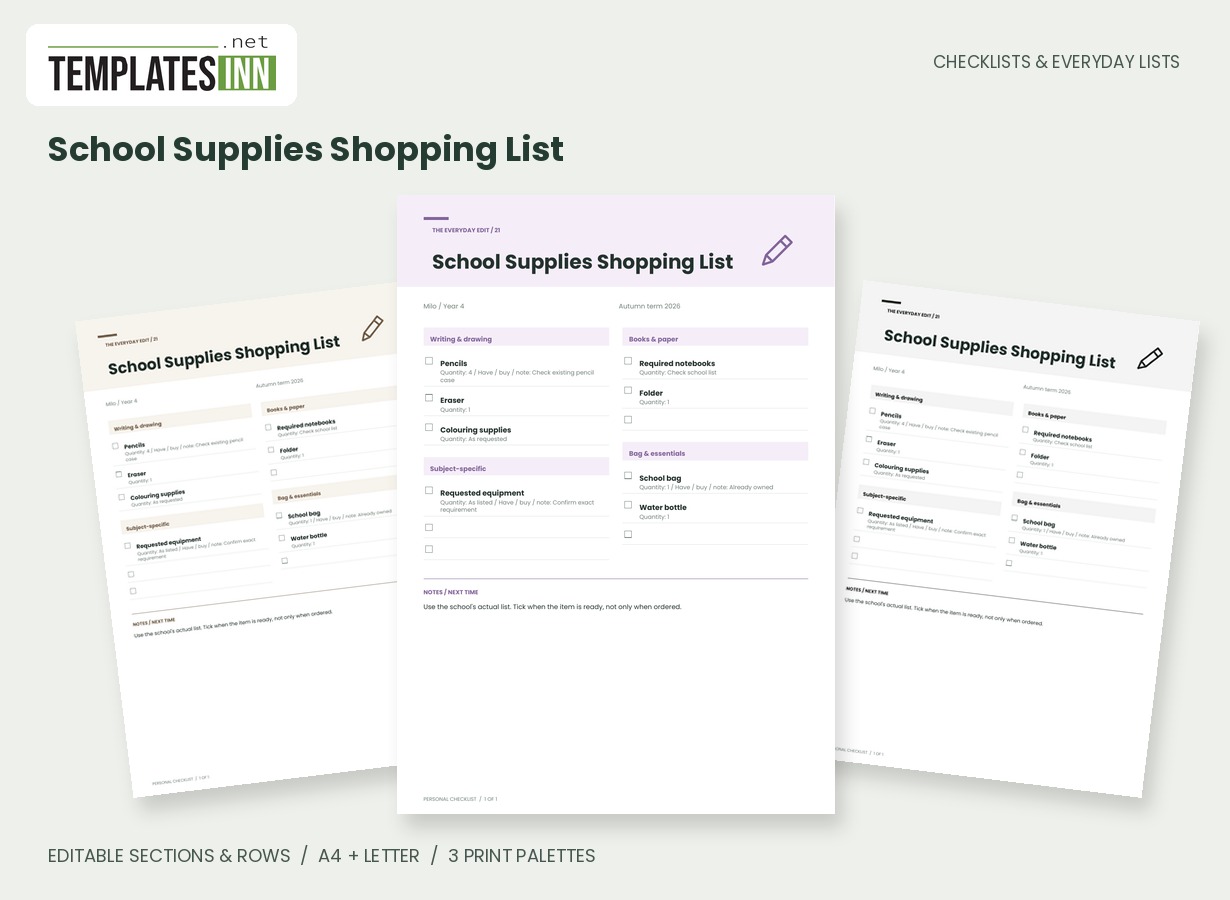
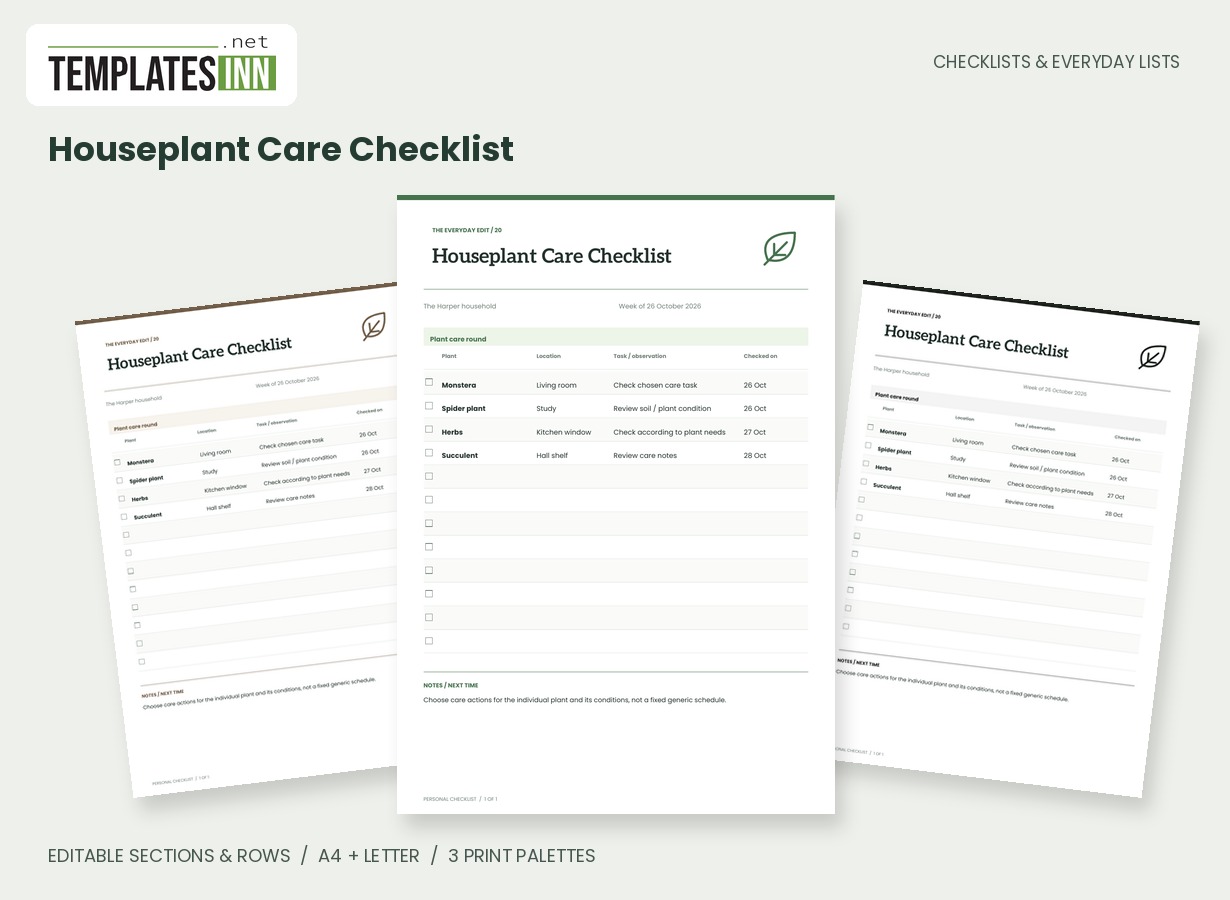
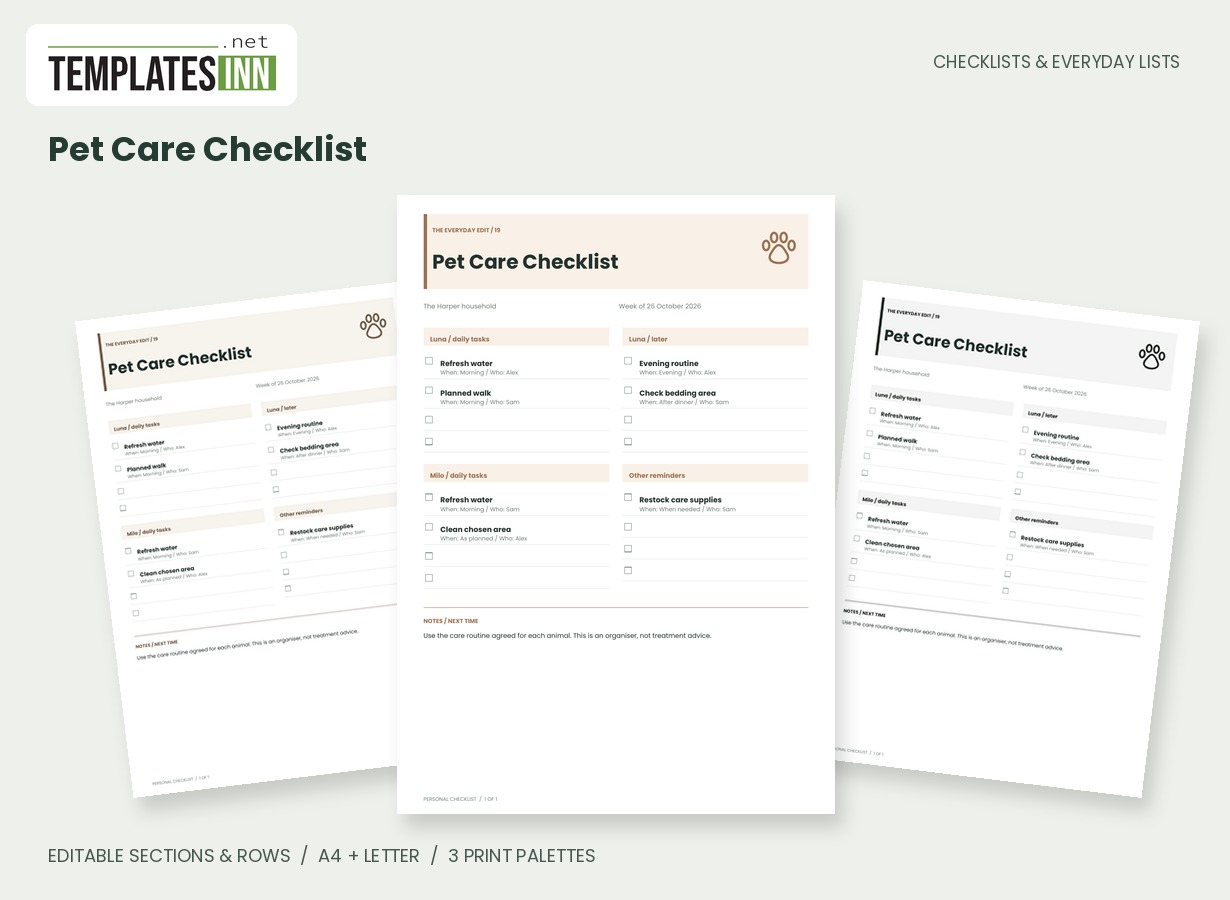
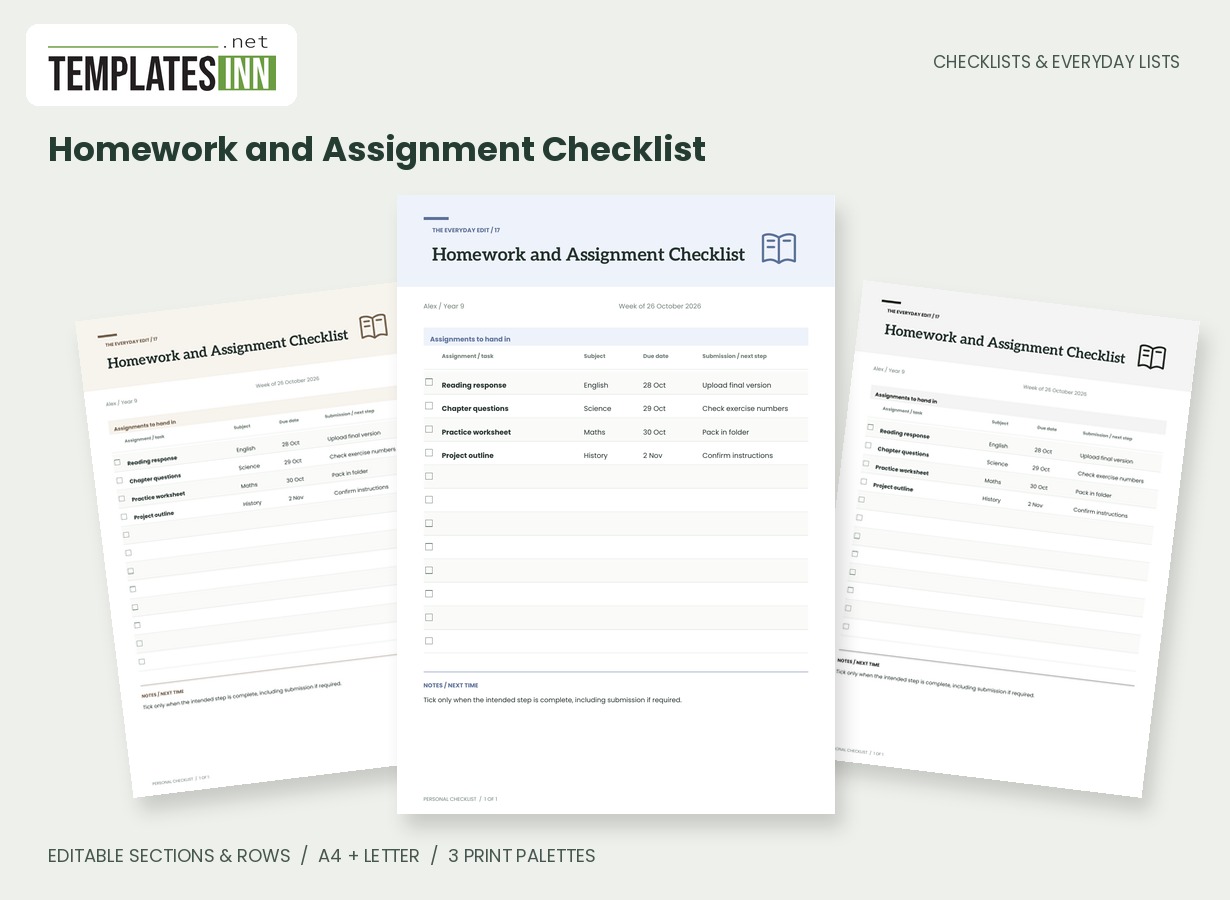
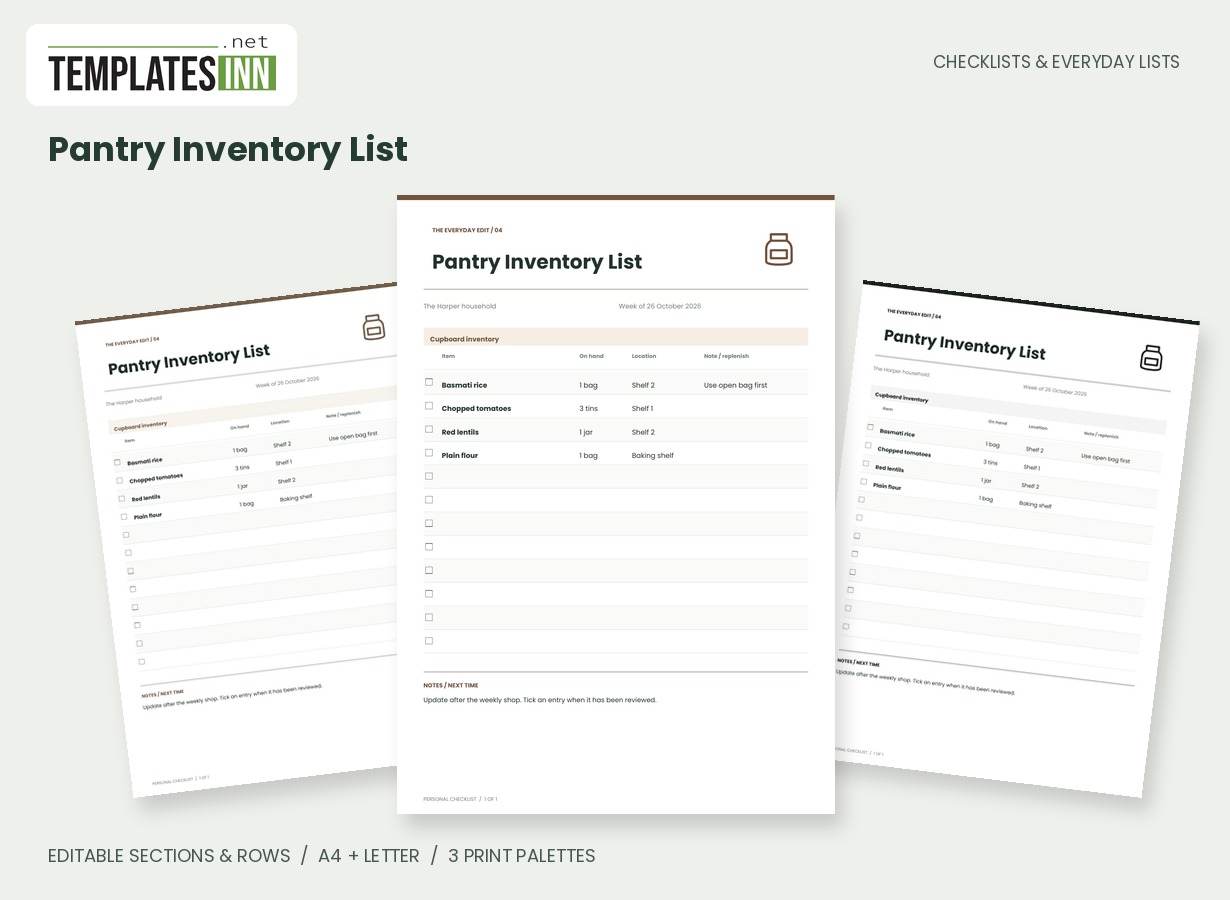
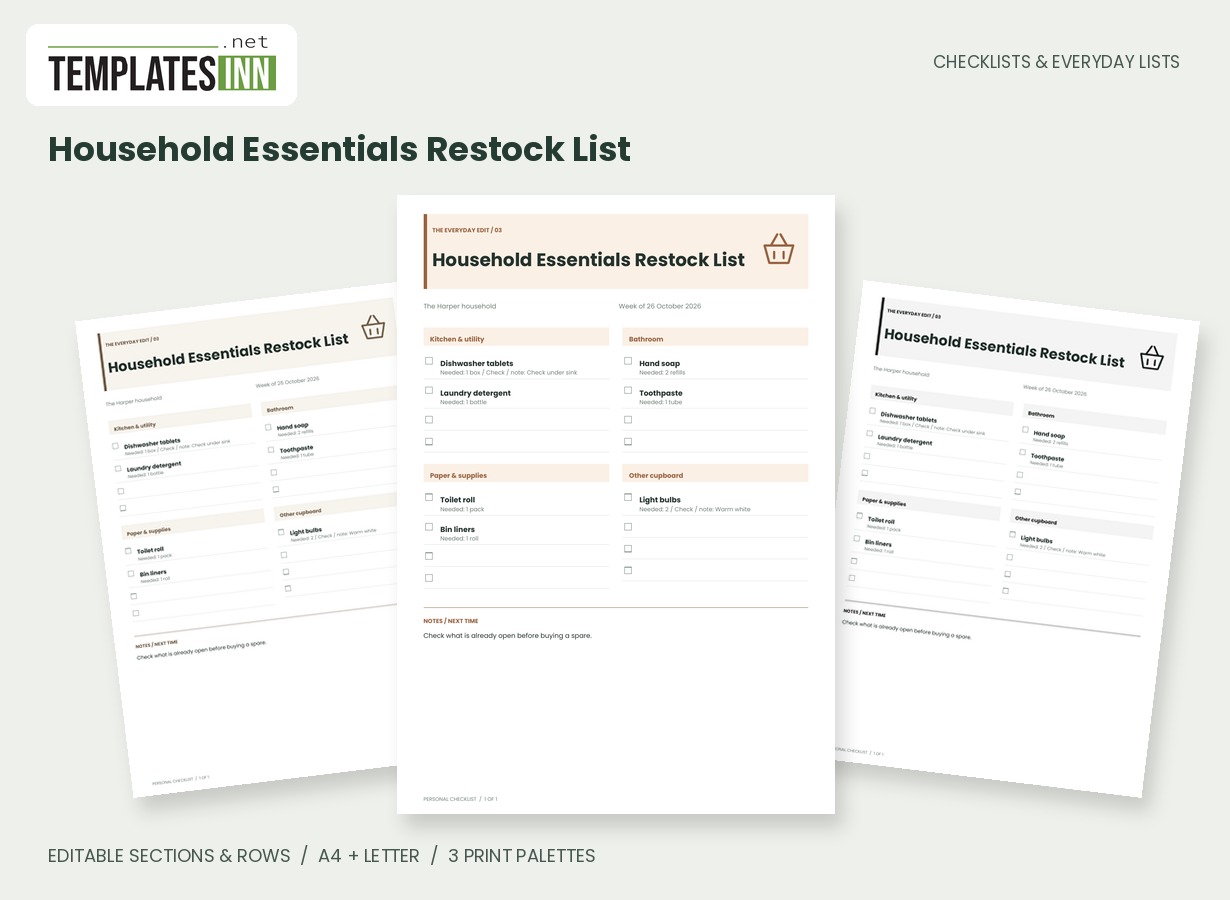
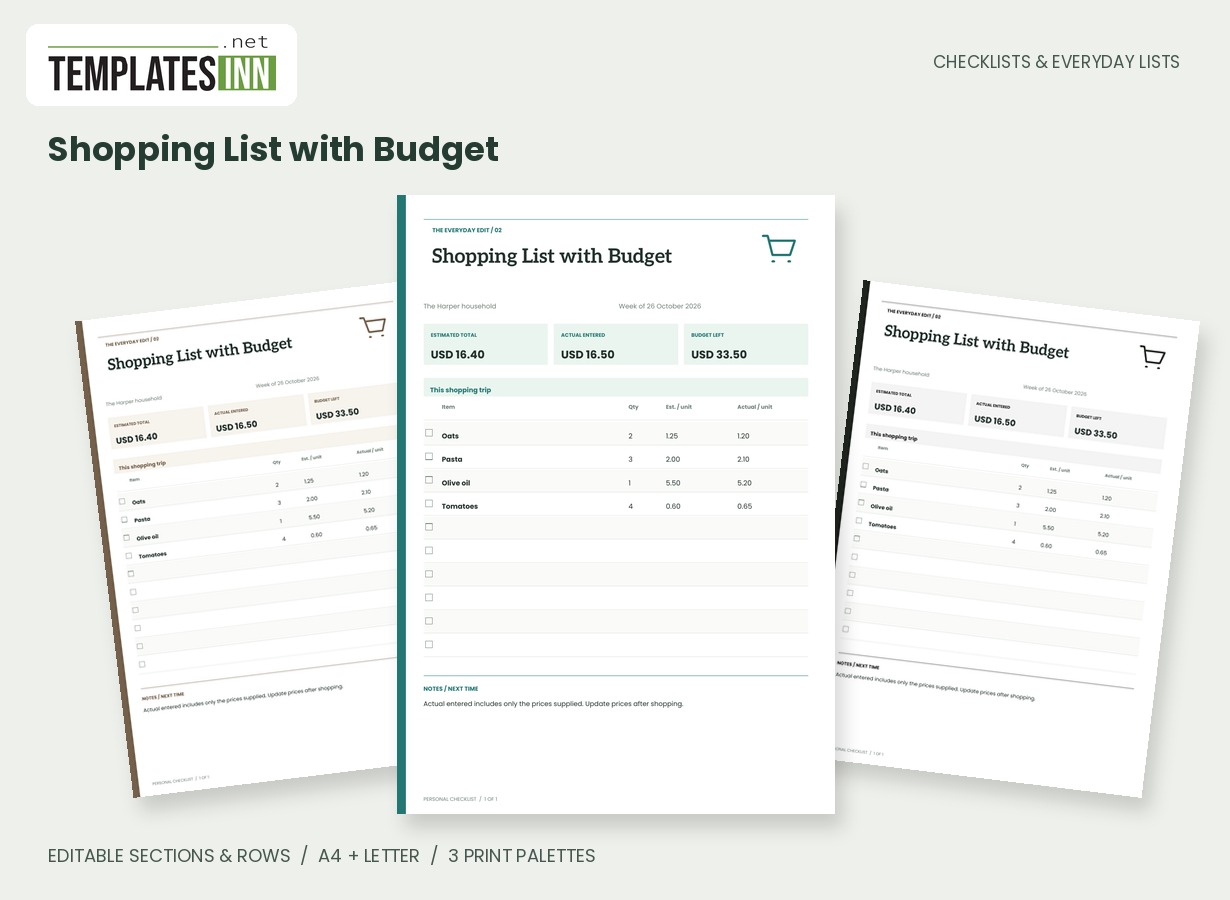
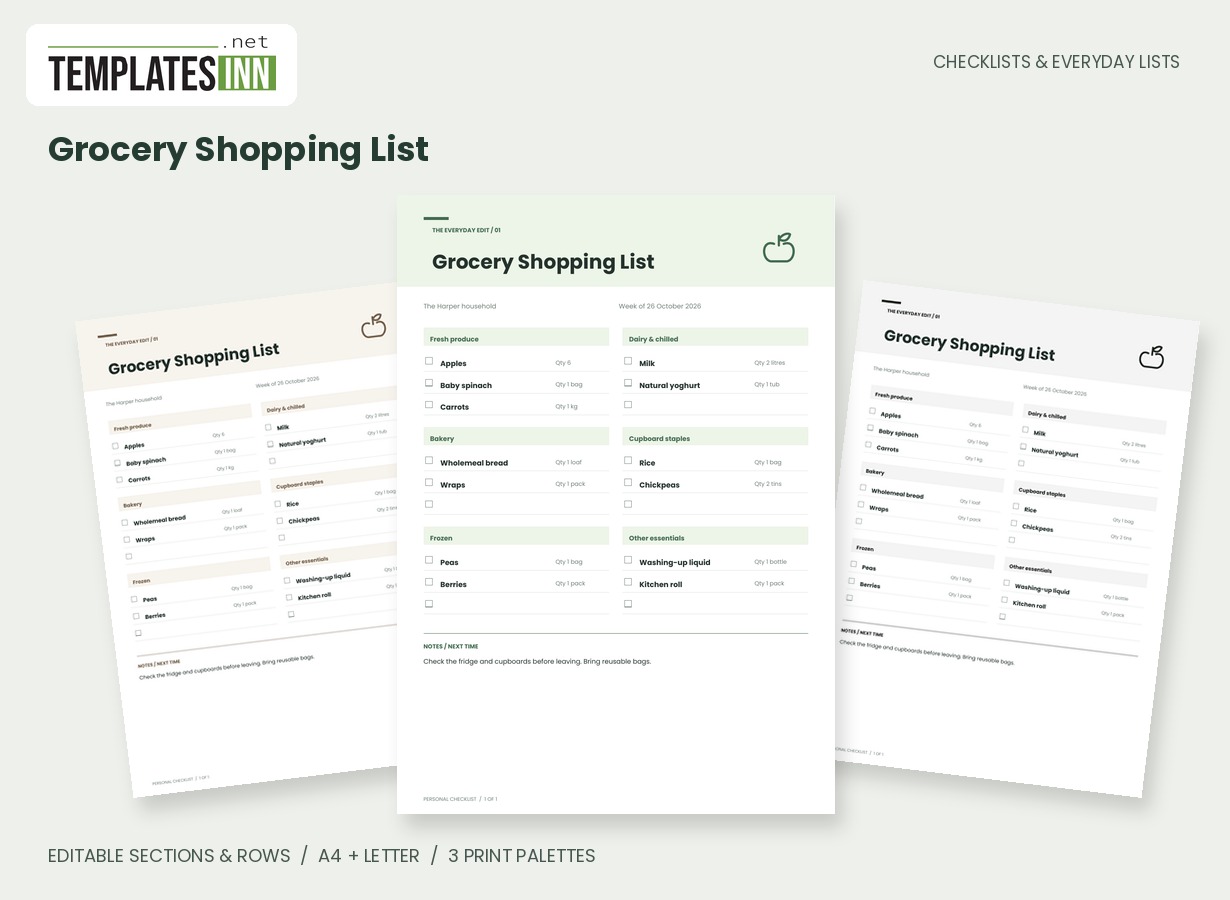
Open the day with a small set of useful checks
Use the first column for actions that help you begin the work you actually have: reviewing priorities, checking commitments and preparing the workspace. Replace the sample with steps that fit your role and organisation. Avoid making every possible productivity habit a required opening task. The page should be readable at a glance and specific enough to finish. Put the relevant person or work area in the owner field and use the period to distinguish today's board from another version left on the desk.
Keep working reminders tied to real commitments
The middle column can hold follow-up cues, meeting preparation or another action that needs to stay visible while you work. Use the note for a time or a short reference, with detailed project information kept in the appropriate work system. This printable checklist does not synchronise with calendars, messaging tools or team task boards. Follow your organisation's policies when deciding what belongs on paper, especially if the sheet may be visible to others. General action names often provide the reminder without exposing the underlying sensitive details.
Leave a practical handover at the end
The closing column is a place for saving work, recording the next action and making tomorrow's starting point easier to identify. A useful handover tells you where to resume, not just that something is unfinished. If an action belongs to a team workflow, update the proper shared system rather than treating a tick on your private copy as a notification. Review the board before the next workday, keep the useful structure and replace completed or outdated entries so the printed page continues to describe current work.
Starting entries for your work-from-home checklist
- Start: check meeting times / current calendar.
- During: note decisions to follow up / project reference.
- Close: leave tomorrow's first action / work notebook.
Before you use the finished page
- Adapt the actions to your actual role.
- Check commitments in the authoritative work system.
- Keep sensitive detail off a visible sheet.
- Make the closing handover specific.
- Update shared work systems separately where needed.
Make the layout your own
Use Load sample data for editable example entries, or begin with blank lines for handwriting. You can rename the page, add a name and period, edit section headings, and add or remove rows. The editor supports up to eight sections and eighty rows. Ticked items are printed as complete; blank boxes remain available for a pen. Short entries keep the page comfortable to read, while longer lists continue onto additional pages with repeated headings.
Print a copy you will actually use
Choose A4 or US Letter before generating the PDF, then use the matching paper in your printer. Print at Actual size or 100 percent. The signature palette gives this design its own character; soft neutral and black-and-white options are available for a quieter or lower-ink print. Preview the names, column contents and page breaks before making several copies. The website logo appears on browsing previews only, and your printable checklist has no TemplatesInn watermark.
Questions about this work-from-home checklist
Is this a time tracker or attendance record?
No. It is a personal workday checklist. It does not measure working hours, record attendance or send completion information to an employer.
Can a team use the same layout?
Yes. Share a blank structure or create separate named versions. Printed copies do not share status, so use the team's established system for collaborative task updates.
Explore related practical pages in the Checklists & Everyday Lists collection. For date-based planning, see our Calendars & Planners.