

Create Weekly Timesheet
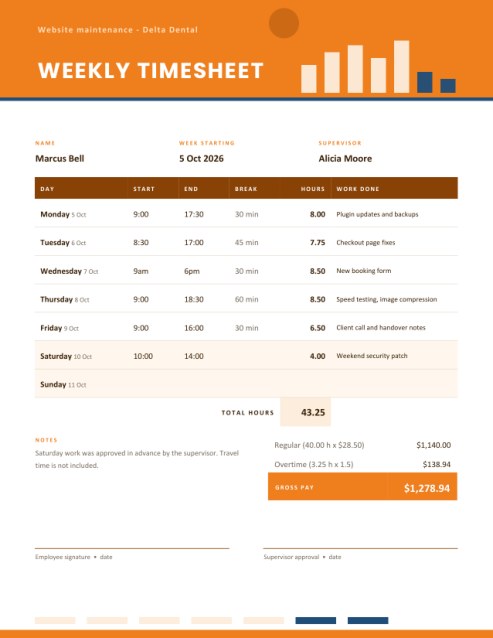
Log a week of work in a minute. Type your start time, end time and break for each day; the timesheet works out the hours worked, the weekly total and, if you enter an hourly rate, the regular and overtime pay.
Overnight shifts, times like 9am or 17:30 and weekend shading are all handled for you.
Fill in the information below
Rate this template
Used it? Tap a star. Honest ratings help others choose.
Other Similar Templates
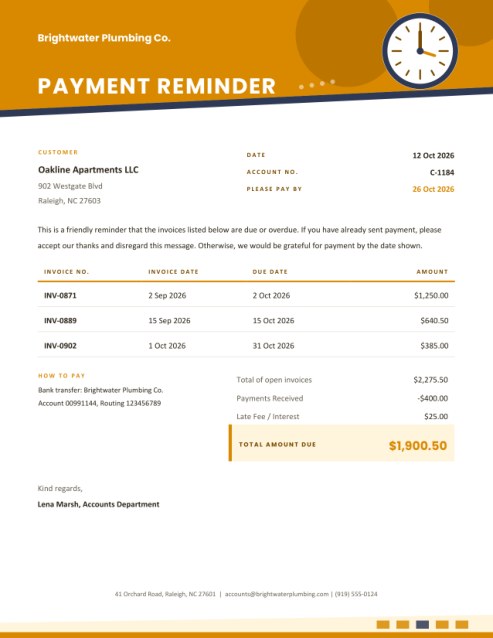
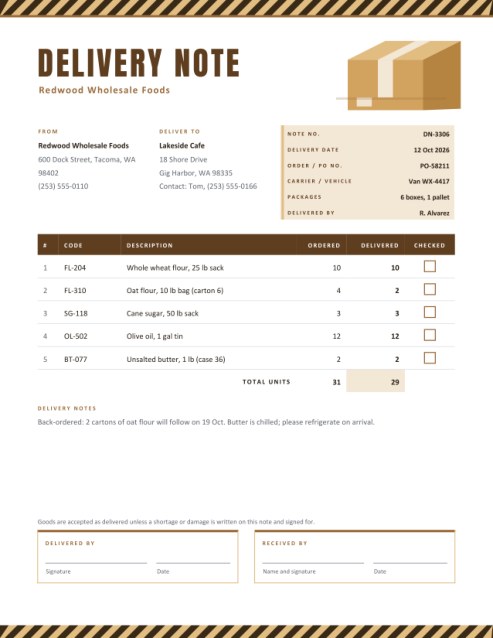
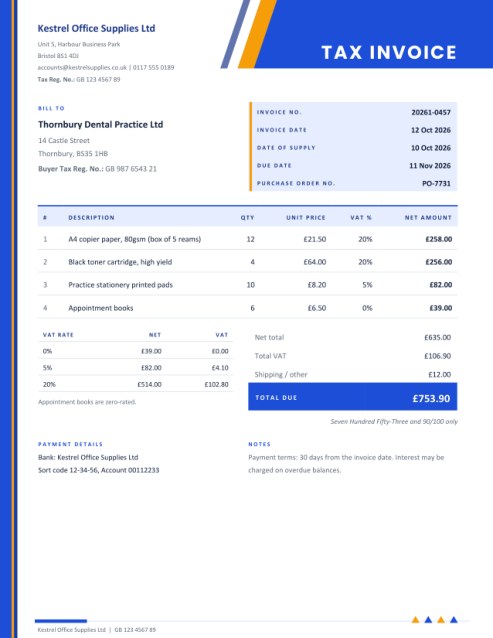
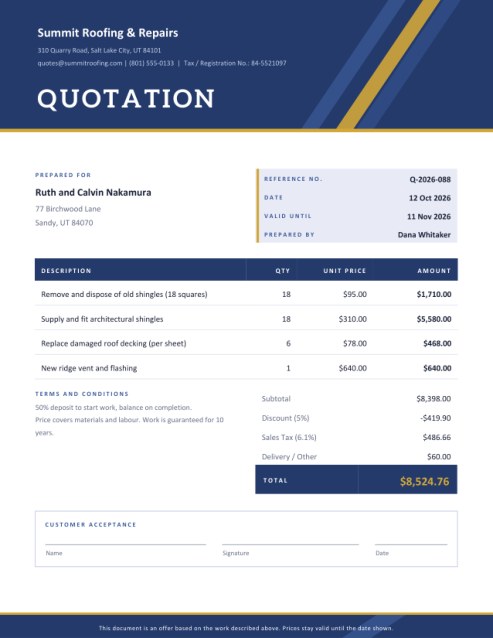
Some other templates similar to this one are also available here. If you would like to create your INVOICE using one of these templates, visit the following.
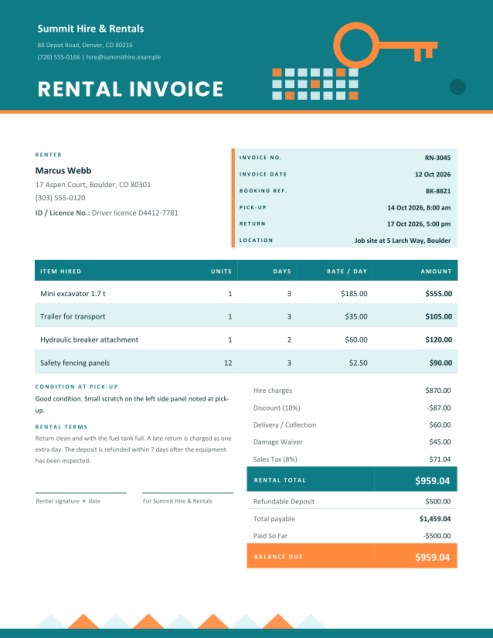
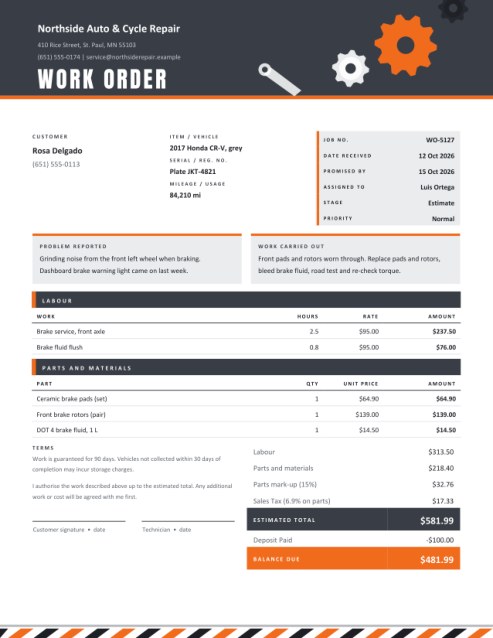
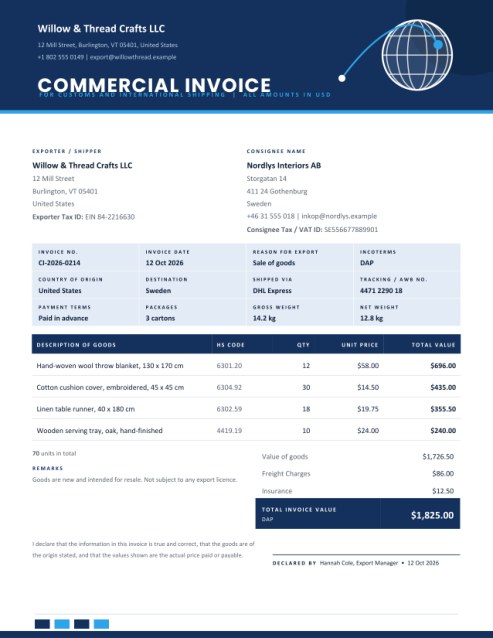
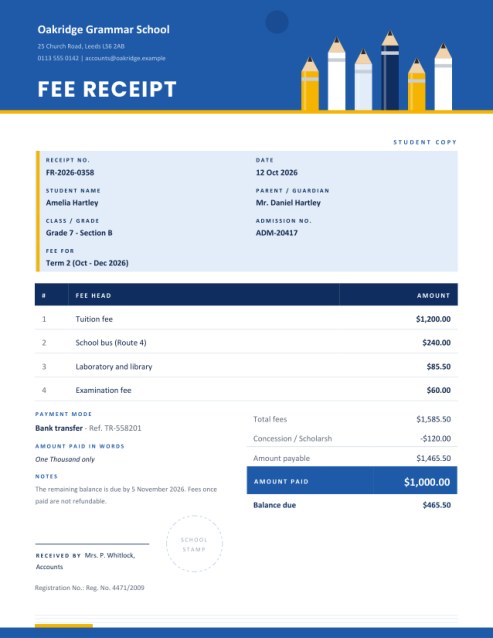
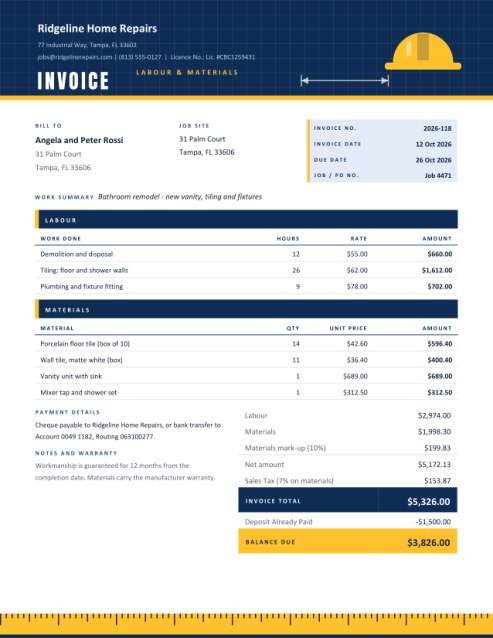
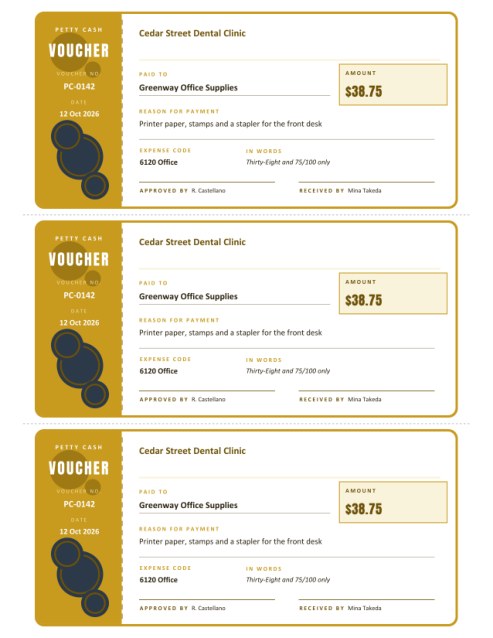
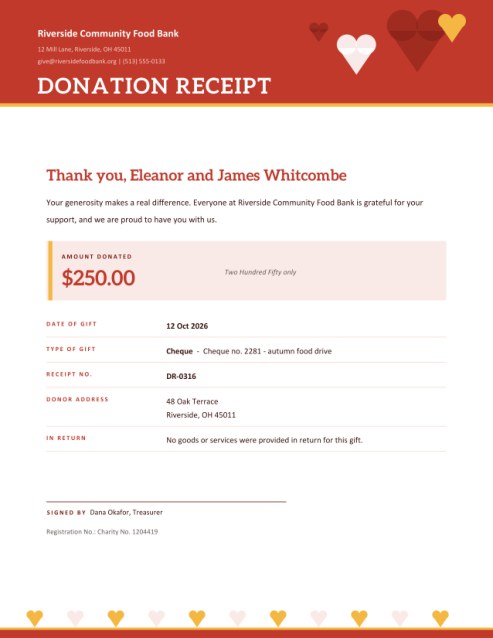
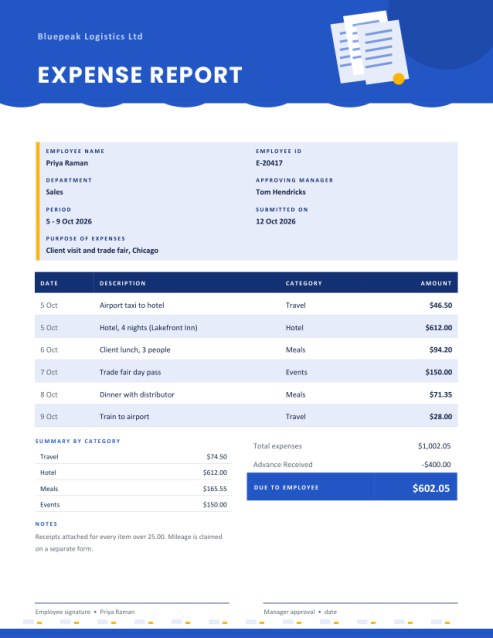
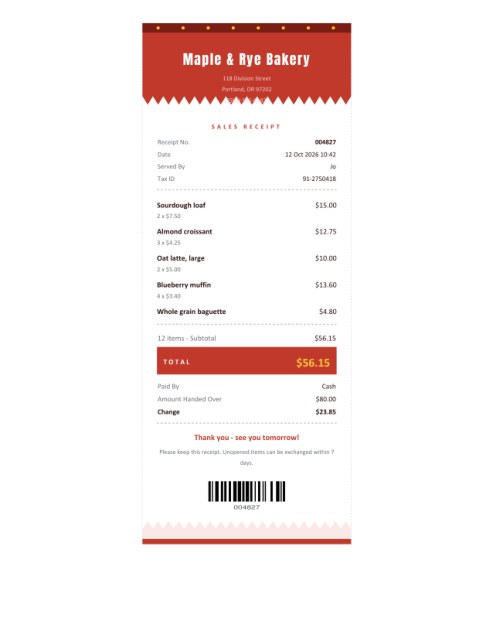
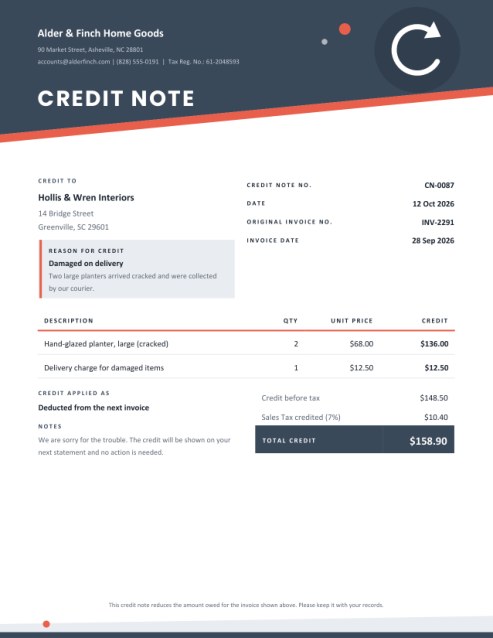
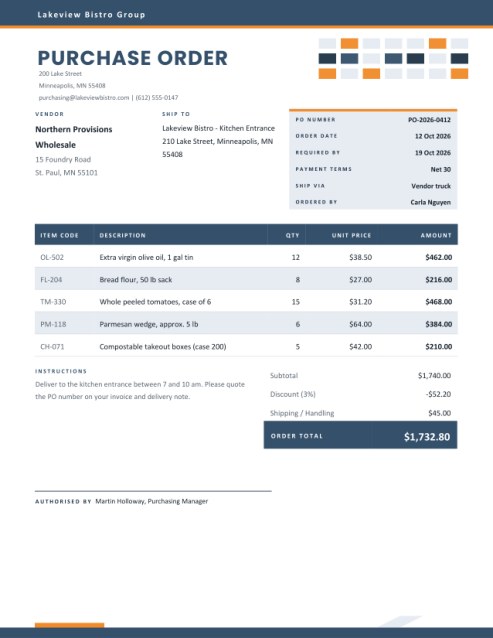

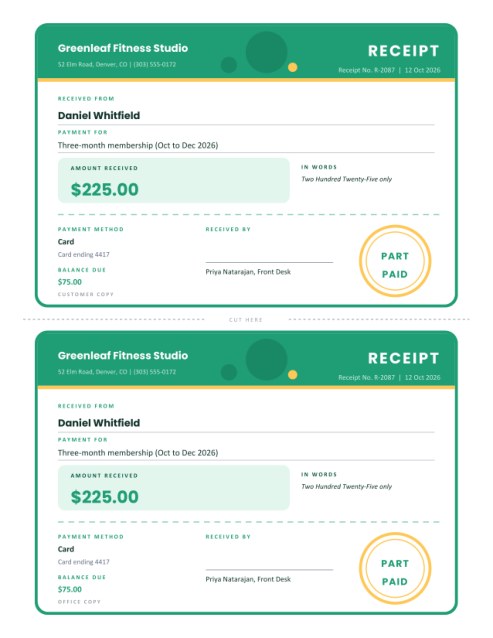
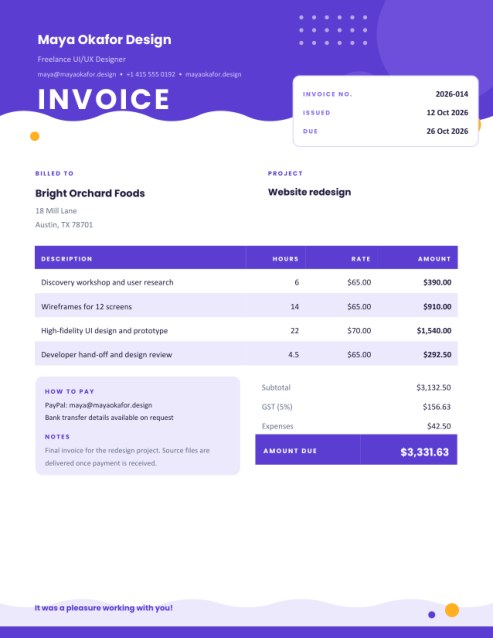
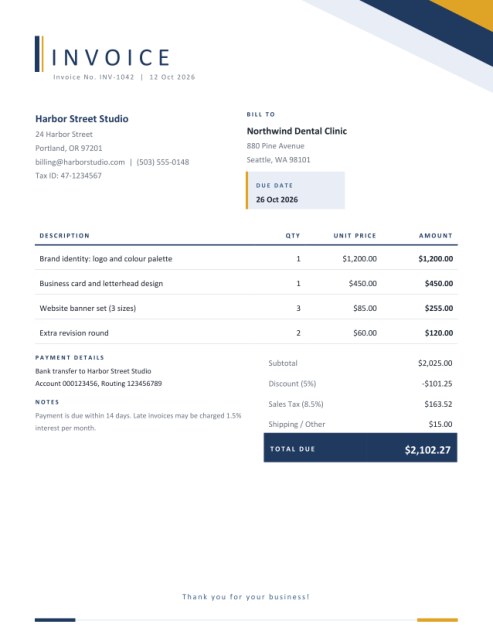
Seven days, five columns, no calculator
A timesheet is the humblest document in working life, and one of the most important. It is how part-time staff are paid, how freelancers justify an invoice, how a contractor shows a client where the hours went, and how a manager checks that a project stayed on budget. It is also, too often, a table in a spreadsheet where somebody has to subtract times by hand and hope that 9:45 to 17:15 comes out right.
This template does the arithmetic. You fill in times the way you would say them, and the page converts them into decimal hours, adds them up and, if you wish, turns them into pay. Visually it is built around a bar-chart motif in the header, a banded table with shaded weekend rows and a tinted totals cell that is easy to find.
Filling in the week
- Name, job and supervisor. The job box can hold a role, a client or a project name, whichever you want the timesheet to show.
- Week starting. Type the first day, such as “5 Oct 2026” or “2026-10-05”. The seven rows are then labelled with the real weekdays and dates, and Saturdays and Sundays are shaded. Leave it empty and the rows read Monday to Sunday.
- Start, end and break. Write times as 9, 9:30, 9am, 5:15 pm or 17:45. Break time is entered in minutes and is subtracted from the hours. Leave a day empty if nothing was worked.
- What you worked on. A short note beside each day turns the sheet into evidence rather than just a total.
- Pay (optional). Enter an hourly rate to see regular pay and a gross total. To include overtime, say after how many hours per week it begins and by what multiple of the rate it is paid, for example 40 hours and 1.5.
How the hours are worked out
For each day the template takes the end time minus the start time, subtracts the break, and converts the result into hours rounded to two decimals; 8 hours 30 minutes becomes 8.50 and 7 hours 45 minutes becomes 7.75. A shift that crosses midnight is recognised, so 22:00 to 06:00 counts as 8 hours. The weekly total is the sum of the daily figures exactly as printed, so a person checking the page with a calculator will get the same answer.
When overtime is set up, hours beyond the threshold are paid at the multiple you enter, and the regular and overtime lines are each rounded to cents before they are added to give the gross pay. In the sample, 43.25 hours with overtime after 40 gives 40.00 regular hours and 3.25 overtime hours.
Who uses it
- Part-time and hourly staff handing in hours to payroll.
- Freelancers who attach a timesheet to an hourly invoice.
- Babysitters, carers and cleaners keeping a record that both sides can sign.
- Interns and apprentices who must log hours for a school or programme.
- Small-business owners who like a simple record of their own working week.
Good timesheet habits
- Fill the sheet in each day, not on Friday afternoon from memory.
- Record breaks honestly; a clean record protects you as much as the employer.
- Round times the way your employer does, for example to the nearest five or fifteen minutes, before typing them.
- Have the supervisor sign the printed page, and keep a copy.
- Note holidays, sick days and unpaid time in the notes box so that the empty rows are explained.
A note on pay rules
Overtime thresholds, minimum breaks and holiday pay are set by law, contracts and company policy, and they differ widely. The pay lines on this page are an arithmetic convenience based on the numbers you type. They do not decide what you are entitled to or what an employer must pay.
Questions answered
Can I use it for a two-week period?
Create one sheet per week, which also keeps overtime calculations straightforward.
What if my week starts on Sunday?
Type a Sunday as the week-starting date and the rows follow from there.
Do I need to enter the rate?
No. Without a rate the sheet shows hours only.
Can I draw a signature?
Yes, there is a signature pad in the form. Supervisors usually sign the printed page.
Is it free?
Yes.