

Create Purchase Order
Order goods the proper way. Enter your company, the vendor, where the goods should go and what you need; the purchase order calculates line totals, discount, tax and shipping and leaves a signature line for the person who approves it.
Start with five lines and press + Add another line for up to fourteen.
Fill in the information below
Rate this template
Used it? Tap a star. Honest ratings help others choose.
Other Similar Templates
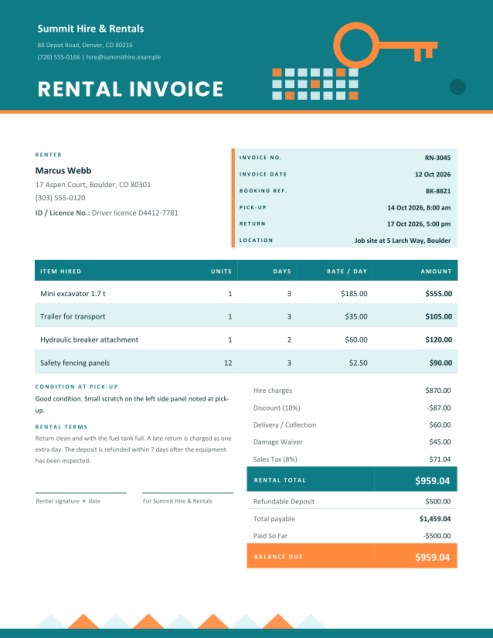
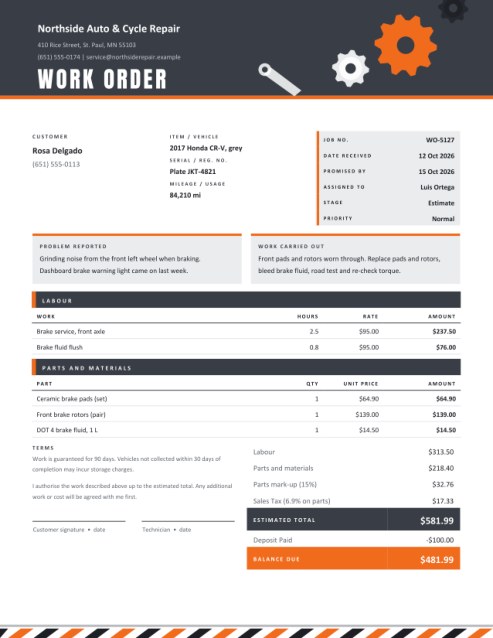
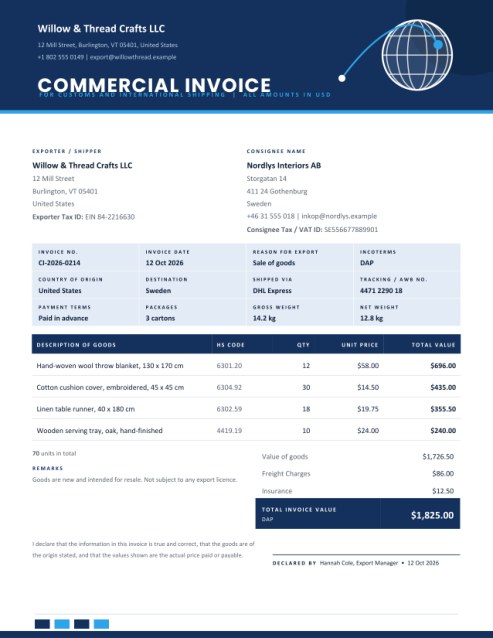
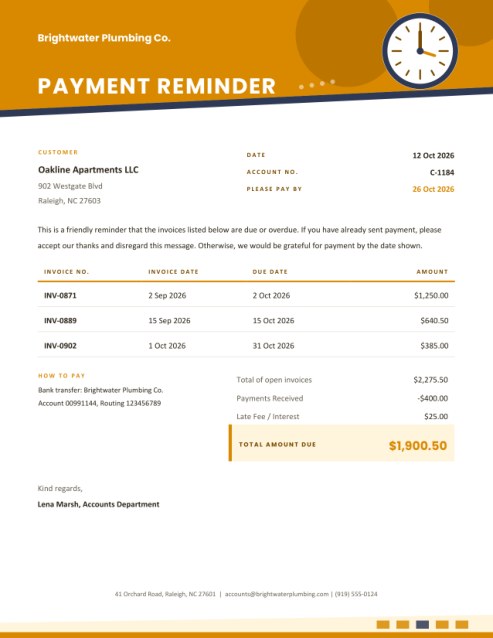
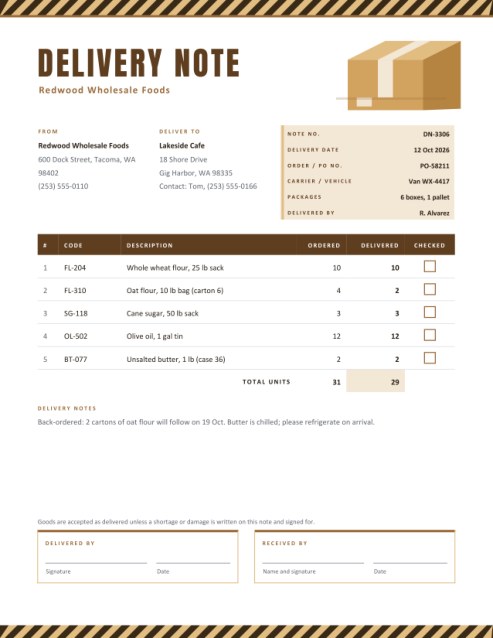
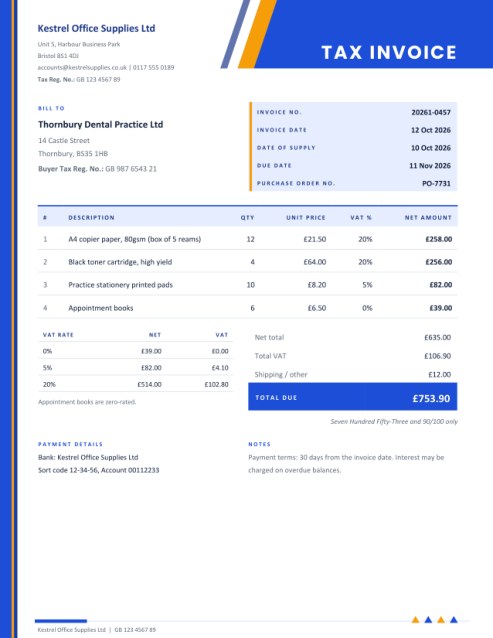
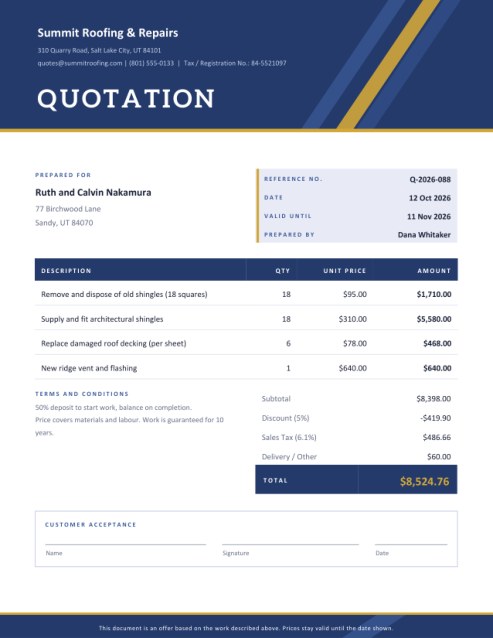
Some other templates similar to this one are also available here. If you would like to create your INVOICE using one of these templates, visit the following.

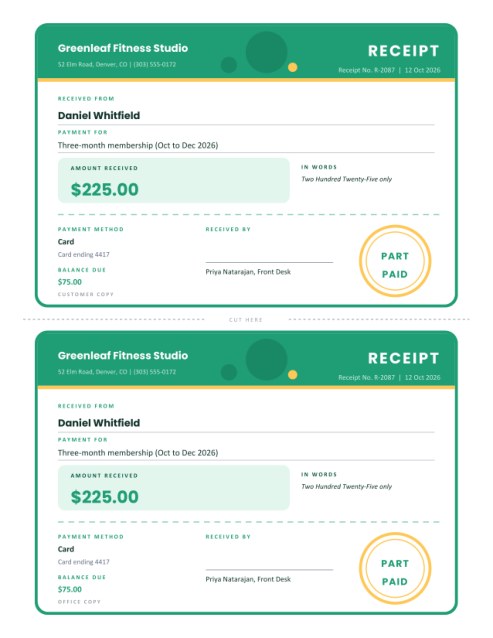
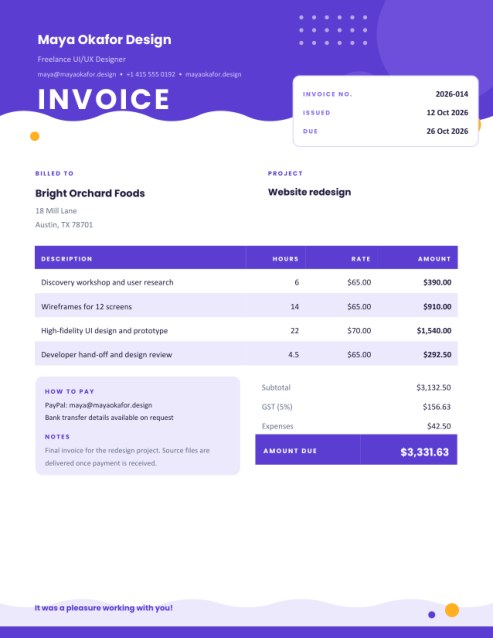
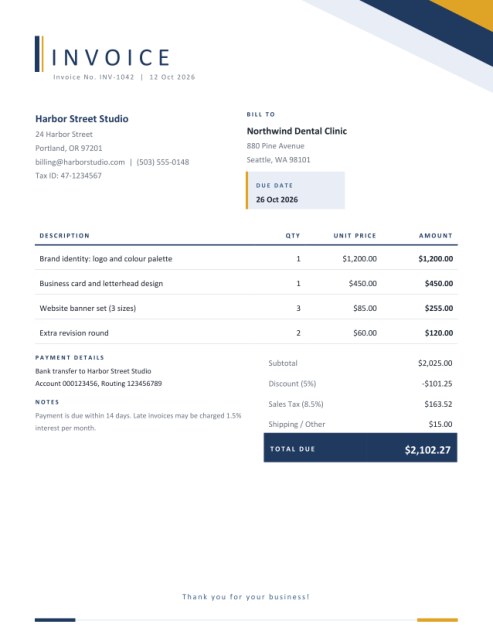
The paper that says “yes, we really ordered this”
A purchase order is a buyer’s written instruction to a supplier: these goods, at these prices, delivered here, by this date. Once the vendor accepts it, it becomes the reference that everyone checks against: the warehouse when the delivery arrives, the accounts team when the invoice comes in, and the manager who has to explain why the budget moved. Without one, orders live in phone calls and half-remembered emails.
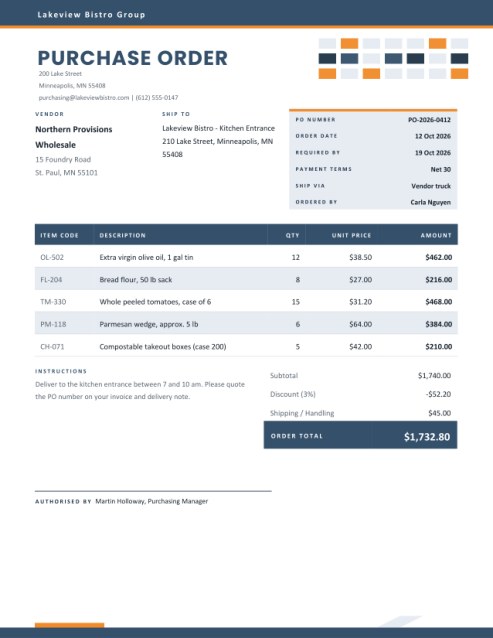
This template gives small businesses, clubs, schools and workshops a clean, businesslike purchase order without buying procurement software. The page opens with a dark ribbon carrying your company name, a bold title, and a grid of blueprint-style tiles in the corner, followed by a clear body: vendor, delivery address and an order box on one row, then the items, then the totals and an approval line.
When a PO earns its keep
- A restaurant ordering the weekly food and packaging from a wholesaler.
- A school or nursery buying supplies against a budget that somebody must approve.
- A workshop or builder ordering parts, where the supplier needs exact item codes.
- A charity or club committee that wants every purchase on record.
- A shop owner re-stocking from several suppliers and tracking what is still on order.
What goes into each area
Your company and the vendor
Your name, address and contact line sit under the title. The vendor box carries the supplier’s name and address. Both are printed in full so that the supplier knows precisely who is ordering and whom to invoice.
Ship To
Leave this empty and the goods are delivered to your company address. Fill it in when they should go to a branch, a building site or a back door, and add any access note in the instructions box.
The order box
The tinted panel on the right holds the PO number, order date, the date you need the goods, payment terms (for example Net 30), the shipping method and the name of the person ordering. Only the boxes you fill appear. The PO number is the one field worth never skipping, because suppliers quote it on their invoice and delivery note.
Items
Each line has an optional item or catalogue code, a description, a quantity and a unit price. The amount is worked out next to each row while you type. Five lines show at first. When you need more, press + Add another line (up to fourteen), and Remove last line takes one away. The table spacing tightens by itself as lines are added so the page still fits.
Discount, tax, shipping and instructions
A percentage discount is applied first, tax is calculated on the discounted amount, and any shipping or handling is added at the end. Use the instructions box for delivery windows, packing requirements and reminders such as “quote this PO number on the invoice”.
Authorisation
Type the approver’s name and, if you like, draw a signature. Many organisations require a signature above a spending limit; if yours does, print the PO and sign it by hand.
How the numbers are built
Every line amount is quantity times unit price, rounded to cents. The subtotal is the sum of those line amounts. The discount is a percentage of the subtotal, rounded to cents, and tax is a percentage of what remains. The order total is the sum of the amount after discount, the tax and the shipping. Because each step is rounded where it is shown, the figures on the page always add up exactly.
Habits of careful buyers
- Give every order a unique, sequential number and file a copy.
- Use the supplier’s item codes where you have them, so that the right product arrives.
- State the delivery date. “As soon as possible” means different things to different people.
- Match the delivery note and the invoice to the PO before paying.
- Do not change an order by phone only; issue a corrected PO with a new number or a clear note.
Themes
Steel blue and orange is crisp and industrial, forest and sand feels calm and practical, and maroon and grey is formal. All three print on US Letter or A4.
Questions answered
Is a purchase order a contract?
It is an offer to buy on stated terms; whether it forms a binding agreement depends on the supplier’s acceptance and local law. Add terms in the instructions box if you need them.
Can I order in several currencies?
Each PO uses one currency symbol, which you type in the form.
What if a price is not known yet?
Leave the unit price empty; the line shows a zero amount and you can add the cost once the vendor confirms.
Does the PO number print everywhere?
It is shown in the order box. Many buyers also add it to the instructions line.
Is it free?
Yes.