

Create Payment Receipt
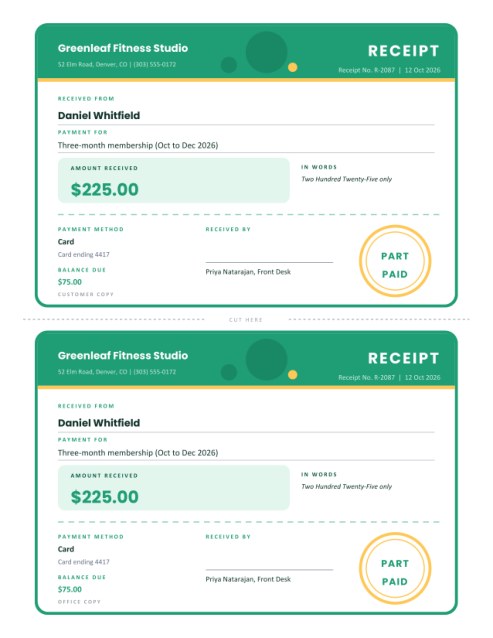
Hand over proof of payment in seconds. Enter who paid, what for and how much; the receipt shows the amount in figures and in words, the payment method, any balance still due, your signature and a round PAID stamp.
Print a single receipt or two matching copies on one sheet, one for the customer and one for your files, with a cut line between them.
Fill in the information below
Rate this template
Used it? Tap a star. Honest ratings help others choose.
Other Similar Templates
Some other templates similar to this one are also available here. If you would like to create your INVOICE using one of these templates, visit the following.
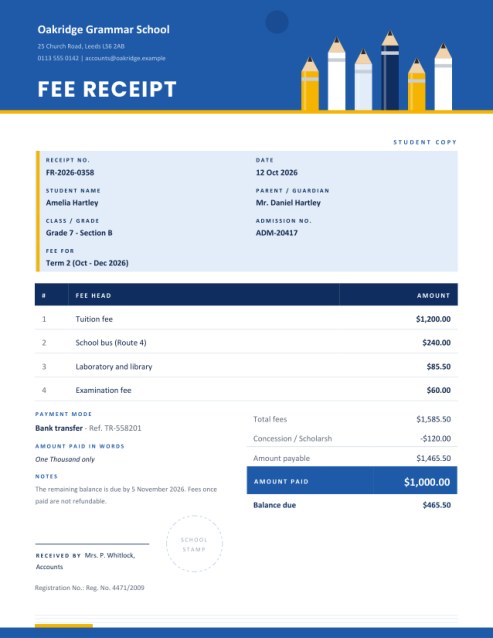
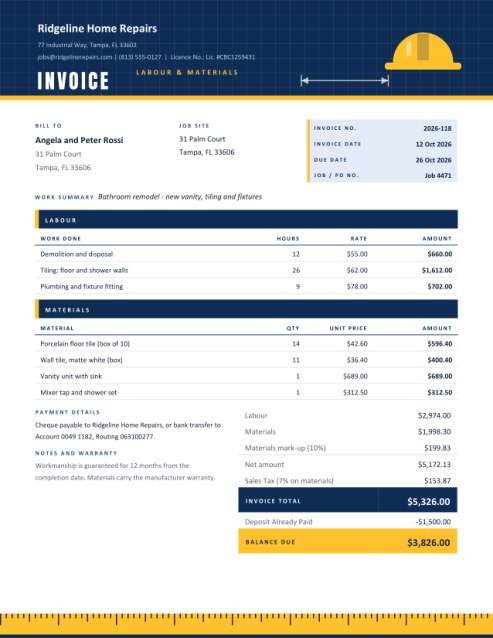
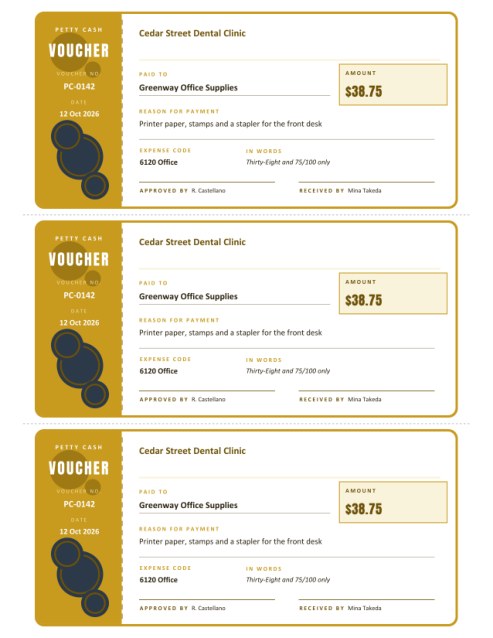
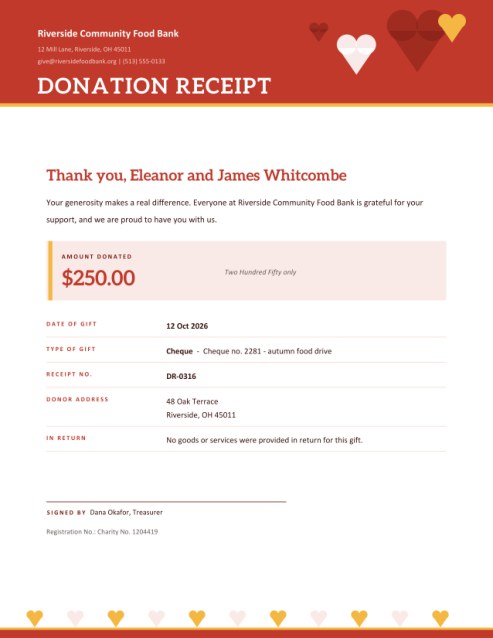
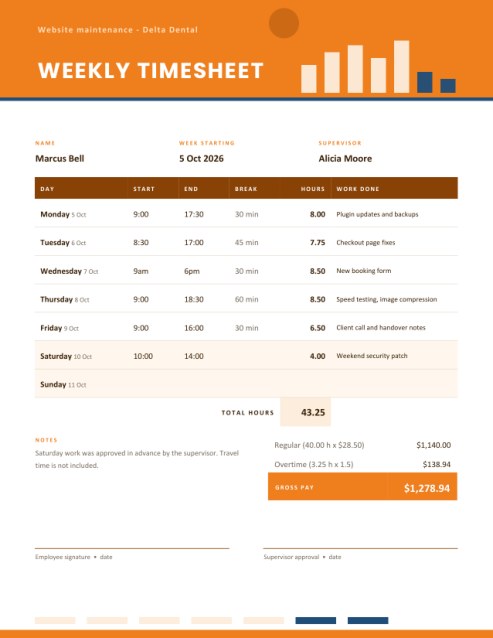
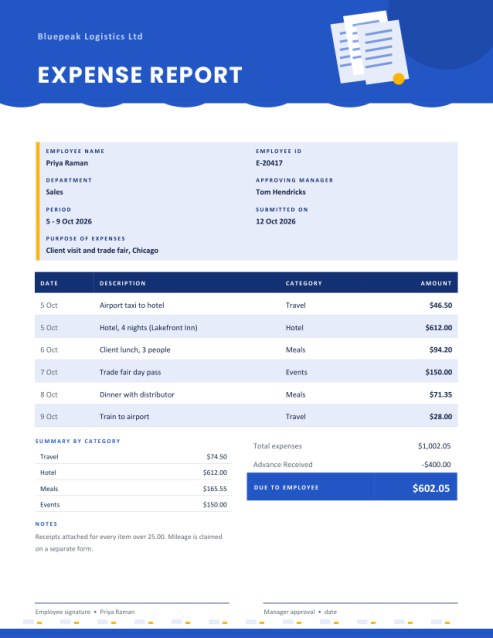
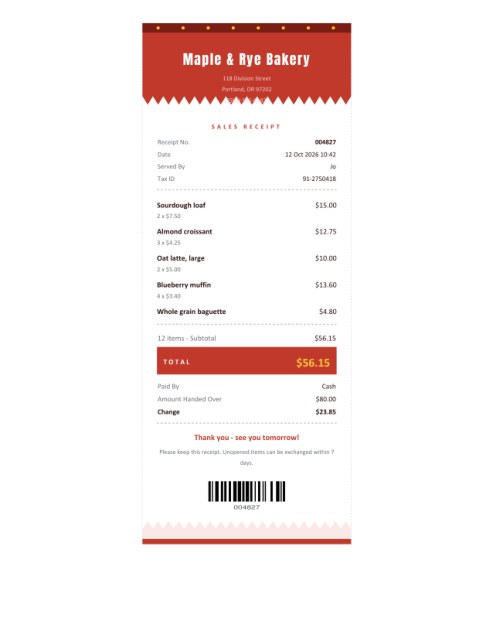
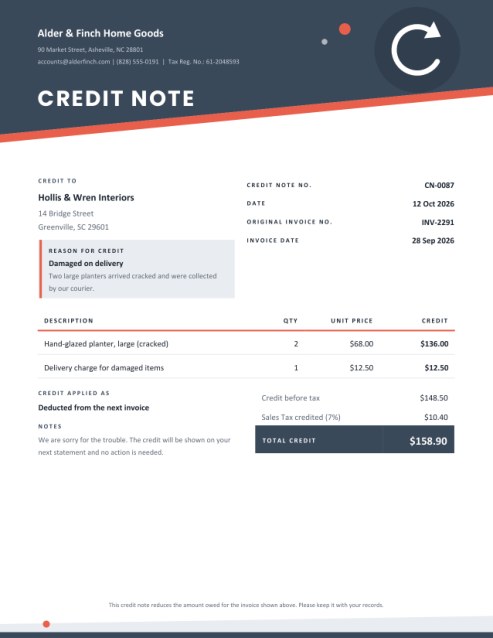
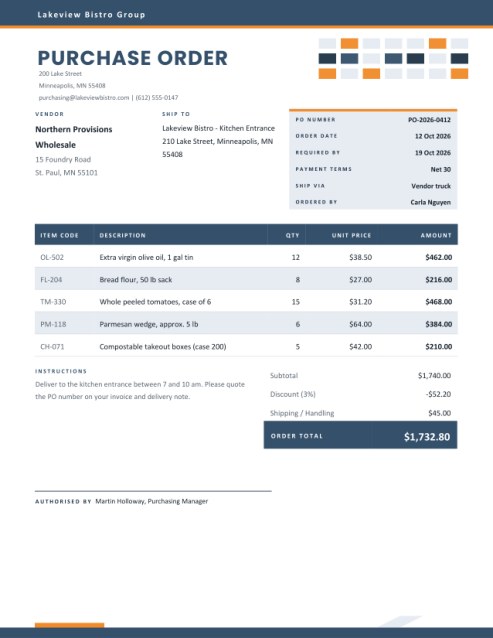
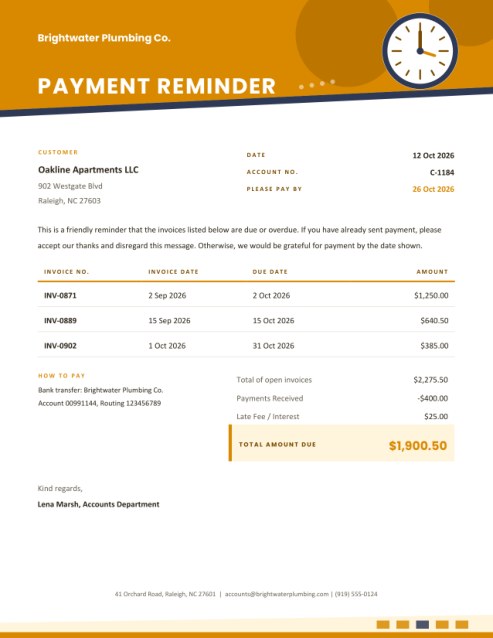
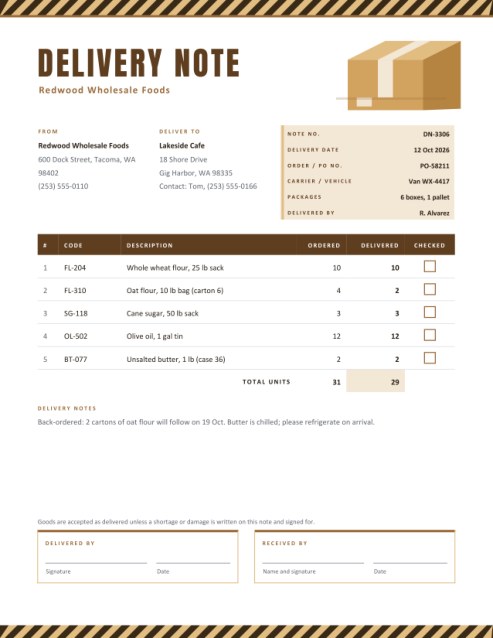
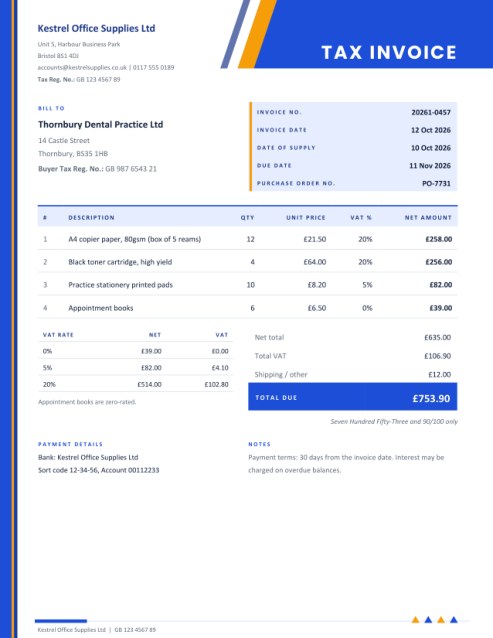
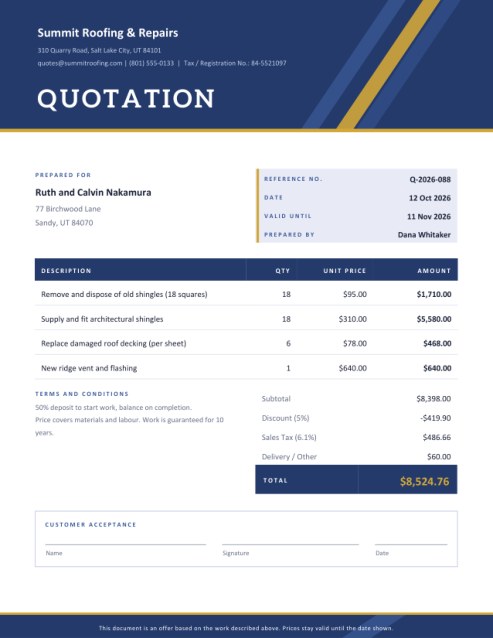

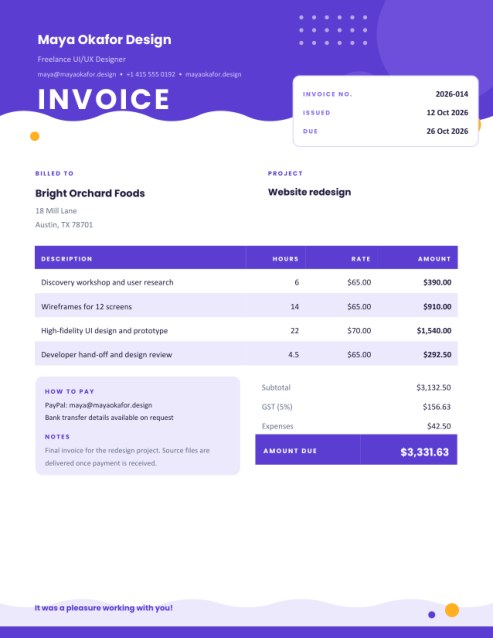
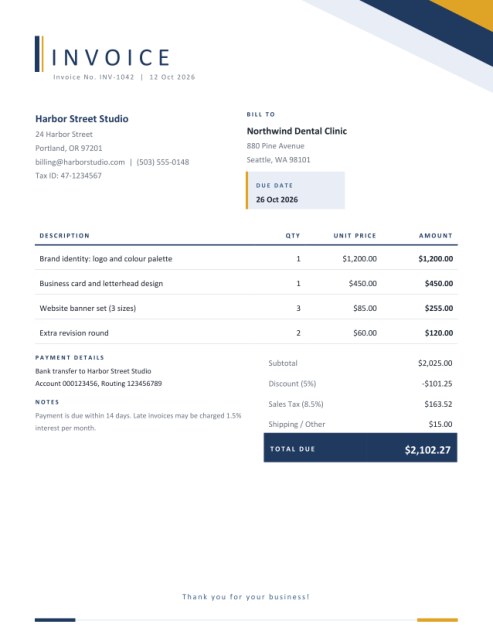
Proof of payment that looks like you meant it
A scribbled note on the back of an envelope settles an argument only until someone loses it. A proper receipt is different: it names the payer, the date, the amount and the reason, and both sides can point to it later. This template turns that small job into something that takes under a minute and looks good enough to hand to a customer with pride.
The design is a tear-off ticket. A coloured header carries your business name and the word RECEIPT, a tinted panel highlights the amount, a dashed perforation separates the money from the details, and a round stamp reading PAID (or PART PAID when a balance remains) sits in the corner as a finishing touch.
Where it fits
- A gym, school or club confirming a membership fee or tuition instalment.
- A market trader or caterer who takes cash and is asked for paperwork.
- A tutor, therapist or instructor paid at the end of a session.
- A seller of second-hand goods who wants both parties protected.
- A club treasurer collecting subscriptions or donations from members.
- A tradesperson receiving a deposit before ordering materials.
Two copies on one page
Under Copies on the Page you can choose One receipt or Two copies. The second option prints identical receipts stacked on the sheet, labelled “Customer copy” and “Office copy” and divided by a dashed line marked CUT HERE. Cut along the line, give one half away and file the other. It is the digital version of a carbon-copy receipt book, minus the smudges.
Details to fill in
- Business details. A name and a single line for address or phone appear in the header. A logo, if provided, sits in a small white tile at the left.
- Receipt number and date. Use a running number so receipts can be matched to your records. An empty date prints today’s date.
- Received from. The name of the person or organisation that paid.
- Payment for. One line describing what the money covered, such as “Three-month membership (Oct to Dec 2026)”. The more specific the line, the more useful the receipt.
- Amount received. Type the number only. It is printed with your currency symbol and is also spelled out in words, for example “Two Hundred Twenty-Five only”, so that the figure is hard to alter.
- Total price (optional). If the customer is paying in instalments, enter the full price and the receipt works out the balance still due and switches the stamp to PART PAID.
- Payment method and reference. Choose cash, cheque, bank transfer, card, online payment or other, and add a cheque number or transaction reference if you have one.
- Received by and signature. Add the name of the person who accepted the money, and draw a signature on the pad if you wish. Both are optional.
Tips for reliable receipts
- Issue the receipt at the moment payment is made, not later from memory.
- Never write a receipt for a cheque that has not cleared unless the wording says so; put “Cheque no. 004517” in the reference line.
- For instalment plans, show the total price so that the balance is visible on every receipt.
- Keep the office copy somewhere you can find it, sorted by date or number.
- If a receipt contains a mistake, issue a new one and mark the first as void instead of crossing things out.
Receipt, invoice or both?
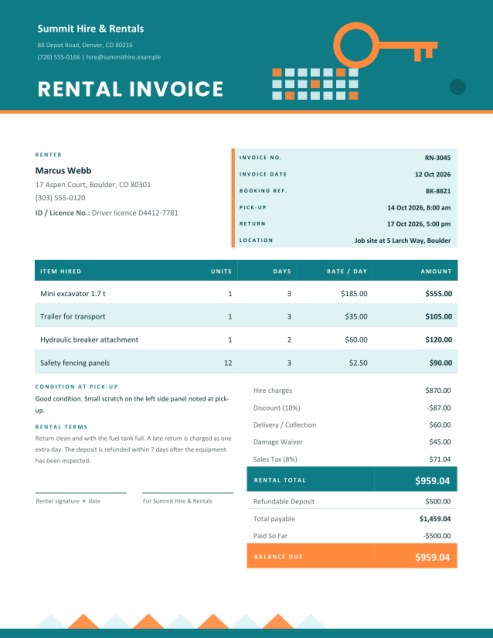
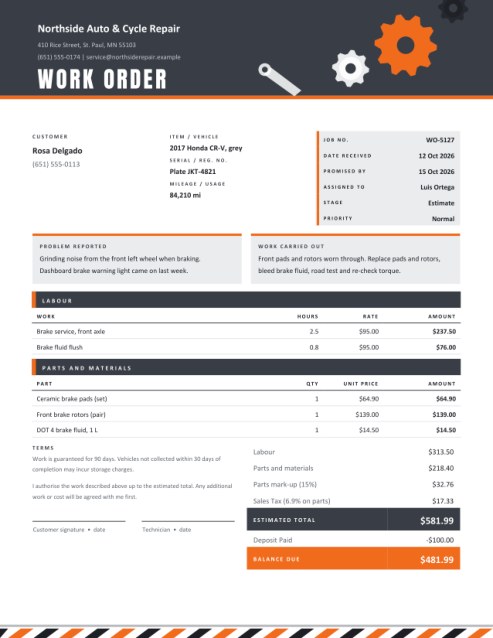
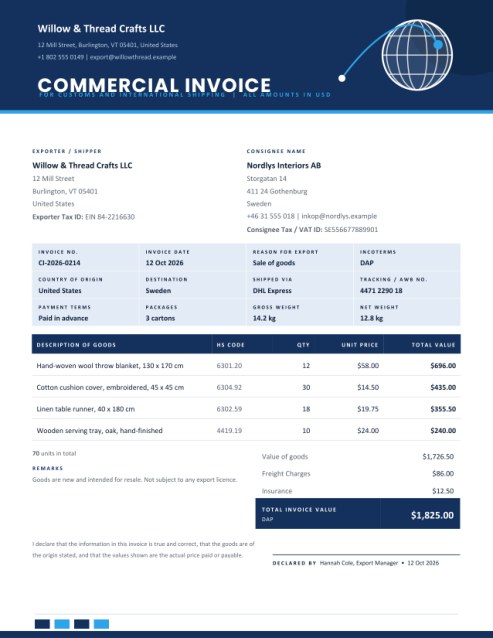
An invoice asks for money that is owed; a receipt acknowledges money that has arrived. Many businesses send an invoice first and a receipt once the invoice is paid. If you need to itemise what was bought, with quantities and tax, use one of the invoice templates and keep this receipt as the proof of payment.
Colour themes
Mint green looks calm and fresh, royal blue looks formal, and warm orange is lively and friendly. The same three colours are carried through the header, the amount panel, the dashed line and the stamp ring.
Questions answered
Is the receipt a legal document?
It is a record of a payment you have received. Rules about what a receipt must contain differ by country and by sector, so check any requirements that apply to you.
Can I print it on half a sheet?
Choose one receipt and trim the paper, or choose two copies and cut along the line.
Does the amount in words work with decimals?
Yes. 225.50 is written as “Two Hundred Twenty-Five and 50/100”.
Can I leave the signature out?
Yes, the line stays blank for pen signing after printing.
Can I use A4 paper?
Yes, select A4 and the two copies are re-spaced to fit.