

Create Contractor Invoice for Labor and Materials
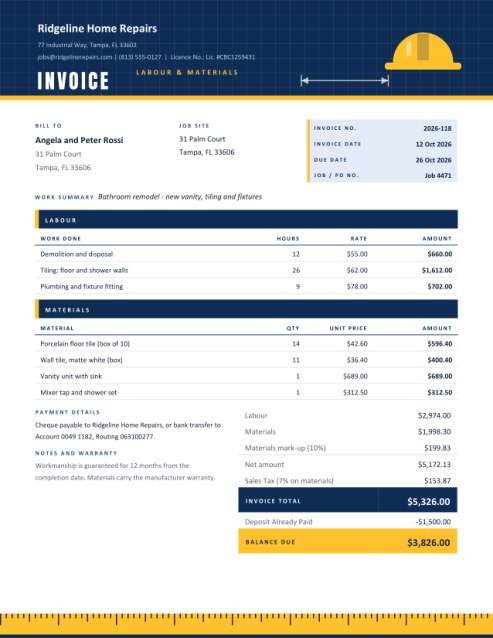
Bill a job the way contractors actually price it: labour on one side, materials on the other. Add an optional mark-up on materials, a discount, tax on everything or on materials only, and subtract the deposit already paid to show the balance due.
A blueprint-style header with a hard hat and a tape-measure footer give builders, plumbers, electricians and handymen an invoice that suits the trade.
Fill in the information below
Rate this template
Used it? Tap a star. Honest ratings help others choose.
Other Similar Templates
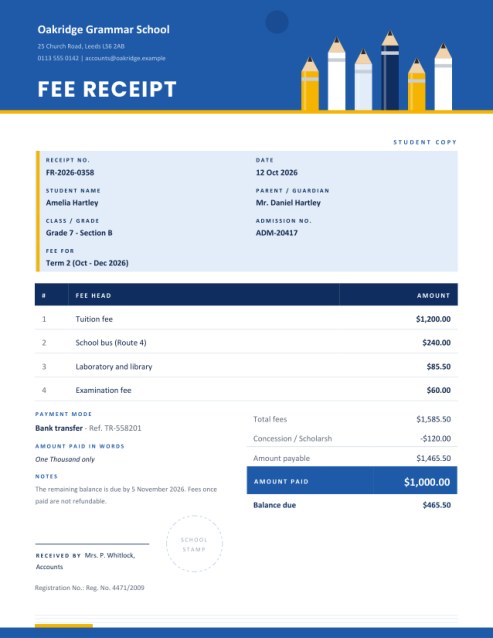
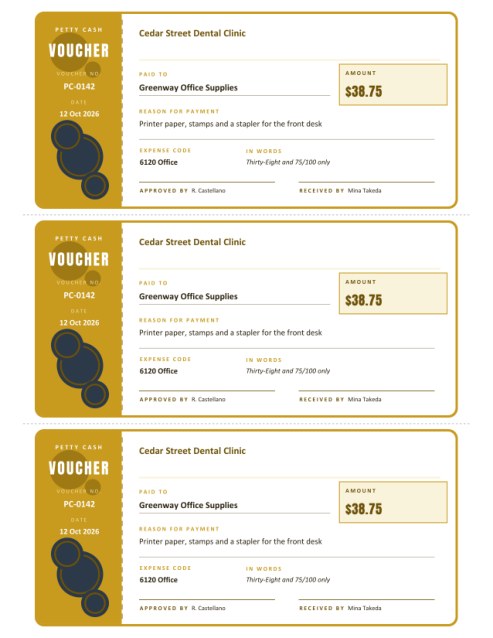
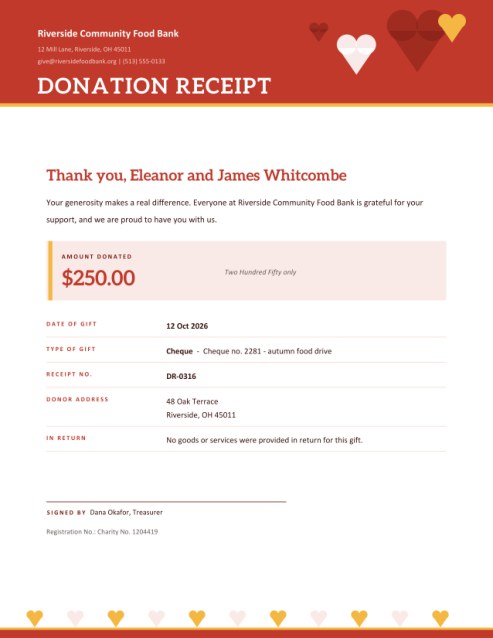
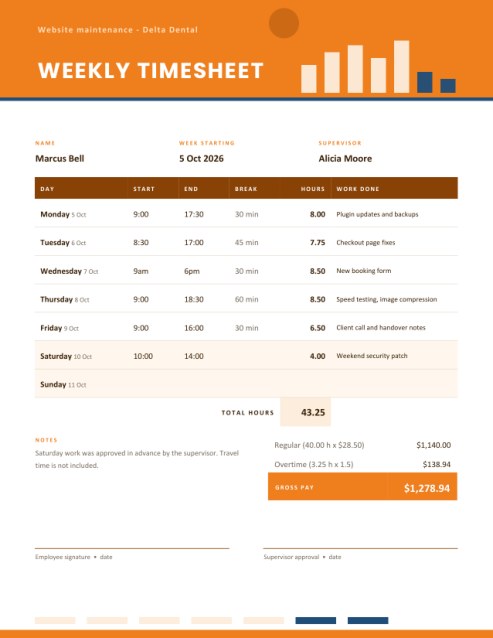
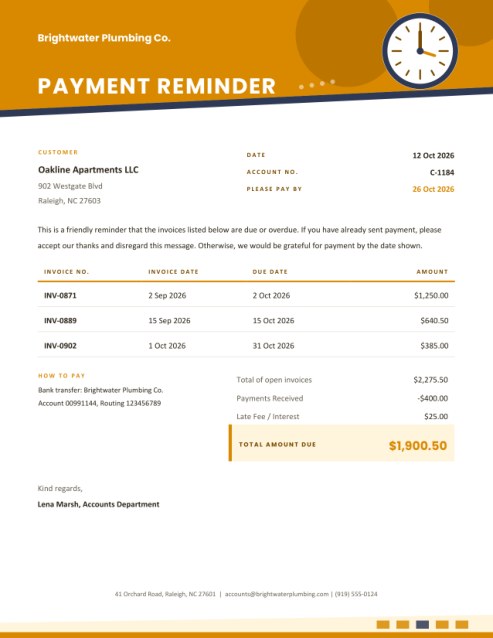
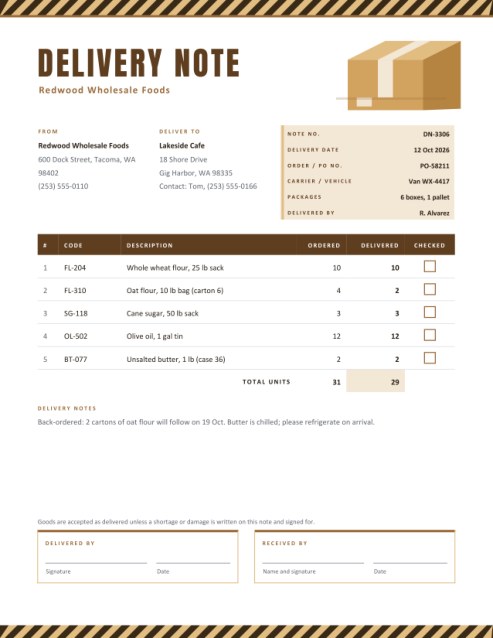
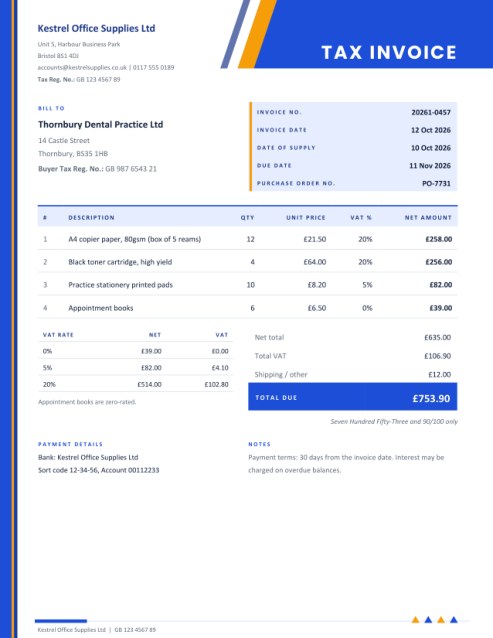
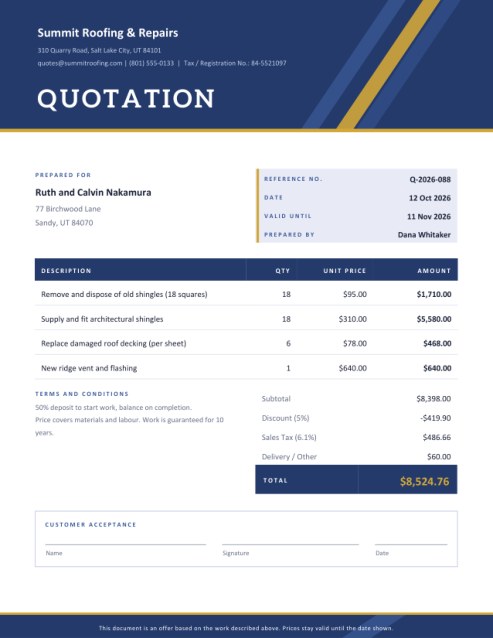
Some other templates similar to this one are also available here. If you would like to create your INVOICE using one of these templates, visit the following.

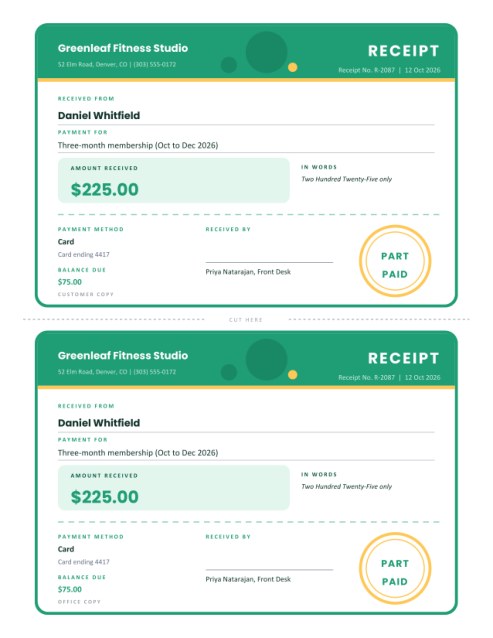
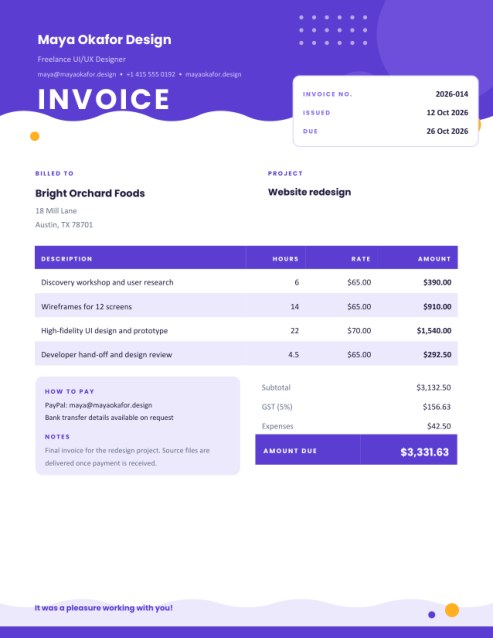
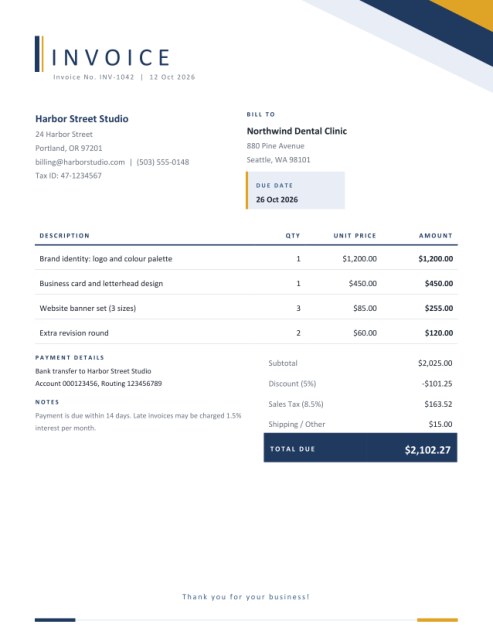
Two kinds of cost, one clear bill
When a customer pays for a bathroom remodel, a new fence or a rewired kitchen, the money goes to two quite different things. One part pays for people’s time and skill. The other pays for tiles, pipes, cable, timber and fixtures. Customers understand a bill far better when those two parts are separated, and contractors get paid faster when the customer can see where each dollar went. Tax rules sometimes treat the two differently as well, which is another reason to keep them apart.
This invoice is built around that split. The page has a dark blueprint-grid header with a hard hat and a dimension line, two clearly labelled sections for labour and materials, a totals block that walks through every adjustment, and a tape-measure strip along the bottom edge.
Who it suits
- General builders, renovators and handymen.
- Plumbers, electricians, heating and air-conditioning engineers.
- Painters, tilers, carpenters, roofers and landscapers.
- Anyone repairing or installing something in a customer’s home or business.
Filling in the job
Contractor, customer and site
Enter your business name, address and contact details and, if you hold one, a licence or registration number. Give the customer’s billing address and, when the work was done elsewhere, a separate job site address. A short work summary such as “Bathroom remodel - new vanity, tiling and fixtures” tells the reader what the invoice is for. Add an invoice number, date, due date and your job or purchase order reference.
Labour
List each kind of work with the hours (or days) and your rate. Three lines show at first, and + Add another line adds more, up to five. The amount beside each row is calculated as you type. If different workers have different rates, give each task its own line.
Materials
List what you supplied with the quantity and unit price. Four lines show at first, up to seven in all. You can enter the price you paid, and add a mark-up percentage in the next box if you charge for handling and sourcing.
Mark-up, discount, tax and deposit
- Materials mark-up. A percentage added to the materials total, shown as its own line so that the customer can see it.
- Discount. A percentage taken off the subtotal of labour and materials together.
- Tax rate, name and scope. Enter the rate and a name for it. Then choose whether it applies to labour and materials, to materials only or to labour only. When tax applies to just one part, the discount is shared out in proportion first, so the tax is worked out on the part of the discount that belongs to it.
- Deposit. Type what the customer has already paid. The invoice shows the total, subtracts the deposit and presents a highlighted Balance Due.
A worked example
In the sample job, labour comes to 2,974.00 and materials to 1,998.30. A 10 percent mark-up adds 199.83 to the materials, bringing the net amount to 5,172.13. Tax at 7 percent applies to materials only, so it is calculated on 2,198.13, which gives 153.87. The invoice total is 5,326.00. With a 1,500.00 deposit already paid, the balance due is 3,826.00. Every figure is rounded to cents where it is printed, so the page adds up exactly.
Tips for getting paid on jobs
- Agree the price, the deposit and the payment schedule in writing before starting.
- Keep supplier receipts for materials. Customers sometimes ask to see them.
- Describe labour by task rather than a single “labour” line; it prevents arguments over hours.
- Put your warranty in the notes box. It reassures customers and sets limits at the same time.
- Invoice on completion, and say when payment is due.
- Check which tax rules apply to labour and materials in your area. They vary a lot, and this tool only does the sums you ask for.
Themes
Blueprint blue with yellow reads as professional and technical. Safety orange is energetic and instantly recognisable on a site. Moss green with ochre feels outdoorsy, a good match for landscapers and gardeners.
Questions answered
Can I show only labour or only materials?
Yes. Leave a section empty and the invoice says that nothing was charged for it.
What if the job spans several stages?
Create an invoice per stage and use the deposit box to carry earlier payments forward.
Can I add my licence number?
Yes, there is a licence field, and its caption can be renamed.
Will it print on A4?
Yes, choose A4 in the paper size list.
Is it free?
Yes.