

Create High School Student ID Card
Create a bold, school-spirit ID card for teenagers. Add the school name and colours, the student’s photo, grade, homeroom and locker number, plus an emergency contact and bus number on the back. Download a two-sided, wallet-size PDF with a barcode, ready to print.
Pick from four team-colour schemes. Tap Load sample data to see a finished card.
Fill in the information below
Other Similar Templates
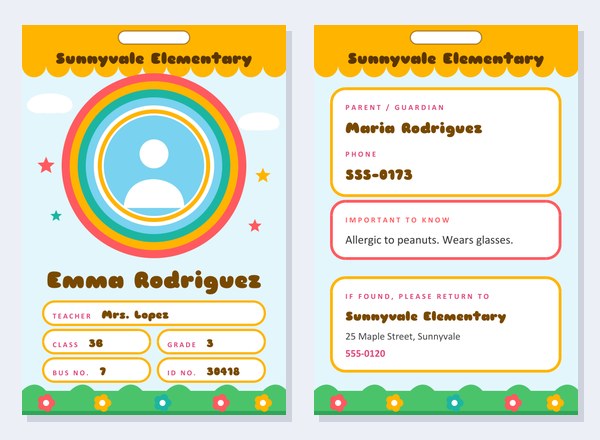
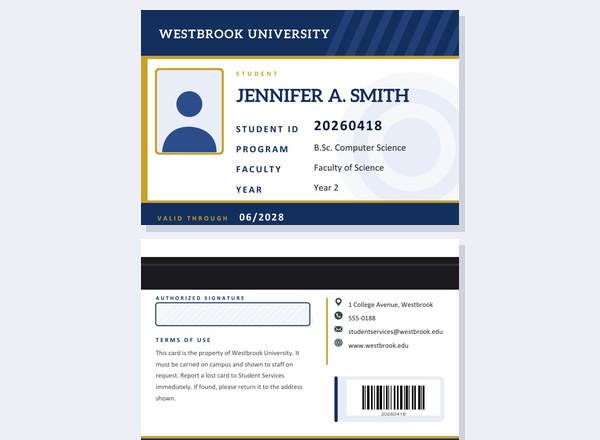
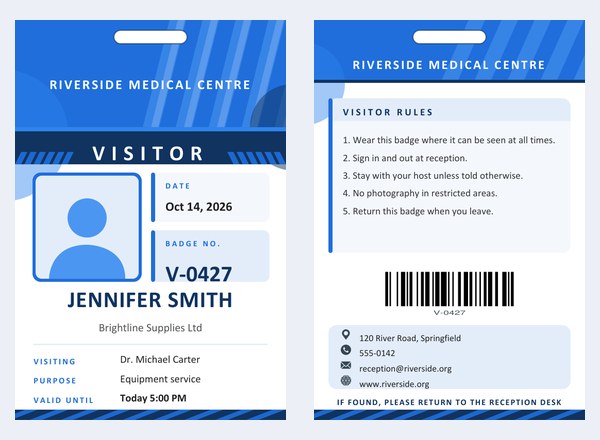
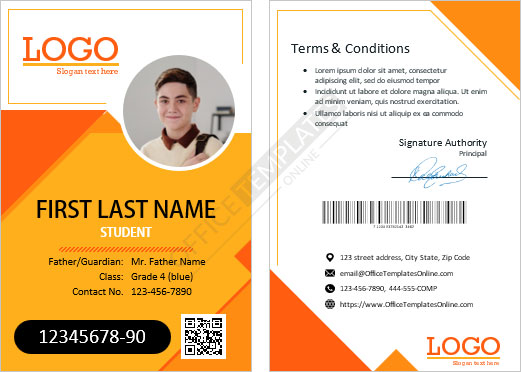
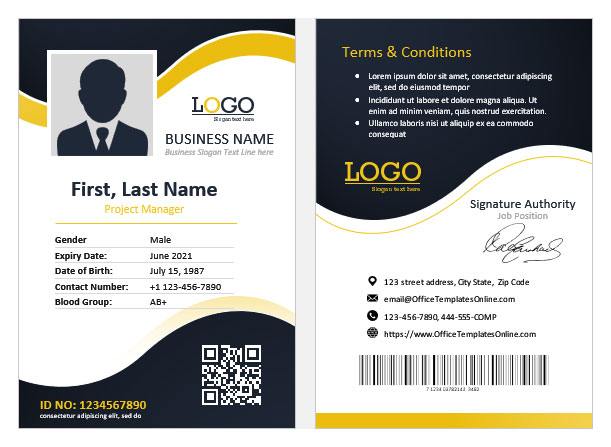
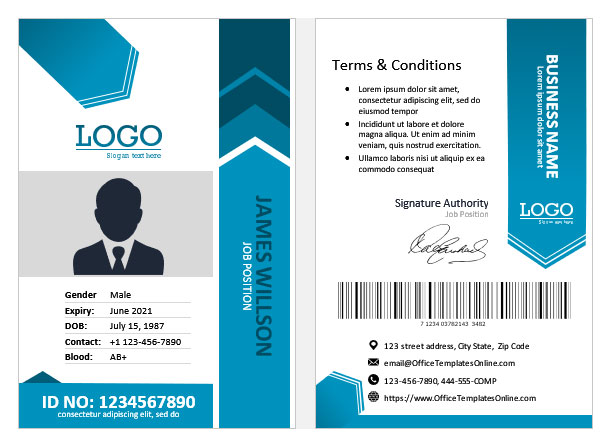
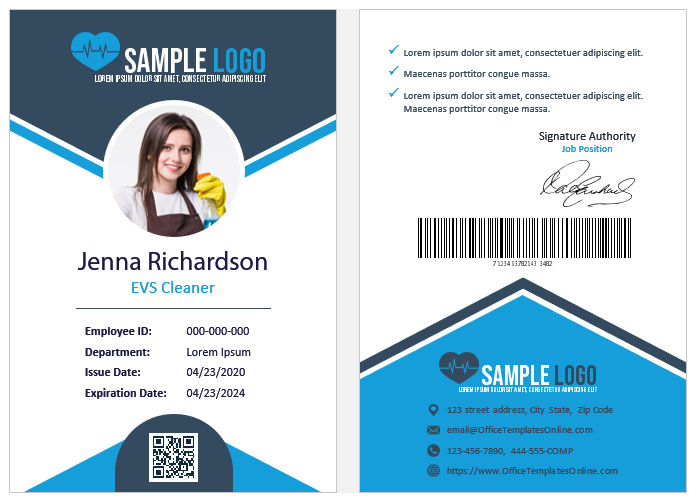
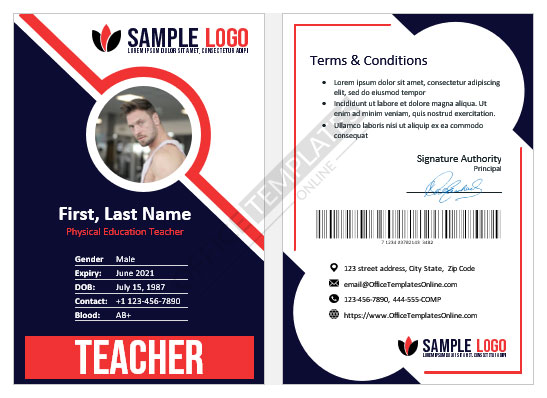
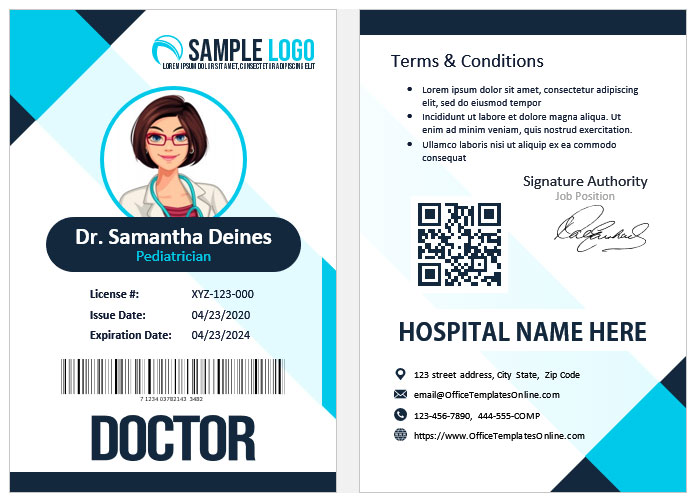
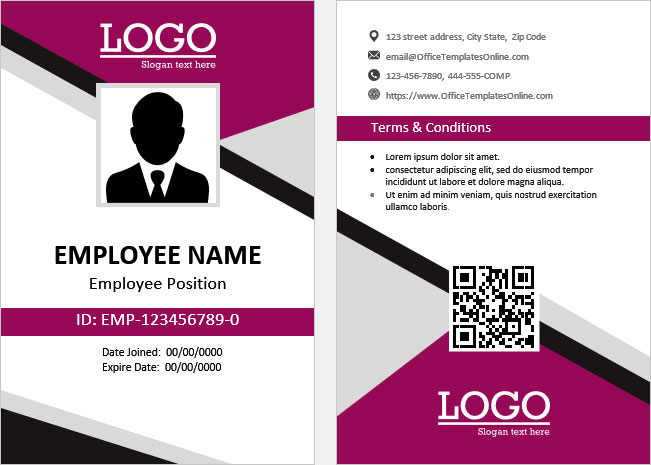
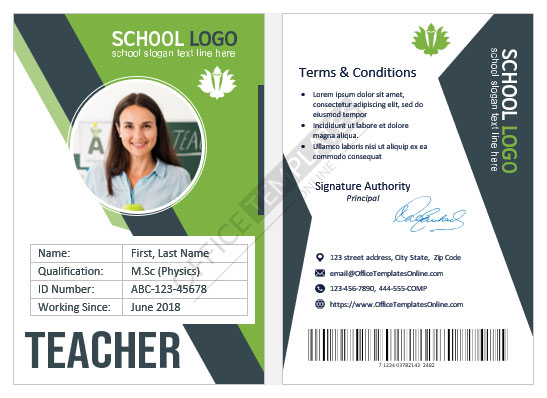
Some other templates similar to this one are also available here. If you would like to create your ID CARD using one of these templates, visit the following.
An ID card students will actually want to carry
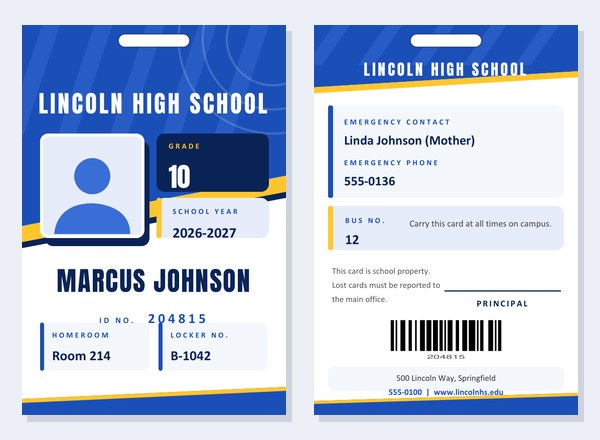
High school students are asked to show their cards at the door of the library, the cafeteria line, the school dance, the football game and the school bus. A plain white card with black text is easy to forget in a locker; a card in the school’s colours with a sharp, sporty design is much more likely to stay on a lanyard. This template borrows the energy of a team jersey: a slanted header, a bright accent stripe, tall condensed lettering for the name and a coloured grade badge next to the photo.
On the front you will find the school name, the photo, the grade, the school year, the student’s name and ID number, and two information boxes for homeroom and locker. The back carries an emergency contact, the bus number, a short school note, a space for the principal’s signature, a barcode and the school’s address.
Who is it for?
- Front-office staff who issue replacement cards when a student loses one in October.
- Small, private and charter schools without a card system of their own.
- Homeschool groups and co-ops that need cards for field trips, library visits and student discounts.
- Clubs, camps and sports teams that want a team-coloured badge for students.
- Drama and media teachers making props for a school play or video.
- Parents who need a simple card for a child who has not yet been issued one.
Four sets of school colours
- Royal Blue & Gold: a classic combination used by countless teams and academies.
- Crimson & Gold: strong red with a charcoal accent, ideal for fighting-spirit mascots such as hawks, wildcats and knights.
- Forest Green & Gold: steady and traditional, a good fit for schools with an outdoors or eco focus.
- Violet & Orange: a high-energy pair that stands out in a crowded corridor.
The chosen colours run through the header, the badges, the lines and the bottom stripe of both sides, so the front and back always match.
What to type in each box
- School name. Printed in large condensed capitals. A short name gets bigger lettering; a long one shrinks to fit.
- Student name. First and last name on one line. Very long names are made smaller automatically.
- ID number. Printed under the name and turned into a barcode on the back.
- Grade and school year. The grade appears in a dark badge beside the photo, and the school year, for example 2026-2027, sits beneath it.
- Homeroom and locker. Two boxes at the bottom of the front. Leave them blank if your school does not use them.
- Emergency contact and phone. Printed on the back in bold so that staff can find them quickly.
- Bus number and card note. A few words on the bus route and a reminder such as “Carry this card at all times on campus.”
- Card terms, address, phone and website. Short lines at the bottom of the back.
- Principal signature. Draw it on screen and add the title beneath, or leave it blank for a pen signature.
Click the pencil next to labels such as “Grade”, “Homeroom” and “Locker No.” to reword them. A school that uses “Form” instead of “Grade”, or “Advisory” instead of “Homeroom”, can change the printed caption in a few seconds.
Photo tips
A school photo works best when it is taken against a plain wall with even light, with the head and shoulders centred. Square or portrait pictures crop most neatly. The picture is cropped to a square and placed in a white frame with a dark shadow, so avoid wide group photos. If a student’s photo is not yet available, print the card without one and the silhouette placeholder will hold the space.
Why the back matters
Teachers and administrators often turn a card over looking for one thing: who to call. That is why the emergency contact is the first item on the back, in bold type, above everything else. The bus number follows, then the card note and the signature. Put only what you would be comfortable having a stranger read if the card is dropped in a hallway: a contact name and telephone number are usually enough, but medical details and home addresses are better kept in the school office.
Printing and handing out the cards
- Download the PDF. It has two pages: the front and the back, each exactly 2.63 by 3.88 inches.
- Print on white card stock of about 200 gsm. If your printer can print on both sides, flip on the short edge for portrait pages.
- Cut around the page edge and round the corners with a corner punch for a professional finish.
- Slip the card into a lanyard holder or sleeve. The printed oval near the top shows where to punch a hole.
- Laminate if the card will be used for a full school year.
When you print a whole class, change only the name, number, photo and locker for each student and keep every other setting the same. That way every card in the set matches.
A few good habits
- Issue a fresh card each school year and record the date on your own list.
- Charge a small replacement fee, if your school wishes, so that cards are looked after.
- Explain the rules on the first day: where to wear it, when to show it and whom to tell when it is lost.
- Check your local rules on student photographs and personal information before printing a class set.
Questions people ask
Can I add a mascot?
Upload the mascot image in the logo box. It appears above the school name on the front.
What if my school has no bus numbers?
Leave the bus box blank. The note then uses the full width.
Do the students need to sign it?
The signature on this card belongs to the principal or another authority; students can sign the printed card by hand if your school wishes.
Is the barcode scannable?
Yes. It is a Code 128 barcode created from the ID number. Test it with your own scanner.
Does it cost anything?
No, you can create and download cards free of charge.