

Create Visitor Pass ID Card
Print a clear, professional visitor badge in minutes. Add the visitor’s name and photo, who they are visiting, the date and a badge number, pick a pass colour, and download a two-sided, wallet-size PDF with a scannable barcode on the back.
Made for offices, clinics, schools, factories, apartment buildings and events. Tap Load sample data to see a finished pass, then replace it with your own details.
Fill in the information below
Other Similar Templates
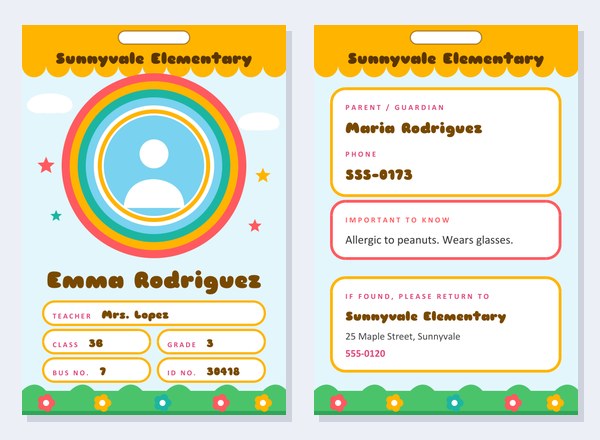
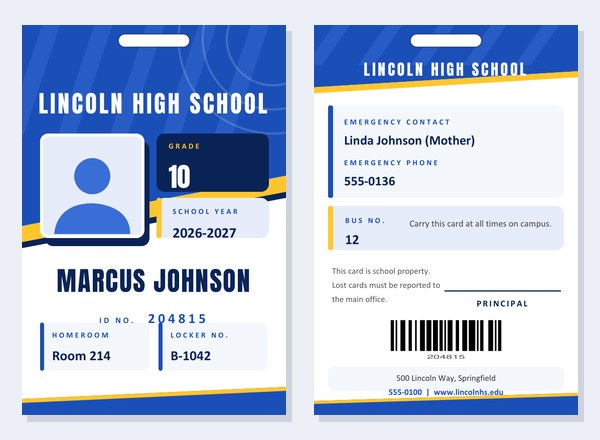
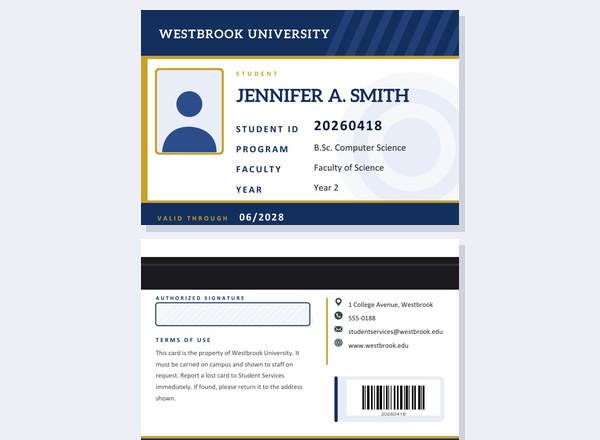
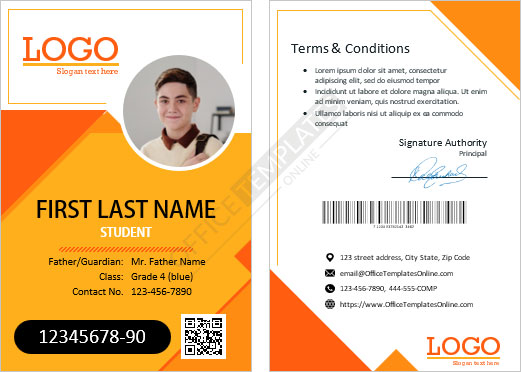
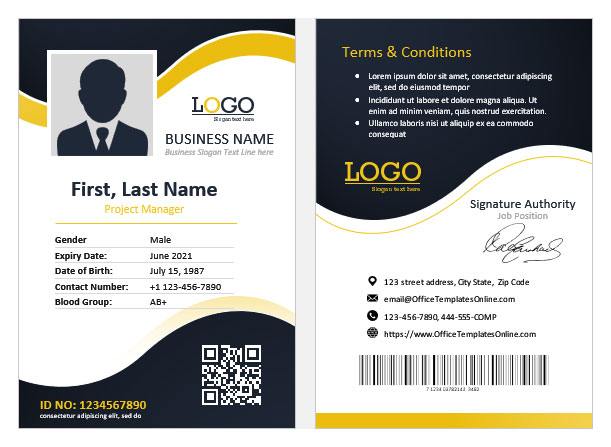
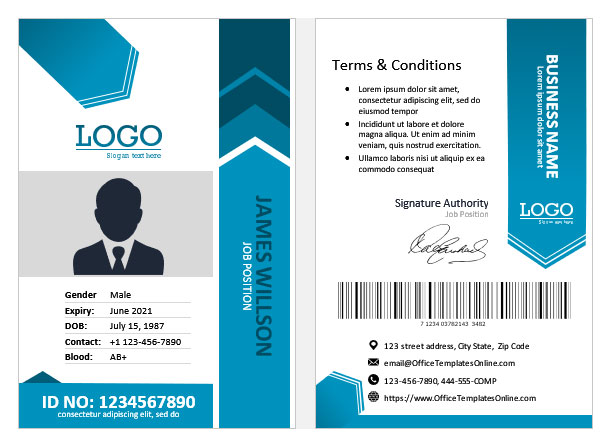
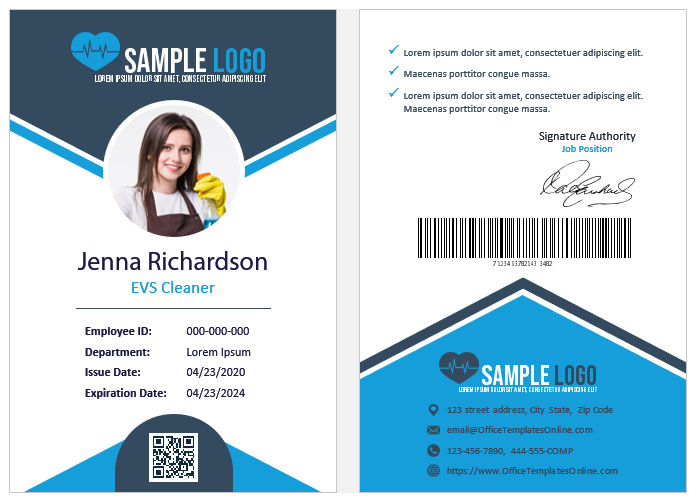
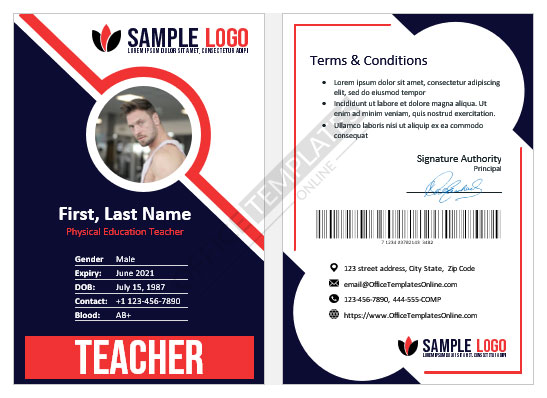
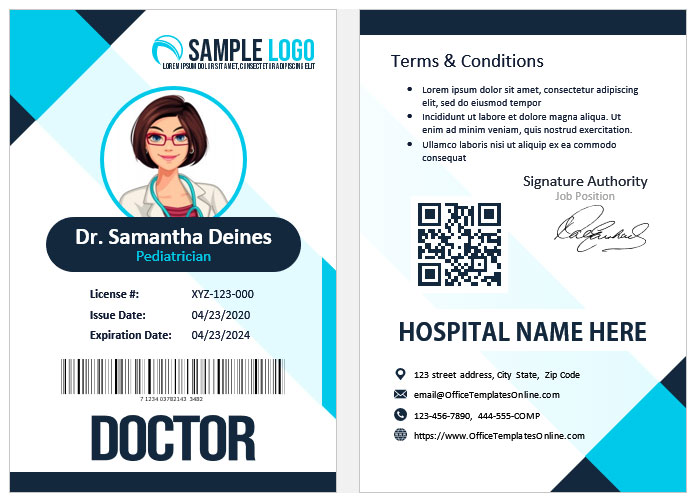
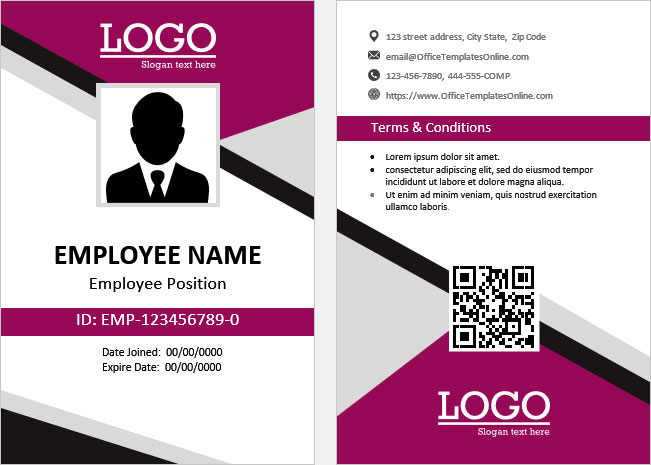
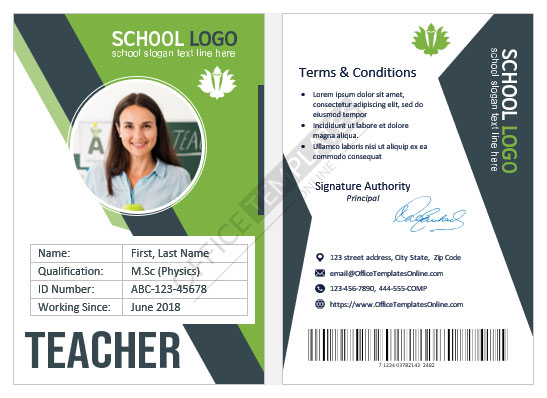
Some other templates similar to this one are also available here. If you would like to create your ID CARD using one of these templates, visit the following.
A visitor badge that does its job
Every building that welcomes outsiders has the same quiet problem: who is that person in the corridor, and are they meant to be there? A visitor pass answers the question at a glance. It tells staff the person has been signed in, shows who they came to see and until when, and gives security a number to check against the log. This template turns that idea into a neat, two-sided card in the standard credit-card proportions used by lanyard holders and badge pouches.
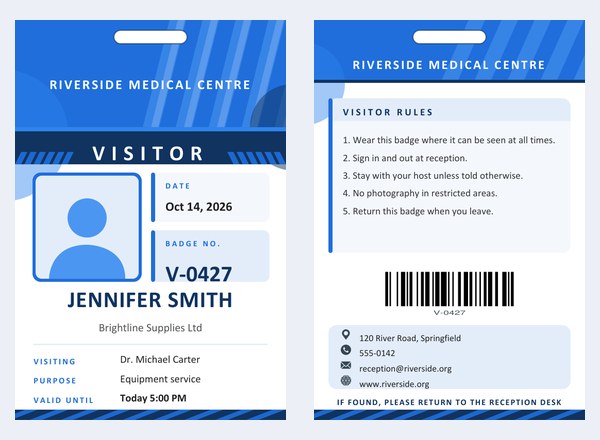
The front carries the organisation name, a bold coloured band that states the type of pass, a photo frame, the date, the badge number, the visitor’s name and company, and the host and purpose of the visit. The back carries a short list of house rules, a barcode made from the badge number, and the reception contact details, finished with a line asking anyone who finds the badge to return it to the desk.
Where it is useful
- Offices and co-working spaces: clients, interview candidates and delivery staff receive a badge at reception and hand it back on the way out.
- Clinics and hospitals: family members and sales representatives get a visible pass that shows the department they are visiting.
- Schools and nurseries: parents, speakers and workmen who are on site during the school day can be identified immediately.
- Factories and warehouses: contractors and drivers wear a coloured badge that separates them from employees.
- Residential buildings: a day pass for a plumber, a decorator or a long-stay guest.
- Events and open days: a quick badge for sponsors, exhibitors and special guests.
Five pass types
The coloured band across the front is a drop-down menu. Choose Visitor, Guest, Contractor, Vendor or Temporary Pass, and the band changes its wording to match. Because the type is printed in large capital letters, a receptionist or guard can read it from a few steps away.
Colour-coding for safety
Many organisations use a different colour for each day of the week or each category of visitor, so that an out-of-date badge is spotted immediately. This template lets you choose between blue, green, orange and red for the whole card. A common arrangement is to give guests blue, contractors orange, vendors green and restricted-area passes red, but the choice is yours. Whatever you decide, write the rule down and tell your staff so that the colours mean the same thing every time.
Filling in the form
- Organization name. Printed on the top of both sides. If you upload a logo it appears above the name on the front.
- Pass type and colour. Pick from the lists.
- Visitor name and company. The name is printed large; the company, if you add one, sits underneath in smaller type.
- Visiting, purpose and valid until. These three lines tell staff whom the visitor is seeing, why, and when the pass expires. Any line you leave blank disappears and the others close up.
- Date and badge number. The badge number is also turned into a barcode on the back, so your reception desk can scan it when the visitor leaves.
- Photo and logo. Both are optional. A square-ish passport-style photo works best; it is cropped to a square automatically. Without a photo, a neutral silhouette stays in place.
- Visitor rules. Up to about 330 characters. Short numbered sentences are easiest to read on a small card.
- Contact details. Address, telephone, email and website appear with small icons at the bottom of the back.
Next to several labels you will see a small pencil. Click it to change the printed word. “Visiting” can become “Meeting With”, “Purpose” can become “Reason”, and “Valid Until” can become “Expires”.
Writing good visitor rules
The back of the badge is short, so every line should earn its place. Good examples are:
- “Wear this badge where it can be seen at all times.”
- “Sign in and out at reception.”
- “Stay with your host unless told otherwise.”
- “No photography in restricted areas.”
- “In an emergency follow the green exit signs.”
- “Return this badge when you leave.”
Avoid long legal paragraphs: nobody reads them on a badge. If your site needs a full safety briefing or a confidentiality agreement, deal with it on a separate sheet at the desk.
Printing and assembling
The PDF has two pages, the front and the back, each exactly the size of a standard ID card (2.63 by 3.88 inches). For the best result print on white card stock of 200 to 250 gsm, then cut along the page edge and slide the card into a badge holder. If your printer supports duplex printing, set it to flip on the short edge so that the back faces the right way; otherwise print page one, reload the sheet, and print page two on the reverse. The printed slot guide at the top shows where to punch a hole for a lanyard clip or a strap, but a clear pouch that already has a slot is usually neater.
For a busy reception, print a batch at the start of the day with the organisation name, colour and date filled in, leaving the visitor name to be added by hand, or create each pass on the spot from a laptop at the desk.
Good practice at the desk
- Keep a sign-in log, paper or digital, and match the badge number to the visitor’s entry.
- Ask for the badge back at the end of the visit and shred or recycle old ones.
- Check the date and the “valid until” line when someone returns to a site on a second day.
- Do not put sensitive information, such as a home address or an identification number, on the badge.
- Follow your local privacy rules about photographs and visitor records.
Common questions
Is the barcode scannable?
Yes, it is a standard Code 128 barcode created from the badge number. Test your scanner on a printed sample first.
Can I use it without a photo?
Yes. The photo is optional and a neutral placeholder silhouette is printed if you skip it.
Will it fit a standard badge holder?
The card is the usual portrait ID size, so it fits most holders and lanyard pouches. Check the dimensions of your own holder.
Can I make many passes?
Yes. Create one, download it, then change the name and badge number and create the next.
Is this an official security document?
No. It is a simple printable badge. Your organisation decides how it is issued and checked.
Does it cost anything?
No, it is free to create and download.