

Create Christmas Party Invitation
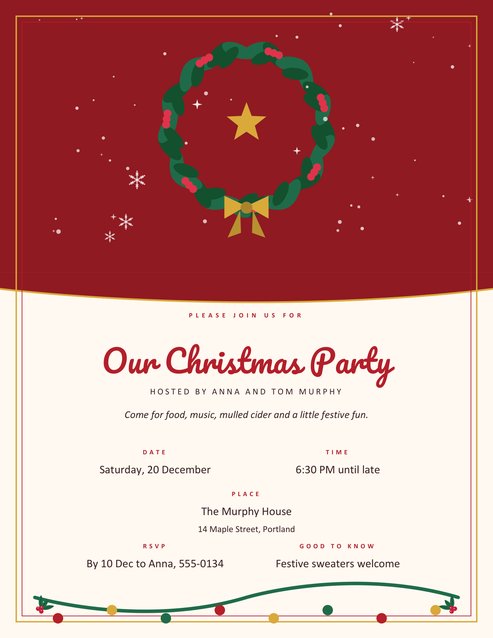
A portrait invitation with a green wreath, a gold star and falling snow across the top, and your party details set out clearly below: the title in script, who is hosting, a short welcome line, then date, time, place with address, RSVP and a note for guests.
Four colour themes. Print on card stock and hand-deliver, or save the PDF and send it by email or message.
Fill in the information below
New here? Use the button above to fill in an example, then change it to your own details.
Rate this template
Used it? Tap a star. Honest ratings help others choose.
You May Also Like
Templates from other categories that people often use together with this one.
Other Similar Templates
More designs from the same collection, Free Printable Christmas Templates. If this one is not quite what you need, one of these may be.
An invitation that sets the tone
People decide how much effort to put into a party by how much effort went into the invitation. A text message that says “drinks at ours Saturday” gets a casual reply; a printed card with a wreath and a time gets a promise to turn up and probably a bottle of something. This template gives you the second kind in a couple of minutes. The top half of the page is a night sky with a wreath of holly leaves and red berries, tied with a gold bow around a gold star. The lower half is a clean cream panel for the information.
All the information that guests need is arranged in the order they look for it: what the event is, who is hosting it, when, where, and how to say yes.
Using the form
- Load the sample to see how a complete invitation reads.
- Small line above the title. The default is “Please join us for”. Change it to “You are invited to” or leave it empty.
- Party title. Up to 32 characters, printed in a large script. Long titles shrink so they stay on one line.
- Hosted by and a short welcome line add a personal touch. Both are optional.
- Date, time, place, address, RSVP and “Good to know”. Each caption has a pencil icon so you can rename it. For example, “RSVP” could be “Let us know by”, and “Good to Know” could become “Dress Code” or “Bring”.
- Print or save. A field you leave empty is simply not printed.
What to put in each place
- Date: write the weekday as well as the number, for example “Saturday, 20 December”. It prevents mix-ups.
- Time: give a start and, if you can, an end. “6:30 PM until late” is honest and friendly; “6:30 to 9:30 PM” is helpful for families with children.
- Place and address: the venue name on the first line and the street address beneath it. If guests will arrive by car, add parking details in the “Good to know” box.
- RSVP: include a name, a phone number or an email, and a date by which you need to hear. A deadline gets more replies than an open request.
- Good to know: dress code, bring a dish, secret Santa budget, allergies you should be told about, or “children welcome”.
Sizes, paper and delivery
The page is US Letter portrait. Printed whole, it is a large invitation that works well for an office noticeboard or a village hall. For a handier card, print it at 50 percent on a half sheet, or print and trim to the frame and mount the result on a coloured card. A 200 to 250 gsm matt card stock gives it a hand-made look.
For a digital invitation, download the PDF and send it as an attachment, or take a screenshot of the PDF on your phone. If you share it online, think about whether the address should appear; for a private party it is usually better to give it only to those who reply.
Planning the rest of the event
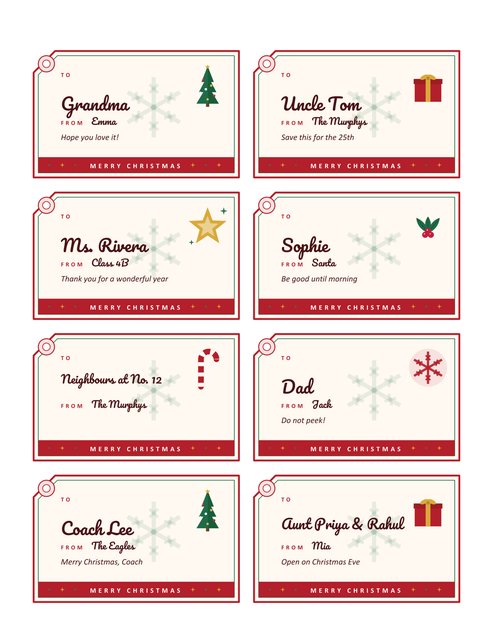
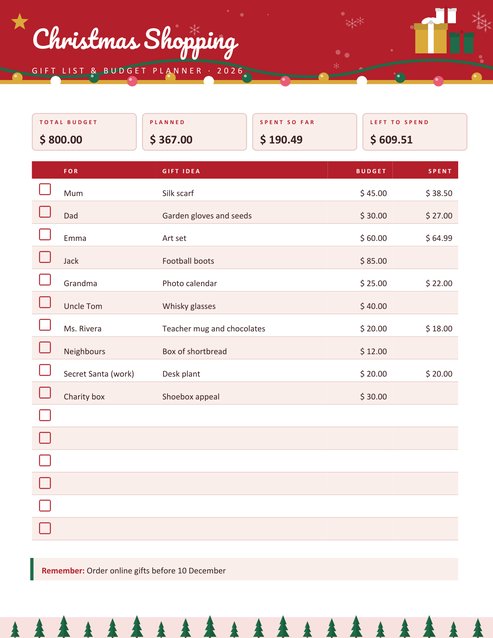
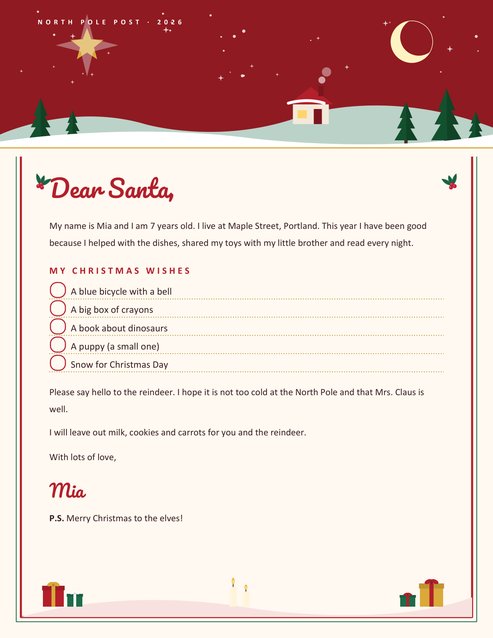
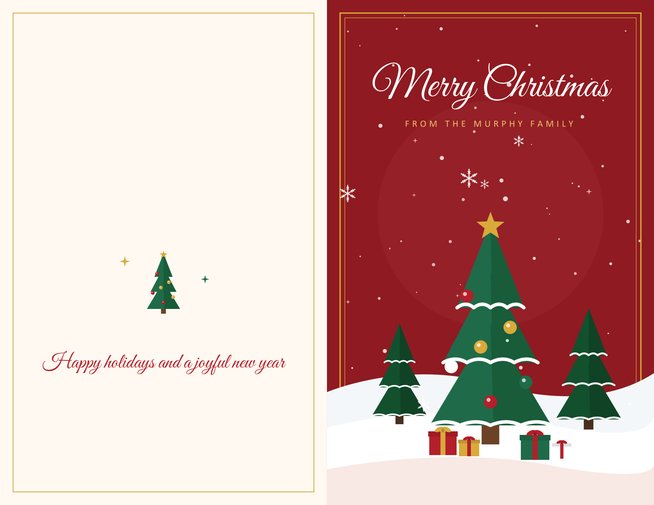
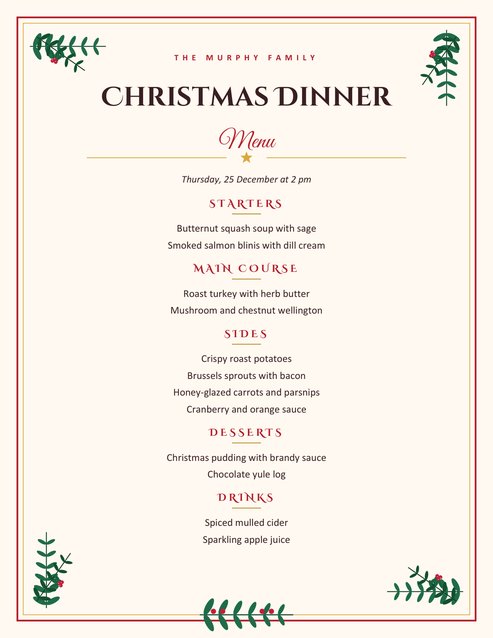
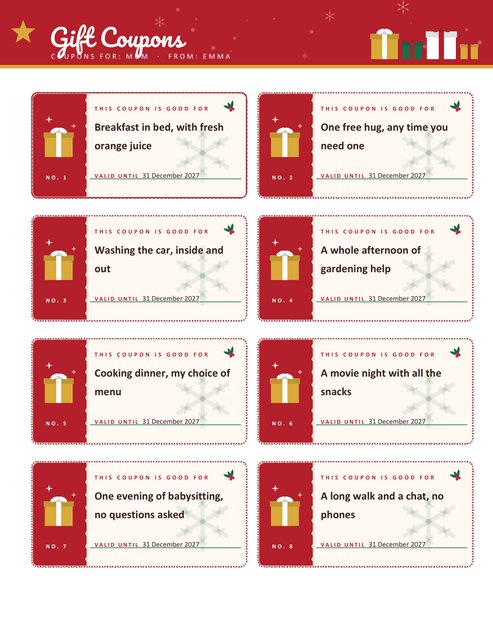
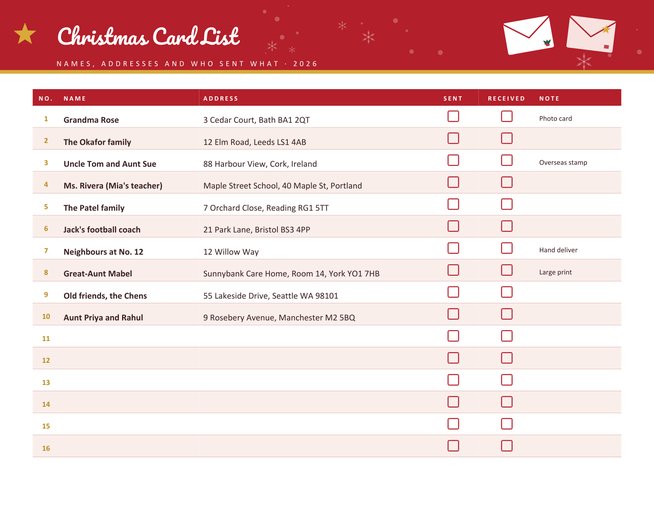
A party usually needs a menu and a timetable, and our Christmas dinner menu and cooking plan prints both. Label the gifts for a gift exchange with the gift tags, and post a thank-you note afterwards with the greeting card, which shares the same four themes so everything matches.
Questions people ask
Can I use it for a work party?
Yes. Use a neutral title such as “Holiday Celebration”, and add the company name as the host. The festive wreath suits most workplaces.
Does it work for a children’s party?
Yes. Put the child’s name in the title, a pick-up time in the “Good to know” box, and an RSVP phone number for parents.
How do I rename the captions?
Click the small pencil next to Date, Time, Place, RSVP or Good to Know in the form and type your own word, up to 20 characters.
Can I leave the address out?
Yes. The address line is optional, and so is every other field except the party title.
What if my title is very long?
The title is limited to 32 characters and is scaled down in steps so that it stays on one line.
Does the invitation print in black and white?
Yes. The wreath and sky become grey tones, and the text stays dark on a light background.