

Create Itemized Sales Receipt
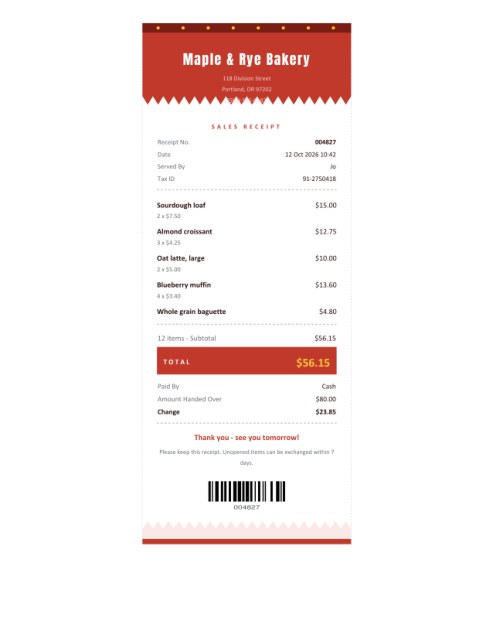
A proper till receipt for any small seller: shop name, date, each item with quantity and price, discount, tax, the total, how the customer paid and the change given, finished with a thank-you line and a barcode.
Print it on Letter or A4 paper as a centred strip, or choose the receipt-roll size for a narrow printer.
Fill in the information below
Rate this template
Used it? Tap a star. Honest ratings help others choose.
Other Similar Templates
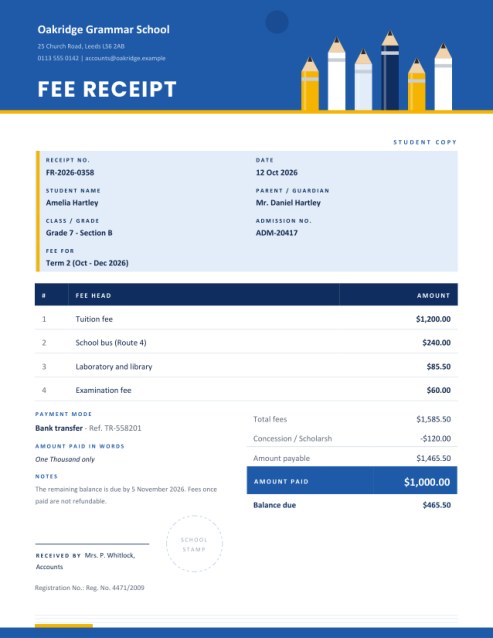
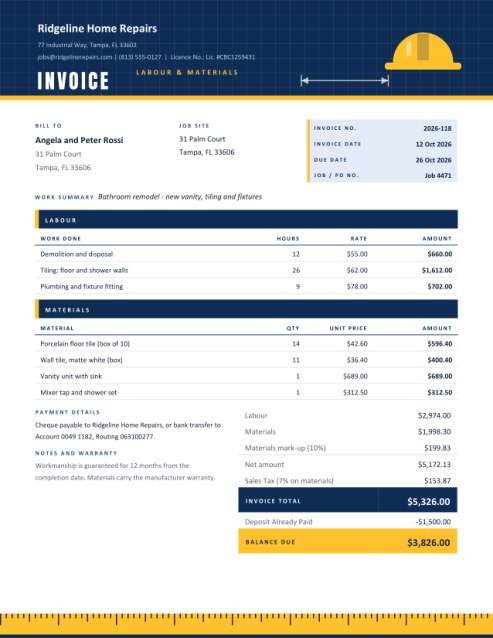
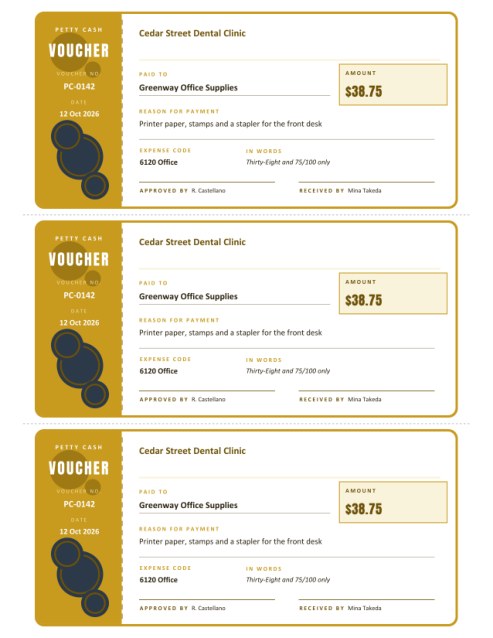
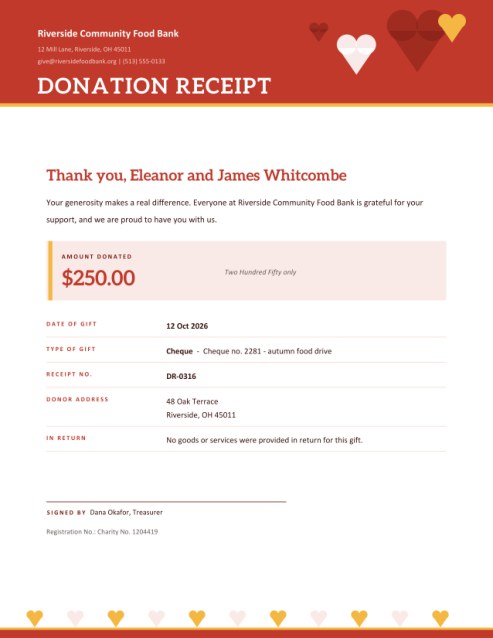
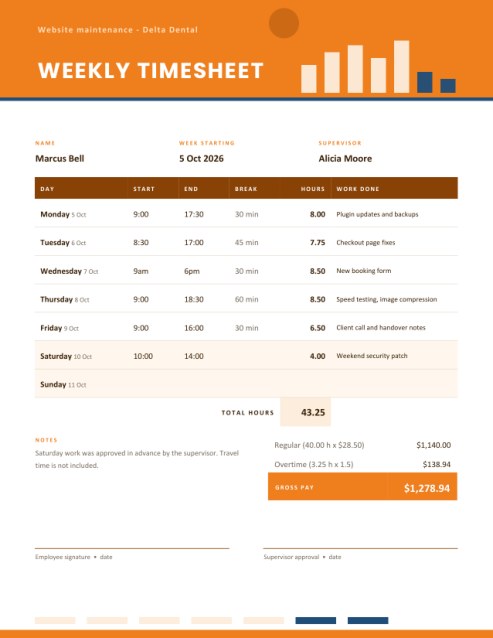
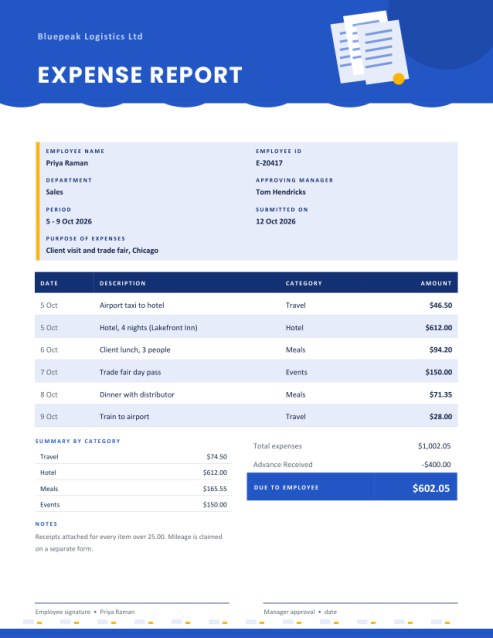
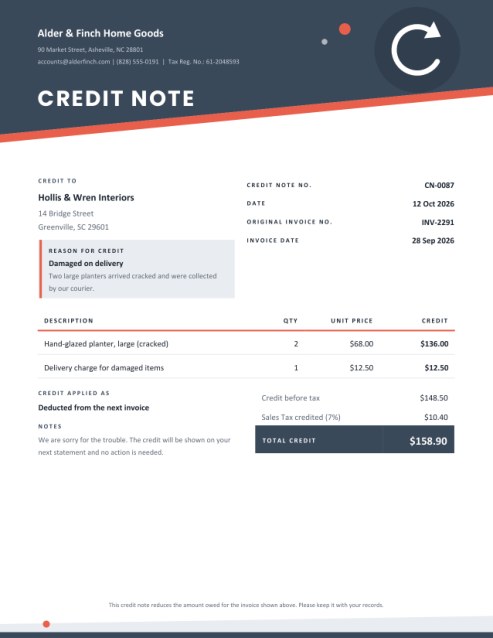
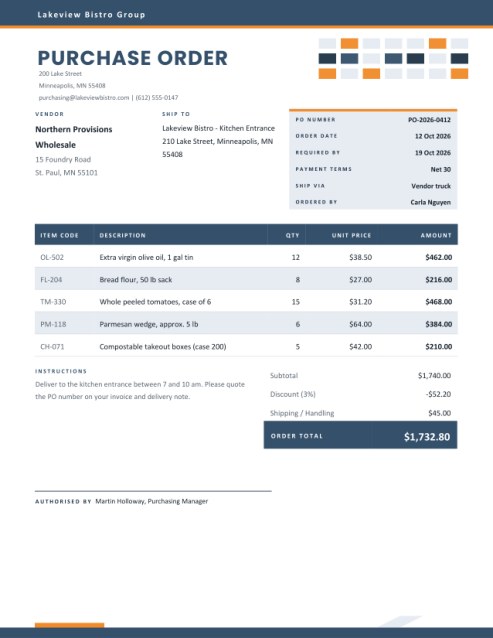
Some other templates similar to this one are also available here. If you would like to create your INVOICE using one of these templates, visit the following.
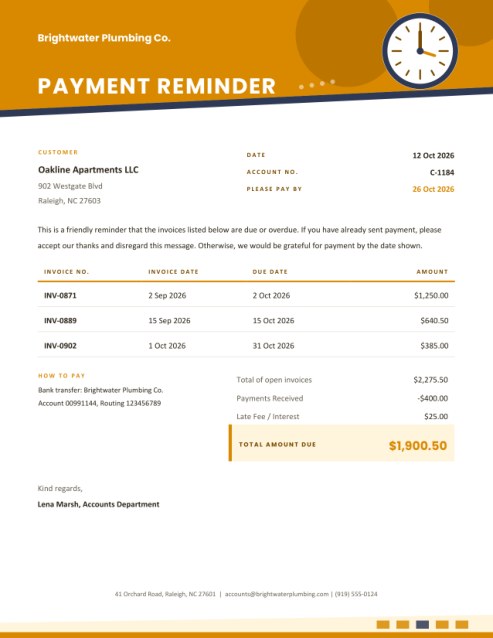
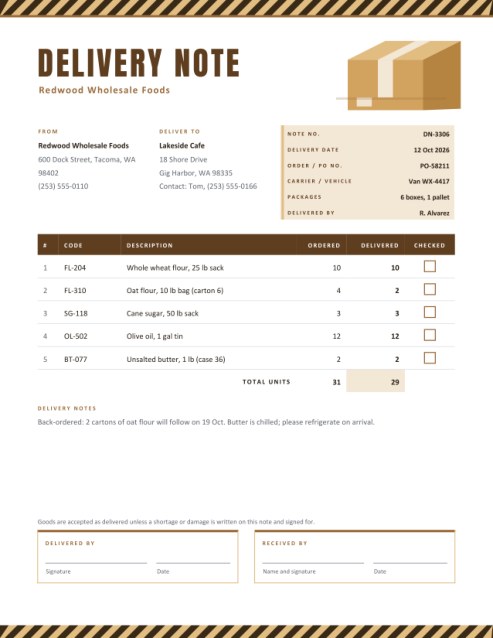
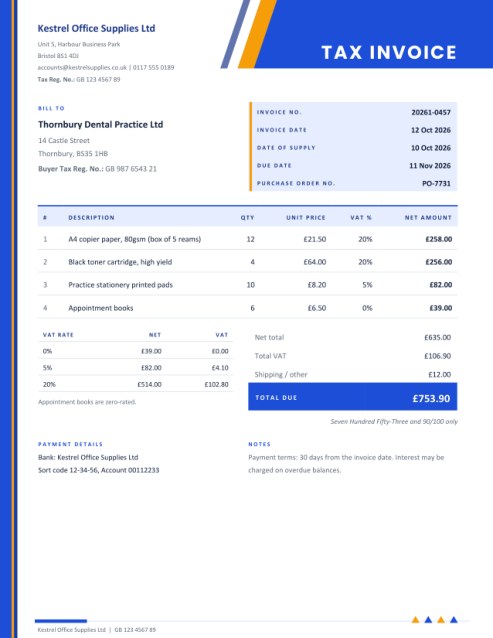
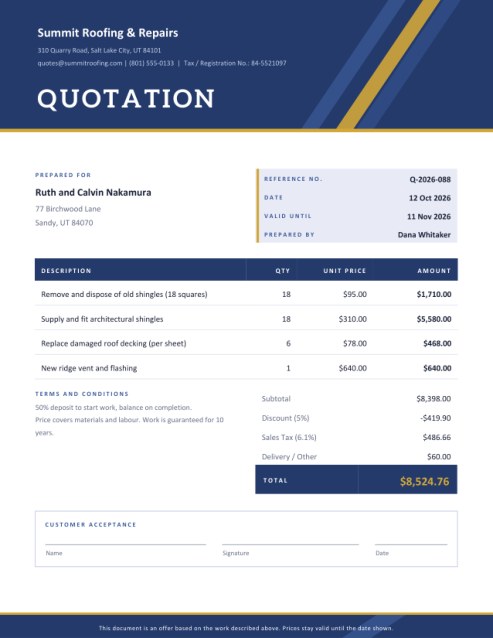

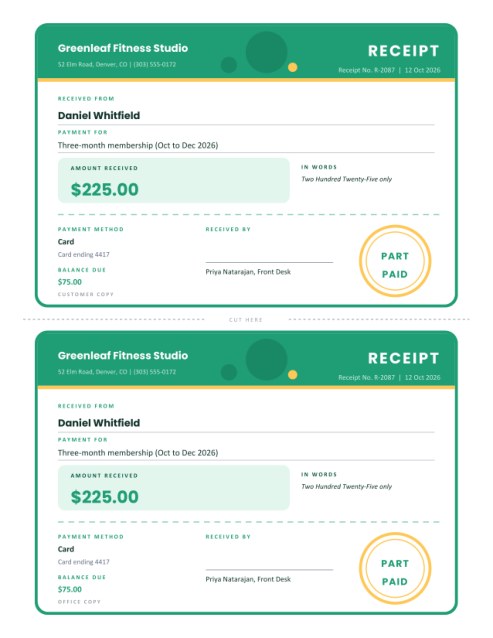
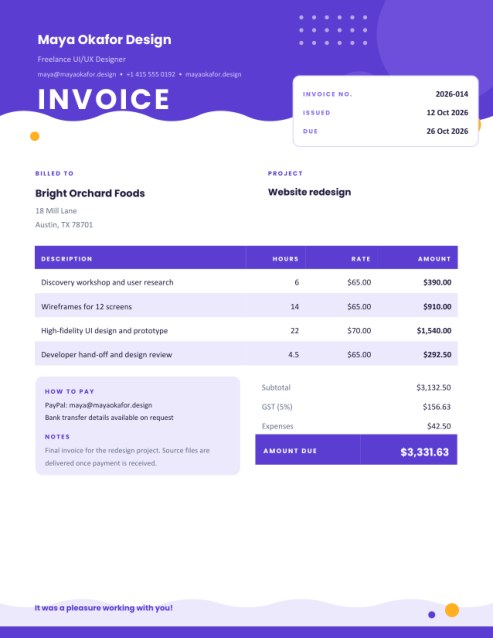
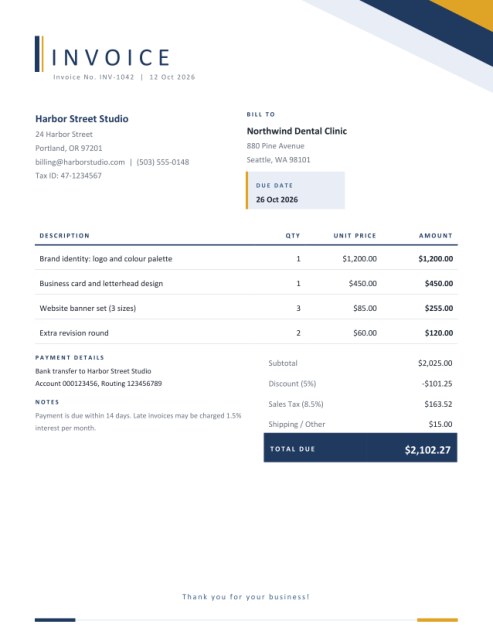
A receipt that looks like it came out of a real till
Small sellers are often asked for a receipt that shows what was bought, not just how much was paid: a craft-fair stall, a pop-up kitchen, a market trader, a repair shop, a home baker with a growing customer list. A hand-written slip does the job once, but a neat itemised receipt makes customers feel they dealt with a professional, and it helps you keep records that actually match your takings.
This template reproduces the familiar narrow till receipt: a coloured header with a torn, zigzag lower edge, a list of items with quantities and prices, a bold total bar, payment details and a barcode at the bottom, closing with a second zigzag. It is intentionally compact, quick to fill in and easy to read.
Two ways to print
- On Letter or A4 paper (centred strip). The receipt is drawn as a 3.6-inch-wide strip in the middle of a normal page, with fine dotted side edges. Print it, trim along the edges and hand it over. This works on any ordinary office printer.
- Receipt roll (3.6 x 9 in). The page itself is the size of the receipt, with a height that grows with the number of items. Use it with a label or receipt printer, or print to PDF and send it by email.
What to fill in
- Shop details. Your name appears in a heavy condensed typeface in the header, with your address and phone or website beneath. A tax ID is optional.
- Receipt number, date and cashier. The number is also encoded in the barcode at the foot of the page. Leave the date empty to print today’s date, or type a date and time such as “12 Oct 2026 10:42”.
- Items. Enter the item name, quantity and price each. A line with quantity two or more prints a small “2 x 7.50” line beneath the name. Five lines show at first; use + Add another line for up to fourteen.
- Discount and tax. Both are percentages. Leave tax empty for tax-free sales. The discount comes off the subtotal first, and tax is calculated on the discounted amount.
- Payment. Choose cash, card, mobile payment, gift card or other. For cash, type the amount the customer handed over and the receipt works out the change; if the amount is too little, it shows the balance still due.
- Closing lines. A thank-you line in the accent colour, and a small-print line for your return policy.
How the totals work
The number of items is the total of all quantities, shown beside the subtotal. After the optional discount and tax, the total bar shows the amount due. Every figure is rounded to cents at the step where it appears, so the receipt always adds up, whichever prices you enter.
Why a barcode?
The receipt number is turned into a Code 128 barcode, a format most scanners read. It is useful if you scan returns or exchanges against your sales log, and it makes the receipt look at home next to those from larger shops. If you leave the receipt number empty, the barcode is simply left out.
Tips for market stalls and small shops
- Number receipts in order, and keep a copy or a photo for each one.
- Keep item names short: the strip is narrow and long names are cut at 28 characters.
- Use the small-print line for the one rule customers ask about most, such as exchanges within seven days.
- Choose the ink and yellow theme to save colour; the tomato and sage themes suit food and plants.
- If you charge tax, check the rate and rules that apply to your sales.
Questions answered
Can I use it as an invoice?
It is designed as a proof of a completed sale. If the customer still has to pay, use one of the invoice templates.
Will it fit 80 mm thermal paper?
The roll format is 3.6 inches (about 91 mm) wide. Check your printer settings, and scale to fit if your paper is narrower.
Can I show a different currency?
Yes, type any symbol in the currency box.
Does the barcode need internet?
No. It is drawn into the PDF.
Is it free?
Yes.