

Create Commercial Invoice for Export and International Shipping
Ship abroad with the paperwork customs officers expect. Fill in the exporter, the consignee, what is in the parcel and what it is worth; the invoice lays out HS codes, incoterms, origin, weights, freight and insurance and ends with a signed declaration.
Written for small exporters, online sellers and anyone sending goods across a border.
Fill in the information below
Rate this template
Used it? Tap a star. Honest ratings help others choose.
Other Similar Templates
Some other templates similar to this one are also available here. If you would like to create your INVOICE using one of these templates, visit the following.
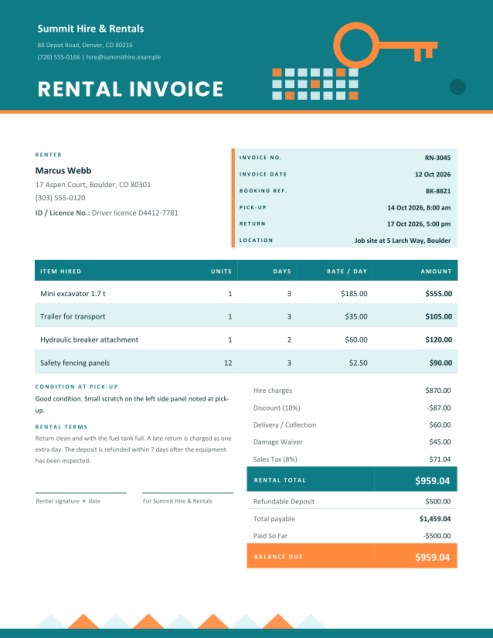
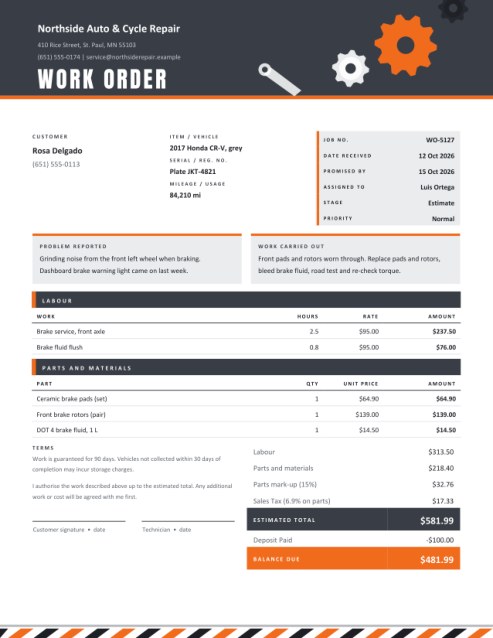
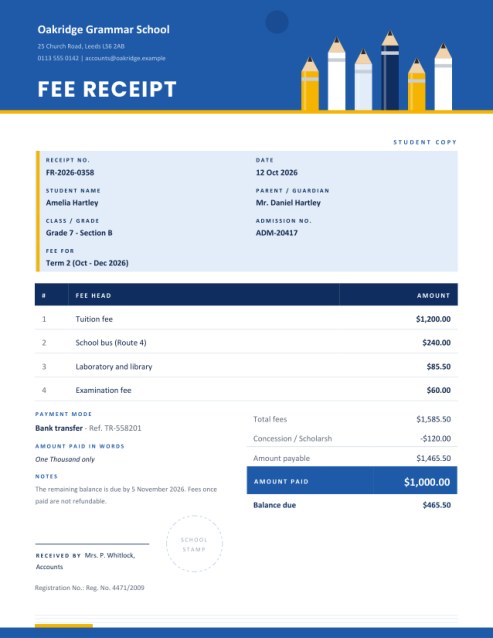
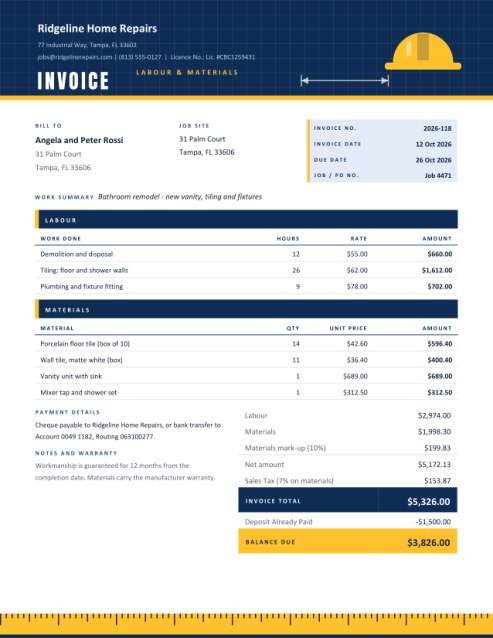
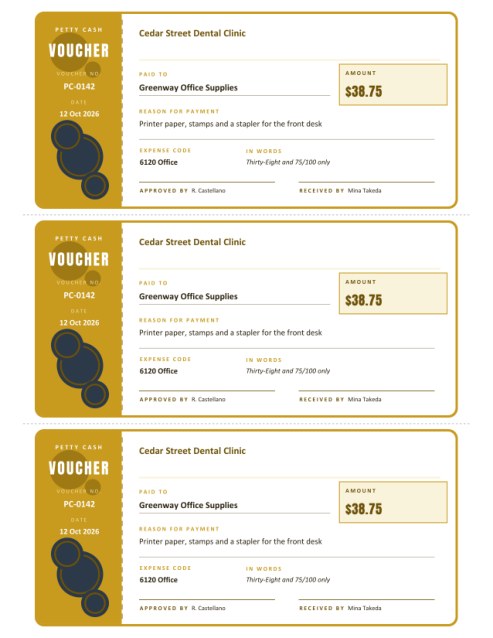
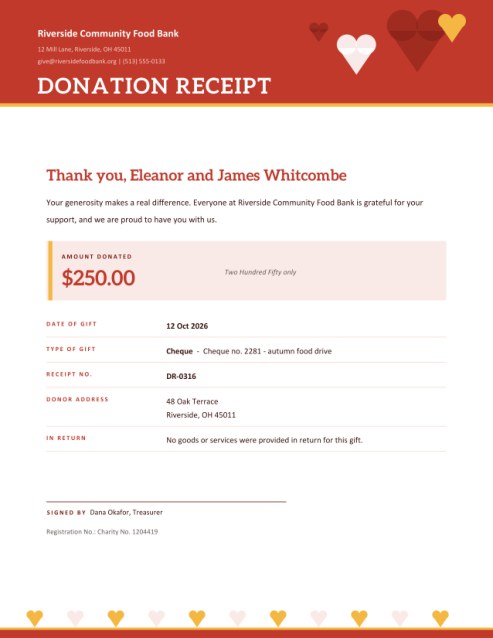
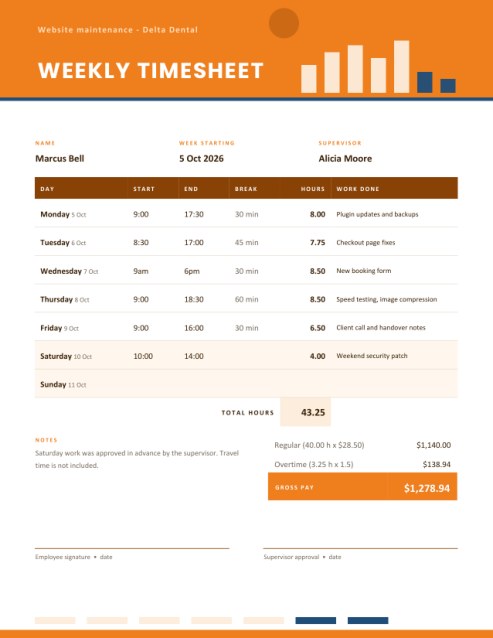
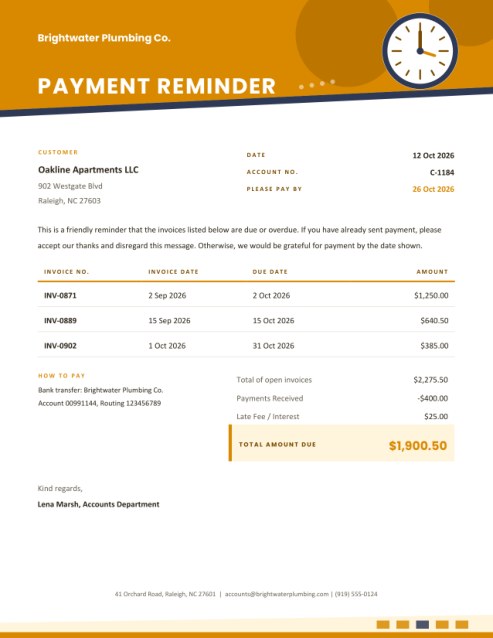
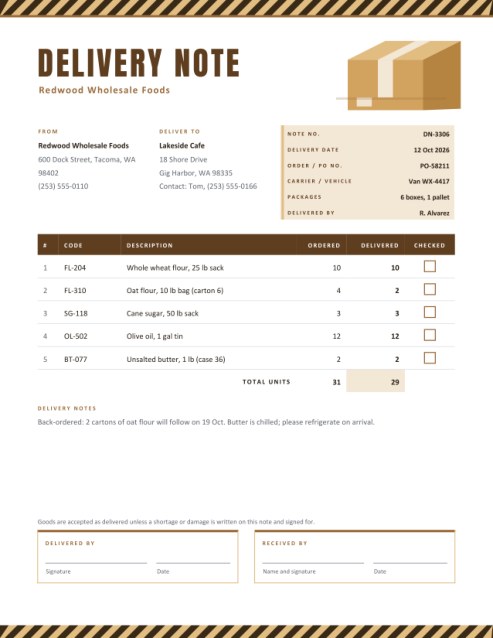
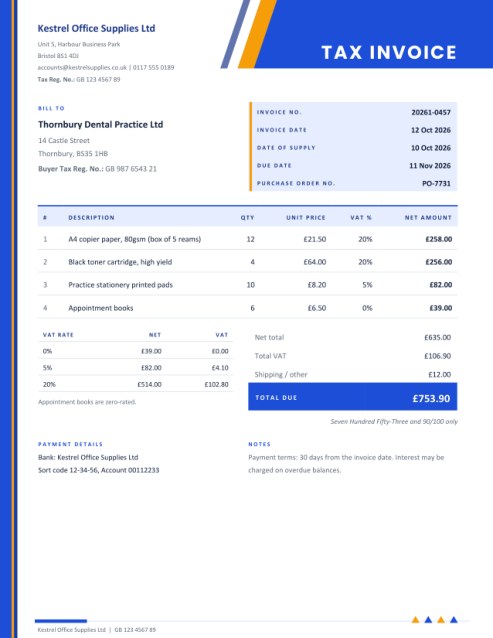
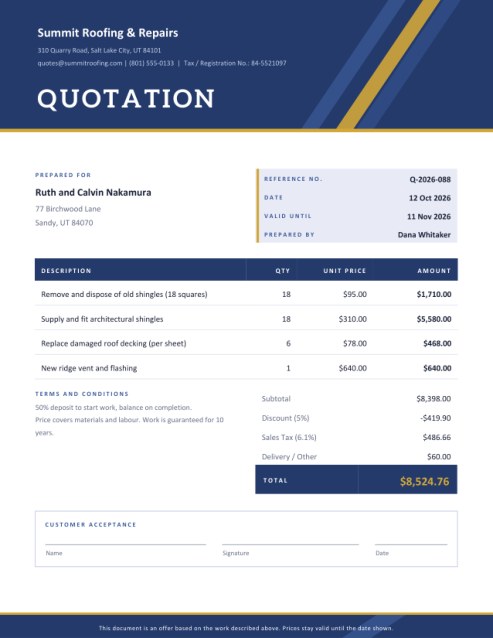

The page that travels with the parcel
A domestic invoice goes to the customer. A commercial invoice goes to customs. When goods cross a border, the officer who reads the document is not interested in your colour scheme or your payment terms. They want to know who is sending the goods, who is receiving them, exactly what is in the box, where it was made, what it is worth and how it is being shipped. If the answers are clear, the parcel moves on. If they are vague, it sits in a warehouse waiting for someone to ask.
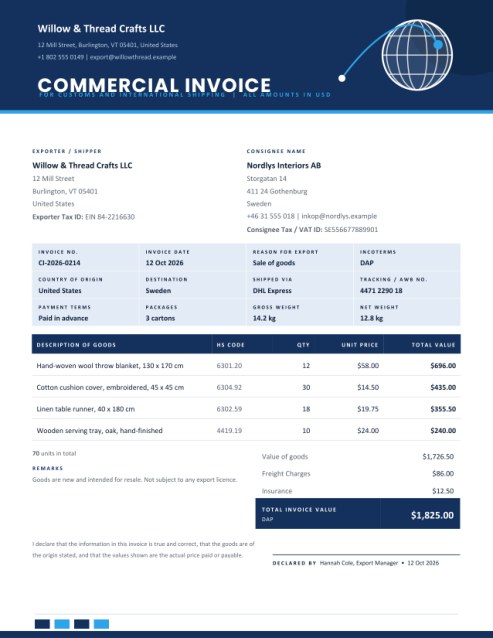
That is why this template is built the way it is. The header carries a globe and a flight-path line as a visual cue for international trade, and the body is divided into the blocks customs staff look for: exporter and consignee, a shipment grid, a goods table and a short declaration with a signature line.
Who sends one
- Online sellers shipping craft, fashion or homeware orders overseas.
- Small manufacturers sending samples or pallets to distributors.
- Freelancers and agencies posting physical goods to clients abroad.
- Families and individuals shipping personal items or gifts internationally.
- Repair shops returning goods that were sent in under warranty.
What each block means
Exporter and consignee
The exporter is the party sending the goods, with address, contact details and a tax identifier such as an EIN or EORI number where you have one. The consignee is the receiver, with a delivery address, phone or email and, for business buyers, a tax or VAT number. Many customs systems reject parcels where the receiver’s phone number is missing, so fill it in.
Shipment grid
Twelve small boxes capture the facts of the shipment: invoice number and date, the reason for export, the incoterm, country of origin and destination, carrier, tracking or air waybill number, payment terms, number of packages and gross and net weight. Only the boxes you fill in are printed.
Reason for export
Choose Sale of goods, Commercial sample, Gift, Returned goods, Repair or warranty, or Other. Customs treat these differently, so choose honestly.
Incoterms
The drop-down lists the eleven standard trade terms from EXW to CIF, such as DAP (delivered at place) and DDP (delivered duty paid). They state who pays for transport, insurance and import duties. If you are unsure, agree the term with your buyer before shipping.
The goods
Describe each product in plain words, including what it is made of, because “gift item” is not specific enough for an officer. Add the HS code, the customs tariff number, if you know it; many national tariff sites and your courier can help you find it. Enter the quantity and unit price. Four lines show at first, with + Add another line for up to eight.
Freight, insurance and total
Freight and insurance are shown on their own lines and added to the value of the goods to give the total invoice value, with the chosen incoterm printed beneath it. The total is always the sum of the printed lines.
Declaration
A short statement says the information is true and correct, that the goods are of the stated origin and that the values are the real price paid or payable. Add your name and, if you wish, a drawn signature; the date is printed beside it.
Tips for smooth customs clearance
- Declare the true value. Under-declaring can bring penalties and delays.
- Use the same names and addresses on the invoice, the courier label and the order.
- Print enough copies; many carriers ask for three, one on the outside of the parcel in a document pouch.
- State the currency in the code box, for example USD or EUR, so that there is no doubt.
- Keep a copy with your export records for as long as your country requires.
Important: rules differ by country
Export and import rules, duties, licences and documentation requirements are set by each country and change often. This template organises the information customs usually ask for, but it cannot tell you which rules apply to your goods or whether additional forms are needed. Check the requirements of both countries, or ask your courier or a customs broker.
Common questions
Is this the same as a proforma invoice?
No. A proforma is a preliminary quote. A commercial invoice is the document for the actual shipment.
Do I need an HS code?
It is strongly recommended; some countries require it. Leave it blank only if you do not know it yet.
Can I send a free sample?
Yes. Choose Commercial sample and enter a realistic value, because customs still assess it.
Will it print on A4?
Yes, choose A4 in the paper size list.
Is it free?
Yes.