

Create Payment Reminder and Statement of Account
Chasing payment is awkward; the right document makes it easier. List the invoices that are still open, add any payments received or late fees, and the page shows a clear total due with a courteous message you can keep or rewrite.
Choose Payment Reminder, Statement of Account or Overdue Notice, and a warm amber, teal or rose theme.
Fill in the information below
Rate this template
Used it? Tap a star. Honest ratings help others choose.
Other Similar Templates
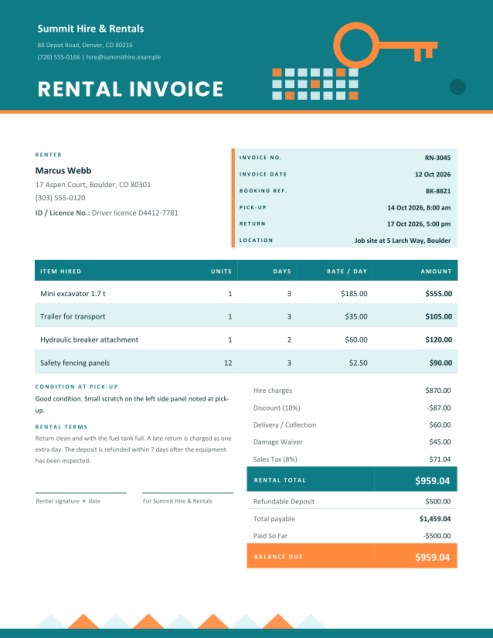
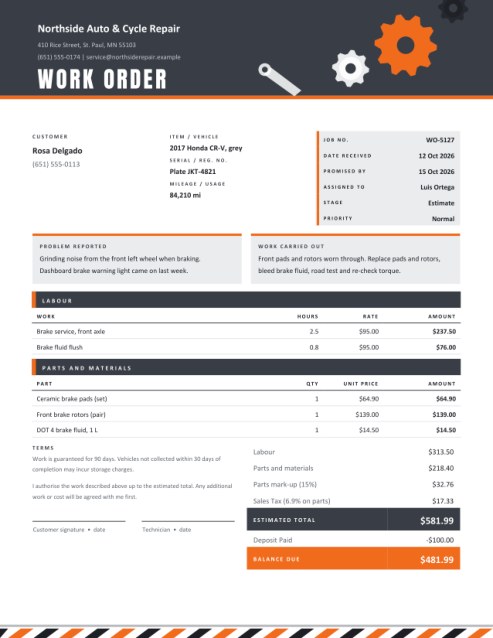
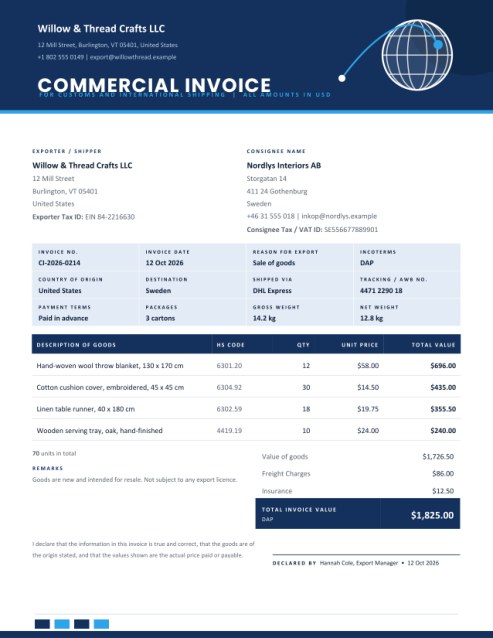
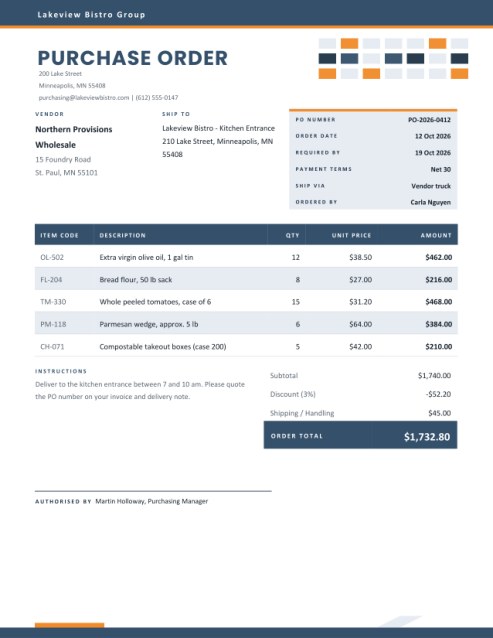
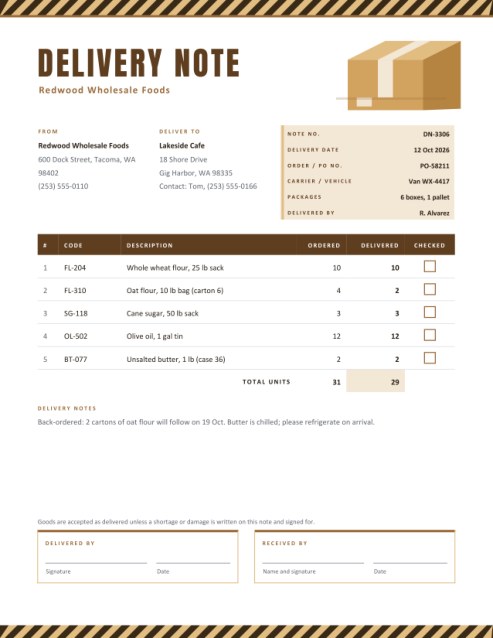
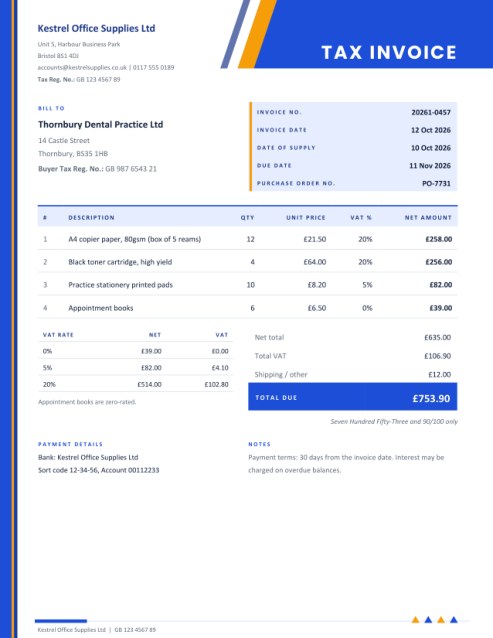
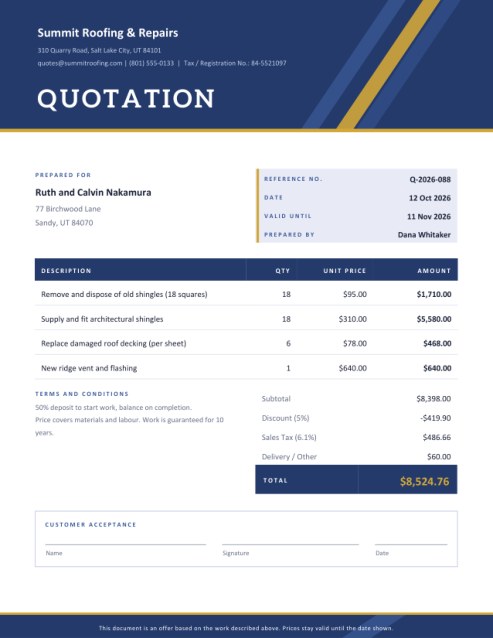
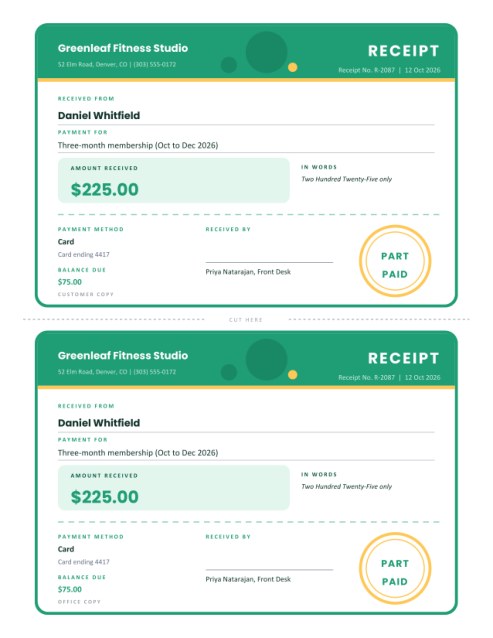
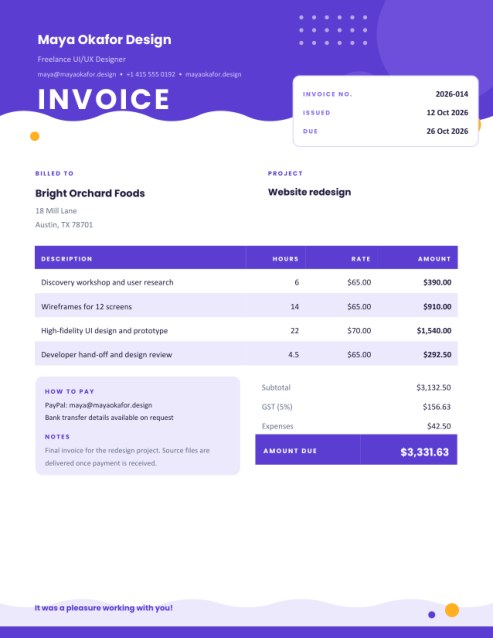
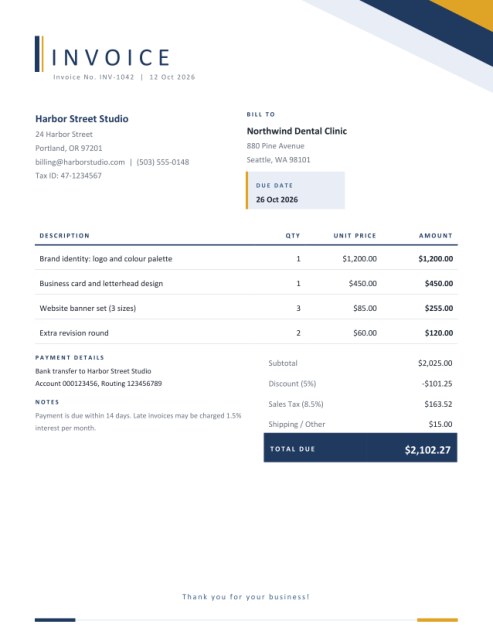
Some other templates similar to this one are also available here. If you would like to create your INVOICE using one of these templates, visit the following.
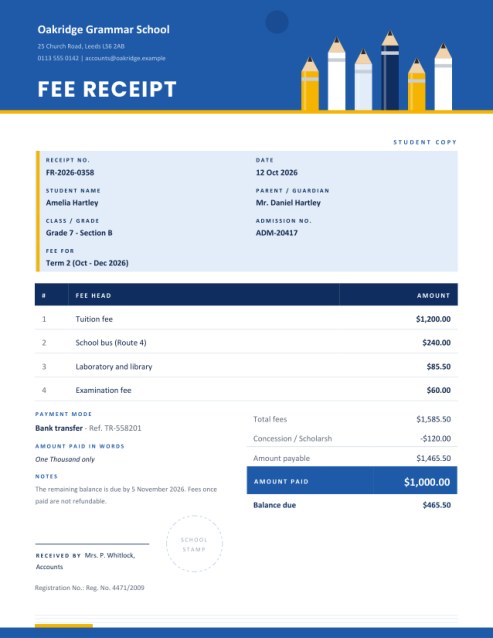
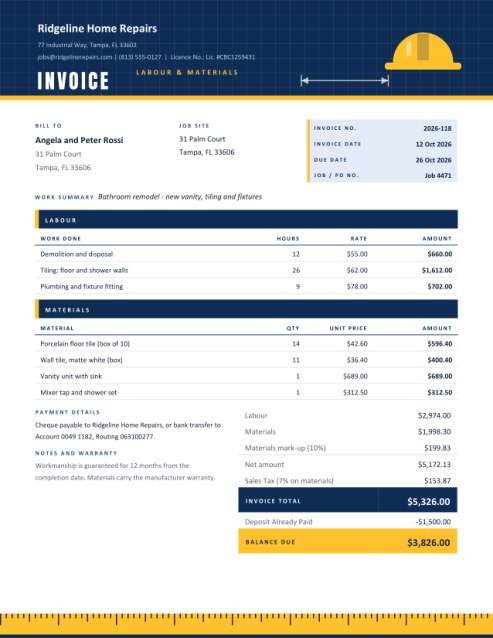
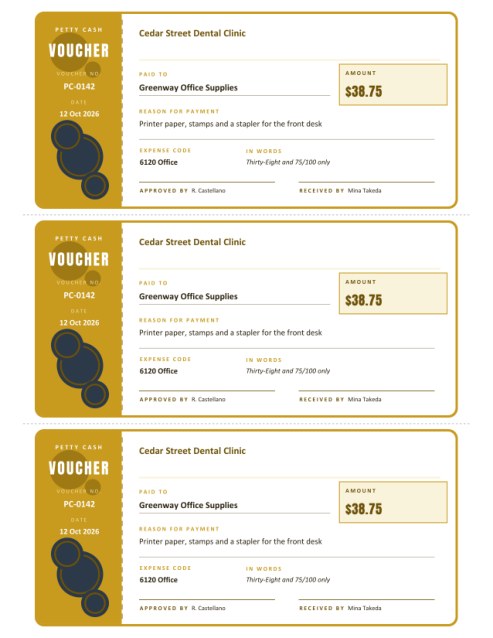
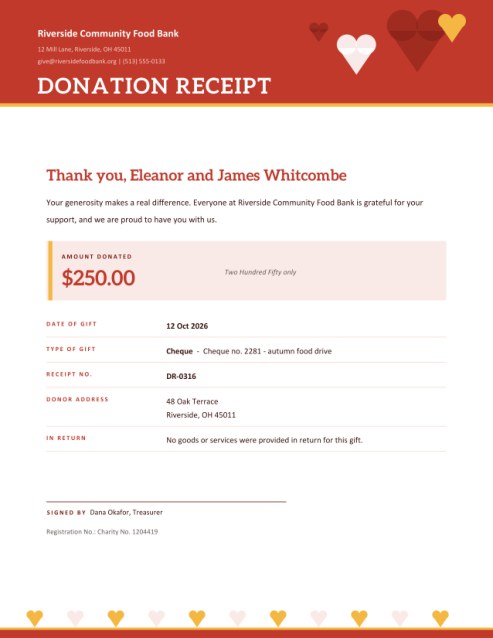
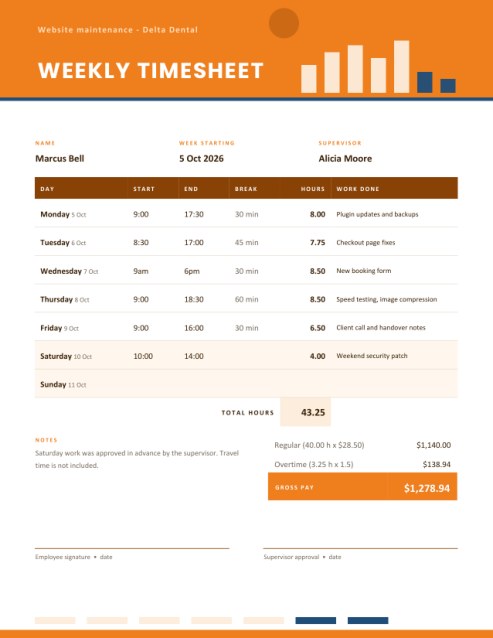
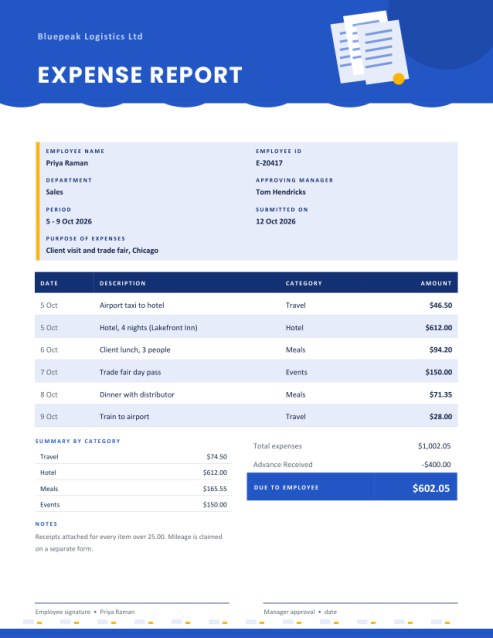
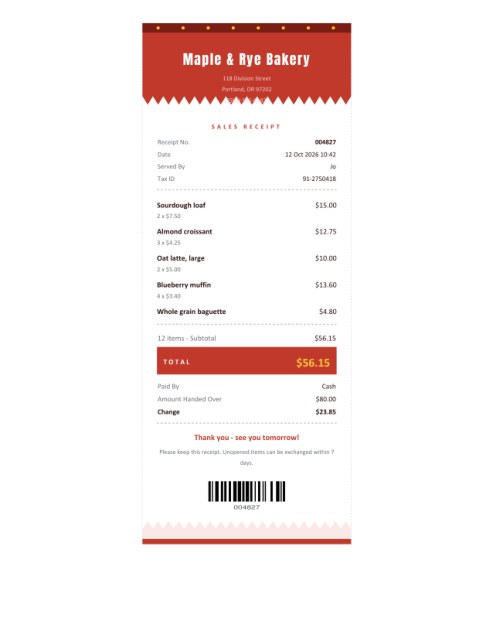
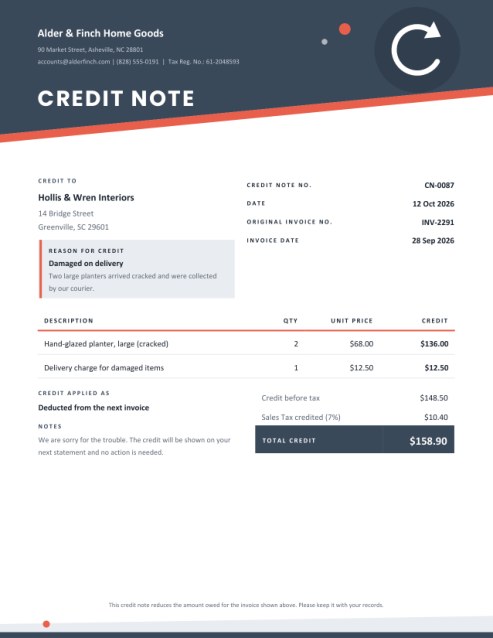

The gentle art of asking for money you are owed
Nearly every small business has a customer who is simply forgetful. The invoice was lost in an inbox, the person who approves payments was away, or the due date slipped past in a busy week. In most cases a clear, friendly reminder is all that is needed. The trouble is that writing one feels uncomfortable, so it gets put off, and the debt grows older.
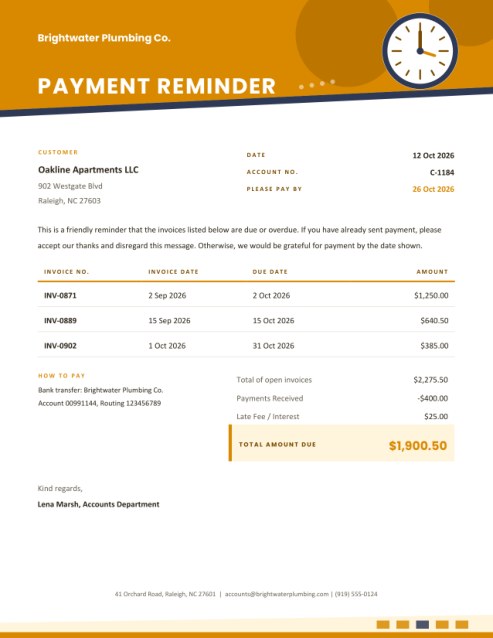
This template takes the awkwardness out of the task. It produces a tidy page with a bright clock in the header, a short polite message, a table of the open invoices and a highlighted total, so that the facts speak for themselves and the tone stays courteous.
Three documents in one
- Payment Reminder is the first nudge, sent shortly after a due date has passed. The default message assumes the customer may already have paid.
- Statement of Account summarises everything open on a customer’s account, often sent monthly to regular clients. Its default wording invites the customer to flag any item that does not match their records.
- Overdue Notice is a firmer follow-up for invoices that are well past due. It remains civil, asks for payment as soon as possible and invites the customer to get in touch if there is a problem.
You are not limited to the default wording. Type your own message into the box and it replaces the standard text completely.
Filling in the form
- From and to. Add your business name and contact line, a logo if you have one, and the customer’s name and address.
- Date, account number and pay-by date. The date defaults to today. An account number helps customers with many invoices, and a Please Pay By date, shown in the header colour, gives a clear target.
- Open invoices. Four rows are shown at first; add more with the Add another line button, up to twelve invoices, each with the invoice number, the invoice date, the due date and the amount.
- Payments and fees. If the customer has already paid part of the balance, enter it under Payments Received and it is subtracted. If your terms allow a late fee or interest, enter it and it is added.
- Payment instructions and sign-off. Say how to pay and name the person who signs off the message, such as someone in your accounts department.
Reading the total
The page works out the total in three short steps: the sum of the open invoices, minus payments already received, plus any late fee. The result appears in a tinted panel marked Total Amount Due. In the sample, three invoices come to 2,275.50, a payment of 400.00 is subtracted and a 25.00 fee is added, giving 1,900.50.
Tone matters more than you think
- Start by assuming good faith. People are far more likely to respond helpfully to “we may have missed your payment” than to an accusation.
- Be specific. Name invoice numbers, dates and amounts so that nobody has to search for what you mean.
- Make paying easy. Put the bank details or payment link right on the page.
- Offer a route to talk. Customers with a genuine problem are more likely to call if you invite them to.
- Keep a record. Note the date each reminder was sent and who received it.
- Stay within the terms you agreed. Only add fees or interest that were part of your agreement and permitted where you operate.
A sensible reminder schedule
Many businesses send a friendly reminder a few days after the due date, a statement at month end, and an overdue notice if nothing has happened after about two to four weeks. Adjust to the size of the debt and your relationship with the customer. This template does not make legal threats or decisions; for serious or disputed debts, consider professional advice.
Colour and layout
The amber theme is warm and attention-getting, the teal theme is calm and businesslike, and the rose theme is distinctive without being aggressive. Each places a drawn clock in the header as a quiet nod to time passing. The page prints on US Letter or A4.
Questions people ask
Can I send this by email?
Yes. Download the PDF and attach it to a short covering message.
Do I have to list every invoice?
List the ones that are still unpaid. Paid invoices should not appear.
Can I change the wording?
Yes, write your own text in the message box.
What if the customer disputes an invoice?
Leave it off until the matter is resolved, or mention it in your message.
Does it cost anything?
No, it is free to create and download.