

Create Delivery Note and Packing Slip
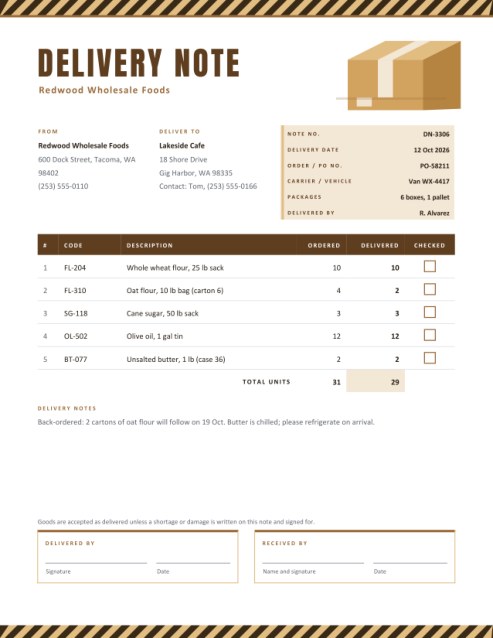
Send every shipment with a clear list of what is inside. Add the sender and receiver, order number, carrier and packages, then list each item with the quantity ordered and the quantity delivered. Tick boxes let the receiver check items off, and two signature boxes close the job.
Choose the title Delivery Note, Packing Slip or Dispatch Note.
Fill in the information below
Rate this template
Used it? Tap a star. Honest ratings help others choose.
Other Similar Templates
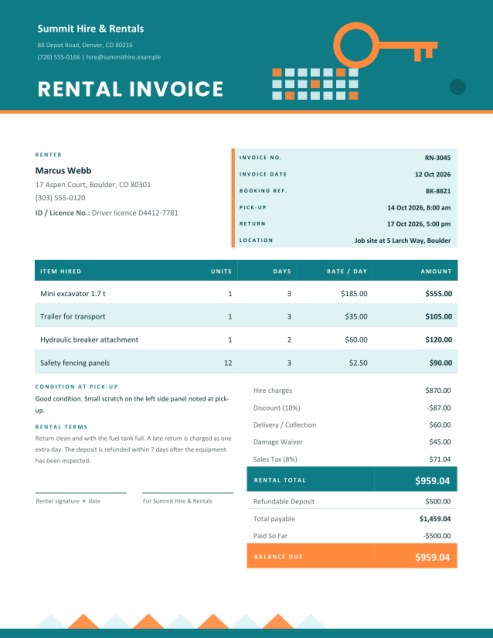
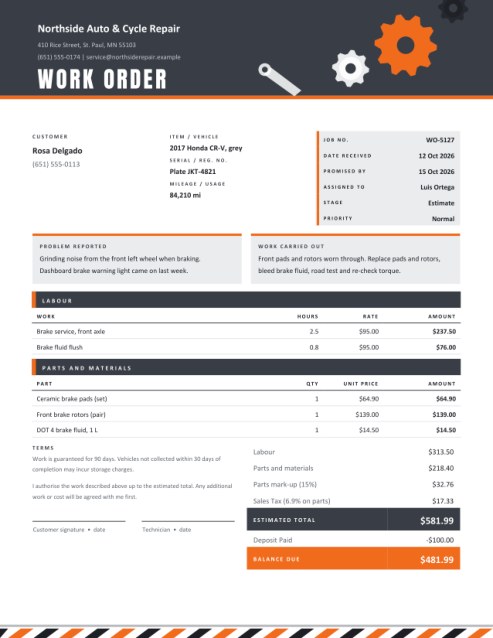
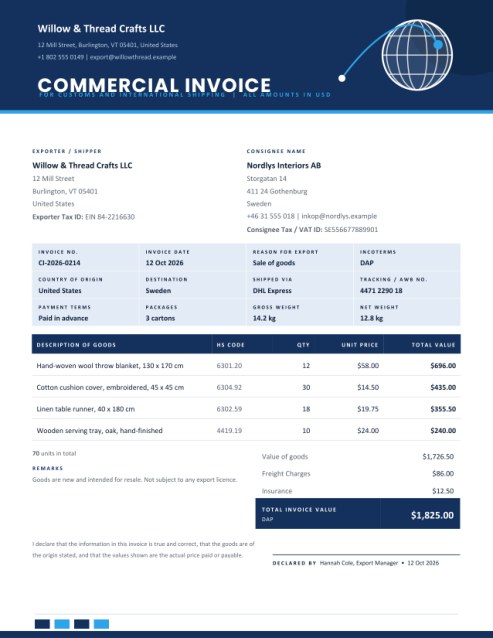
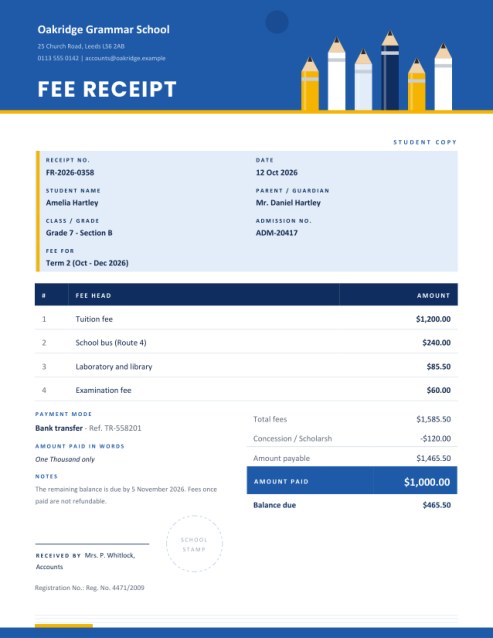
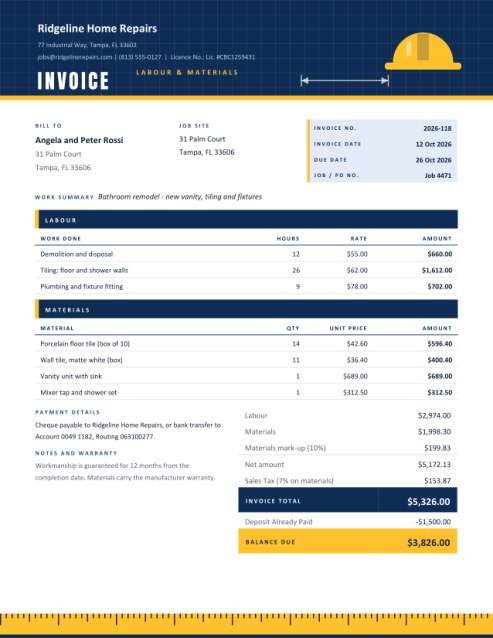
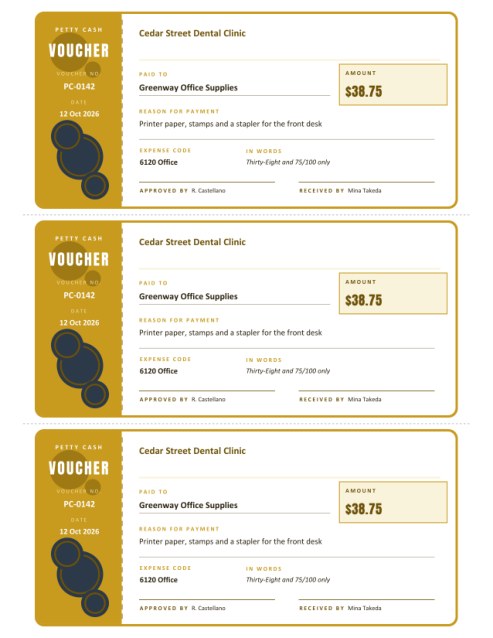
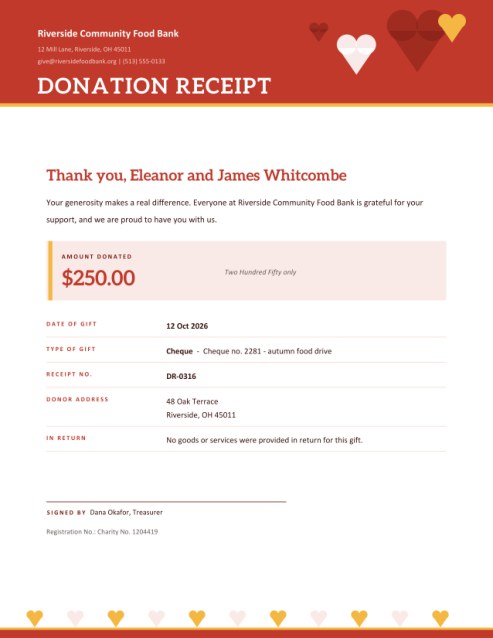
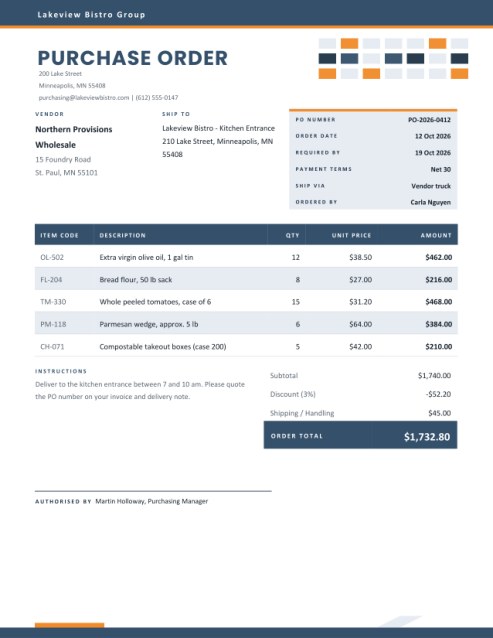
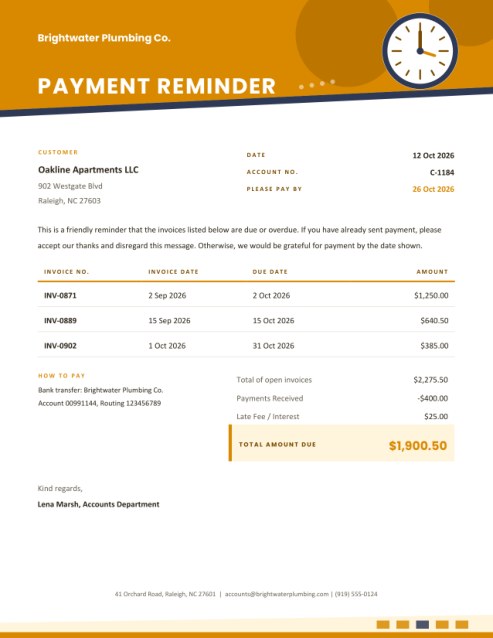
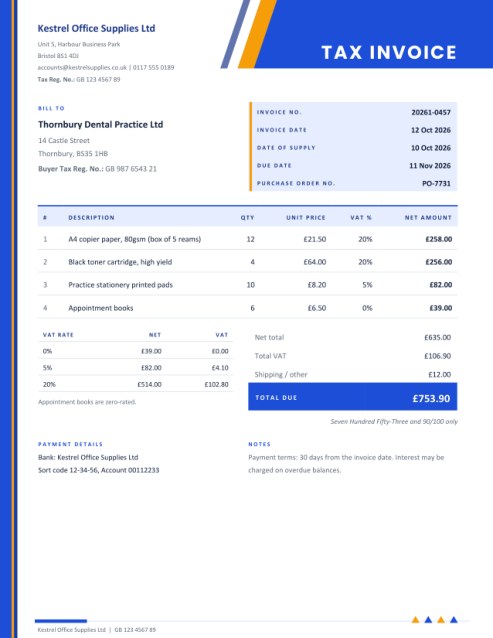
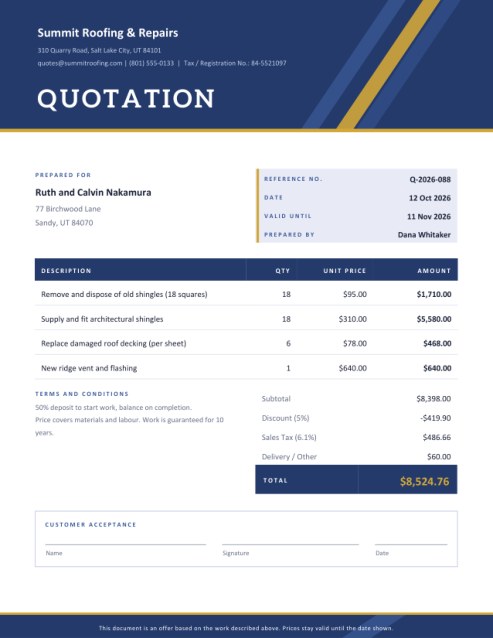
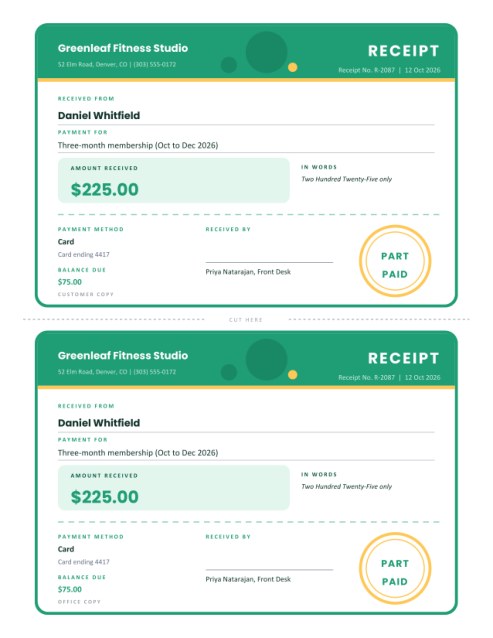
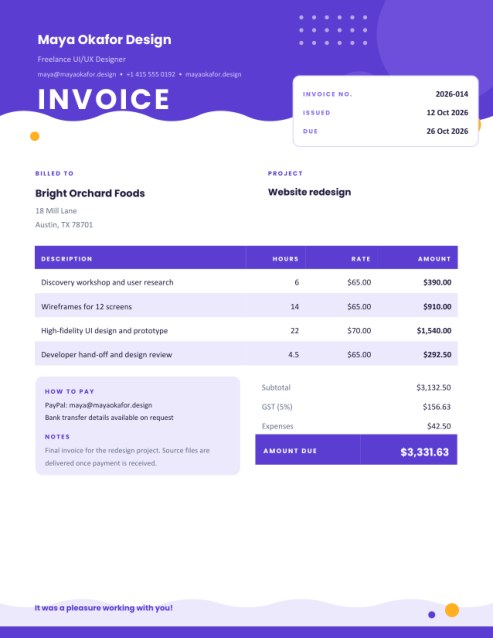
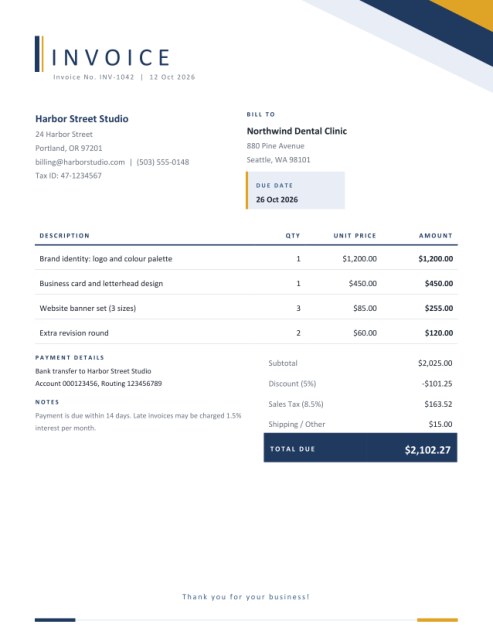
Some other templates similar to this one are also available here. If you would like to create your INVOICE using one of these templates, visit the following.
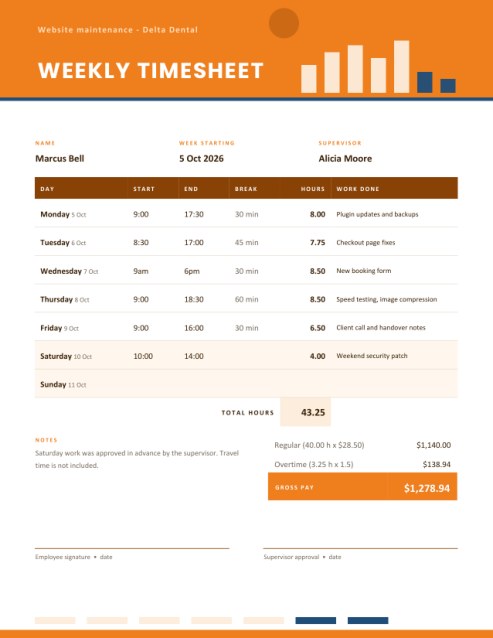
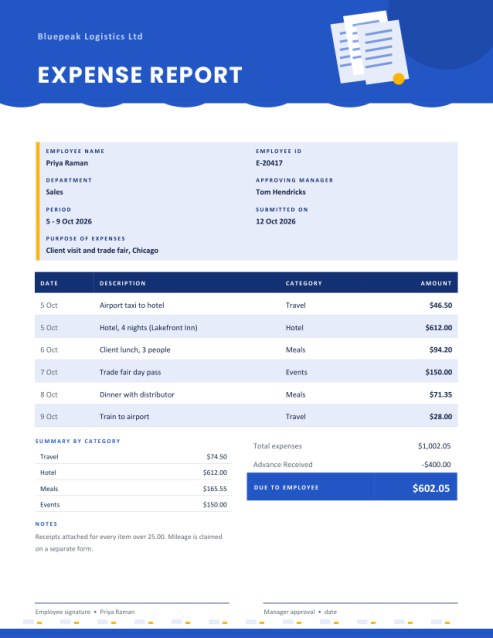
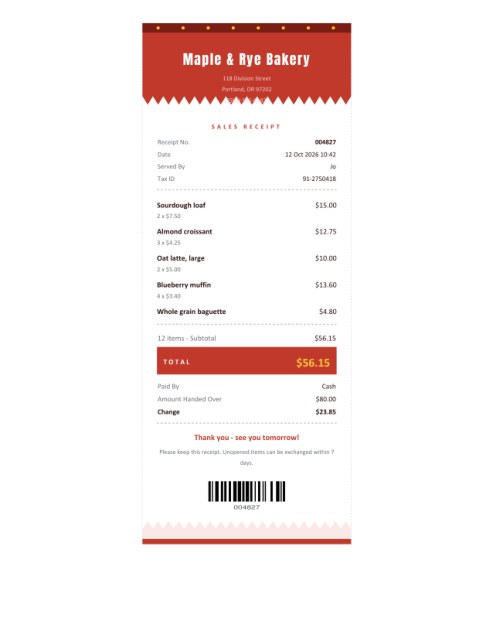
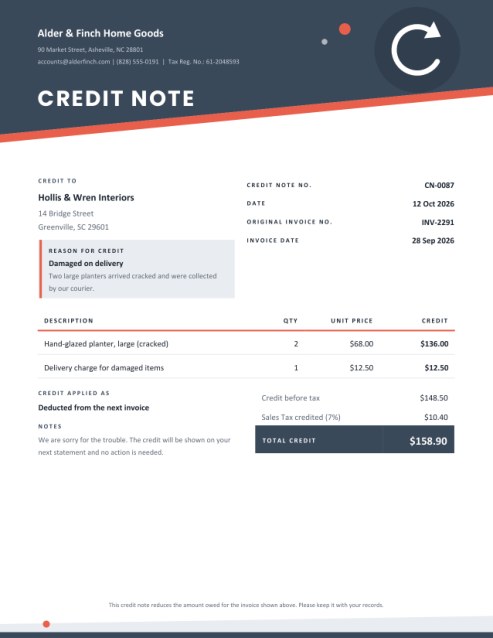

The paper that travels with the goods
An invoice talks about money. A delivery note talks about boxes. It rides along in the van, tucked into a pouch on the carton or handed to the person at the door, and its only job is to let two people agree on what has just changed hands. When a pallet arrives with one carton missing, a good delivery note settles the matter in moments; without one, it turns into a week of emails.
This template presents that information with an industrial sense of humour. The page opens with caution-tape stripes across the top, a drawn cardboard box in the corner and a heavy condensed title. Beneath the playful frame is a practical, no-nonsense layout designed to be read quickly in a warehouse or on a loading dock.
Who uses a delivery note?
- Wholesalers and distributors supplying shops, cafes and restaurants.
- Online sellers who include a packing slip inside each parcel.
- Builders’ merchants and trade suppliers dropping materials at a site.
- Caterers, florists and event suppliers delivering to venues.
- Furniture makers and installers who need a signature on completion.
- Offices and schools that receive stock and must confirm what arrived.
Three titles for three habits
People use different words for similar paperwork, so the Document Title list lets you pick the one your customers recognise. Delivery Note is the everyday choice for goods taken to a customer. Packing Slip is what sellers often put inside the parcel. Dispatch Note is common in manufacturing and exports to say that goods have left the premises.
How to complete it
- Sender and receiver. Fill in your business name and address, then the name and delivery address of the receiver. Add a site contact and phone number to the address lines when the driver might need to call.
- Reference box. Add a note number, the delivery date (today if empty), the customer’s order or purchase order number, the carrier or vehicle, the number of packages or pallets, and the name of the person delivering. Only the entries you fill in appear.
- Items. Six rows are shown at first and the Add another line button reveals more, up to fourteen. Each has an optional product code, a description, the quantity ordered and the quantity delivered.
- Delivery notes. Mention back-orders, handling instructions, storage conditions or access details.
Ordered versus delivered
The two quantity columns are the heart of the page. When both are filled, the table shows exactly where a shipment is short. In the sample, four cartons of oat flour were ordered and two sent, so the totals read 31 ordered and 29 delivered, and the note below explains when the rest will follow. If you leave the delivered column empty, the template assumes everything ordered is being delivered and repeats the ordered figures, which saves typing for complete shipments.
Checking and signing
Each row ends in a small empty box. The receiver ticks it while counting goods against the list. At the bottom of the page are two framed areas: Delivered by and Received by, each with a line for a signature and a date. A short sentence reminds both sides that goods are accepted as delivered unless damage or shortage is written down and signed for.
Habits that prevent disputes
- Print at least two copies: one stays with the receiver, one comes back to you signed.
- Count in front of the receiver and write any difference on the note before it is signed.
- Use consistent product codes so that the warehouse, the driver and the customer all see the same names.
- Photograph damaged cartons and attach the pictures to your records.
- File the signed copy beside the matching invoice.
Colour themes and printing
Kraft brown echoes cardboard, signal blue and yellow is bold and visible, and charcoal and yellow looks industrial. The stripe artwork is placed at the very top and bottom of the page so that it never crowds the table. Pick US Letter or A4 and print at normal size.
Frequently asked questions
Does a delivery note show prices?
This one does not, which is usual for packing slips going to a warehouse. The matching invoice carries the money.
Can I list more than fourteen items?
Group similar goods on one line, or make a second note and mention it in the delivery notes box.
Is a signature required?
The boxes are there for convenience. Use them whenever you need proof of delivery.
Can I add a barcode?
Not on this page, but a product code column is included for your own reference numbers.
Is it free?
Yes.