

Create Expense Report
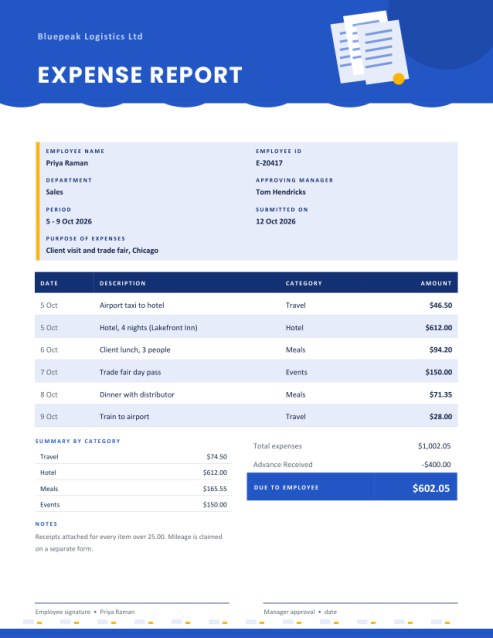
Claim back what you spent without wrestling with a spreadsheet. Record each receipt with its date, description, category and amount; the report adds everything up, summarises each category, subtracts any advance you received and shows exactly what is due.
Includes a purpose box, a notes area and signature lines for the employee and the approving manager.
Fill in the information below
Rate this template
Used it? Tap a star. Honest ratings help others choose.
Other Similar Templates
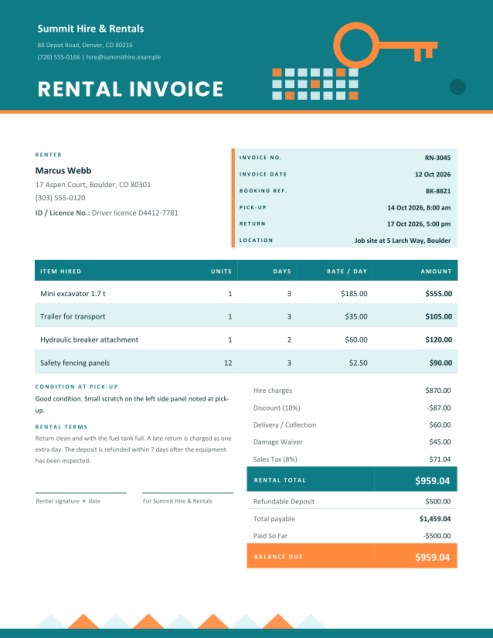
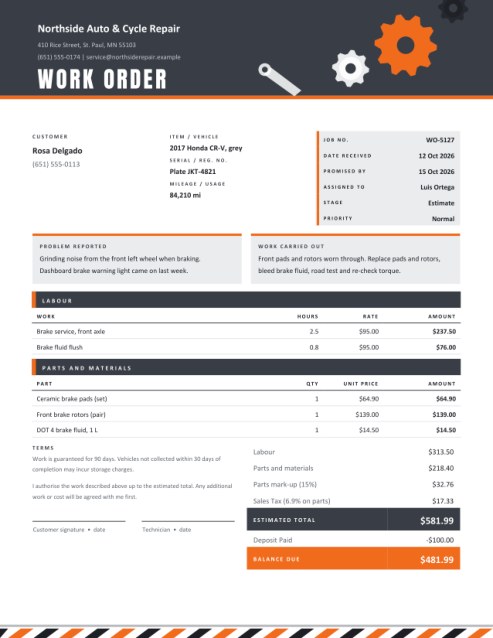
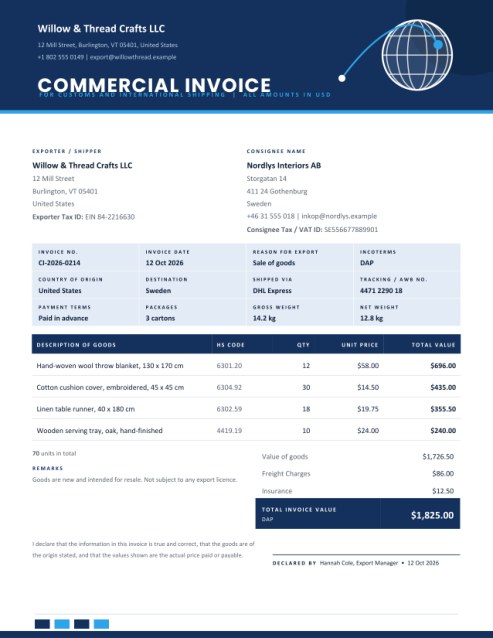
Some other templates similar to this one are also available here. If you would like to create your INVOICE using one of these templates, visit the following.
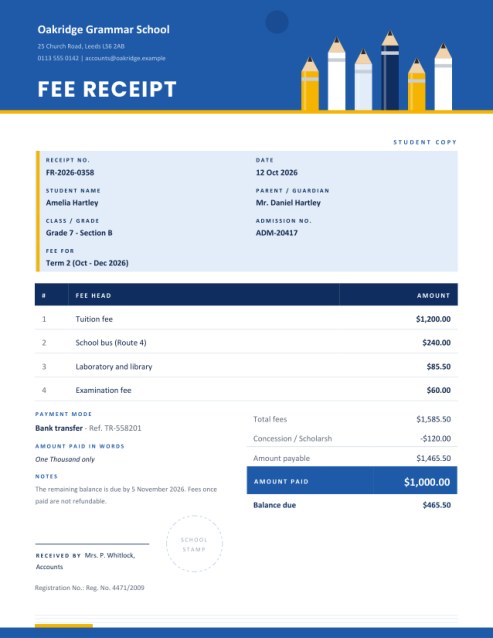
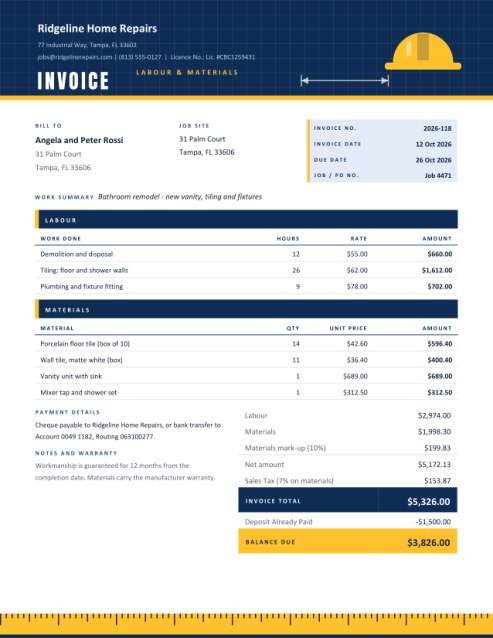
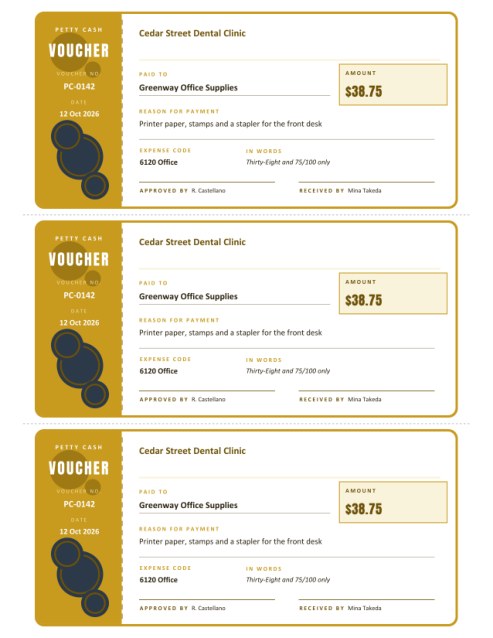
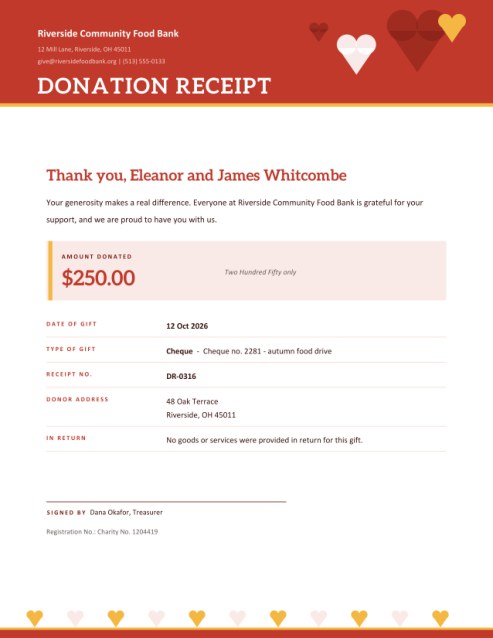
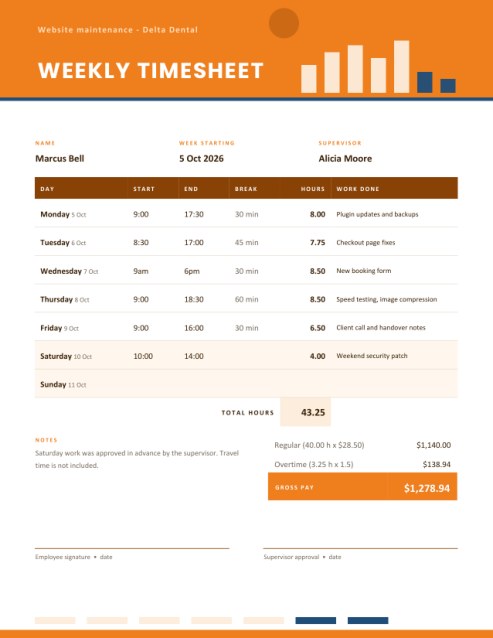
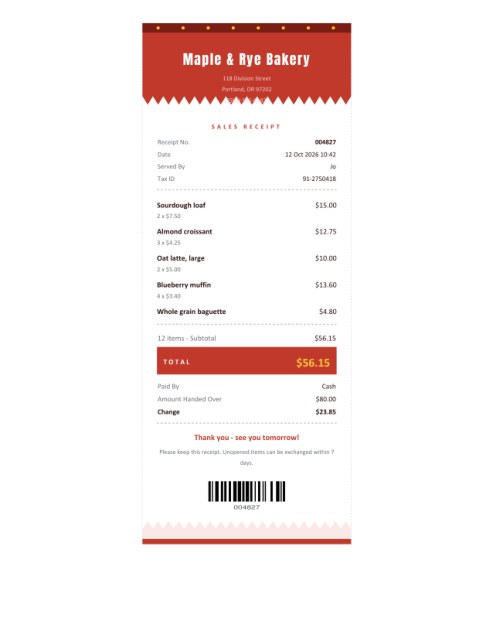
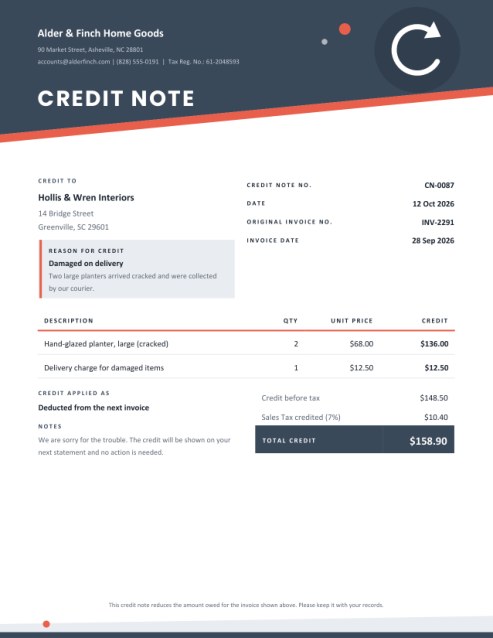
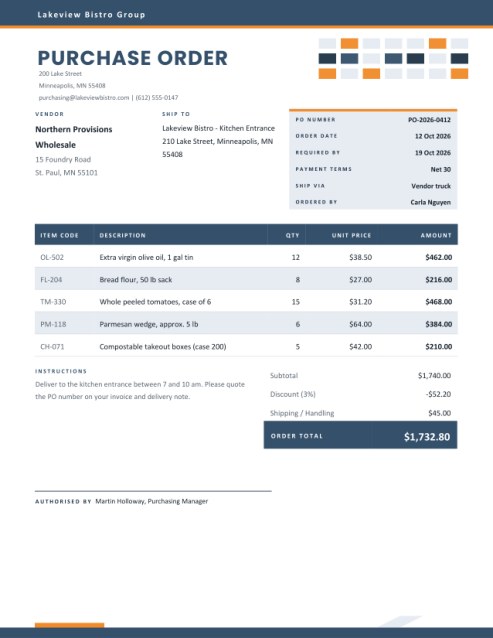

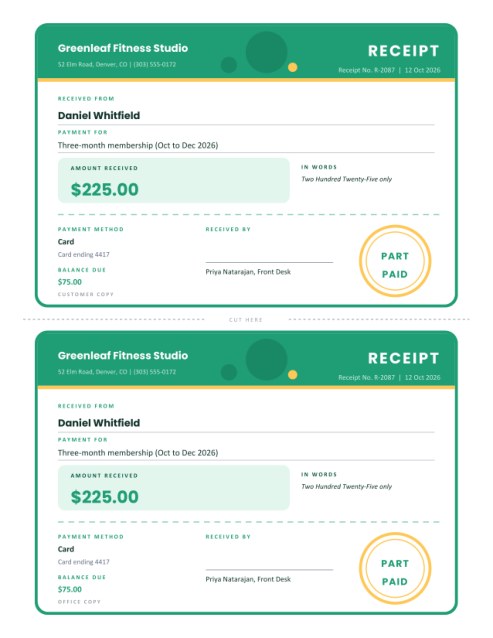
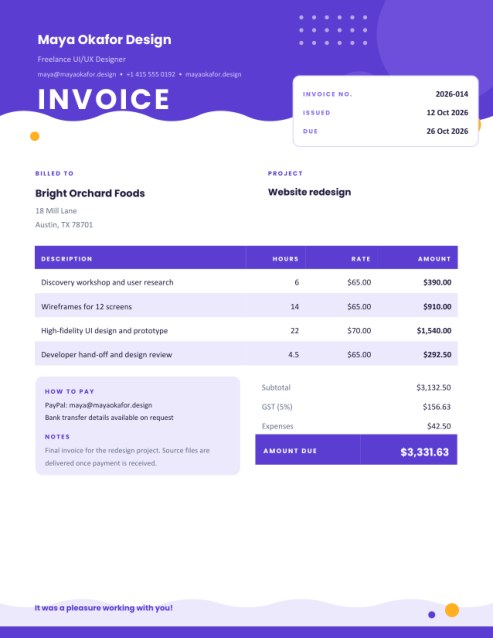
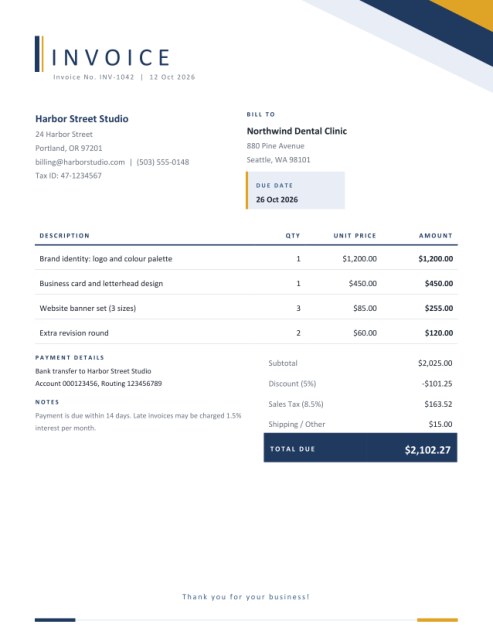
From a pile of receipts to a claim your manager can approve in a minute
Everyone who has travelled for work knows the feeling: a crumpled bundle of receipts, a vague memory of which dinner belonged to which client, and a form that wants it all in neat columns. A clear expense report saves time on both sides. The employee gets reimbursed faster, and the person approving it can see at a glance what was spent, on what, and why.
This template presents the claim on a single page with a cobalt, jade or grape header decorated with a drawing of paper receipts. It works for business trips, conferences, client entertainment, office supplies bought out of pocket, volunteer costs for a club or charity, and any situation where one person spends money on behalf of an organisation.
Sections of the report
The claim details
A tinted panel at the top shows the employee’s name and ID, the department, the approving manager, the period covered, the date submitted and the purpose of the expenses. The purpose line matters more than people expect; a sentence such as “Client visit and trade fair, Chicago” saves the approver from asking.
The expense lines
Each line records a date, a short description, a category and an amount. Five lines are shown at first; press + Add another line for more, up to fourteen. If you spent more than that, create a second report for the same period and reference both in the notes.
Summary by category
When your lines use two or more different categories, the report prints a small table of subtotals underneath, for example Travel, Hotel, Meals and Events. The grouping ignores capital letters, so “meals” and “Meals” are counted together. Lines without a category are collected under “Other”.
Advance and amount due
If you were given a cash advance before the trip, enter it as Advance Received. The report subtracts it from the total. A positive balance reads Due to employee; if you spent less than the advance, the label changes to To be returned and shows the amount owed back.
Approval
The page ends with two signature lines. The employee may draw a signature in the form, and the manager’s line is left open for a pen after printing.
Choosing categories
Use a few broad categories and keep them the same every time. A typical list is Travel (fares, taxis, parking, fuel), Hotel, Meals, Events (tickets and fees), Supplies and Other. Consistent names make the summary useful and help finance teams book each cost to the right account. Check your employer’s policy for category names and spending limits.
Getting claims approved quickly
- Claim soon after the trip while you still remember what each receipt was.
- Keep every original receipt and attach copies, particularly for larger items.
- Write descriptions that mention who or what the cost was for, such as “Lunch with distributor, 3 people”.
- Show amounts in one currency. Convert foreign amounts at the rate your employer uses and note it.
- Round nothing yourself: type the exact amount from each receipt and let the total be calculated.
- Do not include personal items. A clean claim is approved faster.
A note on accuracy
Each amount is taken to whole cents. Category subtotals and the grand total are summed from those same amounts, so the report always adds up. What is claimable, and how mileage or per-diem allowances are treated, depends on your employer’s rules and the tax rules where you live; this tool records the amounts you enter and does not check them against policy.
Common questions
Can I claim mileage?
Add it as a line, for example “Mileage 120 mi at 0.67” with the calculated amount, or use a separate form if your employer prefers.
Do I have to use categories?
No. Leave them empty and the report prints without a summary table.
Can a volunteer or club member use it?
Yes. Put the group’s name in the company box and use it exactly as you would at work.
Are receipts attached automatically?
No. Print the report and clip your receipts to it, or scan them together.
Is it free?
Yes.