

Create Business Gift Voucher
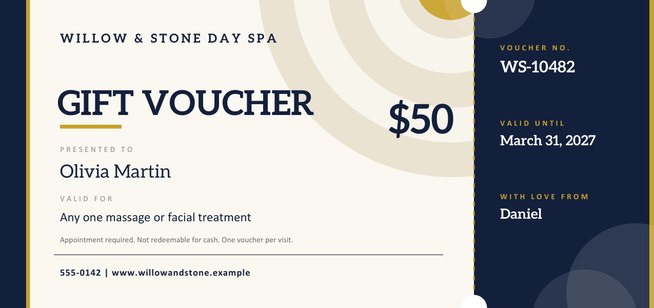
Give your customers something they can hand to a friend. Add your business name and logo, the value or service, a voucher number, an expiry date and your terms, and print a ticket-style gift voucher with a tear-off stub for your records.
Designed for salons, cafés, studios, shops and tradespeople who want a professional voucher without hiring a designer.
Fill in the information below
Other Similar Templates
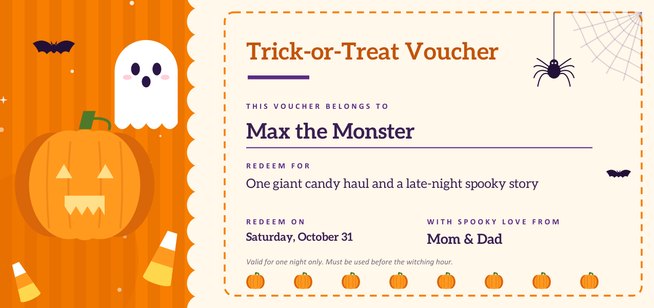
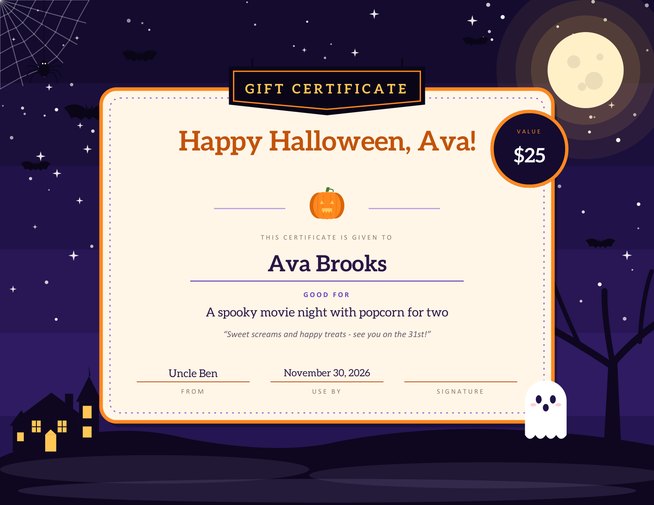
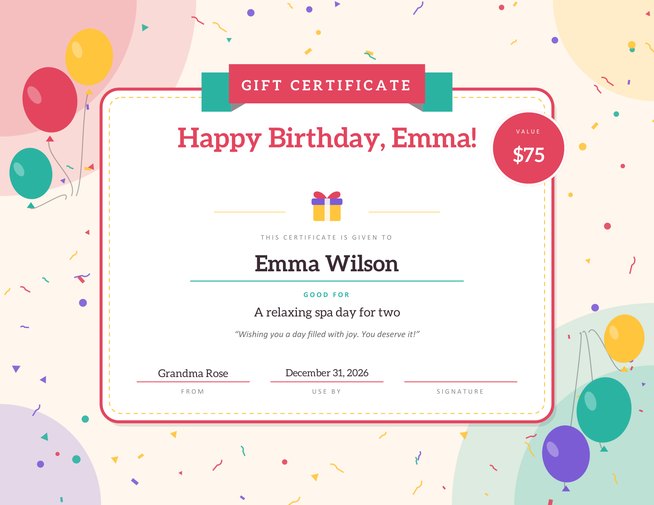
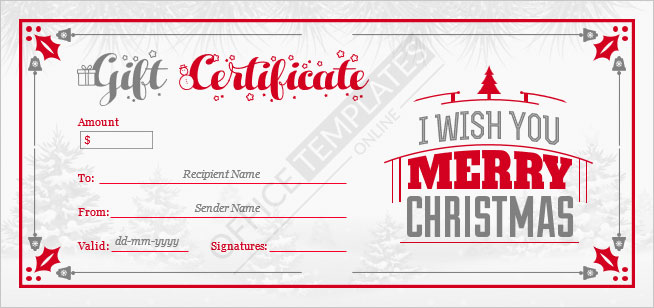
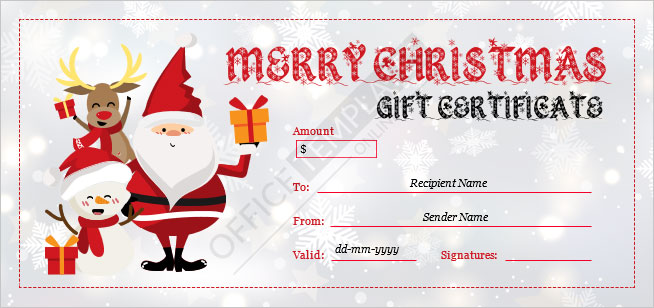
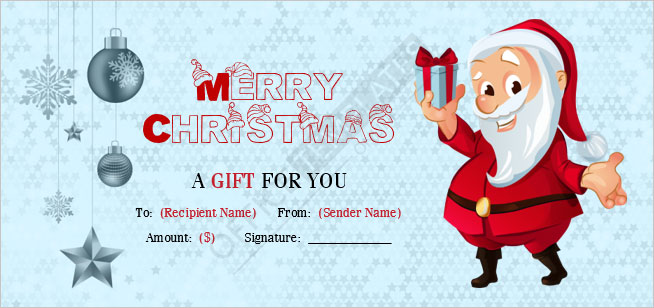
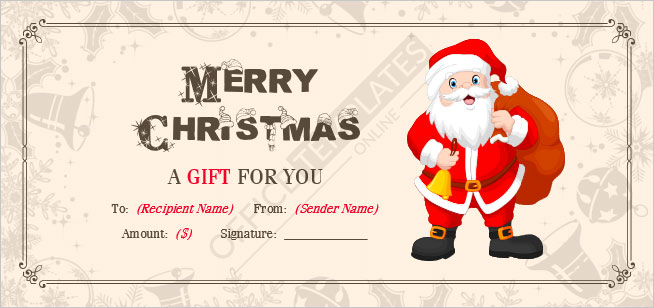
Some other templates similar to this one are also available here. If you would like to create your GIFT CERTIFICATE using one of these templates, visit the following.
A voucher your customers are proud to give
Gift vouchers are one of the easiest ways for a small business to earn new customers. A satisfied client buys one for a friend or relative; the recipient arrives already warm to your business, usually spends a little more than the voucher is worth, and may become a regular. The voucher itself matters, though. A plain slip of paper looks like an afterthought, while a well-designed ticket looks like a present.
This template creates that ticket. It prints at 8.5 by 4 inches, a landscape shape that is easy to slide into an envelope or a small gift bag. The wide main panel carries your branding and the offer; the narrower stub on the right holds the voucher number, the expiry date and the name of the person who bought it, and a perforation-style line marks where it separates.
Everything a good voucher should say
Customers should never have to guess what a voucher entitles them to. Before you print, check that yours states:
- Who issued it — your business name, and ideally your logo, so it is recognised at a glance.
- What it is worth — either an amount (for example $50) or a specific service, such as “one 60-minute massage”.
- A unique number — so you can find the sale in your records and make sure it is used only once.
- An expiry date — or a clear statement that there is none.
- The conditions — booking requirements, exclusions, whether it can be exchanged for cash.
- How to redeem it — a phone number, website or address.
Voucher ideas by type of business
- Hair and beauty: a value voucher is flexible, but a named treatment such as a cut and finish or a facial is easier to sell as a gift.
- Cafés and restaurants: a dinner for two or a fixed meal amount; add a reminder to book ahead at busy times.
- Fitness and wellbeing: a trial month, a block of classes, or a personal training session.
- Tutors and music teachers: a set number of lessons that parents can give at birthdays and holidays.
- Photographers: a portrait session including a printed photograph.
- Repair and home services: a free inspection or a discount on the first job, handy for new homeowners.
- Independent shops: a spend-anywhere-in-store voucher with the sale date and an end date.
Think about the small print
The terms box fits one or two short lines, so choose the conditions that matter most. Common ones include “appointment required”, “one voucher per visit”, “not valid with other offers” and “not redeemable for cash”. Rules on voucher expiry dates, refunds and unused balances differ from country to country and sometimes from state to state, so look up the requirements that apply to you before you set a date. When in doubt, a longer validity period is generally friendlier to customers and safer for you.
Keep track of what you sell
Even a tiny business benefits from a simple voucher log. A spreadsheet with four columns is enough: voucher number, date sold, value or service, and date redeemed. Give each printed voucher a different code — a short prefix plus a running number, such as WS-10482, is easy to read and easy to search. When a customer redeems, mark the entry and keep the stub, or a photograph of the voucher, with the day’s paperwork.
Making the template yours
Start with your business name and the offer; the rest follows. Upload a logo if you have one — a simple, high-contrast image works best on the light panel, and a transparent PNG or a plain SVG looks cleanest. Pick one of three colour themes to match your brand: navy and gold for a classic, upmarket feel; forest and amber for natural, wellness or food businesses; berry and blush for beauty and boutique brands. The “with love from” line is optional and lets a customer who buys the voucher add their name when they give it away.
Printing tips
- Use a heavier paper — 200 gsm or card stock — so the voucher stands up in a display holder or envelope.
- Print a small batch at a time and fill the voucher number and expiry date as you sell them, or generate one PDF per voucher for a fully typed look.
- If you separate the stub, trim along the dashed line with a ruler and craft knife for a clean edge.
- Check a test print for colour before running a stack; navy and berry tones can look darker on some home printers.
Questions from business owners
Can I use my own logo?
Yes. Upload it in the form and it appears at the top left of the voucher, beside your business name.
Does it work for services as well as money?
Yes. Type an amount, or leave the value box empty and describe a service in the “valid for” line.
Do I have to add an expiry date?
No, every box except the business name is optional. Whether you must or should set one depends on the rules where you trade.
Can I make many vouchers with different numbers?
Yes. Change the voucher number on the form and download a new PDF each time.
Is this a legal document?
No. It is a printed promise from your business, so honour it in the way the terms state.
What size is the printed voucher?
8.5 by 4 inches, which is the lower two-fifths of a US Letter sheet; a guillotine trims the sheet to size.
Is there a charge for using the generator?
No. You can create vouchers for your business for free.