

Create Backyard BBQ Invitation
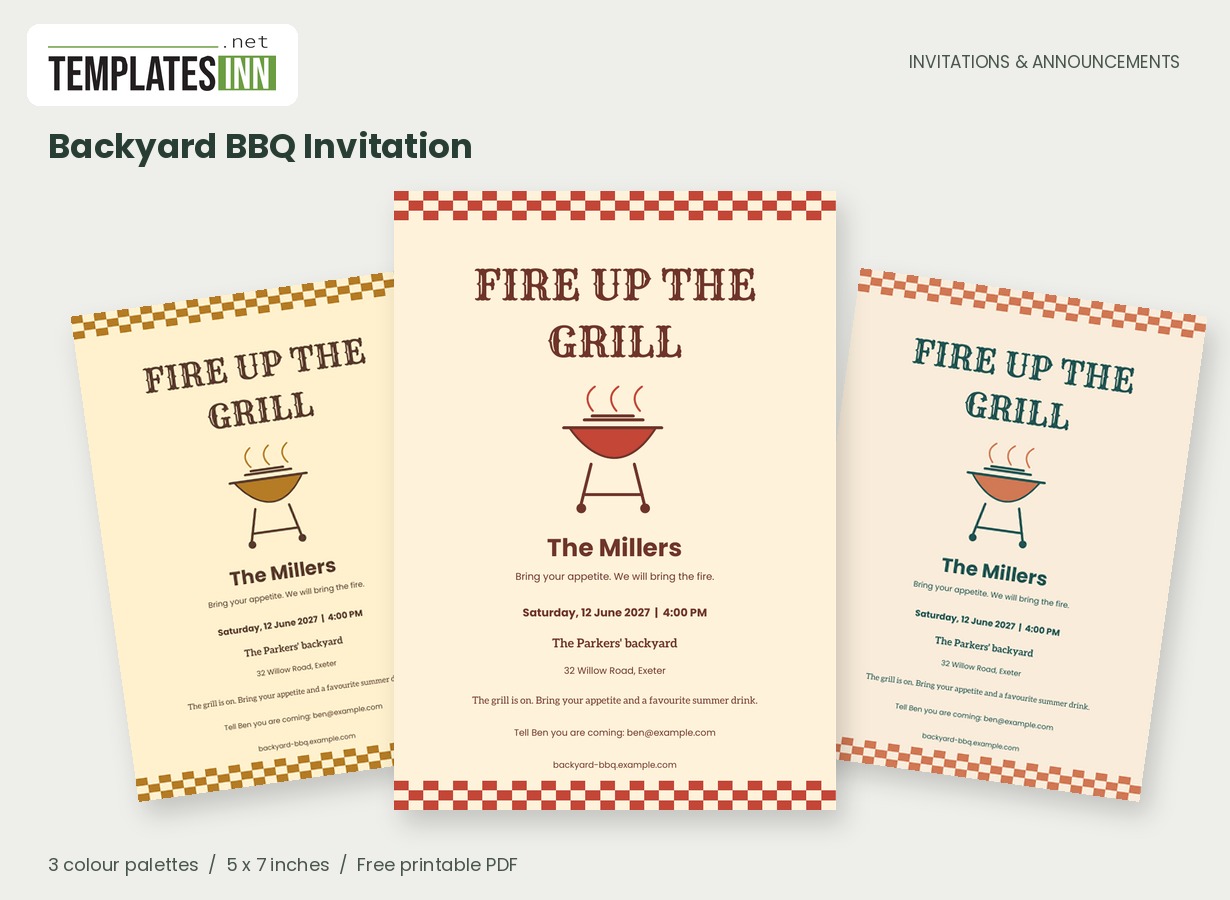
Fire up the grill and call everyone over. A retro checkerboard, original barbecue illustration and bold display lettering make this card feel like the beginning of a good afternoon.
Fill in the information below
New here? Use the button above to fill in an example, then change it to your own details.
Rate this template
Used it? Tap a star. Honest ratings help others choose.
You May Also Like
Templates from other categories that people often use together with this one.
Other Similar Templates
More designs from the same collection, Free Printable Invitations & Announcements. If this one is not quite what you need, one of these may be.
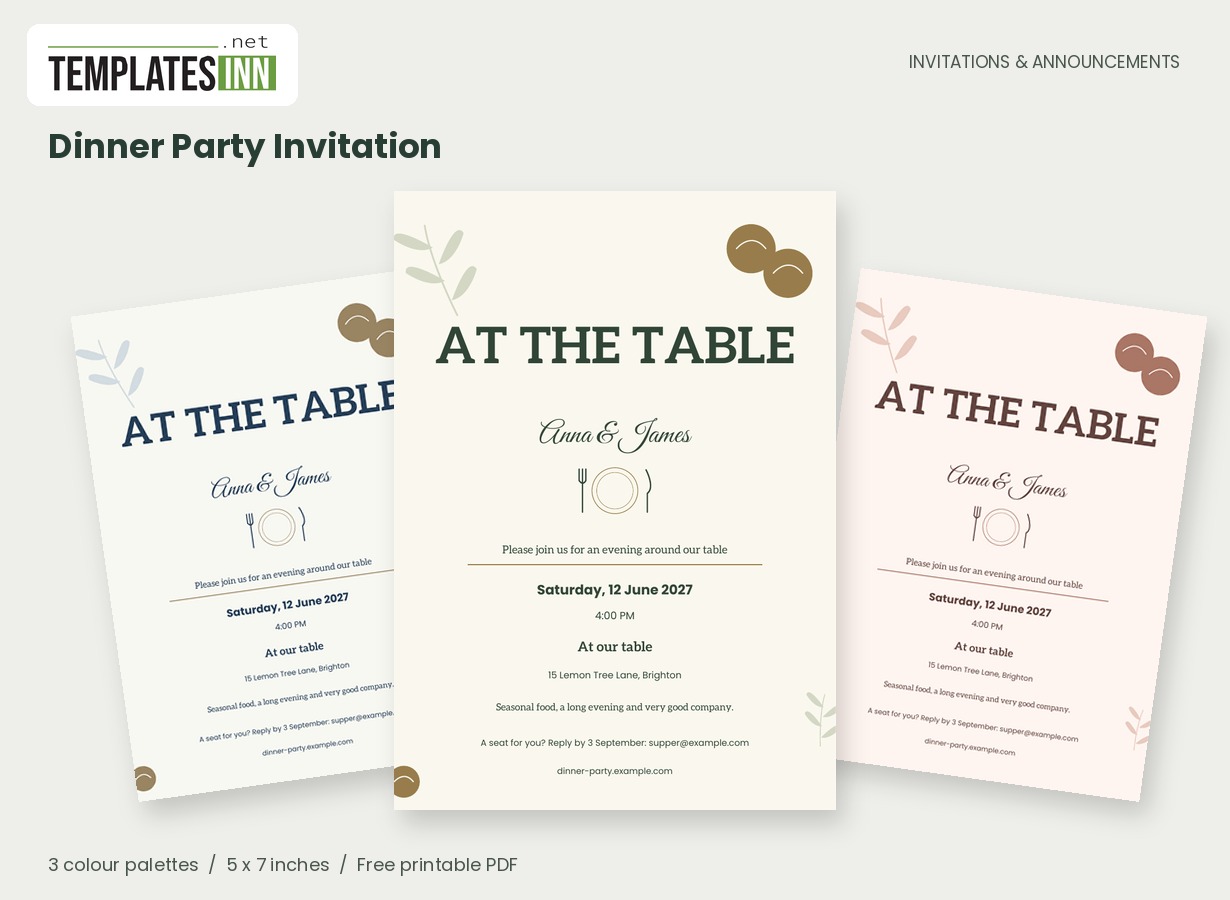
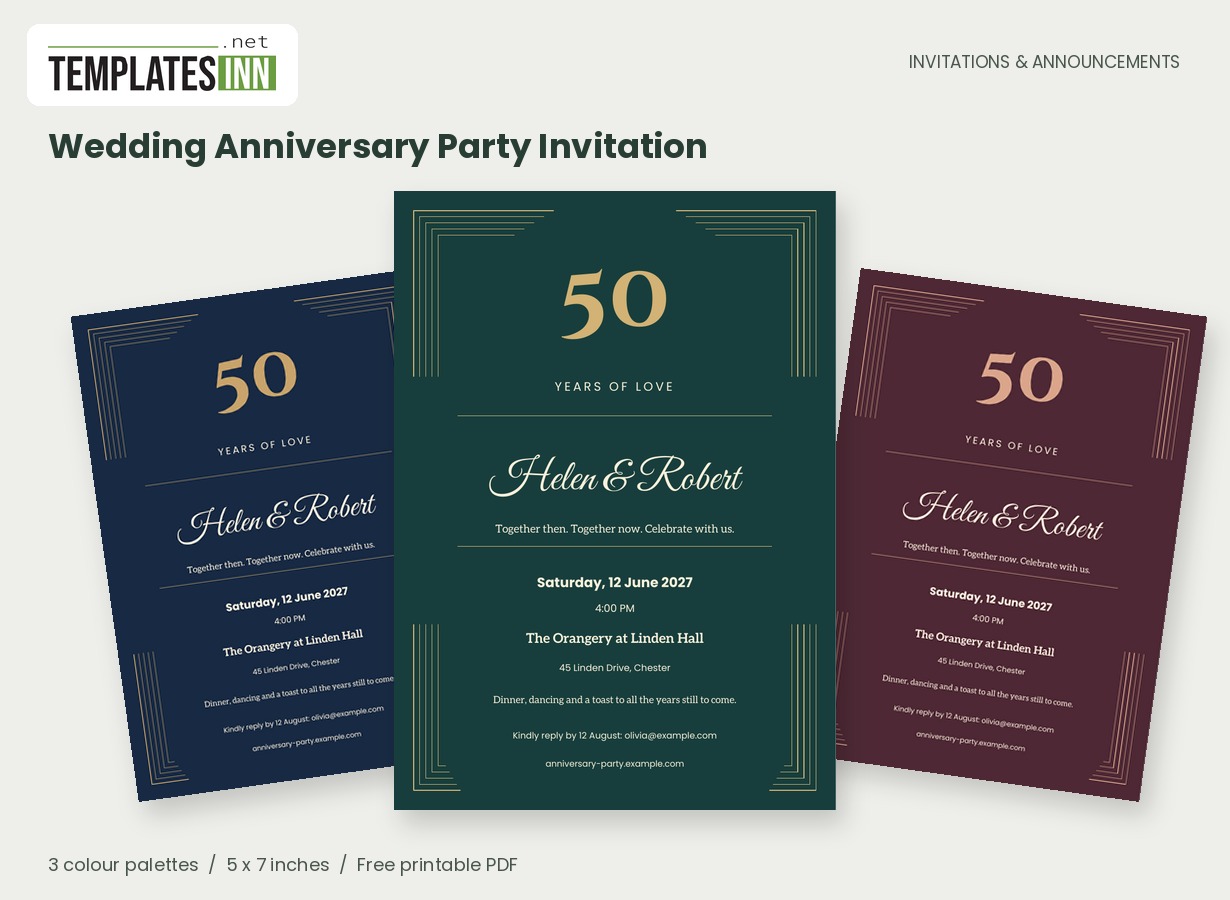
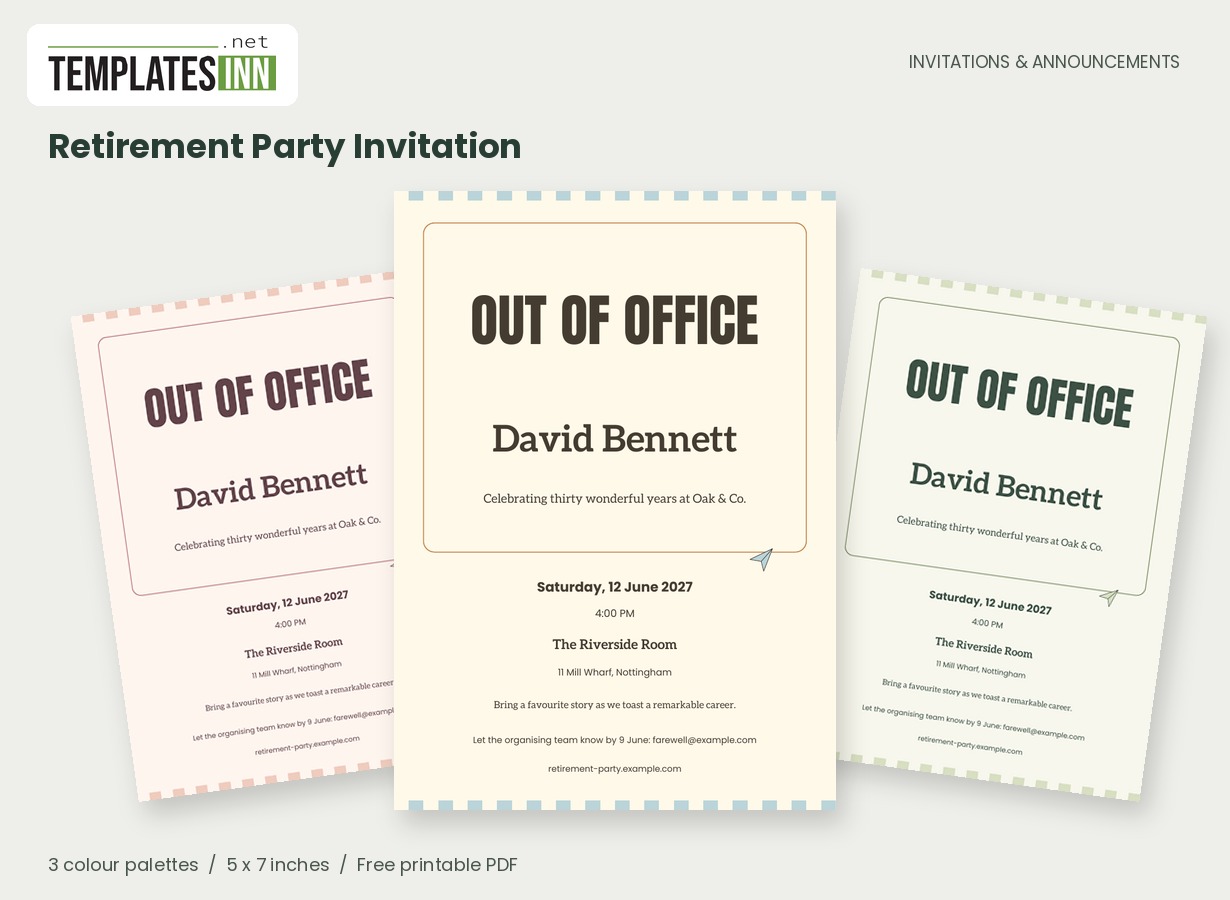
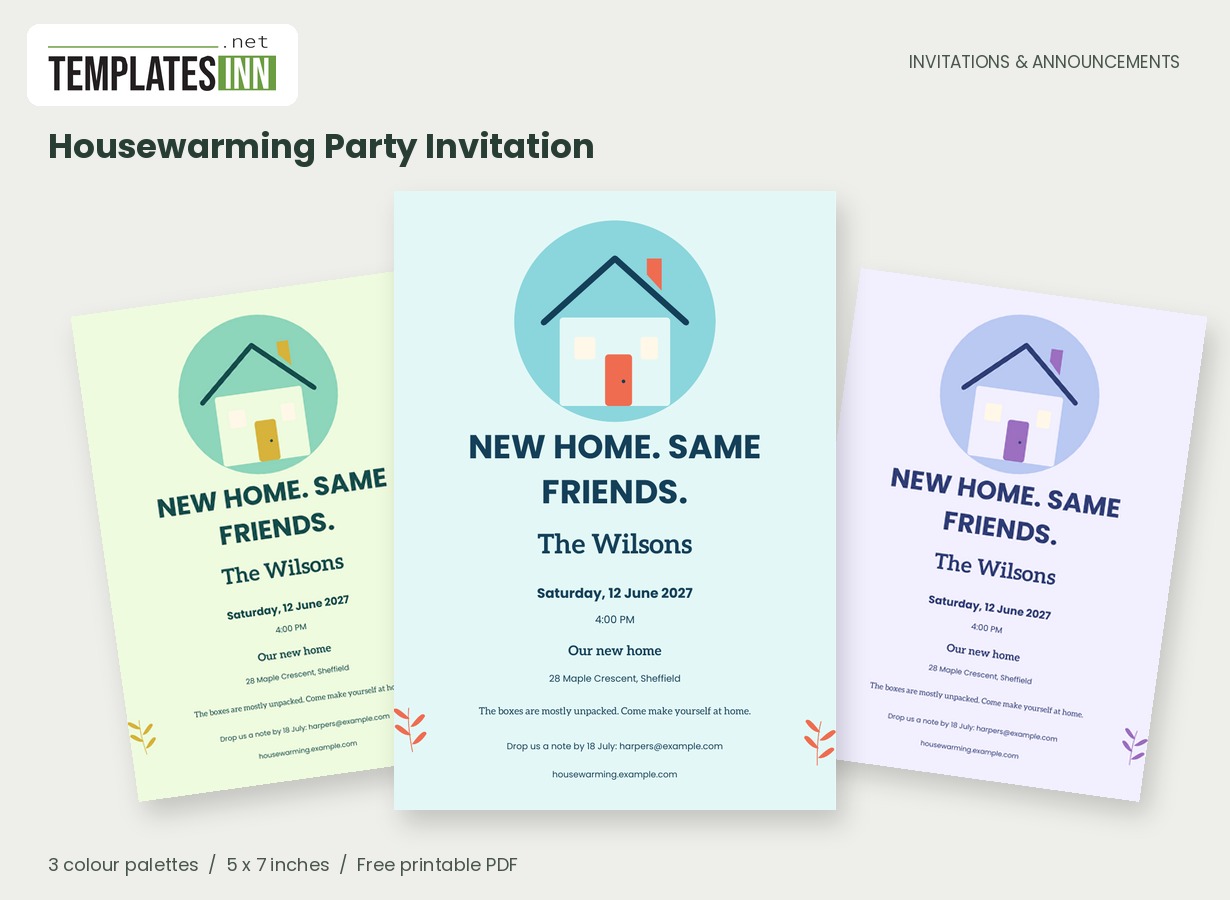
All the flavour, none of the fuss
The checkerboard edges and little grill give this invitation a casual cookout character. Use a friendly opener such as "Burgers, backyard games and good company" or "The grill is on - come hungry." Put the host or family name in the main field and let the practical details follow below.
A casual invitation still benefits from a clear plan
A barbecue can feel wonderfully informal while giving guests enough information to turn up comfortably. Decide whether people should arrive for a meal at a set time or drop in over an afternoon. If food will be coming off the grill throughout, a time range can explain that better than one precise start. Mention a garden entrance when visitors would otherwise knock at the wrong door. If you would like help with side dishes or drinks, make a specific request when guests reply. The invitation's retro grill and checkerboard already establish a relaxed mood, so the wording can be plain, friendly and easy to act on.
What should guests bring?
Use the short note for the one request that matters: a picnic blanket, a favourite side dish or a drink. Avoid a vague "bring something" if you are trying to plan a balanced menu. Collect dietary requirements with replies so there is something for everyone at the grill.
Cookout lines to suit your crowd
Use these ideas for your card or the message you send with it. Adapt longer examples into a short phrase for the form's limited text fields.
From the hosts
The grill is on and the garden is ready. Join the Parkers for burgers, backyard games and an afternoon of good company.
For a shared summer table
Bring your favourite summer drink and a healthy appetite. We will bring the barbecue and a reason to stay for one more story.
For a birthday barbecue
A birthday, a barbecue and our favourite people outside together. Come celebrate with smoky plates, summer music and a slice of cake.
Plan for the outdoors
Include a start time and the garden entrance if it differs from the front door. Send any weather update directly to guests; the printed card cannot change after you hand it out. A pale palette is economical for a stack of home-printed copies, while the richer colours make the retro details stand out. Check one trimmed card before printing the rest.
Useful details for an outdoor gathering
- State whether the event has a meal time or drop-in window.
- Give the garden entrance if it differs from the main door.
- Ask for food requirements before planning the grill.
- Be specific about any drink or side-dish contribution.
- Share weather updates directly with your guests if needed.
Give the retro colours a test run
The checkerboard edges and bold lettering make this design easy to recognise among quieter invitations. A plain-paper test helps you see how the coloured checks and grill illustration behave on your printer before using card stock. Keep the date, address and reply instruction in their own fields so guests do not have to read a long paragraph to find them. You can download an individual 5 by 7-inch PDF or print two full-size cards on the matching landscape sheet. Actual-size output preserves the layout; trimming marks guide the cuts outside the artwork. Keep the approved PDF handy for anyone joining the guest list later.
Barbecue invitation questions before the grill goes on
Can I use this for a barbecue in a hired outdoor space?
Yes. Replace the home-style example with the venue name and its full address. Add a meeting point or booked area in the note if guests need help finding the right part of the site.
Where can I explain the weather plan?
Put a brief essential instruction in the note if it is already decided. Send later changes directly to guests; the PDF is a finished invitation and does not update copies that have already been downloaded.
Explore the Invitations & Announcements collection for related designs and the full PDF printing guide.