

Create Graduation Party Photo Invitation
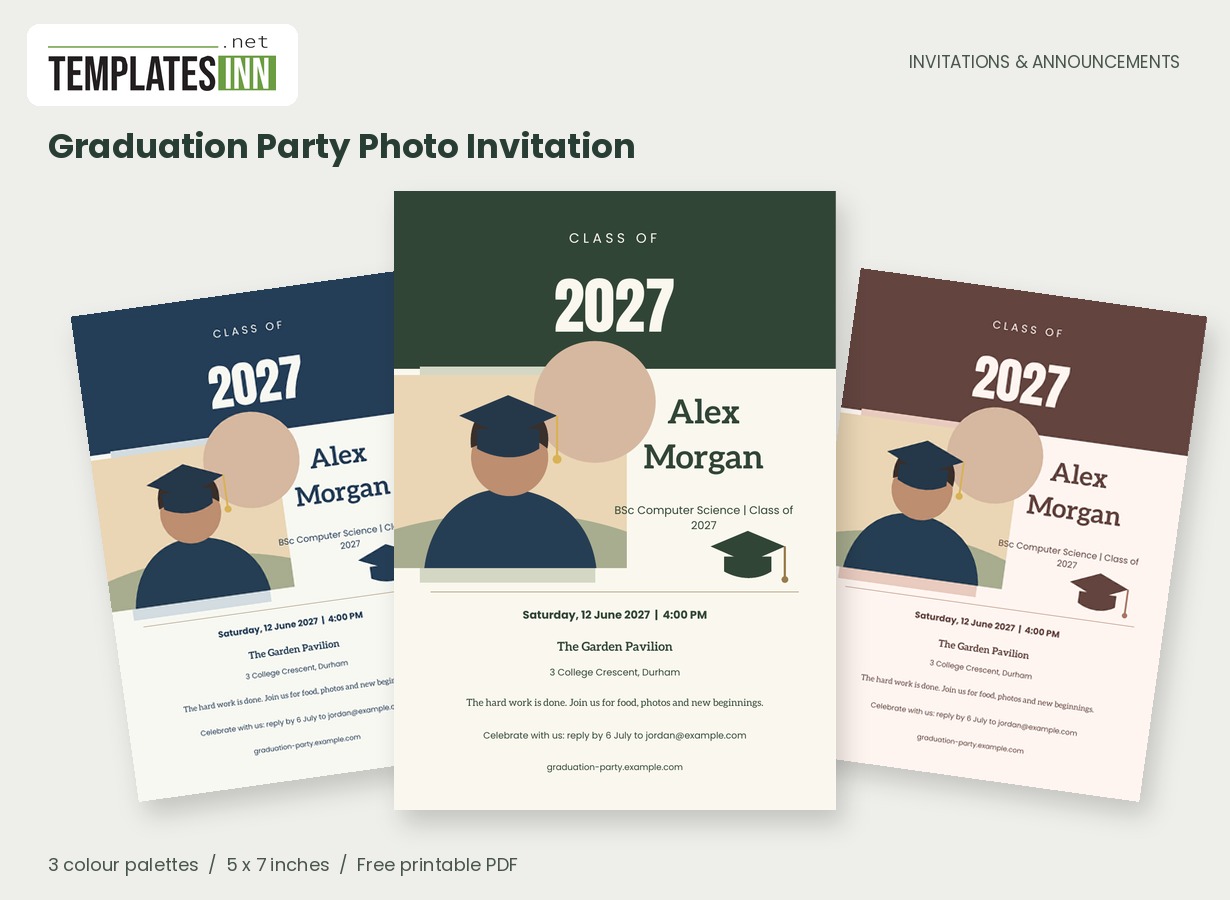
A bold graduation year, cap illustration and portrait frame celebrate the work behind the milestone. Make a graduation party invitation that feels personal to the graduate.
Fill in the information below
New here? Use the button above to fill in an example, then change it to your own details.
Rate this template
Used it? Tap a star. Honest ratings help others choose.
You May Also Like
Templates from other categories that people often use together with this one.

Other Similar Templates
More designs from the same collection, Free Printable Invitations & Announcements. If this one is not quite what you need, one of these may be.
A face, a year, a new beginning
The photo-led layout puts the graduate alongside the year they want to remember. Upload a clear portrait with room around the subject; a school photograph, cap-and-gown image or favourite recent portrait can all work. The sample illustration is there to demonstrate the frame and can be replaced with your own image.
Celebrate the achievement without writing a whole biography
The portrait and graduation year tell guests who and what they are celebrating. A short personal line can add the course, school or next-chapter message without turning the invitation into a list of accomplishments. Ask the graduate which name and photograph they prefer; the image should feel like them at this stage of their life. A cap-and-gown portrait is one option, but a clear recent photograph can be just as personal. If relatives are travelling for the ceremony as well as the party, organise those two sets of details separately so an invitation to celebrate does not accidentally imply a ceremony ticket.
From the ceremony to the celebration
Use the party time and location on this card. If guests also need ceremony details, send those separately so the two arrival times are not confused. For an open-house celebration, enter a visiting window. If you are celebrating more than one graduate, check that the names stay readable together and choose a photograph that suits the frame.
Words for the chapter after the hard work
Use these ideas for your card or the message you send with it. Adapt longer examples into a short phrase for the form's limited text fields.
A proud family invitation
The hard work is done and a new chapter begins. Please join us to celebrate Alex's graduation with food, photographs and very proud smiles.
From the graduate
One chapter complete. So much ahead. Come celebrate with me as I close the books and look forward to what comes next.
For an open house
Drop in and raise a glass to our graduate. Join us for an afternoon of happy memories, favourite people and congratulations for Alex.
Write the next chapter in their voice
Try "One chapter complete. So much ahead." or "The hard work is done - let us celebrate." The note can cover refreshments or a small dress request. Check the graduation year, preview the photo crop and confirm the reply contact. Print a single sample before producing the copies you will hand to friends and family.
Check the year beside the name
- Replace the graduation year independently of the party date.
- Use the graduate's preferred name and an approved photograph.
- Put the party time on the card, not a separate ceremony time.
- Identify a visiting window if the celebration is an open house.
- Confirm the full address and a reliable reply contact.
Give the portrait and lettering equal attention
The dark graduation header, portrait frame and name panel are designed to work together. Upload your own photo to replace the sample illustration and look closely at the crop in the PDF. Make sure important details, such as a cap or face, remain inside the visible frame. A long name will fit by reducing in size, but shorter personal wording helps preserve the portrait-led balance. Download a single 5 by 7-inch card for sharing, or print two full-size copies on the matching A4 or Letter sheet. Before making a batch, inspect the photograph and graduation year on a physical test at actual size.
About your graduation year and portrait
Can I change the class year?
Yes. The graduation year has its own editable field. Check it after loading the sample, and check the party date separately; they serve different purposes in the design.
Is a graduation photograph required?
No. The sample illustration remains if you do not upload an image. To make the card personal, select a clear portrait of the graduate and review how it fills the frame before downloading.
Explore the Invitations & Announcements collection for related designs and the full PDF printing guide.