

Create School Open House Invitation
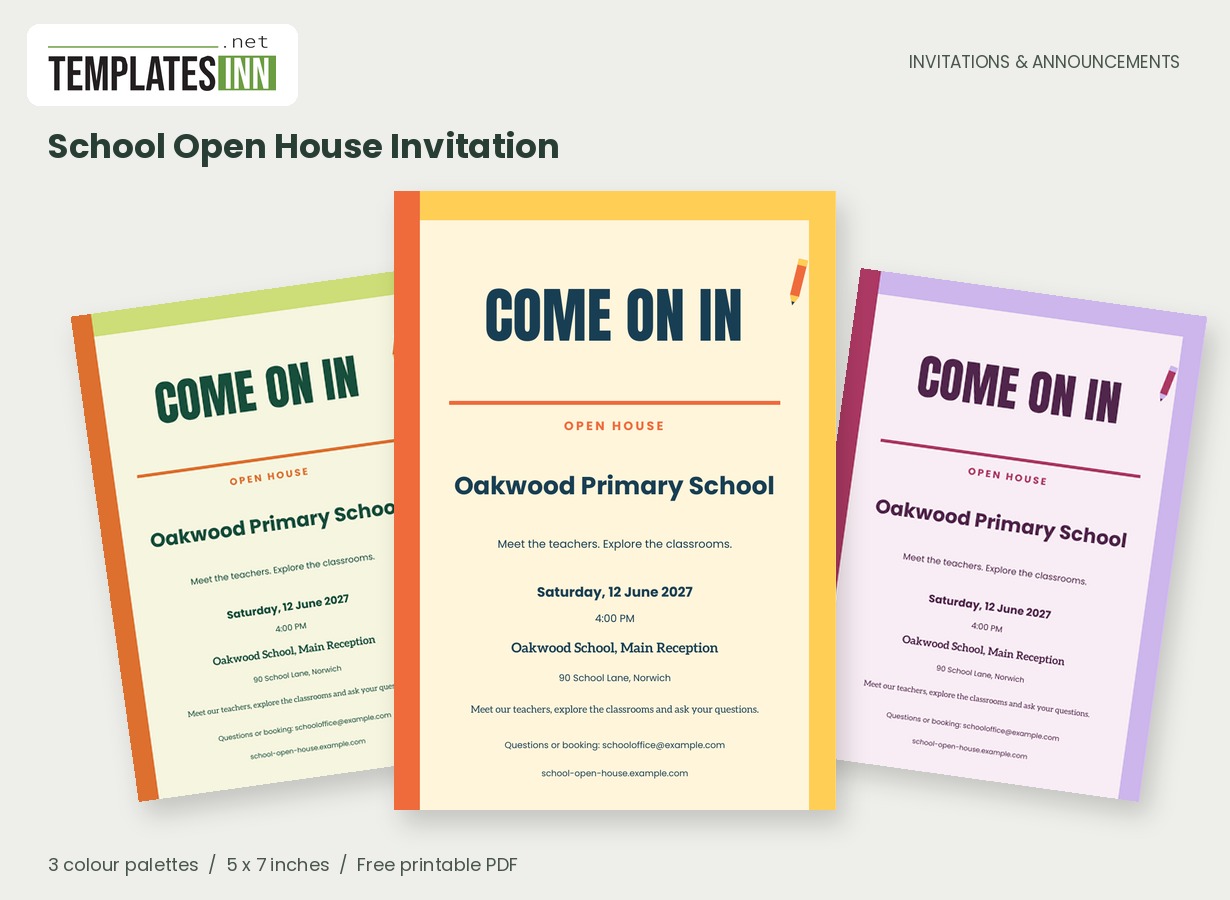
Open the classroom door with a clear, welcoming invitation. Strong side bands, a pencil illustration and readable type help families find the school, the time and the reason to come.
Fill in the information below
New here? Use the button above to fill in an example, then change it to your own details.
Rate this template
Used it? Tap a star. Honest ratings help others choose.
You May Also Like
Templates from other categories that people often use together with this one.

Other Similar Templates
More designs from the same collection, Free Printable Invitations & Announcements. If this one is not quite what you need, one of these may be.

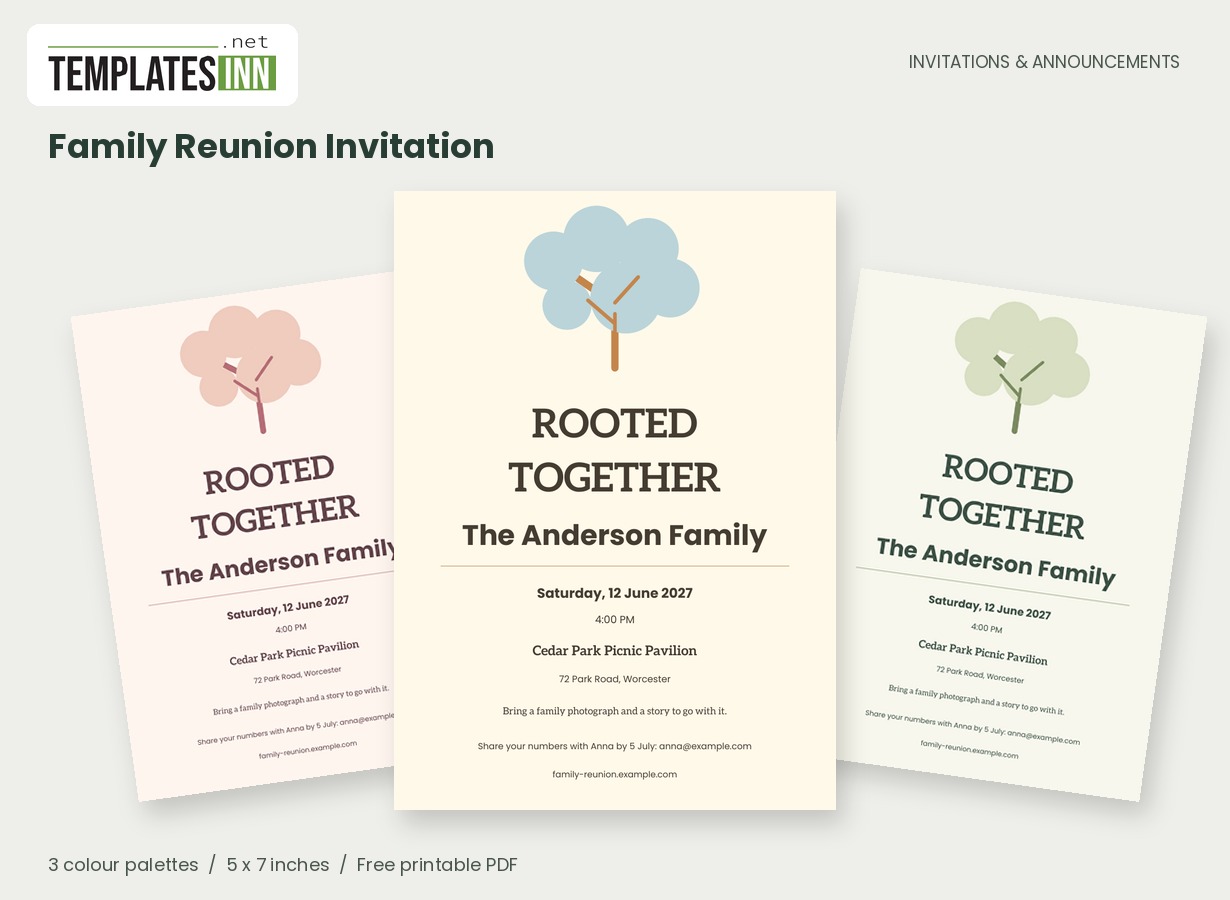
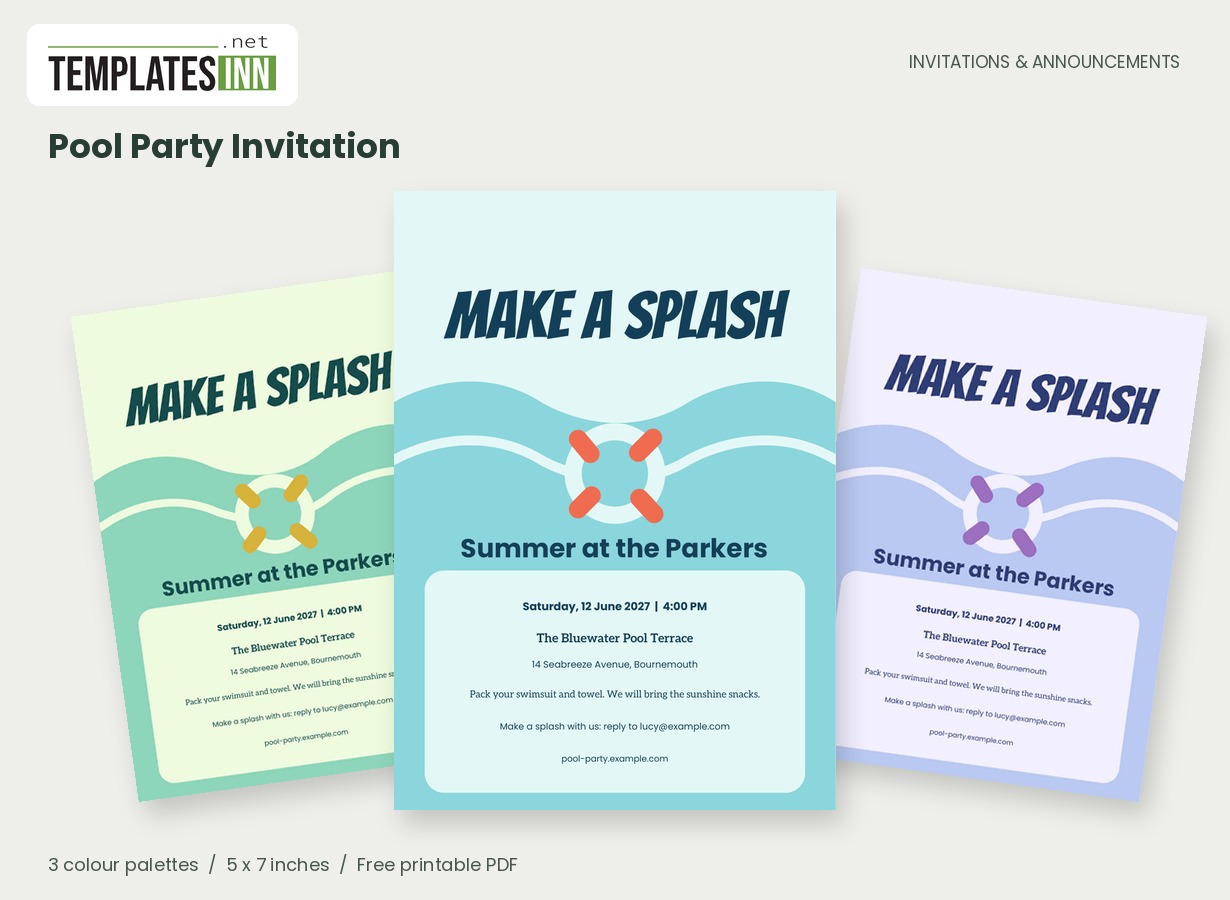
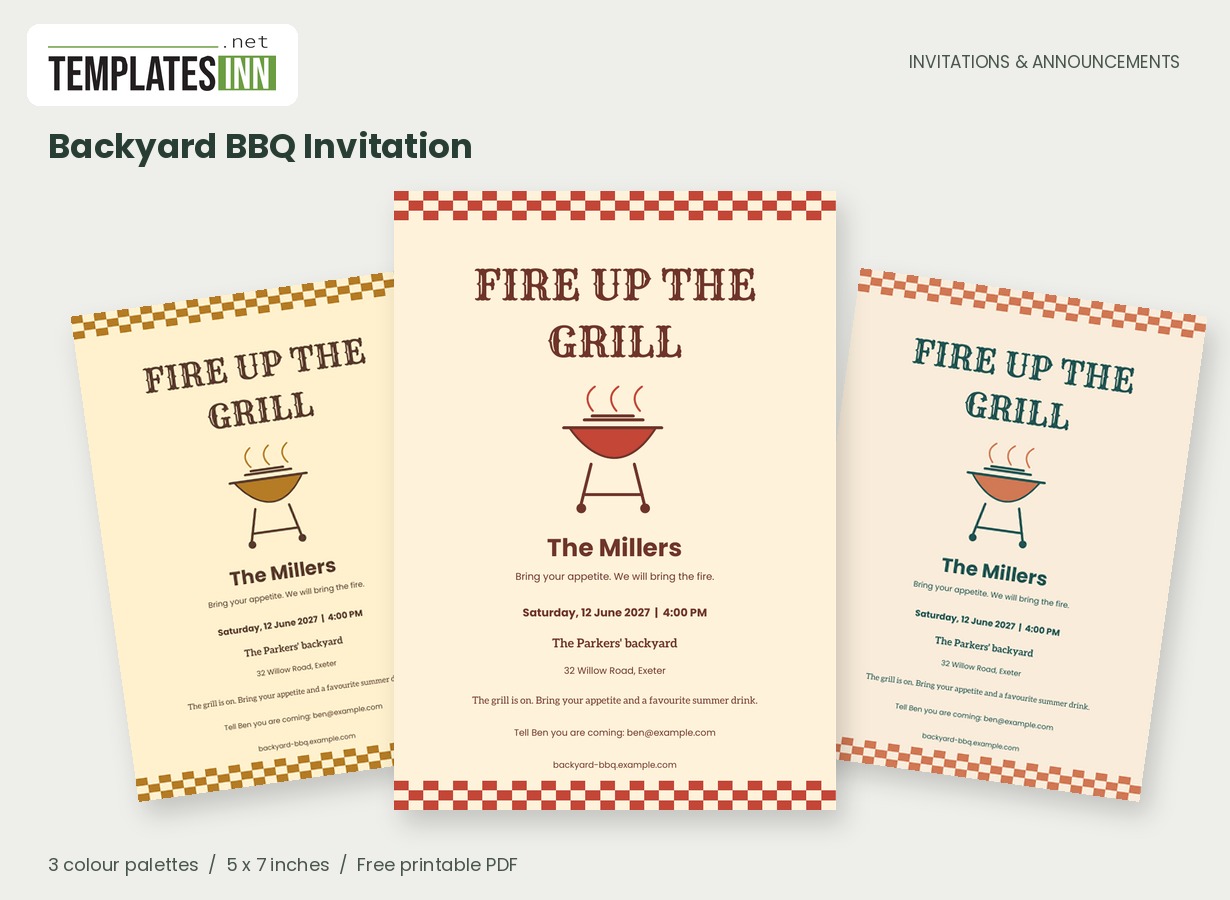
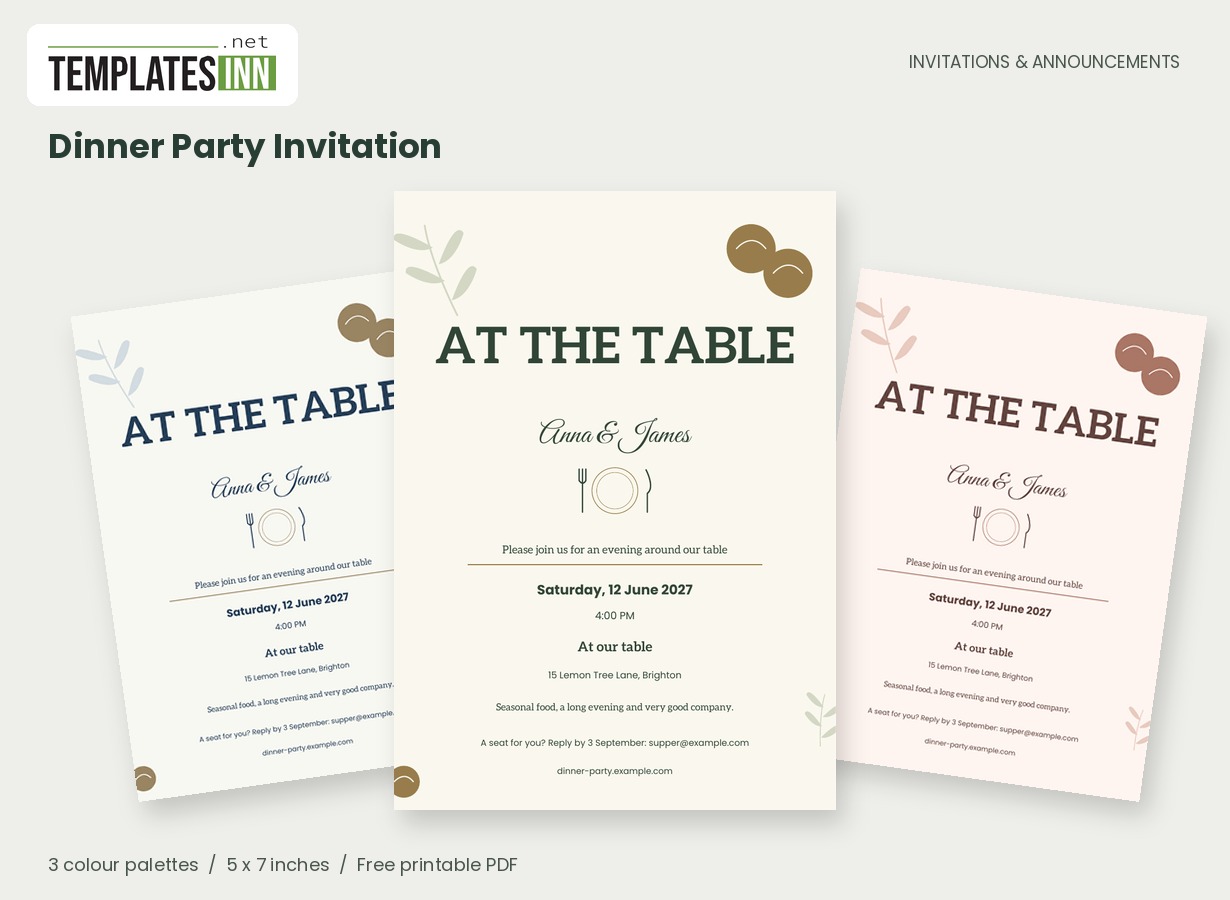
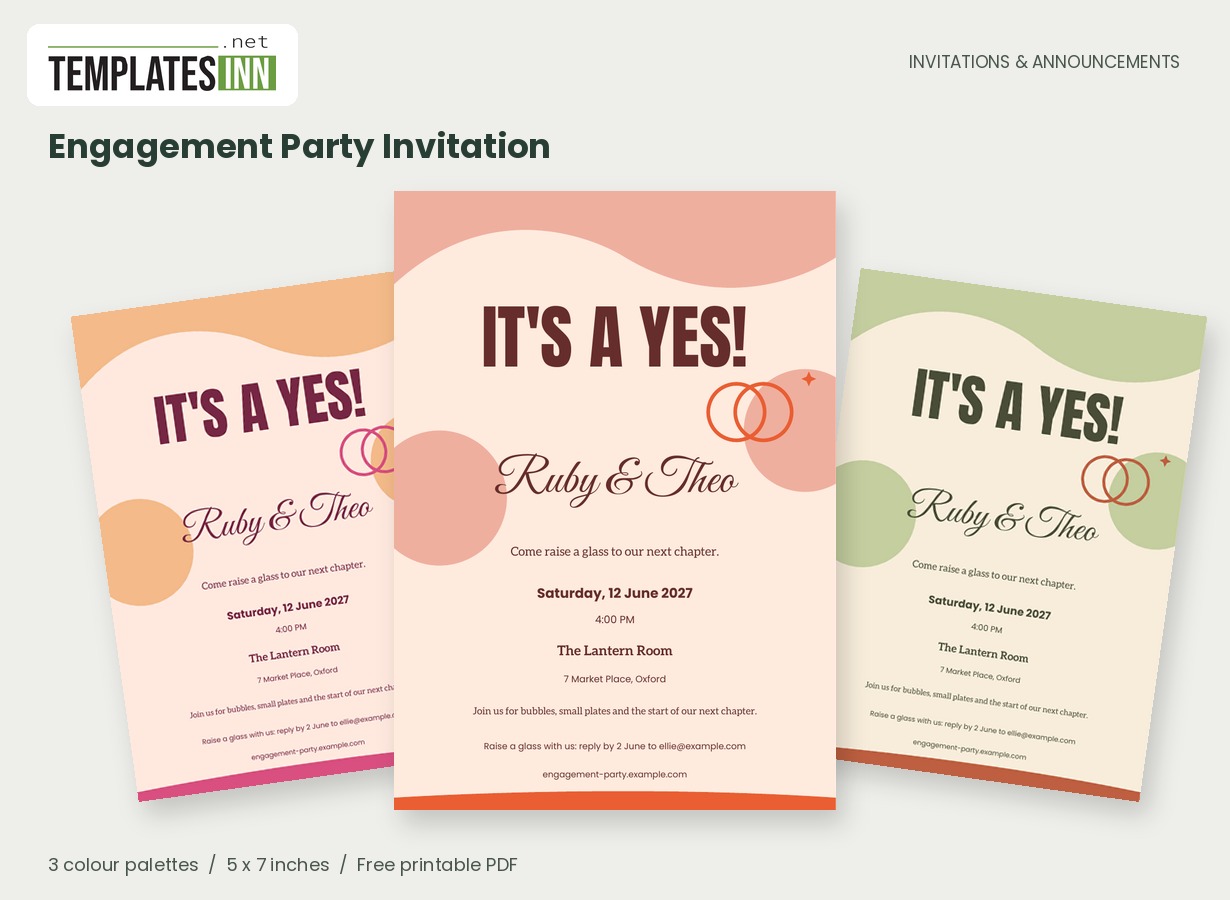
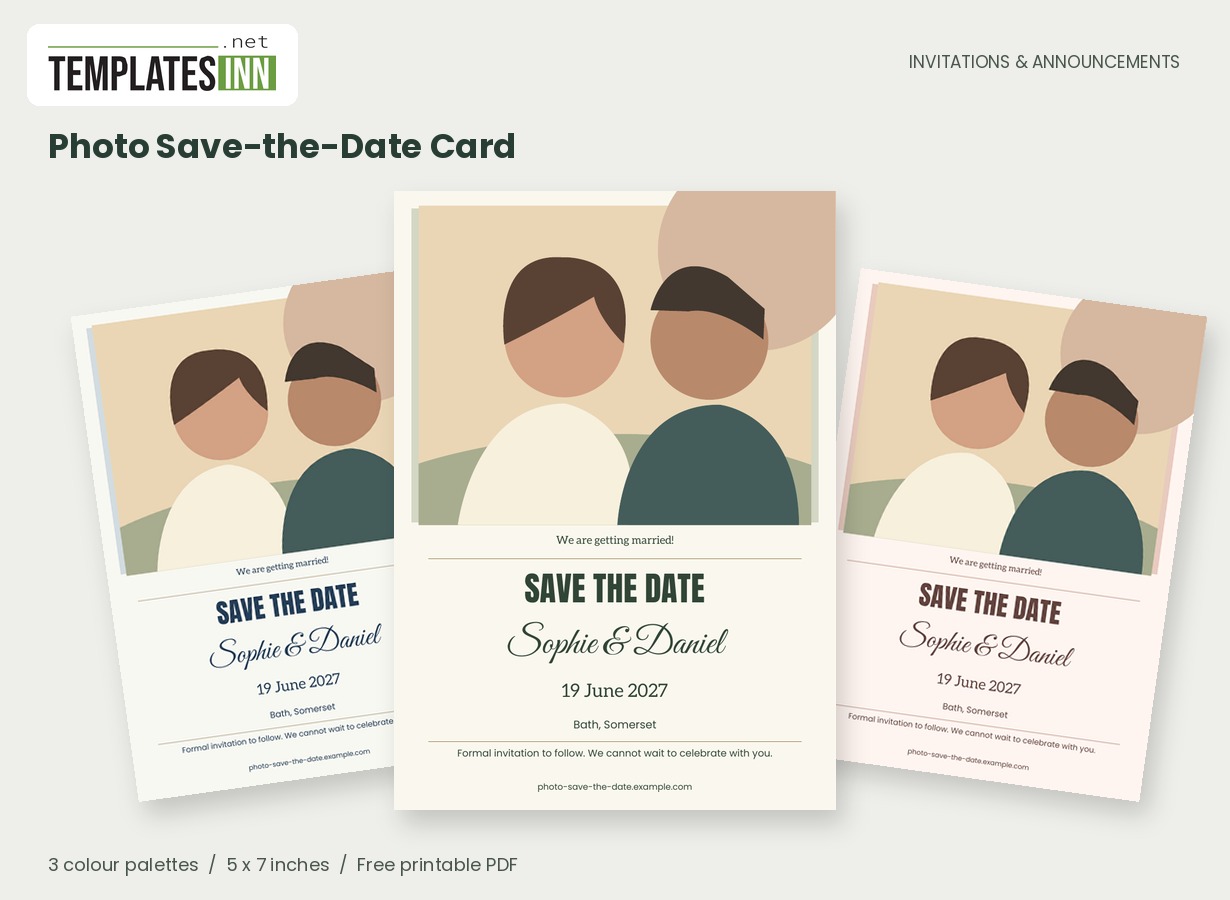
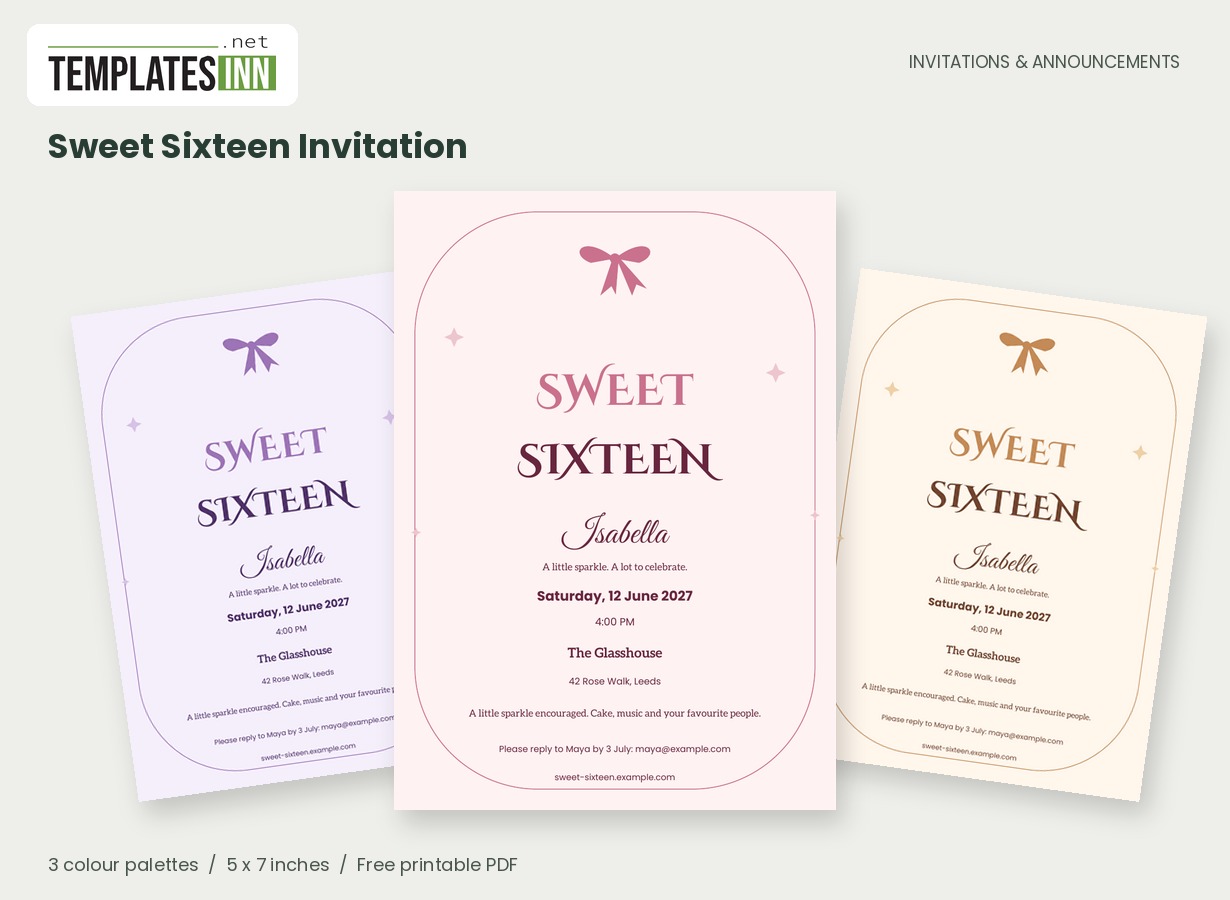
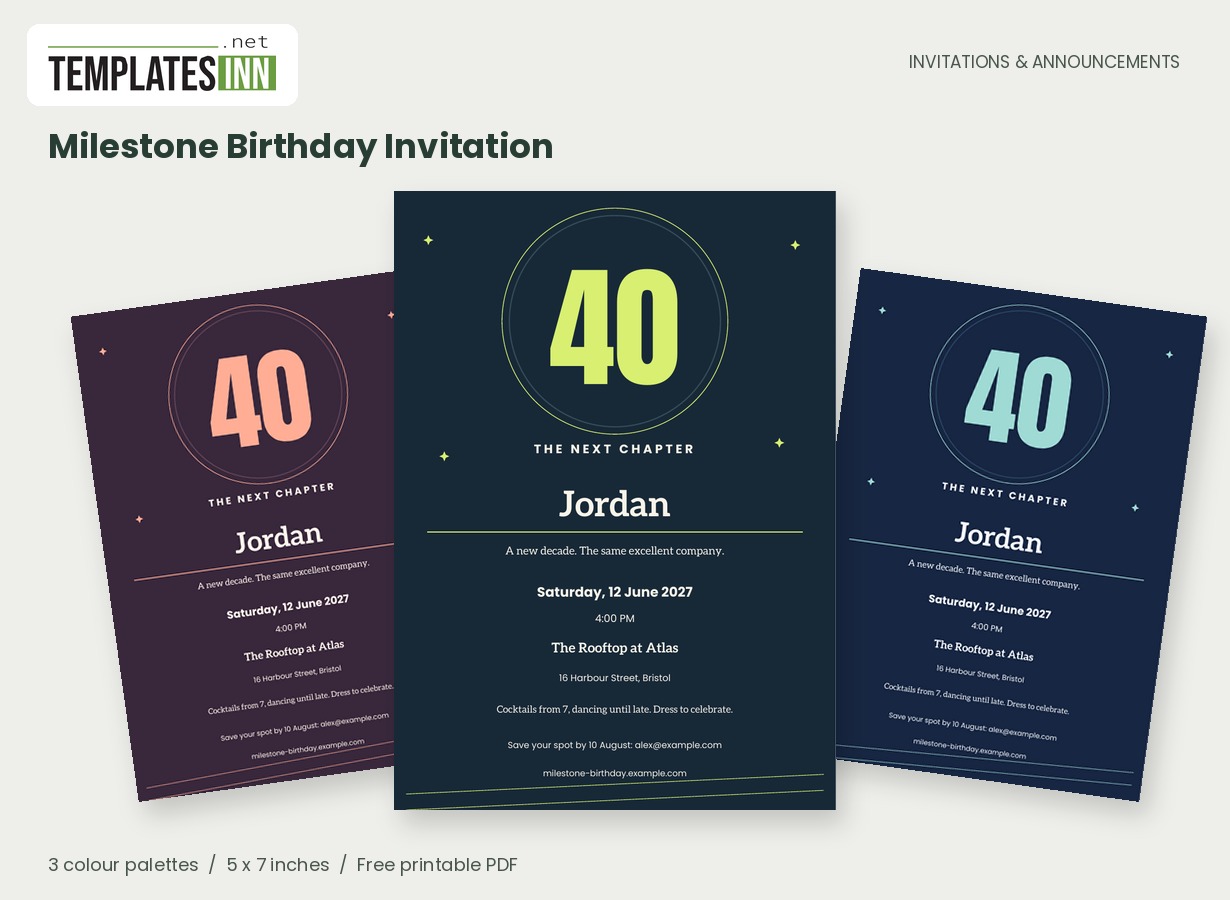
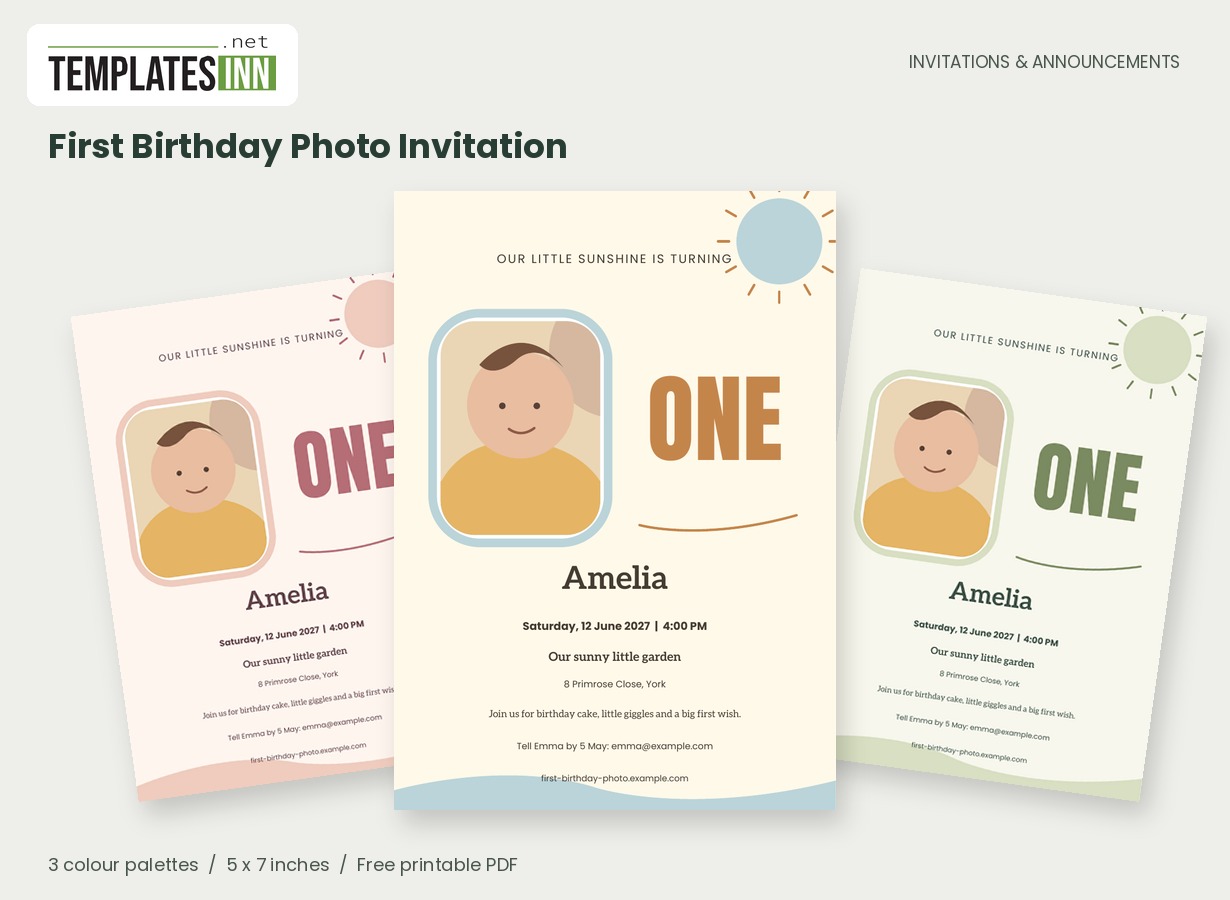
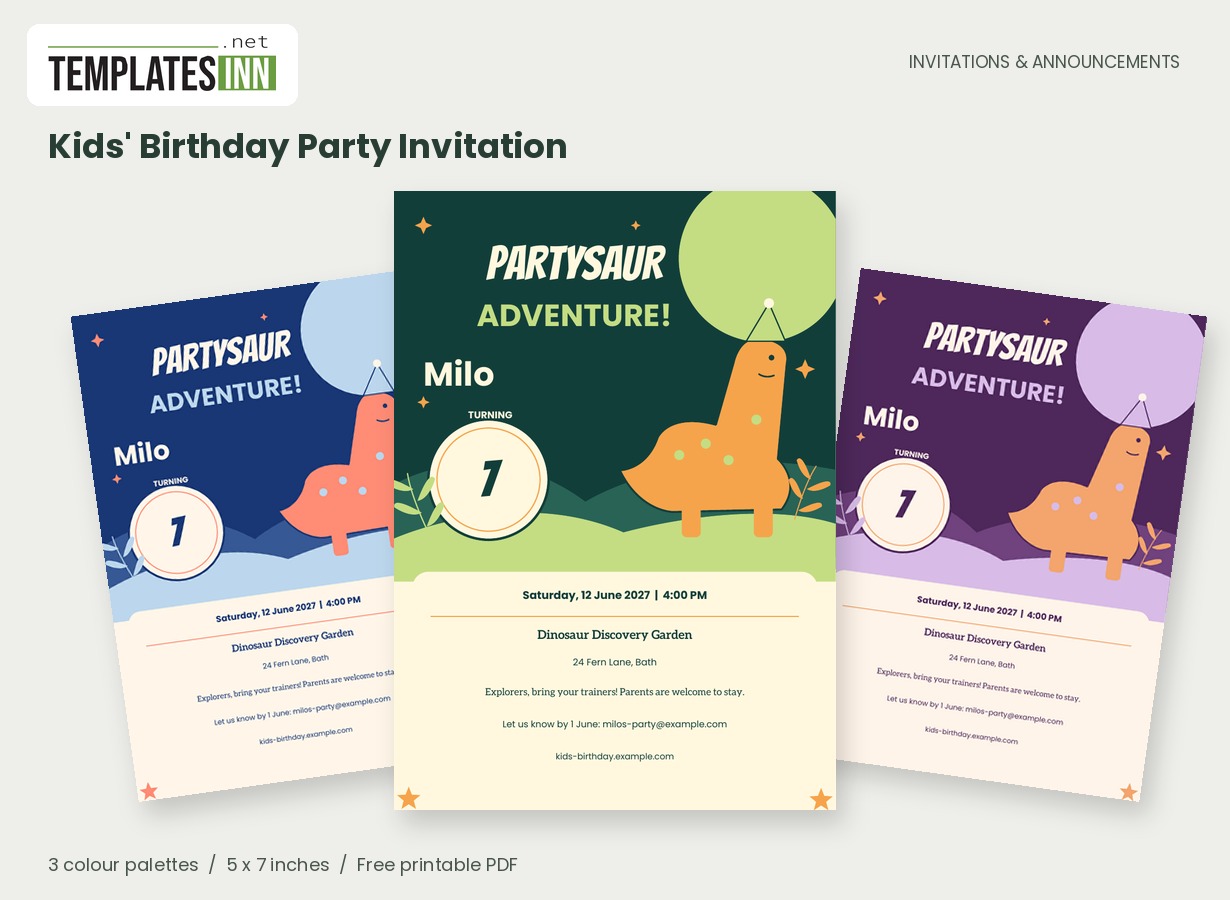
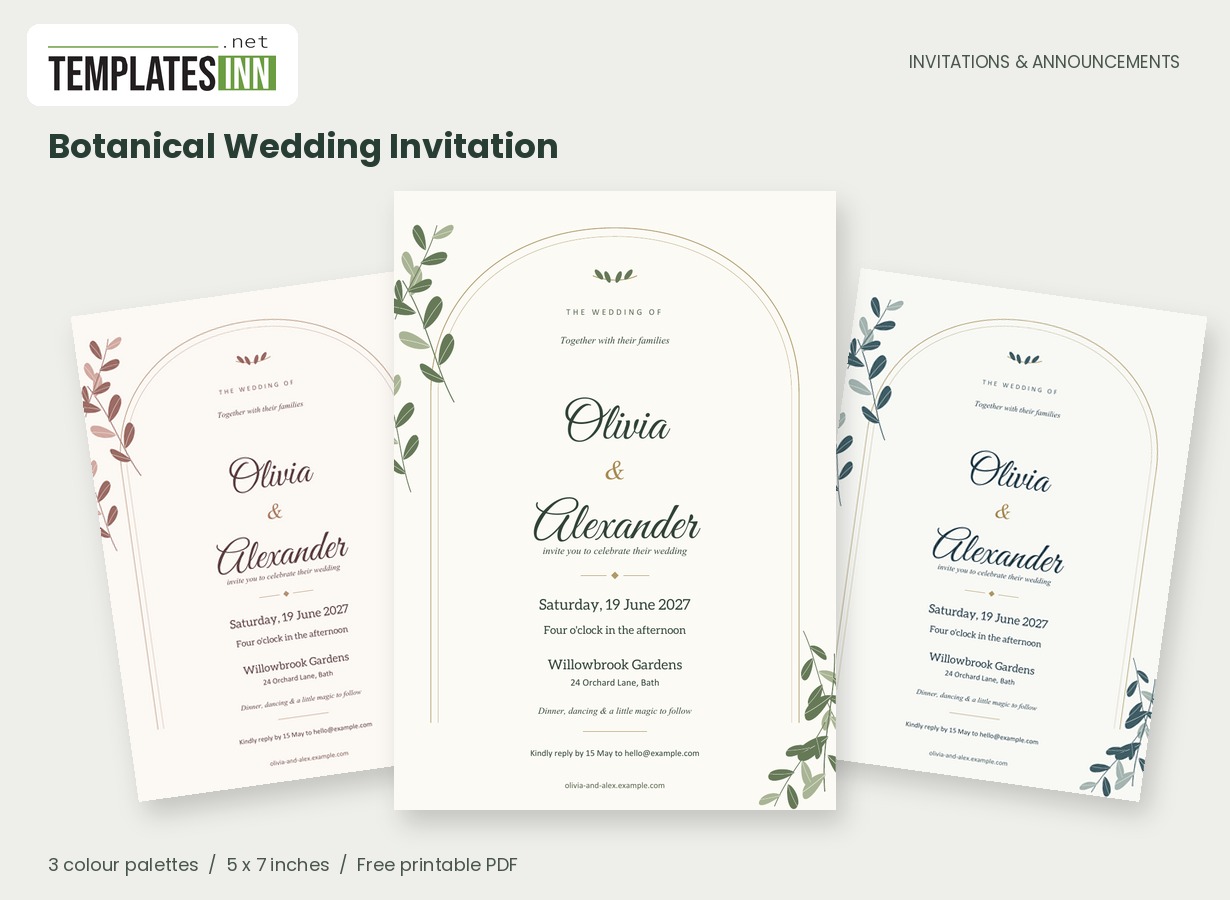
Welcome families before they arrive
An open house invitation should reduce uncertainty. Name the school or class exactly as families will recognise it, then describe the purpose in a short line: "Meet the teachers and explore our learning spaces" is more useful than a broad promise about an exciting evening. The bold layout keeps those essentials prominent.
Help a first visit feel straightforward
An invitation can make a school open house easier before a family reaches the gate. Think about what a first-time visitor needs: which campus, which entrance, whether children should come and whether they need to book. The main school or class name should match the wording families see on signs and other correspondence. Describe what the visit offers with a concrete phrase such as meeting teachers or exploring classrooms. If several year groups have different sessions, prepare a separate card for each session or send a clearly labelled schedule alongside the invitation. Avoid a single vague time that leaves families unsure which visit applies to them.
Explain how the visit works
State whether parents should arrive at one start time or drop in during a window. Put the relevant campus entrance or reception point in the address details. If children are invited too, say so. A short note can cover signing in, accessible entry or where to park; place a fuller programme on the school's own website.
Welcoming lines for different school visits
Use these ideas for your card or the message you send with it. Adapt longer examples into a short phrase for the form's limited text fields.
For prospective families
Step inside Oakwood School. Meet our teachers, explore the classrooms and discover what a day of learning here can look like.
For a class evening
Come see what we have been learning. Join our classroom open house for student work, teacher conversations and a warm welcome.
For a new term
A new term begins with familiar faces and new connections. Join us to meet the team, find your classroom and ask your questions.
A clear route for questions
Use an office email, telephone number or booking contact that someone will monitor. If advance registration is required, write that plainly and give the school's booking address. This PDF prints the details you supply; it does not manage registrations. Before distributing copies, have another staff member check the date, campus name and visiting times.
A school-office proofing list
- Confirm the correct campus, building and visitor entrance.
- State whether children are invited with their families.
- Explain booking requirements if attendance is limited.
- Check the visiting window against the school calendar.
- Use an office contact that can answer questions before the event.
Prepare copies for more than one route home
The bold bands and pencil detail give the card a school character while keeping the information area clear. A single-card PDF can accompany an email to families, while a two-up sheet can be useful for printed handouts. Check the PDF at reading size and print a sample if copies will be sent home in bags. Use actual-size output so two cards remain full size on the selected landscape A4 or Letter paper. The invitation displays your booking address as text; registrations and attendance records continue through the school's own process. Ask a colleague to proof the final version before distribution.
Answers for the school organising team
Does the PDF collect bookings?
No. It creates the invitation document and displays the contact or booking address you enter. Use your school's registration system, office email or existing booking form to handle replies and visitor numbers.
Can I use it for one class rather than the whole school?
Yes. Enter the class or year-group name as the main name and identify the correct room or meeting point in the location details. Make sure the time is specific to that class visit.
Explore the Invitations & Announcements collection for related designs and the full PDF printing guide.