

Create Photo Save-the-Date Card
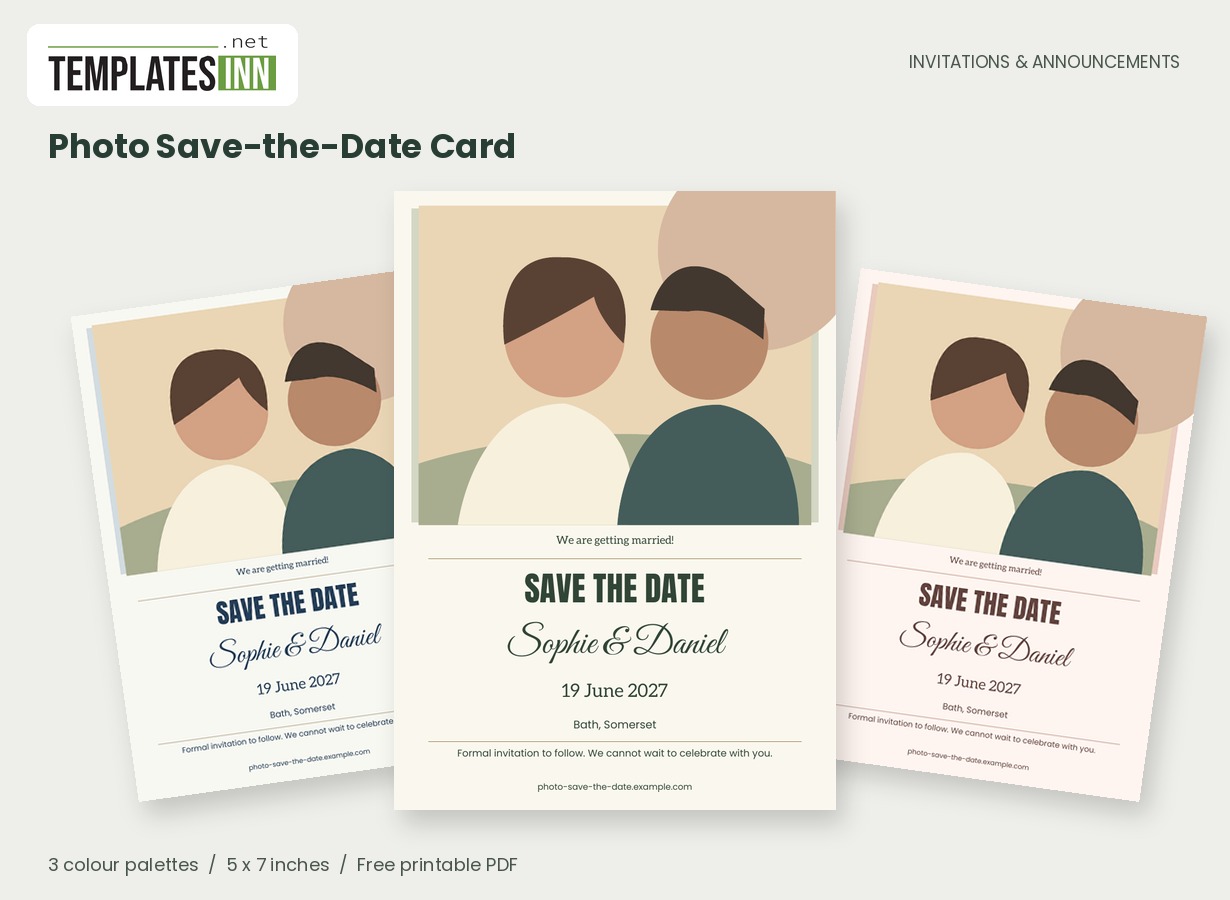
Put a favourite photograph at the beginning of your wedding story. This save-the-date pairs a generous image with the names, date and location guests need to remember.
Fill in the information below
New here? Use the button above to fill in an example, then change it to your own details.
Rate this template
Used it? Tap a star. Honest ratings help others choose.
You May Also Like
Templates from other categories that people often use together with this one.
Other Similar Templates
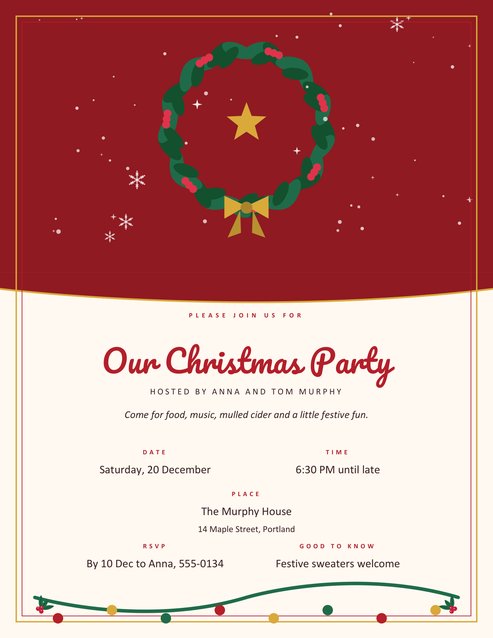
More designs from the same collection, Free Printable Invitations & Announcements. If this one is not quite what you need, one of these may be.
The announcement before the invitation
A save-the-date gives guests time to keep the day free. It does not need the complete ceremony schedule, menu or RSVP instructions. Concentrate on your names, the wedding date and the town or city. A closing "Formal invitation to follow" makes the next step clear without crowding the card.
Tell guests what is confirmed, and leave room for what is next
The useful promise in a save-the-date is that the day and destination are settled. Guests do not need a finished seating plan or a ceremony programme at this stage. Put the confirmed wedding date and location on the card, and let a short closing line explain that the full invitation will follow. If your plans involve travel, the city or region can help guests begin thinking about the journey. A wedding website is useful for information that develops over time, but do not rely on it to explain the date itself. That should remain unmistakable even when someone looks at the card months later.
Find a photograph that feels like you
An engagement portrait works well, but so does a favourite travel photograph with both of you clearly visible. The broad photo frame crops the image to fill its space, so avoid a tight crop at the top of your heads. Replace the original illustrated couple with your upload, then check both faces in the generated preview.
Photo save-the-date wording ideas
Use these ideas for your card or the message you send with it. Adapt longer examples into a short phrase for the form's limited text fields.
Classic announcement
Save the date for the wedding of Olivia and Alexander. We cannot wait to celebrate with you. Formal invitation to follow.
A more personal message
We found our person. Now we have our date. Keep the day free and join us for the next chapter of our story.
For guests travelling
A celebration worth the journey. Save our wedding date and start dreaming of a weekend in Bath. More details will follow soon.
When plans are still taking shape
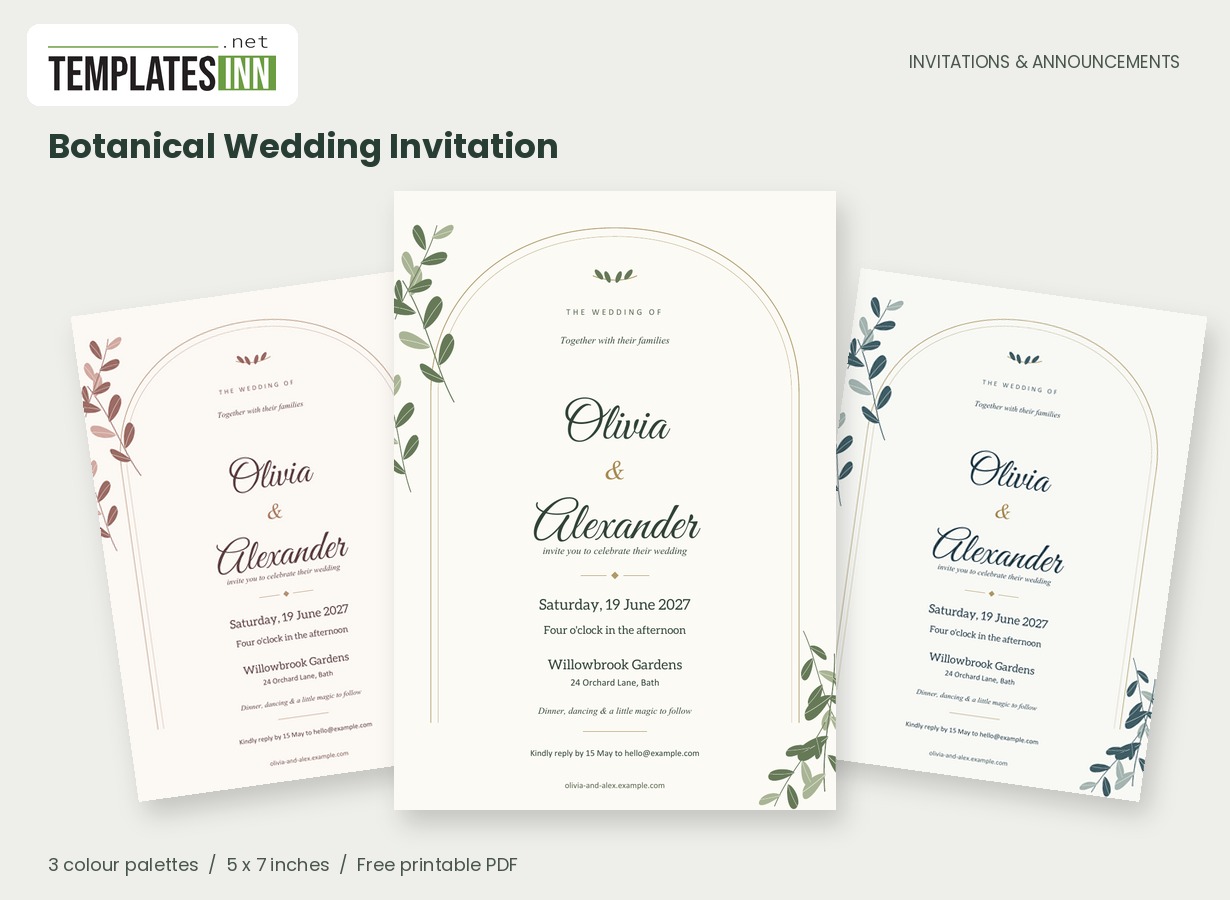
Use the confirmed destination rather than a venue that may change. Add a short wedding website address if you already have one; it can carry accommodation suggestions and later updates. Double-check the year as carefully as the day and month. When you are ready for the formal invitation, the botanical wedding design offers a complementary, text-led approach.
Keep the essentials unmistakable
- Check the wedding year as well as the day and month.
- Use a confirmed city or location rather than a tentative venue.
- Make sure both faces sit comfortably inside the photo frame.
- Include your wedding website only when it is ready to visit.
- Keep a clear invitation-to-follow note if details are still coming.
Let the photograph lead the card
The broad image area works best when the couple can be seen clearly without a very tight crop. A photograph that looks good as a square social-media thumbnail may need more surrounding space in this frame. Upload the original image you want to use and inspect the generated PDF, rather than judging only from the file-selection thumbnail. If a face or meaningful detail sits too close to the edge, select a wider composition. Keep a single-card copy for email, and print one actual-size test if you want physical announcements. The two-up sheet options make two full-size cards for trimming at home.
A few save-the-date answers
Should guests reply to a save-the-date?
This design focuses on announcing the date and location rather than collecting attendance. If you need an early response for a particular reason, explain that in your accompanying message and provide a clear way to answer.
Can I upload a landscape photo?
Yes. The frame is broad and the uploaded image is cropped to fill it. Landscape photographs can work well, but the important check is whether both people remain comfortably visible in the finished preview.
Explore the Invitations & Announcements collection for related designs and the full PDF printing guide.