

Create Birth Announcement Photo Card
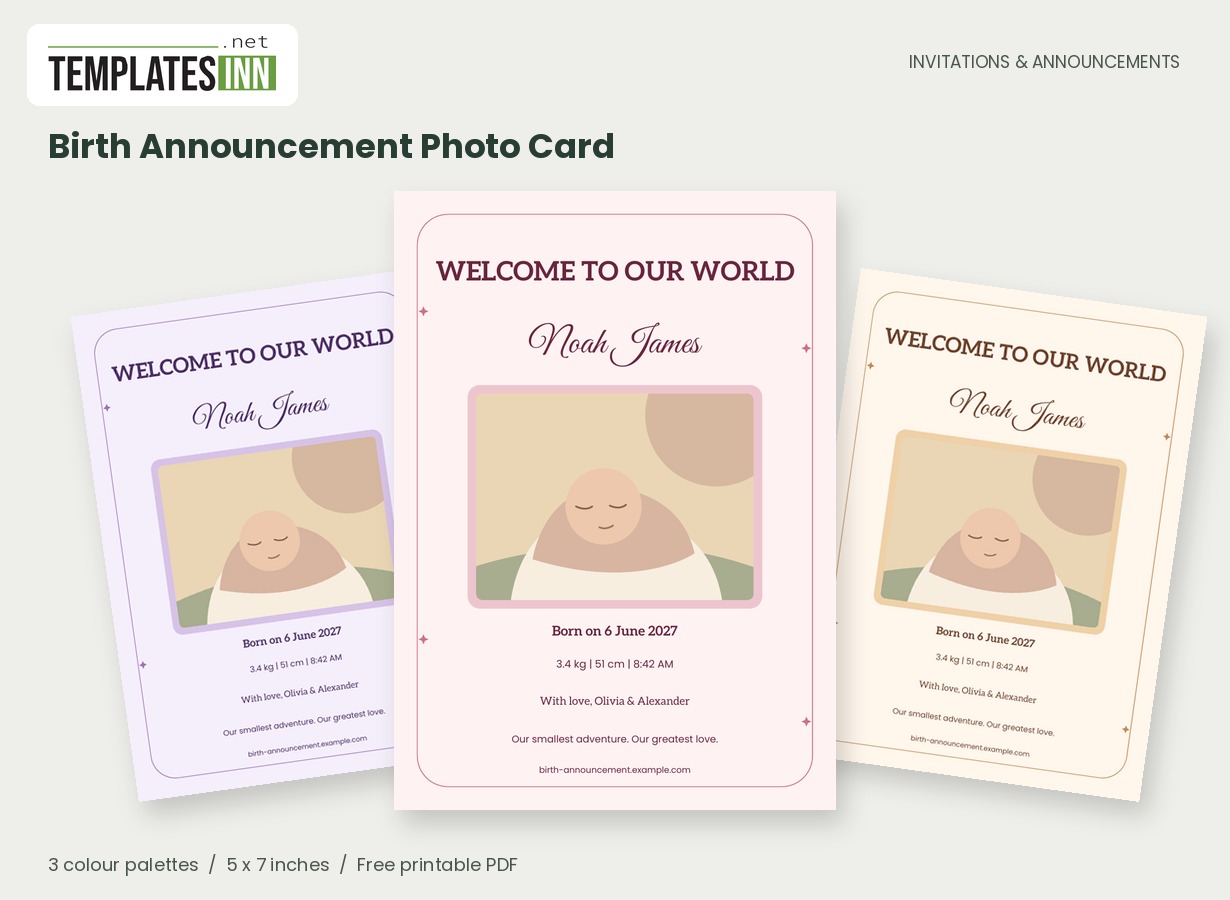
A little face, a beautiful name and news worth keeping. This photo birth announcement pairs a generous image with optional arrival details and a personal greeting from the family.
Fill in the information below
New here? Use the button above to fill in an example, then change it to your own details.
Rate this template
Used it? Tap a star. Honest ratings help others choose.
You May Also Like
Templates from other categories that people often use together with this one.
Other Similar Templates
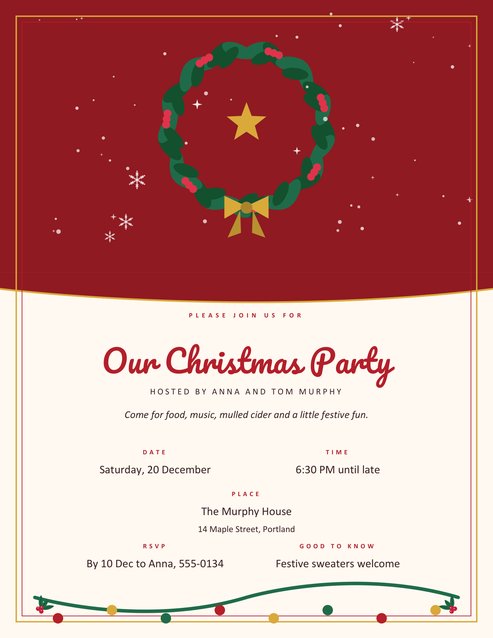
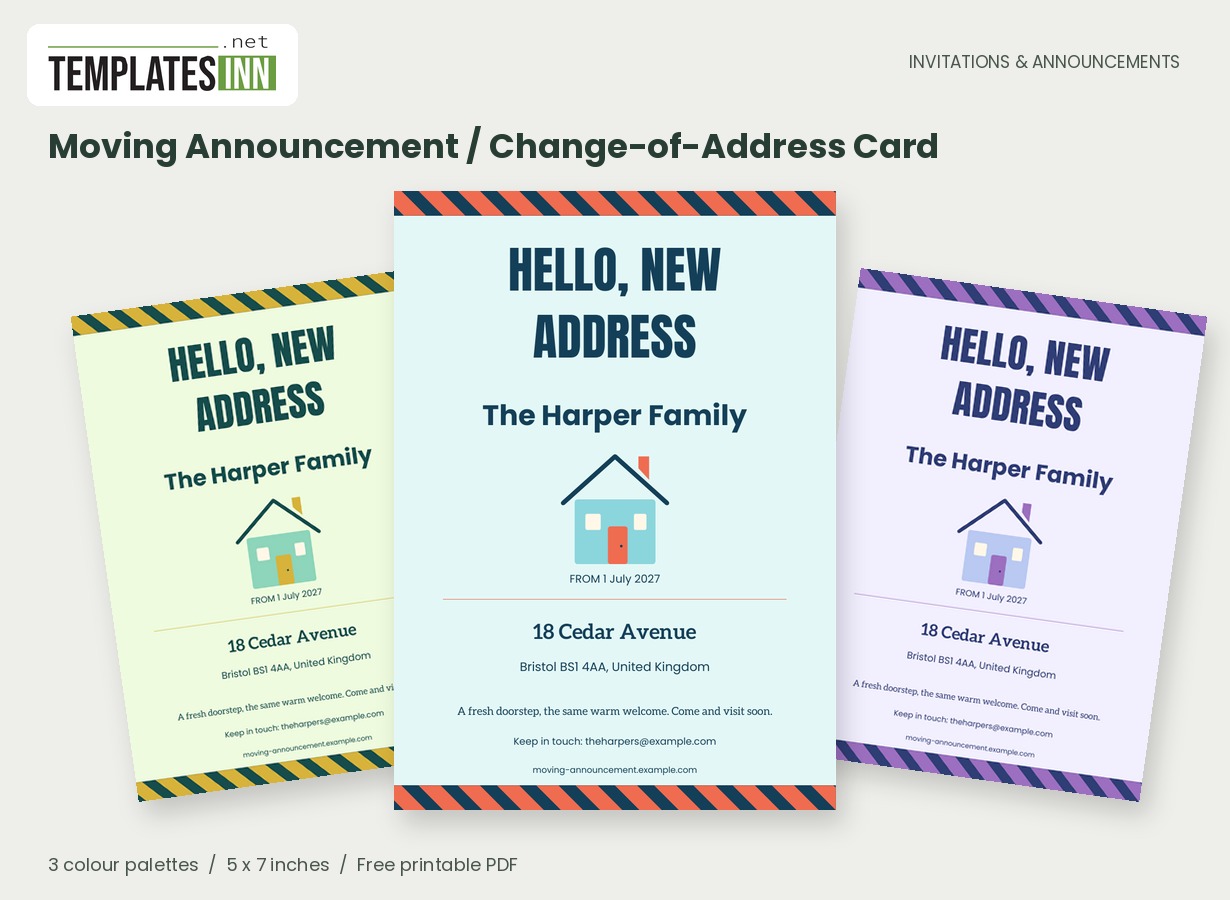
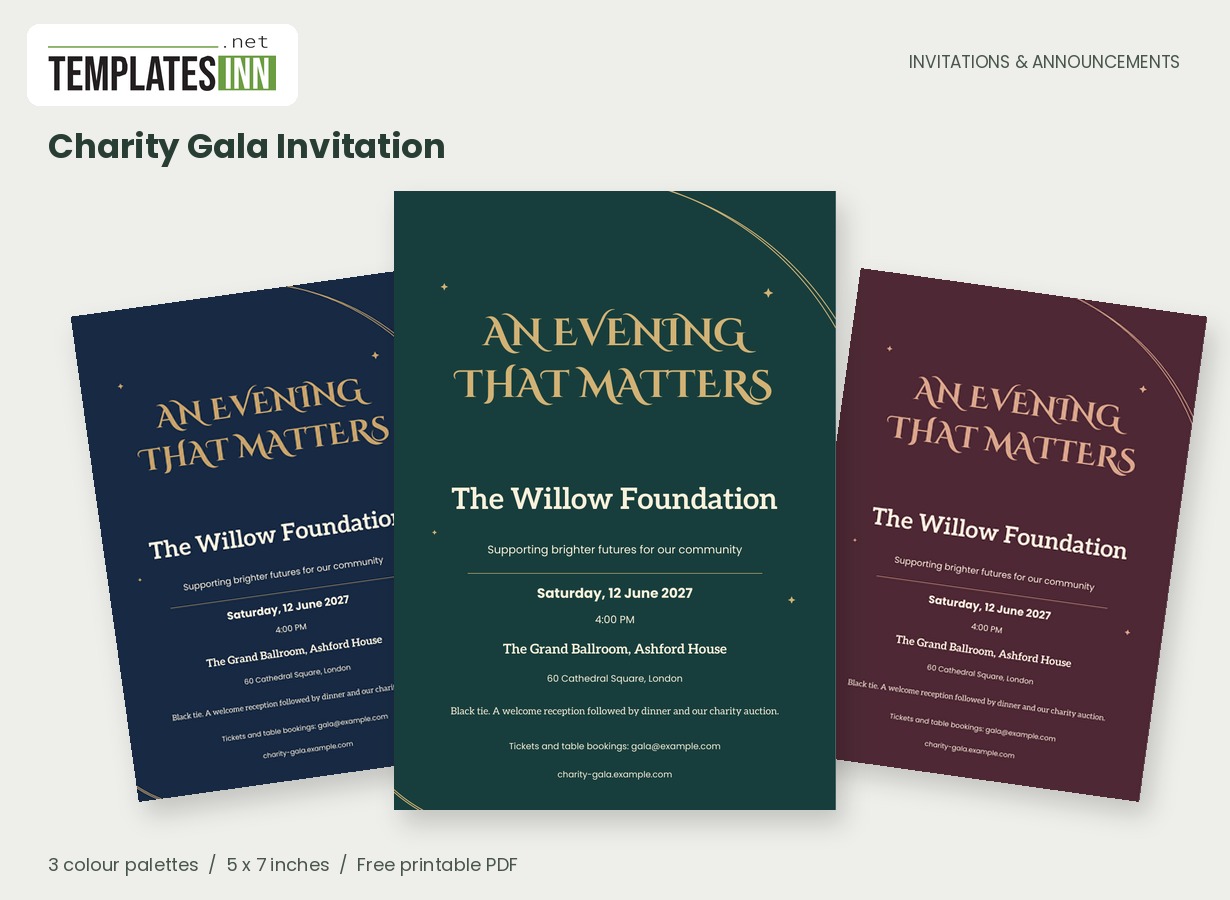
More designs from the same collection, Free Printable Invitations & Announcements. If this one is not quite what you need, one of these may be.
Begin with the name and photograph
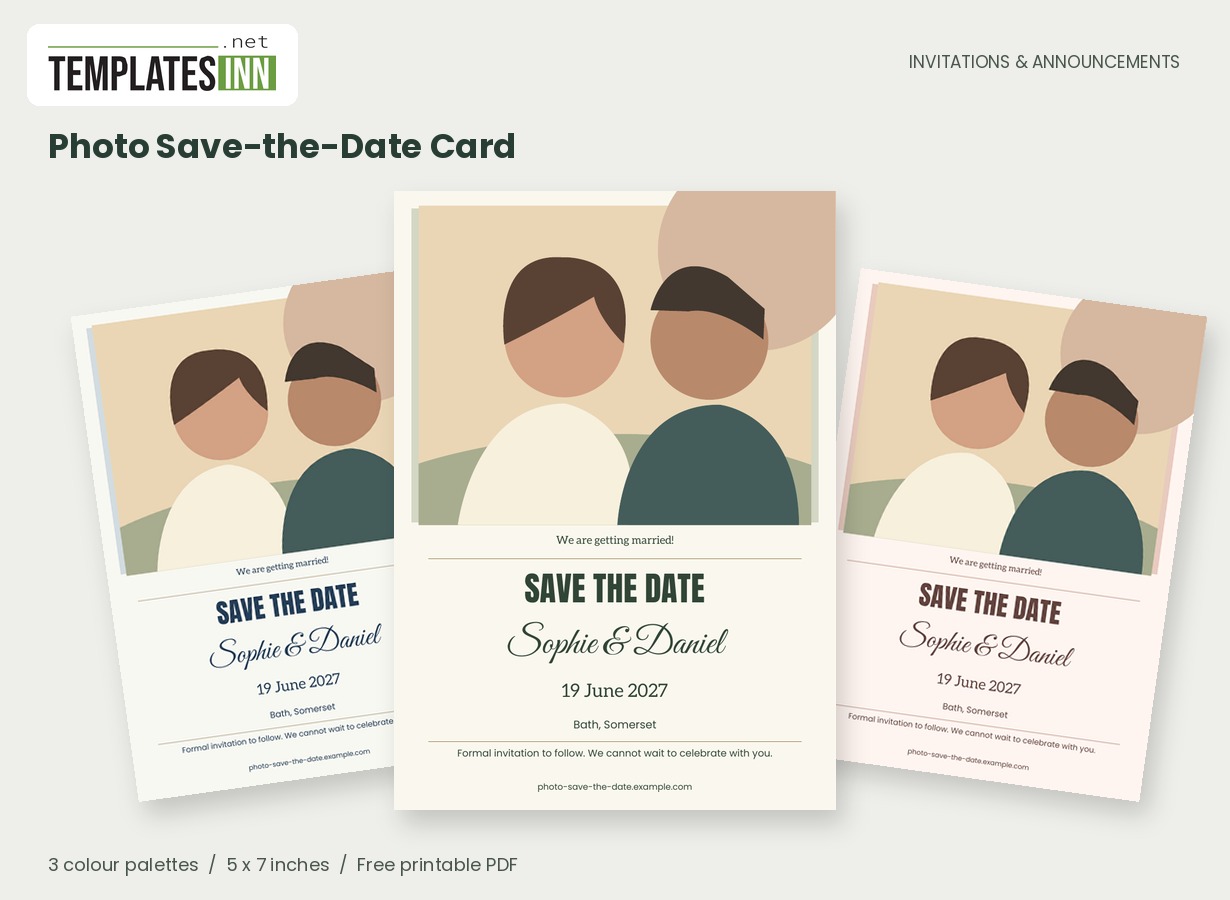
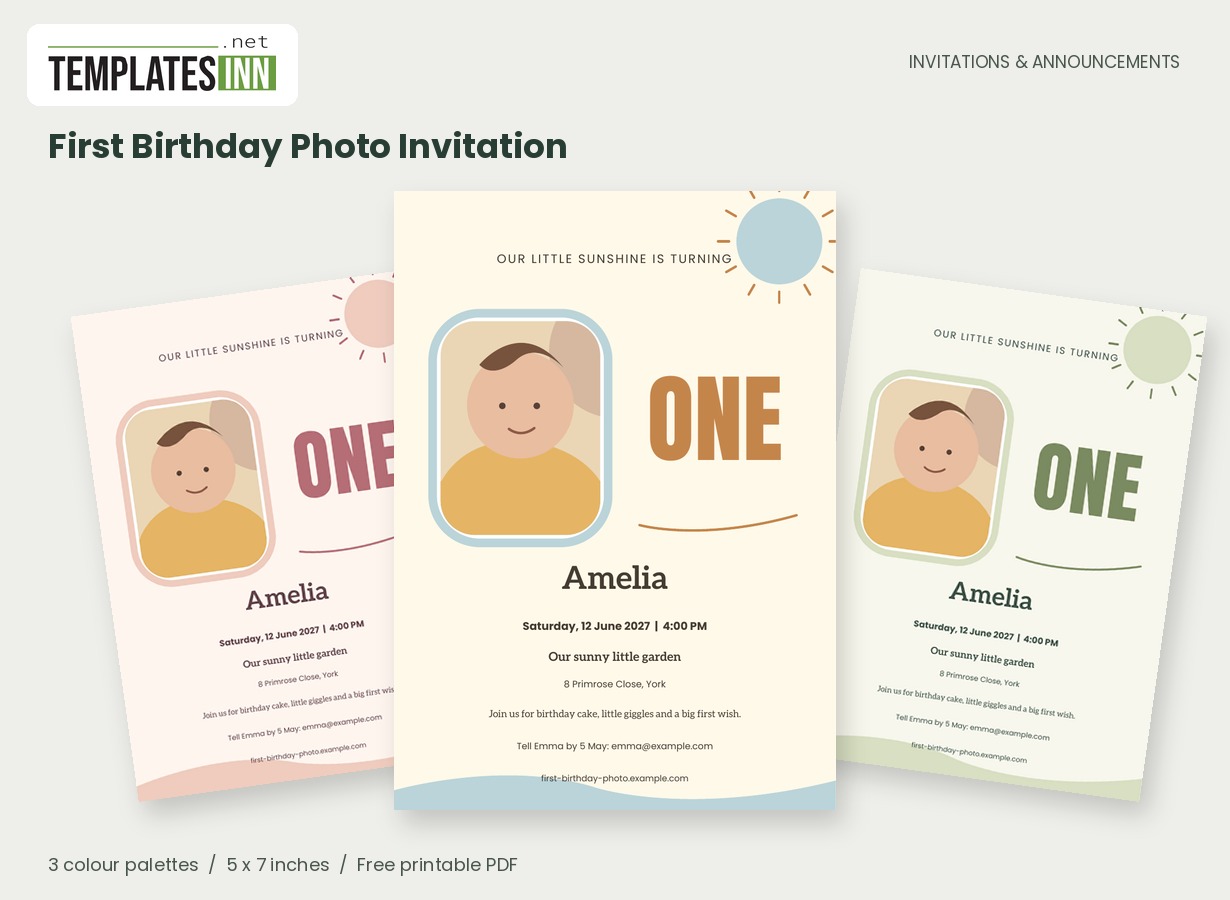
Choose a clear picture that you are happy to share with the recipients. A softly lit portrait works well in the wide frame; leave room around the baby so the crop does not cut too closely. Replace the original demonstration illustration with your image, then preview the full card before settling on it.
Share the arrival in a way that feels comfortable
A birth announcement can be a keepsake for close family or a brief introduction to a wider circle of friends. You decide how much detail belongs with each audience. The baby's name and photograph can be enough; weight, length and time are optional additions rather than a requirement for a complete card. Choose a family sign-off that feels inclusive of the people welcoming the baby. If you want to mention siblings, the family line or personal note can do that without crowding the name. Take time over the spelling and date, because those are the details people may keep long after the first message arrives.
You decide how much to share
The name and birth date can carry the announcement on their own. Weight, length and arrival time are optional details, so leave out anything you prefer to keep private. Use the family line to name parents, siblings or simply sign off with love. This is an announcement, so it has no event time, venue or RSVP block.
A welcome for a new little person
Use these ideas for your card or the message you send with it. Adapt longer examples into a short phrase for the form's limited text fields.
Simple and heartfelt
Welcome to our world, Noah James. Our hearts have never been so full, and we are delighted to share our beautiful new beginning with you.
From the whole family
Our smallest adventure has arrived. With love from proud parents and a very excited big sister, please meet Noah James.
A quiet announcement
A little face we already love so much. Introducing Noah James, welcomed into our family with full hearts and endless wonder.
A message for a new beginning
"Our hearts have never been so full" is a warm starting point. A shorter "Welcome to our world" lets the photograph and name do more of the talking. Check the spelling of every name and the birth date carefully, including the year. Share the PDF with your chosen recipients or print keepsake cards at actual size.
The keepsake details worth checking twice
- Confirm every part of the baby's name and its spelling.
- Check the birth date, including the month and year.
- Include only the birth details you want these recipients to have.
- Review the photo crop in the finished PDF.
- Read the family sign-off as carefully as the headline name.
Choose a photo for the frame and the paper
The photo is cropped to fill a broad fixed frame. A clear image with some space around the baby is easier to position than a very tight close-up, especially if a blanket or tiny hand is part of the picture you love. Upload your chosen image and examine the preview before downloading. For a printed keepsake, make a test copy to see how the photograph and soft palette appear on your paper. The single-card document measures 5 by 7 inches; the two-up sheets preserve that size for home trimming. Print at actual size and keep the approved file for the copies you want to share.
Choosing what your birth announcement shares
Can I leave out the baby's weight and length?
Yes. The birth-details line is optional. You can share the name and date without extra statistics, and use the family message for the greeting you want recipients to remember.
Is this an invitation to meet the baby?
The layout is an announcement and has no event time, venue or RSVP block. If you want to arrange visits, organise those directly in the accompanying message rather than trying to turn every announcement into a scheduled invitation.
Explore the Invitations & Announcements collection for related designs and the full PDF printing guide.