

Create Grand Opening Invitation
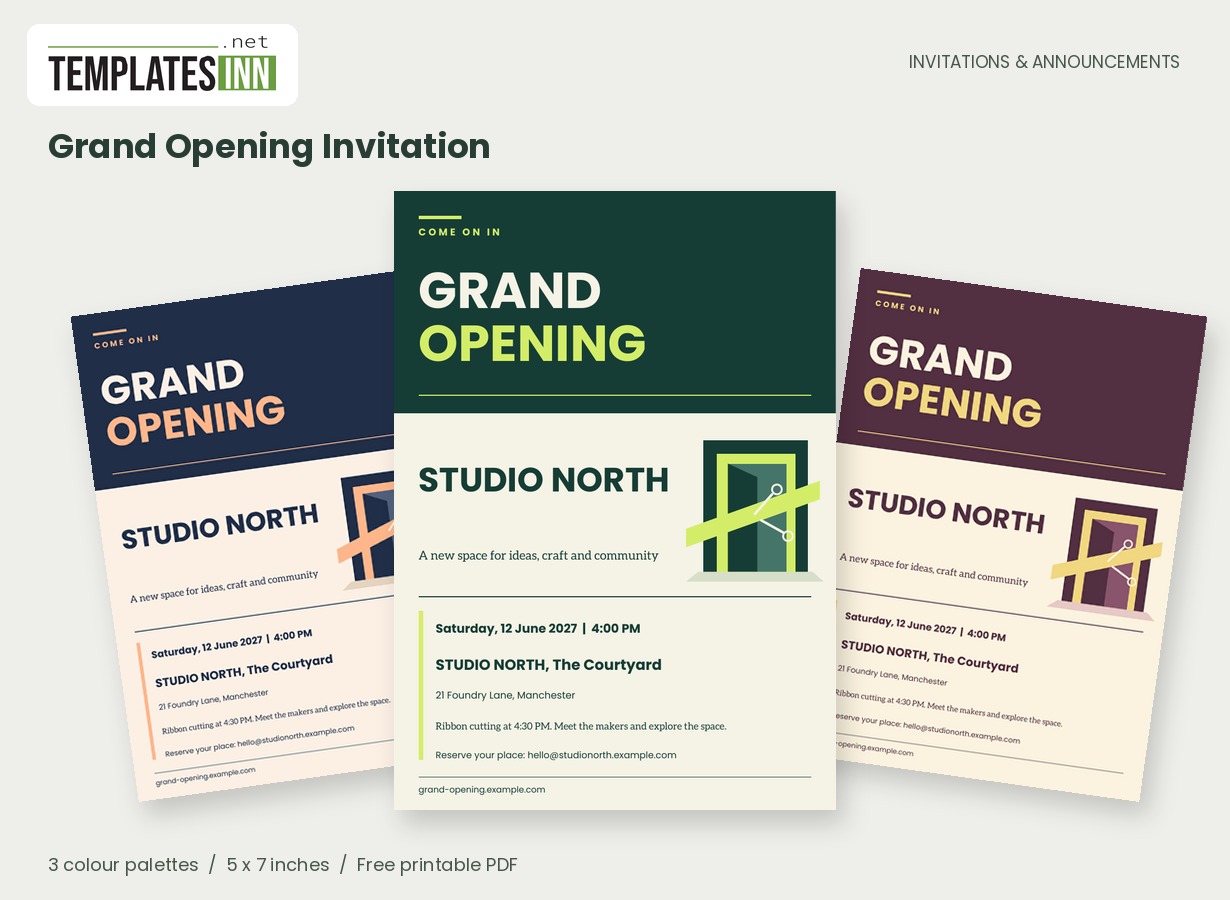
Make your first invitation feel like your launch matters. A bold architectural portal, diagonal opening ribbon and confident editorial type create a modern announcement for a shop, studio or new business space.
Fill in the information below
New here? Use the button above to fill in an example, then change it to your own details.
Rate this template
Used it? Tap a star. Honest ratings help others choose.
You May Also Like
Templates from other categories that people often use together with this one.
Other Similar Templates
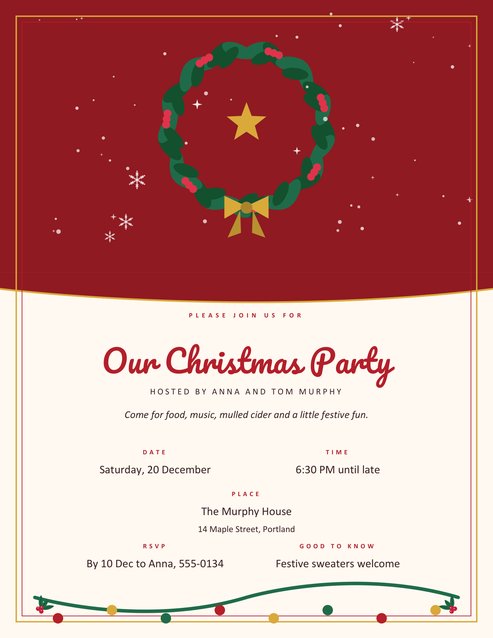
More designs from the same collection, Free Printable Invitations & Announcements. If this one is not quite what you need, one of these may be.
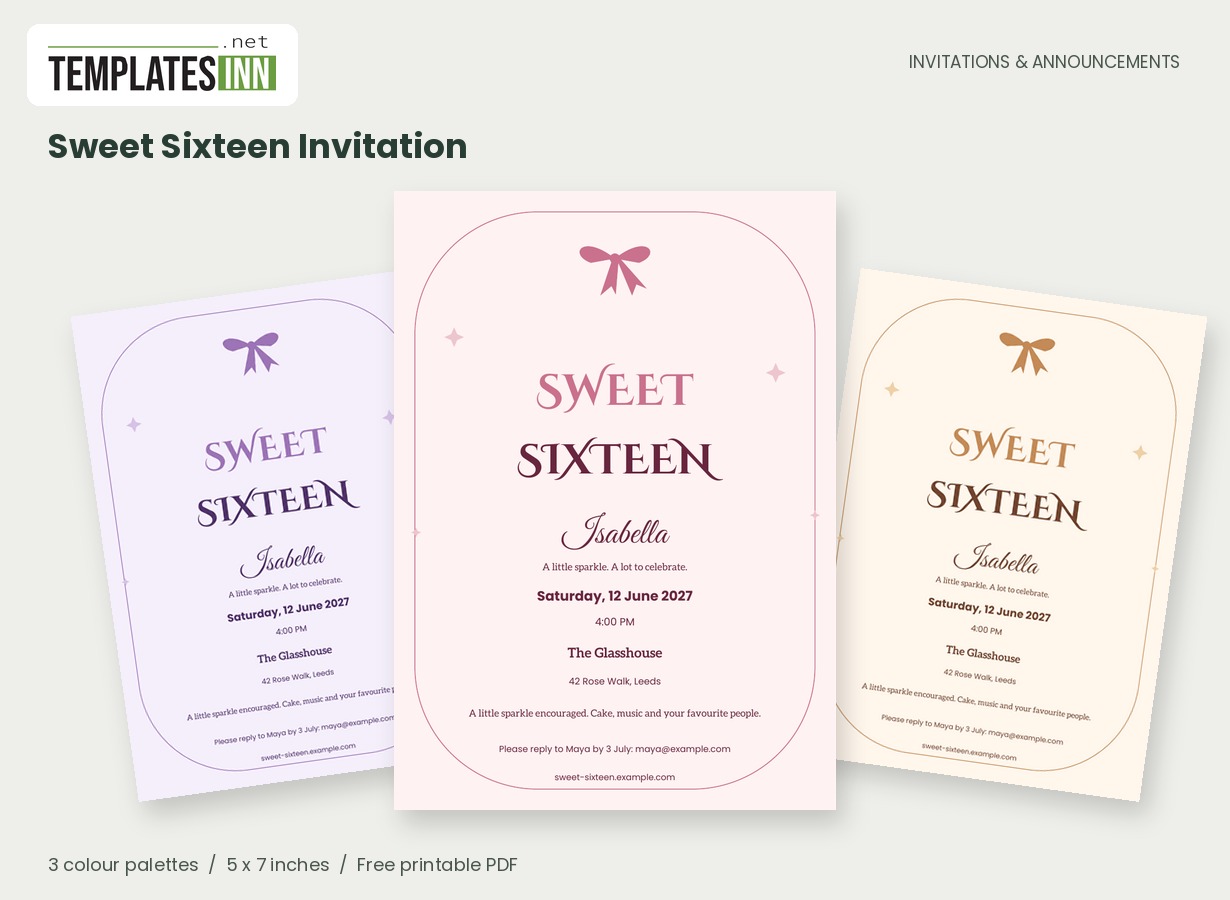
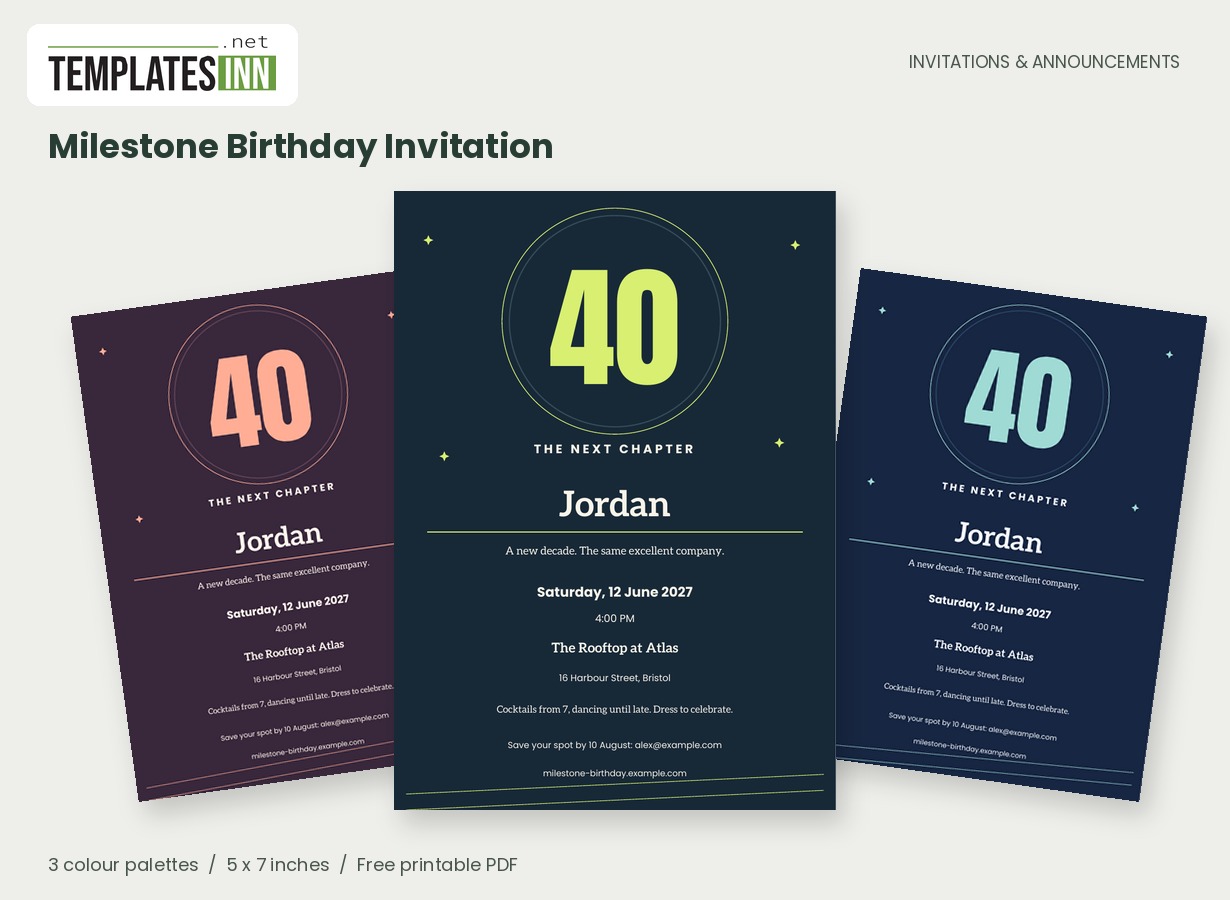
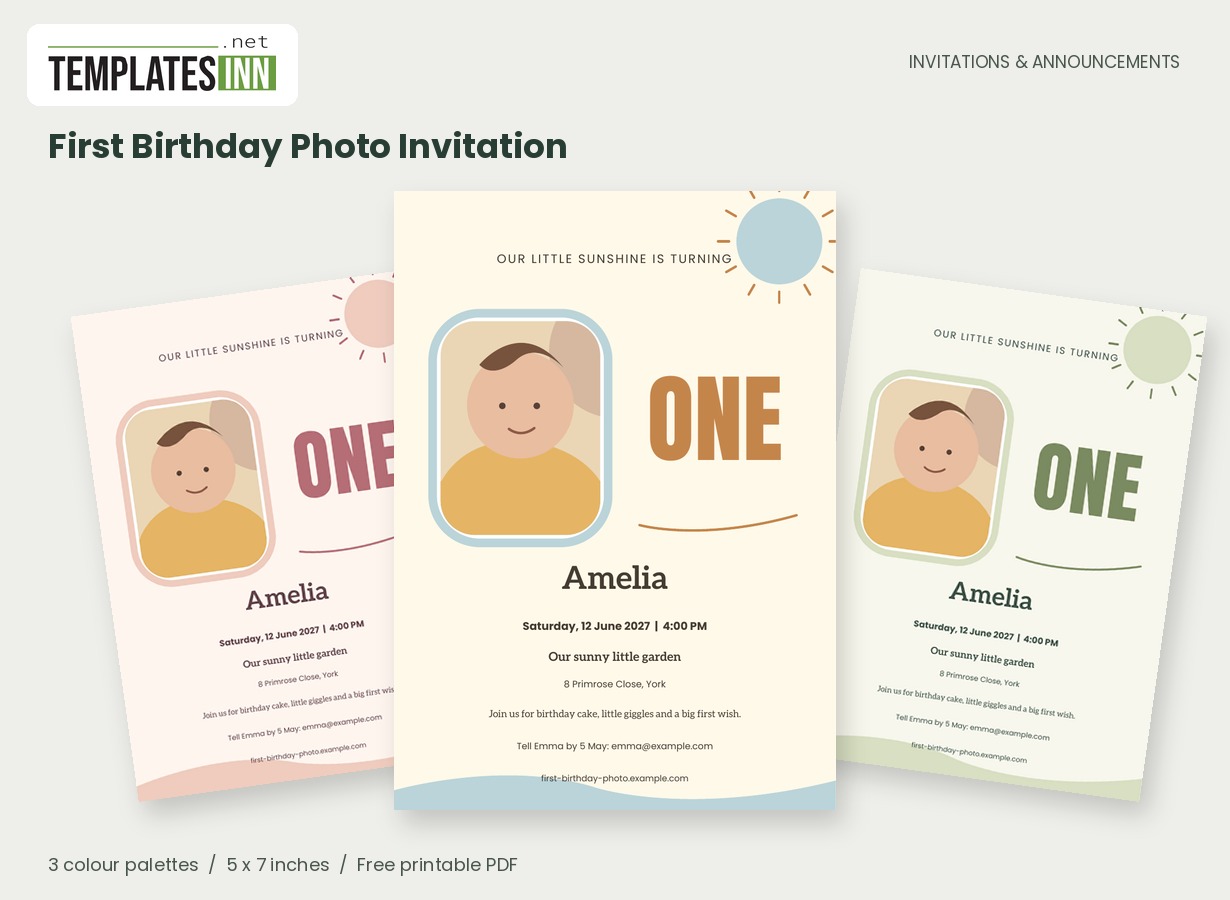
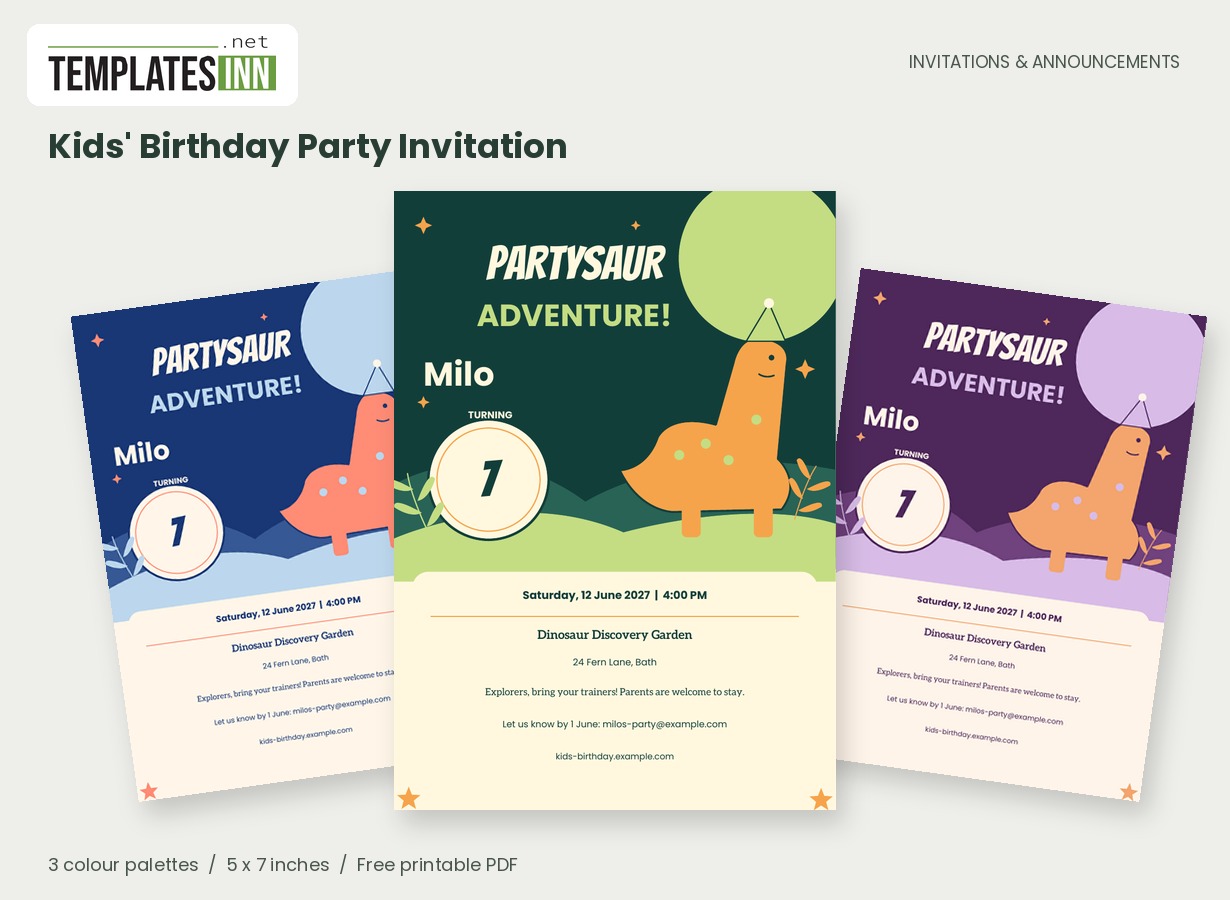
Give the doors a proper opening
This design treats the launch like a headline: grand opening first, business name next, and a clear invitation to step inside. The dimensional doorway and ribbon supply the occasion without relying on a photograph. Use your public trading name so a guest can connect the invitation with the sign they will see outside.
Give a first visit a concrete reason to happen
A grand opening is a chance to turn curiosity into a visit. Tell people what they will experience when they step through the new door: meeting the makers, seeing a demonstration, exploring the space or joining a short launch reception. One clear promise is stronger than a list of broad claims about the business. The opening headline already has visual impact, so the personal line can be specific and welcoming. Decide whether the event is aimed at customers, neighbours, invited partners or a mixture; that affects how you explain booking, arrival and any scheduled moment. Use the public business name guests will recognise when they arrive.
One launch, one clear promise
Explain what visitors will experience in a short line: "Meet the makers and explore our new studio" or "Coffee, first looks and a warm welcome." A focused promise is more inviting than a list of every service. Put a timed ribbon cutting, demonstration or launch offer in the note if it is central to the visit.
Launch wording for three kinds of welcome
Use these ideas for your card or the message you send with it. Adapt longer examples into a short phrase for the form's limited text fields.
A studio opening
A new space for ideas, craft and community. Join us at STUDIO NORTH to meet the makers and take a first look around.
A shop launch
Our doors are opening and we would love you to be there. Join us for first looks, friendly faces and a welcome to the neighbourhood.
A ribbon-cutting event
Please join us as we open our new home. Enjoy a welcome reception, meet the team and share our official ribbon cutting.
Turn interest into an easy visit
Enter the street address, the opening date and either a start time or a drop-in window. If attendance requires booking, give the booking contact or short website address. The card displays those details but does not take reservations. Check the business spelling, accessibility or entrance note, and reply destination with a colleague. Choose the palette that sits closest to your brand and inspect a print before distributing copies.
Check the launch details like a customer would
- Match the business spelling to your signage and website.
- Give an exact street address and any courtyard or unit number.
- Distinguish the visiting window from a timed ribbon cutting.
- Say whether people should book or can simply drop in.
- Test the printed booking address and reply destination.
Use the architecture as the invitation's signature
The dimensional doorway and diagonal ribbon give this card its launch identity, while the tighter stacked heading provides a clear opening statement. Choose the palette closest to the atmosphere of your business; the three supplied options coordinate the artwork and type without requiring a design editor. Put any short offer or demonstration time in the note, then read the finished card as a first-time visitor would. The PDF is a one-sided 5 by 7-inch invitation and has no website watermark. For printed distribution, test the dark header and small address text on your chosen paper, then use actual-size output or discuss the finished-size file with your printer.
Business launch invitation questions
Can I upload my business logo to this design?
This layout uses your editable business name as its main business identity and does not have a logo-upload field. The TemplatesInn logo appears on the browsing preview image only, not on your finished invitation.
Can the card accept launch-event bookings?
It prints the booking or RSVP details you provide, but it does not collect reservations. Link to your own booking page or give a monitored email or phone contact, and make any attendance requirement clear in the wording.
Explore the Invitations & Announcements collection for related designs and the full PDF printing guide.